

.png?width=120&height=55&name=Blitzz-Logo-right%20white%20eyes%20-%20not%20transparent%20(3).png)
AI Call Summary: Turn Every Conversation Into Actionable Insights
Stop taking notes during calls. Blitzz AI Call Summary automatically transcribes conversations, generates intelligent summaries, and extracts action items so agents can focus on customers while AI handles the documentation.
Trusted By Leading Enterprises Worldwide





How It Works
Automatic transcription, intelligent summaries, zero manual effort.

Enable AI-Call Summary
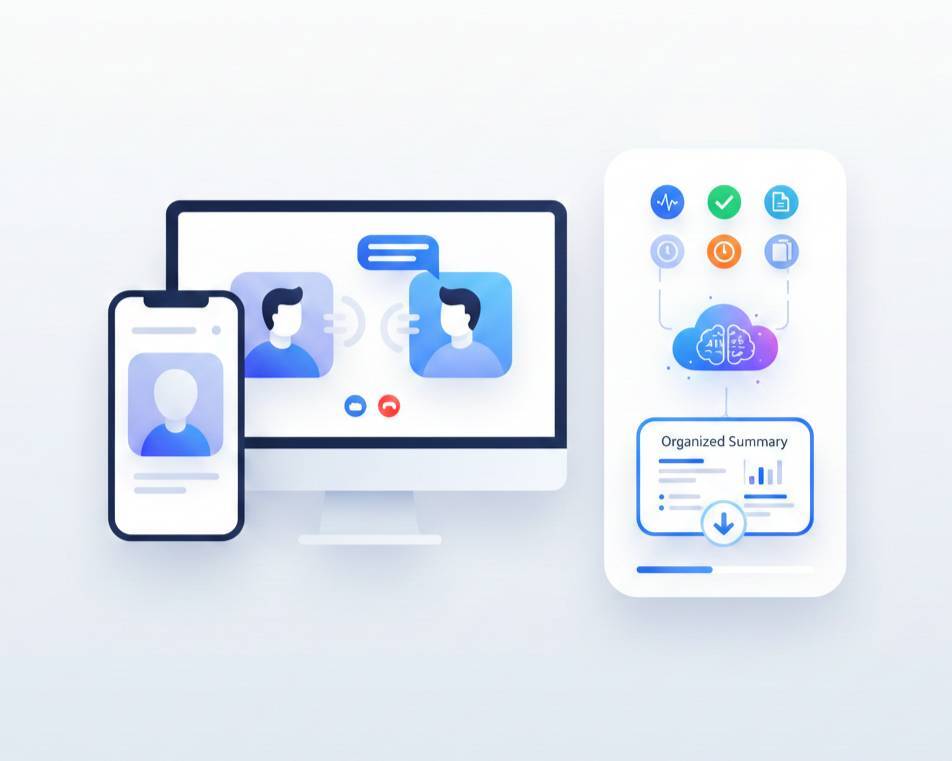
Admins can enable AI-Call Summary from the Collaboration profile. Blitzz begins capturing real-time speech-to-text using advanced live transcription technology.

AI Processes the Call
After the session ends, our AI engine analyzes the complete transcription to generate a concise summary, identify key discussion points, and extract action items.

Access Your Insights
View the full transcript, AI-generated summary, and action items in your call history. Download as a document for your records or to share with your team.
Feature Details
Purpose-built AI for customer support and remote inspections, not generic transcription.
Real-Time Live Captions
See live transcription with participant names and timestamps. Scrollable transcript panel updates line-by-line with less than 2-second latency. All participants see captions when enabled.
AI-Generated Summaries
Automatically distill lengthy conversations into concise, actionable summaries. Our AI identifies key topics, decisions made, and critical information discussed during the call.
Action Items Extraction
AI automatically identifies and lists follow-up tasks, commitments, and next steps from the conversation. Never miss a promised callback or agreed-upon action again.
Downloadable Transcripts
Export complete transcripts as formatted .txt files. Same clean format as chat and OCR views, ready for documentation, compliance records, or sharing with team members.
Call History Integration
Access transcripts, summaries, and action items directly from session history. Search past calls, review previous conversations, and maintain complete documentation automatically.
Cross-Platform Support
Works seamlessly across Web, iOS, and Android. Consistent experience, whether agents are at their desks or in the field. Supports all Twilio Group Room sessions.
Silent Observer Support
Supervisors using Silent Observer mode can view live captions and receive AI summaries. Perfect for training, quality assurance, and real-time coaching without interrupting calls.
Flexible Admin Controls
Enable or disable AI Summary from Collaboration Profile settings. Control live caption visibility separately via feature flags. Configure per workspace to match your team's needs.
Why It Matters
Eliminate manual note-taking and capture every detail automatically.
Agents Focus on Customers, Not Note-Taking
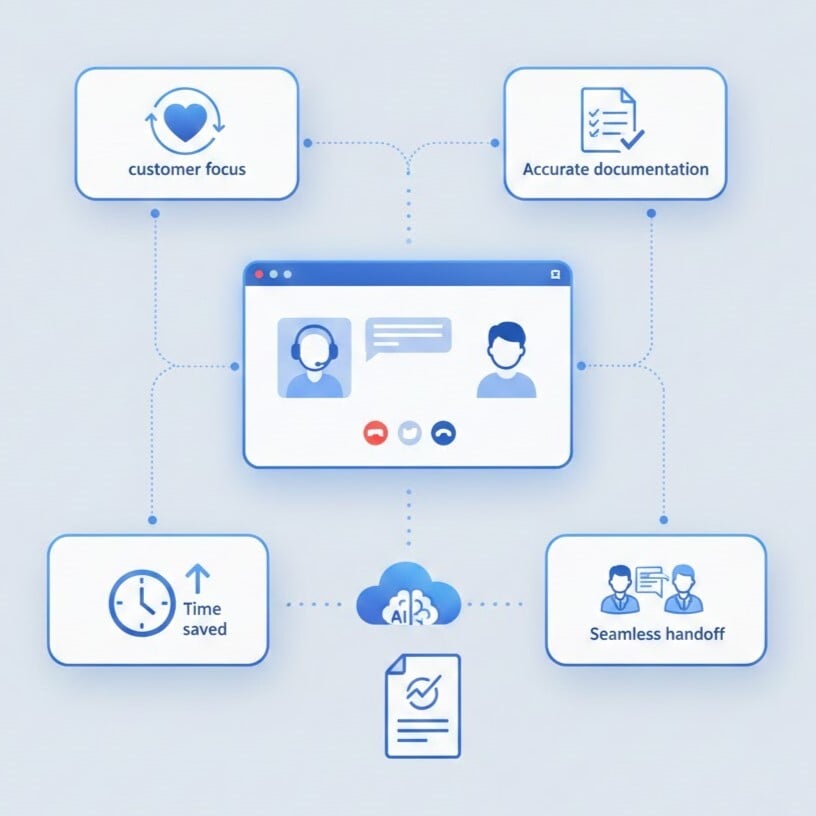
When agents aren't scrambling to document conversations, they give customers their full attention. Better engagement leads to faster resolutions and higher satisfaction scores.
Complete, Accurate Documentation Every Time
Human notes miss details. AI captures everything—every question asked, every instruction given, every commitment made. No more "I thought you said..." disputes.
Reduce After-Call Work by 80%
Eliminate the 5-10 minutes agents spend writing call summaries after each interaction. AI generates documentation instantly, letting agents move to the next customer faster.
Seamless Handoffs Between Agents
When customers call back, any agent can review the AI summary and pick up exactly where the last conversation ended. No more asking customers to repeat their story.
Why Choose Blitzz
Traditional Manual Notes vs. Blitzz AI Call Summary
| Blitzz | Others | |
|---|---|---|
|
Real-time live captions during calls
|
|
|
|
AI-generated call summaries
|
|
|
|
Automatic action item extraction
|
|
|
|
Full transcript with speaker names
|
|
|
|
Cross-platform (Web, iOS, Android)
|
|
|
|
Silent Observer support
|
|
|
|
Downloadable transcript files
|
|
|
|
Call history integration
|
|
|
|
Less than 2-second transcription latency
|
|
|
|
Flexible admin controls per workspace
|
|
|
Frequently Asked Questions
Have Question? We are here to help
How does AI Call Summary work?
During a video call, agents or guests can enable live transcription with a single click. Blitzz captures real-time speech-to-text using advanced transcription technology. After the call ends, our AI processes the complete transcript to generate a summary and extract action items. Everything is saved to your call history automatically.
What's included in the AI-generated output?
You receive three components: the complete call transcription with speaker names and timestamps, an AI-generated summary highlighting key discussion points and decisions, and a list of extracted action items and follow-up tasks identified from the conversation.
Can I use live captions without AI Summary?
Yes. Live captions and AI Summary are controlled separately. Admins can enable live captions for real-time transcription visibility while keeping AI Summary disabled, or vice versa. This flexibility lets you configure the feature to match your team's workflow.
What devices and browsers support AI Call Summary?
AI Call Summary works on Web (Chrome 90+, Safari 14+, Edge 90+), iOS 14+, and Android 10+. The feature is supported in Group Room sessions. Older clients without updates won't display transcripts but will still function normally.
Is the transcription data secure?
Yes. All transcription data is encrypted in transit. By default, transcripts are ephemeral and not stored permanently. When storage is enabled for call history, data is encrypted at rest and follows your configured retention policies. Blitzz is fully GDPR compliant.
Can Silent Observers use AI Call Summary?
Yes. Silent Observers can view live captions during calls and receive AI summaries after calls end. This is ideal for supervisors conducting quality assurance, training sessions, or real-time coaching without interrupting the customer interaction.
How do I enable AI Call Summary for my team?
Admins can enable AI Call Summary from the Collaboration Profile settings. Toggle the AI Summary switch to ON. Live caption visibility is controlled separately via feature flags. The feature is available as an add-on and is disabled by default for all workspaces.