Skip to content

Monitor Agent Calls Invisibly with Silent Observer Mode


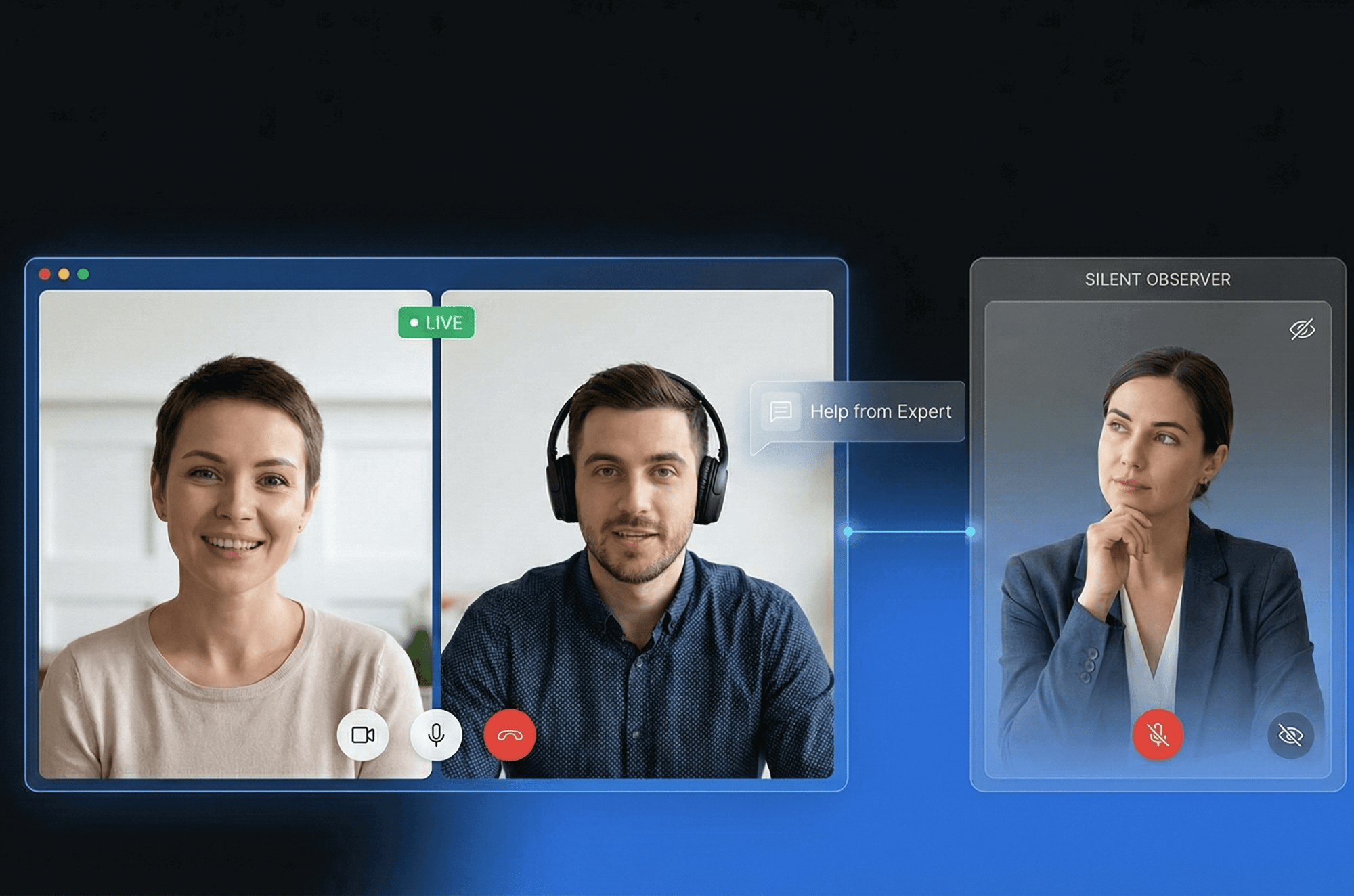
Observe live customer interactions without anyone knowing you're there. Blitzz Silent Observer Mode lets supervisors, trainers, and QA teams join video calls invisibly, perfect for coaching, quality assurance, and real-time support without disrupting the customer experience.


Trusted By Leading Enterprises Worldwide


How It Works


Join any call invisibly. Monitor, whisper, or step in when needed.

Agent Invites Observer

The agent sends an invite link to the supervisor or trainee. The observer joins the session through a secure, dedicated link completely invisible to the customer.

Observe Without Detection

The Silent Observer can see and hear everything happening on the call. The customer does not indicate that anyone else is present, no participant count, no join sound, no visual cues.

Whisper or Mediate

Need to coach the agent? Use Whisper to speak privately. Ready to assist directly? Click Mediate to join the conversation actively, all without leaving the session.
 

Feature Details


What Makes Blitzz Silent Observer Mode Different

Completely Invisible to Customers

When Silent Observer Mode is enabled, the participant count is hidden from the guest, and no join sounds play. Customers interact naturally with the agent, unaware they're being observed.

Multiple Silent Observers

Multiple supervisors or trainees can observe the same call simultaneously. Each Silent Observer is unaware of the other observers; they can only see and hear the Host and Guest.

Whisper Mode

Click the Whisper button to speak privately with the agent. Only the Host hears your guidance; the customer and other Silent Observers remain completely unaware of the conversation.

Mediate Mode

When you need to actively join the conversation, click Mediate. You'll become a visible participant who can speak with both the Host and the Guest. Seamlessly transition from observing to assisting.

Read-Only Chat Access

Silent Observers can read all chat messages between the Host and Guest, but cannot send messages themselves. Monitor the complete interaction without leaving any footprint.

Admin-Controlled Activation

Silent Observer Mode is controlled at the workspace level. Administrators can enable or disable the feature based on team needs, ensuring proper governance and compliance.


Why It Matters


Improve Agent Performance Without Disrupting Customers

Real-Time Agent Coaching

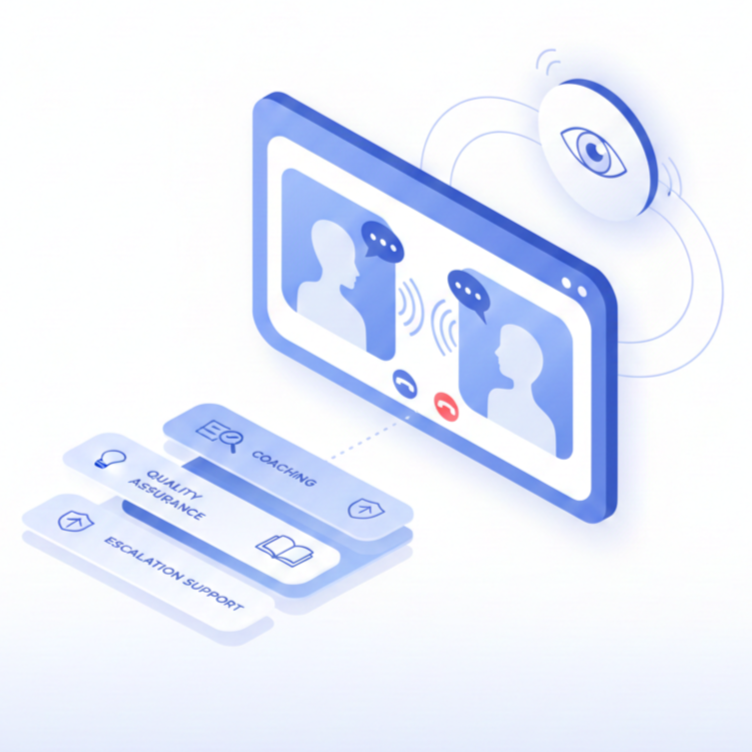
Guide agents through complex calls using Whisper mode. Provide immediate feedback and suggestions without the customer ever knowing, turning every call into a training opportunity.

Authentic Quality Assurance

Monitor calls without influencing agent behavior. When agents don't know they're being observed, you see their true performance and identify genuine coaching opportunities.

Accelerated New Hire Training

Let new agents observe experienced team members handling real customer interactions. Trainees learn from actual scenarios, not simulations, dramatically reducing time to proficiency.

Instant Escalation Support

When agents encounter difficult situations, supervisors can listen in and seamlessly transition to Mediate mode to take over or assist without making customers wait on hold.


Why Choose Blitzz


Traditional Monitoring vs. Blitzz Silent Observer Mode

Blitzz Others
Invisible to customers (no participant count)
Silent join (no audio notification)
Whisper mode for private coaching
Mediate mode to join actively
Multiple simultaneous observers
Observer isolation (can't see each other)
Read-only chat monitoring
Admin-controlled feature toggle

Frequently Asked Questions

Have Question? We are here to help

What is Silent Observer Mode?

Silent Observer Mode allows designated users to join a video call and observe without the customer knowing. The observer can see and hear the entire interaction, but their presence is completely hidden. No participant count is shown, and no join sound plays on the customer's side.

Can customers tell if someone is observing?

No. When Silent Observer Mode is enabled, the participant count is hidden from the guest user, and no notification sound plays when observers join. Customers interact naturally with the agent, completely unaware that anyone else is on the call.

What is the difference between Whisper and Mediate?

Whisper allows the observer to speak privately with the agent only; the customer and other observers cannot hear. Mediate transforms the observer into an active participant who can speak with and be heard by everyone on the call, including the customer.

Can multiple people observe the same call?

Yes. Multiple Silent Observers can join the same call simultaneously. Each observer operates independently. They cannot see, hear, or communicate with other observers. They can only hear the Host and the Guest.

Can Silent Observers send chat messages?

No. Silent Observers can read all chat messages exchanged between the Host and Guest, but they cannot send messages themselves. This ensures observers remain completely invisible to customers throughout the session.

How do I enable Silent Observer Mode?

Silent Observer Mode is controlled at the workspace level by administrators. Once enabled, agents can invite observers to their calls. The feature can be toggled on or off based on your team's training, QA, and compliance requirements.