

.png?width=120&height=55&name=Blitzz-Logo-right%20white%20eyes%20-%20not%20transparent%20(3).png)
Remote video inspections. Fast, secure and scalable.
Inspect anything, anywhere, with AI built in.
Deliver real-time inspections, diagnostics and support remotely, without the cost of site visits. Send a link, see through the other person's phone camera, and let Owlbert AI capture the notes and write the report.
- No app downloads
- AI notes and reports
- Photos with GPS and time
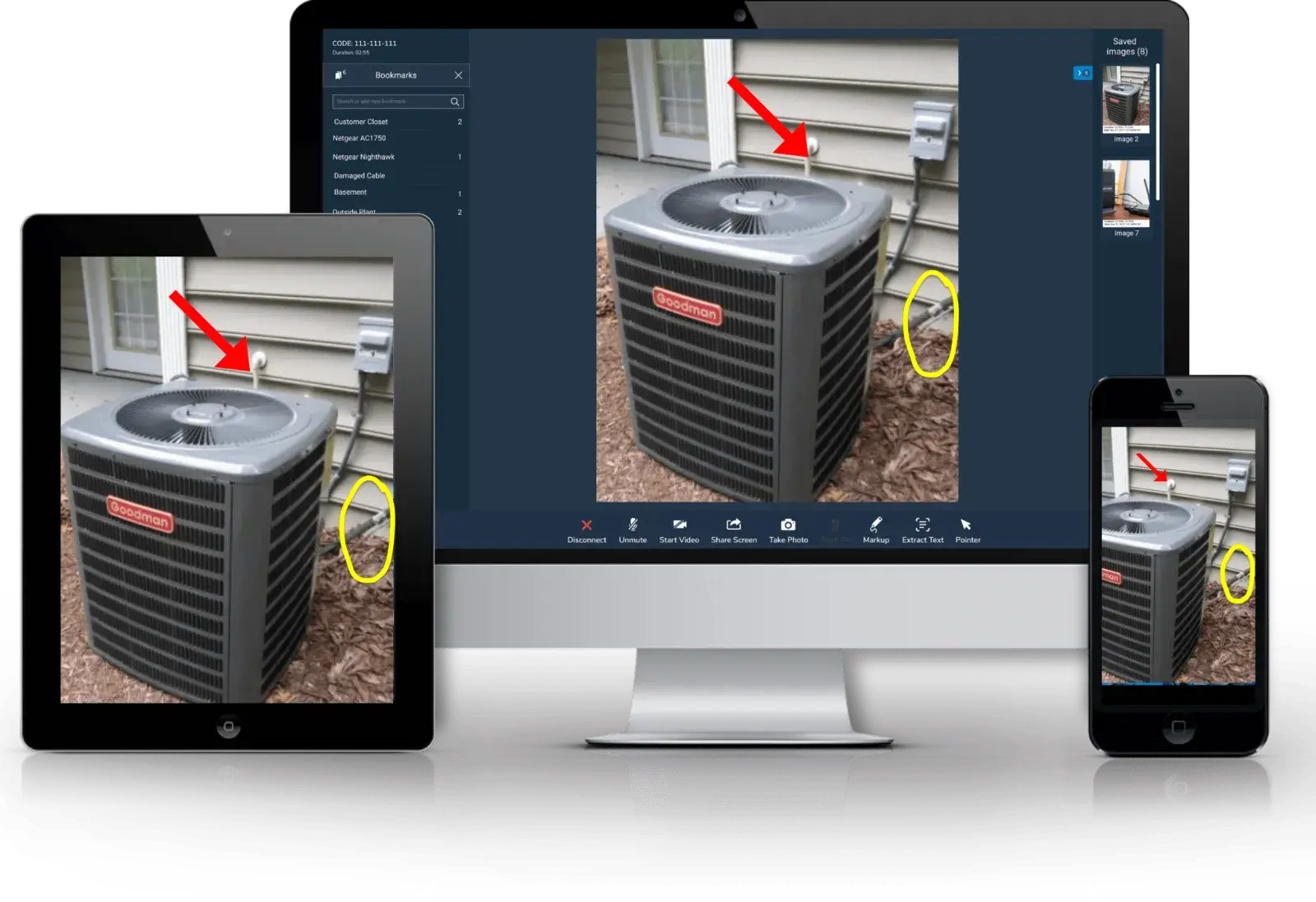
An AI co-inspector on every call.
Owlbert AI runs inside every Blitzz remote video inspection. It reads the live video, keeps the checklist on track and turns what you saw into a finished record.
It sees
Recognizes equipment, model and serial plates, damage and wiring in the live video.
It guides
Walks the inspector through your checklist and safety steps so nothing gets skipped.
It answers
Ask AI pulls the right section of your manuals and procedures while you are still on the call.
It documents
Writes the inspection notes and report, with photos, location and time attached.
- Show the disconnect and breaker label
- Point the camera at the refrigerant lines
- Capture the condensate drain
What is a remote video inspection?
Remote video inspections (RVI) use live video so technicians, inspectors or agents can visually inspect environments, assets or equipment from anywhere. No app downloads or complex tools required.
The inspector sends a secure link. The person on site opens it in their phone browser and points the camera where the inspector directs. Findings, photos and notes are captured during the call.
See how it works in Blitzz Inspect, the AI video inspection platform.
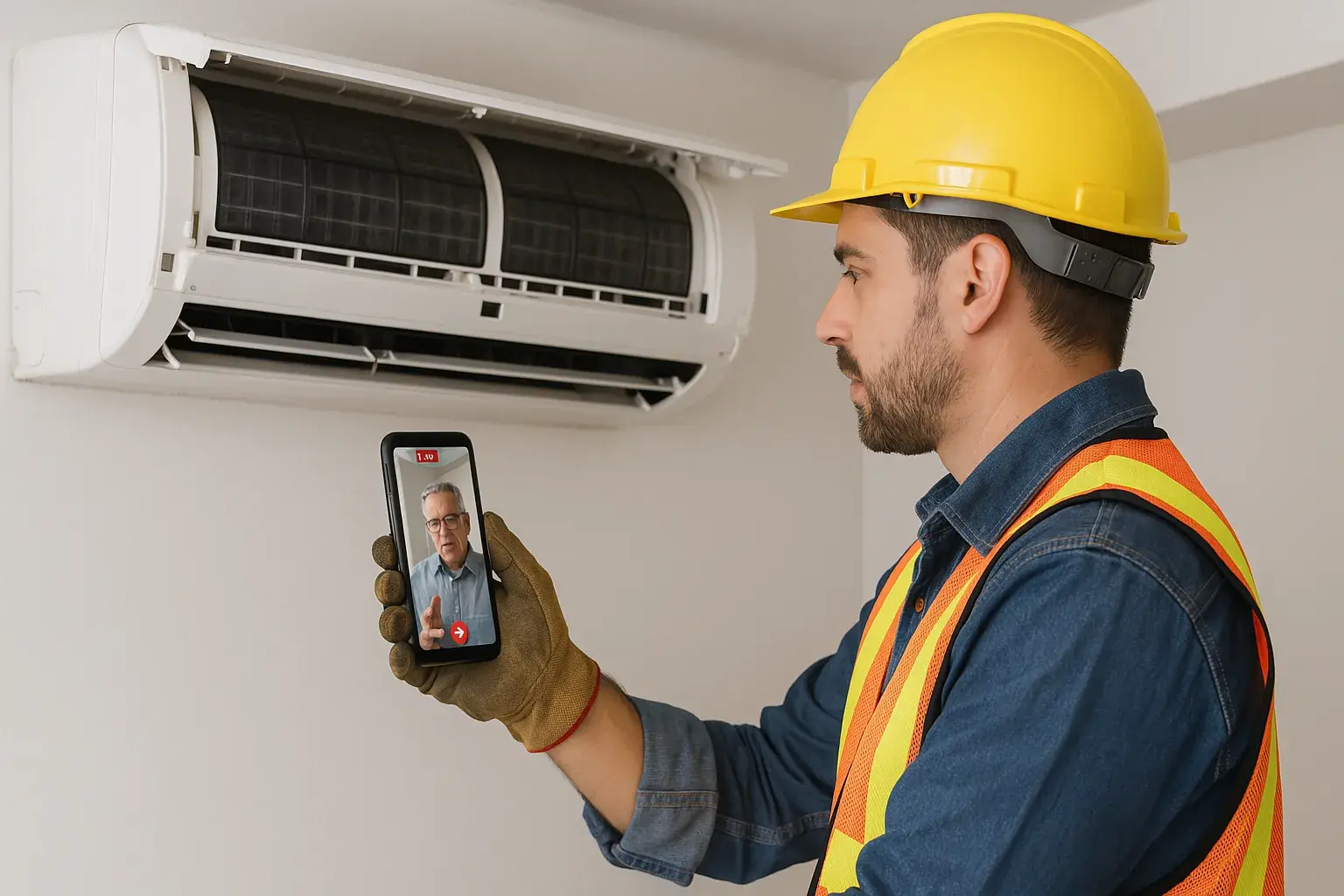
Why Blitzz for remote video inspections?
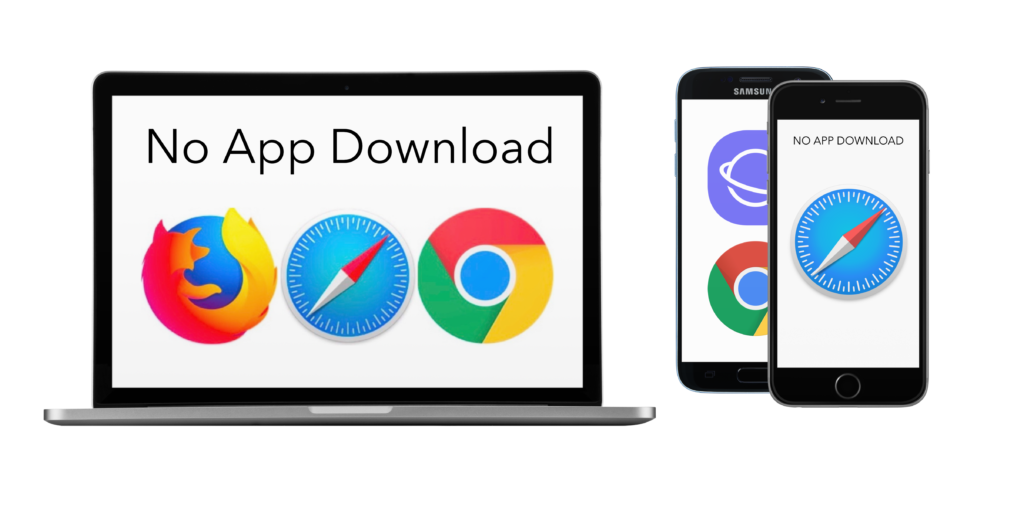
- No app downloads. Customers and field users join instantly from a browser.
- AI-powered insights. Owlbert AI captures images, extracts data and drafts inspection reports.
- Secure by design. Encrypted sessions, access controls and audit logs. See Blitzz security.
- Scale with ease. Support thousands of inspections without adding headcount.
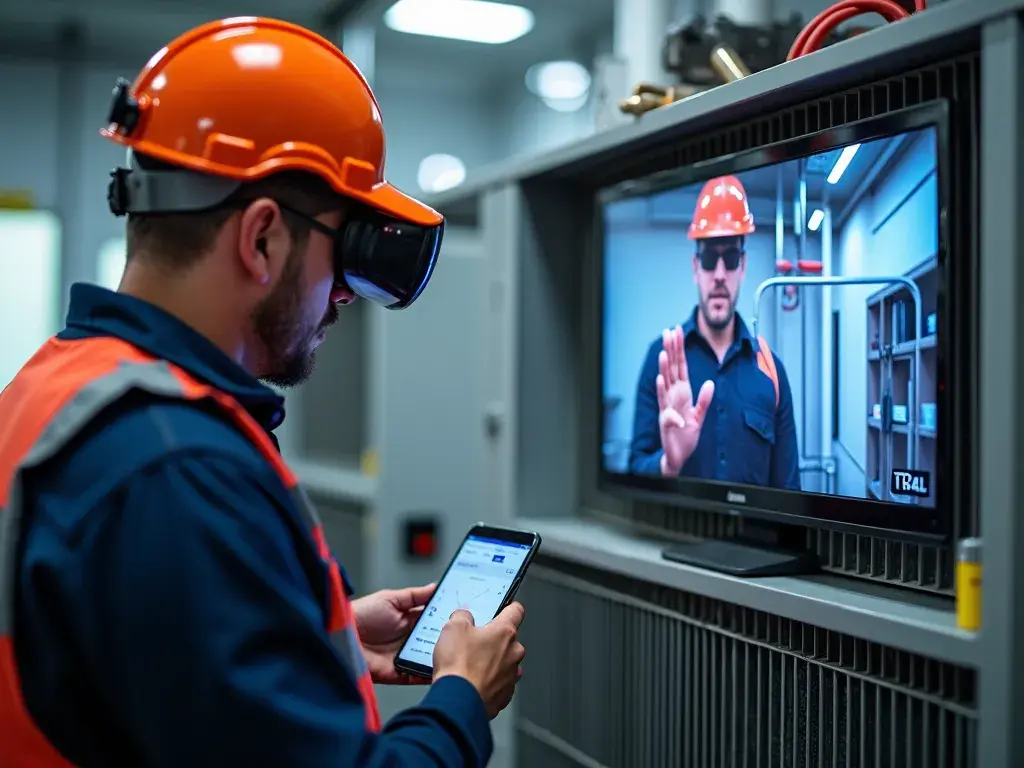
Industries that benefit.
- Construction. Monitor site progress without traveling.
- Manufacturing. Support remote diagnostics and quality checks.
- Insurance. Expedite claims with real-time assessments.
- Utilities. Reduce field dispatches for infrastructure inspections.
- Government. Run building and permit inspections without the drive.
Inspect more. Drive less.
Savings modeled on 1,000 inspections per month.
How do remote video inspections work?
Send a link
After the client books, the inspector sends a video call link by text or email instead of traveling to the site.
Start the inspection
The client opens the link and the call begins. The inspector guides them through the inspection.
Capture with AIAI
Zoom in, mark up and capture photos and video. Owlbert AI identifies equipment and takes the notes.
Close it outAI
The AI drafts the report. Hang up and start the next inspection, no travel needed.
Benefits of remote video inspections.
Easy to use
Clients join from a link and inspectors finish the job without hang-ups.
Save time and money
Cut drive time and vehicle costs so inspectors complete more inspections each day.
Happier customers
No waiting for a site visit. Inspections get scheduled and closed faster.
Safer for everyone
Fewer trips to hazardous or hard-to-reach sites for inspectors and clients.
AI written reportsAI
Owlbert AI turns each call into notes and a report, so there is no typing after every visit.
Ask AI on the callAI
Capture a frame and get answers from your procedures and manuals in real time.
Use cases for inspection and audit companies.
Quality inspections
We helped a global construction company save hundreds of hours by making QA remote.
Insurance, warranty and claims
We help insurance companies process more claims in a fraction of the time.
Supplier compliance audits
We helped a smartphone manufacturer cut costs by almost 100% with remote global supplier audits.
Transportation inspection
We helped a government organization nearly double its efficiency across 1,500 inspectors.
Environmental compliance
Check in on projects across construction phases to verify compliance.
Home appraisal and inspections
Appraise homes without costly in-person visits.
Quality control
Maintain high quality control standards with frequent checks, without increasing costs.
Heavy machinery inspections
We helped a tank inspection business reduce travel costs by 75% with remote expert inspections.
Building and permit inspections
Cities run water heater, HVAC and re-inspections remotely, depending on local policy.
A building department up and running in days
Mike O'Connell, Assistant Building Inspection Manager, on the impact of Blitzz remote video inspection on his department.
Because Blitzz is so easy to use, they were up and running in a matter of just a couple of days.Mike O'Connell, Assistant Building Inspection Manager
Remote video inspection by industry.
Explore how teams in your industry use remote video inspections, or see the full product in Blitzz Inspect.
Works in the tools you already use.
Findings, photos and AI written reports sync to the systems your team already works in.
Plans that scale with your inspection volume
Start free, or run a 30 day pilot with our Success Team setting up your inspection types and branding.
Remote video inspection FAQ
What is a remote video inspection?
A remote video inspection is a process where a technician or inspector uses live video to assess an asset, environment or piece of equipment from a different location. With Blitzz, sessions run in the browser, no app downloads needed.
How does Blitzz remote video inspection work?
You start a live video session by sending a secure link to your customer or technician. Once connected, you view their camera, guide them in real time, take snapshots and annotate images. Owlbert AI captures notes and drafts the report, all in your browser.
How does AI help with remote video inspections?
Owlbert AI identifies equipment and model plates in the live video, keeps the inspector on the checklist, answers questions from your procedures and writes the notes and report. The inspector makes every decision.
Do participants need to download an app?
No. Blitzz is app-free for end users. They click a link and join from their smartphone or tablet browser.
Is Blitzz secure for sensitive inspections?
Blitzz uses encrypted sessions, access controls and audit logs, and you control data access, storage and permissions. See the Blitzz security page for current certifications.
What industries use remote video inspections?
Utilities, insurance, construction, manufacturing, government building departments, real estate and consumer electronics support teams.
Can remote inspections reduce operational costs?
Yes. Removing travel time and truck rolls saves on logistics, reduces your carbon footprint and resolves issues faster.
Can I record and save inspection sessions?
Yes. Capture images, take notes and generate session reports. Depending on your plan, session recordings and cloud documentation are also available.
How do I get started with Blitzz?
Enter your work email above to start free, or book a demo to see how Blitzz fits your inspection workflow.
Run your next inspection remotely.
Blitzz helps your team complete fast, reliable and secure inspections. No travel, no downloads, no delays.
Prefer a walkthrough? Book a demoTrusted by support, field and inspection teams at enterprises, cities and public agencies








.png?width=56&height=56&name=City%20of%20Salem%20(%20Through%20Dell).png)
