On this page
Short answer: Real-time video communication improves customer satisfaction because it lets agents see the problem, guide the fix and confirm it worked in a single interaction. Customers spend less time explaining and waiting. Agents resolve more issues on the first contact, which is one of the strongest drivers of satisfaction.
Key takeaways
- Listening to the customer is the base of good service, and video gives agents a clearer view of what the customer is dealing with.
- Seeing the issue reduces back-and-forth and raises first contact resolution.
- Video works best as part of a mix of channels, alongside phone, chat and self-service.
- Escalating to an expert on the same call avoids transfers and callbacks.
- Captured photos, video and call summaries give teams data to improve service over time.
Start with the voice of the customer
Listening to the customer is central to any successful business. Today, "the customer" includes consumers, employees, contractors and partners. Each of them needs fast, clear answers.
Investing in customer experience means responding to needs, answering questions and managing relationships well. Real-time communication supports all three. It shortens the time between a question and an answer, and it reduces the effort the customer has to put in.

Why real-time video raises satisfaction
Customers stop having to explain
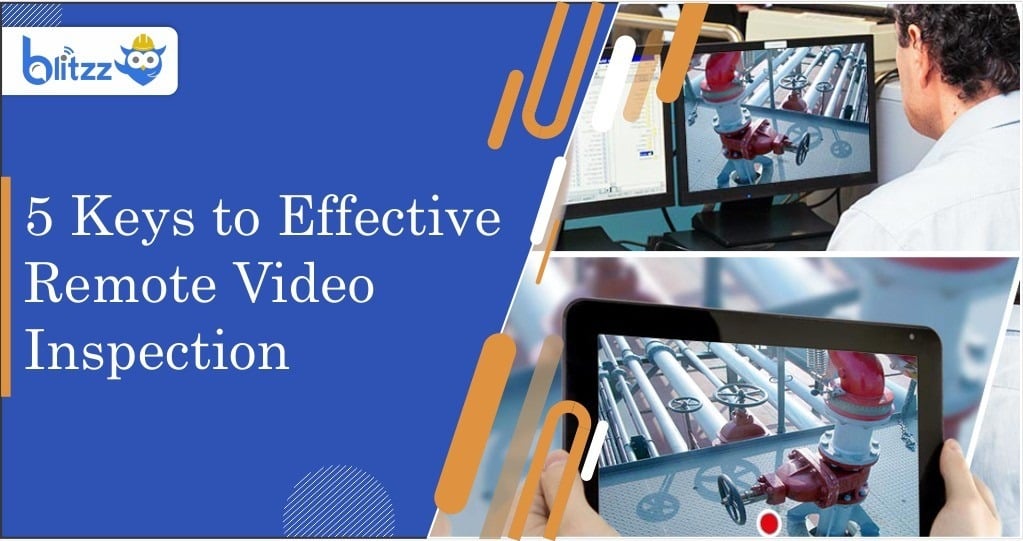
On a phone call or in chat, the customer has to describe the problem. That is hard when they do not know the right terms. With live video, the agent sees it directly through the customer's phone camera.
Instructions become clear
Agents can use an on-screen pointer, markup and augmented reality guidance to show exactly what to do. Clear instructions mean fewer mistakes and fewer repeat calls. See proven tactics for first contact resolution for more on why this matters.
Access is easy
Satisfaction drops quickly if the customer has to download an app or create an account. With Blitzz, the customer joins from a text or email link in their mobile browser. There is no app download.
Choosing the right channel for the issue
A good communication plan gives customers options and lets them get help on their schedule. Each channel has a role.
| Channel | Best for | Limits |
|---|---|---|
| Self-service and AI assistants | Common questions and routing | Struggles with physical or unusual problems |
| Live chat | Quick text answers and account questions | Hard to diagnose physical equipment |
| Phone | Conversations that need a human voice | Depends on the customer describing the issue |
| Live video | Products, devices and equipment the agent needs to see | Needs a camera-enabled device |
| Co-browsing | Website and online form issues | Limited to what is on screen |
For website and form issues, co-browsing lets an agent see and guide the customer through a web page. Blitzz Cobrowse covers that use case alongside live video.
Better technical support
A tiered approach
Many companies use AI or self-service as the first tier to answer common questions and route customers. Human agents handle the next tier. When a problem needs deeper knowledge, the agent escalates to an engineer or specialist.
Escalate without a transfer
Transfers and callbacks frustrate customers. With multi-party video calls, the agent can bring an expert into the same session. The customer keeps their camera on the problem and the expert sees it right away.
Read details without errors
Serial numbers and model labels are easy to misread over the phone. OCR can read them from the camera view, which speeds up warranty checks and parts lookups.
Support that works where customers are
Customers often call from basements, garages or rooftops with poor signal. Blitzz is built to work on weak connections, so the session holds up where the equipment actually is.
Improve business processes with the data you capture
Good training, current technology and clear protocols set strong support teams apart. Real-time video adds a source of data that phone calls alone do not provide.
Photos and video from each session are saved to the record with time and location data. AI call summaries capture what happened without extra note-taking. Integrations with CRM and contact center platforms such as Salesforce and Genesys keep this information attached to the right case.
Steps to use that data
- Tag sessions by issue type so you can see the most common problems.
- Track time to resolution and first contact resolution for video and non-video calls.
- Review recorded sessions to find training gaps.
- Use common issues to improve self-service content and product documentation.
- Share findings with product teams so recurring problems get fixed at the source.
The contact center KPIs that matter give a good starting list of metrics to watch.
Frequently asked questions
How does video communication improve customer satisfaction?
It lets the agent see the problem and guide the fix directly. That reduces effort for the customer and raises the chance of solving the issue on the first contact.
Does video replace phone and chat support?
No. Video works best alongside other channels. Use it when the agent needs to see a product, device or piece of equipment.
What do customers need to join a video session?
A smartphone or tablet with a camera. With Blitzz, they open a link from a text or email and the session runs in their mobile browser.
Can an expert join a call in progress?
Yes. Multi-party calls let the agent bring in a specialist without transferring the customer.
Related reading
- The role of empathy in customer service
- How visual remote assistants are redefining customer support
- Best no-download video support tools for contact centers
Give your customers a faster way to get help. Book a demo or start a free trial.