On this page
Short answer: Remote video inspection lets inspectors, insurance adjusters, warranty teams and auditors complete thorough inspections without driving to every site. The four biggest gains are inspection quality that matches an on-site visit, faster training of new staff, more inspections per day, and a smaller carbon footprint. The catch is choosing the right tool. A clunky app or a meeting tool can make things worse.
Key takeaways
- The right tool launches from a text link, with no app for the homeowner or site worker to install.
- Markup, zoom, photo capture and OCR let inspectors see and document as much as they would on site.
- Removing travel lets each inspector complete more inspections per day.
- Senior inspectors can supervise and train more junior staff remotely.
Why inspection teams are moving to video
Insurance adjusters, warranty providers and building departments face the same squeeze. Travel and labor costs keep rising, experienced inspectors are retiring, and customers expect faster appointments. Remote video inspection addresses all three, and states are adding it to building codes. California's AB 1738 is one example. See how contractors and homeowners can prepare for AB 1738.
What to look for in a video inspection tool
A tool built for meetings, or one that makes a homeowner download an app and wait, creates a poor experience and incomplete inspections. Look for these core components:
- App-free access. The person on site joins from a text message link in seconds.
- Works on weak signals. The video adjusts to poor bandwidth instead of dropping the call.
- Markup tools. Inspectors can draw arrows and circles so the person holding the camera knows exactly where to point it.
- Text extraction (OCR). Serial numbers and labels are captured automatically.
- Multi-party calls. A specialist can join the inspection in real time.
- Automatic documentation. Photos, video and notes are saved with time and location data.
- Fast reporting. Inspection reports are built from the session instead of typed up afterwards.
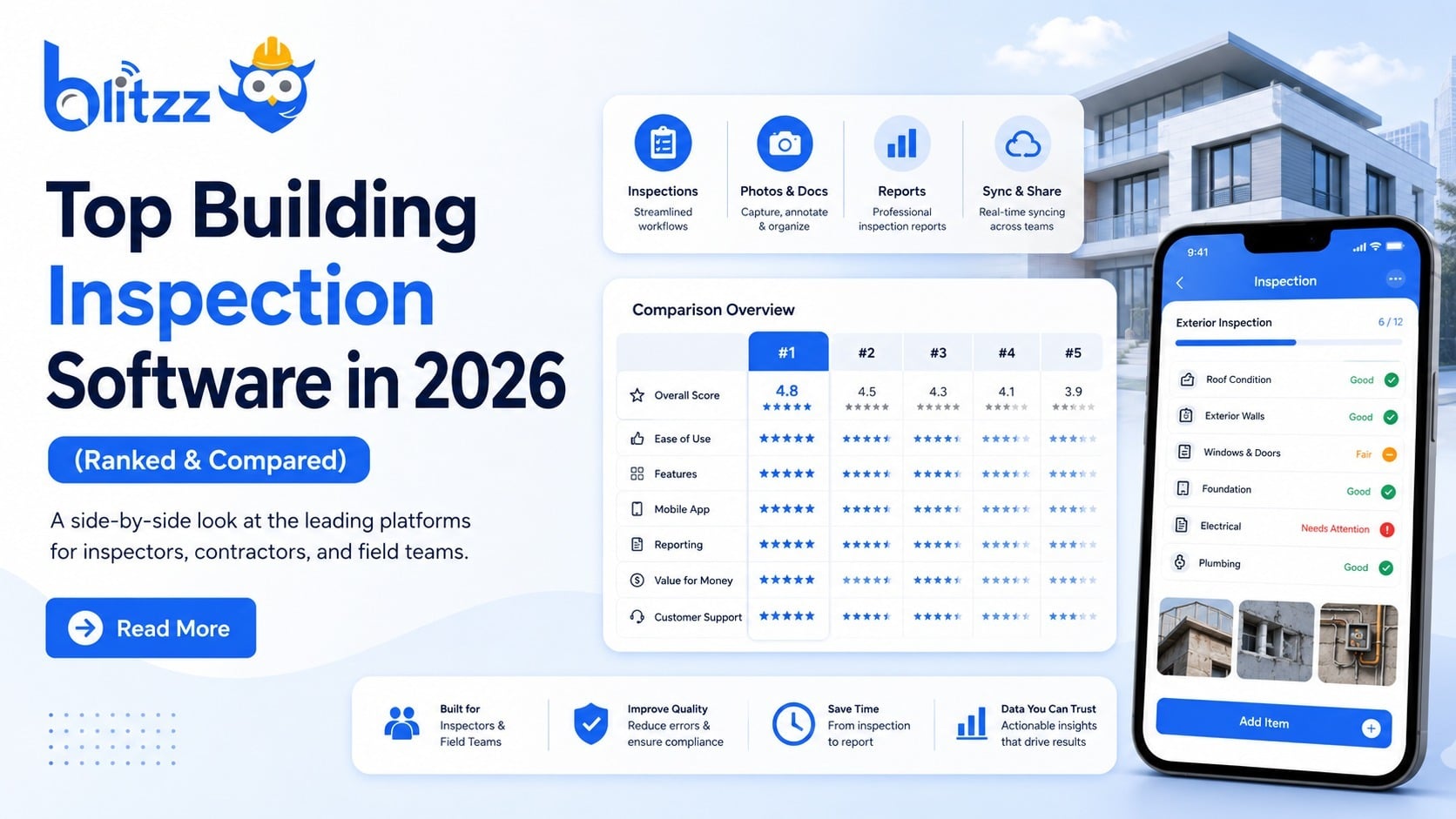
For a side-by-side look at tools, read the best remote video inspection software.

1. A thorough inspection, done remotely
Inspections and audits must be thorough. Whether you are checking a building for safety or a property for insurance damage, getting it right the first time protects real people.
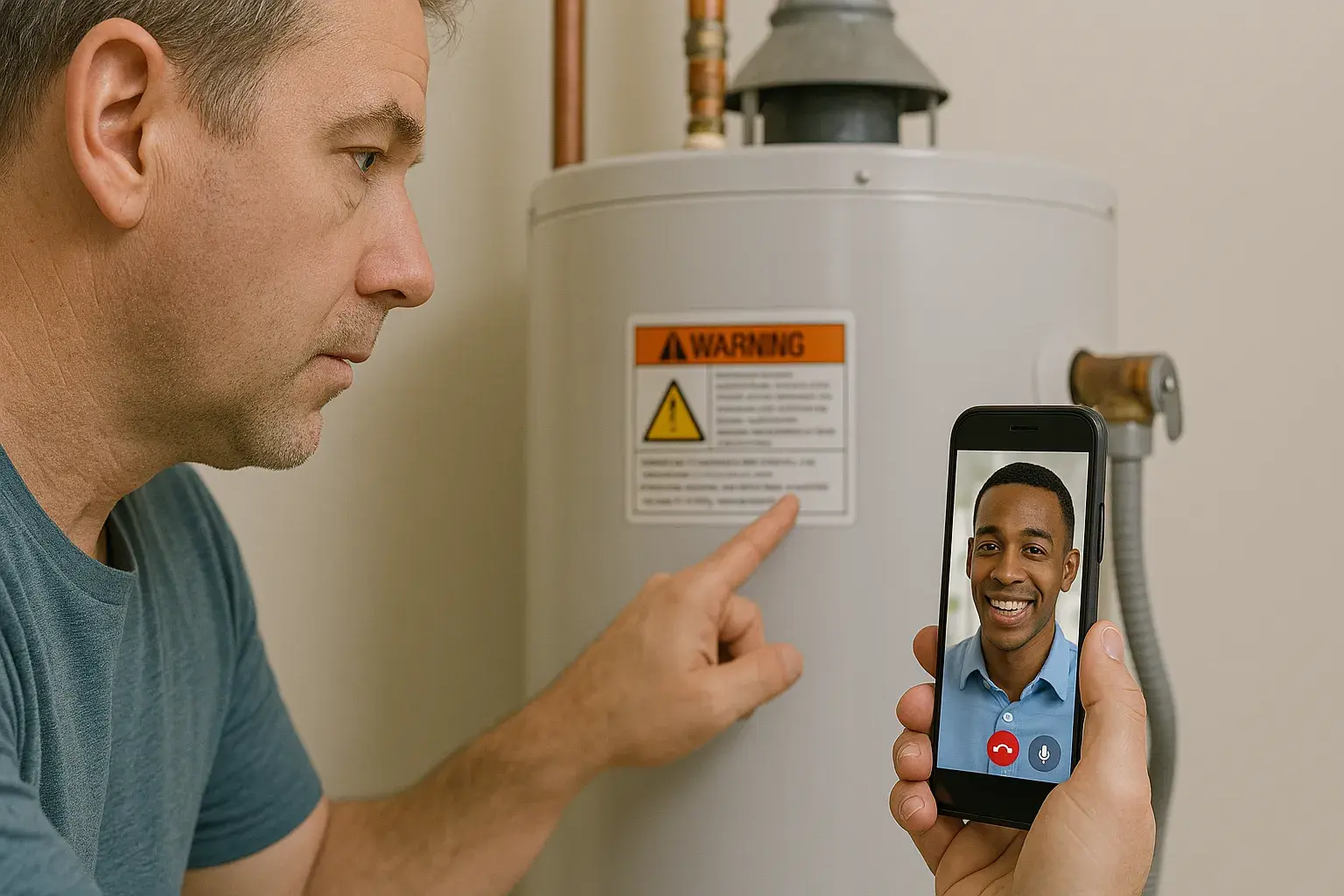
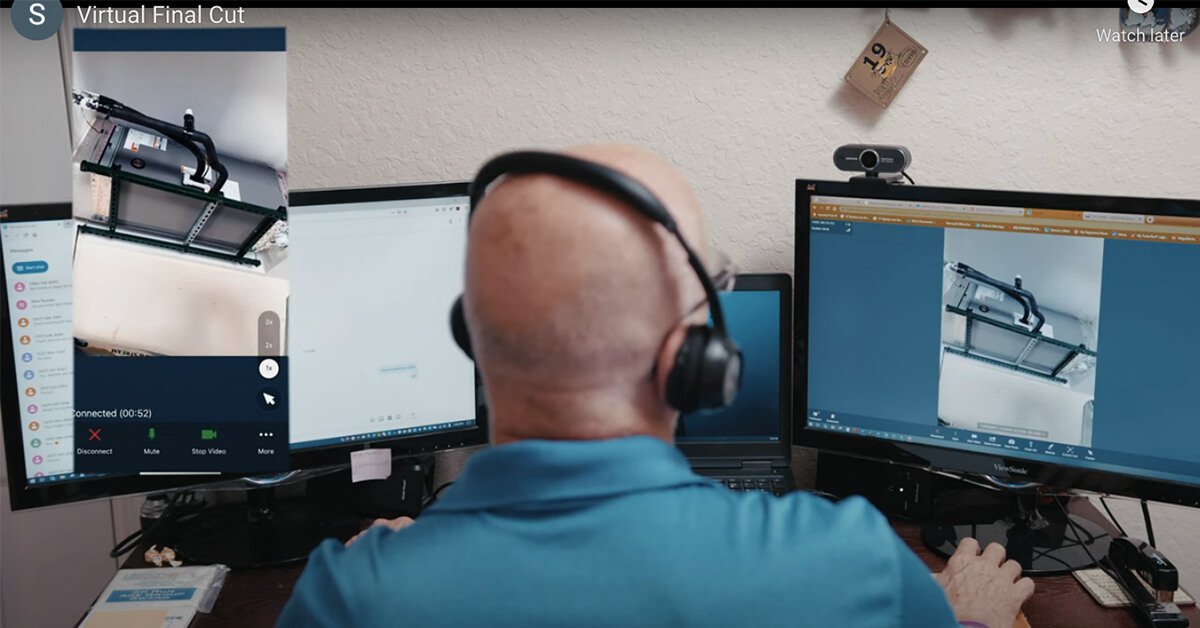
With the features above, the inspector texts a link to the person on site and the video opens quickly with a clear view. The inspector can zoom in, mark up the screen, capture photos and bring in a second expert if needed. When the call ends, every step is documented. The result matches the quality of an on-site inspection.
2. Faster training for new inspectors
Because inspectors are not driving between sites, they can attend more inspections and work alongside more junior staff. With many experienced inspectors approaching retirement, that matters. Remote inspection spreads senior expertise across the whole team and makes training the next generation practical.
3. More inspections per day
Distance between sites used to set a hard limit on how many inspections one person could complete. Remote video removes that limit. Your most experienced and highest-paid people also spend their time on high-value work instead of on the road.
4. A smaller carbon footprint
Every inspection done remotely is a trip that does not happen. That cuts fuel, vehicle maintenance and insurance costs, and it lowers emissions. For organizations with sustainability goals, remote inspection is one of the simplest changes to make. Learn how it helps inspectors and auditors meet ESG targets.
Solutions by industry
See how remote video inspection works for specific teams: food service equipment, automotive OEMs and dealerships, and field teams that work in low-signal areas with Offline Mode.
Frequently asked questions
Is a remote video inspection as accurate as an in-person one?
For most inspection types, yes, when the tool supports zoom, markup, photo capture and documentation. Some inspections still require a physical visit, and your code or policy rules decide which ones.
Does the person on site need special equipment?
No. A smartphone with a camera and a cellular or WiFi connection is enough. With Blitzz Inspect they open a text link and the session starts in the browser.
Who uses remote video inspection?
Building departments, insurance adjusters, warranty providers, utilities, manufacturers and contractors. See remote video inspection software for insurance claims and which virtual inspection apps building departments use.
Related reading
- Best remote video inspection software
- Components of the top remote inspection tools
- Preparing for remote inspections under AB 1738
Curious what Blitzz Inspect looks like in action? Book a demo.

Blitzz Team
The Blitzz Team writes about remote video support, virtual inspections and field service. Our guides come from working with home builders, property managers, warranty teams, contact centers and field service organizations that use Blitzz to see and solve issues without a truck roll.