On this page
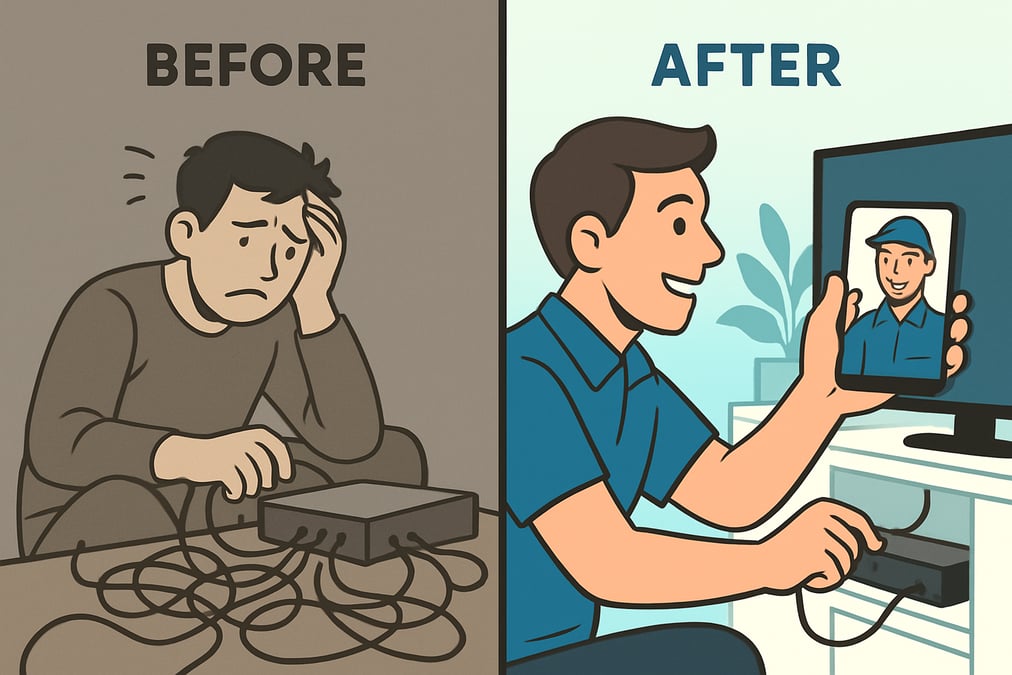
Short answer: Live video lets a cable or internet support agent see the customer's modem, router, set-top box and wiring through the customer's phone camera. The agent can spot the problem and guide the fix in real time instead of relying on verbal descriptions. Many issues that used to need a technician visit can be solved on the first call.
Key takeaways
- Video removes guesswork. Agents see lights, cables and error screens instead of asking customers to describe them.
- Common issues like loose connections, wrong ports and device resets can often be fixed remotely.
- Fewer unnecessary technician visits save time for customers and cost for providers.
- Video works best for complex or equipment issues. Routine questions still belong in chat, email or self-service.
- The same tools support technician training and internal collaboration.
Customers want internet and TV problems fixed fast. Waiting days for an appointment, or spending an hour on the phone reading model numbers aloud, is a poor experience. This is why many cable and internet providers are shifting from in-person visits to real-time remote video support.

Why live video fits cable and internet support
Video calling is now part of everyday life. Customers are comfortable holding up a phone and showing someone what they see. That habit carries over to how they want to get help.
For cable and internet providers, video is a natural fit. Most problems involve physical equipment in the home. When agents can see what customers see, they diagnose faster and give clear step by step guidance without dispatching a technician.
Video also makes support feel more personal. Customers feel understood when the agent can see their situation. That helps build human connection in a digital-first world and reduces misunderstandings.
Phone support vs. live video support
| Phone only | Live video | |
| Diagnosis | Based on the customer's description | Based on what the agent sees |
| Status lights and error codes | Customer reads them aloud | Agent sees them directly |
| Cabling and ports | Hard to confirm | Agent can point to the right port on screen |
| Escalation | Often a scheduled technician visit | Bring in an expert on the same call, or dispatch with photos already captured |
| Documentation | Agent notes | Photos and video saved to the record |
Benefits of remote video support for cable services
Offering remote video support brings advantages that go beyond phone or text channels.
Faster problem resolution
Customers get answers in real time. There is no back and forth over email and no waiting for an appointment window.
A more personal experience
The agent sees exactly what the customer sees. Whether it is a router, a home entertainment setup or a TV input menu, the guidance fits that customer's equipment.
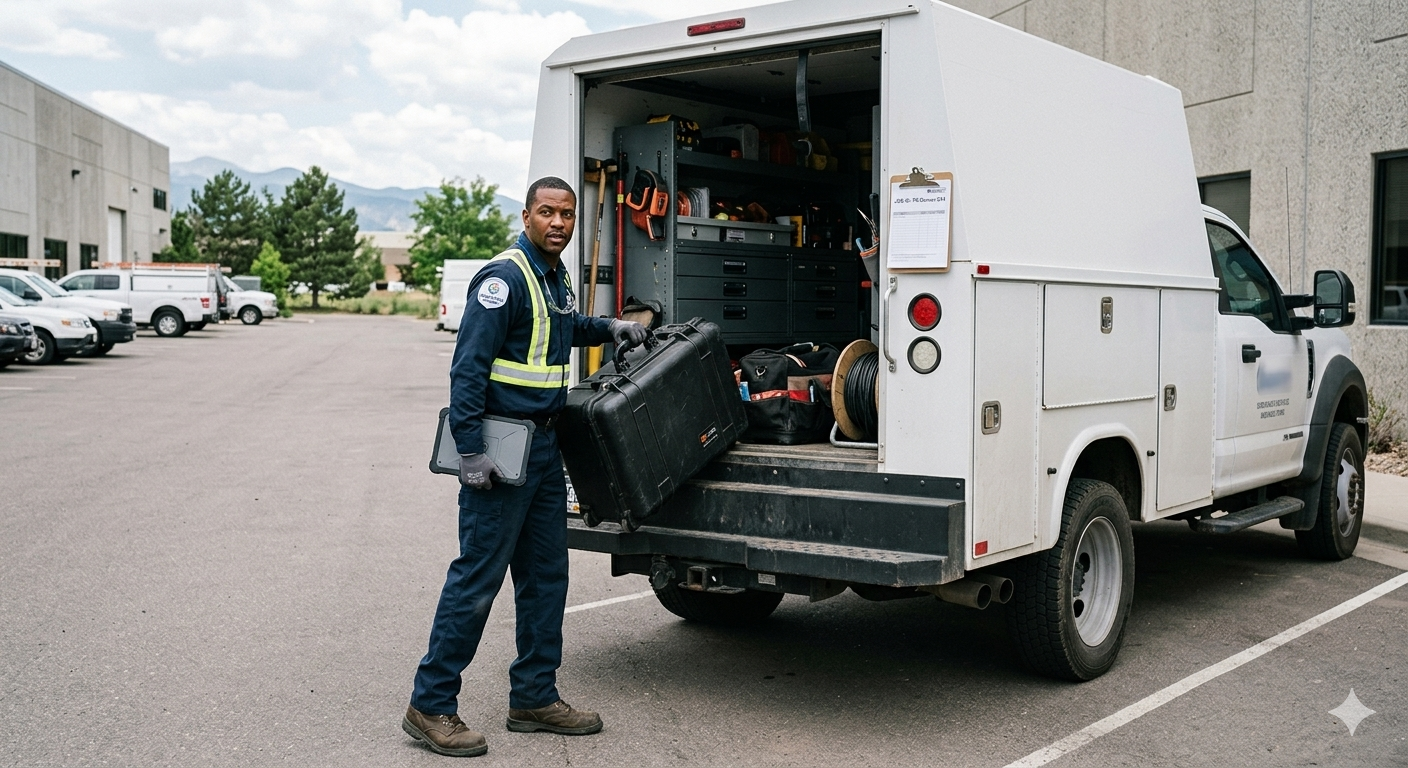
Fewer unnecessary truck rolls
Many visits are for problems a customer can fix with the right guidance. Solving these remotely frees technicians for jobs that really need someone on site.
Stronger customer trust
A friendly, visible agent turns a stressful outage into a reassuring conversation. That builds trust and loyalty.

How a live video cable support call works
- Send a link. The agent texts or emails the customer a link. The customer opens it in their mobile browser. There is no app to download.
- See the setup. The customer points the camera at the modem, router or set-top box. The agent checks lights, cables and labels.
- Read the details. OCR can capture serial numbers and model labels so the customer does not have to read them aloud.
- Guide the fix. The agent uses an on-screen pointer, markup or augmented reality guidance to show which cable to move or which button to press.
- Escalate if needed. If the issue is complex, the agent brings a senior technician into a multi-party call.
- Document and close. Photos and video are saved to the ticket. If a visit is still needed, the technician arrives knowing what to bring.
Getting the most from remote video assistance
Remote video support does not need to be used for every interaction. Routine questions and billing issues are handled well by chat, email or self-service. That keeps your video team focused on issues that need a visual check.
Visual guidance for equipment issues
This is where video has the biggest impact. Agents can guide customers through routers, modems, set-top boxes and other in-home equipment. Real-time visual support reduces miscommunication, cuts repeat calls and avoids many technician visits.
Co-browsing for account and settings issues
Some problems happen on a website or portal, not on a device. For these, co-browsing lets the agent see the customer's browser session and guide them through account or settings pages. Blitzz Cobrowse supports this for websites.
Training and collaboration
Remote video support also helps internal teams. Senior technicians can coach new hires on live jobs, and field teams can reach experts without waiting for a callback.

Video support beyond cable
Live video support is not limited to telecom. Banks, insurers, retailers, equipment makers and home services companies use it for the same reason. Seeing the problem beats describing it.
For cable and internet providers, the case is especially strong because so many issues involve physical equipment in the customer's home.

Frequently asked questions
How does live video support work for cable issues?
The customer opens a link on their smartphone and shows their setup. The agent sees the equipment, diagnoses the issue and guides the fix in real time.
Can live video replace an in-home technician visit?
In many cases, yes. Loose cables, wrong ports, device resets and settings problems can often be solved remotely. Physical damage or outside line faults still need a technician.
Is live video support private?
Yes. Blitzz video sessions are encrypted, and the customer controls what the agent sees by choosing where to point the camera.
Does the customer need to install an app?
Not with Blitzz. Customers join from a text or email link in their mobile browser.
Related reading
- Reducing truck rolls at scale: a smarter support model for telecom operators
- How telecom companies can use technology to transform customer support
- The real cost of a truck roll and how to avoid it
Ready to resolve cable and internet issues faster? Book a demo or start a free trial.

Blitzz Team
The Blitzz Team writes about remote video support, virtual inspections and field service. Our guides come from working with home builders, property managers, warranty teams, contact centers and field service organizations that use Blitzz to see and solve issues without a truck roll.