.png?width=120&height=55&name=Blitzz-Logo-right%20white%20eyes%20-%20not%20transparent%20(3).png)
The definitive guide to remote video inspection (RVI) software. We reviewed every major tool to help you pick the right one for building inspections, insurance claims, manufacturing QC, and field service.
Best Remote Video Inspection Software — Summary
01✅Blitzz Inspect— Best All-in-One: AI + Video + No Downloads
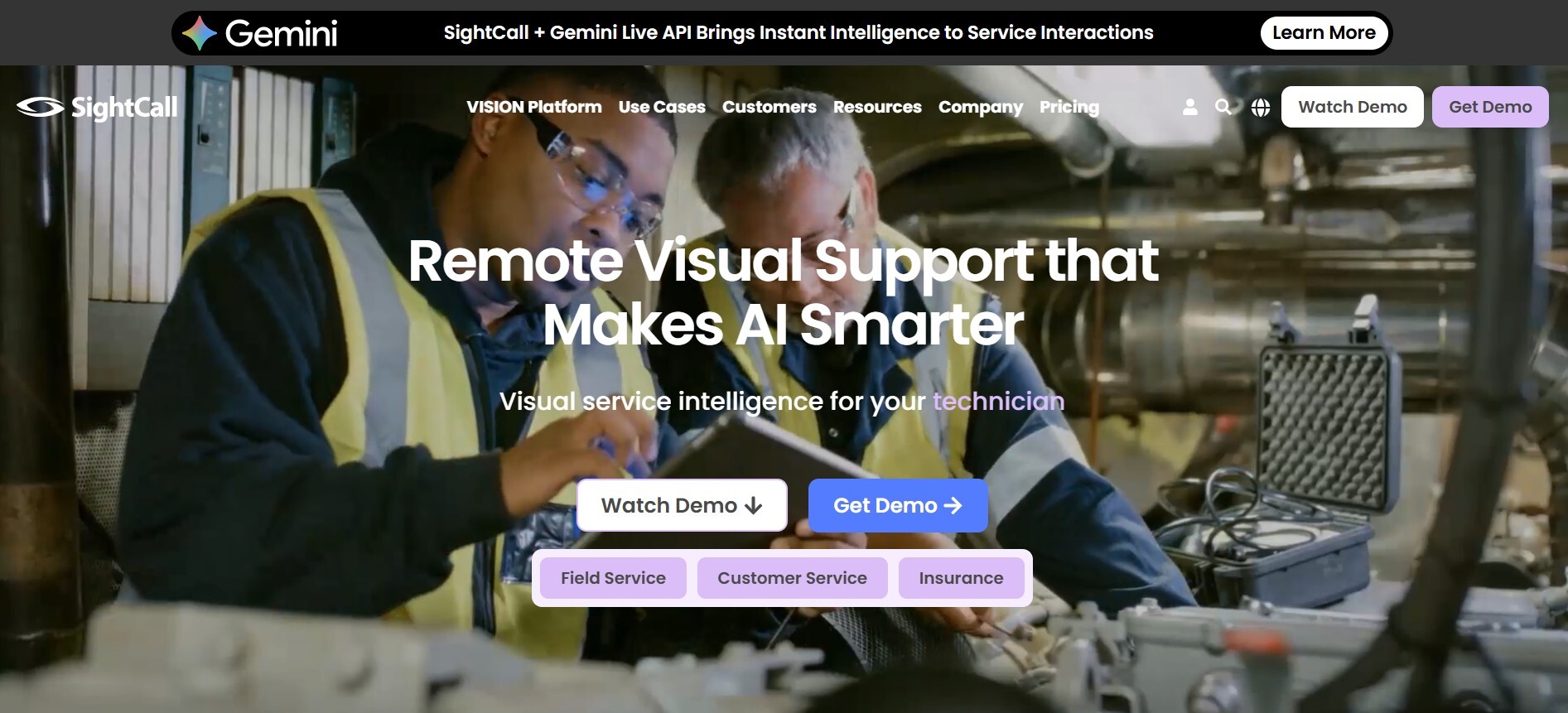
02✅SightCall— Best Enterprise AR-Powered Visual Support
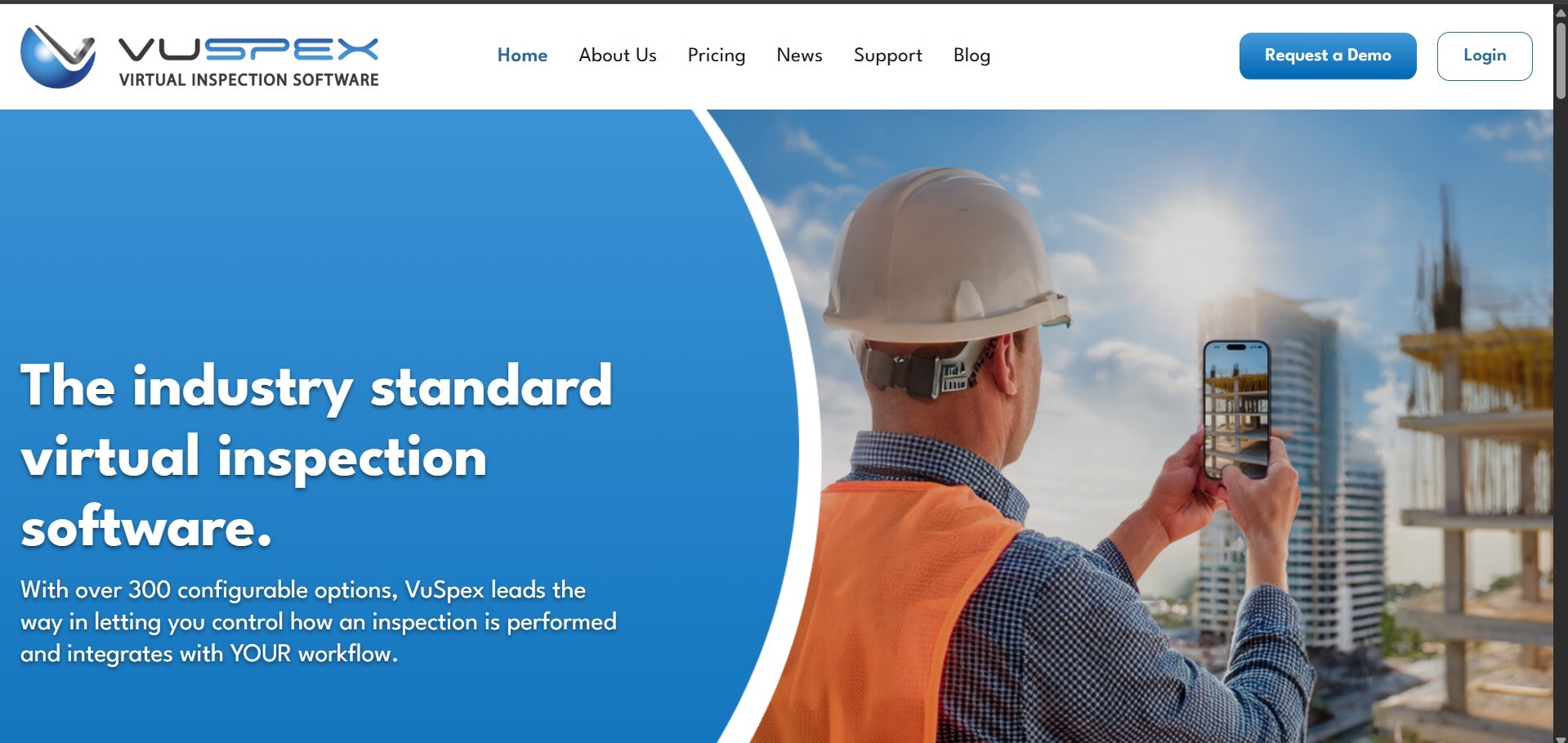
03✅VuSpex— Best for Government Building Inspections
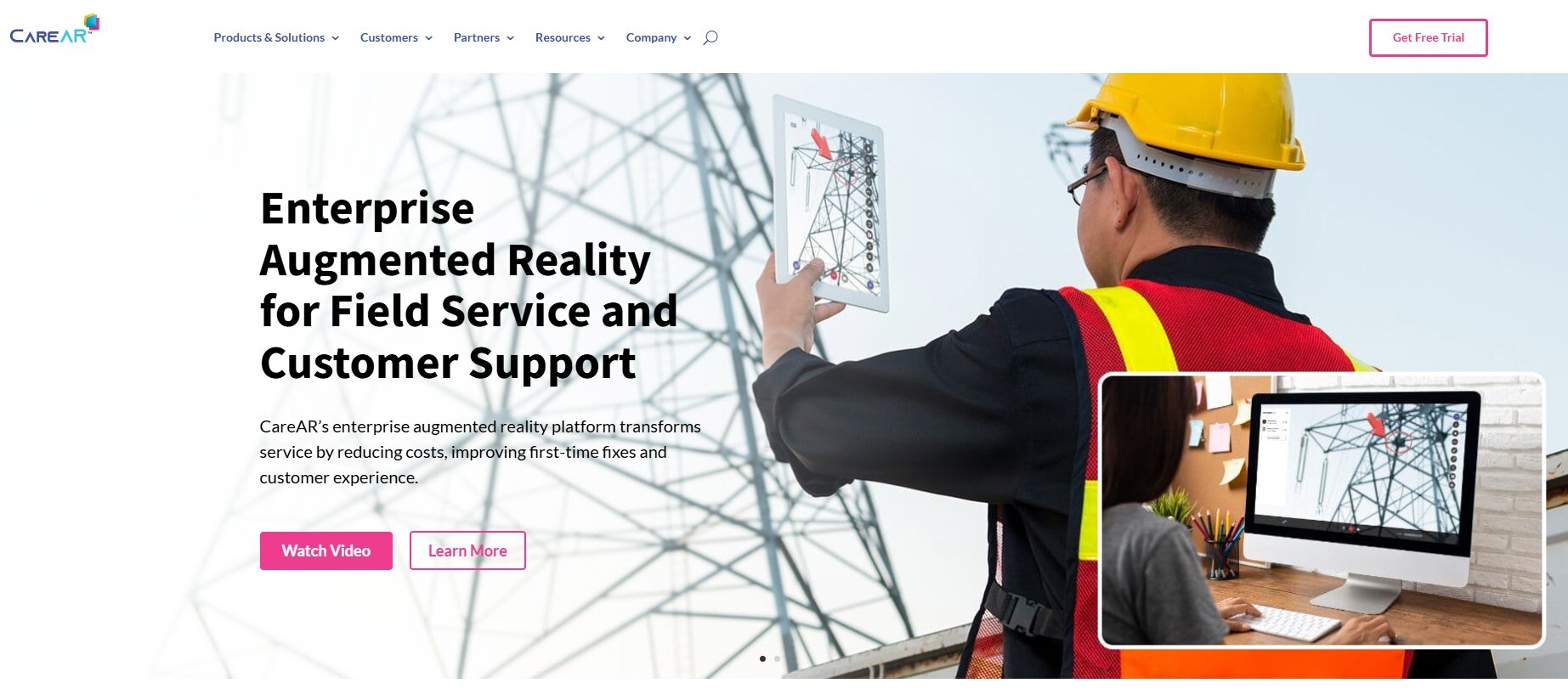
04✅CareAR (Xerox)— Best for Self-Guided AR Instructions
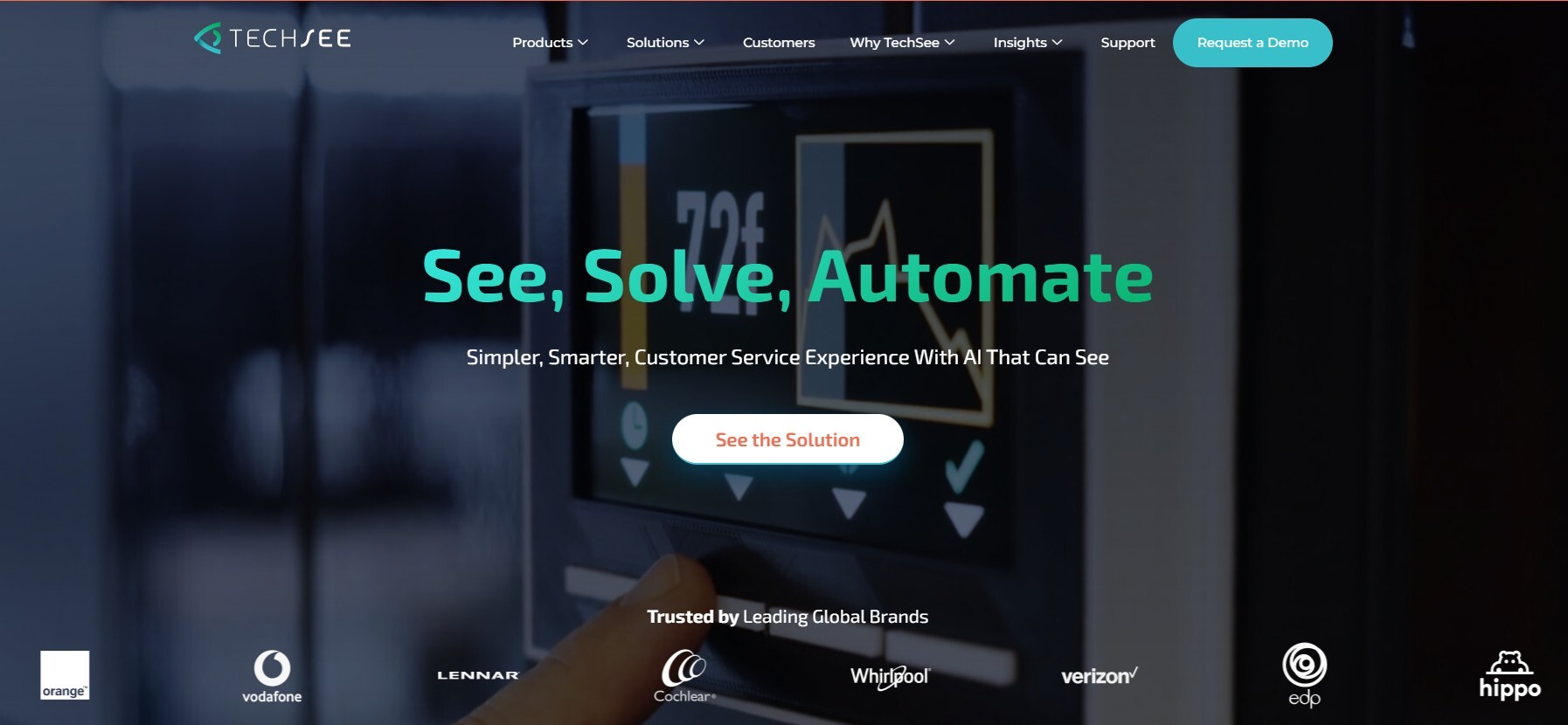
05✅TechSee— Best AI Computer Vision for Field Service
06✅CloudVisit— Best for Checklist-Driven Inspections
07🤔Help Lightning— Unique Merged-Reality Video Collaboration
08🤔Avatour— Best 360° Panoramic Remote Inspections
09🤔Streem (Frontdoor)— Good for Home Services Pre-Inspections
10🤔Microsoft Dynamics 365 Remote Assist— Good If You're Deep in the Microsoft Ecosystem
11🤔XMReality— Solid European AR Remote Assistance
12🤔Viewabo— Lightweight Visual Support for Small Teams
Remote Video Inspection Software: What You Need to Know
Inspectors spend roughly 20% of their working hours on the road. That's one day out of every five—burned on windshield time instead of actual inspection work. For an insurance adjuster processing claims after a hurricane, or a building inspector juggling a backlog of permits, or a manufacturing QC manager overseeing suppliers across three states, that travel overhead isn't just inconvenient. It's the single biggest bottleneck in their operation.
Remote video inspection (RVI) software solves this problem by letting inspectors conduct live visual assessments from their desk. The person on-site—a homeowner, a contractor, a field technician—uses their smartphone camera to stream live HD video to the remote inspector. The inspector can guide them with voice instructions, draw AR annotations on the live feed, zoom in on details, capture high-resolution images, and generate inspection reports on the spot. No travel. No scheduling delays. No app downloads for the customer.
The result? Organizations that deploy RVI software typically handle 2-3x more inspections per day, cut inspection costs by 40-60%, and reduce inspection backlogs from weeks to days.
Remote Video Inspection vs. Traditional Screen Sharing vs. Simple Video Calls
This is where confusion often starts. A remote video inspection is not a Zoom call with a camera. Here's why:
A Zoom/Teams video call gives you a live camera feed and that's about it. You can't annotate on the live video, you can't freeze a frame to examine detail, you can't capture timestamped high-res images, and you definitely can't auto-generate an inspection report. It also requires both parties to have accounts and download an app.
RVI software is purpose-built for inspection workflows. It adds AR markup tools (draw arrows and circles on the live feed that appear on the other person's screen), freeze-frame capture, zoom controls, GPS-stamped photo documentation, checklist-driven workflows, AI-powered defect detection, automatic report generation, and integration with your existing inspection management or CRM systems. And critically, the person on-site doesn't need to download anything—they just click a link.
The Rise of AI in Remote Video Inspections
The biggest evolution in 2026 is AI. Early RVI tools were essentially glorified video calls with annotation. Today's leading platforms use AI for automatic image recognition (identifying cracks, corrosion, water damage), auto-generated inspection summaries, real-time measurement estimation, document OCR during inspections, and predictive maintenance recommendations. Tools like Blitzz, SightCall, and TechSee are leading this push.
How to Evaluate RVI Software
Before diving into the individual reviews, here's what matters most: Customer experience (can the on-site person join without downloading an app?). Video quality and reliability (does it work on spotty cellular connections?). Markup and annotation tools (AR overlays, freeze-frame, drawing). Documentation (auto-capture images, timestamped photos, report generation). Integrations (does it plug into your inspection management, CRM, or field service platform?). Compliance and security (audit trails, encrypted sessions, data retention policies). And scalability (can it handle 50 inspectors running simultaneous sessions?).
Quick Comparison Table
| Tool | Best For | No App Download | AR Markup | AI Features | Auto Reports | Starting Price |
|---|---|---|---|---|---|---|
| Blitzz Inspect | All-in-one RVI | ✅ | ✅ | ✅ | ✅ | Custom |
| SightCall | Enterprise AR | ✅ | ✅ | ✅ | ✅ | Custom |
| VuSpex | Building inspections | ✅ | ✅ | ✅ | ✅ | Custom |
| CareAR | Self-guided AR | ✅ | ✅ | ✅ | ✅ | Custom |
| TechSee | AI computer vision | ✅ | ✅ | ✅ | ✅ | Custom |
| CloudVisit | Checklist inspections | ❌ (app) | ✅ | ❌ | ✅ | Custom |
| Help Lightning | Merged-reality | ❌ (app) | ✅ | ❌ | ❌ | Custom |
| Avatour | 360° inspections | ✅ | ✅ | ❌ | ✅ | Custom |
| Streem | Home services | ✅ | ✅ | ✅ | ✅ | Custom |
| Dynamics 365 | Microsoft ecosystem | ❌ (app) | ✅ | ✅ | ✅ | $65/user/mo |
| XMReality | European enterprises | ✅ | ✅ | ❌ | ❌ | Custom |
| Viewabo | Small teams | ✅ | ✅ | ❌ | ❌ |
1. Blitzz Inspect
"Deliver real-time support, diagnostics, and inspections remotely—without the overhead of on-site visits."
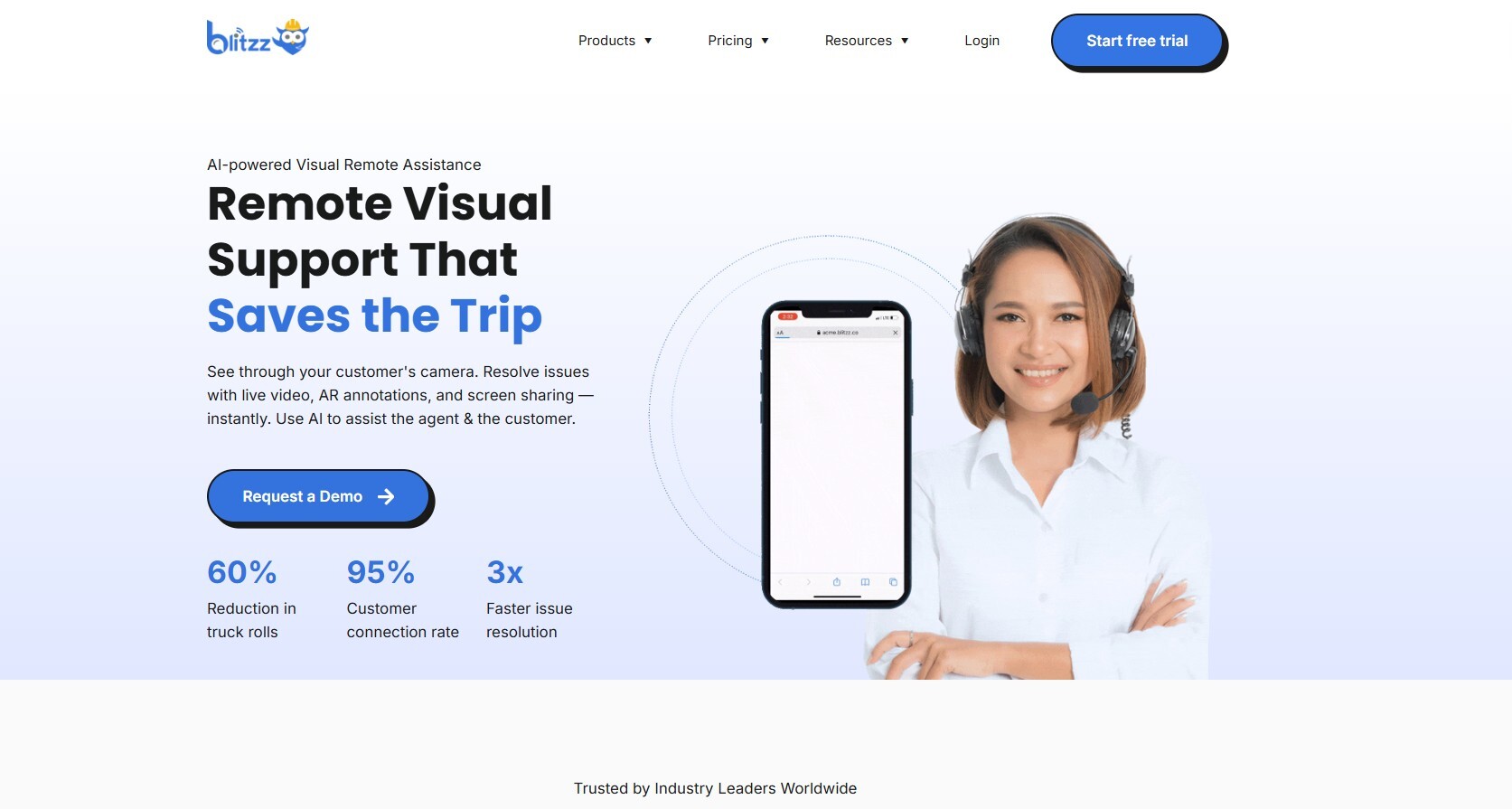
Blitzz Inspect is an AI-powered remote video inspection platform that lets inspectors, adjusters, and technicians conduct live visual assessments from anywhere—with zero app downloads required from the person on-site. The inspector sends a link via SMS or email. The customer clicks it. The video call starts immediately in their browser. That's the entire setup process.
What separates Blitzz from the competition is the combination of live HD video, AR markup tools, AI-powered image capture and data extraction, automatic report generation, and deep platform integrations—all in a single tool that's remarkably simple to use. As Mike O'Connell, an Assistant Building Inspection Manager who deployed Blitzz, put it: "Because Blitzz is so easy to use, we were up and running in a matter of just a couple of days."
Who Is Blitzz Inspect For?
Blitzz serves an unusually wide range of inspection use cases. Construction teams use it to monitor site progress without traveling. Insurance adjusters expedite claims with real-time video assessments. Manufacturing QC managers conduct remote diagnostics and quality checks across supplier facilities. Utility companies reduce field dispatches for infrastructure inspections. Government building departments clear inspection backlogs by handling routine inspections virtually. Automotive OEMs and dealerships assess warranty claims and damage remotely.
The platform integrates natively with Salesforce, allowing teams to launch video inspections directly from cases and work orders with all documentation flowing back into the CRM automatically.
Standout Features
Zero downloads, zero friction: The person being inspected simply clicks a browser link. No app store visits, no account creation, no technical barriers. This is the single most important feature for adoption—especially when your inspectors are connecting with homeowners, contractors, or field workers who aren't tech-savvy.
AI-powered insights: Blitzz captures images during the inspection, extracts data using AI, and auto-generates inspection reports. Inspectors spend less time on paperwork and more time on actual assessments.
AR markup and annotation: Draw arrows, circles, and text directly on the live video feed. These annotations appear on the other person's screen in real time, making it easy to point out specific areas without confusion.
High-resolution image capture: Freeze the video feed and capture publication-quality still images for documentation—complete with timestamps and GPS coordinates.
Guided inspection workflows: Create custom inspection checklists that guide the on-site person through each step, ensuring nothing gets missed.
Enterprise security: Audit-ready logs, end-to-end encryption, and data retention controls meet the compliance requirements of insurance carriers, government agencies, and regulated industries.
Scale without headcount: A single inspector using Blitzz can complete 2-3x more inspections per day compared to in-person visits. Organizations report reducing inspection backlogs from weeks to days after deployment.
How a Blitzz Remote Video Inspection Works
The workflow is designed to be dead simple. Step 1: The client books an inspection (or the inspector schedules one). Step 2: The inspector sends a video call link via SMS or email—no travel needed. Step 3: The client opens the link in their browser and the video call begins. The inspector guides them through the inspection, using zoom, markup, and image capture tools. Step 4: When the inspection ends, the inspector hangs up and starts the next one. Reports are generated automatically. No windshield time between appointments.
Pricing
Blitzz offers custom pricing based on team size and use case. They also offer a free trial and a Success Challenge program for companies that want to test remote inspections to confirm they reduce site visits and deliver quality results before fully committing.
Pros
|
Cons
|
2. SightCall
"See more, solve faster, serve better."
SightCall is an AR-powered remote visual support platform that targets large enterprises across insurance, manufacturing, utilities, life sciences, and telecom. Founded in 2008, it's one of the most established players in the space and is used by companies like Honda, Bosch, and Danfoss.
SightCall's key differentiator is the depth of its AR and AI capabilities. Their platform combines live video with augmented reality overlays, computer vision for automatic object/defect recognition, barcode and character recognition, digital signature capture, and AI-generated tutorials from support sessions. For insurance specifically, they report that remote visual assessments reduce claim handling time by 69%.
The trade-off is complexity. SightCall is built for enterprise IT teams with dedicated implementation resources. If you're a 10-person inspection team looking for something you can deploy by Friday, SightCall isn't the right starting point. If you're a Fortune 500 insurer rolling out remote claims across 2,000 adjusters, it's a serious contender.
Pricing
Enterprise custom pricing only. Contact SightCall for a demo.
|
Pros
|
Cons
|
4. VuSpex
"The industry leader in virtual inspection software."
VuSpex is the go-to virtual inspection platform for government building departments and code enforcement agencies. From the State of Montana to the City of Philadelphia, municipalities choose VuSpex to perform virtual building, electrical, plumbing, and construction inspections.
What makes VuSpex stand out is the sheer configurability—over 300 configurable options let building departments control exactly how inspections are performed. It also holds four issued patents covering text messaging workflows, inspections with low connectivity, and AI-assisted virtual inspection technology. Critically, VuSpex works even in areas with no internet connectivity—inspectors can capture data offline and sync later.
It integrates with all major land management, construction management, and calendaring systems (and will custom-integrate your specific platform at no extra charge). For private sector users, VuSpex also handles insurance loss control, property management, and commercial inspections.
Pricing
Custom pricing. Contact VuSpex at +1 (844) 288-7739.
|
Pros
|
Cons
|
5. CareAR (Xerox)
"See it. Solve it. From anywhere."
CareAR, a subsidiary of Xerox, is an enterprise augmented reality platform with three distinct products: CareAR Assist (real-time remote collaboration for inspections and support), CareAR Instruct (self-guided AR instructions so customers can solve issues independently), and CareAR Experience (AR tutorial creation for training and onboarding).
The self-guided instruction capability is CareAR's unique angle. Instead of always requiring a live inspector on the other end, you can create AR-powered step-by-step guides that customers or field technicians follow independently. This is powerful for high-volume, repeatable inspection scenarios—like tenant move-in/move-out property inspections or standardized equipment checks.
CareAR's AI and computer vision provide real-time insights and predictive analytics during inspection sessions. As a Xerox subsidiary, it has enterprise-grade backing for large deployments.
Pricing
Enterprise custom pricing only.
|
Pros
|
Cons
|
5. TechSee
"AI-powered visual assistance for field service and customer support."
TechSee is where AI computer vision meets remote inspection. Their patented technology automatically recognizes devices, identifies issues, and provides real-time visual guidance to technicians and customers. It's particularly strong for field service organizations that want to reduce truck rolls and improve first-time fix rates.
TechSee's standout feature is automated visual AI inspection—the AI automatically inspects every job before the technician leaves the worksite, verifying that work was completed correctly without requiring human review. It also automatically captures and tags images during service calls, building a visual case history. For remote property inspections specifically, TechSee enables adjusters and technicians to visually assess damage, verify repairs, and document conditions without site visits.
Pricing
Custom enterprise pricing. Demo available on request.
|
Pros
|
Cons
|
6. CloudVisit
"Remote video inspection, visual assistance, and virtual collaboration software."
What Is CloudVisit?
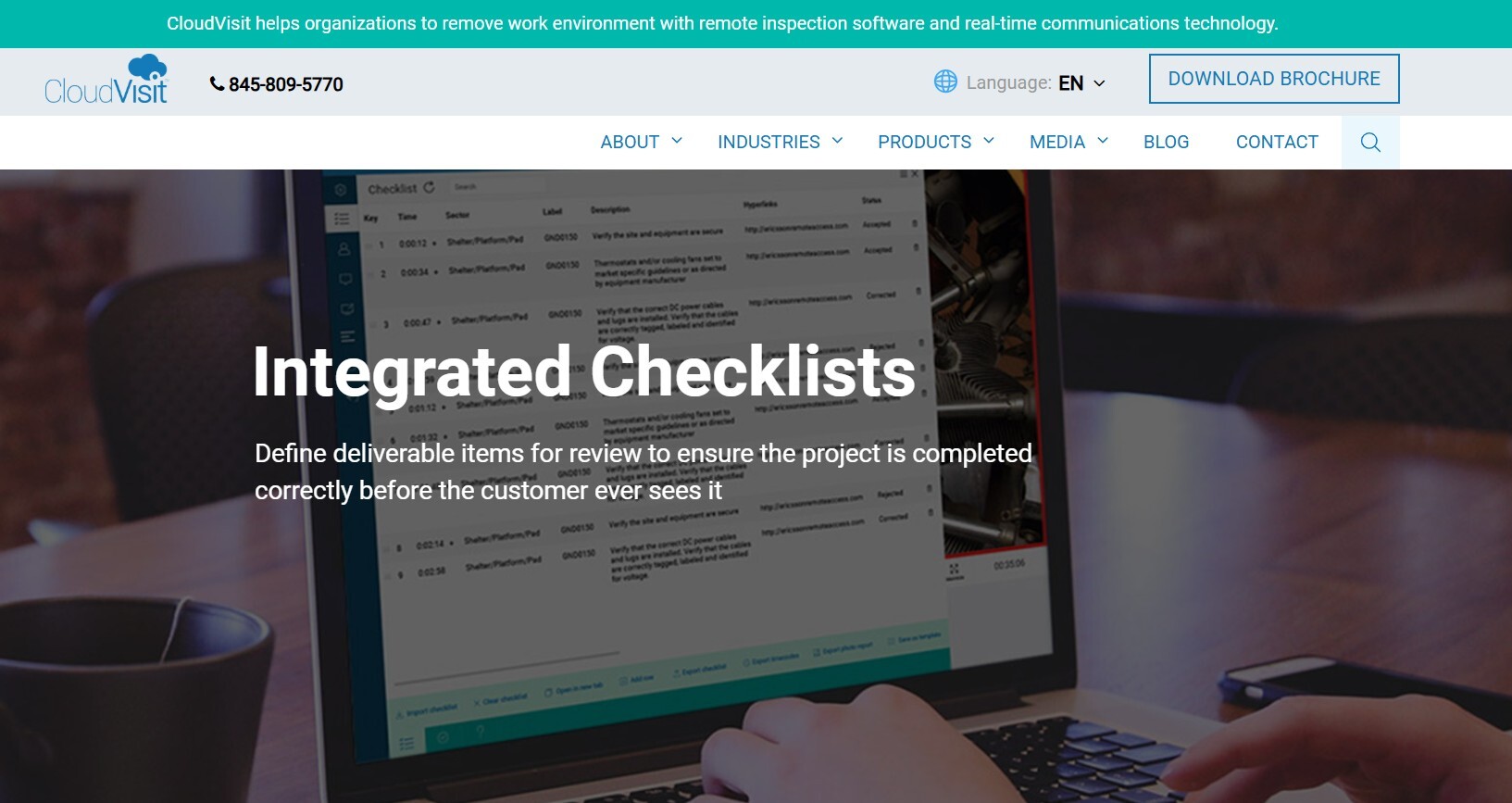
CloudVisit is a veteran in the remote video inspection space, serving multiple industries with real-time video collaboration, checklist-driven inspection workflows, and comprehensive documentation. Their platform enables onsite technicians to connect with remote experts through peer-to-peer video sessions.
CloudVisit's differentiator is its structured inspection workflow—inspectors define deliverable items and checklists before the session, ensuring every phase of a project is reviewed systematically. GPS-tracked images, uploaded files, screen captures with annotations, and audio/video recordings with timecodes create a complete audit trail. Checklist reports and audit photo reports provide compliant, court-ready documentation.
The main drawback: CloudVisit requires a mobile app on the participant's device, which adds friction compared to browser-based tools like Blitzz.
Pricing
Custom pricing based on use case and team size.
|
Pros
|
Cons
|
7. Help Lightning
"Merged-reality video collaboration for remote expert guidance."
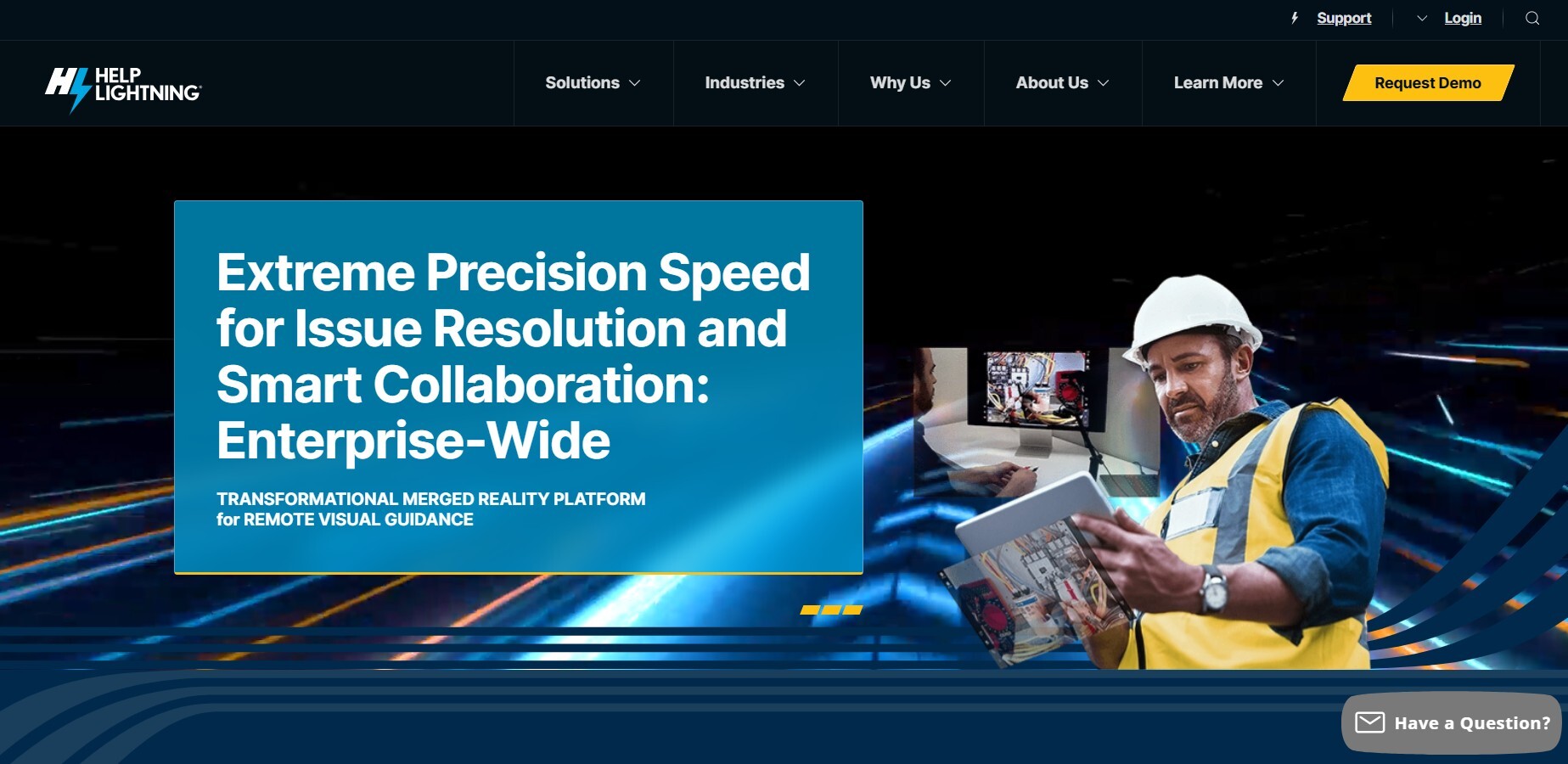
Help Lightning's unique selling point is merged reality—the platform merges two video streams so the remote expert's hands appear in the on-site technician's view. This creates an experience that feels like the expert is physically reaching into the scene to point at or manipulate objects. It's particularly effective for complex equipment repair and inspection scenarios where precise hand-guided instruction matters. Founded in 2016, it serves field service, manufacturing, and contact center teams. The downside: it requires an app and is more suited for technician-to-expert collaboration than customer-facing inspections.
8. Avatour
"360° video communication for remote inspections and virtual tours."
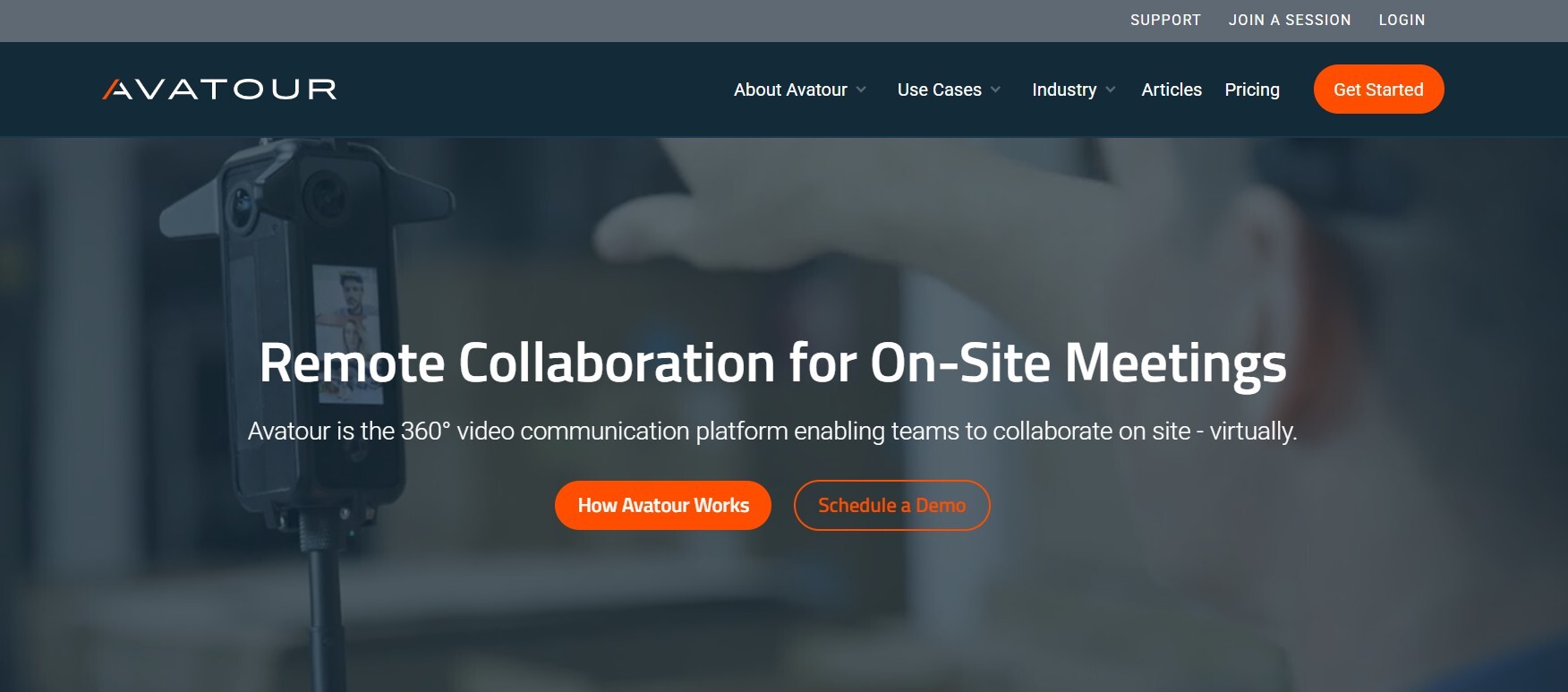
Avatour takes a fundamentally different approach to remote inspection: 360-degree panoramic video. Instead of a single camera view that the on-site person controls, Avatour streams a full panoramic view that each remote participant can independently look around—panning, tilting, and zooming on their own. This gives remote inspectors the autonomy to examine what they want, not just what someone points the camera at. It requires a 360° camera kit (which Avatour provides), and works over 4G/5G or even Starlink for remote sites. Best suited for facility walkthroughs, site inspections, and manufacturing floor reviews where spatial context is critical.
9. Streem (Frontdoor)
"Skip the in-person pre-inspection process with remote video support."
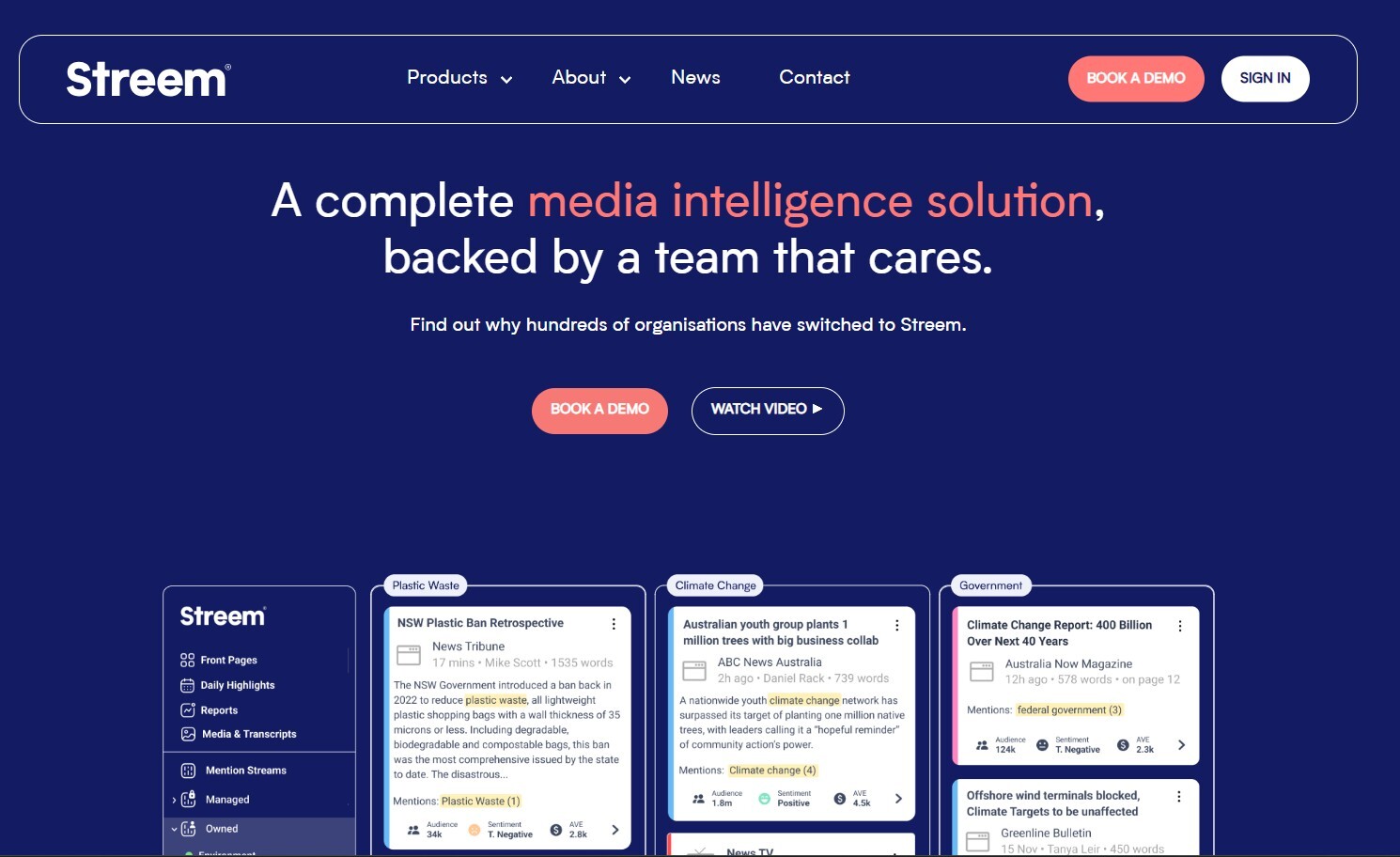
Streem, owned by Frontdoor (parent company of American Home Shield), is built specifically for home services pre-inspections. The core use case is allowing HVAC, plumbing, and electrical service companies to conduct virtual pre-inspections before dispatching a technician—saving unnecessary truck rolls. Streem features advanced 3D modeling within the iOS app and AR-powered spatial awareness. However, its focus on the home services vertical makes it less versatile than general-purpose RVI tools like Blitzz for industries like insurance, manufacturing, or government.
10. Microsoft Dynamics 365 Remote Assist
"Empower frontline workers with remote expert support."
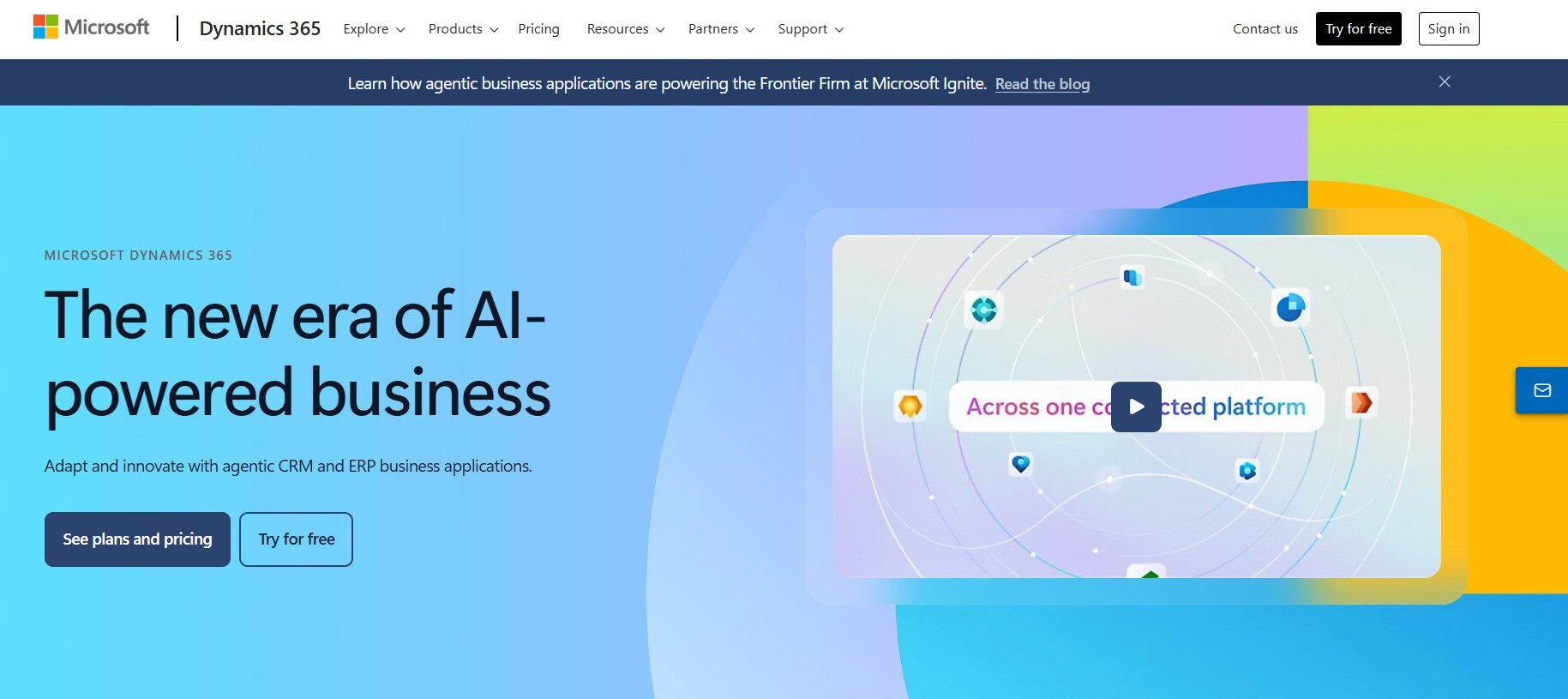
If your organization is deeply embedded in the Microsoft ecosystem—Dynamics 365 Field Service, Teams, Power Platform—then Remote Assist is the path of least resistance. It launches directly from Field Service mobile bookings and posts call information back to work order timelines. It supports AR annotations, screen sharing, and file sharing during sessions. The starting price of $65/user/month is actually transparent (rare in this space). The catch: the on-site user needs the Dynamics 365 Remote Assist mobile app installed, and you need existing Dynamics 365 licenses to get value from the integration. If you're not already a Microsoft shop, this isn't the right entry point.
11. XMReality
"Remote visual assistance powered by augmented reality."
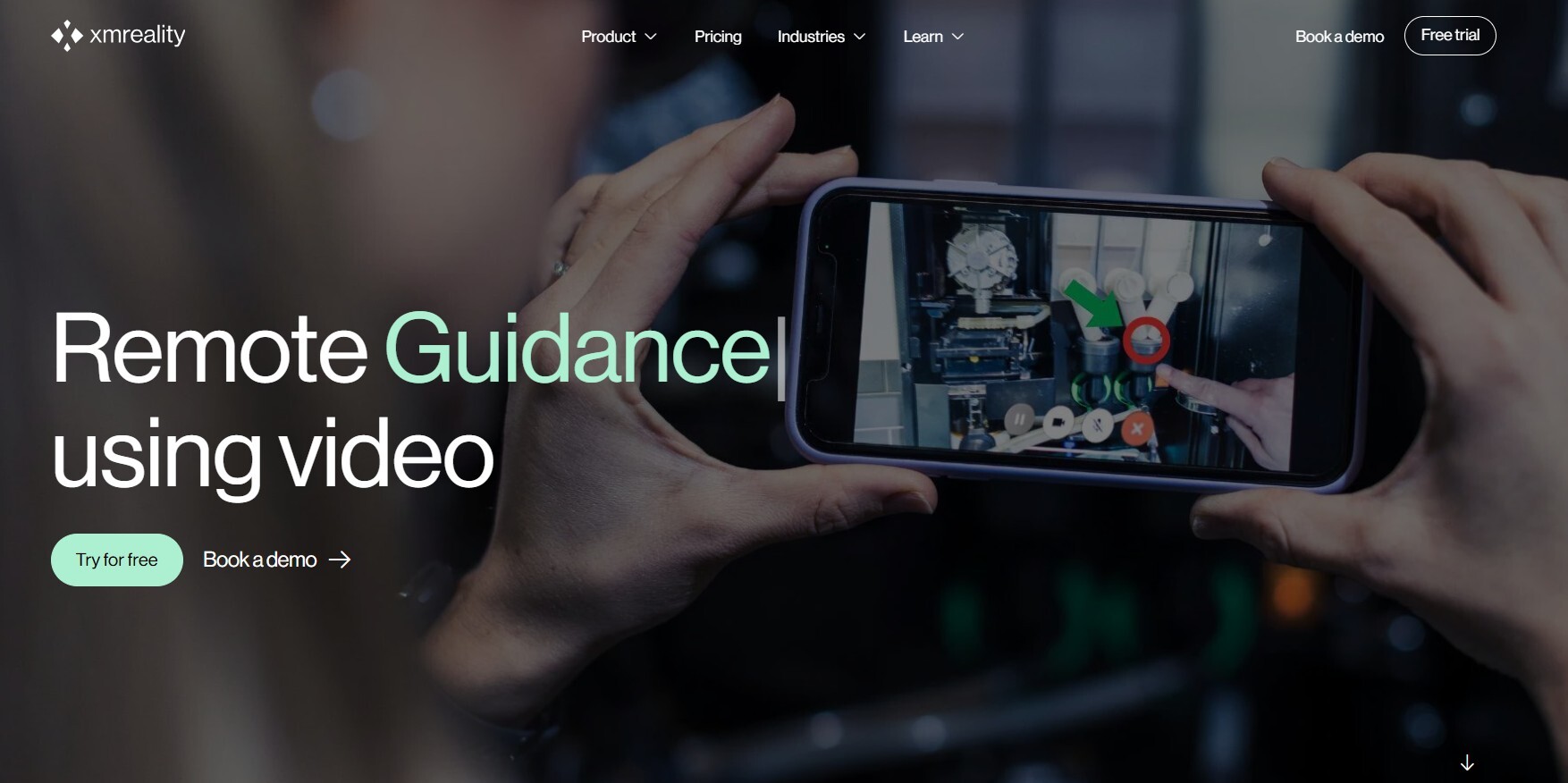
XMReality is a publicly traded Swedish company (NASDAQ: XMMRF) specializing in AR-powered remote guidance. Its no-download web client lets customers join from a browser link. It's a solid choice for European enterprises that prioritize EU data residency and GDPR compliance. XMReality is used in manufacturing, field service, and industrial maintenance—particularly in the Nordic and DACH markets. The platform is functional but lacks the AI features and auto-reporting capabilities of leaders like Blitzz and SightCall.
12. Viewabo
"See through your customer's smartphone camera—no app needed."
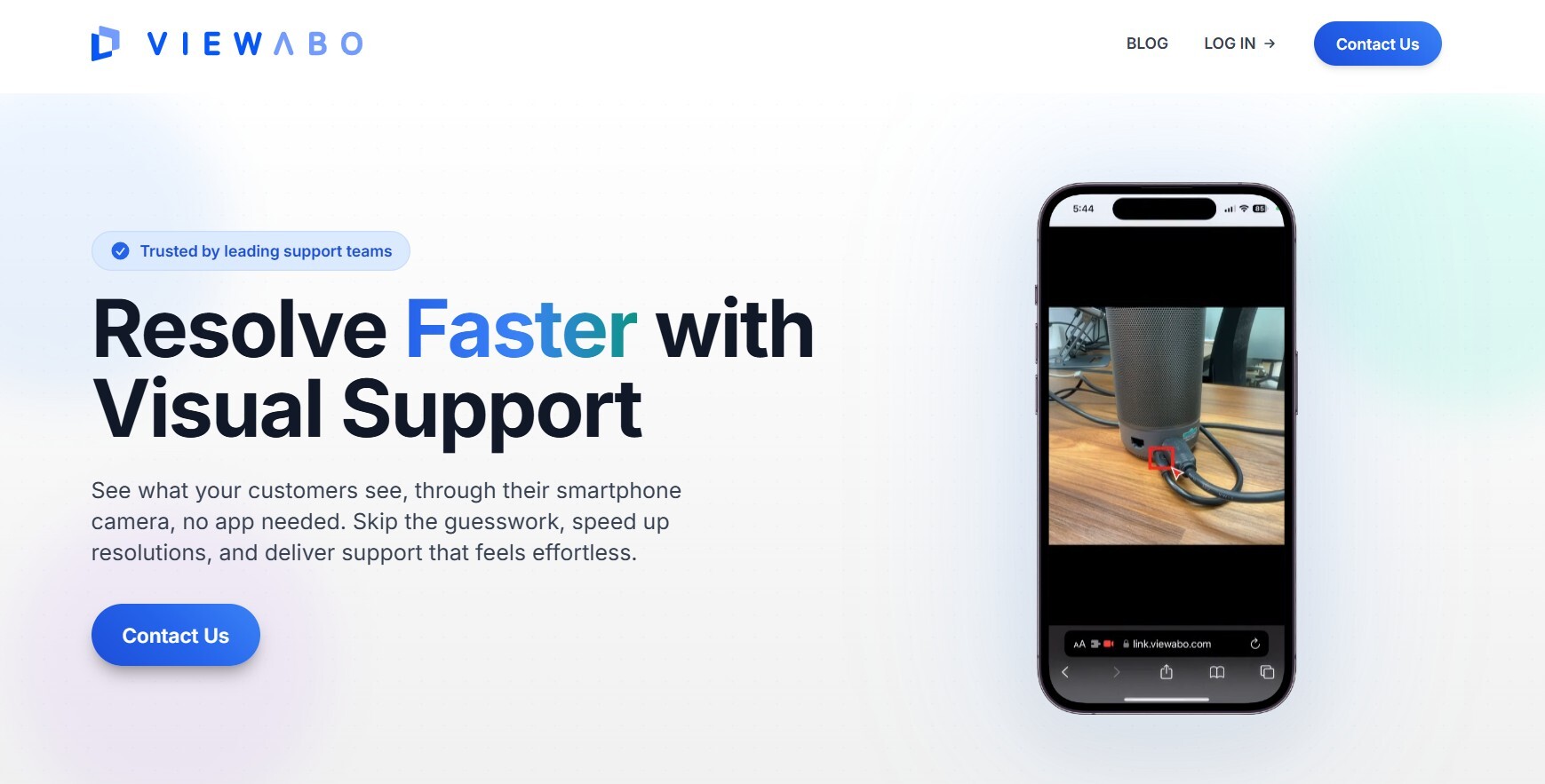
Viewabo, founded in 2019 in Palo Alto, is the lightweight option for small customer support teams that want visual support without enterprise complexity. Agents send an SMS link, the customer clicks it, and their camera stream appears in the agent's dashboard—no downloads. It includes freeze-frame, annotation, and recording tools. Viewabo offers a free tier, making it the lowest-risk way to test whether remote visual inspection adds value for your team. The trade-off: no AI features, no automated reports, limited integrations, and it's designed more for quick visual support than formal inspection workflows.
Final Verdict: Which Remote Video Inspection Tool Should You Pick?
After reviewing every major RVI tool on the market, here's our honest assessment:
If you want the most versatile, easiest-to-deploy solution that works across industries—from construction and insurance to manufacturing and government—with AI-powered reports, no-download customer experience, and CRM integrations, Blitzz Inspect is the clear winner. It handles the full inspection workflow in a single tool, and the zero-download experience means adoption is never a barrier.
If you're a large enterprise that needs deep AR capabilities, computer vision, and has IT resources for a complex deployment, SightCall is the established enterprise player.
If you're a government building department looking for purpose-built virtual inspection software with offline capability, VuSpex was designed specifically for you.
If you need AI computer vision that automatically recognizes devices, identifies defects, and verifies job completion, TechSee has the most advanced visual AI on the market.
If you want 360° panoramic inspections where remote participants can look around independently, Avatour offers a fundamentally different (and impressive) approach.
If you just want to test the concept with minimal investment, Viewabo's free tier lets you start immediately.
|
💡 Our Recommendation For most organizations, start with Blitzz Inspect. It takes the complexity out of remote inspections by giving you live video, AR markup, AI-powered documentation, and seamless CRM integration—all without asking your customers to download anything. Most teams are up and running in a couple of days, not months. Start your free trial here → |