Cobrowsing for Government & Public Services
Deliver visual support within citizen portals and government platforms without the risk of screensharing. Blitzz Cobrowse is secure, compliant, and purpose-built for government Teams that need real-time digital assistance to protect PII at every step.
Elevate the Citizen Digital Experience With Blitzz Cobrowse

Digital government adoption is accelerating, yet many citizens still struggle with online forms and portals. Here's what your government contact center can accomplish with Blitzz cobrowsing software:
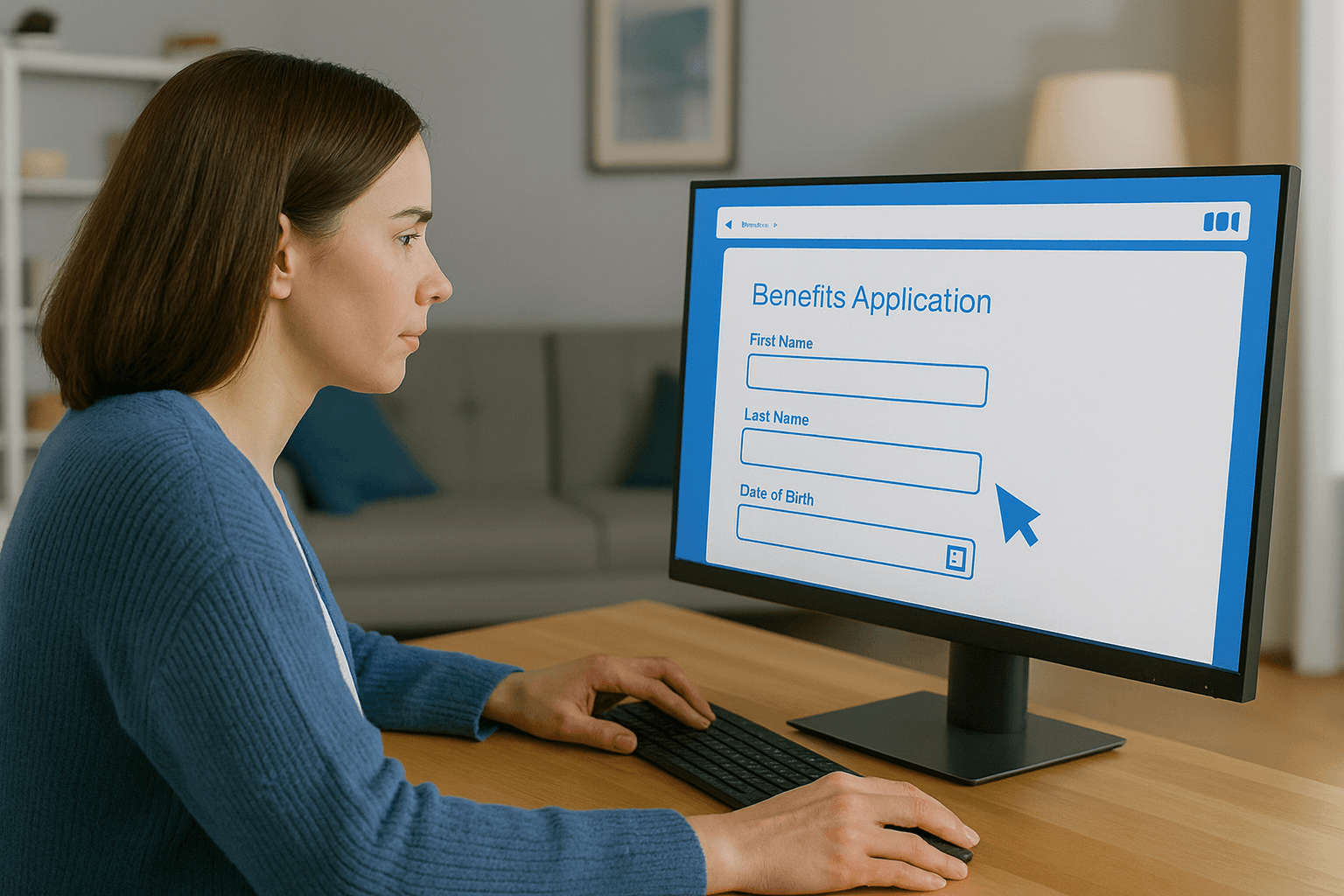
- Complete Benefits Application Onboarding Faster
- Navigate Government Portals With Ease
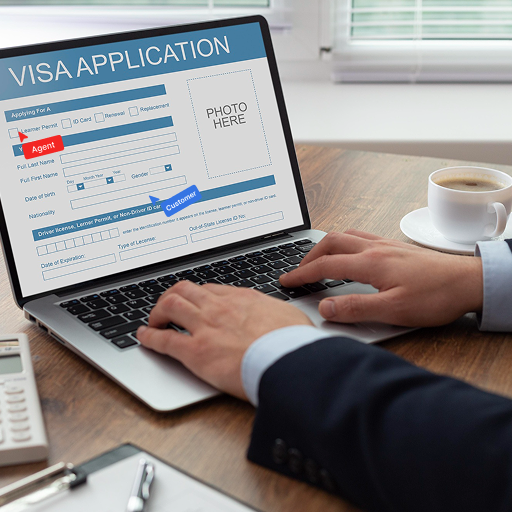
- Simplify Permit and License Application Processes
- Support Public Records Access
- Help Citizens Complete Complex Forms
- Assist With Online Tax Filing
- Improve Utility Payment Portal Experience
Powerful Co-Browsing Platform Features Built for Government
Secure Cobrowsing Solution for Government Compliance
Government agencies demand the highest level of data protection, and our cobrowsing solution meets those requirements with end-to-end encryption, strict access controls, and automated PII masking. Every session is consent-driven and fully compliant with FedRAMP, StateRAMP, and government security frameworks, ensuring sensitive citizen information stays protected at all times. Unlike traditional screen sharing, our platform prevents exposure of Social Security numbers, tax records, or identity data, making it the safest and most compliant way to support citizens online.
App-Free, One-Click Access
Citizens often struggle with downloads, plugins, and technical steps, but with our app-free cobrowsing, support becomes effortless. A single secure link allows citizens to share their screen instantly from any device or browser. No installations. No configuration. Just seamless, instant connectivity. This reduces drop-off rates, accelerates onboarding, and ensures even non-technical citizens can receive real-time assistance with forms, portals, benefits applications, or permit submissions.
Hide Sensitive Information Automatically
Blitzz cobrowse automatically detects and masks sensitive information such as Social Security numbers, tax records, financial data, or personal identifiers before the agent can see it. This ensures complete protection of PII while still allowing agents to guide citizens through their digital journey. By combining secure masking with controlled screen access, government organizations can assist citizens confidently while maintaining strict compliance and eliminating unnecessary exposure risks.
Cobrowse Integrations for Government
Blitzz Cobrowse works seamlessly with your government tech stack. Launch secure cobrowsing sessions directly from your:
What Government Leaders Say About Blitzz Cobrowse

Keith T.
Building Inspector @ City of Berkeley

Taye N
Building Inspection Supervisor @ City of San Mateo
Start Your 30-Day Government Cobrowse Success Challenge
Resolve Citizen Issues Up to 45% Faster
With secure, two-way cobrowsing, agents instantly see what citizens see across benefits portals, mobile apps, payment pages, and application dashboards. Reduce escalations, shorten call duration, and increase citizen satisfaction.
Increase First-Contact Resolutions by Up to 49%
When citizens abandon permit applications, benefits forms, or license renewals due to complexity, our cobrowsing software steps in. Agents gain immediate screen-sharing access (secure, consent-driven) and walk citizens through complex tasks in real time: fewer escalations, faster success, stronger digital government support.
Protect PII With Zero-Exposure Screen Sharing
In government, every click counts. Our secure cobrowse tool ensures that only the exact screen content the citizen consents to is visible, while masking all other sensitive data (PII). Agents never require full access to benefits systems, tax platforms, or identity databases, minimizing compliance risks and preserving citizen privacy.
Ready to Transform Your Digital Citizen Experience?
Blitzz Cobrowse helps your organization validate how secure, app-free cobrowsing streamlines digital support, reduces citizen frustration, and improves operational efficiency across government teams.
Frequently Asked Questions
Have Question? We are here to help
What is cobrowsing in government services?
Cobrowsing in government services is a secure, real-time visual support technology that allows agents to see exactly what a citizen sees inside government portals, benefits systems, permit applications, or online forms. Unlike screen sharing, cobrowsing is compliance-ready, consent-driven, and automatically masks PII—making it safe for federal, state, and local agencies to guide citizens through their digital journey.
How is cobrowsing different from screen sharing?
Traditional screensharing exposes a citizen's full desktop, creating compliance and PII risks. Cobrowsing, on the other hand, only shares the active browser window, hides sensitive information, and gives the citizen full control over what's visible. This makes cobrowsing the preferred, compliant alternative to screensharing for government organizations.
Is Blitzz Cobrowse compliant with government security standards?
Yes. Blitzz Cobrowse is built with FedRAMP-ready and StateRAMP-ready security, encrypted connections, consent workflows, PII masking, and strict access controls. Agents never see Social Security numbers, tax records, financial details, or other sensitive data—ensuring safe and compliant digital support for government portals and citizen services.
How does app-free cobrowsing work for citizens?
Blitzz Cobrowse uses app-free, one-click access, so citizens don't need to download any software or install plugins. They simply click a secure link and can join instantly from any device, anywhere—mobile, tablet, desktop, or browser. This reduces onboarding friction and supports citizens who may not be technically comfortable.
What types of citizen issues can government teams solve with cobrowsing?
Government teams can use cobrowsing to troubleshoot and support:
- Benefits application assistance
- Government portal login issues
- Permit and license applications
- Tax filing and payment support
- Public records requests
- Utility account setup
- Compliance form completion
- Identity verification processes
It provides a visual, guided experience that helps resolve issues up to 45% faster.
Next Steps
We’d be happy to give a product demo, answer any technical questions, or share best practices.