.png?width=120&height=55&name=Blitzz-Logo-right%20white%20eyes%20-%20not%20transparent%20(3).png)


On this page

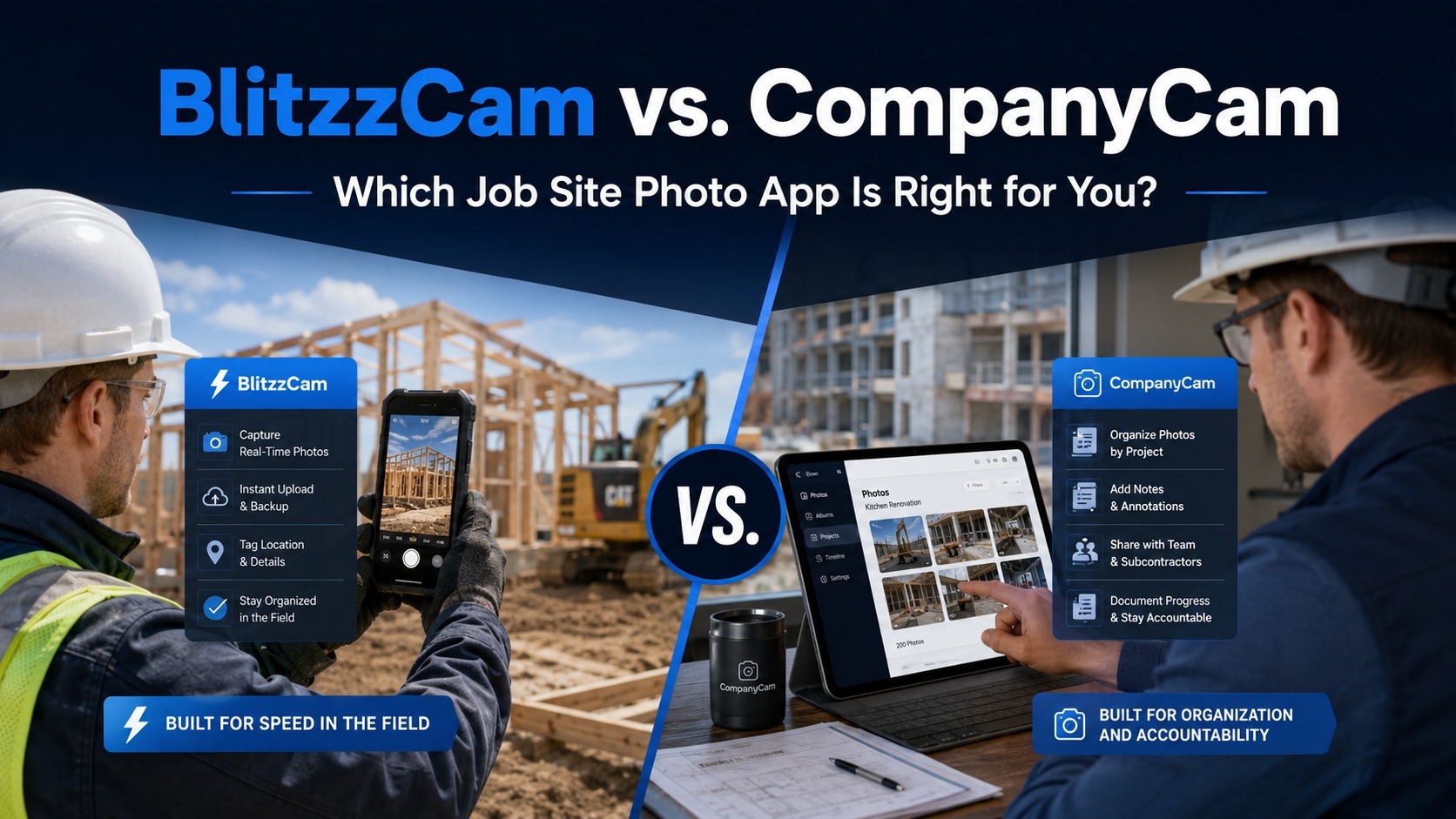
CompanyCam does one job well: getting photos off your crew's phones and onto a job record everyone in the office can see. For a lot of contractors, that's exactly what they signed up for.
But most businesses don't stay there for long. Once the photo problem is solved, the next one shows up — scheduling lives in one app, estimates live in another, invoicing is somewhere else entirely, and your office manager is stitching together a full picture of a project from four different logins.
If that sounds familiar, here's a rundown of seven CompanyCam alternatives, what each one actually replaces, and how to think about the switch.
Why Contractors Start Looking Elsewhere
CompanyCam has built a loyal user base of over 100,000 contractors, and for good reason — it's simple and it works. But a few recurring frustrations tend to push people toward other options:
It's a single-purpose tool. CompanyCam captures and organizes photos. It doesn't estimate, schedule, invoice, track time, or calculate job costs. For $19–$29 per user per month, you're paying exclusively for documentation.
Per-seat pricing adds up. A 10-person crew runs $190–$290/month just for photos. Once you stack on the other software most contractors need to actually run a business, the monthly total climbs fast.
Nothing else talks to it. Photos live in CompanyCam. Your schedule, budget, and client communication live elsewhere. Answering a simple homeowner question can mean opening three separate apps.
Tool sprawl becomes the real cost. Because CompanyCam only solves one problem, most of its users end up managing two or three other subscriptions alongside it — more logins, more training, more places for information to get lost.
None of this means CompanyCam is bad software. It means that as your business grows past "just document the job site," you start needing something built for the fuller picture.
6 CompanyCam Alternatives Worth Considering
1. Projul — Best All-in-One Alternative
Pricing: Flat annual plans, unlimited users, no per-seat fees.
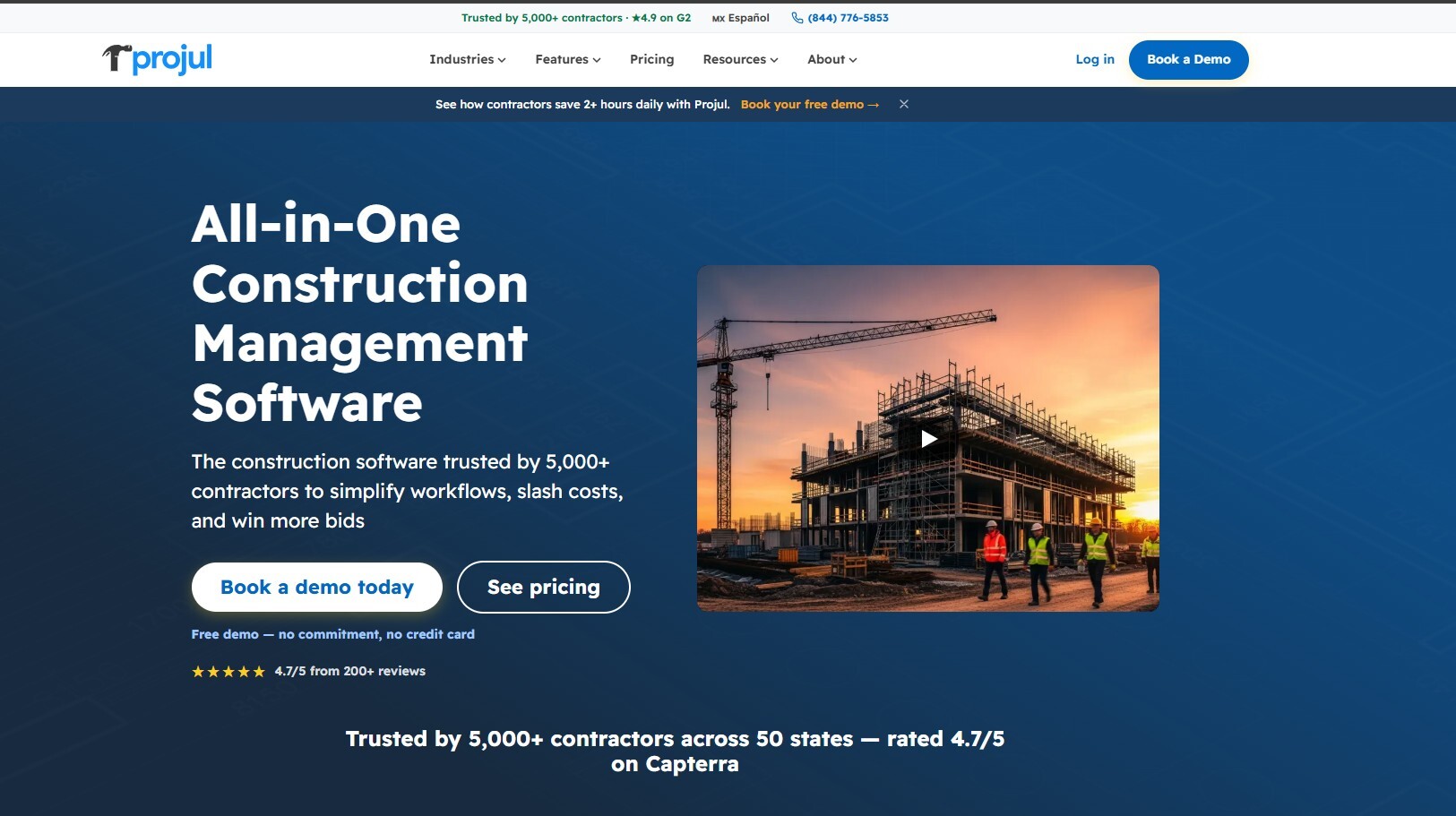
Projul folds photo capture into a full operating platform: CRM, estimating, scheduling, invoicing, time tracking, and job costing all live under one login. Crews snap photos directly in the mobile app and they attach automatically to the right project — no separate camera app required.
The pricing model is the real draw here. Where a 10-person team pays roughly $190/month for CompanyCam alone, Projul's Core plan runs about $4,788/year for that same team size — with unlimited users and the rest of the business covered too.
Where it wins: full project management, estimating, invoicing, and job costing in one place, no per-user cost. Where CompanyCam still wins: more specialized photo tools — detailed annotation, before/after comparisons, timeline views.
Best for: contractors ready to consolidate their whole software stack into one platform.
2. Buildertrend — Best for Large Residential Builders
Pricing: Plans generally start around $499/month, plus onboarding fees.
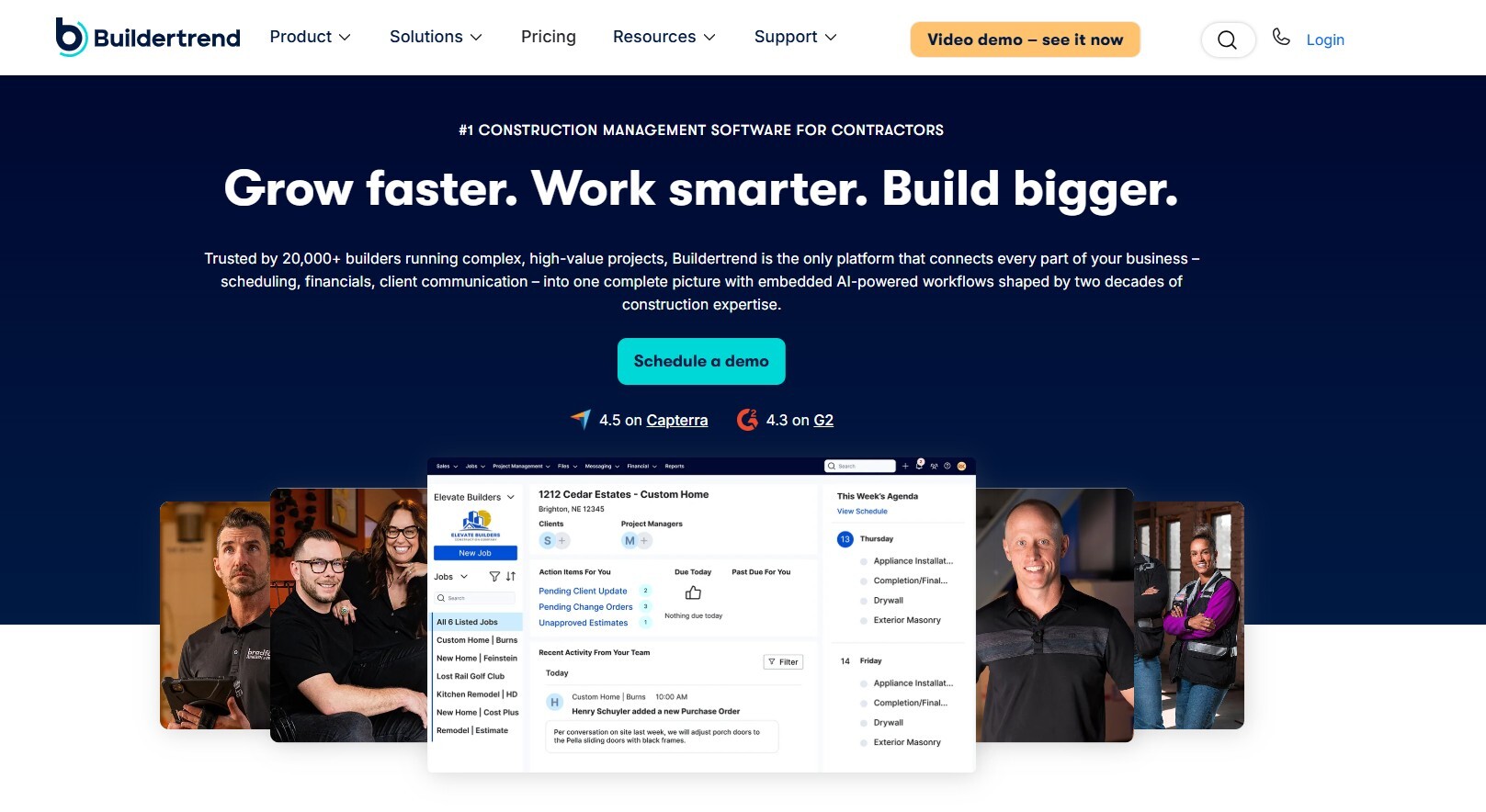
Buildertrend is built for custom home builders and large-scale remodelers who need to manage nearly every part of the business — CRM, estimating, change orders, selections, warranty tracking, and client/sub portals, alongside photo documentation tied directly to each project.
It's genuinely comprehensive, but that comes at a cost: a steep learning curve, a mobile app that draws mixed reviews on speed, and pricing that's tough to justify for smaller crews.
Where it wins: end-to-end construction management, homeowner and subcontractor portals, deep project tracking. Where CompanyCam still wins: far cheaper, faster to set up, simpler for a small crew.
Best for: custom builders and large remodeling companies with the budget and team size to justify it.
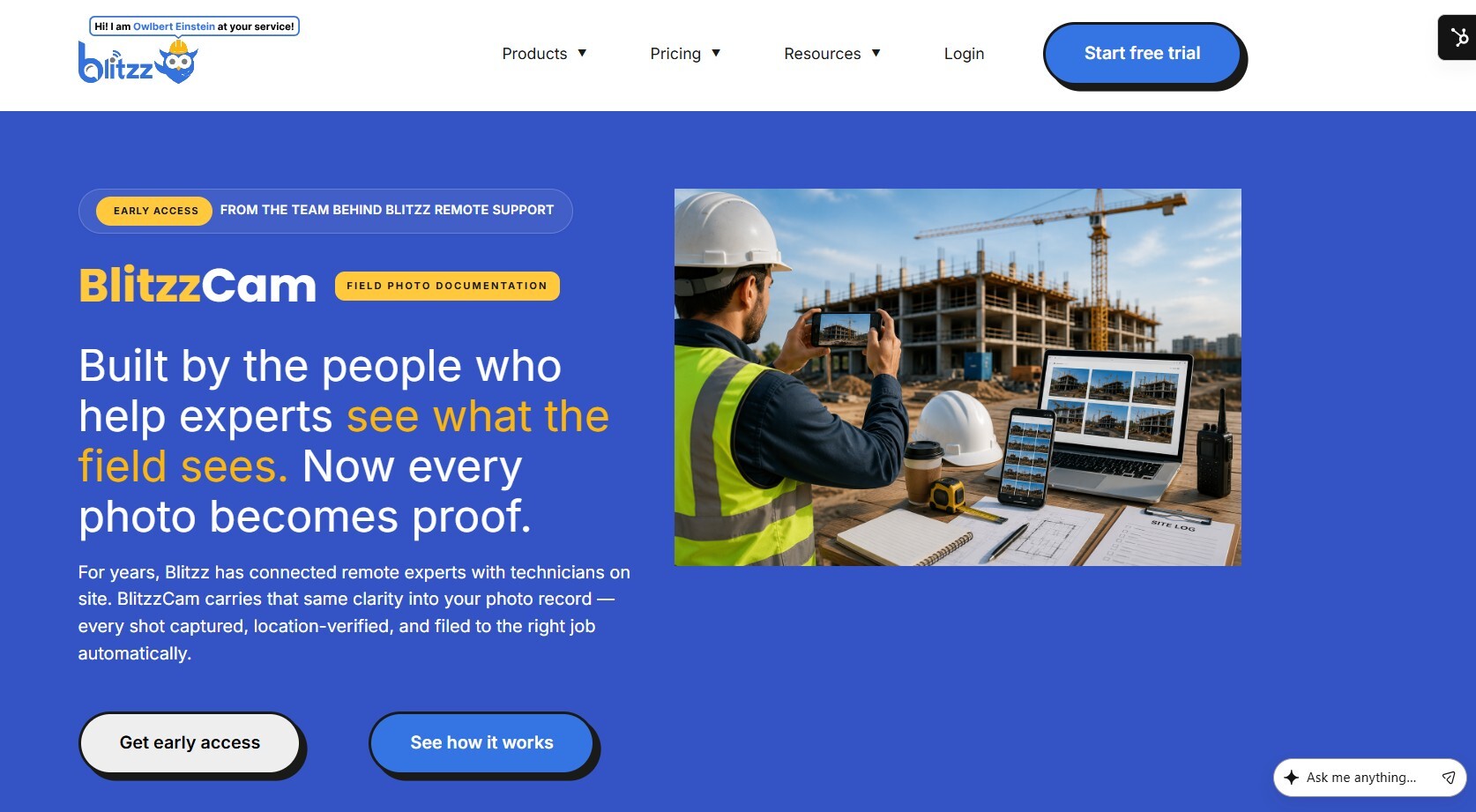
3. BlitzzCam — Best for Verified, Dispute-Proof Documentation
Pricing: Currently in early access; join the waitlist for launch pricing.
BlitzzCam comes from Blitzz, a company that's spent over a decade building remote video support tools that connect field technicians with remote experts in real time. BlitzzCam takes that same "see exactly what's happening on site" experience and applies it to photo documentation — with an emphasis less on organizing photos and more on making each one hold up as proof.
Every photo captured through BlitzzCam is automatically stamped with GPS location and a timestamp, then filed under the correct project without any manual renaming or foldering. That matters most in the moments CompanyCam users describe as their worst-case scenario: a change-order dispute, a surprise audit, or a subcontractor handoff where nobody can find the one photo that would settle the argument. This is the same problem Blitzz has spent years solving for construction and field service teams on the video-support side — BlitzzCam just extends it to photos. Because the record is company-owned rather than sitting on a crew member's personal phone, it also doesn't walk out the door when someone leaves.
On the office side, photos come with built-in checklists and task assignments, so field-completed inspections don't need a side channel to get reviewed. Clients and inspectors can view a permissioned portal link or receive a branded PDF report without downloading an app or waiting on a zipped folder over email.
Where it wins: automatic GPS/timestamp verification on every photo, company-owned (not device-owned) records, built-in client-facing portal and branded reporting, backed by a team with a long track record in field-to-remote workflows. Where CompanyCam still wins: longer market history and a larger existing user base; BlitzzCam is newer and currently limited to early-access cohorts, and it doesn't include full project management, estimating, or invoicing the way Projul or Buildertrend do.
Best for: contractors and field service teams whose biggest pain point isn't organizing photos — it's proving what happened, when, and where, if a claim or dispute ever lands on their desk.

4. Fieldwire — Best for Field-First Task Management
Pricing: Free for basic use (up to 3 projects); Pro from $39/user/month, with higher business tiers available.
Fieldwire sits between a photo app and a full project management suite. Its standout feature is plan markup: your team can drop tasks directly onto blueprints, attach photos to specific locations, and track progress visually — a natural fit for commercial projects with a lot of moving parts.
It also covers daily reports and inspection checklists, but it stops short of estimating, invoicing, or CRM functionality, so you'll likely still need other tools for the business side.
Where it wins: blueprint-based task management, daily reporting, deeper field collaboration. Where CompanyCam still wins: simpler, cheaper per seat, stronger standalone photo tools.
Best for: commercial contractors and superintendents managing tasks against detailed plans.
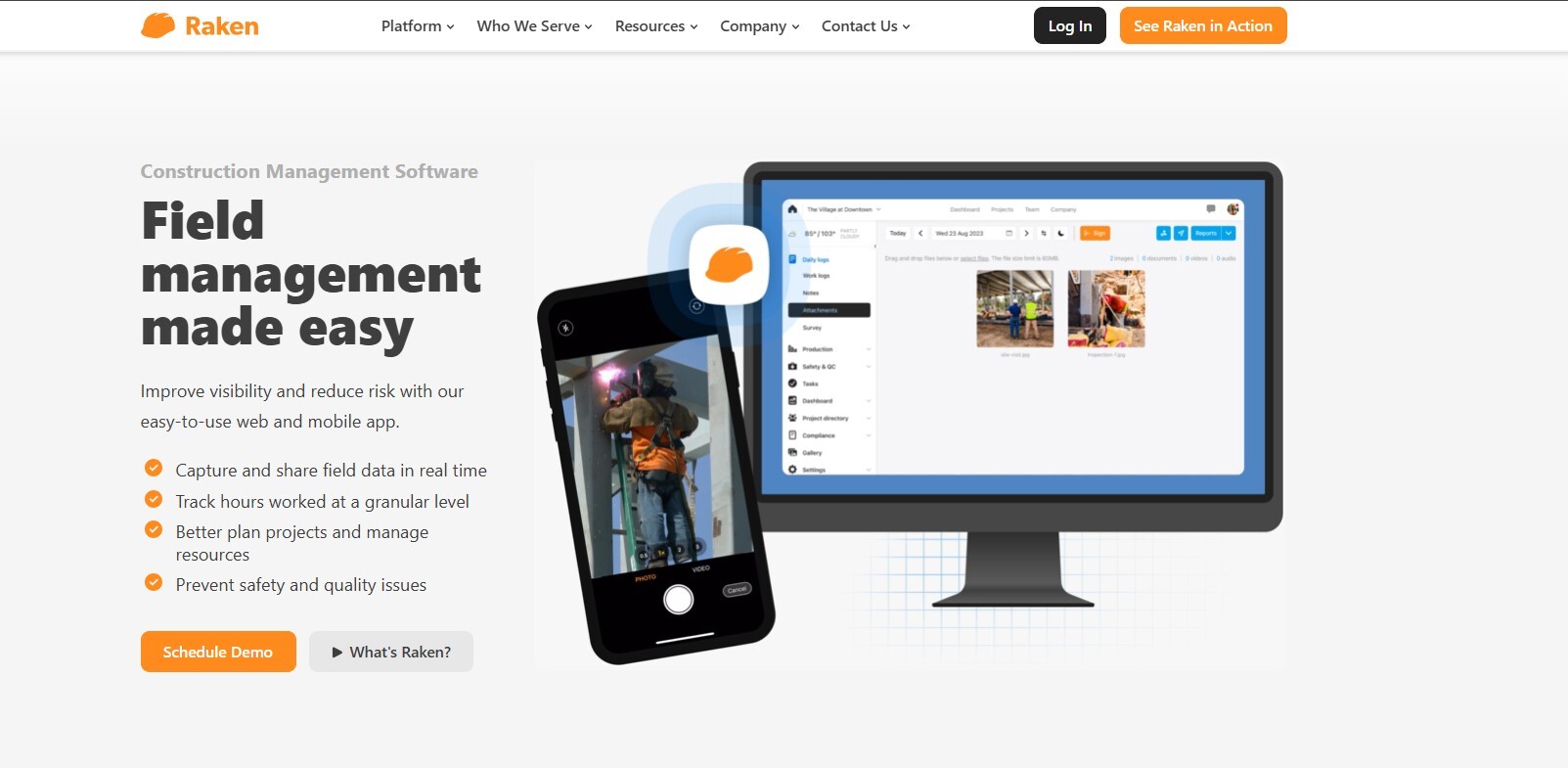
5. Raken — Best for Daily Reporting
Pricing: Starts around $15/user/month, with custom pricing for larger teams.
If your issue with CompanyCam isn't the photos themselves but the lack of context around them, Raken fills that gap. Its core feature is the structured daily report — weather, manpower, work performed, safety notes, and photos all captured in one log that can be shared with owners or GCs.
Like CompanyCam, it doesn't touch estimating, scheduling, or invoicing, so it's a documentation layer rather than a business platform.
Where it wins: structured daily logs, safety documentation, offline mobile capture. Where CompanyCam still wins: simpler photo organization for teams that don't need formal daily reports.
Best for: commercial crews and superintendents who need documentation with more narrative than a photo alone provides.
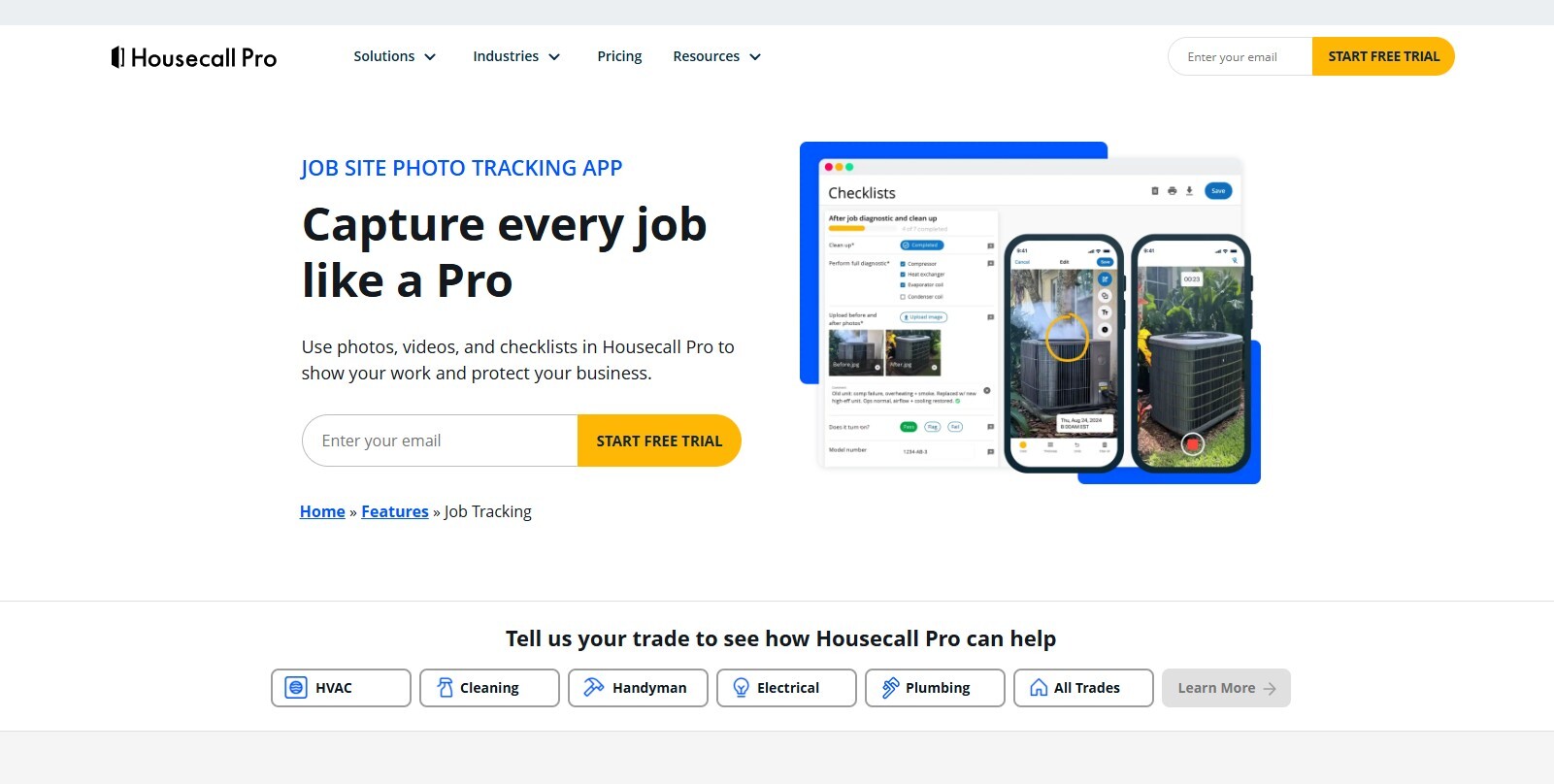
6. Housecall Pro — Best for Residential HVAC Shops
Pricing: Tiered plans; entry-level starts around $69/month.
Housecall Pro built out a dedicated jobsite photo feature that goes beyond basic attachments — techs can record short videos, mark up photos with arrows and text, and timestamp images to show exactly when work was completed, all inside the same app used for scheduling and invoicing. Key features include unlimited cloud photo storage so nothing clutters a tech's personal phone, 60-second video recording with in-app trimming, arrow, shape, and text annotations directly on photos, and full integration with Housecall Pro's own scheduling and invoicing, so there's no app switching required.
It's built for smaller, residential-focused operations — larger commercial HVAC shops with equipment-hierarchy or multi-location needs tend to outgrow it.
Where it wins: photo and video documentation with markup and timestamping, bundled directly into the scheduling and invoicing tools a residential shop is already paying for, with no second subscription needed.
Best for: residential HVAC shops already running Housecall Pro who want photo documentation without adding another tool to their stack.
How to Choose
- Want everything under one roof? Projul replaces your photo app, scheduler, estimator, and invoicing tool at once.
- Running a large custom-build operation? Buildertrend covers the most ground, at the highest cost and steepest learning curve.
- Documentation needs to hold up in a dispute? BlitzzCam's GPS/timestamp verification and company-owned records are built for exactly that scenario.
- Managing tasks against blueprints? Fieldwire is purpose-built for that workflow.
- Daily reporting matters more than photos alone? Raken turns field notes into structured reports.
- You're in roofing or exteriors? JobNimbus pairs CRM with photo capture.
- You want marketplace leads alongside project tools? Houzz Pro adds that on top of standard business features.
What to Think About Before Switching
Will your crew actually use it? CompanyCam's popularity comes partly from how little friction it has. Whatever you move to needs to be just as easy to open on a job site, even if it does more under the hood.
What's your total software spend right now? Add up CompanyCam plus everything else you're paying for. Contractors are often surprised how close that number gets to — or exceeds — the cost of a single consolidated platform.
How much do you rely on CompanyCam's specific photo features? If detailed annotation or timeline comparisons are core to your workflow, confirm your new platform covers them before you commit.
What happens to your photo history? If you've been on CompanyCam for years, export your existing photos before you cancel. Most contractors keep a backup drive of pre-migration photos even after switching, just in case they need to reference old jobs.
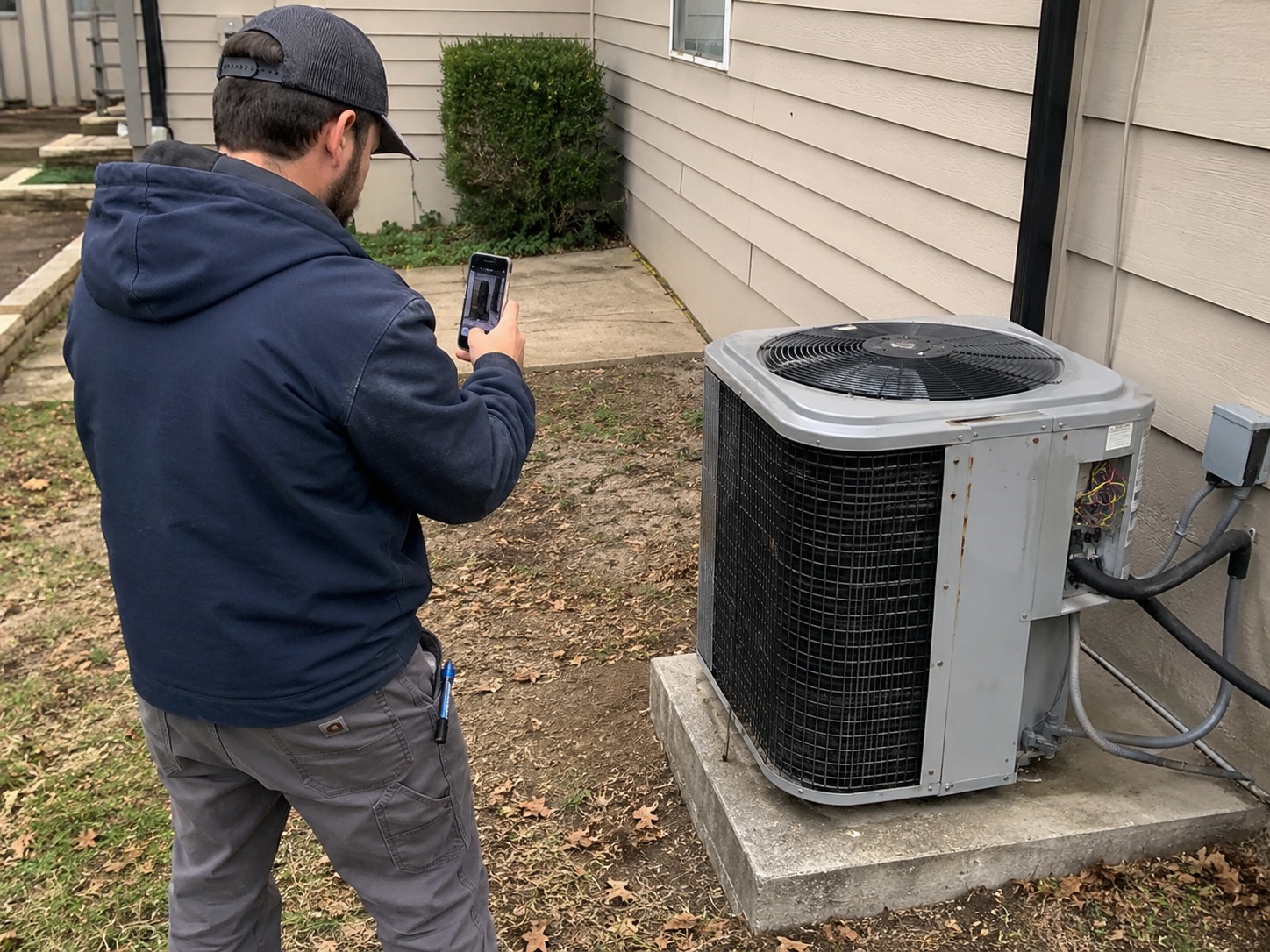
Making the Switch Without Losing Your Records
A clean migration comes down to a few basics: export everything from CompanyCam before you cancel, pick a firm cutover date instead of running two systems in parallel indefinitely, spend real time training your field crew on the new app (ideally on an actual job site, not in a conference room), and keep your old subscription active for a month or two after cutover as a safety net before you cancel it for good.
The Bottom Line
CompanyCam is a solid tool if photo documentation is genuinely the only gap in your stack. But most contractors find that photos are just the first problem, and the search for "what should replace CompanyCam" usually turns into a bigger question: what does your business actually need to run smoothly, and how many separate apps are you willing to keep paying for and switching between?
If your priority is consolidating everything into one platform, Projul or Buildertrend are the strongest options here. If your priority is making sure every photo can actually hold up when a claim, dispute, or audit puts it to the test, BlitzzCam is worth a look — and given it's still in early access, getting on the waitlist now means locking in launch pricing before it's generally available.
Review these FAQs
How much does CompanyCam cost?
CompanyCam is priced per user, starting around $19/month on the Standard plan and $29/month on the Premium plan. For a 10-person team, that works out to roughly $190–$290 per month, and some features — like custom reports and advanced integrations — are only available on the higher tier.
Can CompanyCam replace project management software?
No. CompanyCam is built specifically for photo capture and organization — it doesn't handle estimating, scheduling, invoicing, time tracking, or job costing. Most contractors run CompanyCam alongside separate tools for those functions, which is exactly the tool-sprawl problem that drives people to look at alternatives in the first place.
What is the best CompanyCam alternative for contractors?
It depends on what you actually need beyond photos. For contractors who want to consolidate their entire software stack into one platform, Projul is the strongest all-in-one option. For contractors whose main concern is making sure photo documentation can hold up in a dispute, audit, or insurance claim, BlitzzCam is built specifically around GPS/timestamp-verified, company-owned photo records.
Does BlitzzCam have photo documentation like CompanyCam?
Yes, and it goes a step further. Like CompanyCam, BlitzzCam lets crews capture job site photos from a mobile app that automatically files them under the right project. The difference is that every BlitzzCam photo is stamped with verified GPS location and a timestamp the moment it's taken, and the record is owned by the company rather than living on an individual crew member's phone — which matters if that person leaves or a photo needs to hold up as proof later.
Is CompanyCam worth it for small contractors?
For a small crew whose only real pain point is disorganized job site photos, CompanyCam can be a reasonable and simple starting point. The math gets less favorable as the team grows or as the business needs more than documentation, since per-user pricing scales up quickly and every other function (scheduling, estimating, invoicing) still requires separate software.
What are the biggest limitations of CompanyCam?
The core limitation is scope: CompanyCam only does photo documentation. It doesn't include project management, estimating, invoicing, or job costing, so contractors end up paying for and managing several other tools alongside it. Per-user pricing also makes it more expensive as a team grows, and because photos live in isolation from the rest of a project's data, pulling together a complete picture for a client or a dispute often means checking multiple apps instead of one.

Blitzz Team
The Blitzz Team writes about remote video support, virtual inspections and field service. Our guides come from working with home builders, property managers, warranty teams, contact centers and field service organizations that use Blitzz to see and solve issues without a truck roll.