Skip to content
 
Field Documentation · Now in early access
 

Every job, documented. Every photo, accounted for.

BlitzzCam turns the photos your crews already take into an organized, location-verified record of every project — searchable, shareable, and ready the moment anyone asks for proof.


Field log — the problem


The photos exist. The record doesn't.

Your crews capture thousands of photos every week. But scattered across personal phones and group chats, they don't add up to anything you can search, trust, or defend.
1-1
Trapped on personal phones

Critical site photos live on devices you don't control. When someone quits, the visual history of the job walks out the door with them.

2-1
Hours lost hunting for one shot

A single requested image means scrolling camera rolls, pinging the group chat, and praying someone still has it. Multiply that across every project.

3-1
No proof of when or where

A photo with no verified date or location is just a picture. In a dispute or audit, "we did it right" isn't worth much without evidence to back it.

4
Disputes you can't win

Change orders, damage claims, and callbacks turn into your word against theirs — and without a timeline, the cost of being wrong lands on you.

Number5
Manual sorting that never ends

Someone burns their evenings renaming files, building folders, and dropping images into reports — slow, error-prone, and impossible to keep up.

Number6
Clients left in the dark

Owners and stakeholders want to see progress without a site visit. Emailing zipped folders once a week isn't communication — it's a chore.


Why BlitzzCam


Every field photo, automatically captured, verified, and organized.

BlitzzCam makes field photo management effortless. Every image is automatically uploaded, GPS and timestamp verified, and organized into the right project—so teams can focus on getting work done instead of managing photos.
 

The solution

One place for every field photo — filed to the right project
BlitzzCam captures and stamps every photo, then keeps your visual record organized by project, so your team spends time on the work instead of hunting for images.

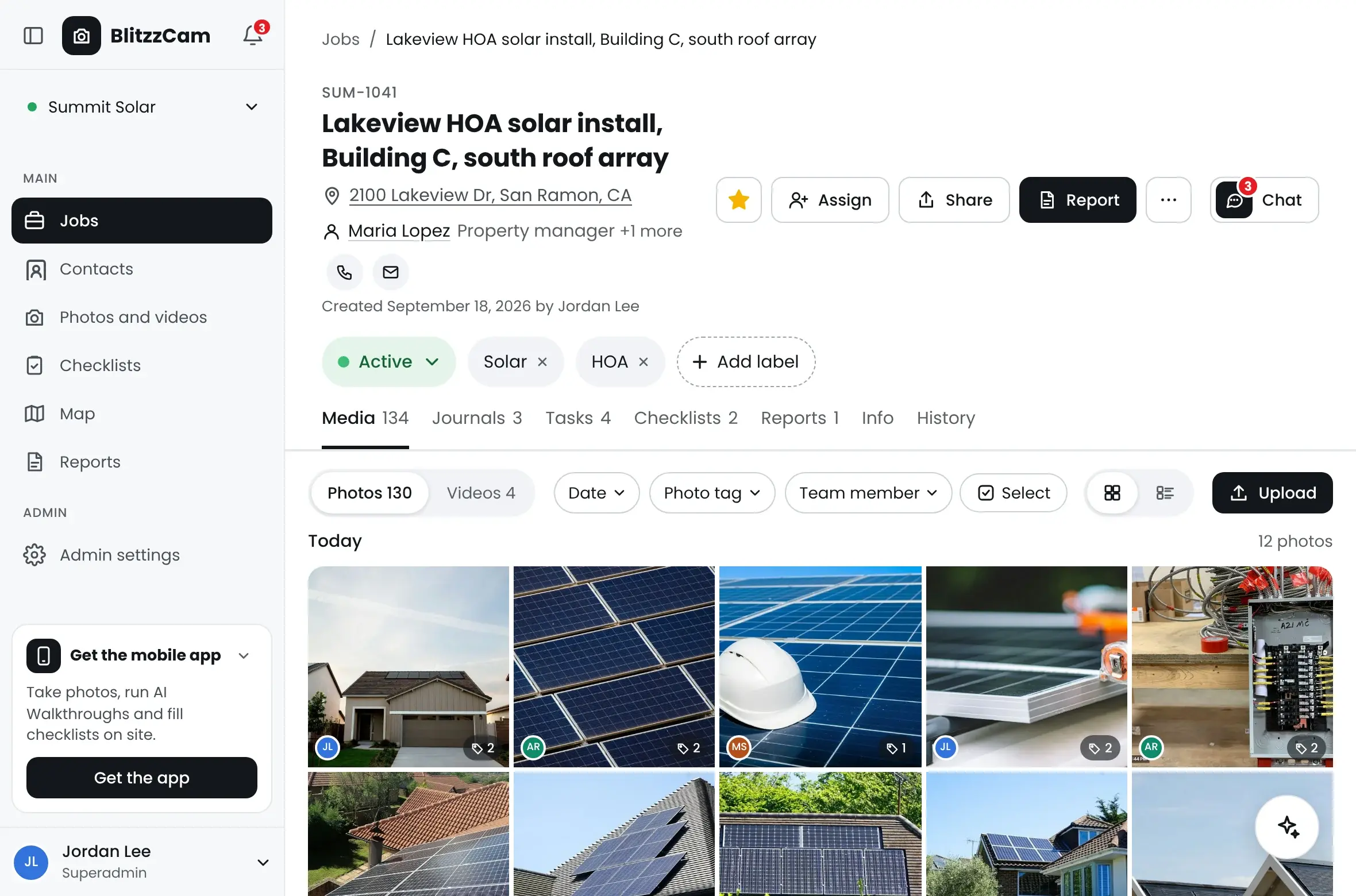
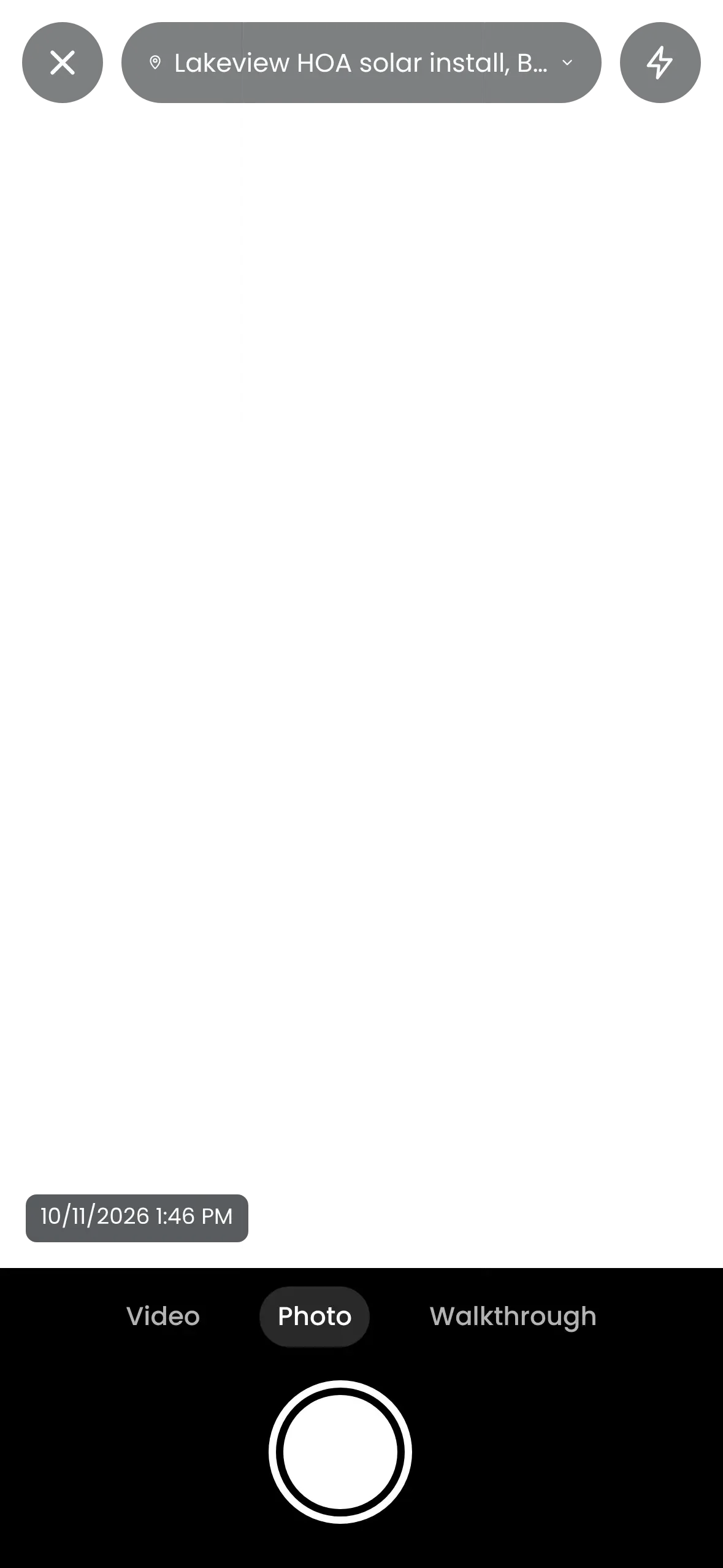
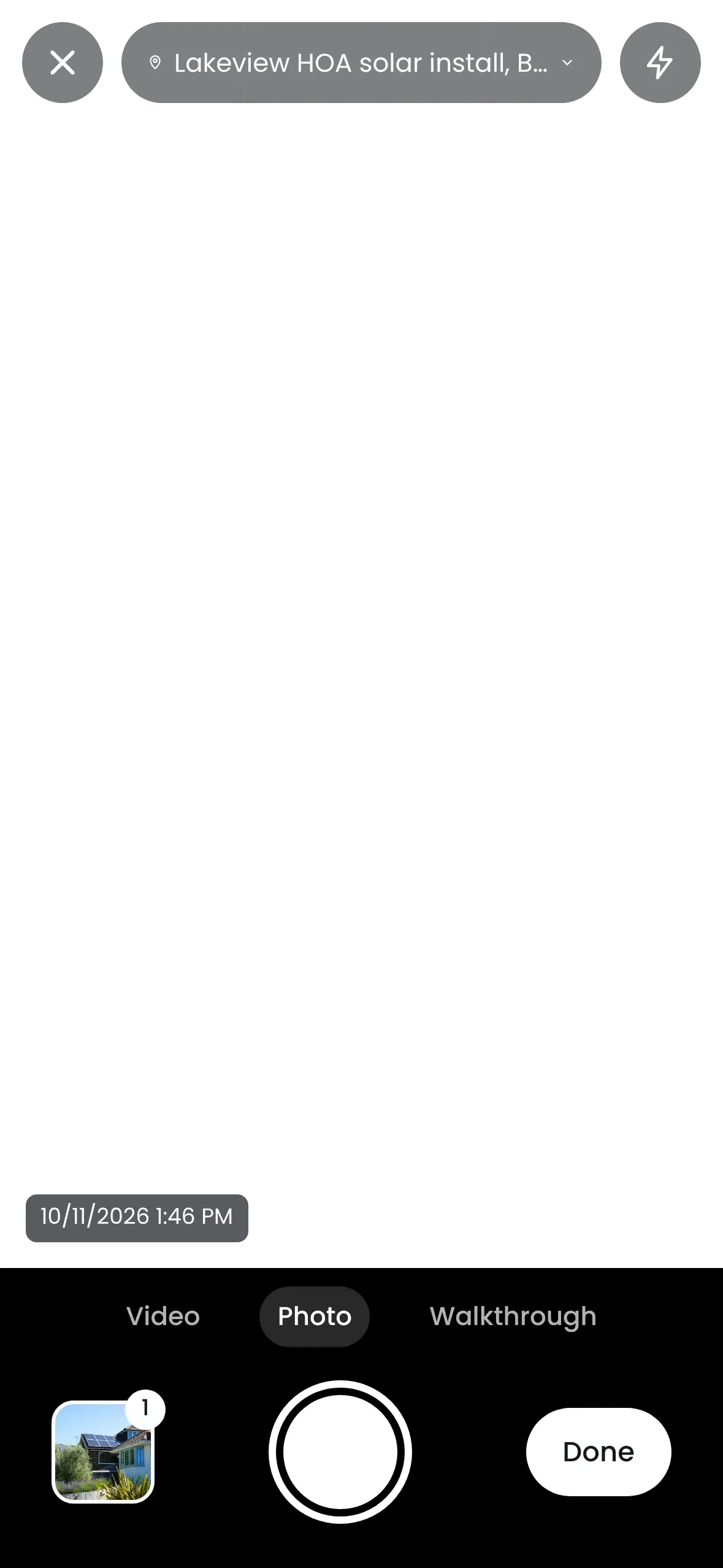
Capture stays effortless: Crews shoot photos the way they already do — BlitzzCam handles the upload and storage in the background.

Verified the instant it's shot: Every photo is stamped with GPS location and a timestamp, so context is never lost.

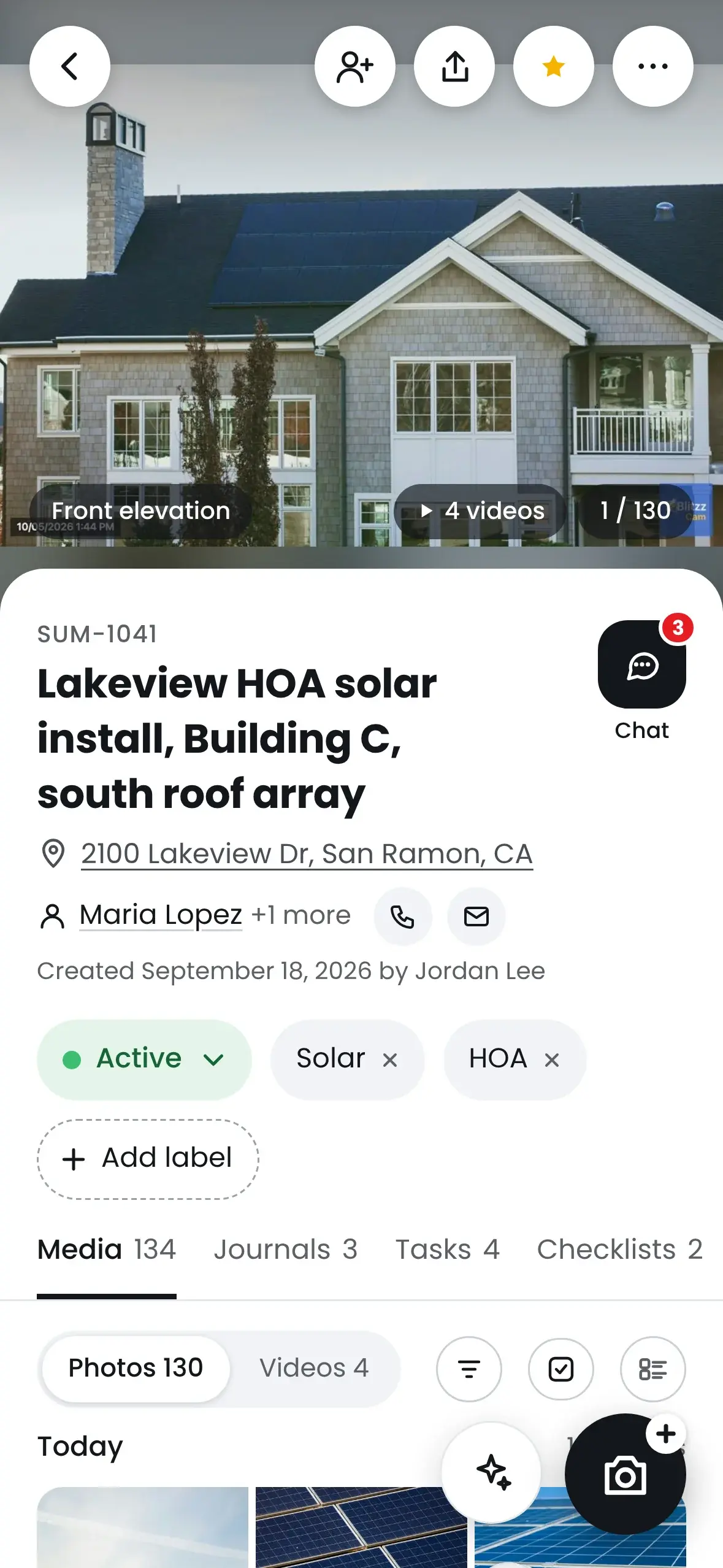
Organized by project: Photos live under the right job, and custom tags keep everything findable — no more orphaned images in a camera roll.

Shared in a click: Office staff, clients, and inspectors see exactly what they need through the client portal, from anywhere.


Capabilities


Everything your field record needs — nothing it doesn't

A documentation platform built around how field teams actually work, from the first photo to the final report.
Unlimited photo capture

Document as much as the job demands. Capture high-resolution photos without worrying about storage caps or per-image fees.

Project-based organization

File every photo under the right project and phase, so the record stays structured by job instead of scattered across camera rolls.

GPS & timestamp verification

Every photo is tagged with time and location, while the map view shows exactly where work was completed across every jobsite.

Checklists & inspections

Build checklist and inspection templates, complete them in the field with photos and structured answers, then export the results to PDF.

Tasks & assignments

Create tasks, assign them to the right people, and track what's done and what's next — so work is coordinated without side channels.

Mobile & web access

Capture in the field on iOS and Android; review, organize, and report from any browser back at the office. One record, every device.

Tags & search

Organize photos with custom tags and find what you need by project, tag, and date — your whole visual record, kept searchable.

Report generation

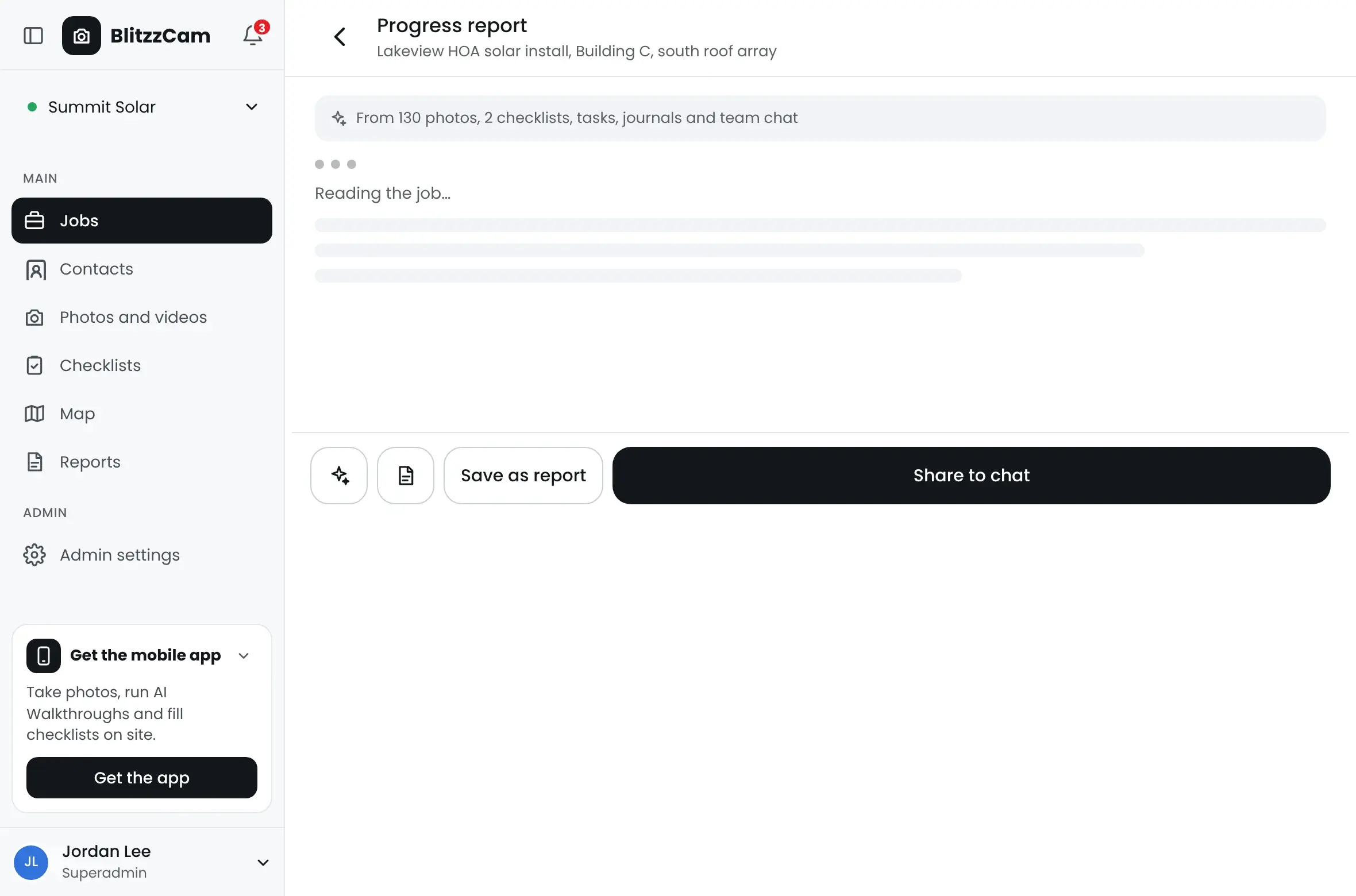
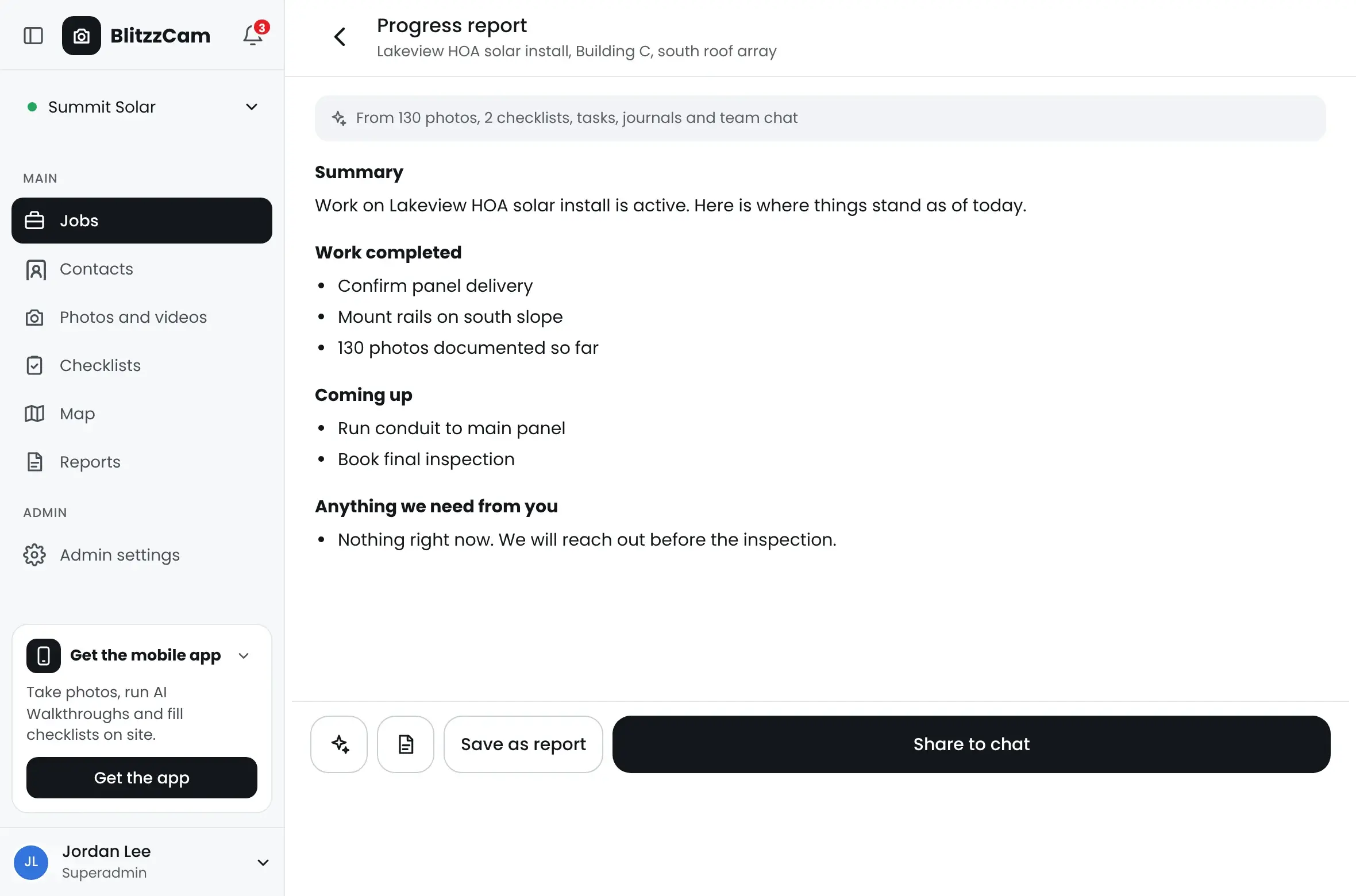
Turn a project's photos and checklists into a clean, branded PDF in seconds — ready for clients, inspectors, or your own files.

Client & stakeholder sharing

Give owners, GCs, and adjusters a window into the work through the client portal with permission-based access — no app download required.


Why it matters


One visual record. Returns across the whole business.

Better documentation isn't just tidier — it changes how efficiently you run, how much you keep, and how confidently you can answer for your work.
Return 01 • Operational
Run tighter jobs
Less time spent managing photos, more spent moving work forward.
 
Find any project photo in seconds
Stop digging through camera rolls and group chats.
Speed
 
Cut the manual photo admin
No renaming, foldering, or hand-built reports.
Admin
 
Keep crews in sync
Everyone sees the same up-to-date project view.
Sync
 
Fewer site visits
Check progress remotely instead of driving out.
Travel
Return 02 • FinanciaL
Protect the margin
Evidence on file turns disputes, callbacks, and rework into smaller numbers.
 
Win disputes and change orders
Time-stamped proof settles arguments fast.
DISPUTES
 
Reduce costly callbacks
Documented work means fewer "redo it" claims.
CALLBACKS
 
Bill with confidence
Back every invoice with visual evidence.
BILLING
 
Reclaim billable hours
Time saved on admin goes back into the job.
HOURS
Return 03 • Compliance
Stay audit-ready
A complete, controlled record you can hand over the moment it's requested.
 
Verified location & time on every shot
Defensible evidence when it's questioned.
PROOF
 
Complete project history
A full record is retained, not scattered or lost.
RECORD
 
Controlled, permissioned access
The right people see the right records.
ACCESS
 
Faster inspections & sign-offs
Hand over organized documentation on demand.
AUDIT
 

How it works


From shutter to shareable in four steps

No new habits to learn. BlitzzCam slots into the way your crews already work and does the heavy lifting in the background.
1-1
Capture on site

Open the mobile app and shoot photos. Works fully offline — captures queue up and sync automatically when you're back in range.

2-1
Organize

Each photo is stamped with GPS and time. File it under the right project, add tags, and complete checklists so the record stays structured.

3-1
Coordinate

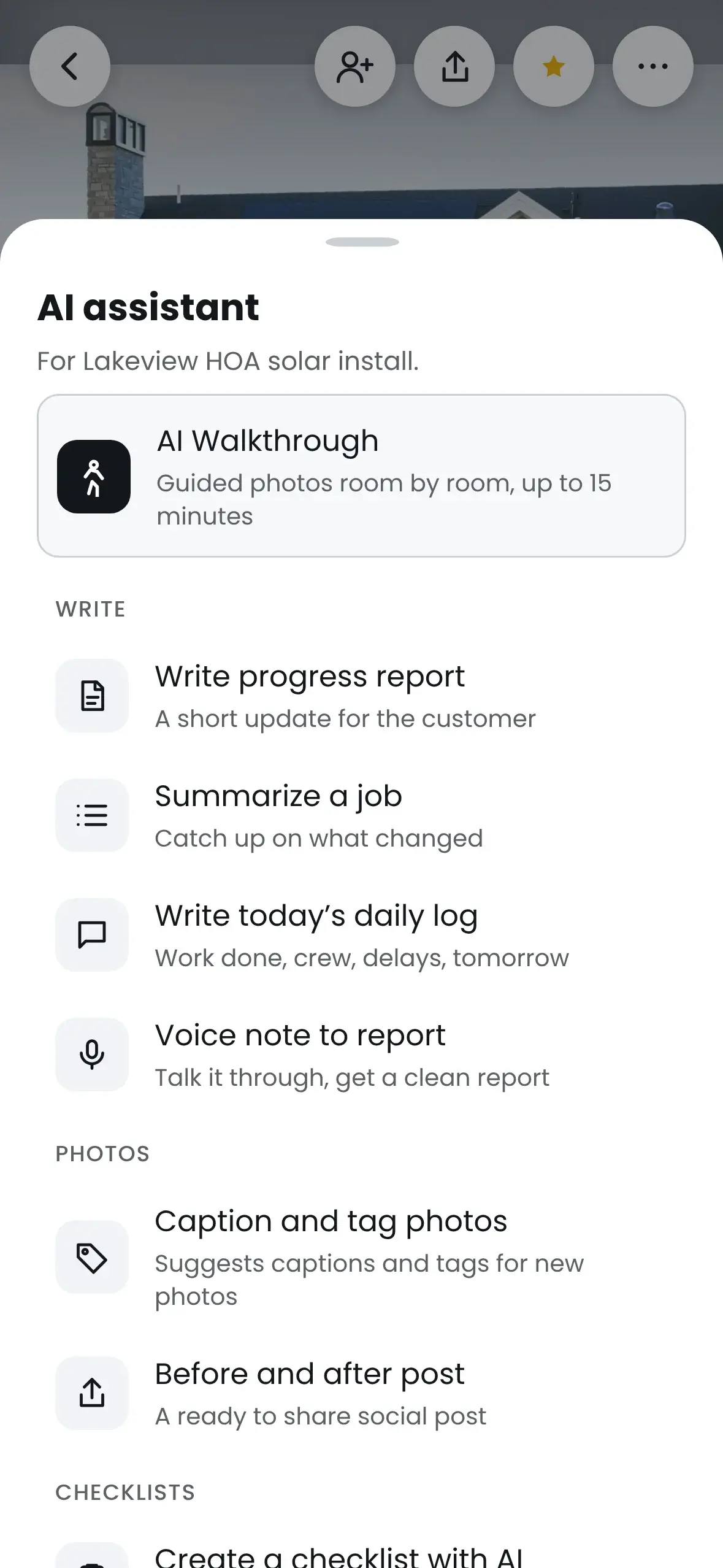
The office reviews photos, assigns tasks, and tracks project status across every job from a single dashboard.

4
Report & share

Generate a branded report or share a project through the client portal with clients, inspectors, and stakeholders — proof of work in seconds.

The same photos, a completely different record

Traditional methods vs BlitzzCam

Camera roll & group chats

0 /month

BlitzzCam

149 /month

Camera roll & group chats

BlitzzCam

Organization
✖ Manual folders, if they happen at all
✔ Filed by project with custom tags
Finding a photo
✖ Endless scrolling and "who has it?"
✔ Search by project, tag & date in seconds
Proof of time & place
✖ None you can rely on
✔ Verified GPS & timestamp on every shot
Ownership of records
✖ Stuck on personal phones
✔ Company-owned, secure cloud storage
Sharing with clients
✖ Zipped folders and email chains
✔ Live, permissioned links — no app needed
Reports
✖ Hours of copy-paste in a document
✔ Branded report generated in seconds
Dispute protection
✖ Your word against theirs
✔ A defensible, time-stamped timeline

Frequently Asked Questions

Have Question? We are here to help

What exactly is BlitzzCam?

BlitzzCam is a field photo documentation platform from Blitzz. It helps field teams capture, organize, verify, and share visual records of their work — every photo stamped with GPS and time, filed under the right project, tagged for search, and stored in one secure place your whole company can access.

How is it different from just using my phone's camera?

Your camera roll gives you a pile of photos with no structure, no verified context, and no easy way to find or share anything. BlitzzCam stamps each photo with location and time, lets you file it under the right project and tag it, makes it searchable, and keeps it on company-owned storage — so a photo becomes part of a usable, defensible record.

Does it work without a signal on remote sites?

Yes. Capture works fully offline in the mobile app. Photos are saved on the device and upload automatically the moment a connection returns, so crews in basements, tunnels, or rural sites never lose a shot or have to think about syncing.

Can clients and inspectors view photos without an account?

They can. You share a permission-based link, and stakeholders see exactly the photos, projects, or reports you choose — no app download or login required on their end. You stay in control of who sees what.

How do tags, search, and checklists work?

You organize photos with custom tags and file them under projects, then find any shot by project, tag, and date. For structured fieldwork, you can build checklist and inspection templates, complete them on site with photos and answers (yes/no, rating, text, multiple choice), and export the results to PDF.

Is my data secure and backed up?

Every capture is encrypted, backed up, and protected with access controls in secure cloud storage. Records belong to your company — not to whoever happened to take the photo — so nothing is lost when a phone breaks or an employee leaves.

How many photos can I store?

BlitzzCam is built around unlimited photo capture. Document jobs as thoroughly as they need to be documented — you shouldn't have to ration evidence because of a storage cap.

What platforms does it run on?

Crews capture in the field with native iOS and Android apps, and the office reviews, organizes, and generates reports from any web browser. It's one connected record across mobile and web.

When will BlitzzCam be available?

BlitzzCam is currently in early access. Join the waitlist to get priority onboarding, early-adopter pricing, and a direct line to shape the features that matter most to your team. We'll reach out as spots open up.