

.png?width=120&height=55&name=Blitzz-Logo-right%20white%20eyes%20-%20not%20transparent%20(3).png)
See their screen. Let AI read the error.
Browser screen sharing with Owlbert AI built in.
Customers share their screen from any browser in one click. Owlbert AI reads error codes and settings, suggests the fix from your knowledge base and writes the summary for you.
- No downloads or plugins
- Encrypted and consent based
- Web, iOS and Android
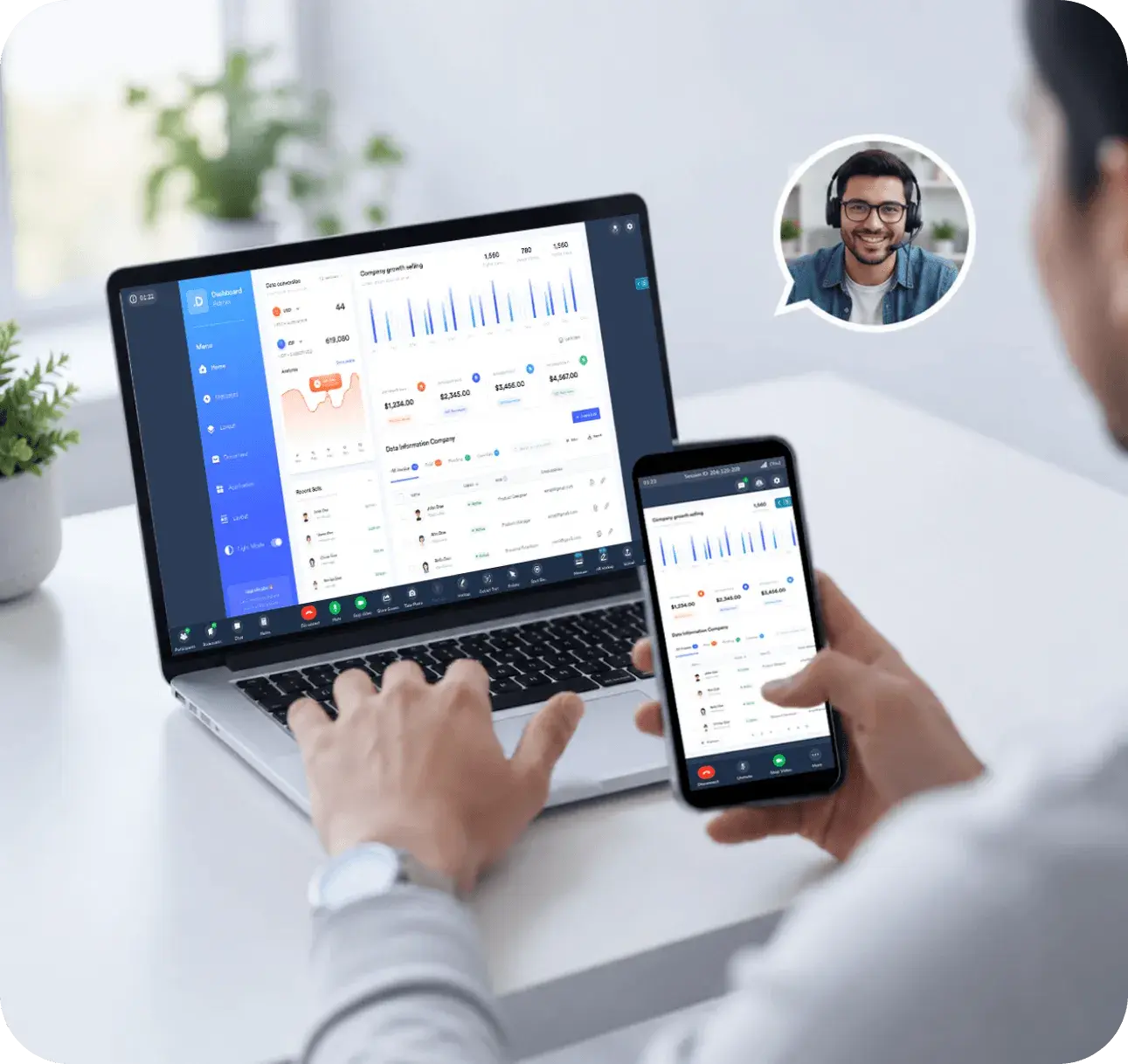
AI that understands the customer's screen.
Owlbert AI works inside every ScreenShare session. Your agent captures the screen and Owlbert tells them what is wrong and how to fix it.
Ask AI on a screenshot
Capture the shared screen. Owlbert reads error codes, dialogs and settings and suggests the fix.
Knowledge base answers
Ranked, cited answers from your help articles appear in the session panel.
Live chat translation
Talk to customers in their own language, translated in real time.
AI summary and notes
Notes and the summary are written for you and synced to Salesforce, ServiceNow or Zendesk.
- Open Settings, then Apps
- Uninstall the older version
- Run the installer again
Solve it together. Faster.
Results reported by Blitzz ScreenShare customers.
From link to AI guided fix.
Send a link
Share a secure link by SMS, email or WhatsApp, right from your CRM.
Customer shares
They click and share their screen in the browser. No download or account.
Owlbert reads itAI
Capture the screen. AI reads the error and brings up the fix.
Resolve and logAI
Guide the fix with annotation. AI notes sync to your CRM.
Screen sharing, with an AI assist.
Ask AI on a screenshotAI
Owlbert reads errors, dialogs and settings on the shared screen and suggests the next step.
Knowledge base answersAI
Cited answers from your help center, surfaced during the session.
AI summary and notesAI
Session notes written for you and synced to your CRM.
Live chat translationAI
Support customers in their language with real time translation.
Live annotation
Draw, highlight and point on the customer's screen.
Secure by design
Encrypted, consent based, time limited sessions with field masking.
Made for teams that support software.
Contact centers, SaaS companies, banks, insurers, healthcare and IT help desks use ScreenShare to solve issues on the first contact.
Works in the tools you already use.
Launch sessions from your CRM or help desk. Recordings, notes and AI summaries sync back automatically.
Simple per agent pricing
See plans and start a free trial.
Questions about ScreenShare
How does Owlbert AI work in ScreenShare?
The agent captures the shared screen and Owlbert reads error codes, dialogs and settings to suggest the fix. It also surfaces knowledge base answers, translates chat and writes the session summary.
Do customers need to download anything?
No. It runs in the browser. Customers join from a link with no app, plugin or install.
Is it secure?
Sessions are encrypted, consent based and time limited, with automatic field masking. Agents only see the screen while the customer is sharing.
Which devices are supported?
Desktop, tablet and mobile across modern browsers on Web, iOS and Android.
Does it integrate with my CRM?
Yes. Salesforce, Zendesk, ServiceNow, Genesys, HubSpot, Microsoft Dynamics 365 and Zapier, plus a REST API.
Share the screen. Let AI help.
Start free and see Owlbert AI read the problem for your agents.
Prefer a walkthrough? Book a demoTrusted by support, field and inspection teams at enterprises, cities and public agencies









.png?width=56&height=56&name=City%20of%20Salem%20(%20Through%20Dell).png)
