.png?width=120&height=55&name=Blitzz-Logo-right%20white%20eyes%20-%20not%20transparent%20(3).png)

Most companies treat support and sales as separate functions. Support handles problems. Sales handles revenue. The two teams use different tools, report to different leaders, sit on different floors, and measure success against different metrics. The interaction between them is usually limited to handoff — support escalates a deal-sized issue to a sales rep, or sales loops support in when a prospect has technical questions.
This separation made sense when sales was face-to-face and support was voice-only. It makes much less sense now. Remote sales teams operating through video have access to a capability that fundamentally collapses the boundary: the ability to see what the customer has, in real time, without the customer leaving their seat. That capability turns nearly every support conversation into a qualified upgrade opportunity — and turns nearly every sales call into a more accurate, lower-friction transaction.
The companies winning at remote-led revenue right now aren't the ones with the best scripts or the most aggressive outbound motion. They're the ones whose sales teams can see what their customers actually own, identify the gap between what's installed and what's available, and walk the customer through the upgrade in the same session that surfaced the need.
This guide explains how remote sales teams use video-powered sales calls to do exactly that — what changes about the sales conversation when the rep can see the customer's environment, where the highest-value upgrade opportunities sit, how to operationalize this without rebuilding the org chart, and what the revenue impact looks like in practice.
The Hidden Revenue Problem in Voice-Only Sales
Before examining the solution, it's worth being precise about what's broken — because the gap is larger than most sales leaders measure.
A remote sales rep on a voice-only call is doing the same thing a voice-only support agent does: guessing. They're guessing about what the customer currently owns. Guessing about whether their existing setup is compatible with the upgrade being pitched. Guessing about whether the customer is describing the right model, the right version, the right configuration. The customer, for their part, is guessing about what the rep is describing — what the new product looks like, how it would integrate with what they already have, whether the rep's recommendation actually fits the use case.
This guesswork has three measurable consequences for sales operations.
First, conversion rates suffer. A customer who can't visualize the product, can't confirm compatibility with their existing equipment, and can't get a confident answer to "will this actually work in my setup?" defers the purchase. Defers turn into lost deals more often than they turn into closed deals.
Second, the wrong product gets sold. A rep who can't see the customer's setup recommends the upgrade that sounds right based on what the customer described. The customer's description was inaccurate. The upgrade arrives. It doesn't fit. The deal becomes a return, a refund, a churn risk, and a CSAT penalty all at once. The cost of selling the wrong thing is consistently higher than the cost of not selling at all.
Third — and this is the biggest one — upgrade opportunities sitting inside support calls go completely unseen. A customer calls support with a problem. The agent resolves it. The call ends. Nobody noticed that the customer's equipment is three generations old, or that they're running a configuration that's been deprecated, or that the issue they called about is structural to a product line they've outgrown. The upgrade opportunity was visible — to a sales rep who could see what was on the customer's desk. Nobody saw it because nobody was looking.
Remote visual support eliminates all three problems by changing what the rep can see. The guesswork doesn't get refined. It disappears.
What "Video-Powered Sales Calls" Actually Means
Video-powered sales calls are not Zoom meetings. They are not webinars. They are not screen-shared demos with a salesperson talking over slides. The category is structurally different, and the difference matters.
A video-powered sales call connects a remote sales rep to a customer through a live video session in which the customer's camera shows their physical environment — their existing equipment, the room where it lives, the configuration as it actually is — and the rep can guide, annotate, and walk through both diagnosis and upsell in real time. The session opens in the customer's mobile browser from a link the rep sends. No app download. No account creation. No installation.
The core capabilities that turn this from "video call" into "video-powered sales call":
- Live camera view of the customer's current equipment — the rep sees the model, the configuration, the wear, the version, and the surrounding setup
- OCR data extraction from the camera feed — serial numbers, model codes, and version stamps populate the CRM automatically, eliminating the "what model do you have?" friction at the start of every call
- AR annotations on the live feed — the rep can circle a specific component, point to a cable, label a port, or mark what would change after the upgrade
- Co-browsing into the customer's screen — for digital products and configuration tools, the rep can see and guide the customer's screen alongside or instead of the camera view
- Automatic session documentation — every captured image, AI-generated summary, and OCR-extracted data point syncs to the CRM record, so the deal handoff is complete before the call ends
- CRM-native session launch — sessions start from inside Salesforce, Zendesk, ServiceNow, or Genesys without the rep switching tools
What unifies these capabilities is a single shift in what the rep knows about the customer. Before the session, the rep is working from CRM notes, prior call summaries, and whatever the customer has volunteered. During the session, the rep is working from direct observation of the customer's environment. The information asymmetry that historically favored the customer — and made consultative selling slow — flips. The rep, for the first time, has a complete picture.
Where the Upgrade Revenue Actually Lives
The phrase "upgrade revenue" covers a lot of territory. For remote sales teams operating with video-powered capability, the highest-value opportunities cluster in five specific places.
1. Equipment age and version gaps surfaced inside support calls
This is the largest opportunity by volume, and the one most companies completely miss. Every support call involving physical equipment is a chance to observe the customer's installed base. When a support agent can see a router from three generations ago, an appliance that's been deprecated, an industrial machine running outdated firmware, or a piece of consumer electronics whose successor is meaningfully better — that observation is a qualified lead. The customer is on the phone. The need is implicit. The decision-maker is engaged. The friction to upgrade is at its absolute lowest.
The way leading companies operationalize this is by giving support agents the ability to flag upgrade-eligible equipment during a visual session, with a structured handoff to a sales rep who can either join the live session immediately or schedule a follow-up while the customer is still warm. This is the structural change that turns the support function from a cost center into a revenue channel — and it requires the visual capability to work. A support agent on a voice-only call can't see that the customer's equipment is three generations old. A support agent on a video-powered call can.
2. Pre-sale compatibility verification
For any sale where the new product needs to integrate with the customer's existing setup — networking equipment, smart home devices, vehicle accessories, manufacturing components, medical devices, appliances with installation requirements — the compatibility question kills deals. A customer who isn't sure the new product will fit, work with what they have, or integrate properly with their existing system defers the purchase. A remote sales rep on a video-powered call can verify compatibility in real time. The deal closes in the same session that surfaced the question.
3. Visual product demonstration without shipping samples
For physical products, the historical bottleneck in remote sales is that the customer can't see, touch, or evaluate the product. Video-powered sales calls partially solve this problem by letting the rep show the product from their side of the session — a sample on the rep's desk, a working demonstration in the rep's lab, a side-by-side comparison with what the customer currently owns. For categories where in-person demonstrations historically drove conversion, this is the closest remote substitute available.
4. Configuration-based upsell
Many products have configurations, tiers, and add-ons that aren't visible to the customer until someone walks them through the options. A rep on a video-powered call can see the customer's current setup, identify the configuration gaps, and walk through the upgrade options in a session that feels consultative rather than transactional. For SaaS products specifically, co-browsing into the customer's account lets the rep see exactly which features the customer is and isn't using — and surface the tier upgrade that matches the actual usage pattern.
5. Cross-sell triggered by environmental observation
When a rep can see the customer's environment, they observe things the customer never thought to mention. A networking sales rep on a video session notices the customer is running outdated security hardware. An appliance sales rep notices the customer's water heater is past replacement age. An industrial equipment rep notices an adjacent system that's also a sales opportunity. Each observation is a qualified cross-sell lead generated automatically by the visual context of the session.
From Support Conversation to Closed Upgrade
The reason video-powered sales doesn't work in most organizations is not because the technology is hard. It's because the workflow between support and sales is broken. Here's the operational pattern that actually produces revenue.
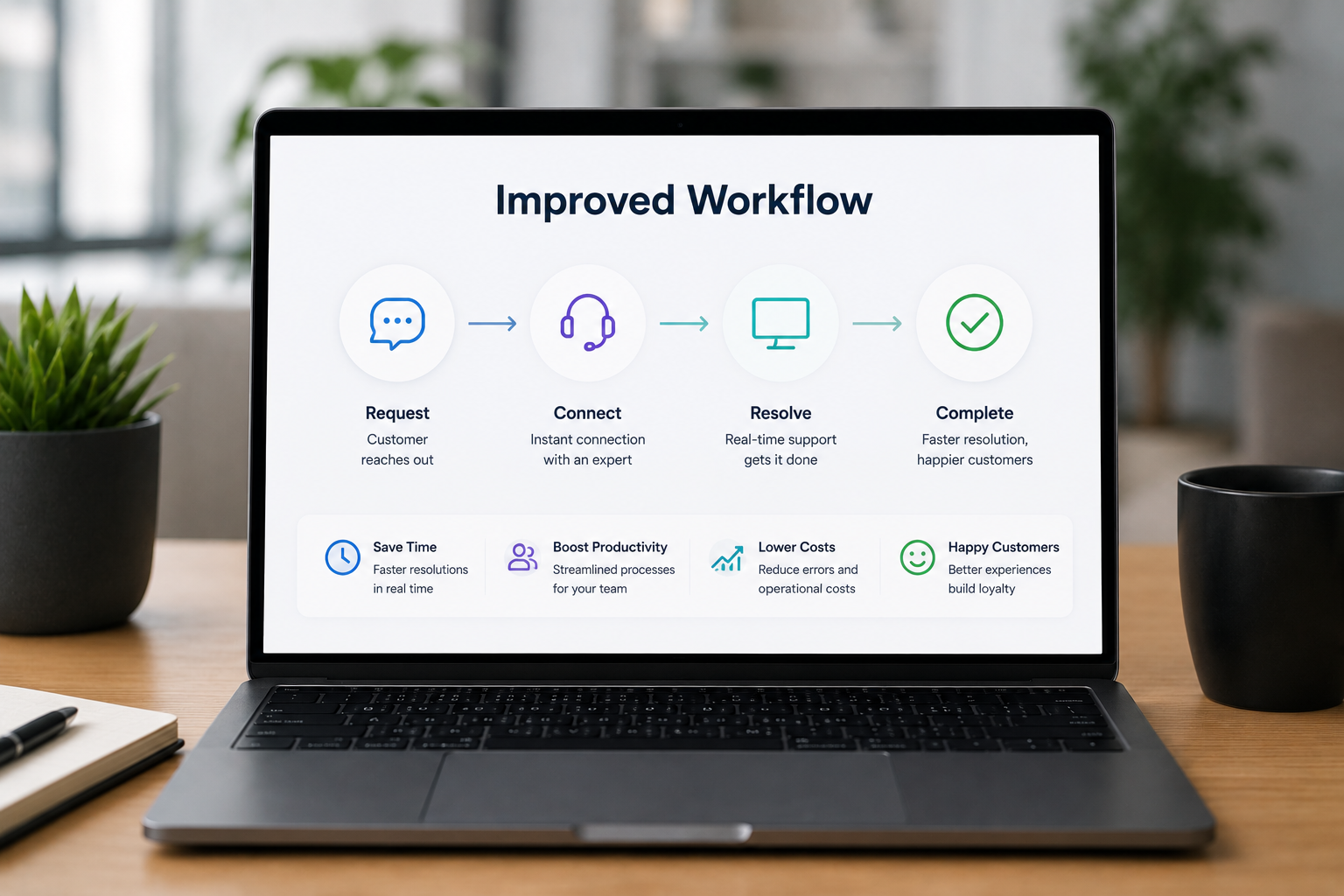
1. Support agent identifies the upgrade opportunity during a visual session. The customer is on a support call. The agent has launched a video session to diagnose the issue. While diagnosing, the agent observes that the customer's equipment, configuration, or setup represents a qualified upgrade opportunity. The agent flags it in the session record.
2. The session record syncs to the CRM automatically. Timestamped photos of the customer's current equipment. OCR-extracted serial numbers and model codes. AI-generated session summary. The full context that a sales rep would otherwise spend the first ten minutes of a follow-up call assembling — already in the record. This is the structural piece that makes the handoff actually work.
3. The handoff happens warm, not cold. Either the sales rep joins the existing session in real time (highest-converting pattern, used for high-priority opportunities) or schedules a follow-up while the customer is still on the call (used for lower-priority or larger-deal opportunities that need preparation). In both cases, the customer is handed off from someone who has already seen their setup to someone who can already see the upgrade conversation in context.
4. The sales rep runs the upsell conversation as a video-powered session. Same workflow as the support call — link sent, customer taps, session opens, rep guides. The difference is the conversation. Instead of diagnosing a problem, the rep is walking through compatibility, configuration, and the specific upgrade that matches what the rep already saw in the customer's environment.
5. The deal closes inside the session. Order placed, configuration confirmed, delivery scheduled — all while the customer is still in the session that surfaced the opportunity. For high-velocity sales categories, the time-from-trigger-to-close compresses from days or weeks to a single conversation.
6. The session record becomes the onboarding record. Everything captured during the sales session — the customer's existing equipment, their environment, their stated use case — flows into the implementation and onboarding workflow. The customer doesn't repeat themselves. The implementation team doesn't start cold.
The KPIs That Move
Sales leaders evaluating video-powered capability are usually most interested in three categories of impact.
Conversion rate on warm-handoff opportunities
Support-sourced upgrade opportunities that get warm-handed-off through a visual session convert at materially higher rates than the same opportunities surfaced through a voice-only handoff. The reason is the information continuity — the sales rep starts the conversation knowing exactly what the customer has, what the upgrade path looks like, and what specific need was just resolved. The customer isn't being asked to re-explain. The friction that kills warm leads at the handoff is removed.
Average deal size
Customers buy more in sessions where they can see what they're buying. They also buy more accurately — fewer wrong-product orders, fewer post-purchase returns, fewer compatibility-driven escalations. Both effects raise effective average deal size.
Sales cycle length
For categories where the cycle is bottlenecked by customer uncertainty (compatibility, configuration, fit-for-purpose questions), video-powered sales calls compress the cycle dramatically. Questions that would have driven a follow-up call, a written compatibility check, or a multi-day evaluation get resolved in the live session.
Support-attributed revenue
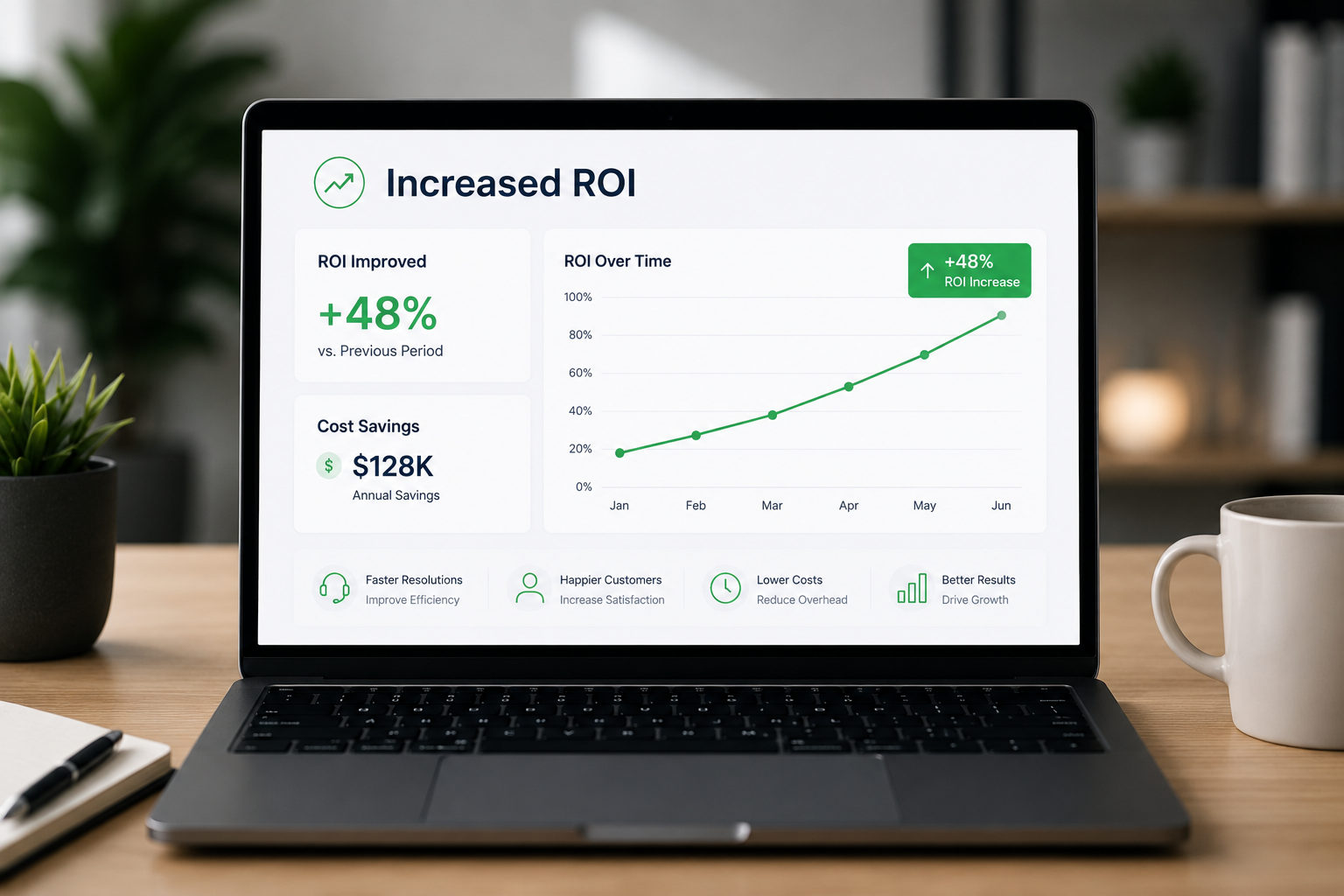
This is the metric that didn't exist before video-powered visual capability. The revenue generated from upgrades flagged during support sessions is directly attributable to the visual support workflow, and it shows up as a new line item in revenue reporting. For sales operations leaders building the business case, this is usually the most persuasive number — because it represents revenue the company would not have captured without the capability.
CSAT and renewal impact
Customers who buy through video-powered sales sessions consistently report higher satisfaction than customers who buy through voice-only sales motions. The reason is that the purchase decision was made with full information — the customer saw what they were getting, the rep saw what the customer had, and the compatibility question got answered before the order was placed. Higher satisfaction at the point of purchase translates to lower churn and stronger renewal rates downstream.
Industries Where This Pattern Produces the Largest Gains
The video-powered sales motion produces measurable upgrade revenue in every category where customers interact with physical equipment, complex configurations, or digital products with tier-based pricing. The largest gains tend to cluster in a few specific verticals.
Telecom and ISPs — equipment age across the customer base is a continuous upgrade pipeline. Every support call involving older modems, routers, or gateway equipment is an upgrade opportunity that voice-only operations never see.
Consumer electronics — customers calling support about older devices are a high-conversion population for upgrade offers. Visual sessions surface the device age automatically. Consumer electronics support and sales teams running video-powered upsell motions consistently outperform voice-only equivalents.
Automotive — vehicle accessories, service upgrades, warranty extensions, and trade-in valuations all benefit from visual context. Automotive sales and service operations use video-powered sessions to surface upgrade opportunities that customers wouldn't have raised on a phone call.
Insurance — policy upgrades, coverage adjustments, and claim-adjacent upsells all benefit from the agent being able to see what the policyholder actually owns. Insurance carrier remote sales teams use visual sessions for both new policies and policy expansion conversations.
Manufacturing and industrial — equipment upgrade cycles, replacement part sales, and consumables reorders all surface naturally when a service or support call involves a visual session. The rep sees the installed base. The opportunity becomes visible.
Retail and e-commerce — pre-purchase product guidance, returns triage, and post-purchase upsell all benefit from the customer being able to show the product or environment in real time. Retail and e-commerce video-powered sessions reduce returns and surface upsell opportunities in the same conversation.
How to Deploy Without Restructuring the Org
The biggest implementation mistake companies make is treating video-powered sales as a new function that needs to be staffed separately. It isn't. It's a capability layered onto the support and sales motions already running.
The deployment pattern that works:
Start with the support side. Equip support agents with the visual capability first, and train them to flag upgrade opportunities they observe during sessions. This builds the pipeline before the sales side scales.
Define the handoff protocol explicitly. What constitutes a "qualified" upgrade opportunity? How does the agent flag it? How does the sales rep get notified? How fast does the follow-up happen? These questions need clear answers before deployment, not after.
Stand up a small sales pod to handle warm handoffs initially. A small number of reps trained specifically on the video-powered upsell motion, working from support-sourced opportunities, will produce data faster than spreading the capability across the entire sales org.
Measure support-attributed revenue separately. This metric is the business case for everything else. Without it, the capability looks like a cost. With it, the capability becomes self-funding within the first quarter.
Expand based on the data. Once support-attributed revenue is producing measurable gains, extend the visual capability to inbound sales, account management, and customer success motions one at a time.
The 30-day Blitzz Challenge is structured specifically to validate this pattern inside a pilot window — a single use case, a small team, a tracked-results review at the end — before broader rollout.
The Strategic Shift Underneath the Tactical Win
It's tempting to read this whole category as a tactical sales-enablement story: better tools, higher conversion, more revenue per call. That's true, but it misses the larger shift.
The strategic change is that the boundary between support and sales — which existed primarily because of channel constraints, not because of customer preference — is dissolving. Customers don't experience support and sales as separate. They experience them as the same relationship with the same company. When the company can see what the customer has, identify what they need, and move from problem resolution to product recommendation inside a single conversation, the customer experience becomes coherent in a way that voice-only operations cannot match.
The companies that build this capability into their go-to-market motion will pull ahead of the companies that don't — not because their reps are better, but because their reps can see things their competitors' reps can't. In a market where buyer attention is constrained and every sales conversation has to earn its place, the rep with full visual context has a structural advantage over the rep working from a CRM note.
The upgrade revenue is real, the operational gains are measurable, and the technology is deployed at enterprise scale across a wide range of industries. The question for sales leaders isn't whether video-powered selling becomes part of the motion. It's whether your team builds the capability before your competitors do, or after.