.png?width=120&height=55&name=Blitzz-Logo-right%20white%20eyes%20-%20not%20transparent%20(3).png)

On this page
Remote inspection technology has transformed the way businesses across insurance, construction, manufacturing, real estate, and field service operate. But with so many tools on the market, how do you separate the ones that truly deliver from the ones that fall flat? The answer lies in the features. From the moment an inspector sends an invite to the second a report is auto-generated, every step matters. This guide breaks down the must-have features — and shows exactly how Blitzz checks every box.
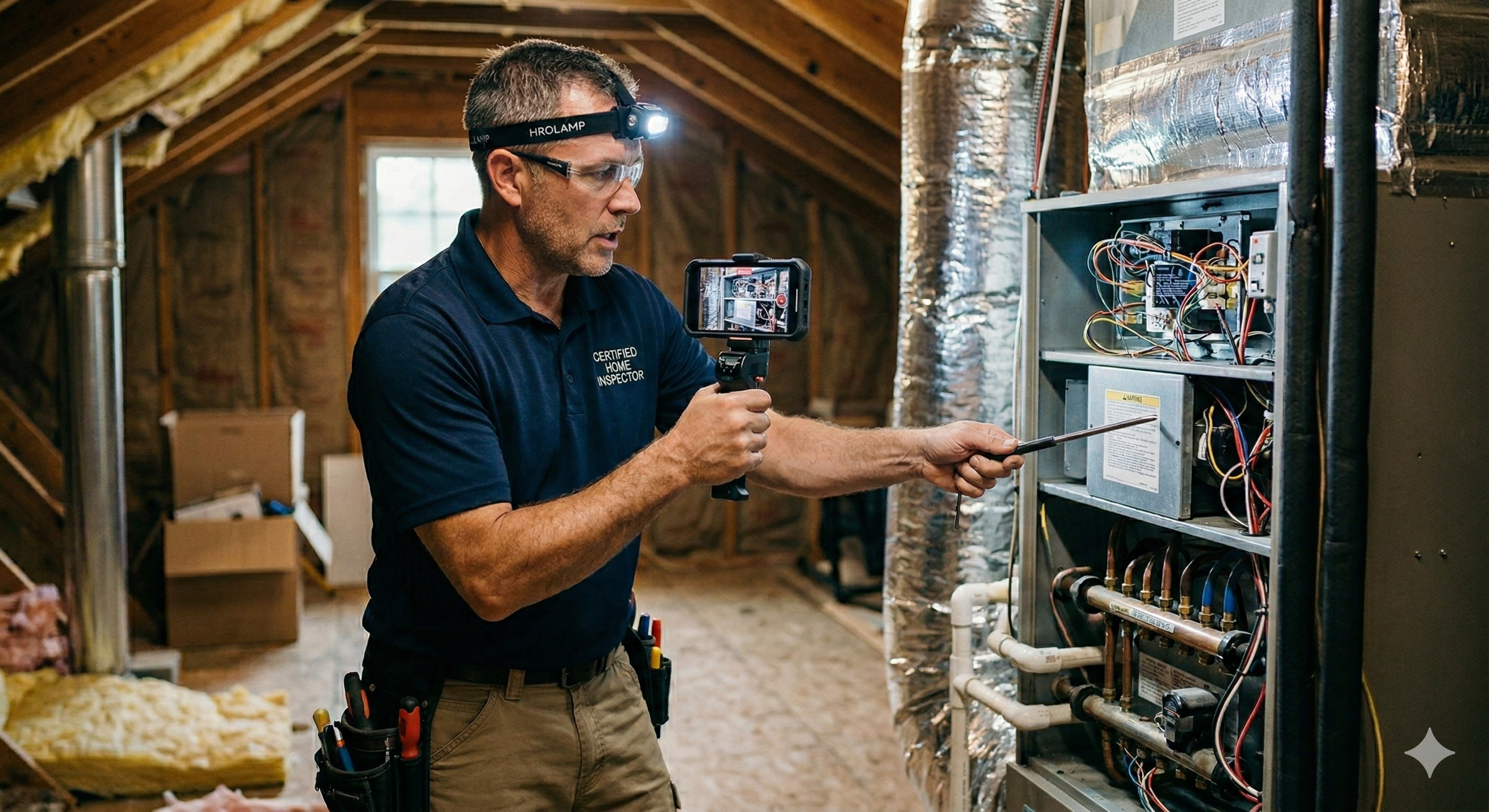
The 7 Features That Define Great Remote Inspection Technology
These aren't nice-to-haves. These are the capabilities that separate tools that save your business money from tools that just waste everyone's time.
No App Download Required — Zero Friction for the End User
The single biggest killer of remote inspections is a failed connection. If your client has to download an app, create an account, or navigate a clunky setup, you've already introduced unnecessary friction that kills completion rates and frustrates customers before the inspection even begins.
The best remote inspection platforms are entirely browser-based on the customer side. The inspector sends a secure link via SMS, email, or WhatsApp — and the client simply taps it and connects instantly. No app store. No downloads. No barriers.
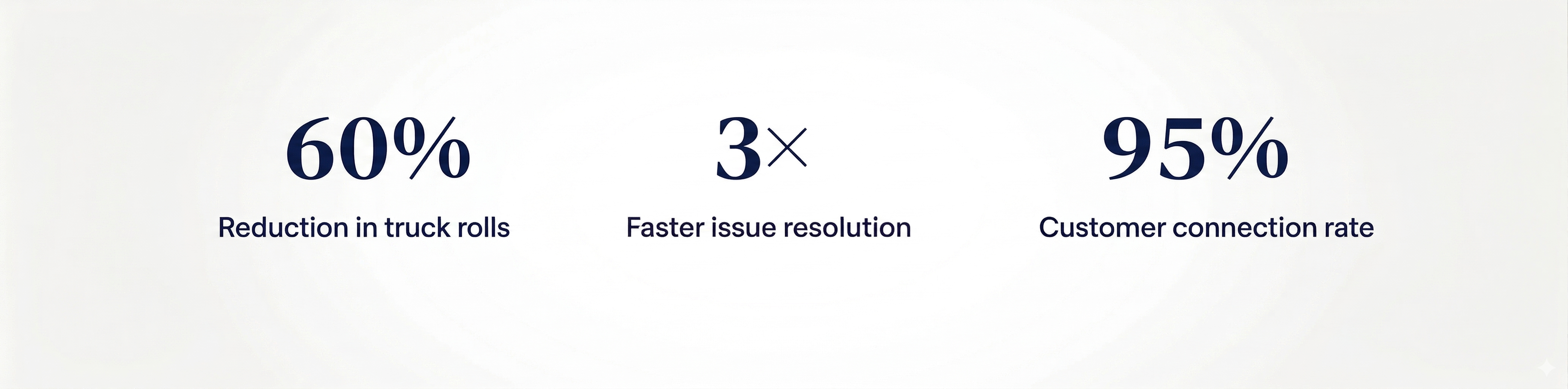
Blitzz connects end users instantly through their browser with a 95% connection rate — zero downloads needed.
AR-Powered Annotations, Markup & Live Pointer
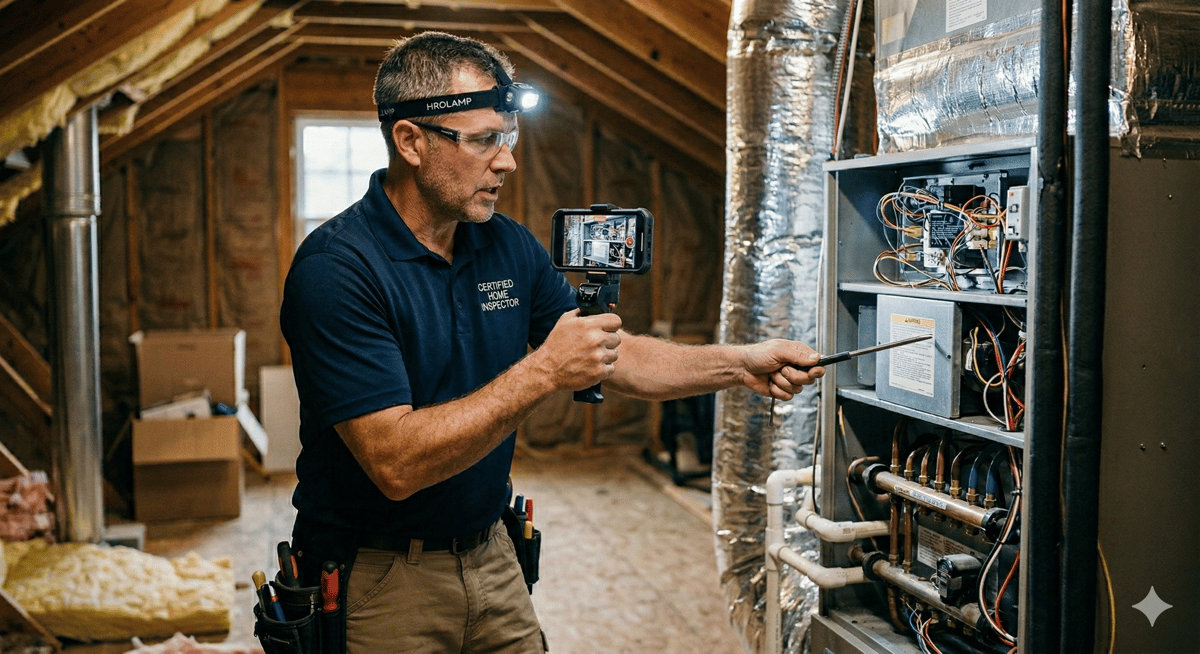
A basic video call is not an inspection tool. What transforms a video stream into a professional, legally defensible inspection is the ability to annotate, mark up, and guide in real time using augmented reality overlays. Inspectors need to draw on live footage, point to specific areas, add text notes, and direct clients exactly where to focus the camera.
Look for platforms that offer a live pointer on video stream, draw-and-markup tools with arrows and text, high-quality photo capture with annotations, and the ability to save all marked-up images to session history for documentation purposes.
Blitzz delivers full AR markup, live pointer, and annotation tools purpose-built for inspectors and auditors.
AI-Powered Insights & Optical Character Recognition (OCR)
Modern inspection technology shouldn't just show you what's there — it should help you understand and document it. AI capabilities elevate a remote session from a simple video call into an intelligent data-capture workflow. One of the most powerful AI features is Optical Character Recognition (OCR), which automatically reads and extracts text from images captured during a session.
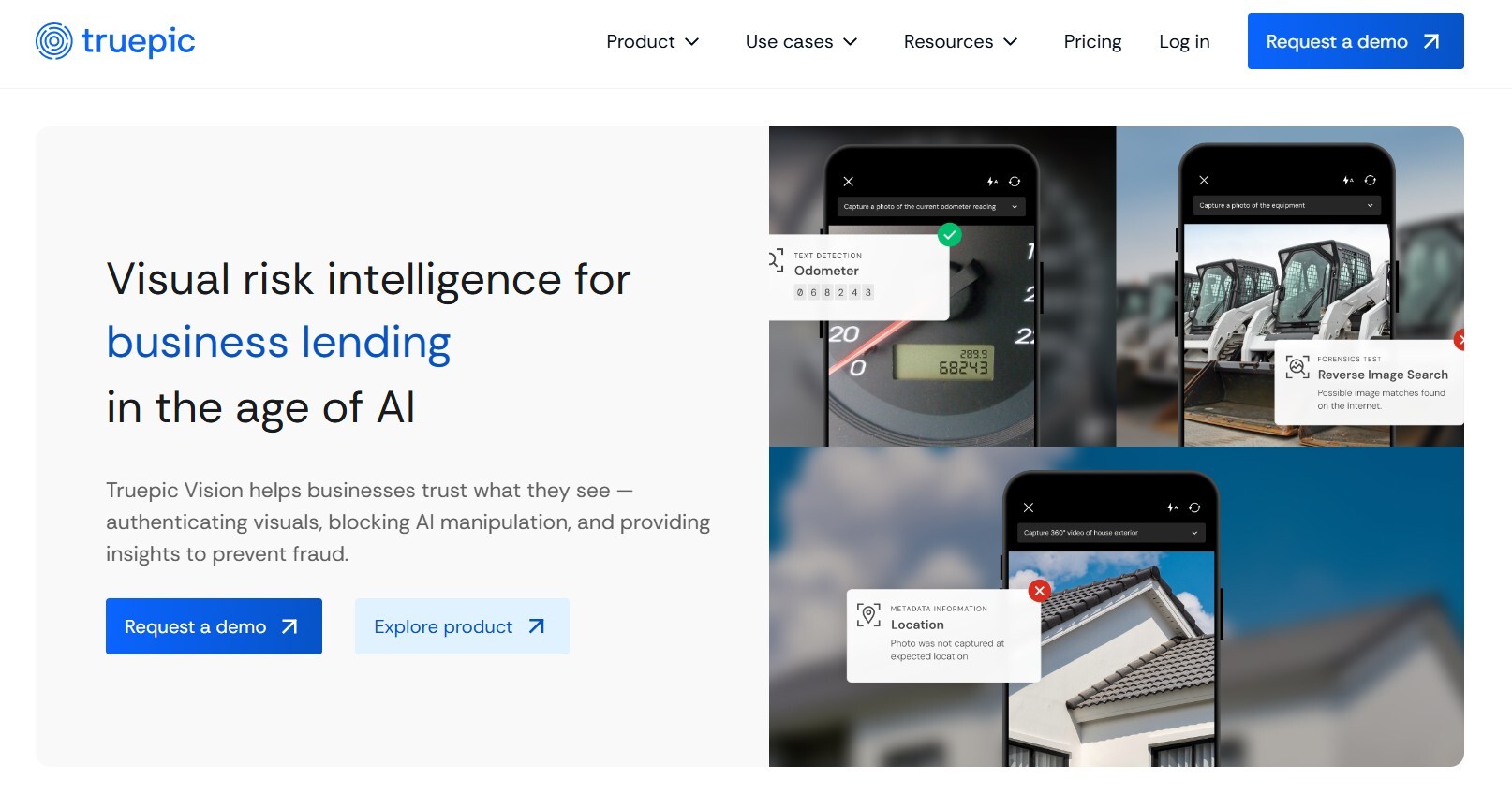
Think about how much time inspectors spend manually typing VIN numbers, model numbers, serial numbers, and meter readings. A platform with built-in OCR eliminates that entirely. The inspector points the camera, the software reads the text, and the data is logged automatically — zero transcription errors, zero wasted time.
Blitzz uses AI and OCR to extract VIN numbers, serial numbers, barcodes, and model data automatically during live sessions.
High-Quality Video with Remote Zoom & Adaptive Bandwidth
An inspection is only as good as what the inspector can see. Blurry, pixelated video isn't just frustrating — it's a liability. Remote inspection platforms must deliver crisp, high-resolution video even under real-world network conditions. And the best platforms don't just maintain quality on a strong signal; they intelligently adapt to poor connectivity so the session stays alive and functional regardless of where your client is.
Remote zoom is another non-negotiable. Inspectors need to see fine details — cracks in infrastructure, equipment labels, property damage — without being physically present. A platform that supports simultaneous 2x or 3x zoom for all participants is essential for thorough, accurate assessments.
Blitzz automatically adjusts bandwidth to connection strength and supports up to 3× remote zoom for all participants simultaneously.
Automatic Session Documentation & Report Generation
Manual documentation is one of the most time-consuming and error-prone parts of any inspection workflow. Every photo taken, annotation made, and note recorded should be automatically timestamped, saved, and tied to the session record without the inspector lifting a finger beyond the inspection itself.
Great remote inspection platforms auto-generate inspection reports from session data, capture geolocation and timestamp data during the call, and sync all documentation immediately to your existing CRM or ticketing system. This turns a 30-minute inspection into a completed, filed report in real time — instead of an hour of post-inspection paperwork.
Blitzz auto-generates reports and syncs session data, photos, and notes directly to Salesforce, ServiceNow, and Zendesk.
Geolocation Capture & Live Location Sharing
For industries like insurance, real estate, construction, and utilities, knowing exactly where an inspection took place isn't just useful — it's often a regulatory and legal requirement. Remote inspection tools that capture and log the client's live GPS location during the session provide an irrefutable layer of verification that protects your business and builds trust with regulators and clients alike.
Location data also enables dispatchers and managers to coordinate field teams more efficiently, verify that remote inspections are being conducted at the correct site, and attach precise coordinates to every photo and report generated from the session.
Blitzz captures live geolocation during every remote video inspection, automatically attaching it to session records and reports.
Deep Integrations with Your Existing Tech Stack
A remote inspection platform that operates as an island creates more problems than it solves. Your inspection tool needs to plug directly into the CRM, helpdesk, and workflow systems your team already uses — because any manual data transfer is a bottleneck, a source of errors, and a drag on productivity.
Look for native integrations with platforms like Salesforce, ServiceNow, Zendesk, Genesys, and Zapier. The best platforms also offer REST APIs that give your engineering team the flexibility to connect Blitzz to any custom or internal system. When an inspection ends, the data should flow automatically — not sit in a queue waiting to be copied over.
Blitzz integrates natively with Salesforce, Zendesk, ServiceNow, Genesys, Zapier, and more via open REST API. Read more about Blitzz Integration.
The Bottom Line
Remote inspection technology has matured rapidly, and the gap between a capable platform and a mediocre one is enormous — measured in time saved, costs avoided, and customer satisfaction scores. The seven features outlined above aren't just nice-to-haves. They're the functional foundation that makes the difference between an inspection that's faster, cheaper, and better than an in-person visit versus one that leaves everyone frustrated.
Blitzz was built from the ground up with inspectors, auditors, and field service teams in mind. Every feature on this list — from zero-download browser access and AR annotations to AI-powered OCR, automatic reporting, geolocation capture, and deep CRM integrations — is live and available on the platform today. Companies like BMW, FedEx, and leading insurance carriers trust Blitzz to power thousands of inspections every month, cutting travel costs by up to 75% while delivering inspection quality that rivals or surpasses an in-person visit.
If you're evaluating remote inspection platforms, use this list as your checklist. And if you want to see all seven features in action at once, Blitzz offers a free 30-day trial — no commitment, no credit card, and you can be up and running in hours, not weeks.
See All 7 Features Live in One Demo
Join thousands of inspectors, auditors, and field service teams already using Blitzz to save time, cut costs, and delight customers. Book a demo.


Blitzz Team
The Blitzz Team writes about remote video support, virtual inspections and field service. Our guides come from working with home builders, property managers, warranty teams, contact centers and field service organizations that use Blitzz to see and solve issues without a truck roll.