.png?width=120&height=55&name=Blitzz-Logo-right%20white%20eyes%20-%20not%20transparent%20(3).png)

On this page
Why Your Remote Service Desk Platform Determines How Fast Problems Get Solved
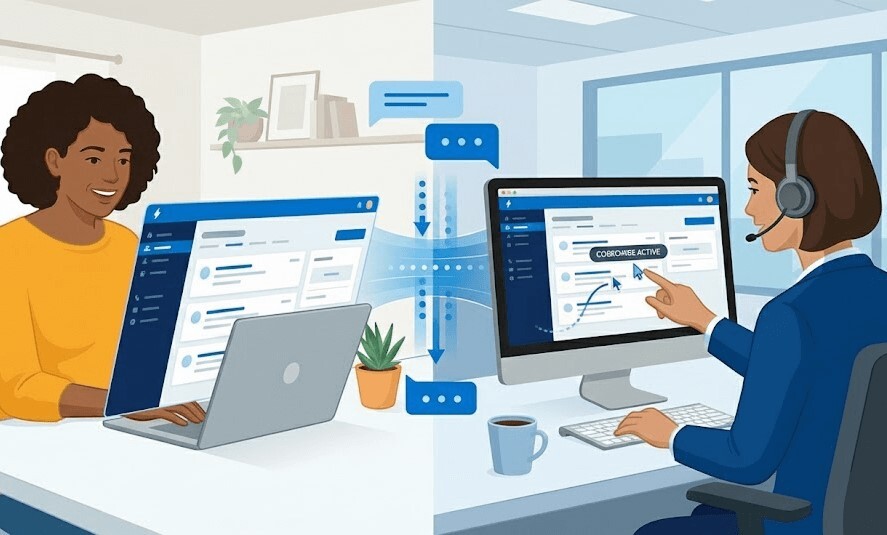
A remote service desk platform is software that lets IT support teams access, diagnose, and fix end-user devices or equipment over the internet — without anyone needing to be in the same room.
When evaluating a platform in 2026, the ideal solution should offer:
- Visual Support & AR Guidance: For field service, telecom, and physical equipment troubleshooting.
- Browser-Based Access: To eliminate the friction of software downloads and administrative privilege blocks.
- Enterprise Security: Session-based, consent-driven access that aligns with zero-trust architectures.
- Seamless Integrations: Direct connection with existing ITSM and CRM workflows.
Most IT support evaluations don't start out of curiosity. They start because something broke — renewal costs spiked, a security review flagged a persistent agent running on every endpoint, or technicians keep rolling trucks for issues that should be solvable remotely.
For field service managers at telecom and utility companies, the stakes are even higher. Every unnecessary truck roll costs money. Every slow diagnosis drags down first-contact fix rates. And every tool that requires a software install on a locked-down device adds friction that kills adoption.
The right platform changes all of that.
Modern remote service desk platforms have evolved well beyond basic screen sharing. The best ones combine session-based access, ITSM workflow integration, AI-assisted triage, and — increasingly — visual support tools like live video and AR annotations that let technicians see exactly what's happening in the field.
This guide compares the leading platforms across the criteria that actually matter for enterprise and field service teams: security architecture, deployment friction, ITSM integration, governance, and real-world operational fit.
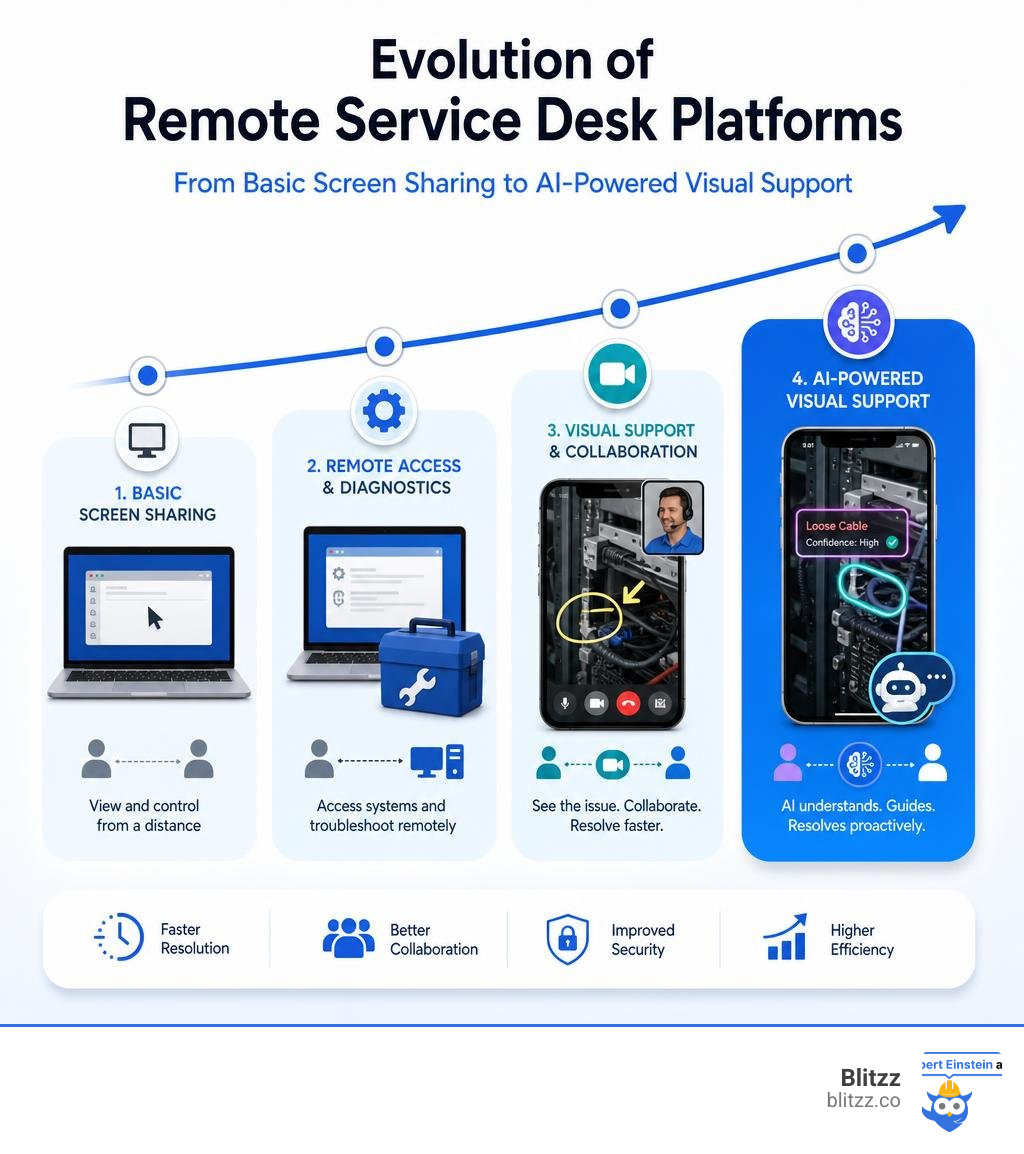
What is a Remote Service Desk Platform?
To understand how a modern remote service desk platform drives efficiency, we have to look at what came before. Traditionally, IT teams relied on basic remote desktop tools. These legacy tools were designed for a simpler time: an administrator needed to log into an unattended server or a worker wanted to access their desktop PC from home.
Traditional remote desktop applications generally rely on persistent, always-on connections. They require software agents to be permanently installed on the host machine. While this works fine for internal network administration, it introduces massive security risks and operational headaches when applied to a modern, distributed service desk.
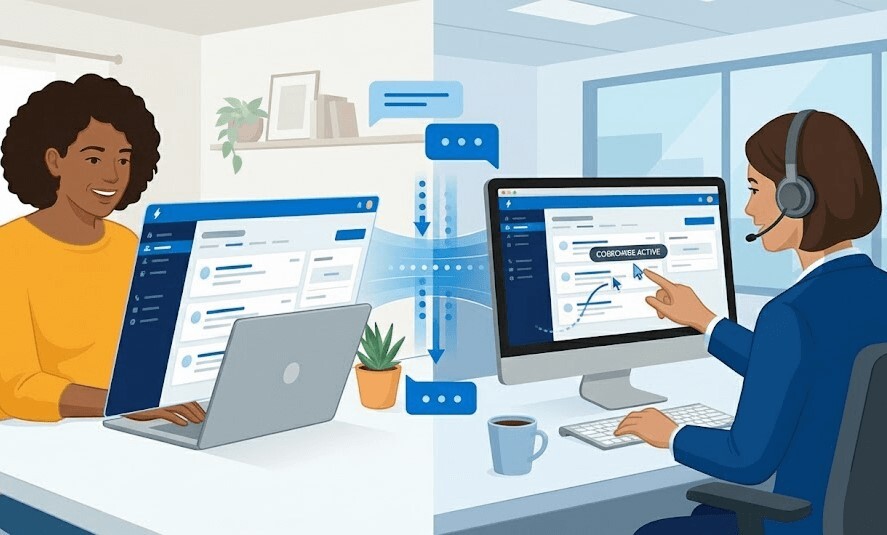
In contrast, a dedicated remote service desk platform is built specifically for support workflows. Instead of maintaining a persistent open back door to an endpoint, these platforms prioritize session-based access. A support session is generated on-demand, requires explicit consent from the end user, and automatically terminates as soon as the issue is resolved.
Furthermore, modern platforms are built to integrate directly with ticketing systems, customer databases, and even external hardware. This is especially critical for organizations running high-volume help desks where agents cannot afford to waste time switching between different software windows. For call centers, choosing the Best Remote Tech Support Software for Call Centers means finding a tool that bridges the gap between digital screen control and real-world physical troubleshooting.
Key Evaluation Criteria for Enterprise IT Teams
Evaluating software at the enterprise level is vastly different from picking a tool for a small team. Enterprise IT, security, and procurement departments look past the shiny features shown in sales demos. Instead, they focus on how a platform behaves post-deployment in a complex, locked-down environment.
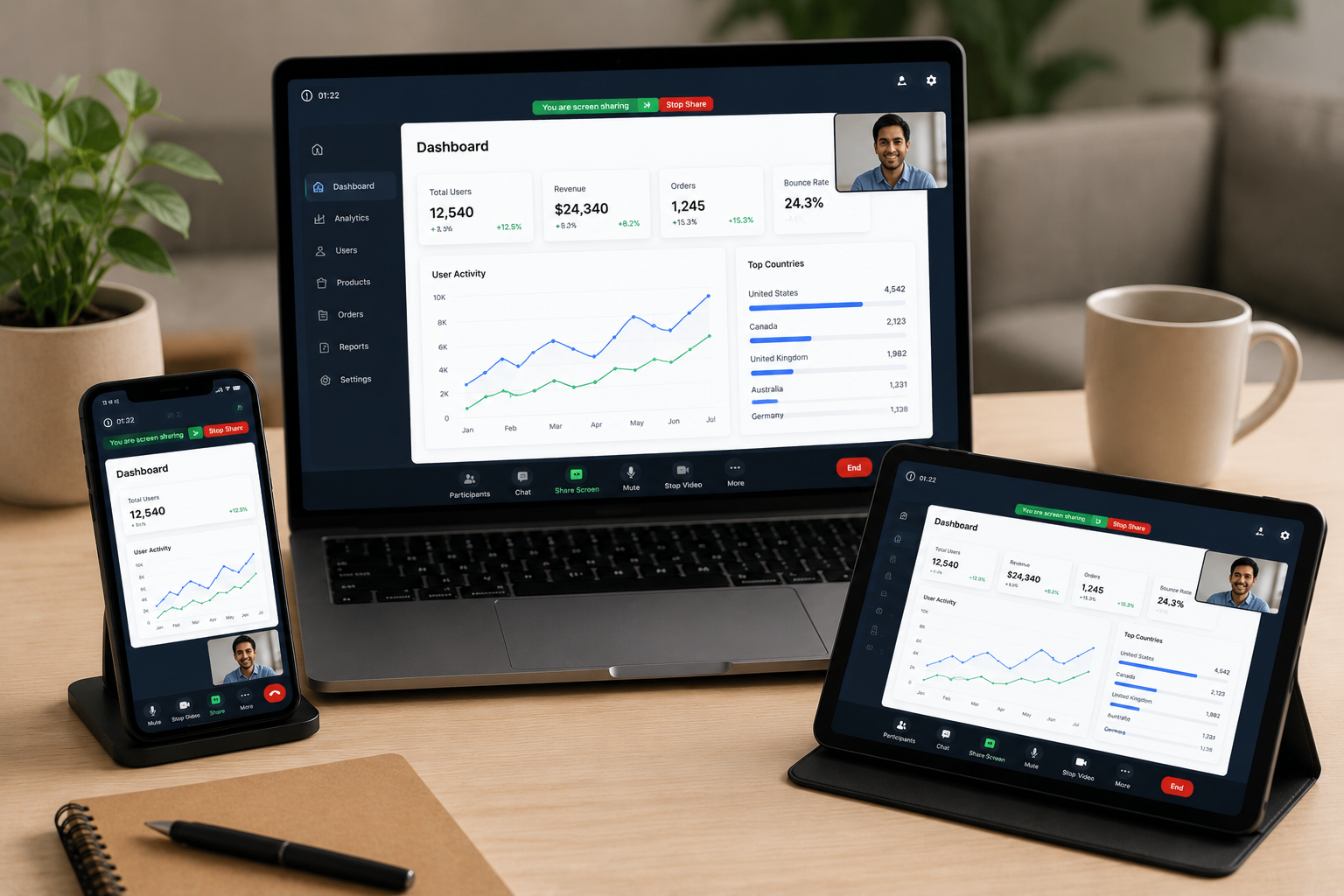
When we evaluate a remote service desk platform for enterprise use, we look at several core pillars:
- Deployment Friction: How difficult is it to get a technician and an end user connected? If the tool requires administrative privileges to install an executable file on a locked-down corporate laptop, support queues will quickly back up.
- Security Architecture & Zero-Trust Alignment: Does the software maintain persistent access, or does it operate on a strictly temporary, consent-driven basis?
- ITSM Integration: Can technicians launch, manage, and document remote sessions directly from within their existing ticketing systems (like ServiceNow or Jira) without manual data entry?
- Governance and Audit Readiness: Does the platform record sessions, log file transfers, and provide detailed audit trails to satisfy regulatory compliance?
Security and Zero-Trust Alignment in a Remote Service Desk Platform
As enterprise security models shift away from traditional perimeter defenses, any tool that allows remote control must align with zero-trust security principles. Standing privileges - where a technician has persistent, unattended access to an employee's machine - are a massive liability. If a hacker compromises a technician's credentials, they inherit access to every endpoint that technician has registered. For security teams formalizing these requirements, the NIST Zero Trust Architecture guidance provides a useful framework for evaluating access, identity, and session controls.
To mitigate this risk, modern platforms utilize session-based access models. Under this design:
- Permissions exist only for the duration of an active support interaction.
- Connections are strictly consent-driven, meaning the end user must actively approve the screen share, remote control, or camera access.
- Role-based access control (RBAC) ensures that technicians only have the exact level of authority required to complete their tasks.
- Comprehensive session recording and granular audit logging ensure that every keystroke, file transfer, and configuration change is documented for compliance reviews.
ITSM Integration and Workflow Alignment
For enterprise help desks, context switching is a silent productivity killer. When a technician has to leave their ITSM platform to open a standalone remote access app, generate a code, read it to the customer, and then manually copy session logs back into the ticket, valuable time is lost.
Organizations using remote support software integrated with ITSM platforms see a 30% to 50% reduction in manual documentation and context switching for support teams. By launching sessions directly from an incident ticket, all session data - including chat transcripts, system specs, and video recordings - is automatically appended to the customer's file. This tight alignment ensures consistent data governance and lets managers track operational performance without chasing down fragmented logs.
Comparing Deployment Models: Browser-Based vs. Agent-Based Access
One of the biggest architectural decisions IT leaders face is choosing between browser-based (web-native) and agent-based (app-install) remote access models.
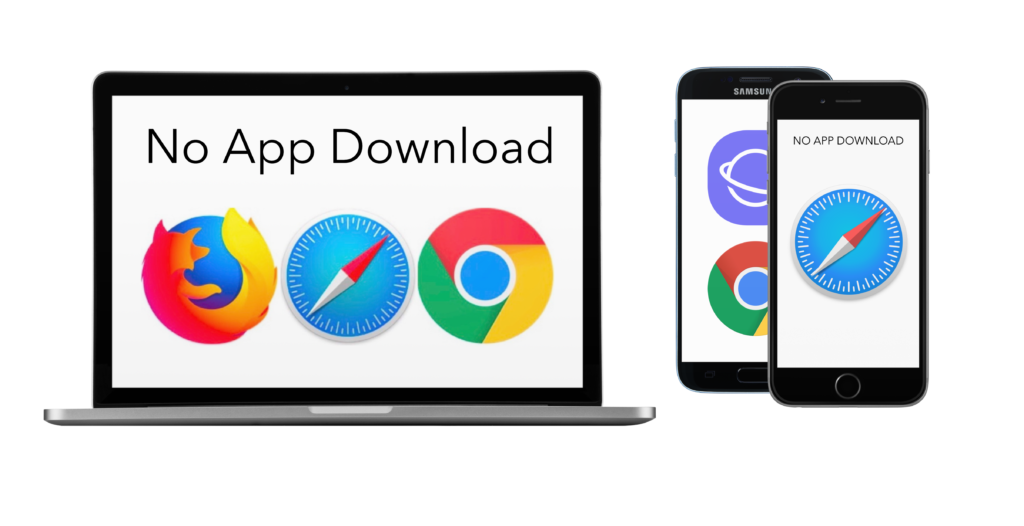
In locked-down enterprise environments, employees often do not have the administrative privileges required to download and install executable files. If a remote support tool requires a local client installation, the technician must first help the user bypass security blocks—a frustrating paradox that increases handle times and strains the relationship between IT and end users.
| Feature | Browser-Based (Web-Native) | Agent-Based (Persistent App) |
|---|---|---|
| Installation Requirement | Zero. Runs entirely in standard web browsers. | Requires client app installation on the host device. |
| Admin Privileges | Not required. | Often required for installation and deep system control. |
| Security Risk Profile | Low. Session-based, zero standing privileges. | High. Persistent background processes can be targeted. |
| User Friction | Extremely low. Click-to-connect via SMS or email link. | Moderate to high. Requires downloading, opening, and configuring. |
| Best Suited For | Ad-hoc employee support, external customers, field service. | Unattended server maintenance, internal device management. |
Overcoming Deployment Friction with a Browser-Based Remote Service Desk Platform
Enterprise IT teams report that browser-based remote support tools reduce deployment friction by up to 70% compared to agent-based solutions in locked-down environments. Because browser-based platforms leverage standard web protocols (like WebRTC), they can establish secure, high-performance connections without installing a single line of code on the end-user's machine.
This is a game-changer for customer-facing support and field operations. When a customer or field technician needs help, they don't want to navigate an app store or configure security permissions. They want to click a link and instantly share their screen or camera.
Furthermore, browser-based models dramatically improve customer acceptance rates. Users are naturally skeptical of downloading executable files sent by support reps. A simple, secure web link respects their privacy while delivering the immediate help they need. For a deeper look at how this applies to customer service, explore our guide on Remote Visual Support for Contact Centers: How Video, AR & AI Are Redefining Customer Care.
The Role of AI and Automation in Modern Service Desks
The integration of artificial intelligence is transforming the modern help desk from a reactive queue into a proactive service engine. AI is no longer just a buzzword; in 2026, it is actively running in the background to streamline workflows and reduce the burden on human agents.
Modern service desks leverage AI and automation in several key areas:
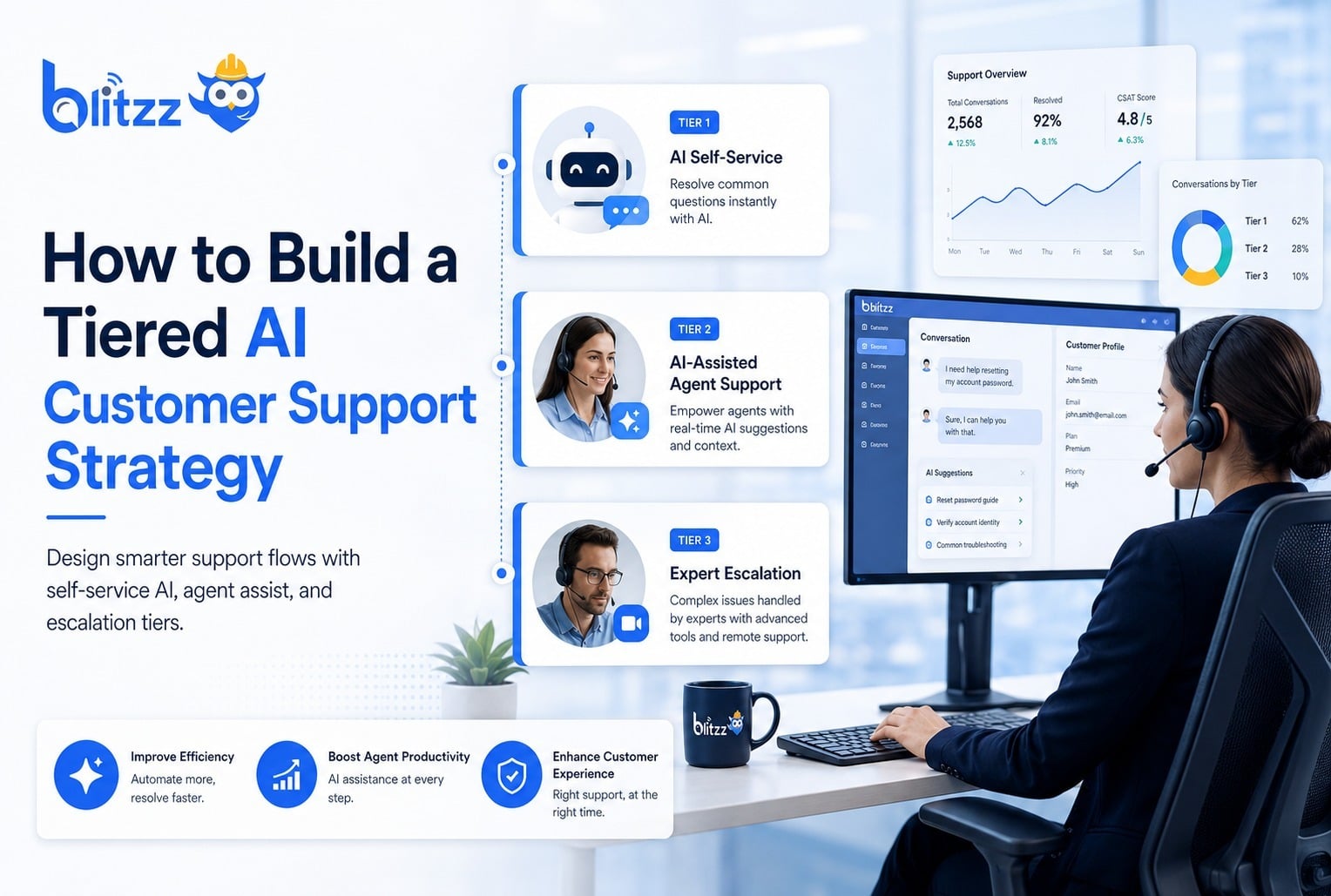
- Ticket Deflection & Intelligent Self-Service: AI agents can resolve routine requests—such as password resets or software provisioning—end-to-end without human intervention. Advanced ITSM platforms allow organizations to deflect a significant portion of incoming tickets through conversational self-service.
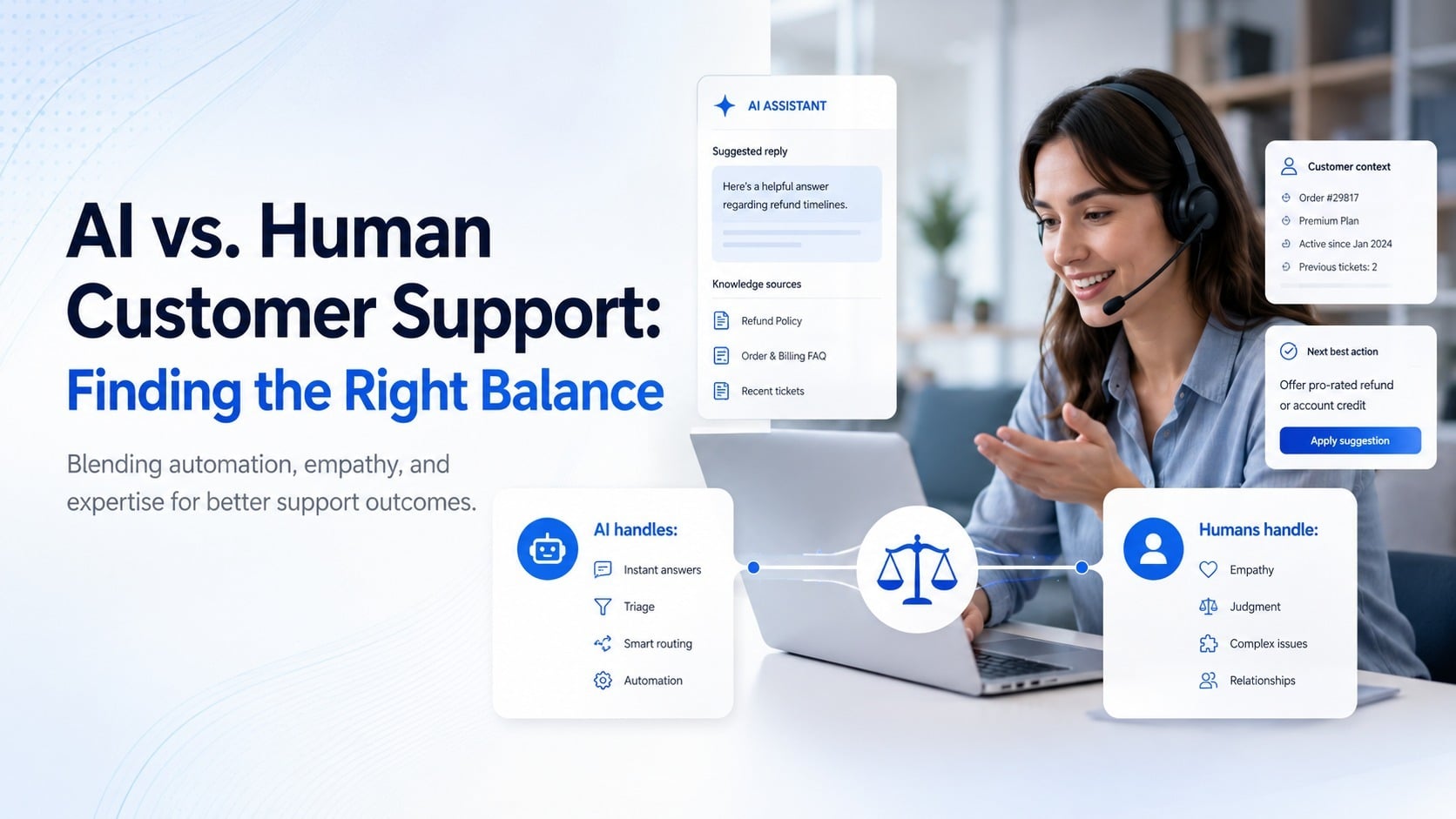
- AI Copilots for Technicians: While a technician is on a live remote session, AI tools can analyze the conversation, suggest troubleshooting steps, and quickly retrieve relevant articles from the knowledge base. Modern helpdesk software utilizes machine learning to draft contextual responses and automate post-session documentation.
- Proactive Alert Triage: Automation engines can monitor endpoint health metrics and automatically trigger remote diagnostic scripts before the user even realizes a problem exists. This combines automated ticketing tools with proactive monitoring to guarantee rapid resolution times.
- Visual AI and Computer Vision: In field service and physical hardware support, Computer Vision AI can automatically identify model numbers, detect cable misconfigurations, and guide users through physical setup steps using real-time visual overlays. This reduces human error and significantly speeds up Improving Call Center Performance with Remote Video Support.
Frequently Asked Questions about Remote Support
What is the difference between remote support software and remote desktop tools?
Remote desktop tools are designed for persistent, unattended access to specific machines (e.g., logging into your office PC from home). They run constantly in the background and require pre-installed agents.
Remote support software is built for ad-hoc, session-based troubleshooting. It connects a technician to an end-user on-demand, prioritizes user consent, terminates automatically when the session ends, and integrates directly with ticketing systems to document the interaction.
How do browser-based remote support tools improve security?
Browser-based tools run entirely within sandboxed web browser environments. Because they do not install local applications, they leave no permanent software footprint on the endpoint, eliminating the risk of "standing privileges" or background vulnerabilities. This ensures that support sessions only exist when actively authorized by the user.
What KPIs should enterprise IT teams track for remote support?
To measure the true impact of your remote service desk platform, we recommend tracking metrics that reflect both speed and resource efficiency. Key indicators include:
- First-Contact Resolution (FCR): The percentage of issues resolved during the initial interaction.
- Average Handle Time (AHT): The total duration of a support session from connection to resolution.
- Truck Roll Reduction Rate: For field service, the percentage of physical dispatches avoided by resolving issues virtually.
- Customer Effort Score (CES): A metric assessing how easy it was for the end user to get help.
To build a high-performing support operation, it is essential to align your tools with the Contact Center KPIs That Matter and establish continuous Monitoring the Right KPIs for Call Centers.
Conclusion
Choosing the right remote service desk platform is about balancing security, user experience, and operational efficiency. While traditional remote desktop software still has a place for unattended server management, modern IT and field support operations require agile, browser-based, and highly integrated solutions to keep pace with today's distributed workforce.
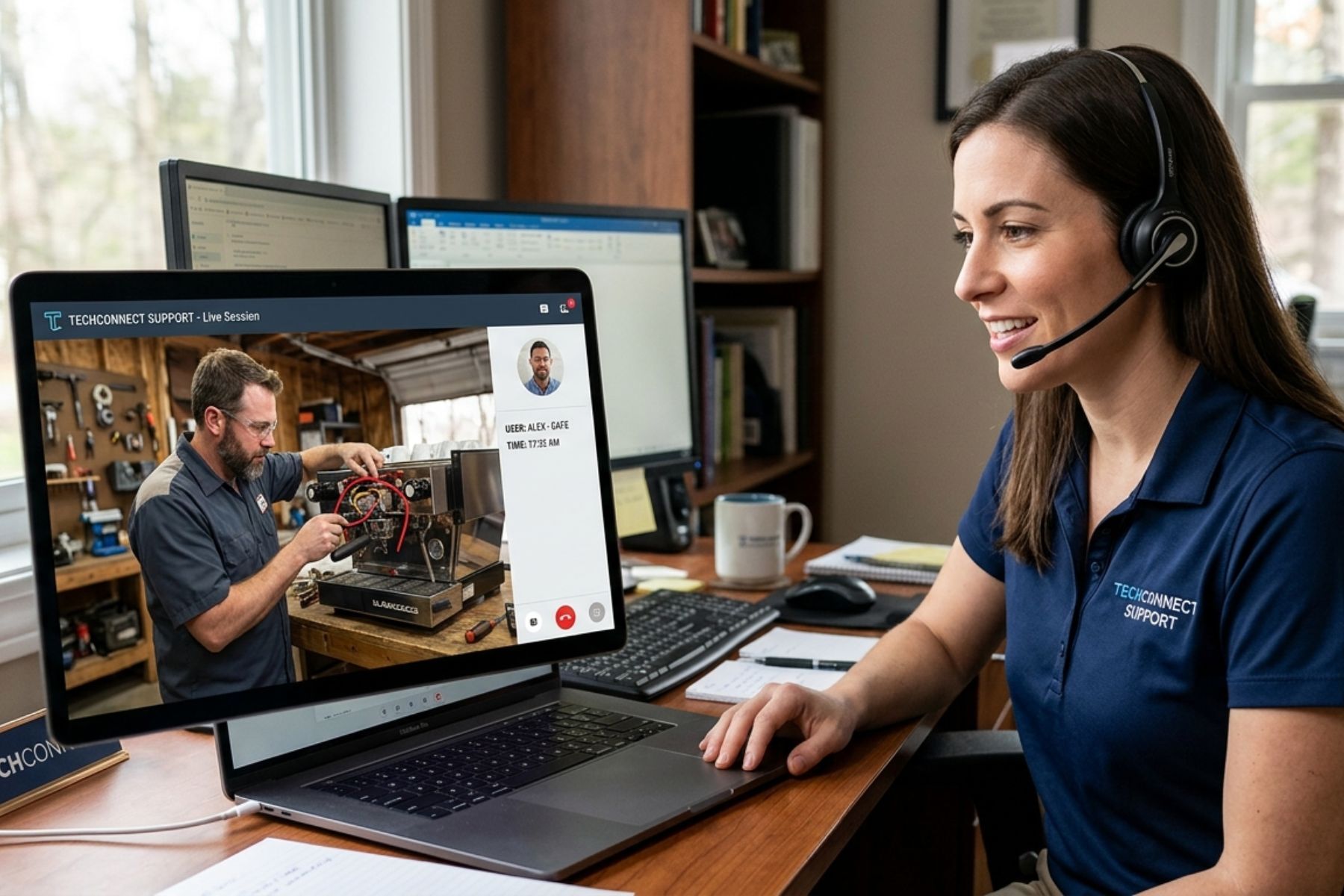
For organizations managing physical equipment, complex hardware, or field operations, standard screen sharing isn't enough. You need to see what your users see.
At Blitzz, we provide enterprise-grade remote visual assistance that eliminates the friction of app downloads. With instant, browser-based video connections, interactive AR annotations, and seamless integrations into your existing workflows, we help your team diagnose and resolve physical issues in seconds—saving thousands on unnecessary truck rolls.
Ready to see how web-native visual support can transform your service desk? Request a Blitzz Demo today.

Blitzz Team
The Blitzz Team writes about remote video support, virtual inspections and field service. Our guides come from working with home builders, property managers, warranty teams, contact centers and field service organizations that use Blitzz to see and solve issues without a truck roll.