

.png?width=120&height=55&name=Blitzz-Logo-right%20white%20eyes%20-%20not%20transparent%20(3).png)

.jpg?width=1200&height=675&name=content%20(38).jpg)
On this page
.jpg?width=1536&height=1024&name=content%20(38).jpg)
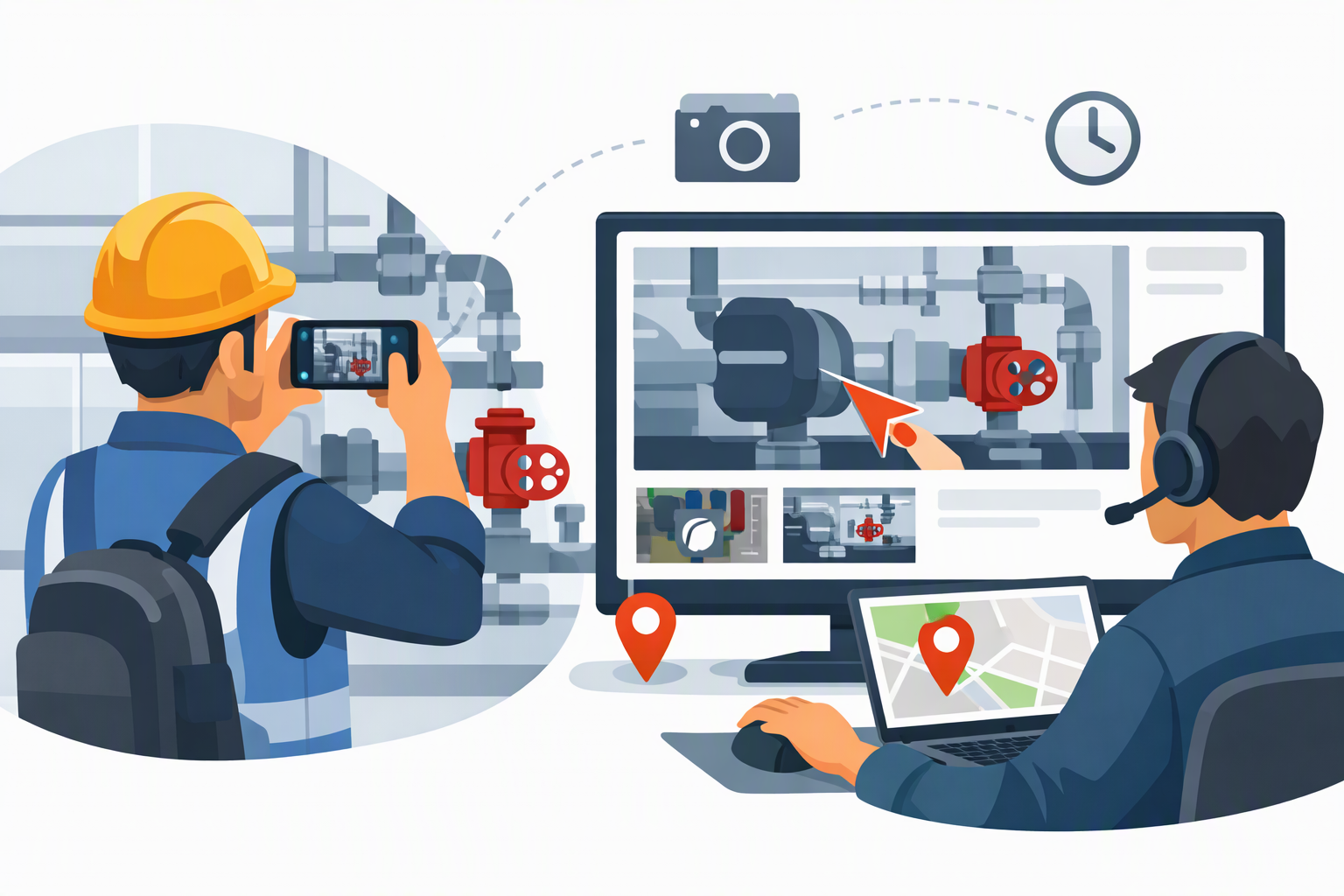
Virtual inspection software with a live pointer uses remote video streaming and augmented reality (AR) to let off-site inspectors guide on-site users in real time. They can point, draw on the screen, and drop pins on a live feed, making it ideal for property management, equipment maintenance, and building compliance.
If you've ever tried to explain over the phone exactly which valve, crack, or wiring panel you mean — and watched the person on the other end look at the wrong thing entirely — you already understand the problem live pointers solve. This guide breaks down what a live pointer is, how augmented reality makes it possible, the benefits for inspection teams, and the top tools that offer it.
What Is a Live Pointer?
A live pointer is a real-time annotation tool layered directly on top of a live video feed. While an on-site user streams video from their phone or tablet, a remote expert can point, circle, draw arrows, highlight, or drop pins on the screen — and the on-site user sees those marks instantly on their own device.
Think of it as a shared, interactive cursor for the physical world. Instead of saying "the second pipe from the left, no, the other one," the remote inspector simply taps the screen and a marker appears exactly where they mean. It removes the ambiguity of verbal directions and turns a confusing back-and-forth into a single, obvious gesture.
The most advanced live pointers don't just float on the glass — they anchor to the real-world objects in the frame, so the annotation stays locked to the right valve or crack even as the camera moves. That capability comes from augmented reality.
How Augmented Reality Powers Live Pointers
Augmented reality (AR) is what separates a basic on-screen scribble from a true spatial annotation. AR uses the device's camera, motion sensors, and spatial-mapping algorithms to understand the geometry of the space being filmed. When a remote expert drops a pin, the software pins it to a point in 3D space rather than a fixed spot on the 2D screen.
The practical result: when the on-site technician pans the camera away and then pans back, the annotation is still sitting on the exact component the expert marked. This persistence is what makes AR-based guidance reliable enough for high-stakes work like equipment maintenance and code compliance, where pointing at the wrong part can be costly or dangerous.
Modern platforms combine several AR-driven features:
- Spatial pins that stay anchored to real objects across camera movement
- 3D measurement and mapping to capture dimensions remotely
- Persistent markup that can be saved as inspection evidence
- Laser-style pointers for live, moment-to-moment guidance
When you pair AR with live video, a remote inspector effectively gains a virtual hand on-site — one that can point, draw, and measure without ever leaving the office. Learn how Blitzz combines live video with AR annotation →
Benefits of Virtual Inspection Software with Live Pointers
Live pointers turn remote video from a "nice to have" into a genuine replacement for many in-person visits. The biggest advantages:
1. Eliminate travel time and cost. Experts can inspect sites across the country (or the world) without leaving their desk, cutting fuel, mileage, and lodging expenses while reclaiming hours otherwise lost to driving.
2. Faster resolution. Real-time pointing and drawing collapse long, error-prone phone explanations into a few seconds of visual guidance, so issues get identified and fixed on the first call.
3. Fewer errors and repeat visits. Because the on-site user sees precisely what the expert means, the risk of working on the wrong component — and the truck rolls that follow a mistake — drops sharply.
4. Built-in documentation. Annotated screenshots, recorded sessions, and dropped pins create a time-stamped evidence trail for compliance, warranty, and audit purposes.
5. Access to scarce expertise. A single senior inspector can guide many field technicians across multiple sites in a day, scaling specialized knowledge without cloning the specialist. See how teams scale expert guidance with Blitzz →
6. Better field-to-expert collaboration. Voice, video, and visual markup together make remote sessions feel like standing shoulder to shoulder, improving communication and reducing miscommunication.
Common Use Cases
Live-pointer inspection software shows up across many industries, but a few stand out:
- Property management: Guiding tenants or contractors through move-in/move-out inspections, damage assessments, and walkthroughs without dispatching staff.
- Equipment maintenance: Walking field technicians through diagnostics and repairs on machinery, HVAC, and industrial systems in real time.
- Building compliance and permitting: Letting inspectors verify code adherence and sign off on work remotely, with annotated proof of what was checked.
- Insurance and claims: Capturing annotated, time-stamped evidence of damage for faster, more accurate claims.
Top Virtual Inspection Tools with Live Pointers
Here are the leading platforms that offer live pointers and AR-style annotation, starting with the most capable remote visual assistance option.
1. Blitzz
Blitzz is a popular remote visual assistance platform featuring real-time video, laser pointers, and on-screen AR annotations to help remote experts guide field personnel. It also offers location tracking and spatial mapping — making it a strong fit for inspections that demand precise, anchored guidance and a documented evidence trail.
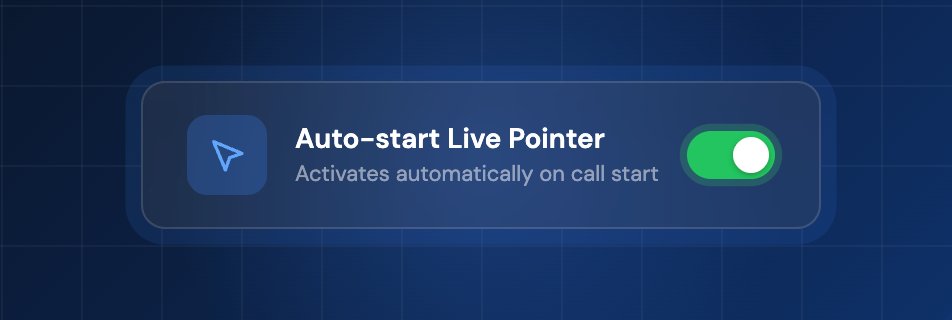
Blitzz live pointer now starts automatically. Learn how our live pointer works.
Explore more: Why Blitzz · Components of remote inspection tools
2. Avatour
Avatour specializes in live 360-degree virtual inspections. It allows remote experts to explore a 360° space together and see exactly what the on-site operator is looking at, while offering spatial pointers and voice chat.
3. Property Inspect
Property Inspect offers "Live Inspections" that allow you to guide tenants or contractors through a property via video, capture photographic evidence, and drop structured markers — all without site visits.
4. VSpecs Go
VSpecs Go is a widely used app for virtual building and permit inspections. It lets inspectors guide on-site workers via live video calls and point out specific areas of interest or code violations.
5. Fulcrum
Fulcrum is primarily a field workflow application, but it includes robust mobile photo markup tools — such as digital arrows, text, and shape overlays — to use during live or recorded virtual walkthroughs.
Choosing the Right Tool
The best fit depends on your work. If you need precise, AR-anchored guidance, laser pointers, and spatial mapping for field service and inspections, a dedicated remote visual assistance platform like Blitzz is built for exactly that. If your priority is immersive 360° walkthroughs, Avatour leans that way; for property-specific workflows, Property Inspect is purpose-built; and for permit and code inspections, VSpecs Go and Fulcrum cover field workflows and markup.
For a quick overview of how digital quality and remote video inspections streamline building audits and site visits, the resources linked above are a good starting point. Book a demo with us.


Blitzz Team
The Blitzz Team writes about remote video support, virtual inspections and field service. Our guides come from working with home builders, property managers, warranty teams, contact centers and field service organizations that use Blitzz to see and solve issues without a truck roll.

.jpg)