.png?width=120&height=55&name=Blitzz-Logo-right%20white%20eyes%20-%20not%20transparent%20(3).png)

On this page
Think about how most customers interact with businesses today. It’s no longer from a desktop computer in an office. It’s from a phone while commuting, standing in line, or sitting on the couch. Mobile devices have become the primary gateway for digital interactions, from filling out forms and verifying identities to submitting insurance claims or requesting technical support.
But while customers have moved to mobile, many support systems haven’t fully caught up. Traditional support channels like phone calls, emails, and even live chat often struggle to solve problems efficiently when customers are navigating complex processes on small screens.
This is where mobile cobrowsing changes everything. Mobile cobrowsing allows support agents to see exactly what the customer sees inside their browser and guide them through tasks in real time. Instead of describing steps over the phone or sending screenshots back and forth, agents can visually assist customers directly within the page they’re using.
The result is faster problem resolution, fewer misunderstandings, and a smoother customer experience. Even more importantly, modern cobrowsing solutions are built with security and privacy at the forefront, ensuring businesses can deliver hands-on assistance without exposing sensitive data.
What Is Mobile Cobrowsing?
Cobrowsing, short for “collaborative browsing,” is a technology that allows two or more users to share and interact with the same web page simultaneously.
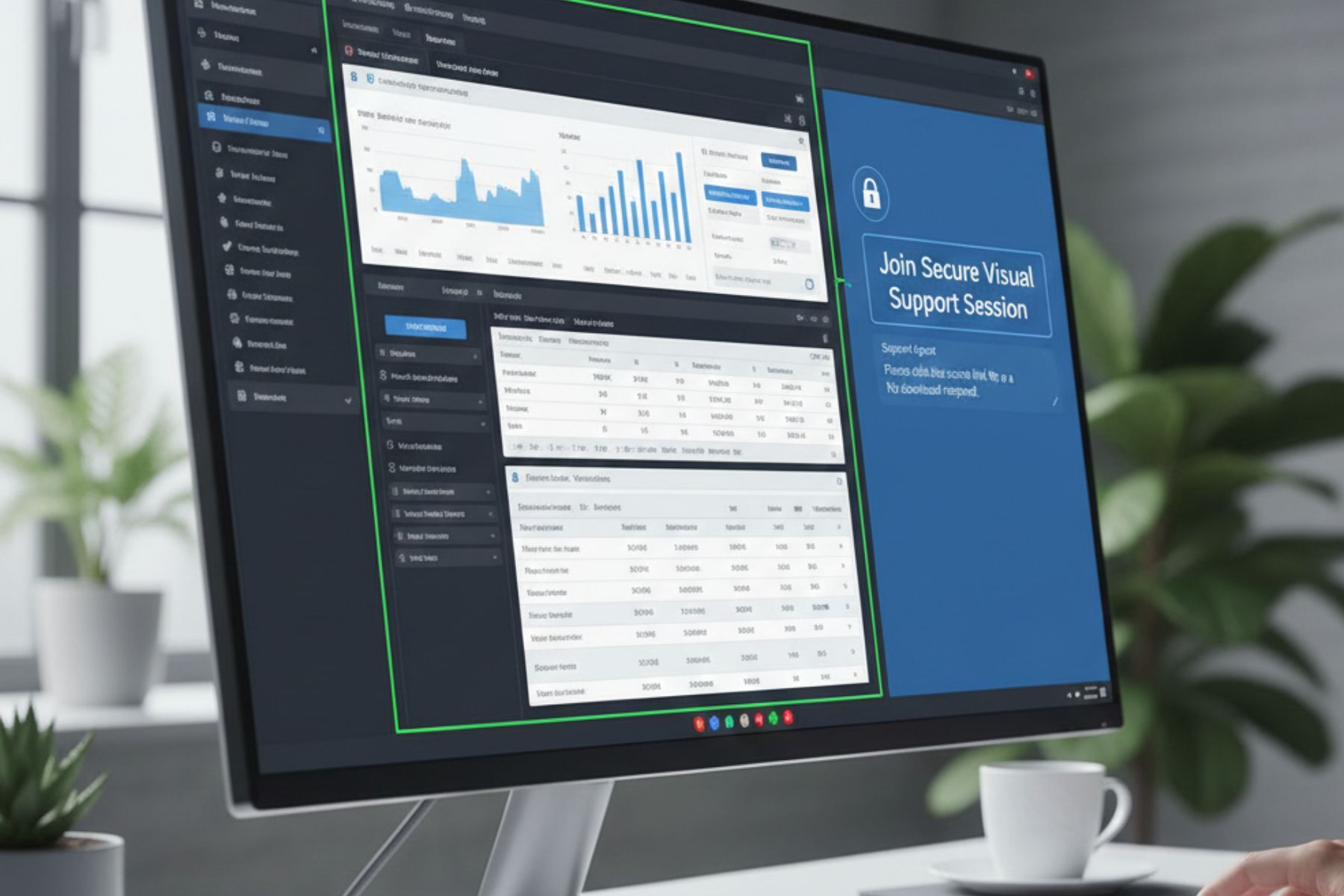
In a support scenario, this means a customer service agent can view a customer’s browser session and guide them through a process step by step. The agent may highlight buttons, scroll pages, or assist with navigation while the customer remains in control.
Unlike traditional screen sharing, cobrowsing is limited to the browser environment. The agent cannot see the customer’s entire phone or device. They only see the specific webpage that the session is connected to.
Most modern cobrowsing platforms are also browser-based, meaning customers do not need to download an app or install software. They simply click a secure link, open it on their phone, and the session begins instantly.
This simplicity is one of the biggest reasons cobrowsing is becoming a preferred support tool across industries.
Why Businesses Need Cobrowsing on Mobile Devices
Mobile devices now account for the majority of internet traffic worldwide. Customers complete purchases, submit applications, upload documents, and request support directly from their phones.
However, mobile interfaces can sometimes create friction. Small screens make forms harder to complete. Complex workflows can confuse users. And explaining steps verbally over a call often leads to frustration.
Mobile cobrowsing removes this friction.
Instead of asking customers to explain what they’re seeing, support agents can immediately view the same page and guide them visually. This dramatically reduces the time it takes to resolve issues.
Businesses that implement cobrowsing often see improvements in several key areas. Support teams resolve problems faster because they can instantly diagnose issues. Customers complete processes more successfully because they receive live guidance. And overall satisfaction increases because the experience feels collaborative rather than frustrating.
In short, cobrowsing turns customer support into a shared experience instead of a guessing game.

Security Concerns with Screen Sharing (And Why Cobrowsing Is Different)
Whenever businesses hear the words “screen sharing,” security concerns are usually the first thing that come to mind.
Traditional screen sharing tools display the user’s entire device. That means personal messages, notifications, files, and other private information can accidentally appear during the session. For industries that deal with sensitive data, such as banking, insurance, or healthcare, this level of exposure can be unacceptable.
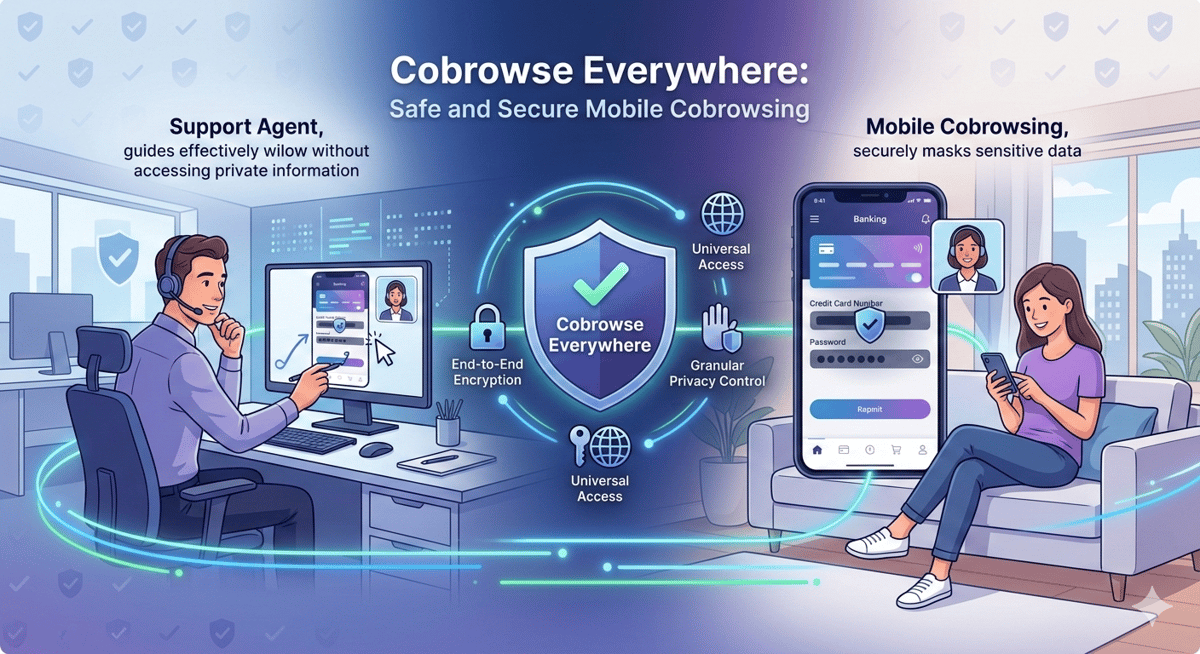
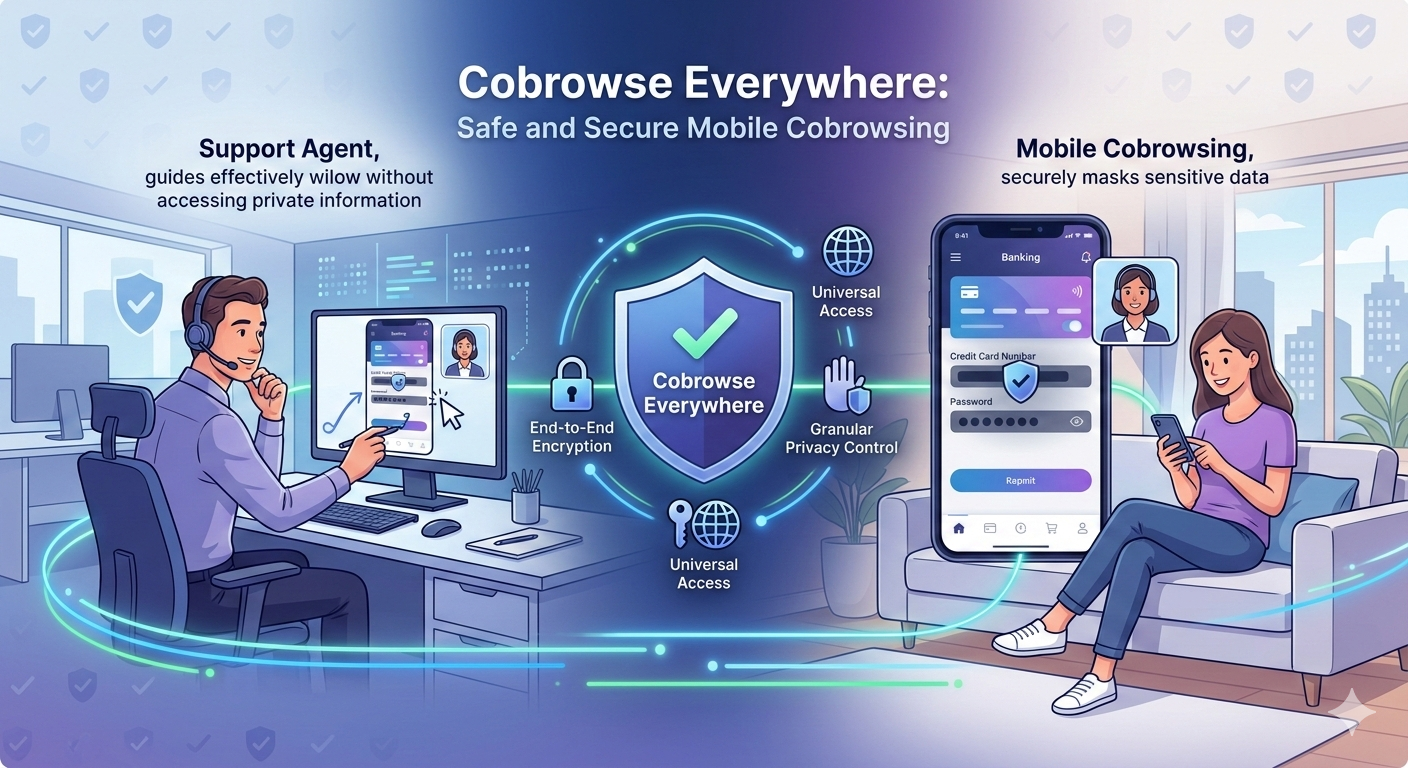
Cobrowsing solves this problem by limiting what can be seen. Instead of sharing the entire screen, cobrowsing only shares the specific webpage involved in the session. Everything else on the device remains private. Sensitive fields such as passwords, credit card numbers, or personal identifiers can also be masked automatically.
This controlled visibility allows businesses to provide real-time assistance while maintaining strict security standards. Sessions can also be encrypted and logged for compliance, ensuring every interaction meets enterprise-level requirements.
The result is a safer and more controlled support experience for both customers and businesses. Read more about Blitzz's security compliance.
How Secure Mobile Cobrowsing Works
One of the most appealing aspects of mobile cobrowsing is how simple the process is.
A typical cobrowsing session begins when a customer requests assistance. Instead of downloading software or configuring settings, the customer receives a secure session link.
Once the customer taps the link on their phone, the browser session connects with the support agent. Within seconds, the agent can see the webpage the customer is viewing.
From there, the agent can guide the user through the process visually. They may highlight buttons, scroll through pages, or point out where information should be entered. The customer remains in control of their device at all times.
If sensitive information is entered during the process, masking features ensure that the agent cannot see those fields.
When the issue is resolved, the session simply ends. There is no software left on the device and no lingering connection.
The entire experience is designed to be seamless, secure, and intuitive.
Industries That Benefit from Mobile Cobrowsing
While cobrowsing can improve support across almost any digital service, certain industries benefit particularly from this technology. Insurance companies use cobrowsing to guide customers through claim submissions or remote inspection processes. Agents can ensure that photos are uploaded correctly and that forms are completed accurately.
Banks and financial institutions use cobrowsing to assist with account openings, loan applications, and identity verification. By guiding customers in real time, they reduce application errors and improve completion rates.
Telecommunications companies often rely on cobrowsing to troubleshoot device setups or help customers navigate account dashboards.
E-commerce businesses use cobrowsing to assist customers during checkout, helping them complete purchases that might otherwise be abandoned. Government services also benefit significantly from cobrowsing, especially when citizens are completing digital forms or applying for permits and licenses.
In each of these cases, the technology eliminates confusion and ensures that processes move forward smoothly.
Cobrowsing vs Video Support vs Screen Sharing
There are several ways businesses attempt to assist customers remotely, but not all support tools offer the same level of efficiency or security.
Video calls are helpful for face-to-face communication, but they do not provide direct visibility into what the customer is doing on their device. Agents must still rely on verbal explanations to understand the problem.
Traditional screen-sharing tools allow agents to see the customer’s screen, but they often expose the entire device, raising privacy and security concerns.
Cobrowsing offers a more focused solution.
By sharing only the browser session, cobrowsing gives agents the visibility they need while protecting the customer’s personal device and data. It also allows agents to guide users directly within the webpage, which makes the experience far more interactive and efficient.
For businesses that want secure, real-time assistance without unnecessary exposure, cobrowsing provides the ideal balance. Read more about the difference between cobrowsing and screensharing.
The Key Features of a Secure Mobile Cobrowsing Platform
Not all cobrowsing platforms are created equal. For businesses evaluating solutions, several features are essential.
Security should always be the top priority. End-to-end encryption ensures that sessions remain private and protected. Data masking protects sensitive information such as passwords or financial details.
Ease of use is another critical factor. The best platforms allow customers to join sessions instantly through a simple link without downloading apps.
Mobile optimization is equally important. Since most sessions will occur on smartphones, the platform must function smoothly across different devices and operating systems.
Additional features such as session recordings, audit logs, and role-based permissions can also help businesses maintain compliance and monitor support quality.
When these elements come together, cobrowsing becomes a powerful tool that enhances both customer experience and operational efficiency.
The Future of Remote Assistance
As businesses continue to digitize services, the need for real-time visual support will only grow.
Customers increasingly expect instant solutions. They don’t want to spend thirty minutes explaining a problem that could be solved in seconds if someone could simply see what they see.
This shift is driving the adoption of technologies like cobrowsing, remote video inspections, and AI-assisted support platforms. Together, these tools are transforming how companies interact with customers.
Instead of relying on long support calls or complicated troubleshooting instructions, businesses can provide immediate, guided assistance that feels natural and collaborative.
In the coming years, visual collaboration will likely become a standard part of customer support.

How Blitzz Enables Safe Mobile Cobrowsing Anywhere
Modern businesses need tools that allow them to support customers wherever they are. That’s exactly where Blitzz comes in.
Blitzz enables secure mobile cobrowsing sessions that allow support teams to guide customers visually through any process in real time. Customers can join sessions instantly through a secure link, with no downloads or installations required.
The platform is designed with a mobile-first approach, ensuring smooth experiences on smartphones and tablets. Security features such as encrypted sessions and sensitive data masking help protect customer privacy while maintaining enterprise-grade standards.
Whether businesses are assisting customers with applications, troubleshooting issues, or conducting remote inspections, Blitzz makes it possible to provide clear, efficient support from anywhere. Learn more about Blitzz cobrowsing software. Book a demo with us.
Supporting Customers Wherever They Are
Customer expectations have evolved. People want fast answers, simple processes, and support that works on their devices.
Mobile cobrowsing bridges the gap between digital convenience and human assistance. By allowing agents to see exactly what customers see and guide them in real time, businesses can eliminate confusion and resolve issues faster.
At the same time, modern security features ensure that sensitive data remains protected throughout the process.
For companies looking to deliver better support in a mobile-first world, safe and secure cobrowsing is no longer just an innovation. It’s becoming an essential part of the customer experience. Compare Blitzz pricing to find the plan that fits your team’s needs. Start safe, secure mobile cobrowsing today and streamline your customer support instantly

Blitzz Team
The Blitzz Team writes about remote video support, virtual inspections and field service. Our guides come from working with home builders, property managers, warranty teams, contact centers and field service organizations that use Blitzz to see and solve issues without a truck roll.