BETA
Automate Video Support Workflows with Zapier
Connect Blitzz with 7,000+ apps to automate session triggers, sync data across your tech stack, and build powerful workflows — no code required.
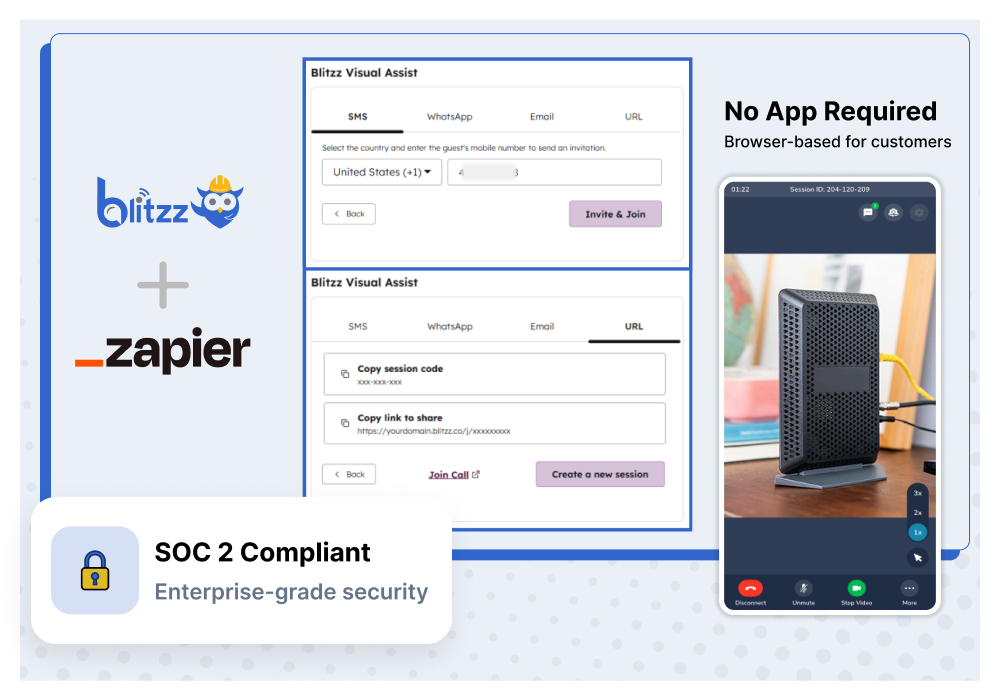
Why Blitzz for Zapier
Connect Blitzz to Your Entire Tech Stack
Trigger-Based Automation
Automatically launch Blitzz sessions when events happen in your other apps — new tickets, form submissions, scheduled appointments, and more.
Bi-Directional Data Sync
Session recordings, photos, annotations, and AI summaries flow automatically to your CRM, helpdesk, or project management tool after every call.
7,000+ App Connections
Connect Blitzz with Salesforce, HubSpot, Jira, Slack, Microsoft Teams, Google Sheets, Airtable, and thousands more — no custom development needed.
Enterprise Security
SOC 2 compliant with end-to-end encryption. Your session data stays protected at every step, even across automated workflows.
Use Cases
How Teams Use Blitzz with Zapier
Helpdesk Ticket → Video Session
Automatically create a Blitzz session when a high-priority support ticket is opened in Zendesk, Freshdesk, or any helpdesk. Send the customer a video link instantly so agents can see the issue firsthand.
Session Data → CRM Records
Push Blitzz session recordings, photos, annotations, and AI-generated summaries to Salesforce, HubSpot, or any CRM automatically. Keep customer records complete without manual data entry.
Scheduled Appointments → Auto-Invites
When a new inspection or support appointment is booked in Calendly, Acuity, or Google Calendar, automatically generate a Blitzz session link and send it to the customer via SMS or email.
Session Complete → Team Notifications
Notify your team in Slack or Microsoft Teams when a Blitzz session ends. Include session details, AI summary, and outcome — keeping everyone aligned without extra effort.
Inspection Data → Project Management
After a remote inspection, automatically create tasks in Jira, Asana, or Monday.com with session documentation attached. Turn visual findings into actionable work items instantly.
Session Metrics → Reporting Dashboards
Log every Blitzz session to Google Sheets, Airtable, or your BI tool. Track session volume, resolution rates, and team performance without building custom integrations.
How It Works
Up and Running in Minutes
Connect Blitzz to Zapier
Find Blitzz on the Zapier platform and authenticate with your Blitzz API key. Choose from pre-built templates or start building custom Zaps from scratch.
Build Your Workflow
Set triggers and actions using Zapier's visual builder. Connect Blitzz with any of 7,000+ apps to automate session creation, data sync, and notifications.
Automate & Scale
Turn on your Zap and let automation handle the rest. Sessions launch, data syncs, and notifications fire — all without manual intervention.
Frequently Asked Questions
Have Question? We are here to help
What does the BETA label mean for this integration?
The Blitzz + Zapier integration is currently in beta, meaning it's available for early access users. Core functionality — triggering Blitzz sessions from other apps, syncing session data, and automating notifications — is fully operational. We're actively gathering feedback to refine the experience before general availability. Beta users receive priority support and direct access to our product team.
How long does it take to set up Blitzz with Zapier?
Setup takes just minutes. Connect your Blitzz account to Zapier using your API key, choose a pre-built template or create a custom Zap, and you're ready to automate. Most teams have their first workflow running the same day.
What triggers and actions are available for Blitzz on Zapier?
Blitzz provides triggers like "Session Completed," "New Recording Available," and "Session Created," as well as actions such as "Create Session," "Send Session Invite," and "Get Session Details." These can be combined with any of the 7,000+ apps on Zapier to build custom automation workflows.
Do I need coding skills to use Blitzz with Zapier?
No. Zapier's visual workflow builder lets you connect Blitzz with other apps using a simple drag-and-drop interface. No coding, no custom development — just pick your trigger, choose your action, and let the automation run.
What data can I pass between Blitzz and other apps?
You can automate the flow of session metadata, call recordings, captured photos, AR annotations, GPS location data, AI-generated session summaries, participant details, and session outcomes. Configure which data fields map to your connected apps based on your organization's needs.
How much does Blitzz for Zapier cost?
The Blitzz Zapier integration is included with all Blitzz plans at no additional cost. You'll need an active Zapier account (free or paid, depending on the number of Zaps and task volume you need). During the beta period, early access pricing is available for Blitzz. Contact us to discuss pricing and volume discounts.
Can I try Blitzz for Zapier before purchasing?
Absolutely. You can request a free demo to see Blitzz automation in action, or join our beta program to test the Zapier integration with your team on real workflows. We also offer a pilot program where you can measure ROI before committing to a full deployment.