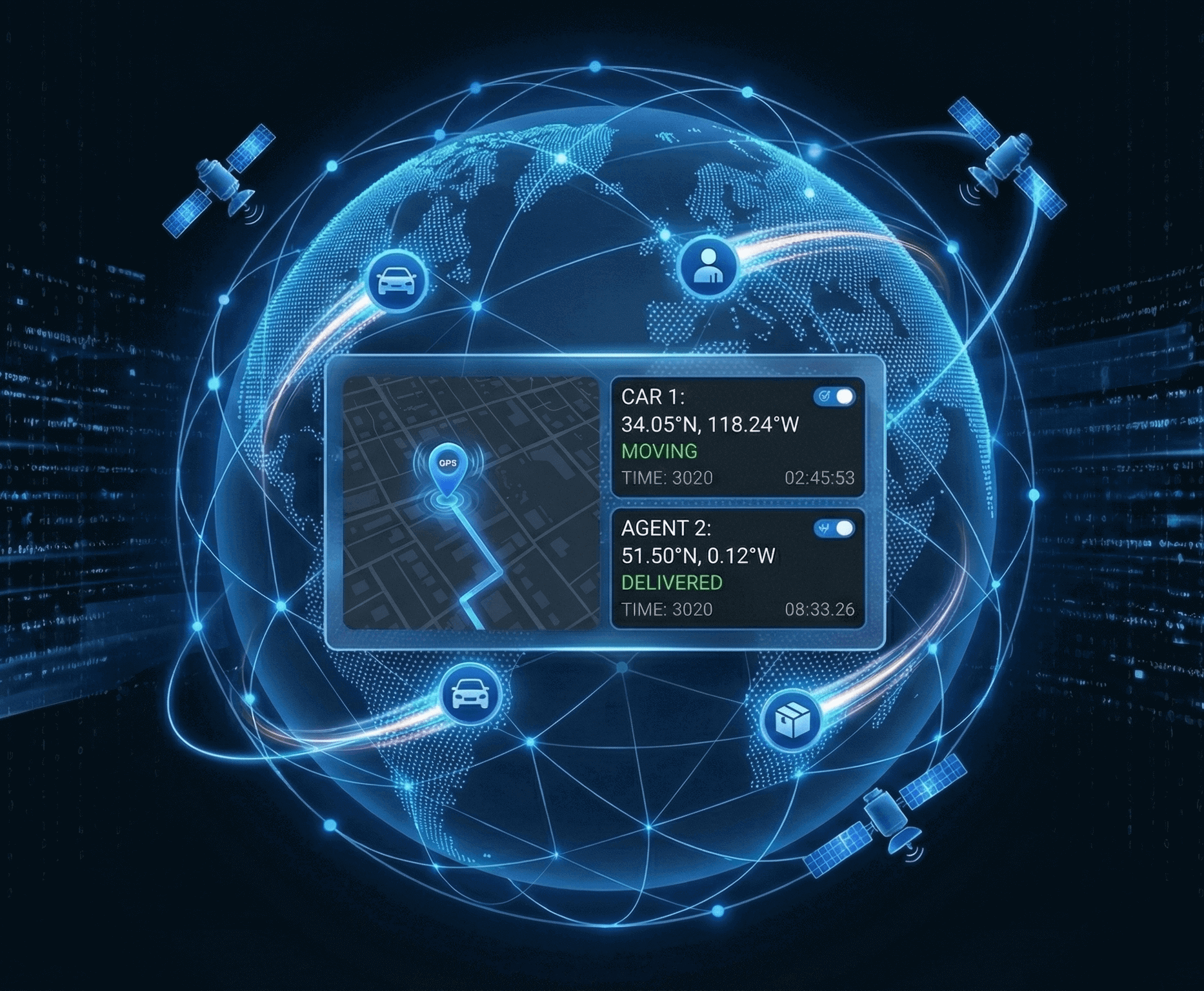
Live GPS Location Tracking: Know Exactly Where Your Participants Are
Monitor real-time GPS locations of all call participants on an interactive map. Track movement paths, capture location snapshots, and maintain complete visibility throughout every remote video session, no guesswork, just precise positioning.
How It Works
Real-Time Location Visibility in Three Steps
Participants Join the Call
When participants connect to your video session, Blitzz automatically begins capturing their GPS coordinates. Location permissions are requested seamlessly through the browser.
View Live Positions on Map
The agent sees all participant locations plotted on an interactive map in real-time. Each participant is clearly identified with their position, updating every 10 seconds.
Track Movement & Save Snapshots
Watch movement paths draw automatically as participants move. Save map snapshots as images for documentation, reports, or compliance records with a single click.

Feature Details
What Makes Blitzz GPS Tracking Different
Real-Time GPS Positioning
Track the precise GPS coordinates of every participant connected to your call. Location data updates automatically every 10 seconds, ensuring continuous accuracy throughout the session.
Multi-Participant Tracking
Monitor multiple participants simultaneously on a single map view. Ideal for coordinating field teams, tracking inspectors, or managing multi-location service calls.
Automatic Movement Path
The system automatically draws movement paths based on location history. Visualize exactly where participants have traveled during the call with a clear trail on the map.
Map Snapshot Capture
Save the current tracking map as an image file with one click. Create visual documentation of participant locations for reports, compliance records, or internal reference.
10-Second Auto-Refresh
Location data refreshes every 10 seconds automatically. No manual updates are needed; the map stays current throughout the entire call duration without agent intervention.
Interactive Map Interface
Zoom, pan, and explore the map to examine participant locations in detail. Switch between map views and get street-level accuracy for precise location verification.
Why It Matters
Eliminate Location Uncertainty in Every Remote Session

Verify Field Technician Locations
Confirm technicians are at the correct job site before beginning remote support. Eliminate wasted time from miscommunication about locations.
Coordinate Multi-Site Inspections
Track multiple inspectors across different locations simultaneously. Know exactly who is where during complex, multi-participant inspection sessions.
Document Location for Compliance
Save GPS-verified location snapshots for audit trails and compliance documentation. Prove exactly where inspections or service calls occurred.
Improve Dispatch Accuracy
See real-time positions to make better dispatch decisions. Route the nearest available technician or inspector to urgent calls based on actual locations.
Why Choose Blitzz
Traditional Video Support vs. Blitzz GPS Tracking
| Blitzz | Others | |
|---|---|---|
|
Real-time GPS location tracking
|
|
|
|
Multi-participant map view
|
|
|
|
Automatic movement path drawing
|
|
|
|
10-second auto-refresh updates
|
|
|
|
Map snapshot image capture
|
|
|
|
GPS coordinates saved to session history
|
|
|
|
No app download required
|
|
|
|
Works on any smartphone browser
|
|
|
Frequently Asked Questions
Have Question? We are here to help
How does Blitzz GPS location tracking work?
When participants join a Blitzz video session, the browser requests location permission. Once granted, Blitzz captures GPS coordinates and displays each participant's position on an interactive map. The agent can view all participant locations in real-time, with positions updating automatically every 10 seconds throughout the call.
Do participants need to download an app for GPS tracking?
No. GPS tracking works entirely through the browser, no app download required. Participants simply click the session link and grant location permission when prompted. Their position is immediately visible to the agent on the tracking map.
How accurate is the GPS location tracking?
GPS accuracy depends on the participant's device and environment. In optimal conditions with a clear GPS signal, accuracy is typically within a few meters. The system updates every 10 seconds to maintain current positioning throughout the session.
Can I track multiple participants at the same time?
Yes. Blitzz displays all connected participants on a single map view. Each participant is clearly identified, and you can track their individual positions and movement paths simultaneously—ideal for coordinating field teams or multi-site inspections.
What is the movement path feature?
As participants move during a call, Blitzz automatically draws a path showing their movement history on the map. This visual trail helps you understand where participants have traveled and verify they've covered the required areas during inspections or service calls.
Can I save the GPS tracking data?
Yes. Agents can save a snapshot of the tracking map as an image file for documentation purposes. Additionally, GPS coordinates captured during photos are saved to the session history, providing a complete location record for compliance and reference.