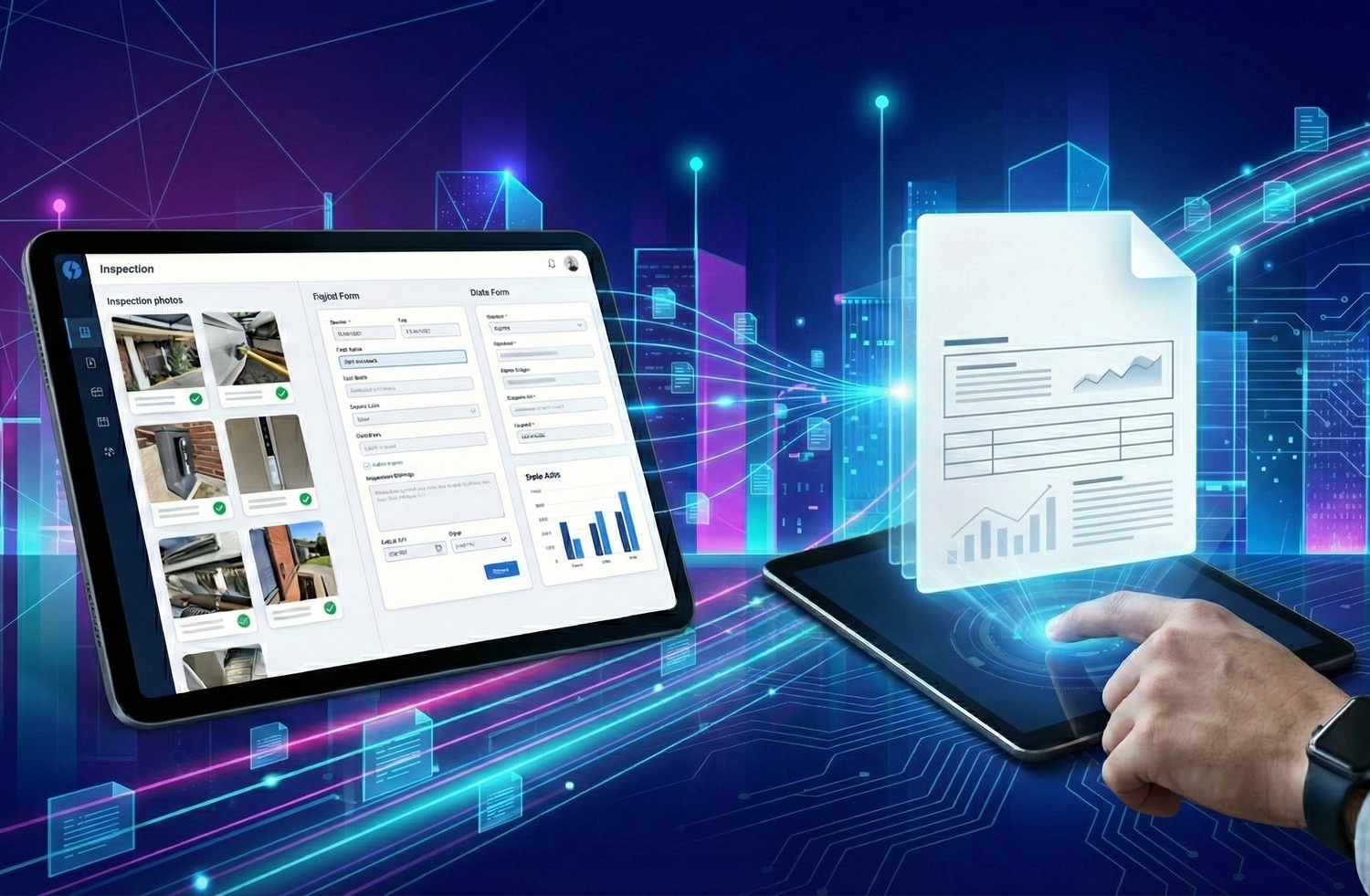
Generate Professional Inspection Reports in One Click
Automatically transform your Blitzz video sessions into comprehensive Word documents. Notes, images, location data, and annotations are compiled into polished, ready-to-share inspection reports with minimal manual effort.
How It Works
From Video Session to Professional Report in Three Simple Steps
Complete Your Inspection
Conduct your Blitzz Inspect session as usual. Capture photos, add notes, enable location tracking for agents and guests, and document everything you need during the live video call.
Access Session History
Navigate to the Session History in your Blitzz dashboard. Open the Details tab for the specific session you want to export as a report.
Download Your Report
Click the download icon next to "Word (.docx)" to generate and retrieve your complete inspection report. The document includes all session data, images, and notes, ready to share or archive.

Feature Details
What Makes Blitzz Report Generation Different
Word Document Export
Generate professional inspection reports in standard .docx format. Open, edit, and share using Microsoft Word, Google Docs, or any compatible application, no proprietary software required.
Automatic Image Inclusion
All photos captured during the session are automatically embedded in your report. High-resolution images appear in chronological order with timestamps for complete visual documentation.
GPS Location Data
When location tracking is enabled, GPS coordinates for both agent and guest are included in the report. Verify exactly where the inspection took place with precise geolocation data.
Session Notes & Bookmarks
All notes added during the session appear in your report, organized by timestamp. Bookmark labels help categorize and organize findings for easy reference and follow-up.
Complete Session Metadata
Reports include session duration, date and time, participant information, collaboration profile used, and reference IDs, everything needed for proper documentation and auditing.
One-Click Download
No complex export wizards or configuration. Simply click the download button and receive a complete, professionally formatted inspection report in seconds.
Why It Matters
Eliminate Manual Report Creation and Save Hours Every Week

Eliminate Manual Documentation
Stop spending hours copying images, writing notes, and formatting reports. Blitzz compiles everything automatically so inspectors can focus on what matters: the actual inspection.
Ensure Consistency Across Teams
Every report follows the same professional format. No more variations between inspectors or inconsistent documentation quality, standardized reports every time.
Share Instantly with Stakeholders
Word format ensures compatibility across all platforms. Email reports to clients, upload to management systems, or archive for compliance. No special software needed to view.
Maintain Complete Audit Trails
Every report captures comprehensive session data for compliance and legal protection. Timestamps, location data, and visual evidence create defensible documentation.
Why Choose Blitzz
Manual Report Creation vs. Blitzz Automated Reports
| Blitzz | Others | |
|---|---|---|
|
One-click report generation
|
|
|
|
Automatic image embedding
|
|
|
|
GPS location data included
|
|
|
|
Consistent formatting
|
|
|
|
Timestamped notes & bookmarks
|
|
|
|
Session metadata auto-captured
|
|
|
|
Human error risk
|
None | High |
|
Time to generate the report
|
Seconds | 30+ minutes |
Frequently Asked Questions
Have Question? We are here to help
What file format are inspection reports generated in?
Blitzz generates inspection reports in Microsoft Word (.docx) format. This ensures compatibility with Microsoft Word, Google Docs, and virtually any word processing application. You can open, edit, and share reports without any special software.
What information is included in the generated report?
Reports include all session notes, captured images (from both agent and guest when enabled), location data with GPS coordinates, session metadata (duration, date, time, participants), bookmark labels, and any text extracted during the session. Everything documented during the inspection appears in the final report.
How do I access and download the inspection report?
After completing your Blitzz Inspect session, navigate to Session History in your dashboard. Open the Details tab for the specific session you want to export. Click the download icon next to "Word (.docx)" to generate and download your complete inspection report.
Are location images included in the report?
Yes, when location image capture is enabled for agents and/or guests, these images are automatically included in the generated Word document. This provides visual proof of the inspection location alongside the GPS coordinates.
Can I customize the report format or branding?
The generated Word document uses a professional standard format. Since reports are delivered in .docx format, you can easily add your company branding, logo, or additional sections after download using any word processor.
Is inspection report generation available on all plans?
Inspection report generation is available on Blitzz Inspect plans. Contact our sales team to learn more about which plan includes the features your organization needs for comprehensive inspection documentation.