Skip to content

Extract Text from Any Image Instantly with OCR


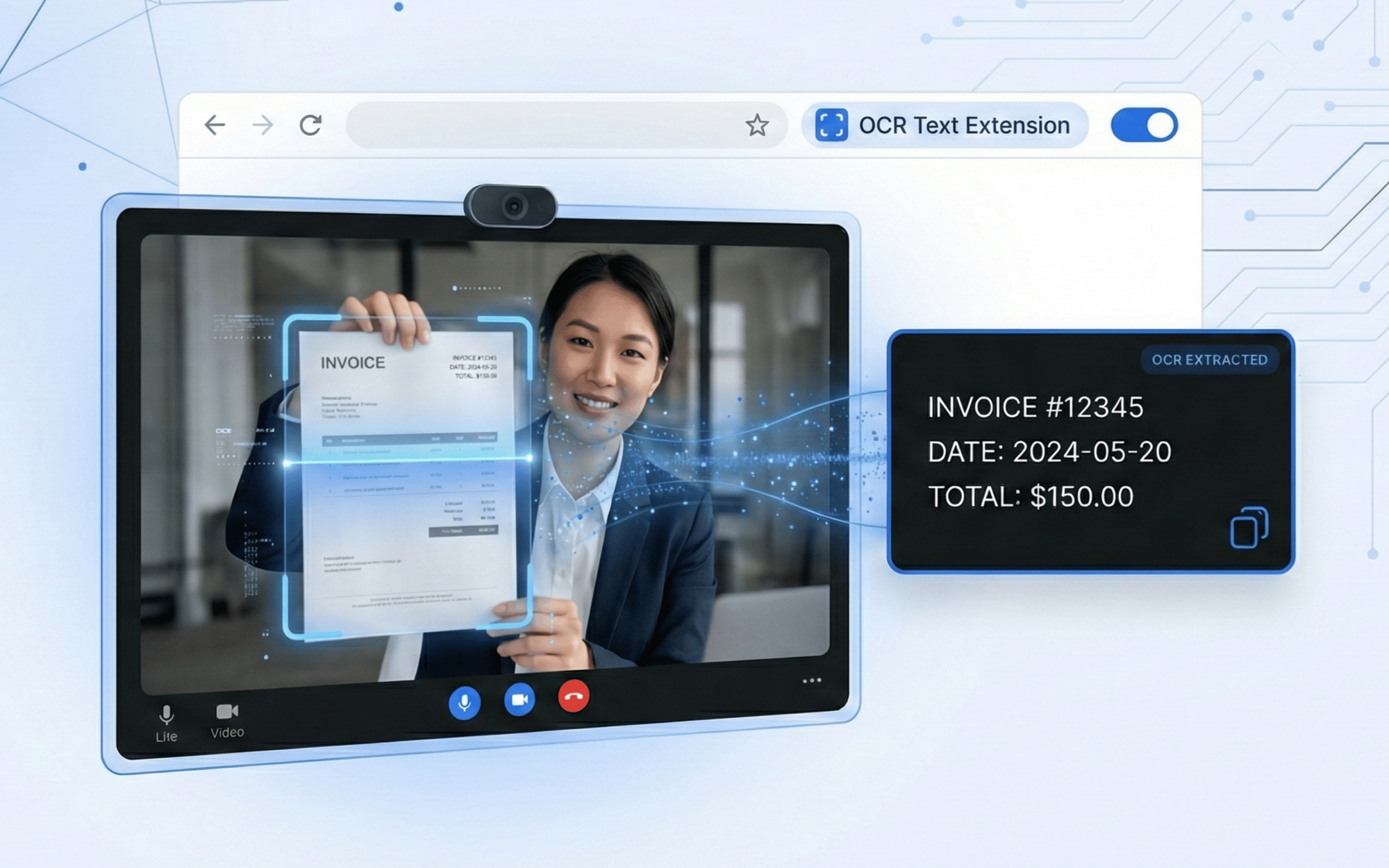
Stop squinting at blurry serial numbers or asking customers to read text aloud. Blitzz OCR lets agents capture photos during live video calls and extract text instantly, serial numbers, model codes, labels, and more. Copy, share, or save extracted text for faster issue resolution.


Trusted By Leading Enterprises Worldwide


How It Works


From Image to Text in Seconds

Capture any text visible during a live call and turn it into actionable data instantly.
Capture a Photo

During a live video session, the agent captures a photo of any equipment, label, or document that requires text extraction, such as serial numbers, model codes, warning labels, or product information.

Run OCR Extraction

With one click, OCR analyzes the captured image and extracts all readable text. The technology works effectively even in challenging conditions, such as difficult angles, low lighting, or partially obscured text.

Copy, Share, or Save

Extracted text appears instantly in the agent's dashboard. Could you copy it to the clipboard, paste it into your CRM or ticketing system, share it with team members, or save it to the session history for future reference?

 

Feature Details


What Makes Blitzz OCR Different

Purpose-built for customer support and field service, not just another text recognition tool.
Live Call Photo Capture

Capture high-resolution photos directly from the live video stream. No need to ask customers to take separate photos or switch apps, grab the exact frame you need while seeing what they see.

Instant Text Recognition

Advanced OCR technology extracts text from images in seconds. Works with printed text, handwritten notes, stickers, engraved labels, and digital displays across multiple languages and fonts.

One-Click Copy to Clipboard

Extracted text can be copied to the clipboard instantly. Paste serial numbers, VIN codes, or product IDs directly into your CRM, ticketing system, or knowledge base without manual retyping.

Share with Team Members

Share extracted text with supervisors, specialists, or back-office teams instantly. Collaborate on complex issues by getting the right information to the right people without delays.

Saved to Session History

All extracted text is automatically saved to the session record. Search past sessions by extracted text, find any case by serial number, model code, or product identifier.

Platform Integrations
CRM & Helpdesk Integration

Extracted text syncs automatically to Salesforce, ServiceNow, Zendesk, and more. Populate custom fields with serial numbers and product codes without leaving the video session.

 

Why It Matters


Capture What You Can't Always See or Hear

Eliminate Transcription Errors

Manually copying serial numbers leads to mistakes—one wrong digit means wrong parts, wrong warranties, wrong solutions. OCR captures text exactly as it appears, eliminating costly errors.

Handle Hard-to-Read Text

Faded labels, small print, awkward angles, poor lighting, and customers often can't read the text clearly themselves. OCR extracts text that would otherwise be impossible to capture.

Reduce Average Handle Time

Stop spending minutes asking customers to spell out long serial numbers letter by letter. OCR captures complete text strings in seconds, getting you to resolution faster.

Create Accurate Documentation

Build complete case records with verified serial numbers, model codes, and product information. Accurate documentation improves warranty claims, service history, and future support.


Why Choose Blitzz


Traditional Video Support vs. Blitzz OCR

Blitzz Others
OCR text extraction during live calls
One-click photo capture from video stream
Instant copy to clipboard
Extracted text saved to session history
Search sessions by extracted text
Multi-language text recognition
CRM auto-sync of extracted data
Works in low-light conditions

Frequently Asked Questions

Have Question? We are here to help

How does Blitzz OCR text extraction work?

During a live video call, agents can capture a photo directly from the customer's camera feed. With one click, Blitzz analyzes the image using advanced OCR technology and extracts all readable text. The extracted text appears instantly in the agent's dashboard, ready to copy, share, or save to the session record.

What types of text can Blitzz OCR recognize?

Blitzz OCR recognizes printed text, typed text, handwritten notes, engraved serial numbers, sticker labels, digital displays, and more. It works across multiple languages and font styles, and handles challenging conditions like low lighting, angled views, or partially obscured text.

Can I copy the extracted text to my CRM?

Yes. Extracted text can be copied to the clipboard with one click and pasted into any system. For deeper integration, Blitzz syncs extracted text automatically to Salesforce, ServiceNow, Zendesk, and other CRM platforms, populating custom fields with serial numbers, model codes, and product identifiers without manual entry.

Is the extracted text saved after the call ends?

Yes. All extracted text is automatically saved to the session history along with the source photo, timestamp, and GPS coordinates. You can search past sessions by extracted text, making it easy to find any case by serial number, product code, or other captured information.

Does OCR work with blurry or low-quality images?

Blitzz OCR is optimized for real-world conditions. While clearer images produce better results, the technology handles challenging situations like low lighting, motion blur, angled captures, and partially visible text. Agents can also use remote flashlight control and zoom to improve image quality before extraction.

Is OCR text extraction available on all Blitzz plans?

OCR text extraction is included in Blitzz Concierge and Blitzz Inspect plans. Contact our sales team to learn which plan best fits your organization's needs and to see a live demonstration of the OCR feature in action.