Skip to content

See Every Detail with Remote Zoom Control


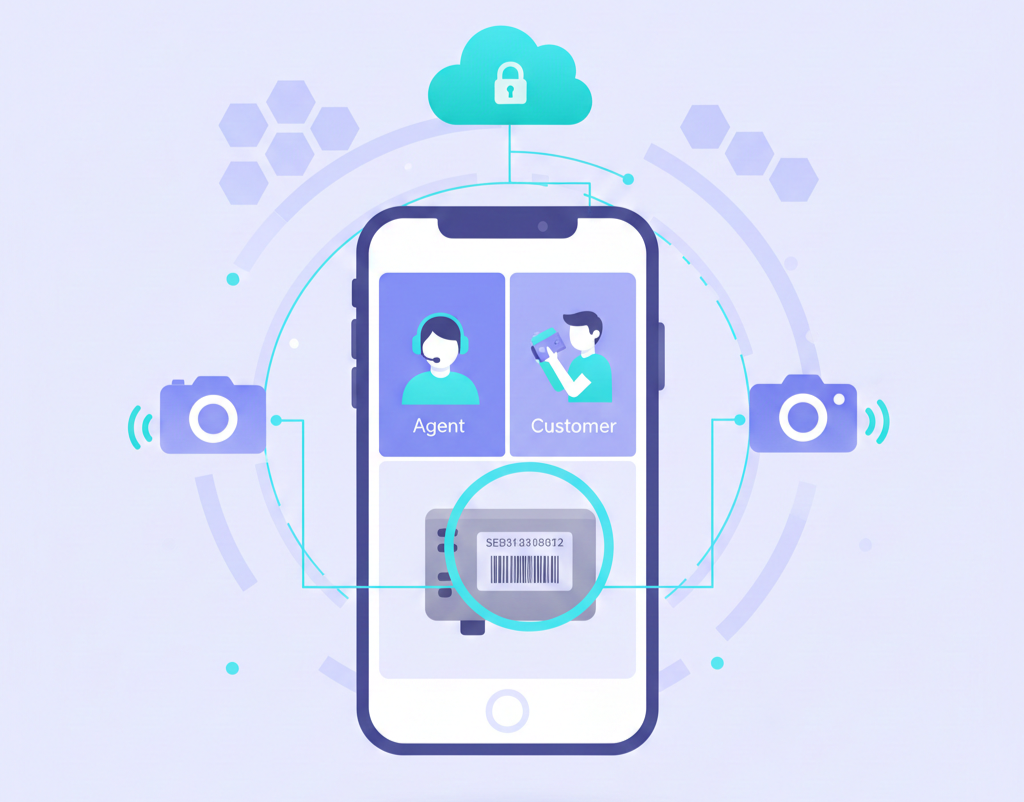
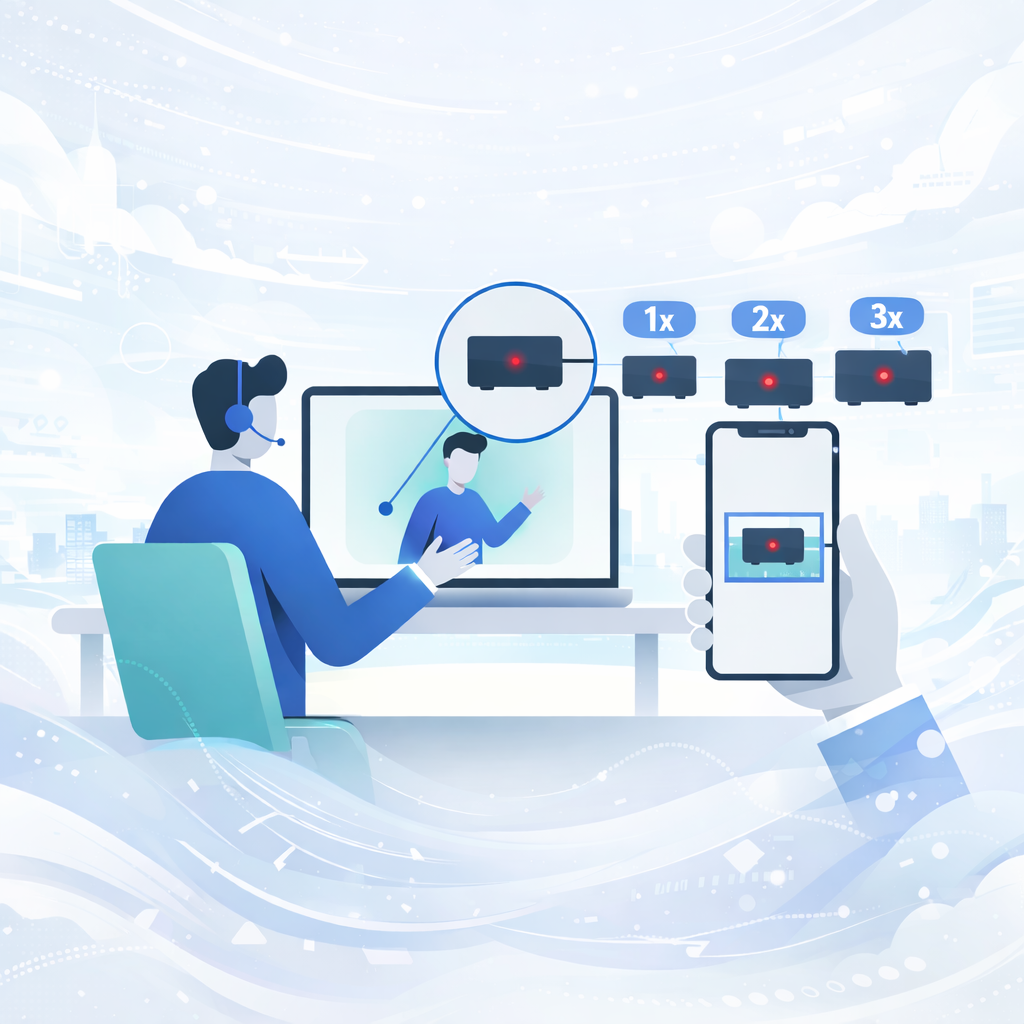
Take control of the smartphone camera during any video session. Zoom in 2x or 3x to inspect serial numbers, read tiny labels, examine damage, and diagnose issues instantly. Both agents and customers can control the zoom, giving everyone the power to focus on what matters.


Trusted By Leading Enterprises Worldwide


How It Works


Three Steps to Crystal-Clear Detail Inspection

Start a Video Session

Connect with your customer via Blitzz no app video call. Once the customer's camera is live, you gain access to remote camera controls, including zoom.

Zoom In with One Click

Use the zoom control on the Blitzz dashboard to zoom in 2x or 3x with a single click. The customer can also adjust Zoom from their end—both parties have full control for seamless collaboration.

Capture & Resolve

With perfect visibility of serial numbers, damage, or components, capture HD photos, add markup annotations, and resolve the issue with confidence.

 

Feature Details


What Makes Blitzz Remote Zoom Control Different

Shared Zoom Control

Both agents and customers can control Zoom during the session. Agents adjust Zoom from the Blitzz dashboard, while customers can Zoom from their device for faster issue resolution.

2x and 3x Zoom Levels

Choose between 2x zoom for general close-up views or 3x zoom for reading small text, serial numbers, and fine details. Simple, precise zoom levels designed for real-world support scenarios.

HD Photo Capture at Zoom

Capture high-definition photos at any zoom level. Zoomed photos maintain clarity and detail, perfect for documentation, claims processing, and compliance records.

Real-Time Adjustment

Zoom adjusts instantly with zero lag. As you click zoom in or out, the customer's camera responds immediately, keeping your inspection workflow smooth and efficient.

Compatible with All Devices

Remote Zoom works on iOS and Android devices, regardless of the phone model. Blitzz leverages the device's native camera capabilities for optimal zoom quality.

Platform Integrations
Combined with Other Tools

Use Zoom alongside live pointer, markup annotation, OCR text extraction, and flashlight control. All tools work together for complete remote visual assistance.
 

Why It Matters


Eliminate the Frustration of "Can You Zoom In?"

Stop Struggling with Verbal Zoom Instructions

No more back-and-forth trying to explain how to Zoom. Either party can adjust the zoom level instantly for agents from their dashboard, customers from their device. Faster, clearer, frustration-free.

Read Serial Numbers & Labels Clearly

Zoom in to read model numbers, serial numbers, date codes, and warning labels that are impossible to see in a standard video stream. Get the information you need instantly.

Inspect Damage with Precision

For insurance claims, warranty inspections, or technical diagnosis, zoom in to examine cracks, corrosion, wear patterns, and damage that would otherwise be invisible.

Reduce Average Handle Time by 30%

When agents control the Zoom, inspections move faster. No back-and-forth instructions, no customer fumbling, just efficient, professional remote visual assistance.


Why Choose Blitzz


Traditional Video Support vs. Blitzz Remote Zoom Control

Blitzz Others
Shared zoom control (agent & customer)
2x and 3x zoom levels
HD photo capture at any zoom level
No complex pinch-to-zoom instructions
Real-time instant adjustment
Combined with live pointer & markup
Works with flashlight control
OCR text extraction from zoomed view
No app download required
CRM integration 

Frequently Asked Questions

Have Question? We are here to help

How does Zoom control work?

During a Blitzz video session, both agents and customers have access to Zoom controls. Agents can click the Zoom button on their dashboard, while customers can also adjust Zoom from their device. This shared control allows either party to zoom in 2x or 3x instantly for better visibility of details.

What zoom levels are available?

Blitzz offers 2x and 3x zoom levels. Use 2x for general close-up views of equipment or components, and 3x when you need to read serial numbers, small labels, or examine fine details more closely.

Can both the agent and customer control Zoom?

Yes. Zoom control is available to both parties during a session. Agents adjust Zoom from the Blitzz dashboard, while customers can Zoom from their smartphones. This collaborative approach ensures that either party can quickly focus on what needs to be seen.

Does Zoom work on all smartphones?

Yes. Blitzz zoom control works on iOS (iPhone, iPad) and Android devices. The feature leverages each device's native camera zoom capabilities, ensuring reliable performance regardless of the phone model or operating system version.

Can I capture photos while zoomed in?

Absolutely. Agents can capture high-definition photos at any zoom level. Zoomed photos are saved to session history with full resolution, making them perfect for documentation, claims processing, compliance records, and technical reports.

Does Zoom work with other Blitzz features?

Yes. Remote Zoom integrates seamlessly with live pointer, markup annotation, flashlight control, OCR text extraction, and photo capture. Use all tools together for comprehensive remote visual assistance during any support or inspection session.