.png?width=120&height=55&name=Blitzz-Logo-right%20white%20eyes%20-%20not%20transparent%20(3).png)
Your web browser is the most used software on your computer. Whether you’re researching, working, shopping, or collaborating with your team, nearly everything happens inside a browser window.
But not all browsers are created equal.
Some prioritize speed, others focus on privacy, while newer browsers are built around AI and productivity features. Choosing the best browser depends on what matters most to you.
In this guide, we’ll compare the best browsers available today, break down their strengths and weaknesses, and help you choose the right one for work, privacy, or everyday browsing.
Best Browsers in 2026: Quick Comparison
| Rank | Platform Name | Best For | Key Strength |
|---|---|---|---|
| 01 | Blitzz Cobrowse | Overall remote visual support & cobrowsing | Browser-based visual assistance with no downloads required |
| 02 | Surfly | Universal cobrowsing (no code required) | Works instantly on most websites with simple implementation |
| 03 | Cobrowse.io | Enterprise mobile app cobrowsing | Supports cobrowsing inside both web and mobile applications |
| 04 | Fullview | SaaS customer support teams | Built specifically to guide users through SaaS platforms |
| 05 | Glance | Enterprise guided customer experience | Scalable guided browsing for large organizations |
| 06 | Glia | Banking & financial services | Secure cobrowsing designed for regulated industries |
| 07 | Cardina | Quick agent-to-customer visual guidance | Fast session setup for live customer troubleshooting |
| 08 | Upscope | Intercom or Zendesk users | Integrates easily with popular customer support tools |
| 09 | Median CoBrowse | Budget option for small teams | Affordable cobrowsing solution with core features |
| 10 | Genesys Cloud CX | Existing Genesys ecosystem users | Native integration with the Genesys customer experience platform |
| 11 | Unblu | Wealth management & private banking | Highly secure cobrowsing designed for financial institutions |
| 12 | Samesurf | Specialized cobrowsing technology | Patented synchronization technology for shared browsing sessions |
How We Ranked the Best Browsers
To determine the best browsers, we evaluated each one across several categories:
Speed and performance
How quickly pages load and how efficiently the browser uses system resources.
Privacy and security
Tracking protection, encryption, and built-in privacy tools.
Extensions and compatibility
Availability of browser extensions and compatibility with modern websites.
Productivity features
Tab management, AI features, and workflow tools.
Cross-platform support
Availability across Windows, macOS, Linux, iOS, and Android.
These criteria help identify which browsers are best for everyday users, professionals, and privacy-conscious individuals.
1. Blitzz Cobrowse — Best Browser-Based Collaboration Tool
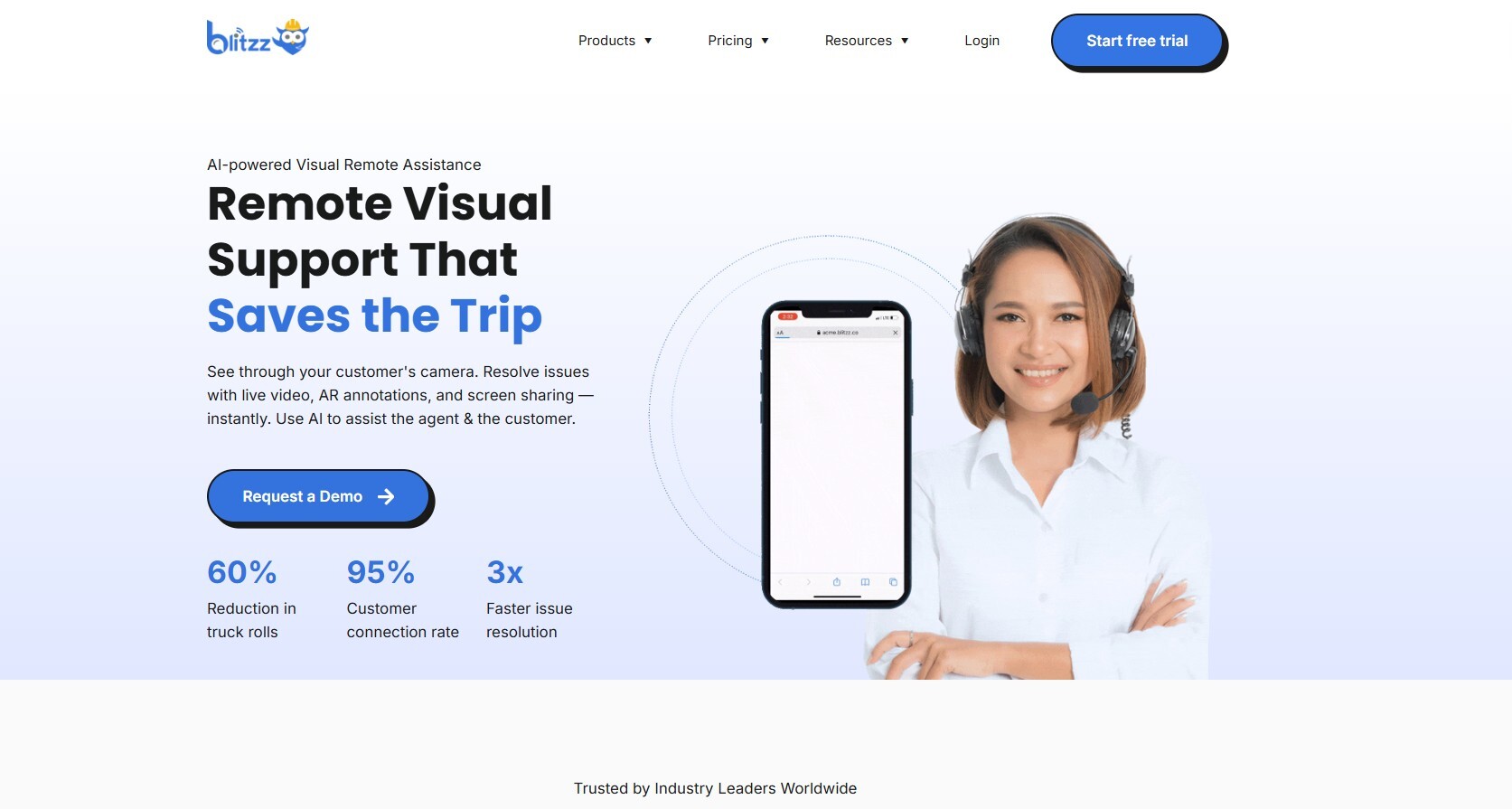
Blitzz Cobrowse is a browser-based collaboration tool that allows support teams and customers to interact on the same webpage in real time. Instead of relying on screenshots or lengthy explanations, agents can securely view the customer’s screen and guide them through tasks directly within the browser. Because the platform runs entirely through a web link, users don’t need to download or install any software to start a session. This makes it especially useful for customer support, onboarding, troubleshooting, and digital form assistance. Overall, Blitzz Cobrowse stands out for its simplicity, fast setup, and ability to reduce customer friction during online interactions.
Pros
- No downloads required — sessions start instantly in the browser
- Real-time guidance with shared cursor and annotations
- Secure collaboration with privacy and data masking features
Cons
- Not a traditional browser, so it serves a specific use case
- Requires stable internet for smooth real-time interaction
- Best value for teams rather than individual users
Best For:
Customer support teams, onboarding specialists, technical support, and businesses that want to guide users through websites or digital processes in real time.
2. Surfly — Best Universal Cobrowsing (No Code Required)
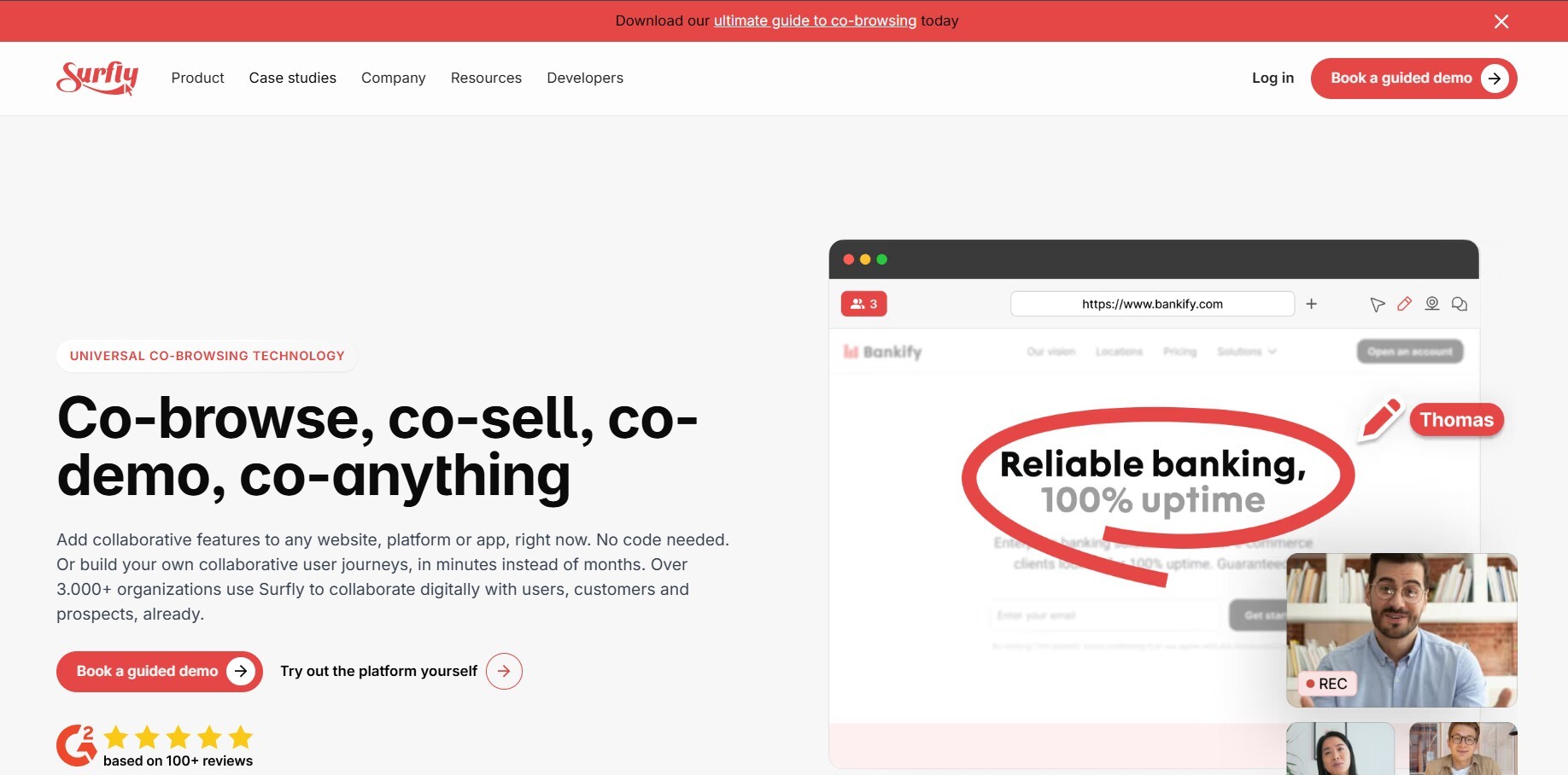
Surfly is a universal cobrowsing platform designed to work across almost any website without requiring complex technical integration. The platform allows support agents and customers to share a browsing session so both parties can view and interact with the same webpage simultaneously. One of Surfly’s key strengths is its flexibility, as it can be implemented with minimal setup and often does not require major changes to an existing website. This makes it a popular option for companies that want to quickly add guided browsing to their customer support workflow. Overall, Surfly is valued for its ease of deployment and broad compatibility with modern websites.
Pros
- No-code implementation makes setup quick and simple
- Works across most websites without major development changes
- Allows real-time shared browsing sessions for support teams
Cons
- Advanced customization options may require technical work
- Enterprise features may increase costs
- Interface may feel basic compared to some newer platforms
Best For:
Companies that want a flexible cobrowsing solution that can be implemented quickly without heavy development work.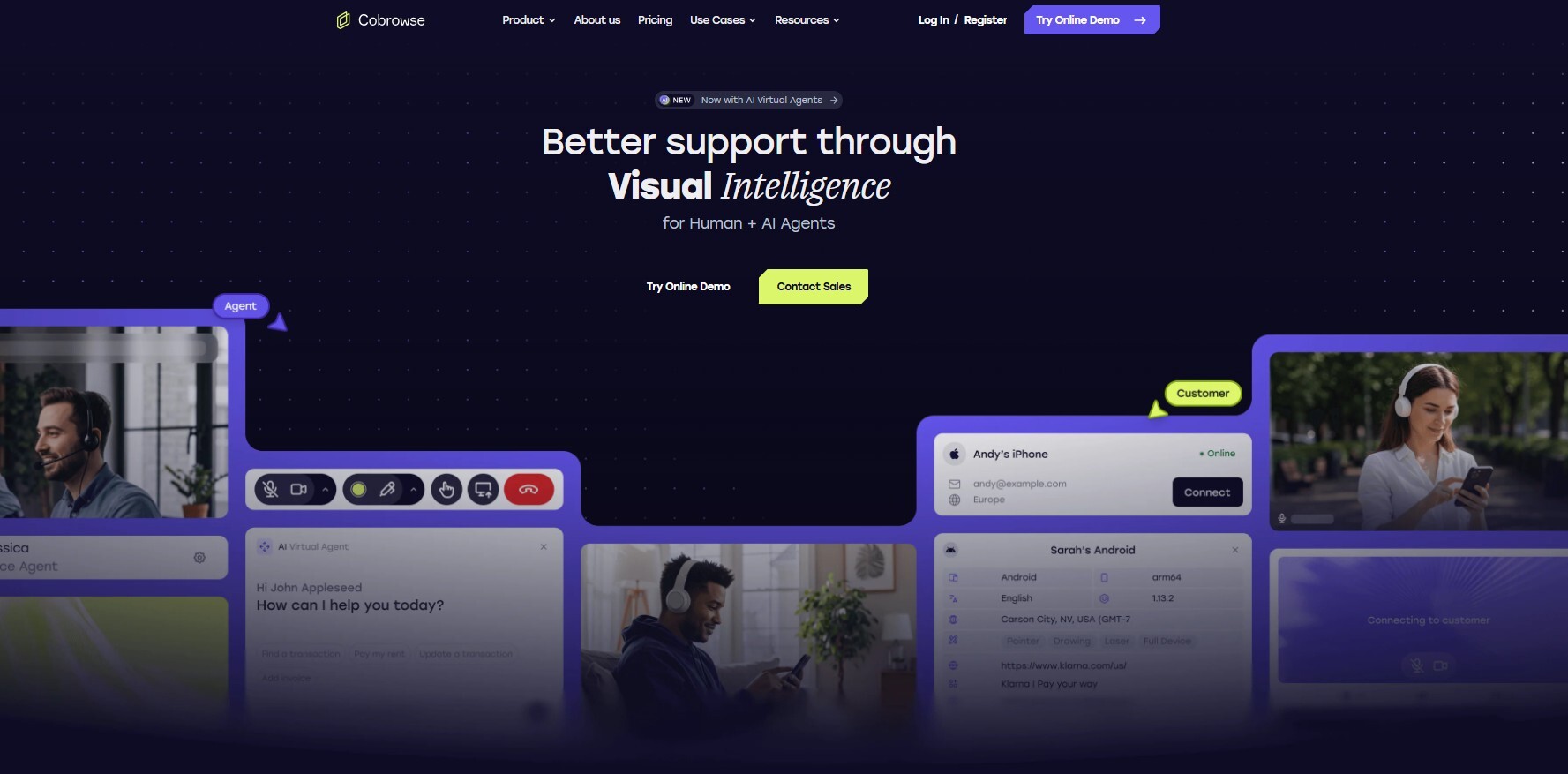
3. Cobrowse.io — Best for Enterprise Mobile App Cobrowsing
Cobrowse.io is a cobrowsing platform designed to support real-time collaboration inside both web applications and mobile apps. Unlike many cobrowsing tools that focus only on websites, Cobrowse.io allows support agents to view and guide customers directly within mobile app interfaces. This makes it particularly valuable for companies whose customers rely heavily on mobile platforms. The platform also emphasizes security and data protection, making it suitable for organizations that handle sensitive customer information. Overall, Cobrowse.io stands out as a strong option for enterprises that need cobrowsing across multiple digital environments.
Pros
- Supports cobrowsing inside both web and mobile apps
- Designed with enterprise security and privacy features
- Helps support teams guide users through complex mobile interfaces
Cons
- Implementation may require development work
- Enterprise focus may increase costs for smaller teams
- May be more complex than basic cobrowsing tools
Best For:
Enterprises and digital platforms that need cobrowsing capabilities across both websites and mobile applications.
4. Fullview — Best for SaaS Customer Support Teams
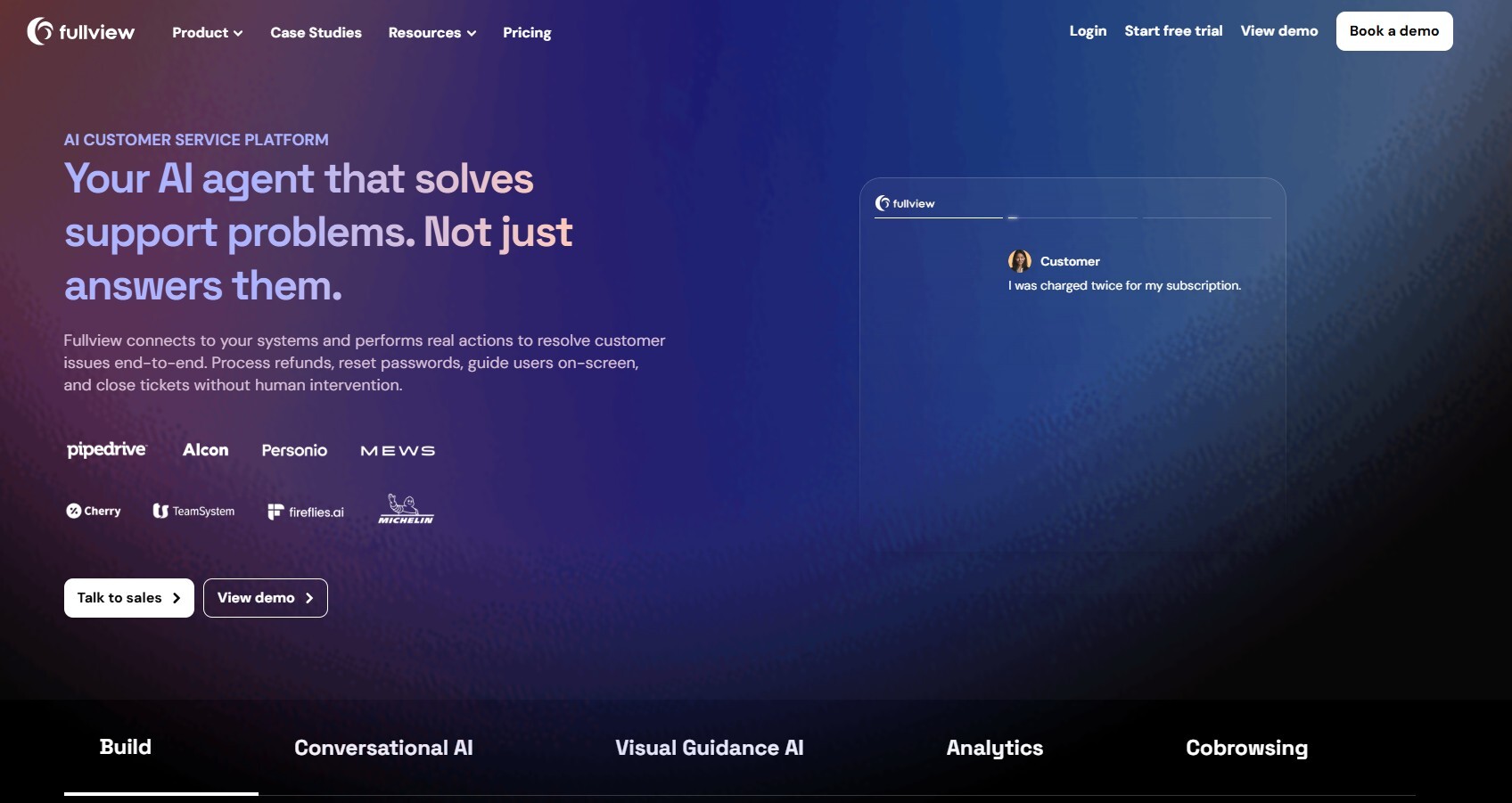
Fullview is a visual support platform designed specifically for SaaS companies that need to help customers navigate complex software interfaces. Instead of relying solely on chat or email support, Fullview allows agents to see exactly what the user sees inside the product and guide them through tasks directly. This makes it particularly useful for onboarding new customers, resolving product issues, and providing technical support. The platform integrates easily with many customer support workflows, helping teams troubleshoot problems more efficiently. Overall, Fullview focuses on improving the SaaS support experience by making customer assistance more visual and interactive.
Pros
- Built specifically for SaaS product support
- Helps agents visually guide customers through software interfaces
- Improves onboarding and troubleshooting efficiency
Cons
- Primarily designed for SaaS platforms
- May require integration with support systems
- Advanced features may be more suitable for larger teams
Best For:
SaaS companies that want to provide visual customer support and guide users through their software platforms.

5. Glance — Best for Enterprise Guided Customer Experience
Glance is an enterprise-level cobrowsing platform that improves the digital customer experience through guided browsing and real-time assistance. The platform allows customer support agents to securely join a customer’s browsing session and help them navigate websites, complete forms, or resolve technical issues. Glance focuses heavily on scalability, making it suitable for large organizations that manage high volumes of customer interactions. The platform also emphasizes security and compliance, which is important for industries that handle sensitive information. Overall, Glance is widely used by enterprises that want to deliver more interactive and efficient customer support experiences.
Pros
- Scalable platform designed for large enterprises
- Enables real-time guided browsing and customer assistance
- Strong focus on security and compliance
Cons
- Enterprise pricing may be high for smaller businesses
- Implementation may require technical setup
- Interface can be complex compared to simpler tools
Best For:
Large organizations and enterprises that want to enhance digital customer experiences through guided browsing and visual support.
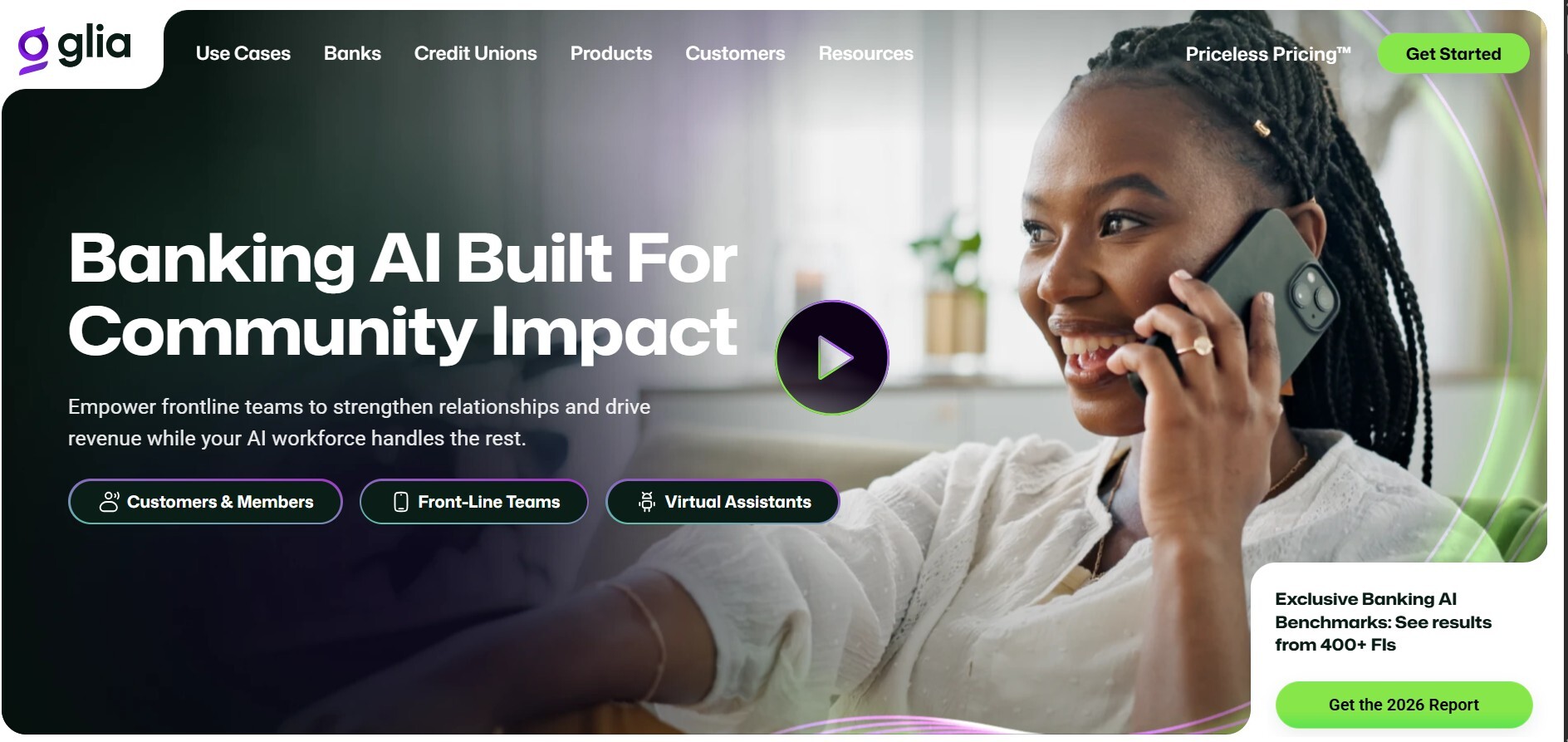
6. Glia — Best for Banking & Financial Services
Glia is a cobrowsing and digital customer engagement platform designed specifically for highly regulated industries such as banking and financial services. It enables support agents to guide customers through online forms, banking portals, and other sensitive web applications in real time. Security, privacy, and compliance are at the core of Glia’s design, making it suitable for organizations that need to meet strict regulatory requirements. Additionally, Glia integrates with chat, voice, and video channels, providing a full digital engagement suite. Overall, Glia helps financial institutions deliver a seamless and secure online customer experience.
Pros
- Strong security and compliance features for regulated industries
- Real-time guidance through complex web applications
- Multi-channel support including chat, video, and voice
Cons
- Primarily designed for banking and financial institutions
- Enterprise pricing may be prohibitive for smaller businesses
- Implementation may require integration with existing systems
Best For:
Banks, financial services, and other highly regulated industries needing secure cobrowsing and customer guidance.
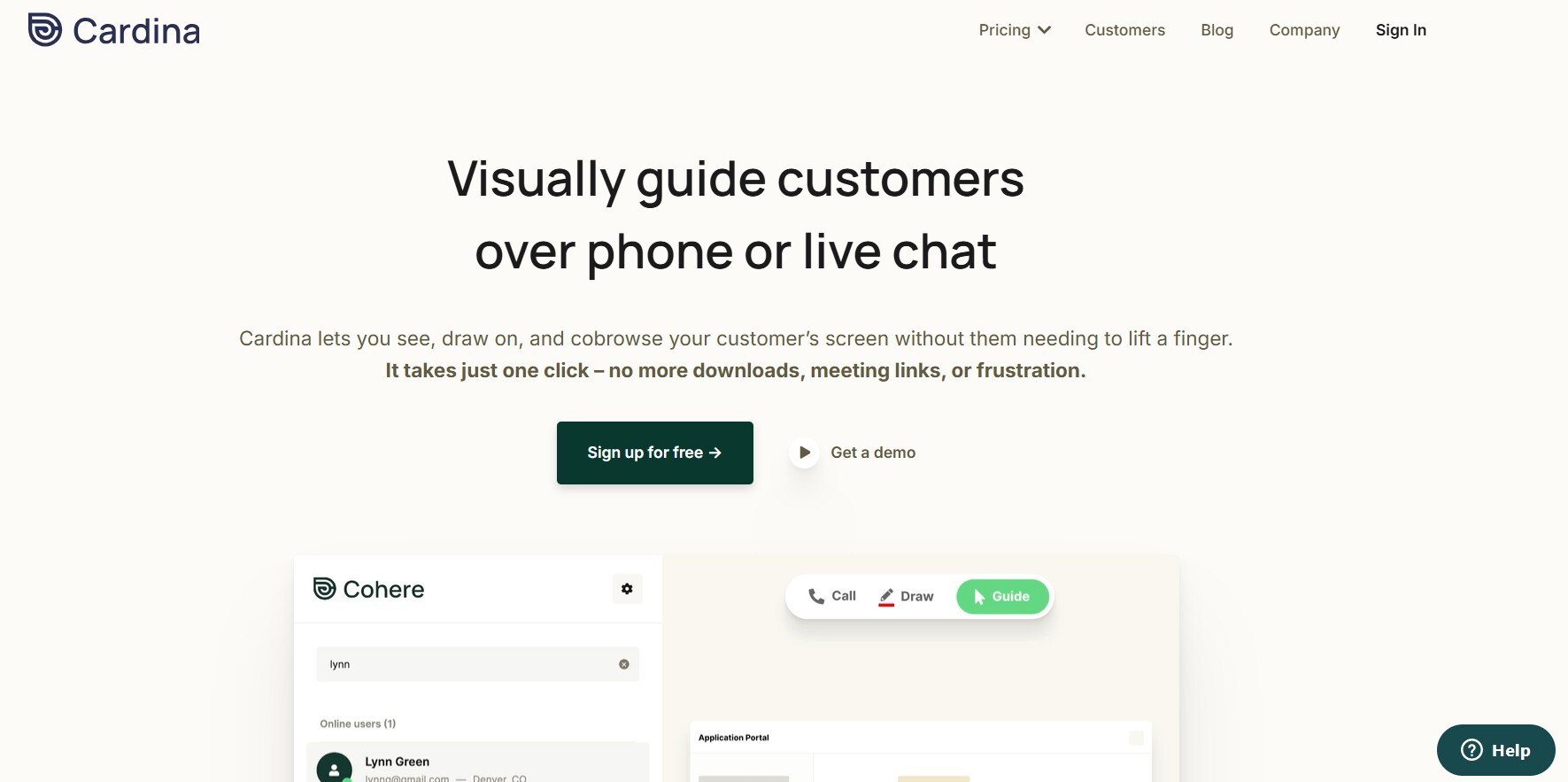
7. Cardina — Best for Quick Agent-to-Customer Visual Guidance
Cardina is a cobrowsing platform focused on fast and efficient agent-to-customer visual guidance. It allows support teams to start sessions quickly without requiring customers to install software, making it ideal for troubleshooting and immediate problem resolution. The platform emphasizes simplicity, enabling agents to provide step-by-step assistance, annotate screens, and navigate websites collaboratively. Overall, Cardina is designed for teams that need a straightforward, fast, and effective way to visually assist customers online.
Pros
- Quick session setup with minimal customer effort
- Real-time visual guidance and annotations
- No downloads or complicated installation required
Cons
- Limited advanced enterprise features
- Smaller feature set compared to larger platforms
- May not scale as easily for large enterprises
Best For:
Support teams needing rapid visual guidance for troubleshooting and customer assistance.
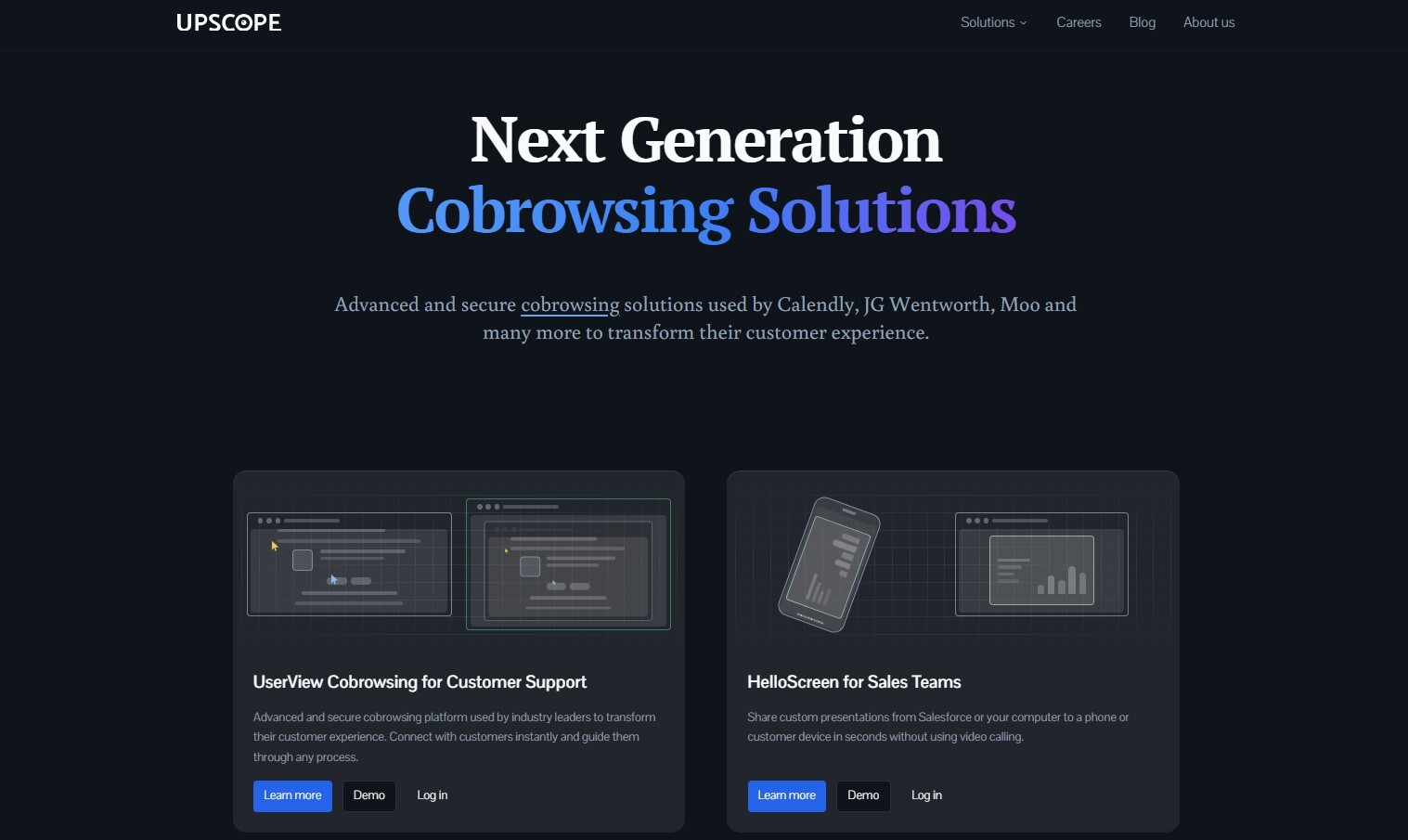
8. Upscope — Decent for Intercom/Zendesk Users
Upscope is a cobrowsing tool designed to integrate seamlessly with popular customer support platforms like Intercom and Zendesk. It allows agents to visually guide customers without requiring downloads or plugins, improving resolution times and enhancing support interactions. While it offers strong integration with these tools, Upscope is more limited for teams not using its supported platforms. Overall, Upscope is a practical choice for companies already embedded in Intercom or Zendesk ecosystems, providing an easy-to-use visual assistance solution.
Pros
- Smooth integration with Intercom and Zendesk
- No downloads required for customers
- Improves support resolution speed
Cons
- Limited usefulness outside supported platforms
- Fewer advanced features compared to enterprise solutions
- May not scale well for very large teams
Best For:
Companies using Intercom or Zendesk that want to add visual cobrowsing support for customer interactions.
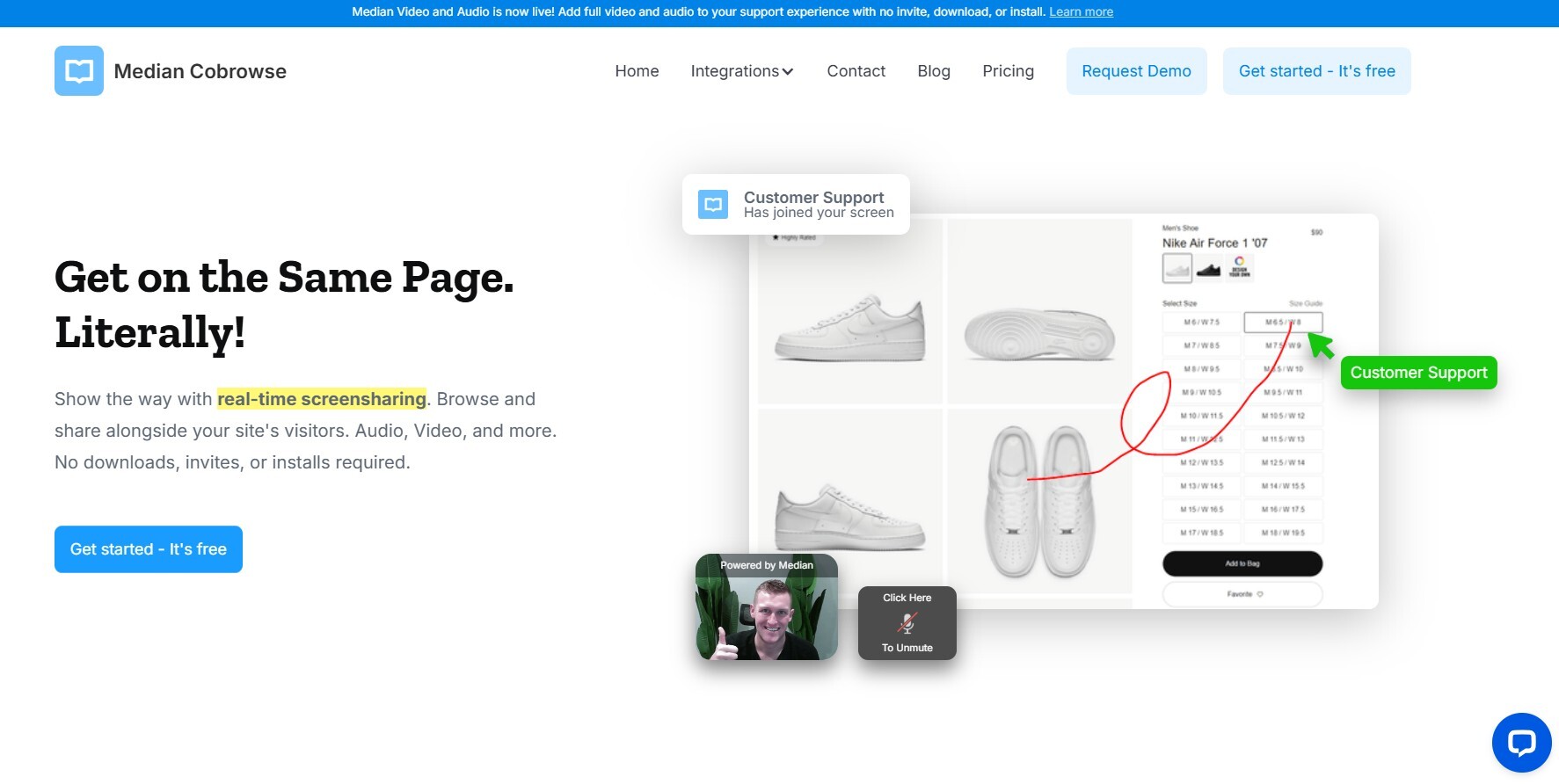
9. Median CoBrowse — Budget Option for Small Teams
Median CoBrowse is an affordable cobrowsing platform aimed at small businesses and teams that need basic visual guidance features without the cost of enterprise platforms. It allows support agents to co-navigate web pages with customers in real time, enabling quick issue resolution and guided workflows. While it does not offer the advanced analytics or integrations of larger platforms, Median CoBrowse delivers core cobrowsing functionality at a budget-friendly price. Overall, it’s an ideal option for small teams looking for cost-effective visual support.
Pros
- Affordable and accessible for small businesses
- Basic real-time cobrowsing functionality
- Simple setup and easy to use
Cons
- Limited integrations and features
- May not scale for larger teams or complex workflows
- Less robust security features than enterprise solutions
Best For:
Small teams and startups that need budget-friendly cobrowsing capabilities for customer support.
10. Genesys Cloud CX — Good if You’re Already in the Genesys Ecosystem
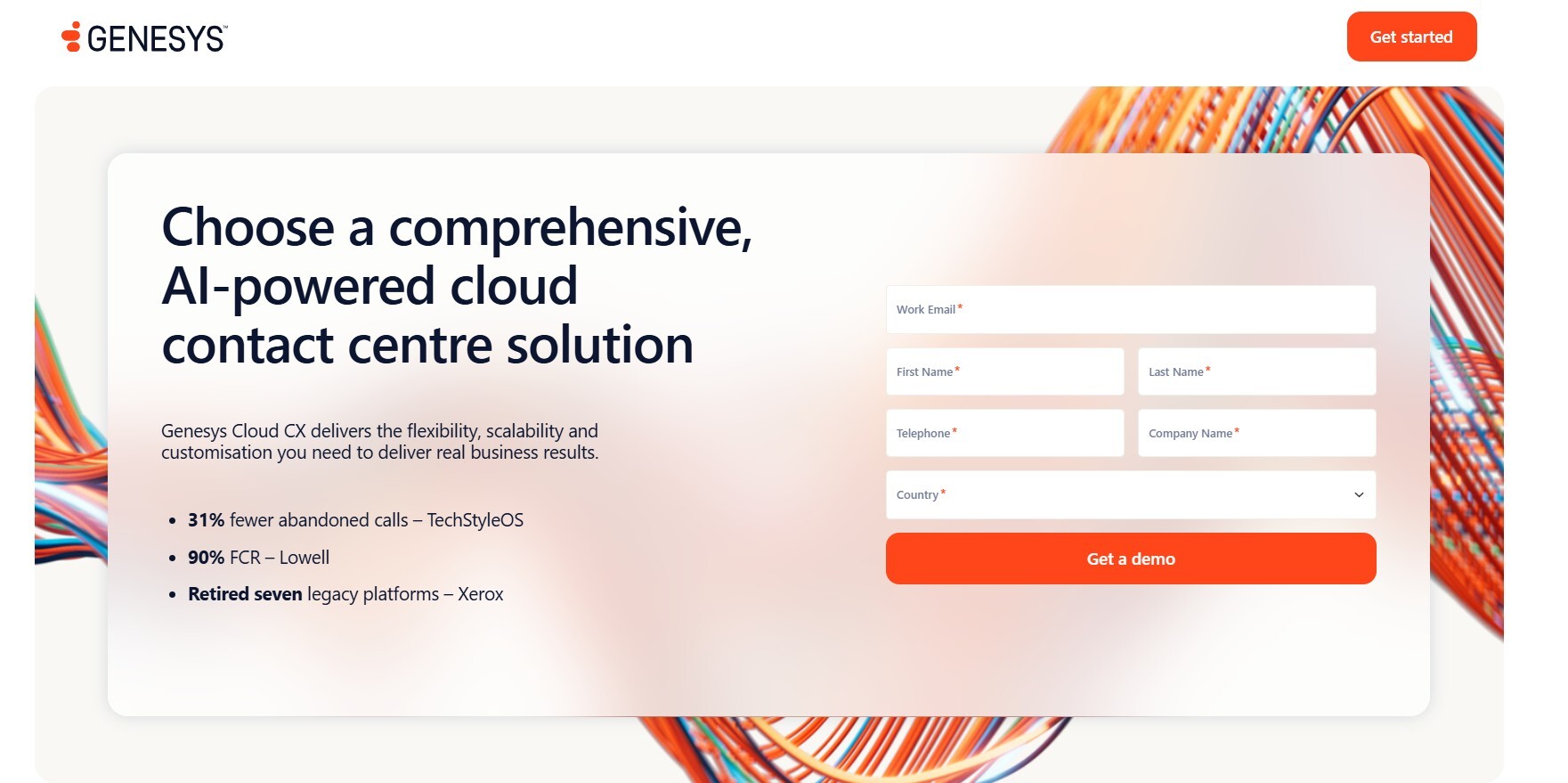
Genesys Cloud CX is primarily a customer experience platform, and its cobrowsing feature is best suited for organizations already using the Genesys ecosystem. It enables support agents to guide customers through websites and digital forms in real time, integrated with Genesys’ broader customer engagement and contact center tools. Its strength lies in combining cobrowsing with comprehensive customer journey management. Overall, Genesys Cloud CX is most effective for companies already invested in the Genesys platform looking to enhance their digital support capabilities.
Pros
- Seamless integration with Genesys customer experience tools
- Combines cobrowsing with broader customer journey insights
- Suitable for enterprise-scale operations
Cons
- Less useful for companies outside the Genesys ecosystem
- Enterprise pricing can be high
- Setup and configuration may be complex
Best For:
Enterprises already using Genesys for customer experience management that want integrated cobrowsing capabilities.

11. Unblu — Specialized for Wealth Management & Private Banking
Unblu is a cobrowsing platform tailored for wealth management, private banking, and other financial services requiring high security. It enables advisors and support teams to guide clients through sensitive web applications, forms, and portals in real time. Unblu emphasizes regulatory compliance, secure data handling, and encrypted sessions. It also integrates with chat, video, and other communication tools to provide a seamless client experience. Overall, Unblu is ideal for financial institutions that need secure, regulated, and high-touch digital interactions.
Pros
- Designed specifically for secure financial interactions
- Supports chat, video, and cobrowsing in one platform
- Strong compliance and security features
Cons
- Primarily for financial services and not general use
- Can be expensive for smaller organizations
- Limited flexibility outside banking and wealth management
Best For:
Private banks, wealth management firms, and financial institutions that require secure, regulated cobrowsing capabilities.
12. Samesurf — Patented Tech, but Limited Market Presence
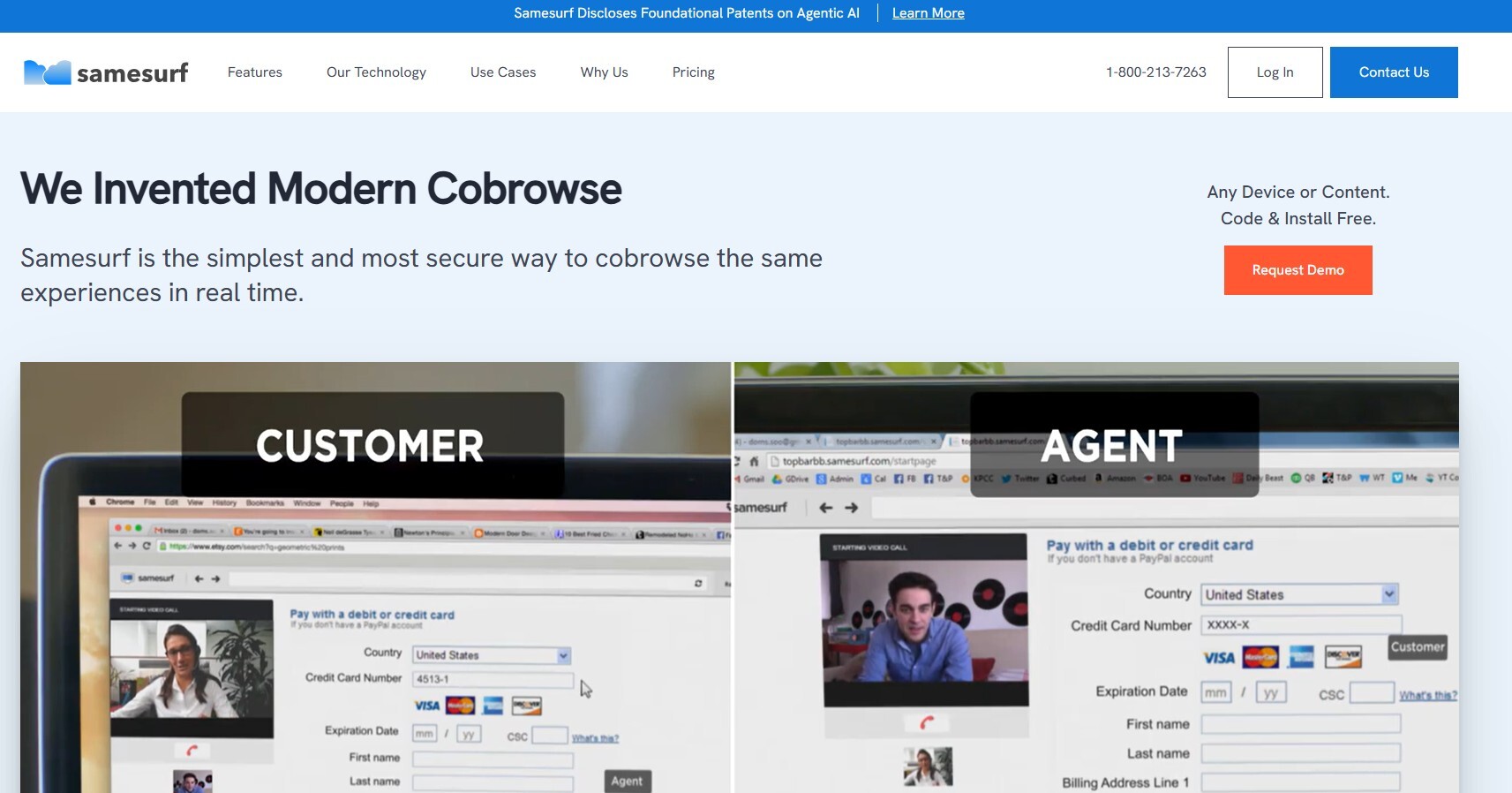
Samesurf is a cobrowsing platform that uses patented synchronization technology to allow real-time visual guidance between agents and customers. Its main strength is simplicity — customers can start a session instantly from a browser without downloads or plugins. While Samesurf offers a unique technology, its market presence is limited, meaning fewer integrations and smaller community support compared to larger platforms. Overall, Samesurf is a good solution for teams that value quick and simple cobrowsing but don’t require enterprise-scale features.
Pros
- Patented synchronization technology ensures smooth cobrowsing
- No downloads required for customers
- Simple and quick setup
Cons
- Limited integrations with popular support platforms
- Smaller user base and community support
- May lack advanced enterprise features
Best For:
Teams seeking simple, download-free cobrowsing sessions without enterprise complexity.
Why Cobrowse Software Matters for Businesses
In today’s digital-first world, providing exceptional customer support online is more important than ever. Cobrowse software allows support teams to see exactly what the customer sees, guiding them through complex processes, forms, and troubleshooting in real time. This eliminates confusion, reduces back-and-forth communication, and significantly shortens resolution times. For businesses, it not only improves customer satisfaction but also increases operational efficiency by lowering support costs and improving agent productivity. Whether you’re in SaaS, banking, retail, or enterprise services, cobrowsing bridges the gap between remote assistance and in-person guidance, creating a smoother, faster, and more secure customer experience.
Ready to see Blitzz Cobrowse in action? Check our pricing or book a demo to experience how browser-based visual support can transform your customer experience.
Conclusion
Cobrowse platforms are no longer just optional tools—they are essential for modern customer support. From Blitzz Cobrowse’s browser-based visual assistance to enterprise solutions like Glance and Glia, these tools empower support teams to provide faster, more accurate, and secure guidance. By enabling real-time collaboration, simplifying onboarding, and reducing user frustration, cobrowsing enhances both customer satisfaction and business efficiency. For businesses looking to stay competitive, investing in a reliable cobrowsing solution is a step toward exceptional digital customer experiences.
Review These FAQs
1. What is cobrowsing software?
Cobrowsing software allows support agents to share and view a customer’s web session in real time, enabling guided assistance without requiring downloads or complicated setups.
2. How does cobrowsing improve customer support?
By seeing exactly what the customer sees, agents can quickly resolve issues, guide users through forms or apps, and reduce misunderstandings, leading to faster resolution and higher satisfaction.
3. Is cobrowsing secure?
Yes, most cobrowsing platforms use encryption, data masking, and strict compliance measures to ensure sensitive customer information stays protected during sessions.
4. Do customers need to install software to use cobrowsing?
Many modern platforms, including Blitzz Cobrowse, run entirely in the browser and do not require downloads, making it easy for customers to start a session instantly.
5. Which businesses benefit most from cobrowsing?
Cobrowse software is valuable for SaaS companies, banks, fintech, retail, and any business that wants to provide real-time, guided assistance to improve customer experience and reduce support friction.