.png?width=120&height=55&name=Blitzz-Logo-right%20white%20eyes%20-%20not%20transparent%20(3).png)
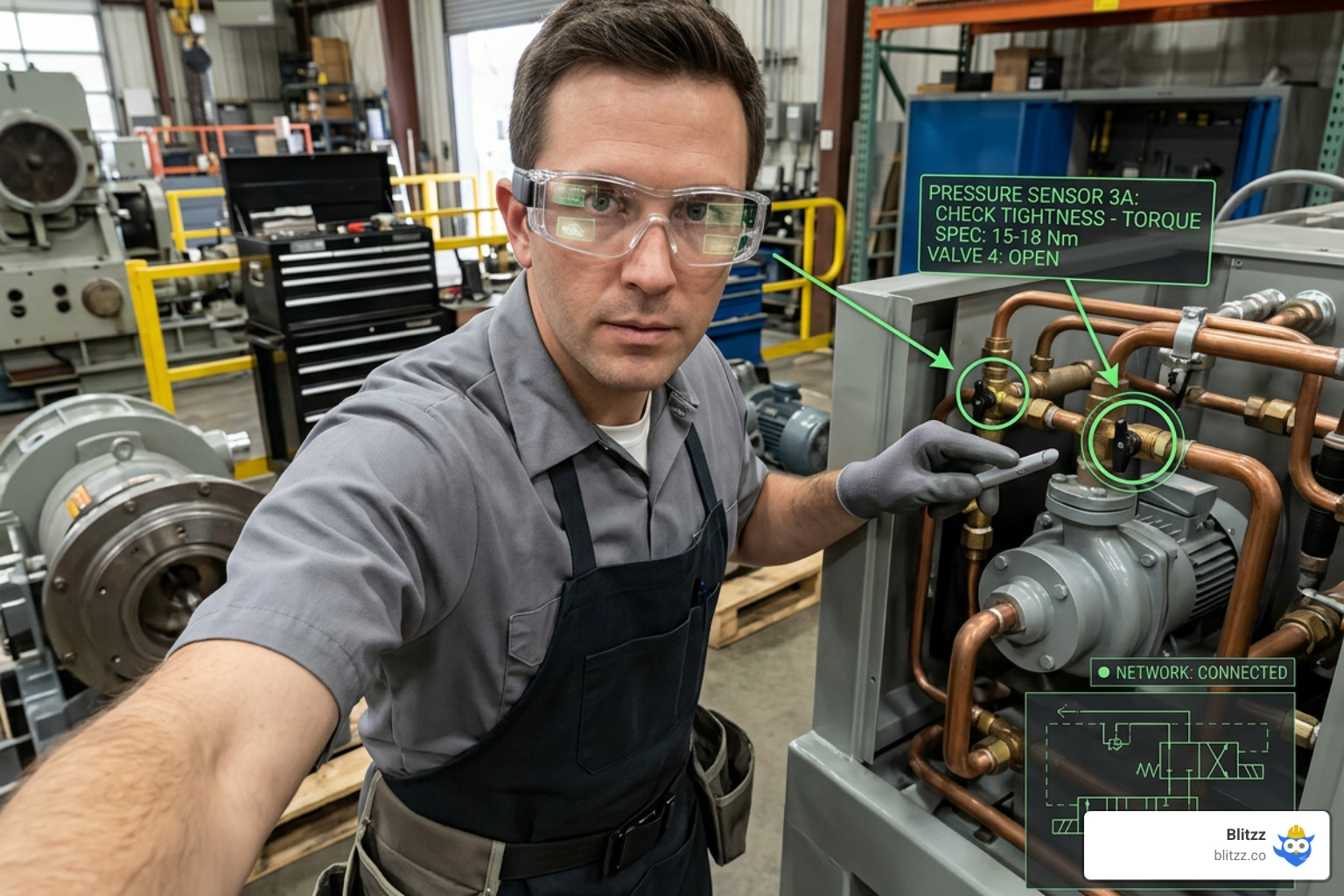
A technician is standing in front of a complex industrial machine. It's misbehaving in a way she hasn't seen before. She needs expert guidance — but the expert is 800 miles away.
In the old model, this ends one of two ways: the tech makes her best guess and hopes it holds, or someone books a flight. Either outcome costs time, money, or both.
In the smart glasses model, she says a voice command, connects to the remote expert in seconds, and gets real-time AR annotations overlaid directly on the equipment in front of her. Her hands stay on the machine. The expert sees exactly what she sees. The issue is resolved before the afternoon shift.
This is what hands-free remote support looks like in practice — and for field service teams, it's rapidly moving from "interesting pilot" to "operational standard." If your team is still making that transition, this guide covers what you need to know about the leading enterprise smart glass platforms: Vuzix, RealWear HMT-1, and how to integrate them with a visual support platform like Blitzz to get real results.
Why Smart Glasses? The Case for Hands-Free Remote Support
Before getting into hardware specifics, it's worth establishing why smart glasses are a fundamentally different category from smartphone-based remote video support — not a replacement for it, but a powerful complement.
When a technician uses a smartphone to stream video to a remote expert, they're making a tradeoff: they're giving up a hand. In a service call where both hands are needed — on a circuit board, inside a panel, gripping a tool — that's often not viable. They have to put the phone down, lose the video connection, and proceed blind.
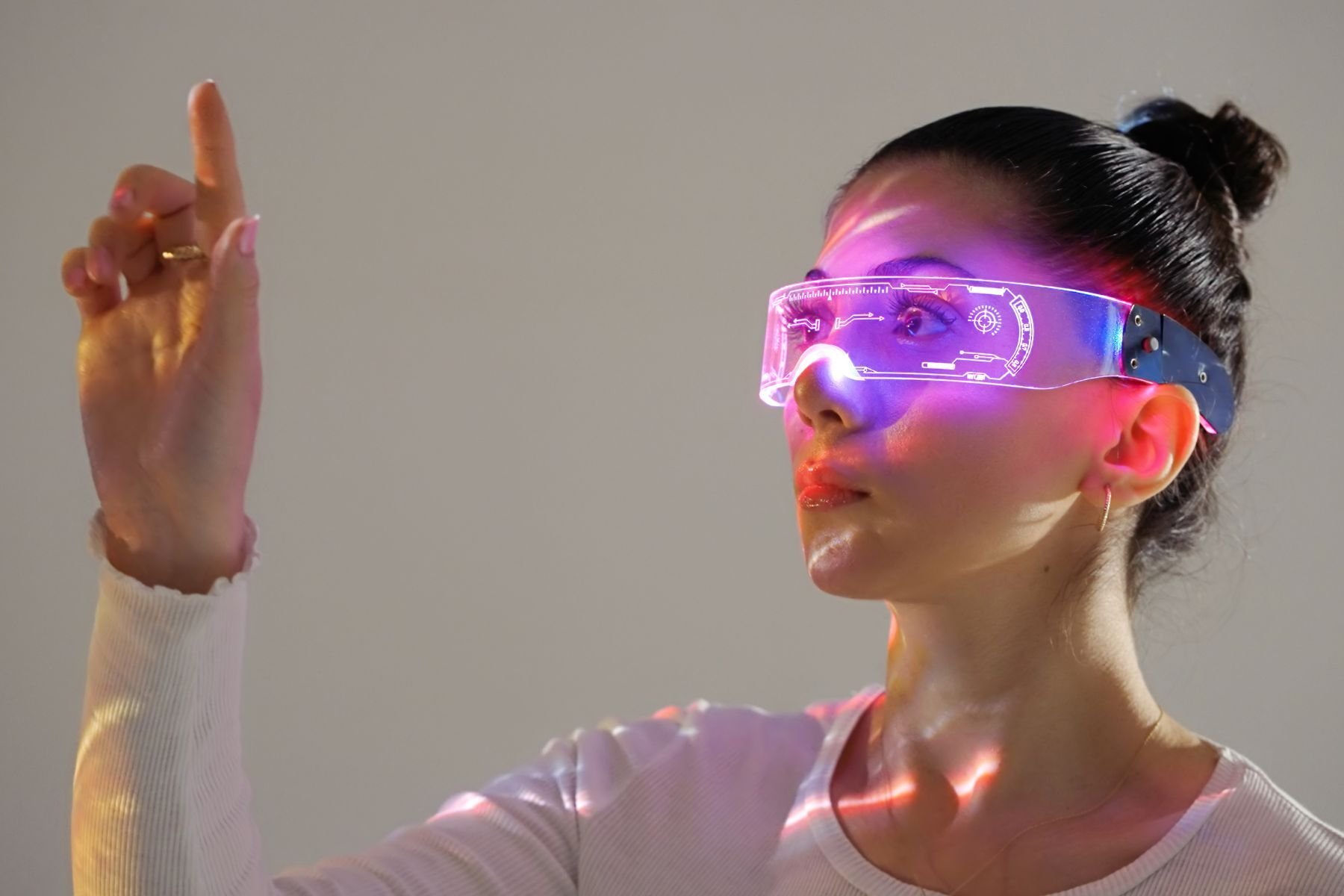
Smart glasses solve that problem entirely. The camera is head-mounted, the display is in the field of vision, and the entire interaction is voice-controlled. The technician keeps both hands free while receiving live AR guidance from a remote expert. The result is faster fixes, fewer errors, and significantly better first-time resolution rates.
A study with KSP Steel found that AR-enabled remote support produced a 40% boost in productivity and a 50% reduction in downtime compared to traditional methods. First-time fix rates and average repair times both improved. Those aren't incremental gains — they're transformative.
And critically: smart glasses also function as real-time training tools. When a junior technician connects to a senior expert via smart glasses, every session is a coaching opportunity. The expert sees what the tech sees, provides guidance in context, and the session can be recorded for future training use. Tribal knowledge — the hard-won expertise that typically walks out the door when an experienced tech retires — gets captured and shared.
The Hardware Landscape: Vuzix, RealWear, and HMT-1 Compared
Blitzz is compatible with multiple smart glass platforms, including Vuzix, RealWear HMT-1, Epson Moverio, and ODG. Here's a practical breakdown of the two most widely adopted enterprise options — and what makes each the right choice for specific environments.
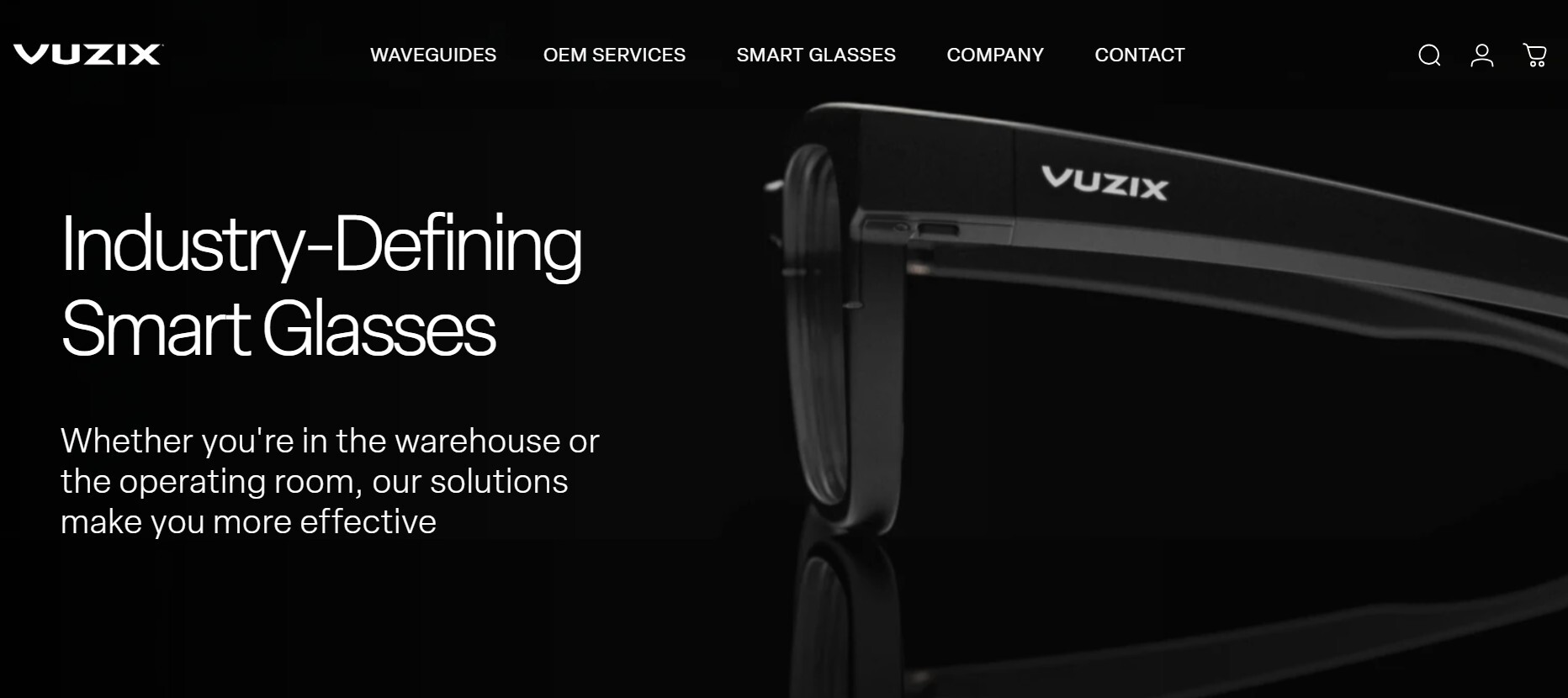
Vuzix M-Series (M300, M400, M4000)
Vuzix is one of the most established names in enterprise smart glasses, holding over 65 patents in the video eyewear space and winning CES innovation awards from 2005 through 2018. Their M-Series is designed for field service, manufacturing, healthcare, and logistics — anywhere that benefits from a wearable heads-up display paired with real-time collaboration.
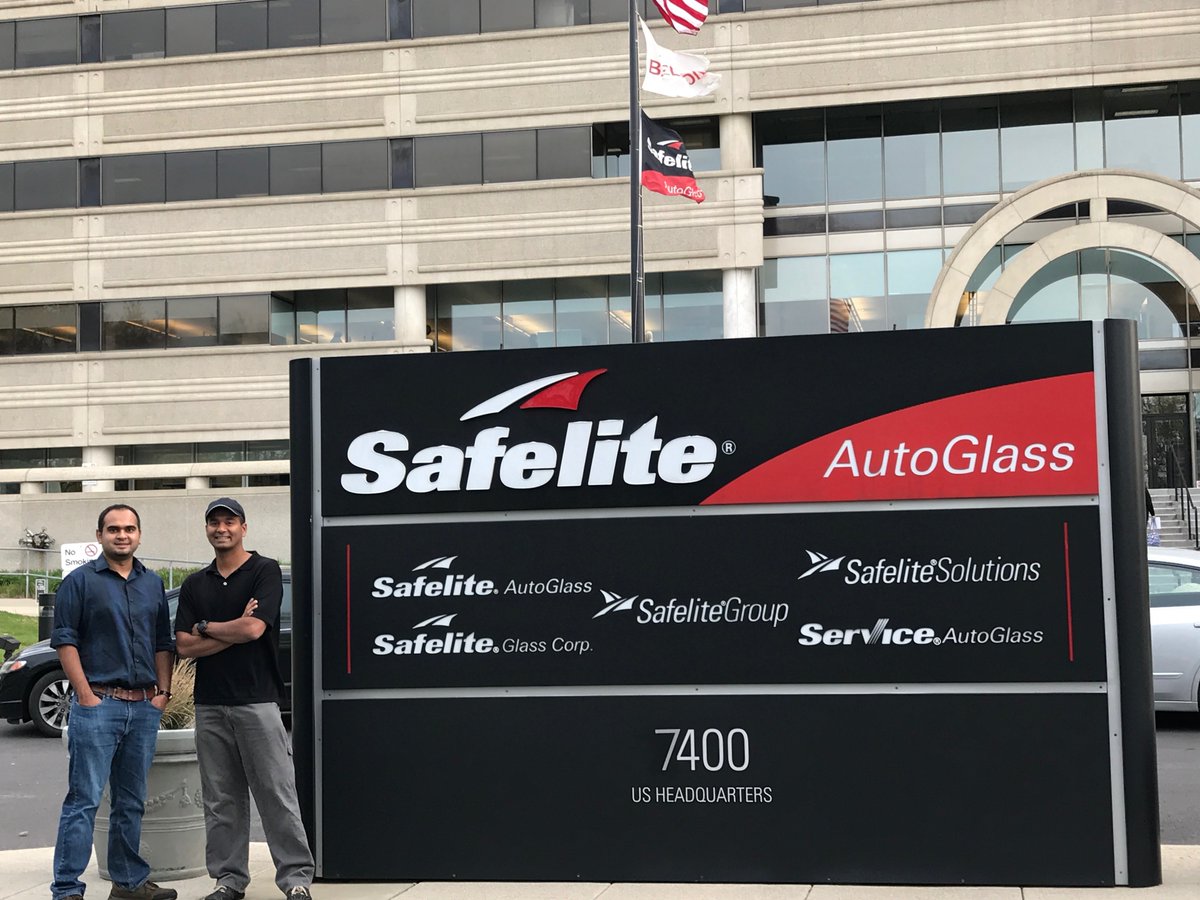
The M300 — the model in Blitzz's original partnership with Vuzix — became widely known when Belron (the global parent of Safelite, Carglass, and Autoglass) deployed it to vehicle glass repair technicians across the US and UK. Blitzz ran on the Vuzix M300 to connect field technicians directly to master technicians anywhere in the world, reducing the need for expert travel and dramatically cutting turnaround times on complex repairs.
The M400 is Vuzix's current flagship for field service. It's powered by Qualcomm's Snapdragon XR1 processor (the first chip designed specifically for smart glasses), drop-tested to 2 meters, and IP67-rated for dust and water resistance. Voice and touchpad navigation give wearers full control without removing their gloves. The M400 Xtreme extends cold-weather and harsh-environment operation with an IP67-rated external power bank — designed for field teams working in conditions where a standard battery isn't enough.
The M4000 goes a step further, offering a more immersive AR display for use cases requiring higher visual fidelity — and notably supports HIPAA-compliant usage, making it a viable option for healthcare device support and medical field service.
Vuzix strengths:
- Lighter and more ergonomic than headset-style alternatives — wearable for full shifts
- True see-through AR display, letting technicians view overlays on the real environment
- Strong third-party app ecosystem via the Vuzix App Store
- Proven enterprise track record, especially in field service and manufacturing
- Voice + touchpad navigation for flexible environments
Blitzz + Vuzix setup: Technicians install Blitzz on their Vuzix device via QR code pairing. See the full pairing guide here, and watch how to start a Blitzz call from Vuzix smart glasses.
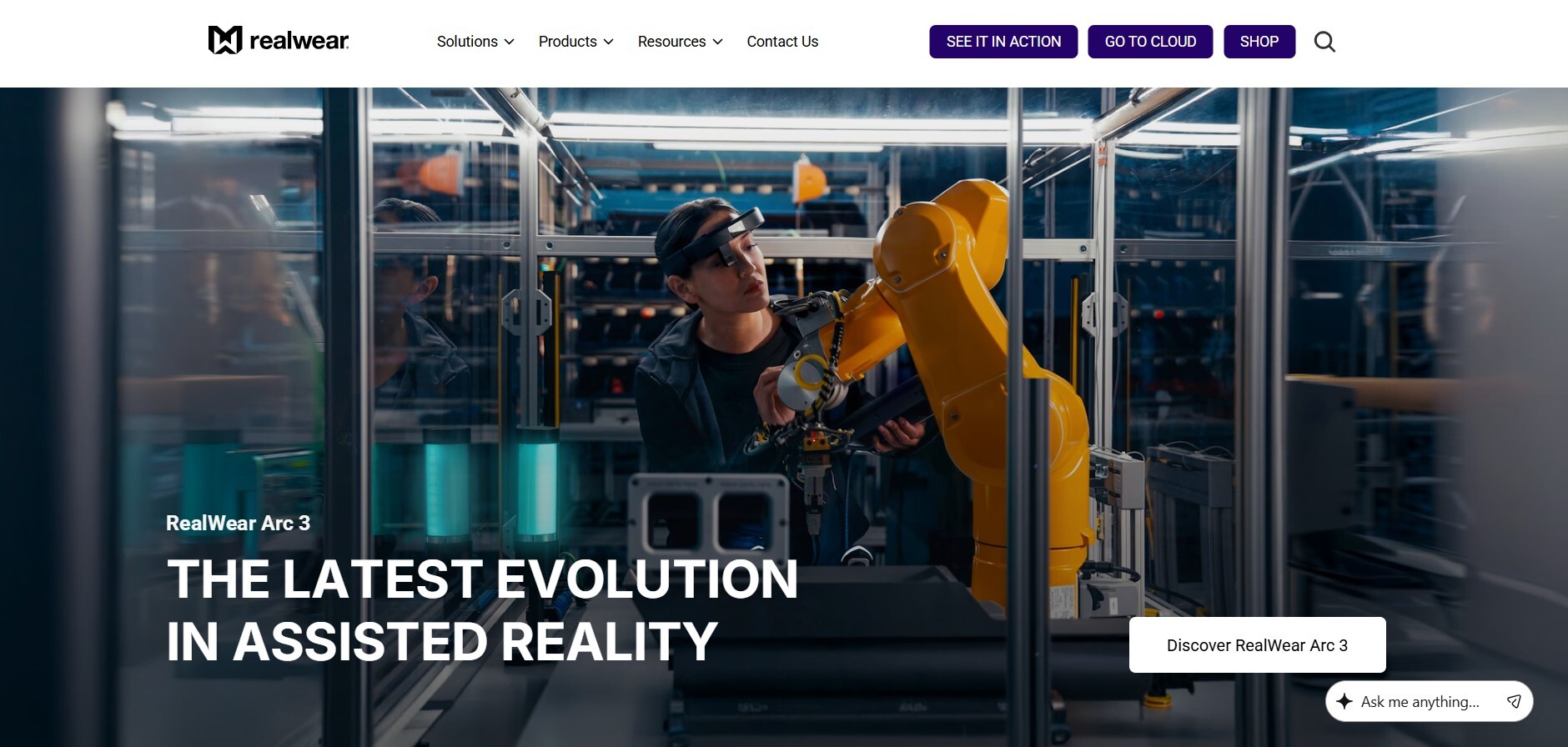
RealWear HMT-1 and HMT-1Z1
The RealWear Head Mounted Tablet (HMT-1) takes a different design philosophy from traditional smart glasses. Rather than a see-through AR lens, it uses an adjustable "boom arm" that positions a high-resolution micro display just below the wearer's natural line of sight — effectively functioning like a 7-inch tablet that's always there when needed and out of the way when it's not.
This design choice is intentional and significant. In true industrial environments — factory floors, oil rigs, construction sites, chemical plants — a display that sits below the line of sight keeps workers' eyes on their environment, not on a screen. Safety is preserved. Situational awareness is maintained.
Key RealWear HMT-1 specs for field service teams:
- 16MP camera capturing 1080p video at 30fps — critical for remote experts to see fine detail
- Four digital noise-canceling microphones rated to 95dBA — voice commands work in loud industrial environments
- Fully voice-controlled via Android with "say what you see" command recognition
- IP66-rated for dust and water; resistant to 2-meter drops; operational from -20°C to +50°C
- Field-swappable batteries for continuous operation without shutting the device down
- Mounts to standard hard helmets, bump caps, and safety glasses — no PPE conflicts
The HMT-1Z1 adds Class 1 Division 1 and ATEX Zone 1 intrinsic safety certifications — meaning it can be used in environments where explosive atmospheres exist. Oil and gas, chemical processing, and refineries are the primary use cases. For teams operating in these environments, the HMT-1Z1 is often the only viable smart glass option.
RealWear strengths:
- Purpose-built for the harshest industrial environments — arguably the most ruggedized option available
- 100% voice-controlled — no touchpad, no gesture, no hand contact required
- Display positioning preserves natural line of sight and environmental awareness
- Broad integration ecosystem with Blitzz, Salesforce, and remote collaboration tools
- HMT-1Z1 is the only intrinsically safe AR headset for hazardous locations
Blitzz + RealWear setup: Install Blitzz directly on the HMT-1 via the step-by-step APK install guide and use RealWear Foresight for device management. You can also watch the ShowMe Video Call session between a web portal and RealWear HMT-1 to see exactly what the experience looks like for both the technician and the remote expert.
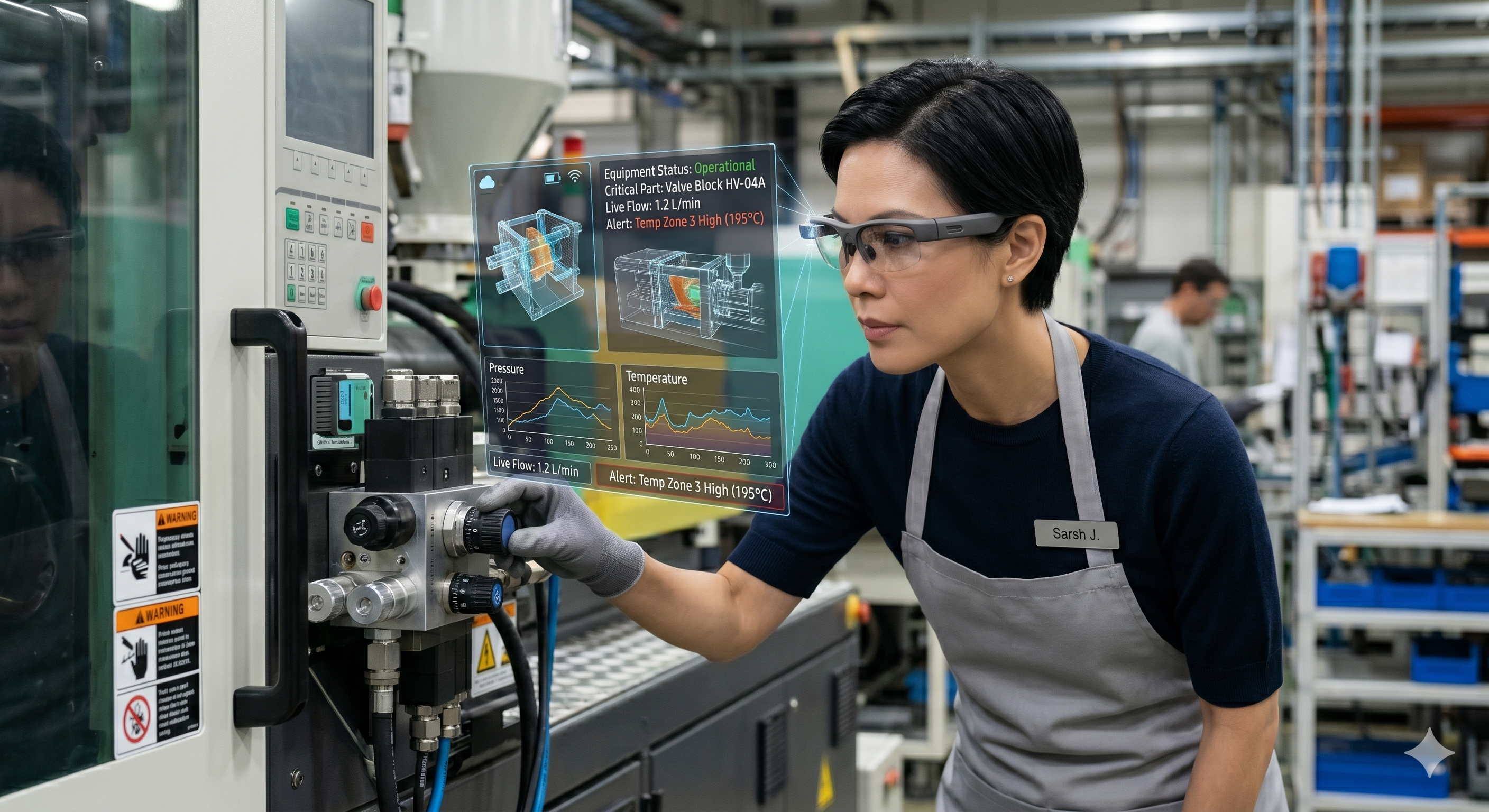
How Smart Glasses + Blitzz Work Together in Practice
The hardware is only half of the equation. The value of smart glasses in field service comes from what happens when the wearable connects to a capable remote support platform.
Here's what the Blitzz + smart glasses workflow looks like for a typical field service team:
Step 1 — Technician arrives on site. They're wearing their Vuzix M400 or RealWear HMT-1. Before the job even starts, they can review digital documentation, schematics, and job history overlaid in their field of view — no tablet or manual required.
Step 2 — Issue exceeds their experience or they need confirmation. A voice command initiates a Blitzz session. The remote expert — at HQ, at a support center, anywhere with a browser — receives the invite and connects in seconds.
Step 3 — The expert sees exactly what the technician sees. Live, stabilized, high-resolution video from the head-mounted camera. No shaky handheld footage. No "can you point it over there?" The camera follows the technician's gaze naturally.
Step 4 — AR annotations appear in real time. The remote expert uses Blitzz to draw, circle, highlight, and annotate directly on the live video feed. The technician sees those overlays in their display — a bright circle around the valve that needs to be turned, an arrow pointing to the correct port, a label on the component in question. This is what eliminates the ambiguity that makes phone-based support so inefficient.
Step 5 — The session is automatically documented. Photos taken during the session, expert notes, session recordings, and AI-generated summaries all flow automatically into Salesforce, Zendesk, ServiceNow, or whichever system of record your team uses. The technician closes out the job. The paperwork is already done.
Step 6 — The recording becomes a training asset. Because Blitzz captures the full session, it can be converted into a timestamped training video accessible via voice command on the smart glasses — so the next technician who encounters the same issue has a step-by-step visual guide ready to play, hands-free, on the job.
The Four-Step Roadmap to Smart Glass Adoption
The biggest risk in any smart glass rollout isn't the technology — it's the rollout itself. Here's the approach that works.
1. Identify Your Highest-Impact Use Cases First
Don't start by asking "where can we use smart glasses?" Start by asking "where are we losing the most time and money?"
The most effective field applications of smart glasses fall into two clear categories:
- Remote expert-to-technician guidance — on-site tech connects with an off-site SME for real-time troubleshooting, inspections, or audits
- AR-guided self-service — instructions, checklists, and workflows displayed hands-free, allowing the technician to work through complex tasks independently
The highest ROI typically comes from complex, high-stakes service calls where the consequences of a wrong decision are expensive — equipment downtime, safety risks, warranty failures, or repeat dispatches. Map your current truck roll and escalation data to find those scenarios.
2. Match the Hardware to the Environment
This is where teams often go wrong — choosing a device based on aesthetics or vendor familiarity rather than the actual work environment.
Use this as a quick selection guide:
- Office or light commercial environments → Vuzix M400 or M4000. Lighter, more ergonomic, true see-through AR.
- Heavy industrial — construction, manufacturing, utilities → RealWear HMT-1. Maximum ruggedization, below-line-of-sight display, noise-canceling voice control.
- Hazardous locations — oil, gas, chemical → RealWear HMT-1Z1. The only intrinsically safe option for Class 1 Division 1 / ATEX Zone 1 environments.
- Healthcare or medical field service → Vuzix M400 or M4000 with HIPAA-compliant configuration.
- Teams that need maximum flexibility → consider a hybrid. Many organizations run Vuzix for lighter-duty roles and RealWear for field teams in harsh environments.
3. Start With a Structured Pilot
Select a small team — 5 to 10 technicians — and a focused use case. Run it for 30 days. Measure first-time fix rate, average handle time, number of escalations avoided, and customer satisfaction. Use Blitzz's built-in session analytics to capture performance data without manual reporting.
This generates the internal proof that drives broader adoption. Nothing persuades a skeptical operations team like a colleague saying "we ran this for a month and here's what the numbers looked like."
As Blitzz's Genesys rollout guide notes: start with a basic use case — like guiding a technician through a hardware installation — and then scale. Overcomplicating the first deployment is the most common mistake in enterprise technology rollouts.
4. Integrate Before You Scale
Before you extend smart glass support to your full team, make sure Blitzz is fully integrated with your existing systems. Session data should flow automatically to your CRM or field service management platform — not be logged manually. Zapier automations can trigger post-session workflows automatically: create tickets, notify supervisors, update asset records, schedule follow-ups.
This is what turns smart glasses from a useful tool into a system — one that makes the entire operation more efficient, not just the sessions themselves.
Industries Where Smart Glasses + Blitzz Are Already Delivering Results
Manufacturing and Heavy Equipment
A machine on the production floor goes down. The in-house technician has never seen this specific failure mode. Instead of waiting for an expert to fly in — or worse, shutting the line down — the technician puts on their HMT-1, initiates a Blitzz session, and a remote expert identifies the fault in minutes. Remote support is delivering measurable efficiency gains and downtime reductions across manufacturing and heavy equipment — with smart glasses as the hands-free interface that makes it practical on the factory floor.
Field Service and Utilities
Field service teams across telecom, utilities, and infrastructure are deploying smart glasses for both technician-to-expert guidance and AR-guided self-service. Senior experts can support multiple junior technicians simultaneously from a central location — multiplying expert capacity without multiplying headcount.
Telecom and ISP
Major telecom providers have cut on-site truck rolls by 60% using remote visual support. For field technicians handling complex installations or infrastructure troubleshooting, smart glasses extend those gains by enabling truly hands-free expert connection — no phone, no tablet, no interruption to the physical work.
Insurance and Remote Inspections
For remote insurance inspections, smart glasses let adjusters or inspectors capture high-quality, stabilized footage of damage without holding a camera — allowing them to document and interact with the environment simultaneously. The session footage and photos auto-sync to the claims system when the session ends.
Healthcare and Medical Devices
For healthcare device support teams helping providers with complex medical equipment, the Vuzix M4000's HIPAA compliance and all-day wearability (worn for 16+ hour surgical sessions) make it purpose-built for clinical environments.
Common Questions Teams Ask Before Deployment
"What if technicians resist wearing them?" This concern comes up in almost every pilot conversation. In practice, resistance fades quickly once technicians experience the difference on a real job. Connecting to an expert in 30 seconds instead of waiting for a callback — while keeping both hands on the work — converts skeptics fast. Short hands-on demos before formal deployment help too.
"What about connectivity in the field?" Both Vuzix and RealWear support 5G-ready configurations and work over standard Wi-Fi. For environments with poor connectivity, session quality degrades gracefully — Blitzz is designed to maintain connection quality across variable network conditions. For truly offline scenarios, RealWear's voice control system can operate locally without an internet connection for basic tasks.
"How do we manage a fleet of devices?" RealWear uses Foresight for device management and app deployment. Vuzix provides its own enterprise device management tools. Both integrate with standard MDM platforms. Blitzz's serial number and device identification guide covers how to manage multiple devices across your fleet.
"Can smart glasses work alongside smartphone-based support?" Absolutely — and most enterprise deployments do exactly this. Smart glasses are the right tool for hands-intensive field work. Blitzz Concierge on a smartphone is the right tool for customer-facing support where the customer needs to show something in their home or office. The two operate side by side, each optimized for its use case.
What to Look for in a Software Platform for Smart Glass Support
The hardware is only as good as the software running on it. When evaluating a remote support platform for smart glass integration, here's what matters:
Native compatibility — not just theoretical support. Blitzz has dedicated setup guides, APK builds, and QR pairing workflows for both Vuzix and RealWear. It works with smart glass of your choice: Vuzix, RealWear, Epson, and ODG.
AR annotation that actually works on a head-mounted display. Drawing on a live feed when the camera is head-mounted is a different challenge than drawing on a smartphone stream. Test this specifically before committing.
Automatic session documentation. In field service, the last thing a technician should do after resolving an issue is spend 15 minutes writing it up. Blitzz's AI auto-generates session summaries and syncs everything to your systems of record automatically.
CRM and FSM integration. Salesforce, ServiceNow, Zendesk, and Genesys are the platforms most field service teams already live in. Your smart glass platform should fit inside them, not sit beside them.
Analytics and performance tracking. Every smart glass session is a data point. Your platform should surface first-time fix rates, resolution times, and expert utilization so you can optimize continuously.
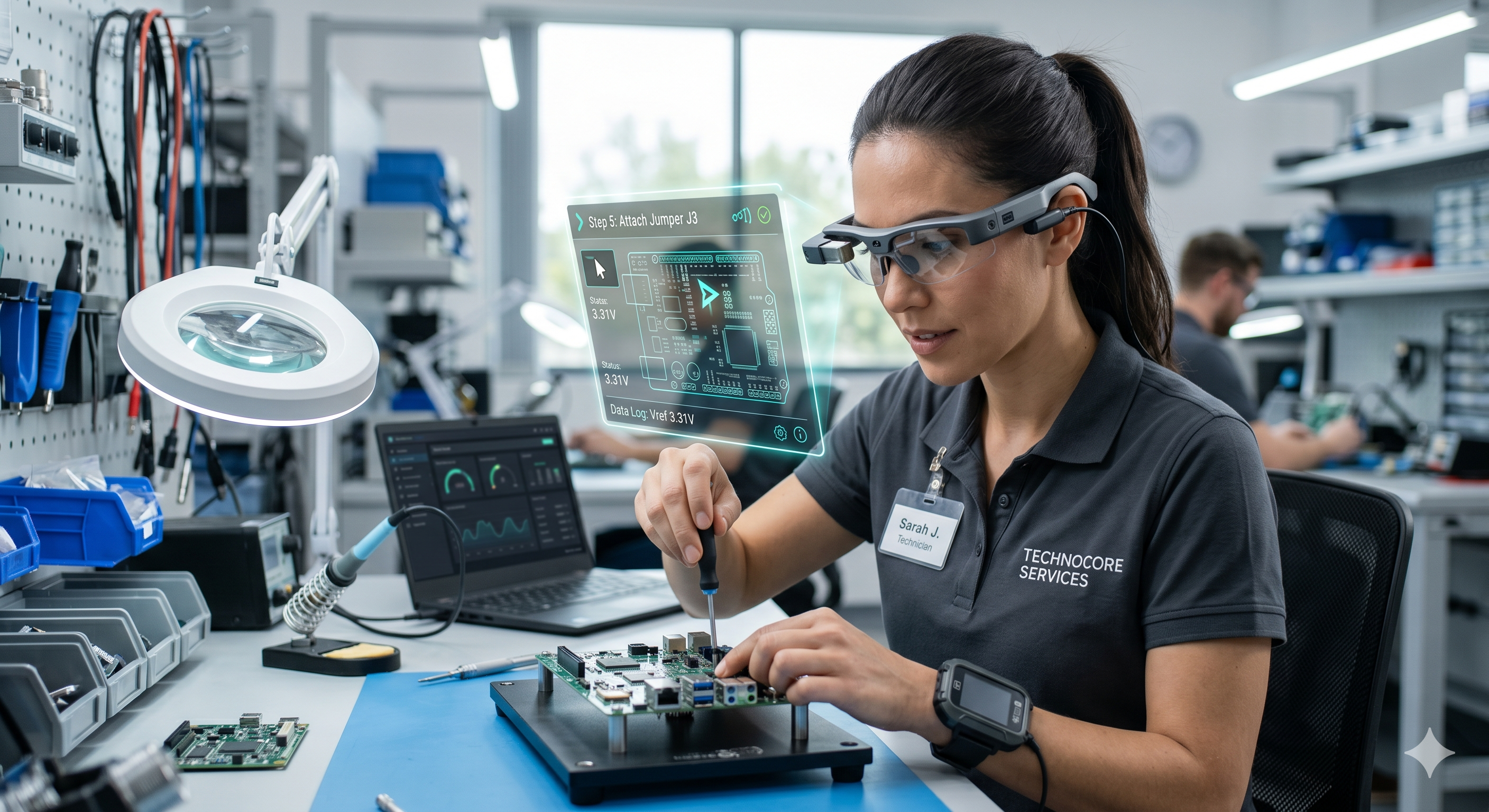
The Bottom Line
Smart glasses aren't a futuristic novelty. They're a production-ready tool that leading field service organizations — from Belron's global automotive repair network to telecom providers with thousands of technicians — are deploying today to solve the oldest problem in field service: how to get expert knowledge to the point of work, instantly, without the expert physically being there.
Vuzix M-Series is the right choice for teams needing ergonomic, all-day wearability and true AR overlays. RealWear HMT-1 is the right choice for the harshest industrial environments where ruggedization, noise-canceling voice control, and intrinsic safety certification are non-negotiable.
Both integrate with Blitzz. Both are deployable without a long implementation project. And both start showing ROI — in reduced truck rolls, faster resolution, and better knowledge transfer — within the first month of operation.
The technology is ready. The use cases are proven. The only thing left is to start.
Ready to see Blitzz running on smart glasses?
Schedule a demo and we'll walk you through a live Blitzz session on Vuzix or RealWear — or start your free trial and run your first hands-free session this week.
Related Reading:
- The Future of Field Service: Integrating Smart Glasses with Remote Assistance Platforms
- Your 4-Step Roadmap to Transforming Field Work with Industrial Smart Glasses
- How Smart Glass Can Help Technicians in Field Service
- How Augmented Reality Helps Field Service Workers
- How to Add Remote Video Support to Your Workflow Without Disruption
- What Is AI Video Support? (And Why It's Changing Customer Support)