AI has moved from a buzzword to a daily tool in the contact center. It writes call notes, suggests answers, translates chats and handles simple questions on its own. The teams getting the most out of it use AI to make agents faster, not to hide them from customers.
What is an AI call center?
An AI call center is a contact center that uses artificial intelligence across the customer journey: routing, self service, agent assistance, after-call work and quality review. The agents are still there. AI takes over repetitive work and helps them on complex issues.
AI tools contact centers use today
AI call summaries
AI listens to the conversation and writes the summary and notes automatically. Agents skip most after-call work, and records are more consistent.
Agent assist
During a call, the agent asks the AI a question and gets an answer from approved knowledge base content. No hold time while they search.
AI self service and virtual agents
Virtual agents answer routine questions and guide customers through simple fixes, then hand off to a human with context when needed.
Real time translation
AI translation lets agents support customers in languages they don't speak, without a separate interpreter.
Visual AI
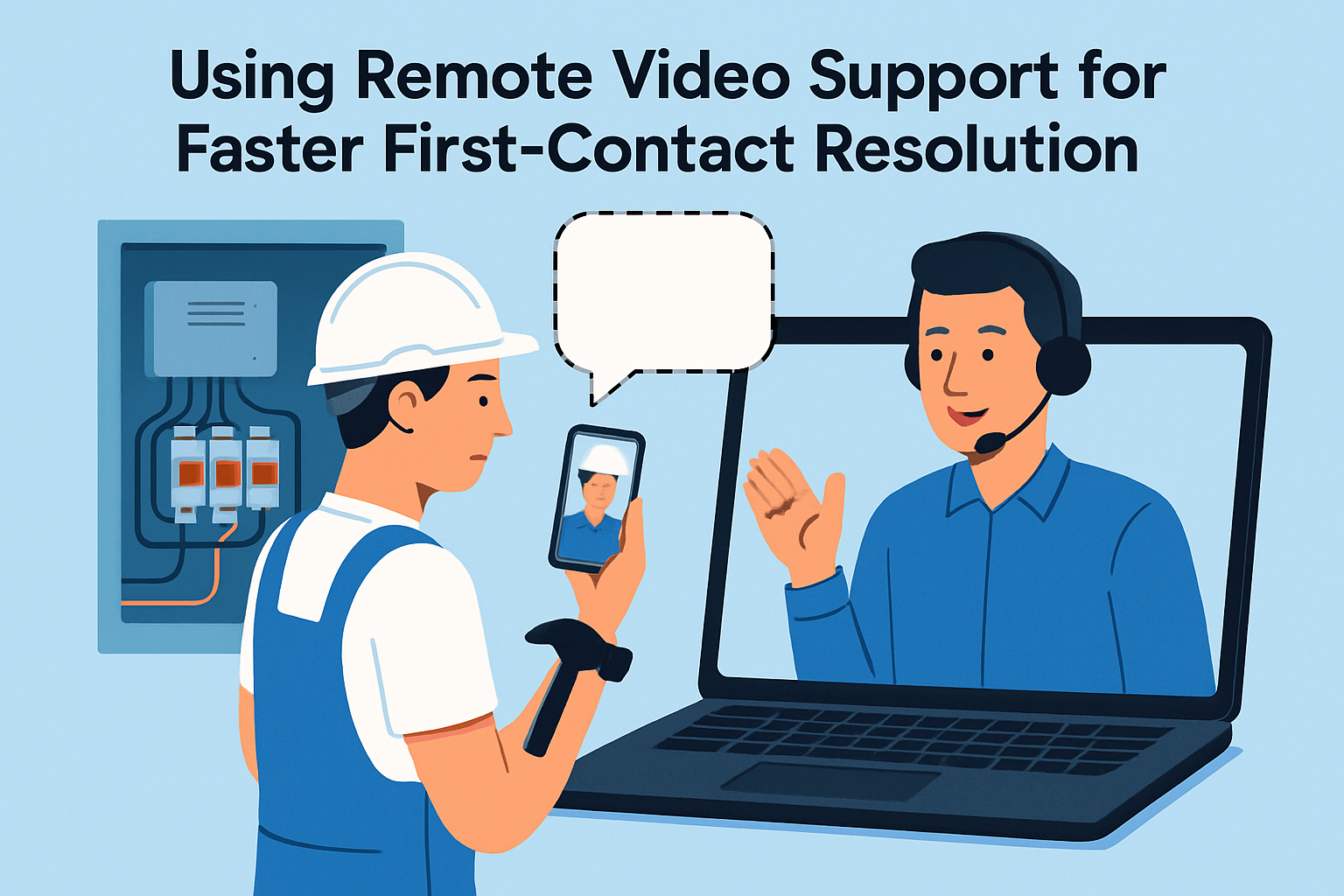
With live video, AI can help agents read serial numbers, identify equipment and answer questions about what is on screen.
Quality and analytics
AI can review every interaction instead of a small sample, spotting trends, compliance issues and coaching opportunities.
Where AI helps most
- After-call work. Automatic summaries are often the fastest win.
- Complex product support. Agent assist reduces escalations.
- New agent ramp-up. Answers on demand shorten training.
- Multilingual support. Translation widens coverage without new hires.
Risks to manage
- Wrong answers. Limit AI to approved content and keep that content current.
- No way out. Always give customers an easy path to a human.
- Privacy. Review how recordings, transcripts and summaries are stored and who can access them.
- Over-automation. Measure resolution and satisfaction, not just deflection.
How to roll out AI in your call center
- Start with after-call summaries. They save time on every interaction.
- Add agent assist for your most complex product lines.
- Clean up your knowledge base before adding self service.
- Pilot with one team, compare handle time, resolution and CSAT, then expand.
AI plus live video in the contact center
Blitzz adds visual support and AI in one session. Agents see the customer's problem over browser-based live video, and Owlbert AI provides AI Call Summary, Agent Assist answers from your knowledge base, and live chat translation. Both AI features are optional and can be turned on or off per team. Sessions connect to contact center and CRM platforms such as Genesys, NICE CXone, Salesforce and Zendesk. Learn more about Blitzz Concierge.
FAQ
Will AI replace call center agents?
AI handles more routine work, but complex, emotional and high value conversations still need people. Most teams use AI to help agents handle more of those well.
What is the easiest AI feature to start with?
Automatic call summaries. They need little setup and save time on every call.
Book a demo to see Owlbert AI in a live video session.