.png?width=120&height=55&name=Blitzz-Logo-right%20white%20eyes%20-%20not%20transparent%20(3).png)

On this page
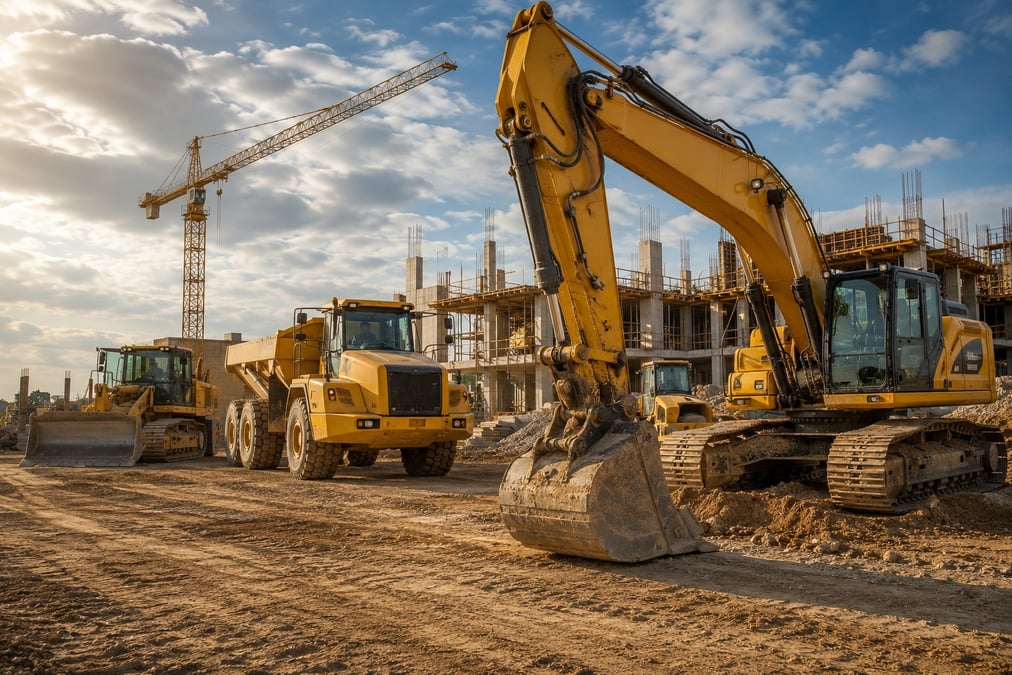
Heavy equipment doesn't fail conveniently. A hydraulic leak, a worn track, or a cracked weld often shows up first as a small visual sign — something a trained eye would catch immediately, but that a general equipment operator might not recognize as significant until the problem gets worse and the machine goes down.
When that happens, the standard response — call a technician, describe the symptoms, wait for them to travel to the site before any real diagnosis can happen — turns a potentially minor fix into a multi-hour or multi-day delay. On a job site where every piece of equipment is tied to a sequence of other work, that delay doesn't stay contained to the one machine; it ripples through the schedule.
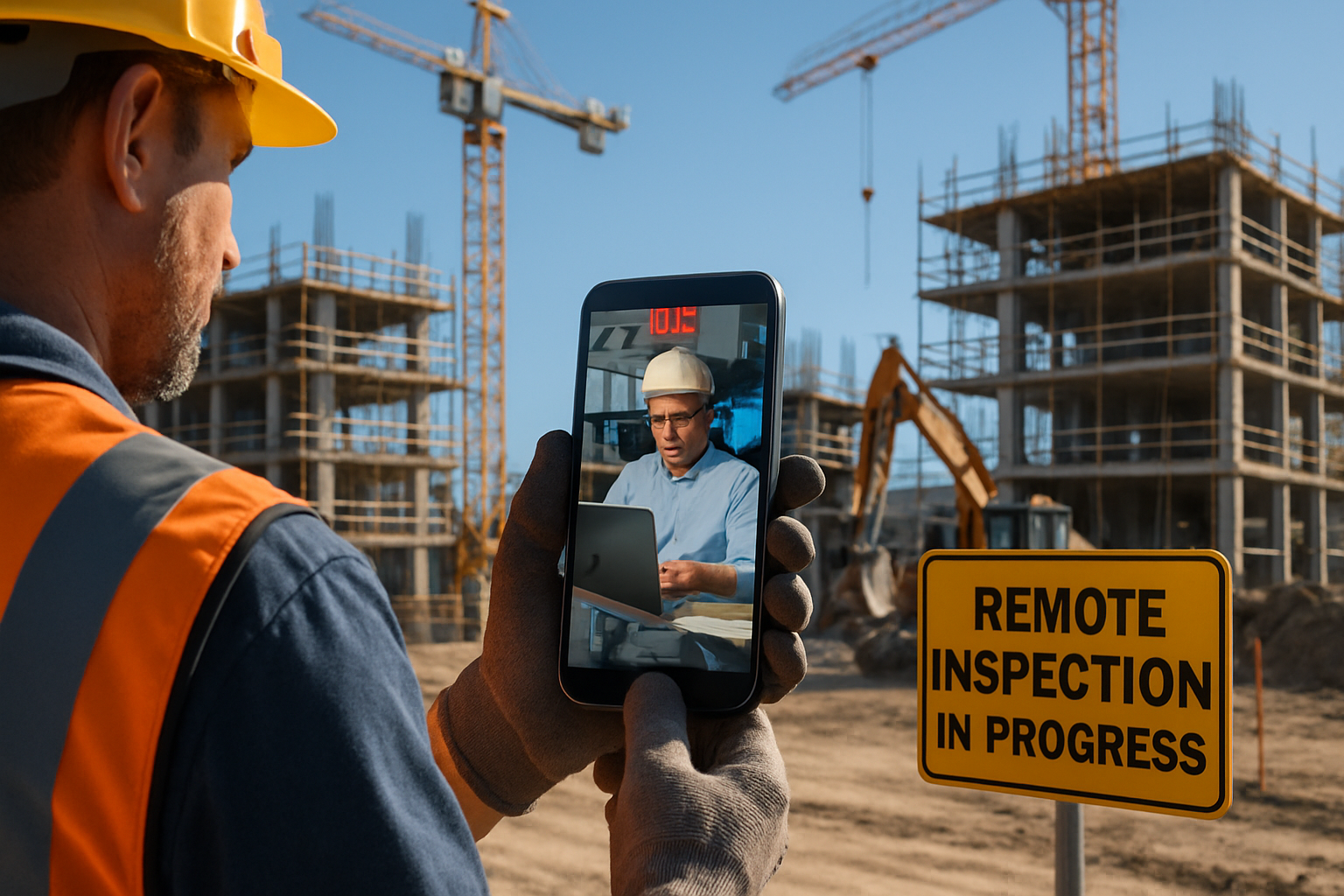
AR visual inspection connects equipment operators and site staff directly with mechanics, equipment specialists, or manufacturer support through live video with AR annotation — putting an expert eye on a piece of equipment without waiting for a technician to physically travel to the site.
Why Heavy Equipment Inspection Is Time-Sensitive
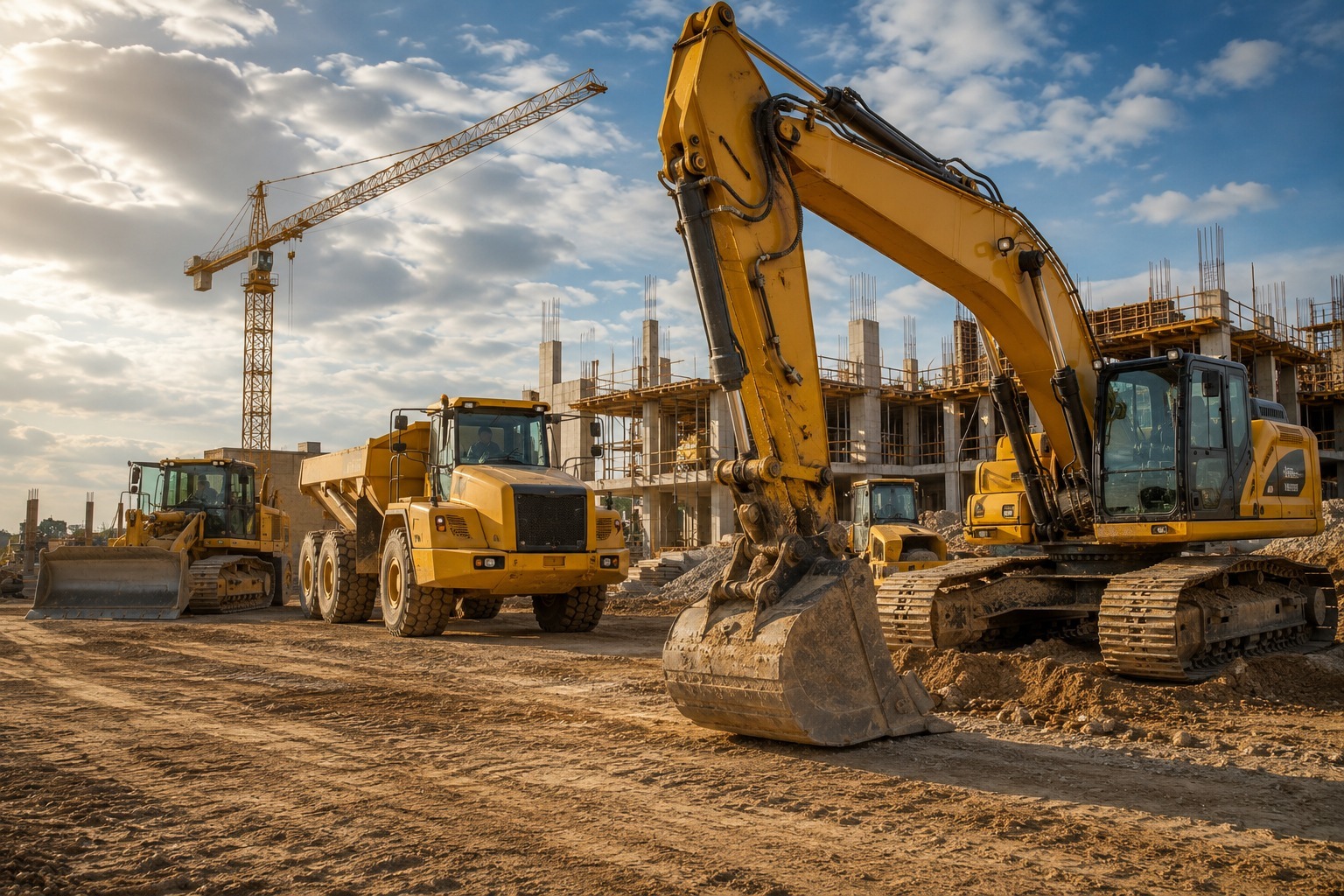
On a job site, equipment downtime is expensive in ways that compound quickly — a stalled excavator delays the crew depending on it, a down crane can halt an entire sequence of work, and every hour spent waiting for a technician to diagnose a problem is an hour the project isn't moving.
Traditional troubleshooting often starts with a phone call describing symptoms, followed by a technician traveling to the site to actually see the equipment before diagnosing the issue — a process that can take hours or a full day depending on technician availability and site location.
How AR Inspection Speeds Up Equipment Diagnostics
Instead of describing a problem over the phone, an operator or site staff member opens a live video session with a mechanic, equipment specialist, or manufacturer support line directly from their phone — no app download required. The specialist sees exactly what the operator sees and can guide them to specific components.
Using AR annotation, the remote specialist can circle a specific part, point to where to check fluid levels, or mark exactly which bolt or connection needs attention — communicating with the same precision as if they were standing next to the machine. This often resolves the issue immediately, or at minimum confirms exactly what's needed before a technician is dispatched, so the right parts and expertise arrive on the first visit.
Where This Applies Across Job Site Operations
- First-level troubleshooting: Operators get guided diagnostics for common issues before escalating to a service call, often resolving simple problems without any technician visit at all.
- Pre-dispatch verification: When a technician visit is required, a live AR session confirms the issue and needed parts beforehand, reducing the chance of a second visit due to missing parts.
- Routine condition inspections: Equipment managers can conduct visual condition checks across multiple pieces of equipment and multiple sites without traveling to each one.
- Rental equipment handoff: Rental companies use AR sessions to document equipment condition at delivery and return, similar to vehicle inspection use cases, protecting both parties from disputed damage claims.
- Warranty and manufacturer support: Manufacturer support teams can visually assess an issue remotely to determine whether it's a warranty claim before dispatching a service technician.
Reducing Downtime and Unnecessary Site Visits
The biggest operational win is triage: not every equipment issue needs a technician on-site. A live AR session lets a specialist assess severity first — is this something the operator can resolve immediately with guidance, does it need a scheduled service visit, or is it urgent enough to escalate right away?
This triage step alone often prevents unnecessary service calls for issues that can be resolved with remote guidance, while making sure genuinely serious issues get flagged and dispatched faster than they would through a standard call-and-wait process.
Documentation for Maintenance and Liability Records
Recorded AR inspection sessions build a documented maintenance history for each piece of equipment — useful for tracking recurring issues, supporting warranty claims, and demonstrating a documented maintenance process if equipment condition is ever questioned in a liability or insurance context.
For rented or leased equipment specifically, this documentation protects both the equipment owner and the operator by establishing a clear record of condition at key points — delivery, mid-use inspection, and return.
Supporting Equipment Managers Across Multiple Sites
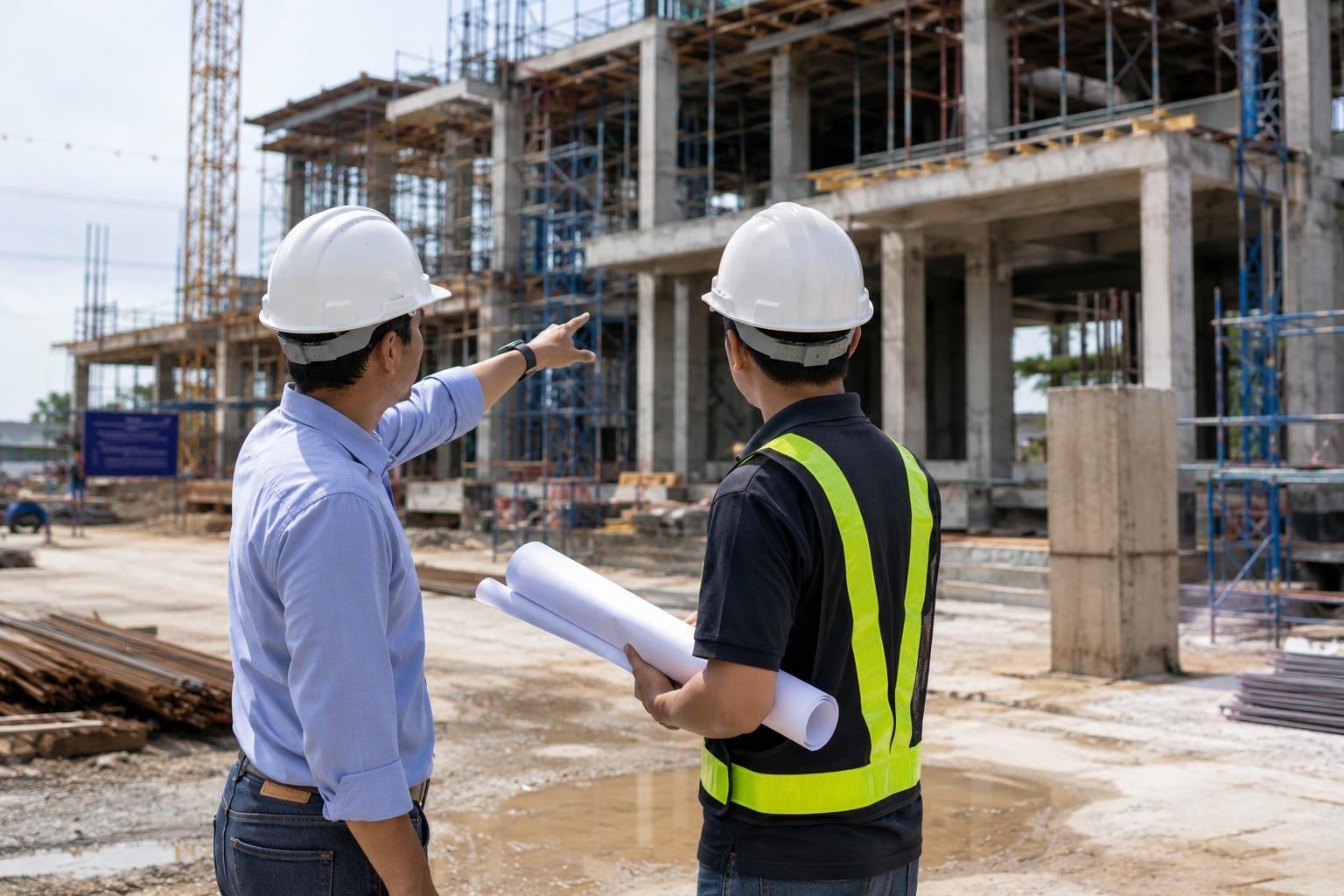
For companies running equipment across several active job sites, AR inspection also changes how equipment managers do their job day to day. Rather than physically visiting each site to check on machine condition, a manager can run a series of short AR sessions with operators across every location in the time it used to take to drive to one site.
This is particularly useful for identifying patterns — a manager reviewing recorded sessions across a fleet of similar machines may spot a recurring issue on a specific model or component before it causes a breakdown, informing preventive maintenance decisions rather than only reacting after equipment goes down.
Rolling This Out Across Equipment Fleets
Equipment-heavy operations typically start with the highest-friction use case — troubleshooting calls that currently require a technician visit just to diagnose the problem — before expanding to routine condition checks and rental handoff documentation. Integrating recorded sessions with existing maintenance management or fleet software keeps the equipment's inspection history in one place alongside service records.
A Secondary Safety Benefit
Beyond speed and cost, AR equipment inspection has a safety dimension worth noting: operators troubleshooting equipment issues on their own, without expert guidance, sometimes attempt fixes or diagnostics they aren't trained for, which can create injury risk around hydraulic systems, moving parts, or electrical components. A guided AR session keeps a trained specialist in the loop throughout, directing exactly what the operator should and shouldn't touch.
This matters particularly for less experienced operators or newer equipment models an operator may not be fully familiar with, where a remote specialist's real-time guidance reduces the chance of an operator improvising a fix that creates a bigger problem — mechanically or from a safety standpoint.
Working Across Multiple Equipment Manufacturers
Job sites rarely run equipment from a single manufacturer, and troubleshooting expertise for a hydraulic excavator differs from what's needed for a tower crane or a compact loader. AR inspection sessions make it easier to route a given issue to the right specialist — whether that's an in-house mechanic, a third-party service provider, or the original equipment manufacturer's own support line — without needing that specialist to be anywhere near the actual job site.
This flexibility is particularly valuable for mixed-fleet operations, where maintaining in-house expertise across every equipment brand and model on-site isn't practical, but connecting the right remote specialist to the right piece of equipment through a quick video session is.
Cost Comparison Against a Standard Service Call
A standard service call for equipment troubleshooting typically bundles the cost of a technician's time, travel, and any diagnostic time spent on-site simply figuring out what's wrong before a repair can even begin. When a portion of that diagnostic step happens remotely first, through a guided AR session, the eventual in-person visit — if one is still needed — is shorter and more targeted, since the technician arrives already knowing what to fix rather than starting from scratch.
Across a fleet of equipment and a full season of use, this diagnostic efficiency adds up: fewer wasted trips for issues that turn out to be minor or operator-resolvable, and shorter, more efficient visits for the issues that do require a technician on-site.
Frequently Asked Questions
Can heavy equipment problems actually be diagnosed remotely?
Many issues can be assessed or at least triaged remotely through a live AR video session, with a specialist guiding the operator to check specific components. More complex mechanical issues may still require an in-person technician visit, but the remote session helps confirm what's needed before that visit.
How does AR inspection reduce unnecessary technician dispatches?
A live session lets a specialist assess severity first, resolving simple issues with remote guidance and confirming parts or scope needed before dispatching a technician for anything more serious.
Is this useful for rental equipment specifically?
Yes. AR sessions are commonly used to document equipment condition at delivery and return, creating a clear record that helps prevent disputes over damage or wear.
What does a job site operator need to start an AR equipment inspection session?
Just a smartphone or tablet with a camera and internet connection — sessions run through a browser link, with no app installation required.
Can AR equipment inspection help with preventive maintenance planning?
Yes. Equipment managers reviewing recorded sessions across a fleet can spot recurring issues on specific models or components, informing preventive maintenance decisions before a breakdown occurs.
Does this work for manufacturer warranty support, not just internal maintenance teams?
Yes. Manufacturer support teams can use live AR sessions to visually assess an issue and determine whether it qualifies as a warranty claim before dispatching a service technician.
See how Blitzz Inspect helps job sites diagnose equipment issues faster and reduce downtime — schedule a demo to see it in action.

Blitzz Team
The Blitzz Team writes about remote video support, virtual inspections and field service. Our guides come from working with home builders, property managers, warranty teams, contact centers and field service organizations that use Blitzz to see and solve issues without a truck roll.