.png?width=120&height=55&name=Blitzz-Logo-right%20white%20eyes%20-%20not%20transparent%20(3).png)

On this page
When a customer's equipment fails, when a field technician hits a problem they haven't seen before, when a claims adjuster needs to assess damage 400 miles away — the old answer was to send someone. That costs money, takes time, and burns fuel.
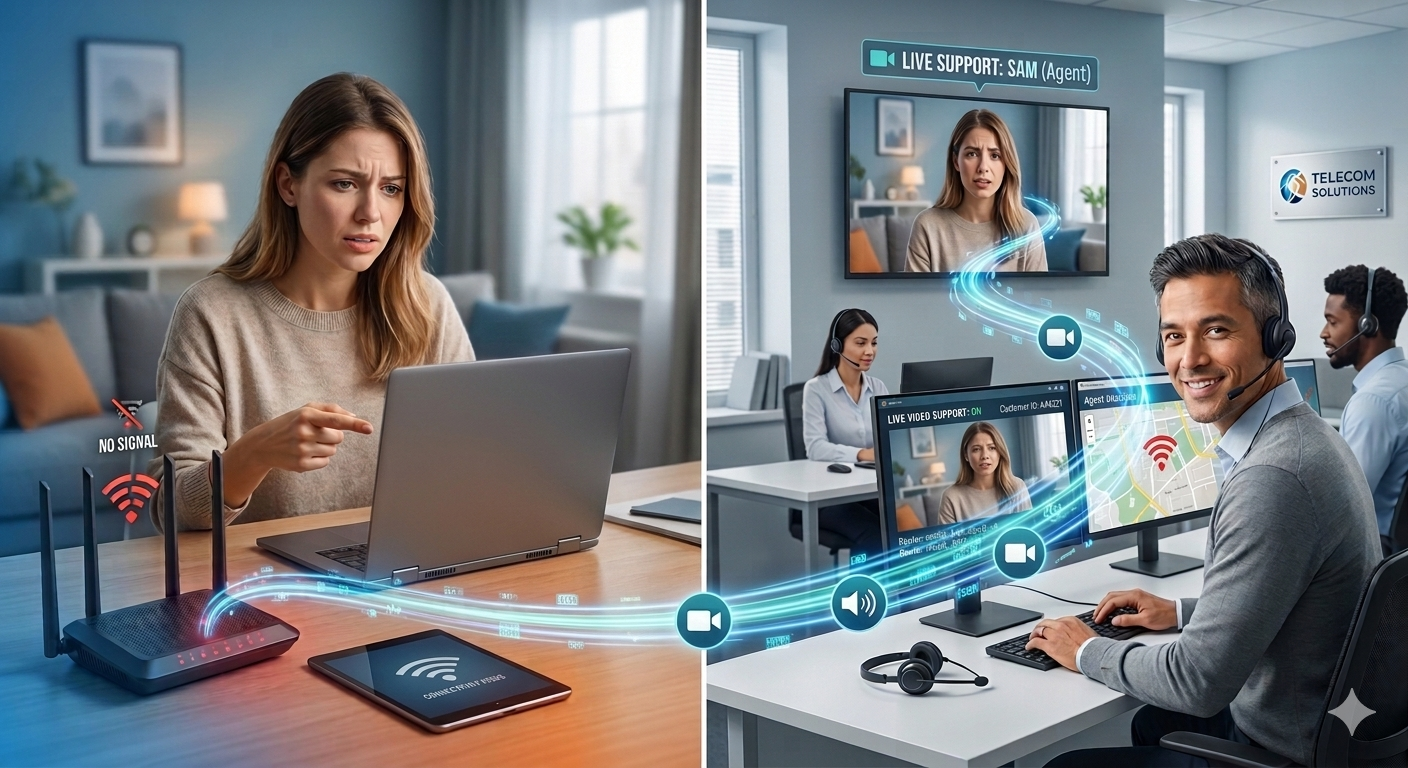
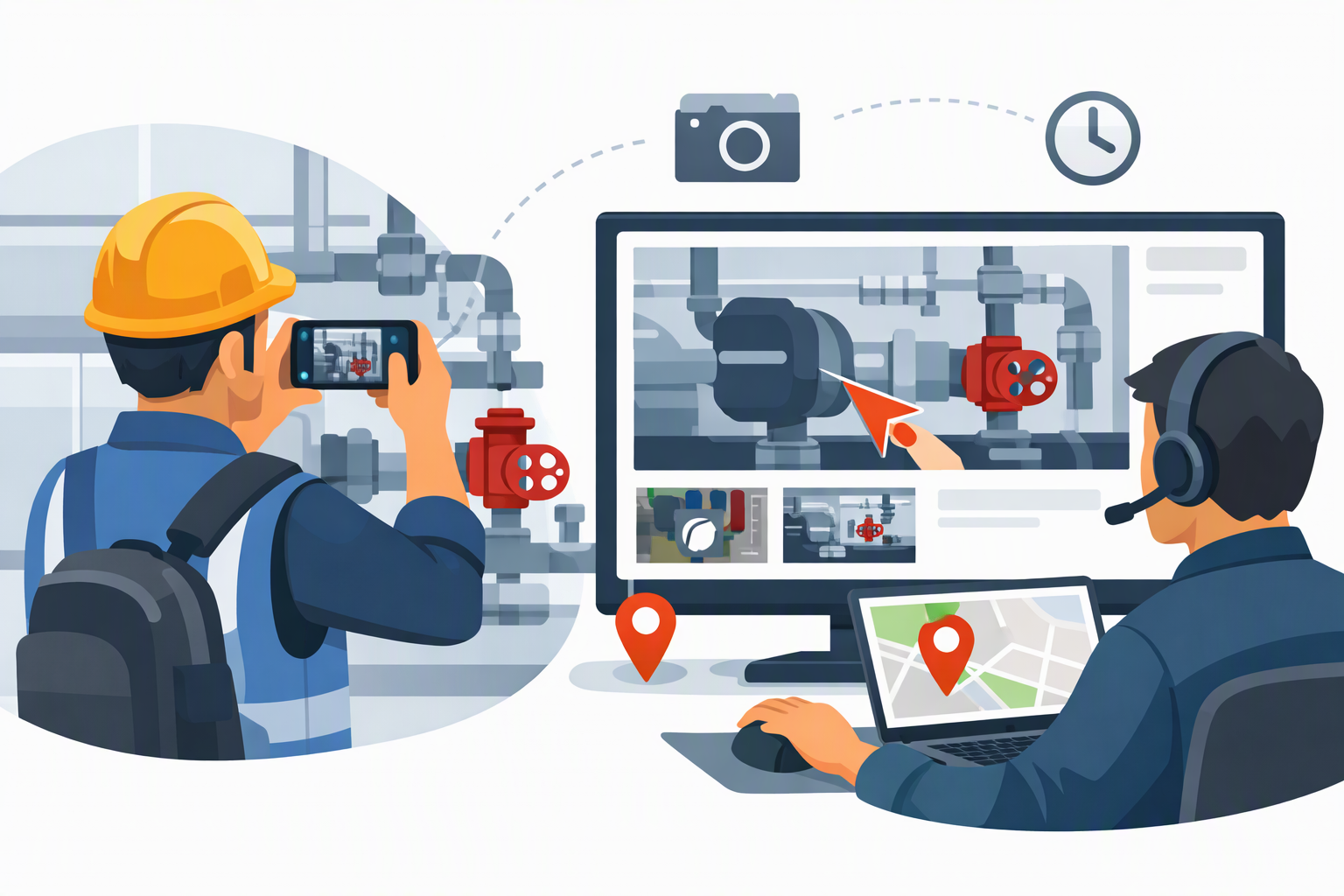
Remote visual support software changes the equation. Instead of dispatching an expert in a vehicle, you connect them live to the person already on-site — through their smartphone camera — and give the remote expert a full set of tools to guide, annotate, document, and resolve the situation in real time.
This isn't a video call. It's a purpose-built category of software that layering augmented reality (AR) on top of live video, adding remote camera controls, timestamped photo capture, session recording, and deep integrations with CRM and field service management systems. Done properly, it lets a remote expert work as effectively as if they were physically present — without the travel.
The wider remote working tools and software market was valued at USD 30.5 billion in 2024 and is expected to expand at a CAGR of 21.8% from 2025 to 2034. Within that broader market, remote visual support is among the fastest-growing segments — driven by field service digitization, insurance claims modernization, and a growing recognition that general video calls simply aren't built for the work.
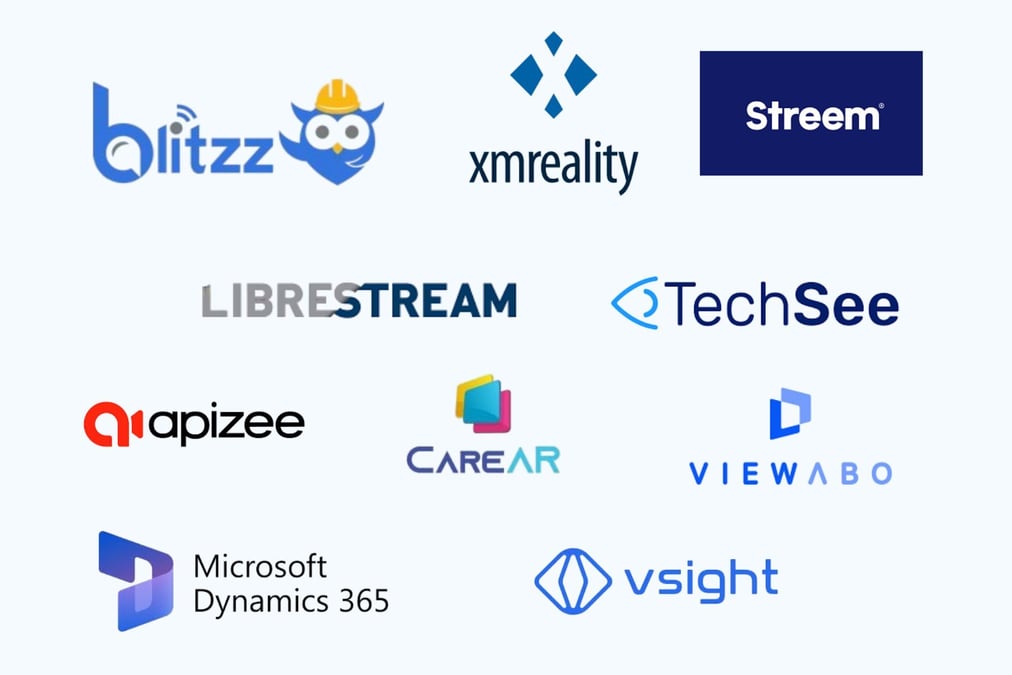
This guide ranks the 10 best platforms in 2026, evaluates them honestly, and tells you exactly which one fits your use case.
How We Evaluated These Platforms
Every tool on this list was assessed against the same criteria:
- Core visual support capabilities — live HD video, AR annotation quality, remote camera controls
- App-free access — whether field contacts need to download anything to participate
- Documentation and audit trail — photo capture, session recording, notes, timestamps
- Integration depth — how well it connects with CRM, FSM, and ticketing tools
- Security and compliance — certifications, encryption standards, data residency options
- Pricing transparency — whether costs are published and predictable
- Best-fit use case — who this platform is genuinely built for
One thing most comparison articles don't tell you: several platforms in this space were built primarily for one use case (often IT help desk or consumer appliance support) and then stretched to cover others. That distinction matters enormously when you're evaluating fit. We've called it out where it's relevant.
The 10 Best Remote Visual Support Software Platforms in 2026
Blitzz — Best Overall for Enterprise Field Service and Inspections
Best for: Field service, insurance claims, manufacturing QA, telecom, construction
Starting price: $420/year (5 licenses) | 30-day free trial
App required for field contact: No — browser-based
Blitzz is purpose-built for the physical world. Where most remote support tools are built around screen sharing or simple video calls, Blitzz was designed from the ground up for environments where the "support object" is a piece of equipment, a damaged property, a manufacturing line, or an infrastructure site — not a computer desktop.
The platform's no-download architecture is a genuine differentiator. Field contacts receive a session link via SMS, email, or WhatsApp and join through their smartphone browser — no app, no account, no friction. In enterprise deployments where field contacts are customers, contractors, or on-site workers who may not be technically sophisticated, this is the difference between a workflow that scales and one that doesn't.
What makes Blitzz stand out technically:
Live HD video streaming with remote zoom and flashlight control gives the remote expert precise visual control without relying on verbal direction. AR annotation tools — arrows, text labels, freehand drawing, a live pointer — let experts mark up the live feed in real time. Timestamped photos are auto-captured and linked to the session record. Full session recording creates a defensible audit trail.
Beyond the session itself, Blitzz offers live OCR/text extraction to capture serial numbers, VINs, and model numbers directly from the camera feed without manual entry — a feature that eliminates a time-consuming step in field service and inspection workflows. GPS location capture during sessions ties visual evidence to a precise location.
Integrations: Native connections to Salesforce, ServiceNow, and Zendesk. Inspectors and support agents can launch sessions from within these tools, with all session data syncing automatically. A full REST API library supports custom integrations with proprietary FSM and CRM systems.
Security: HIPAA-compliant, SOC-2 certified, end-to-end encrypted. Data hosting options include Blitzz-managed servers, AWS, Azure, or on-premise — giving enterprise customers full data sovereignty.
Proven results:
- A major Canadian telecom reduced truck rolls by 30% and improved first-call resolution by 40%
- A tank inspection business cut travel costs by 75% after deploying Blitzz for remote inspection
- A global construction company saved hundreds of hours annually by moving QA inspections remote environment
Pricing:
- Blitzz Inspect: from $450/year
- Blitzz Concierge (customer support teams): from $420/year (minimum 5 licenses)
- 30-day risk-free trial, no credit card required
The honest assessment: Blitzz is not a screen control tool. If your primary need is IT desktop support — remote access to a Windows machine, unattended device management, endpoint monitoring — look at the dedicated IT tools further down this list. But for any organization whose support or inspection work happens in the physical world, Blitzz is the strongest, most complete platform available.
Start your free Blitzz trial at blitzz.co →
TechSee — Best for AI-Powered Consumer and Customer Service Support
Best for: Large customer service operations, consumer electronics support, telecoms
Starting price: From $29.99/month per user
App required for field contact: No — browser-based
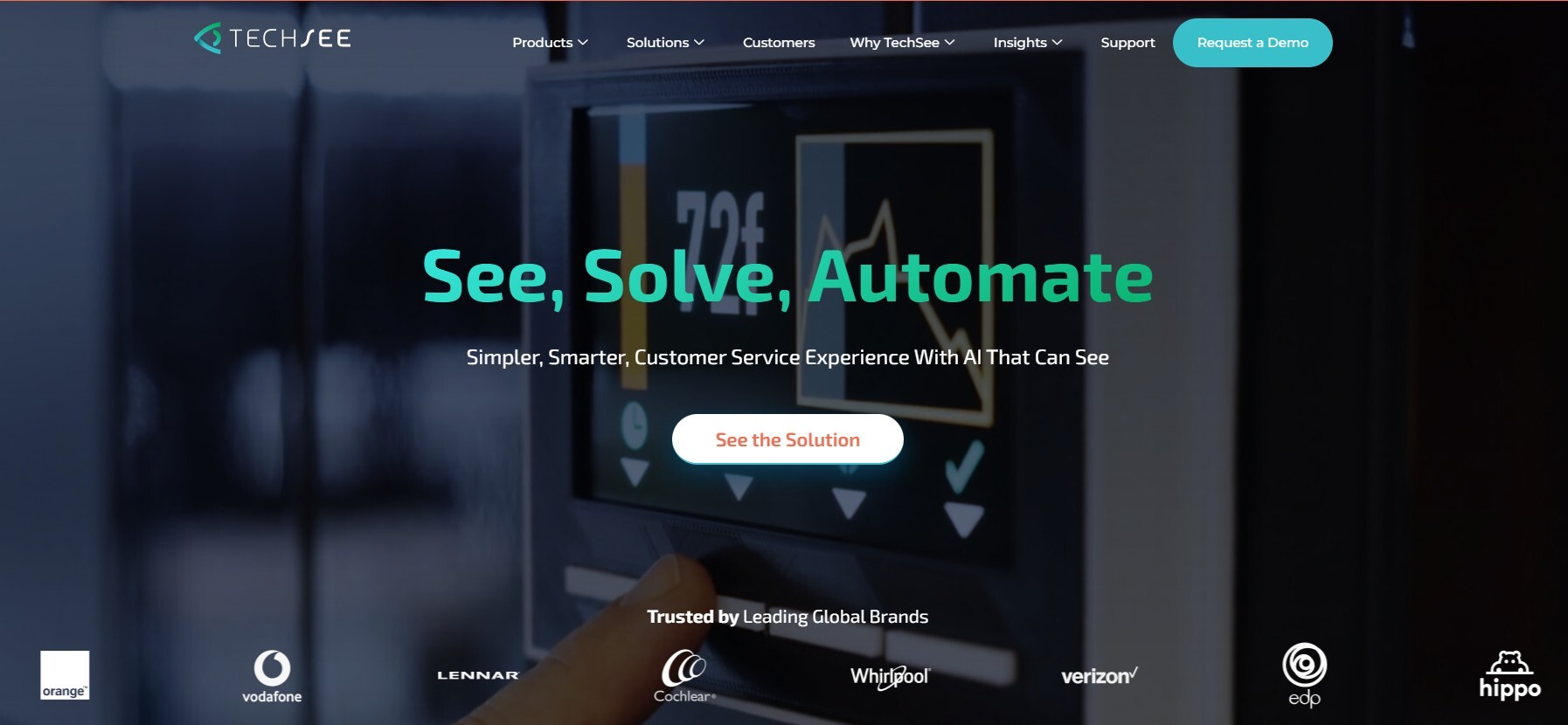
TechSee occupies a distinct position in this market: it was built specifically for customer service call centers and has invested heavily in AI and computer vision to automate visual diagnosis. TechSee's platform creates a single picture of customer issues across the organization, allowing warm transfer between channels and leveraging visual data to deliver AI-powered automation.
The platform allows agents to see what customers see via their smartphone camera, with AR annotations including pointers and drawing tools to guide resolution. Its computer vision AI layer can automatically recognize devices, identify issues, and suggest next steps — reducing the cognitive load on agents and potentially enabling higher-volume support operations.
TechSee integrates with Amdocs, Genesys Cloud CX, Microsoft Dynamics, Oracle Service, Pega, Salesforce Service Cloud, ServiceNow, and Zendesk. That integration breadth reflects its enterprise customer service focus.
Where it's strongest: High-volume consumer-facing support operations, particularly in telecoms, utilities, and consumer electronics, where AI-assisted diagnosis and computer vision automation can deliver meaningful efficiency gains at scale.
Where it falls short: TechSee's depth in field service and industrial inspection scenarios is more limited than Blitzz's. Its AI orientation also means it works best when issue patterns are repeatable and well-documented — less suited to novel or complex field scenarios.
Pricing: From $29.99/user/month
Streem — Best for Home Services and Consumer-Facing Support
Best for: Home services, retail, insurance home assessments, appliance support
Starting price: Contact for pricing
App required for field contact: No — browser-based
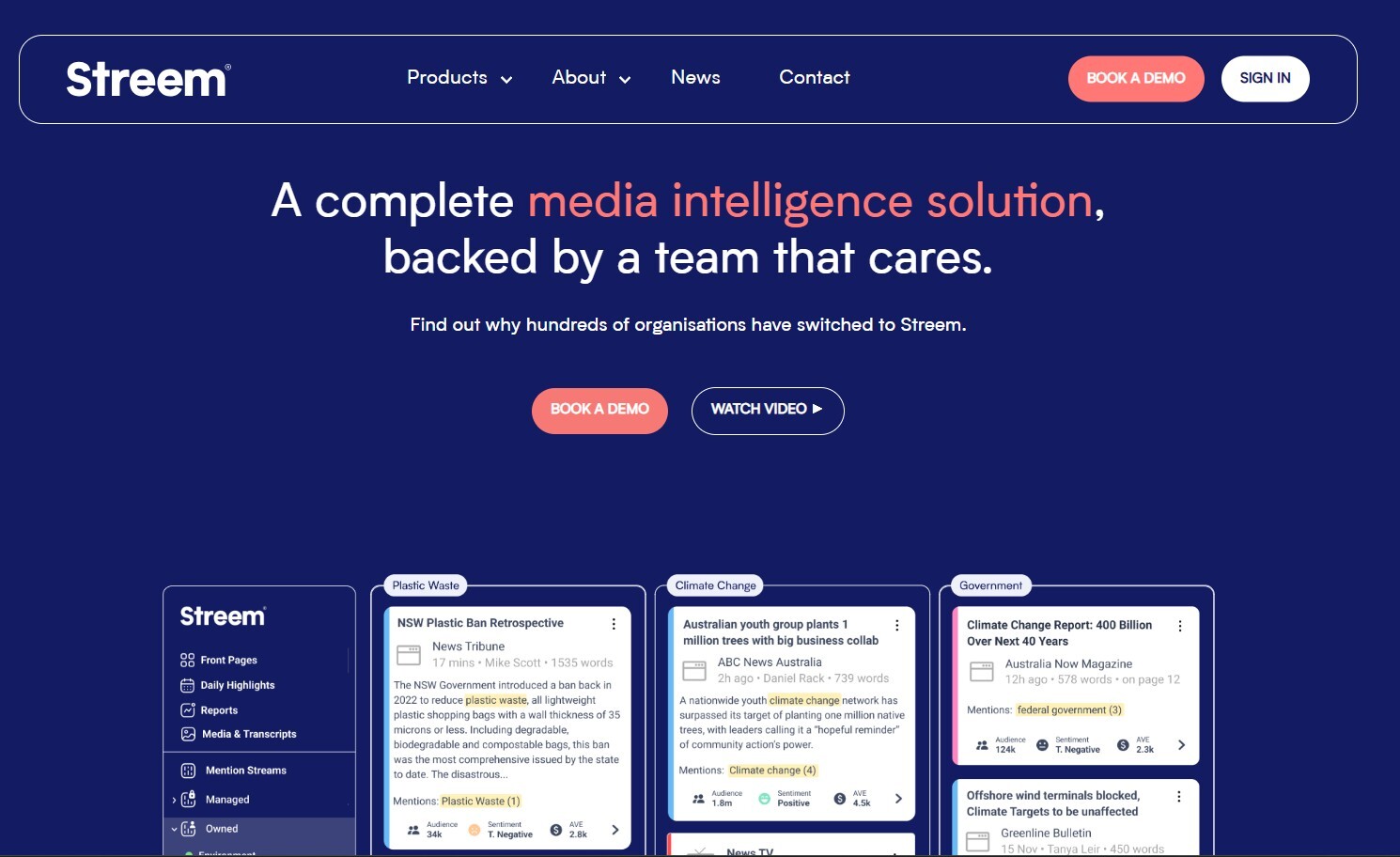
Streem specializes in providing remote support solutions for businesses using augmented reality (AR) and artificial intelligence technology, best suited for companies that need to provide remote assistance to customers or employees, particularly in industries like field service, manufacturing, and technology support.
Streem's standout architectural choice is StreemCore — its enterprise-class no-download AR video tool, deployable via API or SDK directly into a company's own app or customer portal. With Streem's APIs or SDK, remote AR-enabled video tools can embed and integrate into native apps and existing workflows. This makes Streem particularly attractive for organizations that want to embed remote visual assistance inside their own branded experience rather than directing customers to a third-party platform.
The StreemShot feature allows automatic capture of model and serial numbers from the camera feed — similar to Blitzz's OCR capability. Spatial measurement tools use AR to capture dimensions of spaces and objects, which is valuable for home services quoting and insurance assessments.
Streem facilitates integration with Salesforce, Amazon Web Services, Genesys, and Five9.
Where it's strongest: Home services companies (HVAC, plumbing, appliances), retailers offering remote consultations, and insurance companies assessing home damage — particularly where embedding visual support into an existing branded app is a priority.
Where it falls short: Streem's pricing is not publicly disclosed, which makes budgeting and comparison harder. Its industrial and heavy field service capabilities are less developed than Blitzz's inspection-grade feature set.
Pricing: Contact vendor for pricing
XMReality — Best for Industrial Manufacturing and European Enterprises
Best for: Manufacturing, industrial field service, food and beverage, energy, European deployments
Starting price: From approximately $40/user/month
App required for field contact: No — link-based access
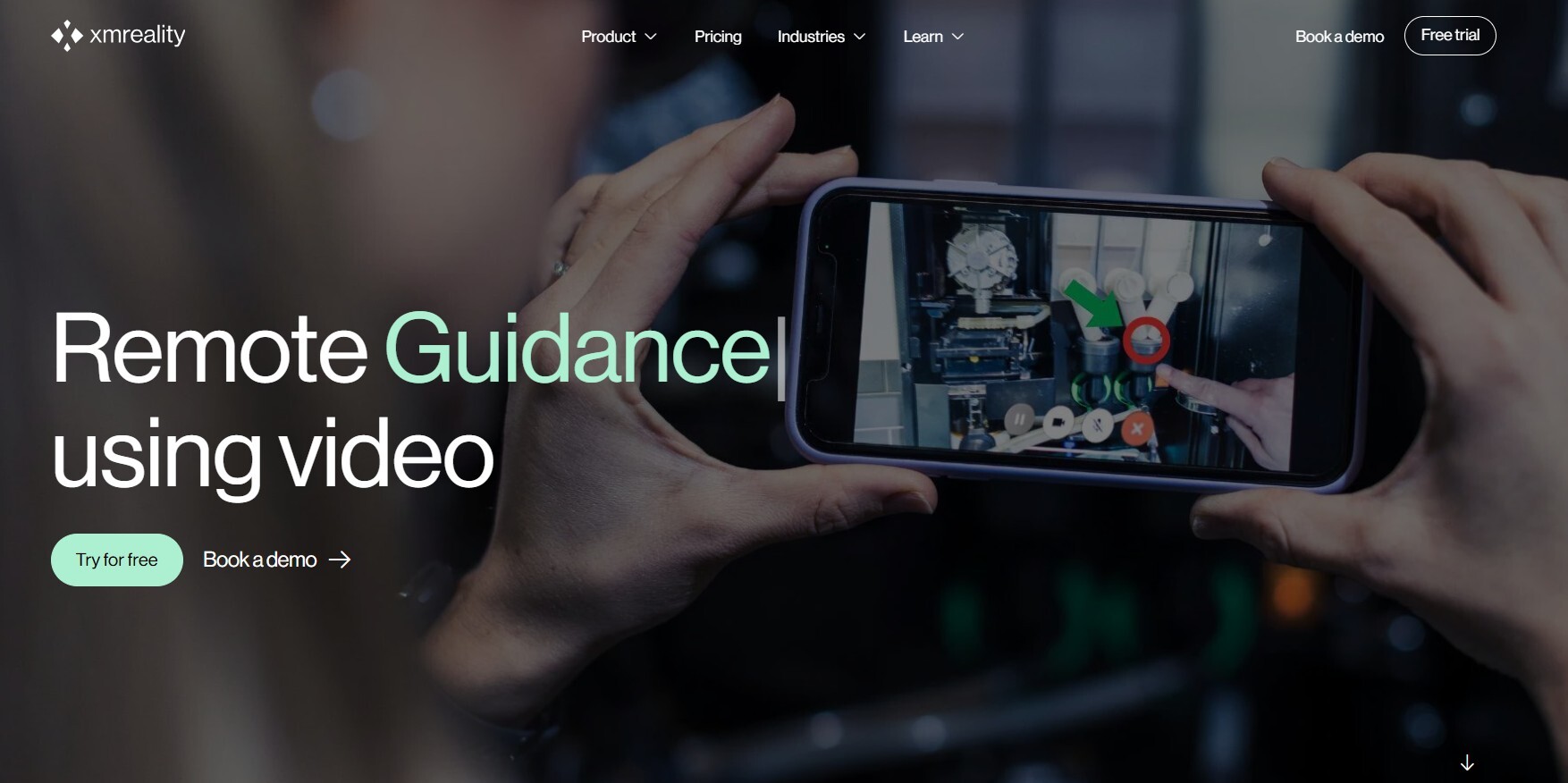
XMReality Remote Guidance allows you to see what your customer or colleague sees and guide them as if you were right by their side. Send a call link to anyone with a smart device to start a shared video stream where you have a multitude of powerful tools to guide the person on the other end, including augmented reality features.
XMReality is a Sweden-based company listed on the Nasdaq First North Growth Market, and its customer base reflects a strong presence in European manufacturing and industrial sectors. XMReality's unique features include hand overlay technology, which enables experts to visually guide users through complex tasks as if they were physically present. This hand overlay — where the remote expert's hand movements appear as an overlay on the field worker's live view — is a genuinely differentiated feature for complex procedural guidance.
All call data is saved, and at the end of the call, an automated PDF report is generated with all notes and images taken during the call. This auto-documentation feature supports compliance requirements without manual reporting effort.
XMReality is used globally in more than 60 countries, with customers including Nestlé, Electrolux Professional, Sidel, Heineken, and Nibe.
Where it's strongest: Industrial manufacturing environments — particularly assembly, commissioning, and maintenance — where the hand overlay guidance tool has clear operational value. Its multi-language support (Czech, Danish, German, English, Finnish, French, Italian, Japanese, Dutch, Polish, Portuguese, Romanian, Russian, Spanish, Swedish, and Chinese) makes it a strong candidate for global enterprise deployments.
Where it falls short: Pricing at approximately $40/user/month is competitive, but is quoted per user rather than per team, which can make enterprise scaling costs less predictable. Integration depth with CRM and FSM systems is more limited than Blitzz or TechSee.
Pricing: From approximately $40/user/month
CareAR — Best for ServiceNow-Centric Organizations
Best for: Enterprises already deeply embedded in ServiceNow, Salesforce
Starting price: Contact for pricing
App required for field contact: No — browser-based
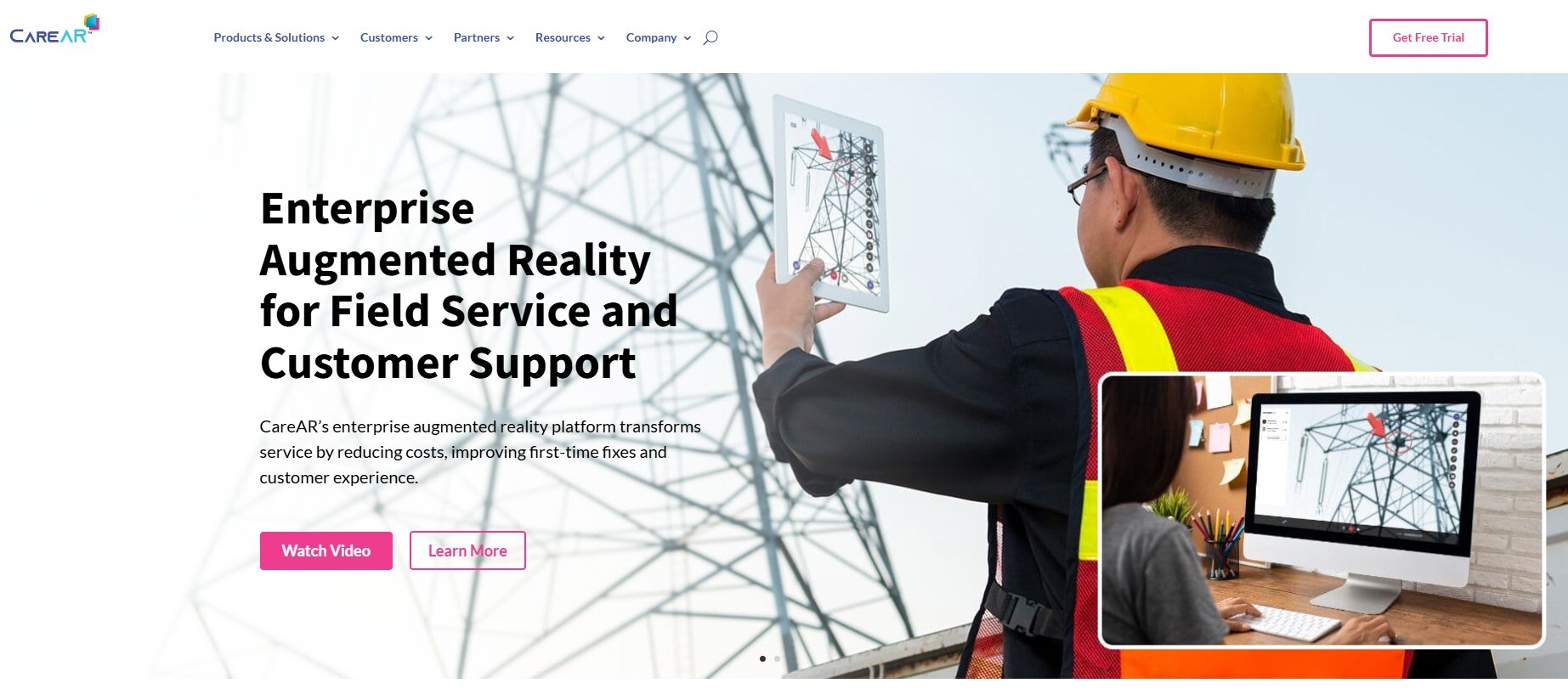
CareAR (a Xerox company) positions itself as a Service Experience Management (SXM) platform rather than a standalone remote visual support tool. Its deep integration with ServiceNow is its defining feature — for organizations where ServiceNow is the operational backbone, CareAR offers workflow continuity that few competitors can match.
The platform includes two primary products: CareAR Assist (real-time AR remote guidance between technicians and experts) and CareAR Instruct (AR-powered digital work instructions for guided self-service). Together they address both the remote expert-to-technician workflow and the self-service resolution scenario.
Its Xerox parentage brings enterprise sales support, legal infrastructure, and compliance capabilities that matter to large organizations with procurement complexity.
Where it's strongest: Large enterprises with mature ServiceNow or Salesforce deployments that want remote visual support woven directly into their existing service workflow — without managing a separate vendor relationship.
Where it falls short: CareAR's pricing is not publicly available and requires a sales engagement. It is positioned at the higher end of the market, which may be a barrier for mid-market organizations. Its field inspection-specific capabilities — remote zoom, GPS capture, OCR extraction — are less developed than Blitzz's.
Pricing: Contact vendor
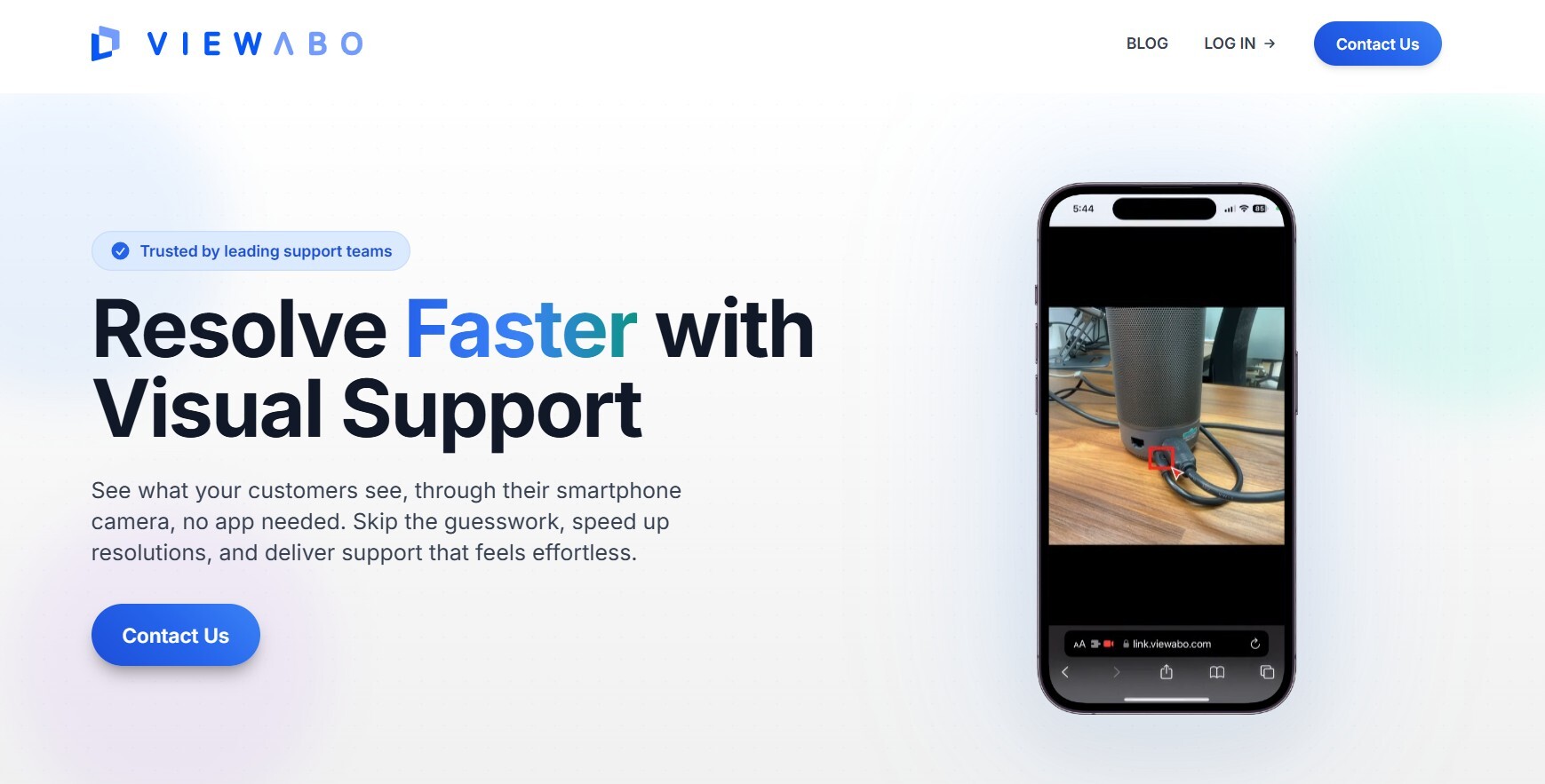
Viewabo — Best Budget Option for Small Customer Support Teams
Best for: Small to mid-size customer support teams, consumer electronics, appliance troubleshooting
Starting price: From approximately $30/month
App required for field contact: No — SMS link access
Viewabo makes technical support easier and faster by making a phone camera become your eyes. Connect to customers simply via an SMS link. Customers click on the link to share their smartphone camera so you can solve their issues as if you were there.
Viewabo offers core remote visual support functionality — live camera access, AR annotations, freeze-frame, and session recordings — at a price point accessible to smaller organizations. The simplicity-first design philosophy means the learning curve is minimal on both the agent and customer side, which aids adoption.
Annotate on-screen during live video sessions to show customers what to do. Freeze-frame the customer's video at any time to get a clearer view and see more details, making it easier to collaborate toward a resolution. Save time by sharing recordings to collaborate with other teams.
Where it's strongest: Small support teams looking for a cost-effective way to add live visual support to their customer interactions — particularly for consumer product support where AR annotation on common household items provides real value.
Where it falls short: Viewabo lacks the enterprise-grade integrations, security certifications, compliance features, and field service depth that larger organizations require. It is a strong starting point but not a platform for enterprise-scale deployment.
Pricing: From approximately $30/month
Librestream Onsight — Best for Hazardous and Industrial Environments
Best for: Oil and gas, aerospace, defense, heavy manufacturing, environments requiring smart glasses
Starting price: Contact for pricing
App required for field contact: App or smart glasses required
Librestream's Onsight platform is purpose-built for the most demanding industrial environments — situations where standard smartphone-based solutions aren't appropriate and where smart glass integration is operationally important. Librestream provides cutting-edge digital assistant solutions for industries, utilizing artificial intelligence to enhance workforce productivity and operational effectiveness. Their offerings empower organizations to deliver immediate remote support, work instructions, and visual guidance to field service personnel, minimizing downtime and boosting first-time fix rates.
Onsight's compliance credentials and its optimization for oil and gas, aerospace, and defense environments — industries with the most stringent safety and documentation requirements — make it a specialist tool with genuine depth in its target verticals.
Where it's strongest: Industrial environments requiring hands-free smart glass support, particularly in regulated sectors where deep compliance documentation is mandatory.
Where it falls short: The requirement for an app or smart glasses eliminates the frictionless access that browser-based platforms offer. It is a specialized tool for specialized environments — not appropriate for general field service or consumer-facing support.
Pricing: Contact vendor
8. VSight Remote — Best for Smart Glasses and Industrial AR Overlay
Best for: Manufacturing, MRO (maintenance, repair, operations), smart glass deployments
Starting price: Contact for pricing
App required for field contact: App required
VSight Remote is the leading industrial remote collaboration platform powered by augmented reality. It allows frontline workers to connect and get real-time support from remote experts whenever needed. Typical use case scenarios are service, maintenance, commissioning, auditing, and training.
VSight's standout capability is annotation on PDF manuals and images — allowing remote experts to mark up technical documentation in addition to the live video stream. VSight is device agnostic and works with all mobile and desktop devices and smart glasses, with key capabilities including annotation on live video streams, collaboration on PDF manuals and images, visualization of 3D objects in a real work environment, and recording and archiving of sessions.
The 3D object visualization feature — overlaying digital 3D models onto the live camera view — is particularly valuable for maintenance scenarios where technicians need to understand internal component relationships without disassembling equipment.
Where it's strongest: Manufacturing and MRO environments where the combination of live video annotation, PDF manual markup, and 3D model overlay creates a genuinely richer guidance experience than simpler platforms.
Where it falls short: The requirement for an app download adds friction. Pricing is not publicly disclosed. Integration capabilities with mainstream CRM and FSM platforms are less developed.
Pricing: Contact vendor
Microsoft Dynamics 365 Remote Assist — Best for Microsoft-Ecosystem Organizations
Best for: Enterprise organizations standardized on Microsoft 365, Azure, and HoloLens
Starting price: From $65/user/month (with Dynamics 365 licensing)
App required for field contact: App or HoloLens required
Microsoft Dynamics 365 Remote Assist enables collaborative maintenance and repair by allowing technicians to receive context-aware guidance from off-site personnel in real time via heads-up displays. It also facilitates remote inspections and helps spread knowledge by allowing users to document repairs with multimedia and share learnings across an organization.
For organizations already standardized on Microsoft's ecosystem — Dynamics 365, Teams, Azure, and HoloLens — Remote Assist offers the deepest integration path. The Teams integration means remote experts can join a guidance session from within Teams without any additional software, which reduces friction on the expert side.
The HoloLens 2 integration is the platform's most distinctive feature — enabling hands-free, heads-up AR guidance for technicians in environments where holding a phone isn't practical. It is genuinely impressive technology in the right operational context.
Where it's strongest: Large enterprises with existing HoloLens deployments or strong Microsoft Dynamics investment, particularly in manufacturing and field service scenarios where hands-free operation is a priority.
Where it falls short: The pricing is high relative to the competition, and the best features (HoloLens integration, Dynamics 365 workflow integration) are only accessible to organizations already running Microsoft's enterprise suite. App download is required for mobile users, which adds friction in customer-facing scenarios.
Pricing: From approximately $65/user/month (Dynamics 365 licensing structure)
Apizee — Best for European and Mid-Market Field Service
Best for: Insurance, healthcare, field service — particularly European mid-market organizations
Starting price: Contact for pricing
App required for field contact: No — browser-based
Apizee provides a remote visual support solution designed to enhance customer service and operational efficiency through live video interactions. The platform allows businesses to solve customer issues in real-time by leveraging video calls, ensuring quicker and more accurate resolutions without the need for on-site visits. Apizee's features cater to industries like insurance, retail, healthcare, and field service, helping companies reduce travel, speed up diagnostics, and improve overall customer satisfaction.
Apizee rounds out this list as a strong option for European organizations — particularly in insurance, healthcare, and utilities — where browser-based access, GDPR compliance, and data residency within EU infrastructure are important requirements. The platform offers live video with annotation, screenshot capture, and session documentation.
Where it's strongest: European mid-market organizations in insurance and healthcare that need GDPR-compliant remote visual support with browser-based access and competitive pricing.
Where it falls short: Its enterprise-grade features and integration depth are less developed than the top-tier platforms on this list. North American organizations will find better-supported alternatives.
Pricing: Contact vendor
Head-to-Head Comparison Table
| Platform | Best For | App-Free Access | AR Annotation | Smart Glasses | Starts At | Free Trial |
|---|---|---|---|---|---|---|
| Blitzz | Field service, inspection, insurance | ✅ Yes | ✅ Full suite | ❌ | $420/year | ✅ 30 days |
| TechSee | AI-powered customer service | ✅ Yes | ✅ Yes | ❌ | $29.99/user/mo | ✅ Yes |
| Streem | Home services, consumer support | ✅ Yes | ✅ Yes | ❌ | Contact vendor | ✅ Yes |
| XMReality | Industrial manufacturing | ✅ Yes | ✅ Hand overlay | ❌ | ~$40/user/mo | ✅ Yes |
| CareAR | ServiceNow enterprises | ✅ Yes | ✅ Yes | ❌ | Contact vendor | ✅ Yes |
| Viewabo | Small support teams | ✅ Yes | ✅ Basic | ❌ | ~$30/mo | ✅ Yes |
| Librestream | Oil, gas, aerospace | ❌ App/glasses | ✅ Yes | ✅ Yes | Contact vendor | Limited |
| VSight Remote | MRO, PDF annotation | ❌ App required | ✅ Full + PDF | ✅ Yes | Contact vendor | ✅ Yes |
| MS Remote Assist | Microsoft ecosystem | ❌ App/HoloLens | ✅ Yes | ✅ HoloLens 2 | ~$65/user/mo | ✅ Yes |
| Apizee | European mid-market | ✅ Yes | ✅ Yes | ❌ | Contact vendor | ✅ Yes |
The Feature That Separates Good from Great: App-Free Access
It's worth dwelling on this for a moment because it's a feature that sounds minor and isn't.
Every platform in this list that requires the field contact to download an app introduces a friction point that compounds at scale. Consider what "download the app" means in the real world:
- A homeowner whose dishwasher is broken may not have 200MB of storage available
- A factory floor worker may not have permission to install apps on a company-issued device
- A customer in a stressful situation (an insurance claim, a broken-down vehicle) doesn't want to troubleshoot an app installation before they can get help
- A remote construction site worker may not have the signal quality for a reliable download
App-free, browser-based access — where the field contact taps a link and is immediately connected — eliminates all of these scenarios. It's the difference between a remote support tool that works reliably at scale and one that works in controlled demos.
Among the platforms on this list, Blitzz, TechSee, Streem, XMReality, CareAR, Viewabo, and Apizee all offer app-free access for the field contact. This should be table stakes for any enterprise deployment.
How to Choose the Right Remote Visual Support Platform
With ten solid options available, the right framework for selection is straightforward:
Step 1: Define your primary use case. Is this for customer support call center agents helping consumers? Field service technicians supporting enterprise clients? Insurance claims adjusters assessing physical damage? Industrial maintenance teams on manufacturing floors? Each use case has a different "best fit" from this list.
Step 2: Assess your field contact population. Are your field contacts technically sophisticated employees or everyday consumers? The less technical the field contact, the more important app-free access, single-tap connection, and intuitive UX become.
Step 3: Map your existing tech stack. A platform with a native integration into your CRM or FSM is worth a meaningful premium over one that requires manual data entry. If you're on ServiceNow, CareAR deserves serious evaluation. If you're on Salesforce, Blitzz, TechSee, Streem, and CareAR all offer native connectors.
Step 4: Establish your compliance requirements. Healthcare needs HIPAA. Finance needs audit trails. Government contracts may need FedRAMP or specific data residency. European organizations need GDPR-compliant data handling. Filter your shortlist against these requirements before getting into feature comparisons.
Step 5: Run a real-world pilot, not just a demo. The demo environment is optimized for the platform's strengths. A real-world pilot — with actual users, actual devices, actual network conditions, and actual support scenarios — will surface the gaps that demos conceal. Require at least a 30-day pilot period before committing.
Remote Visual Support vs. Video Calling: What's Actually Different?
The most common confusion in evaluating this category is conflating remote visual support software with video calling. They look similar from the outside. Inside, they're fundamentally different tools.
| Capability | Video Call (Zoom/Teams/FaceTime) | Remote Visual Support (Blitzz) |
|---|---|---|
| Live camera access | ✅ Basic | ✅ HD + remote zoom + flashlight |
| AR annotation on live video | ❌ Not available | ✅ Drawing, arrows, text, pointer |
| Timestamped photo capture | ❌ Manual screenshots only | ✅ Auto-captured, session-linked |
| Session recording with audit trail | ❌ Requires setup | ✅ Built in |
| OCR / live text extraction | ❌ Not available | ✅ Serial numbers, VINs, model numbers |
| CRM/FSM integration | ❌ Manual data entry | ✅ Native Salesforce, ServiceNow, Zendesk |
| App-free field contact access | ❌ Usually requires app | ✅ Browser link, one tap |
| Compliance documentation | ❌ Not available | ✅ Full audit trail |
| GPS location capture | ❌ Not available | ✅ Built in |
A video call shows you what something looks like. Remote visual support software lets you actually work with what you're seeing.
Frequently Asked Questions
What is remote visual support software?
Remote visual support software is a purpose-built category of platform that enables a remote expert to see a customer's or field worker's physical environment through their smartphone camera and guide them to resolution using AR annotation, remote camera controls, and built-in documentation tools — without requiring the expert to be physically present. It goes significantly beyond video calling by adding tools designed specifically for expert-guided support and inspection scenarios.
What's the difference between remote visual support and remote desktop software?
Remote desktop software (TeamViewer, AnyDesk, Splashtop) gives a remote user control of another computer's screen. It's built for IT support of digital environments. Remote visual support software is built for physical environments — it accesses a smartphone camera rather than a computer screen, enabling an expert to see and interact with real-world objects, equipment, and spaces.
Does the field contact need to download an app?
With the best platforms — including Blitzz, TechSee, Streem, and XMReality — no. Field contacts receive a link via SMS or email and join through their smartphone browser. This is critical for enterprise deployment because app download requirements create friction that reduces completion rates.
What industries use remote visual support software most?
The core industries are telecoms (reducing truck rolls for field service), insurance (remote claims assessment), manufacturing (quality assurance and maintenance support), field service (HVAC, utilities, construction), healthcare (medical device support), and automotive (roadside assistance and dealer service).
How much does remote visual support software cost?
Pricing varies widely. Viewabo starts from approximately $30/month for small teams. XMReality starts around $40/user/month. TechSee from $29.99/user/month. Blitzz starts at $420/year (team pricing). Streem, CareAR, Librestream, VSight, and Apizee require direct vendor quotes. Microsoft Dynamics 365 Remote Assist is priced within the Dynamics 365 licensing structure at approximately $65/user/month.
Can remote visual support software replace on-site visits entirely?
For many service scenarios — visual diagnosis, guided troubleshooting, claims assessment, quality inspections, compliance audits — yes, remote visual support can fully replace the on-site visit. For scenarios requiring physical intervention (hands-on repair, sample collection, structural testing), it enables remote triage and preparation that makes any necessary on-site visit more effective and less likely to require a repeat.
What should I look for in remote visual support software for field service?
Prioritize app-free access for field contacts, HD video quality with remote camera controls (zoom, flashlight), AR annotation tools, automatic timestamped photo capture, session recording, and native integration with your FSM or CRM platform. For regulated industries, add HIPAA compliance, SOC-2 certification, and configurable data residency to your requirements.
Is remote visual support software secure?
The best platforms are — but verify rather than assume. Look for end-to-end encryption, specific compliance certifications relevant to your industry (HIPAA for healthcare, SOC-2 for enterprise), configurable data retention policies, and clear answers about where session data is stored. Blitzz, TechSee, and CareAR all publish their compliance credentials. For platforms that don't publish this information, ask directly before piloting.
Which Platform Is Right for You?
For enterprise field service, insurance, manufacturing QA, and any scenario involving physical environments: Blitzz — built specifically for this, with the deepest feature set, strongest compliance credentials, and the most proven ROI in real deployments.
For high-volume AI-assisted customer service call centers: TechSee — particularly if computer vision automation and multi-channel AI integration are priorities.
For home services and consumer support with embedded AR: Streem — best for organizations that want to embed visual support inside their own branded app experience.
For European industrial manufacturing: XMReality — proven at global scale with a unique hand overlay guidance feature and broad language support.
For ServiceNow-centric enterprises: CareAR — deepest workflow integration for organizations where ServiceNow is the operational core.
For small teams starting with visual support: Viewabo — accessible entry point with core features at a budget-friendly price.
For oil, gas, aerospace, and smart glass deployments: Librestream Onsight or VSight Remote — purpose-built for the most demanding industrial environments.
For Microsoft HoloLens enterprises: Microsoft Dynamics 365 Remote Assist — the obvious choice for organizations already deep in the Microsoft ecosystem.
For GDPR-compliant European mid-market: Apizee — strong fit for European insurance and healthcare organizations.
The category is maturing rapidly. The organizations that deploy remote visual support now — and get good at using it — will have meaningful operational and competitive advantages over those still defaulting to on-site dispatch for every service call.
Ready to see what best-in-class looks like in practice?
Start a free 30-day Blitzz trial at blitzz.co → — no app download required for your field contacts, no credit card to get started.
Related reading:

Blitzz Team
The Blitzz Team writes about remote video support, virtual inspections and field service. Our guides come from working with home builders, property managers, warranty teams, contact centers and field service organizations that use Blitzz to see and solve issues without a truck roll.