

.png?width=120&height=55&name=Blitzz-Logo-right%20white%20eyes%20-%20not%20transparent%20(3).png)

On this page
The best timestamp camera app for a contractor is one that stamps the date, time and GPS location at the moment of capture and files the photo to the right job automatically. Free stamp apps handle the first part. A job-based app like BlitzzCam handles both, so the proof is there and you can actually find it later.
This guide covers why stamped photos matter, the two kinds of timestamp apps, how to set them up on iPhone and Android, and what to look for before your crew installs anything.
Why do contractors need timestamped, GPS-tagged photos?
A photo without a date and location is just a picture. A photo with both is a record. That record does real work for you:
- Insurance claims. Adjusters want to know when damage was documented and where. FEMA tells property owners to document damage with plenty of photos and video when filing a claim (FEMA claim guidance). A stamp answers when and where before anyone asks.
- Payment disputes. When a client says the work was never done, a dated photo of the finished job settles it fast.
- Concealed work. Once drywall, roofing or flooring goes on, the photo is the only proof of what is underneath.
- Compliance and inspections. Many inspectors and general contractors now accept photo evidence. Time and place are the first things they check.
- Crew accountability. Stamped photos show when crews were on site and what they finished, without anyone filling out a timesheet.
What are the two types of timestamp camera apps?
1. Generic timestamp and GPS stamp apps
These are the free or low-cost apps you find when you search "timestamp camera app" in the App Store or Google Play. They burn the date, time and coordinates into the image as a text overlay. Some add a map thumbnail or a custom note.
Good for: a solo contractor who needs a quick stamp now and then.
Where they fall short:
- Photos land in the phone's camera roll mixed with personal pictures.
- Nothing ties the photo to a job, address or client.
- When a crew member leaves, their photos often leave with them.
- Sharing means texting or emailing files one by one.
- Many free apps are ad supported and limit export quality.
2. Job-based photo documentation apps
These apps stamp every photo too, but they also store it in a shared company account and organize it by job. Everyone on the team sees the same timeline. Office staff can pull photos for a report without calling the field.
Good for: any business with more than one person taking photos, or anyone who has ever lost a photo they needed.
Which timestamp camera app is best for contractors?
For most crews, a job-based app wins. The stamp is only half the value. The other half is being able to find the right photo in ten seconds when an adjuster, inspector or client asks for it.
Here is how the two types compare:
| Feature | Generic stamp app | BlitzzCam |
|---|---|---|
| Date, time and GPS on every photo | Yes | Yes, applied at capture |
| Photos organized by job | No | Yes |
| Company owns the photos | No, they live on each phone | Yes, in a shared company account |
| Searchable photo library | No | Yes, with AI photo tagging and search |
| Voice notes turned into written notes | No | Yes, with AI Walkthrough |
| Shareable reports and links | No | Yes, clients can view without an account |
| Checklists and before/after shots | No | Yes |
| iPhone, Android and web | Usually phone only | All three |
How do I add a timestamp to photos on iPhone?
The built-in iPhone Camera app saves date, time and location in the photo's metadata (if Location Services is on for Camera), but it does not print a visible stamp on the image. Apple explains how location metadata works, and how it can be removed when sharing, in its guide to location metadata in Photos. Because metadata can be stripped, a visible stamp is safer for job records.
To get a visible stamp that stays with the photo:
- Install a timestamp app. For job photos, download BlitzzCam from the App Store.
- Allow camera and location access when prompted. Choose "While Using the App" for location.
- Open or create the job, then take photos inside the app. Each one is stamped and saved to that job.
How do I add a timestamp to photos on Android?
Some Android phones have a watermark option in the stock camera, but it varies by manufacturer and usually does not include GPS. The steps for a dedicated app are the same as iPhone:
- Download BlitzzCam from Google Play.
- Grant camera and location permissions.
- Pick the job and start shooting. Photos sync to the shared job timeline.
What should I look for in a GPS camera app for work?
- Stamp at capture, not after. A stamp added later is easy to question. One applied when the shutter fires is much harder to dispute.
- Company ownership. Photos should belong to the business, not to whoever's phone took them.
- Organization by job. If you have to sort photos by hand, nobody will.
- Fast sharing. Look for links and PDF reports you can send to clients, adjusters and inspectors.
- Works on every device your crew uses. Mixed iPhone and Android crews are normal.
- Simple enough for the field. If it takes more than a tap or two, crews skip it.
How BlitzzCam handles timestamped job photos
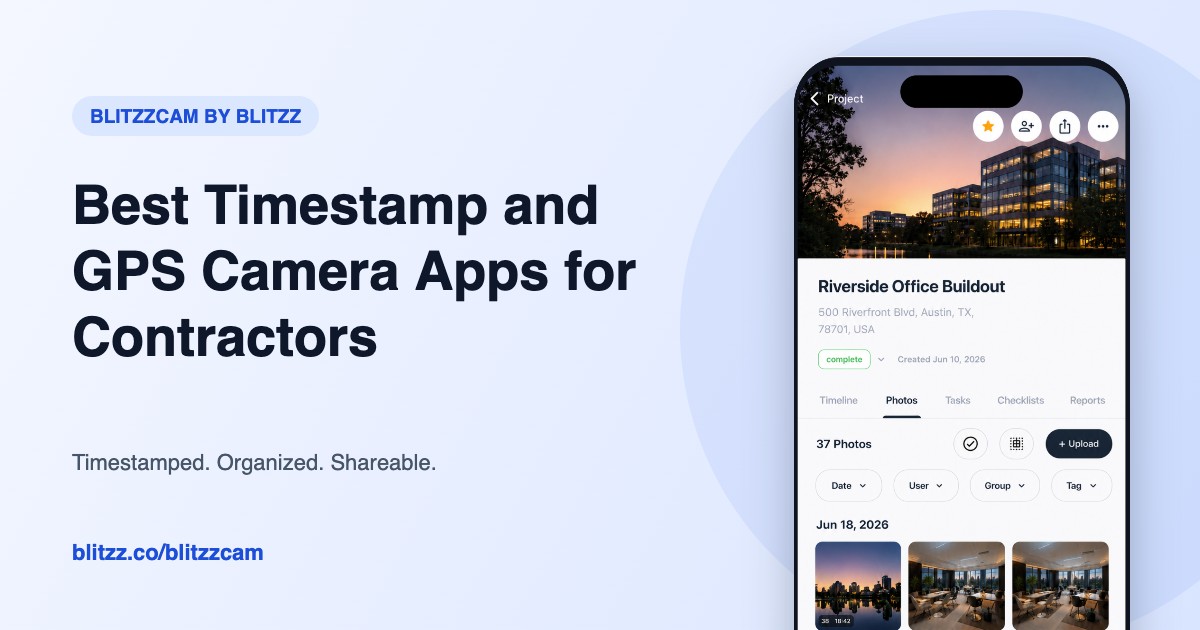
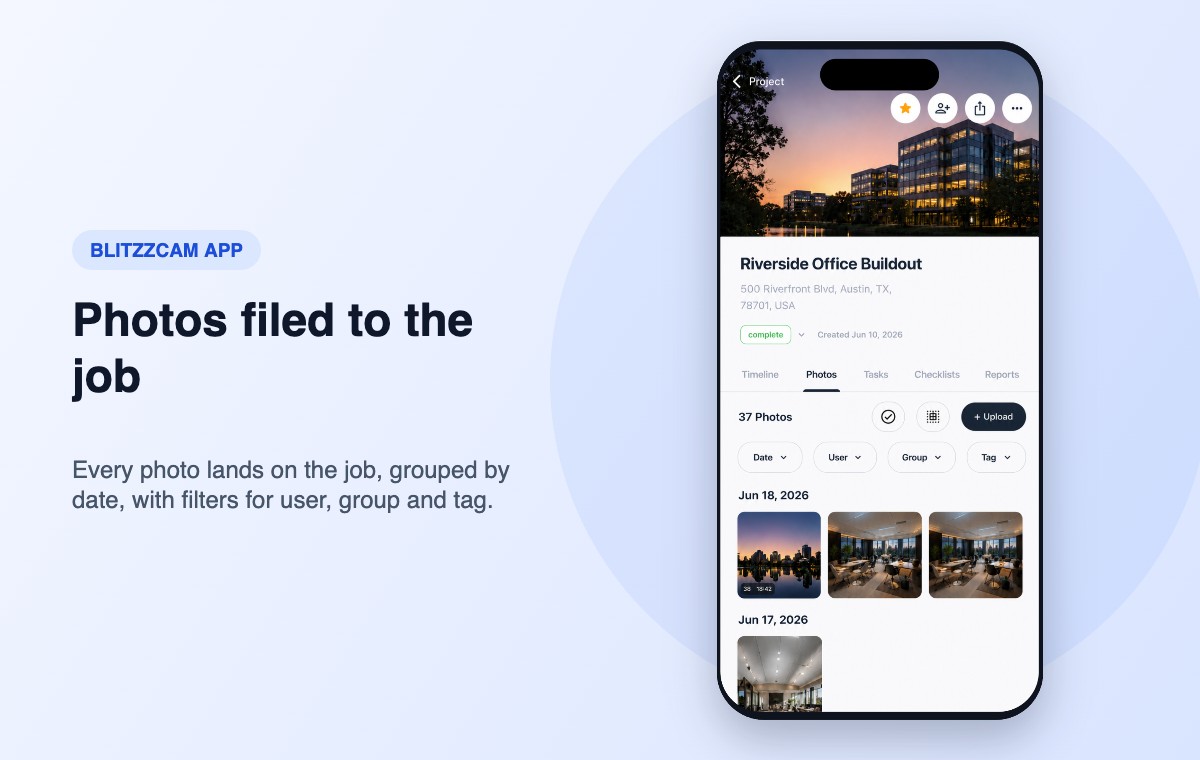
BlitzzCam by Blitzz is built for crews who need proof, not just pictures. Every photo is stamped with GPS and time when it is taken and filed to the job. Crews can talk while they shoot, and AI Walkthrough turns what they say into written notes. Office teams search, tag and build reports from the same library.
Plans start at $39.99 a month billed annually with 3 users included, and every plan starts with a 14 day free trial. See the full feature list on the BlitzzCam page.
Related reading: 5 ways to evaluate field documentation tools and how roofers use BlitzzCam on the job.
Frequently asked questions
What is a timestamp camera app?
A timestamp camera app adds the date, time and often GPS location to a photo when it is taken, usually as a visible stamp on the image. Contractors use them to prove when and where work was done.
Is there a free timestamp camera app for iPhone or Android?
Yes. Many free stamp apps exist on both platforms. They work for occasional use but do not organize photos by job or share them with a team. BlitzzCam offers a 14 day free trial so you can test a job-based app first.
Can timestamps on photos be faked?
Stamps added after the fact, or typed in by hand, are easy to question. A stamp applied by the app at the moment of capture and stored in a company account is much harder to dispute.
Do GPS camera apps work without cell service?
GPS itself works without cell service, but syncing photos to a shared account needs a connection. Check how your app handles weak signal before relying on it in remote areas.
Start stamping job photos the right way
Try BlitzzCam free for 14 days. Start free, or if you run a larger team, schedule a demo.

Blitzz Team
The Blitzz Team writes about remote video support, virtual inspections and field service. Our guides come from working with home builders, property managers, warranty teams, contact centers and field service organizations that use Blitzz to see and solve issues without a truck roll.