

.png?width=120&height=55&name=Blitzz-Logo-right%20white%20eyes%20-%20not%20transparent%20(3).png)

On this page
With one HVAC crew, the office takes care of itself. One person books the calls, answers the phone, chases invoices, and keeps everything from slipping. They know every customer and every tech, and what they don't know they can ask across the room.
Add a second and third crew and that same office starts to drown. Jobs close without complete notes, techs are out on overlapping calls, and customers phone in about work nobody in the building can quickly account for.
The HVAC companies that handle growth well rarely do it by adding another office admin. They fix the way work gets recorded in the field, so the office stops reconstructing what happened. This article explains where that office workload comes from and how BlitzzCam, a field photo documentation platform from the team behind Blitzz remote video support, helps HVAC companies cut it down.
The office tax that grows with every new crew
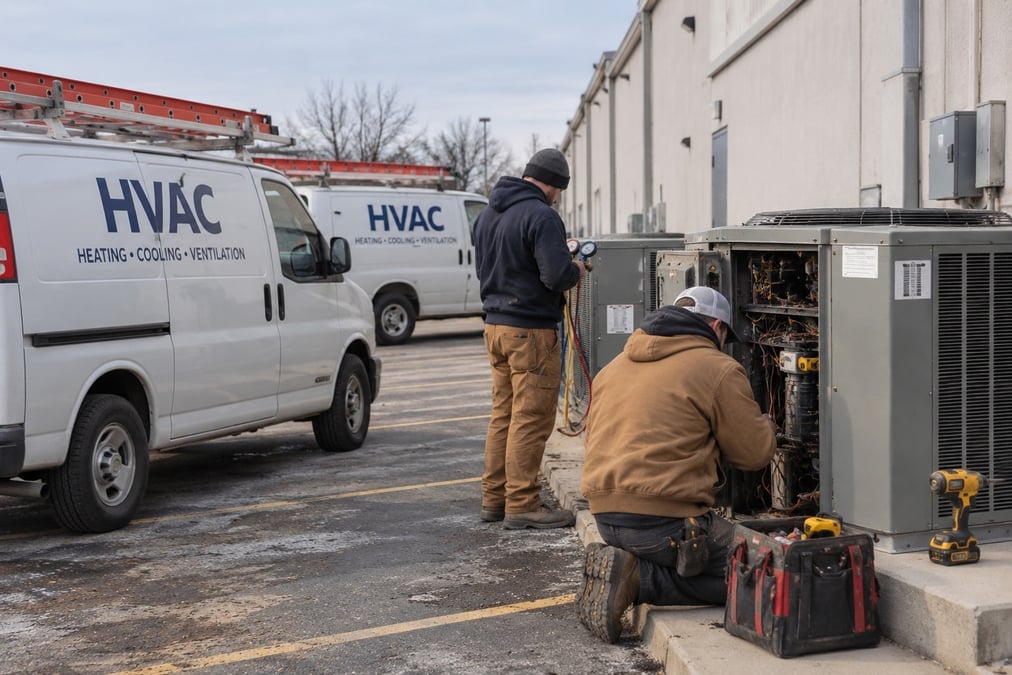
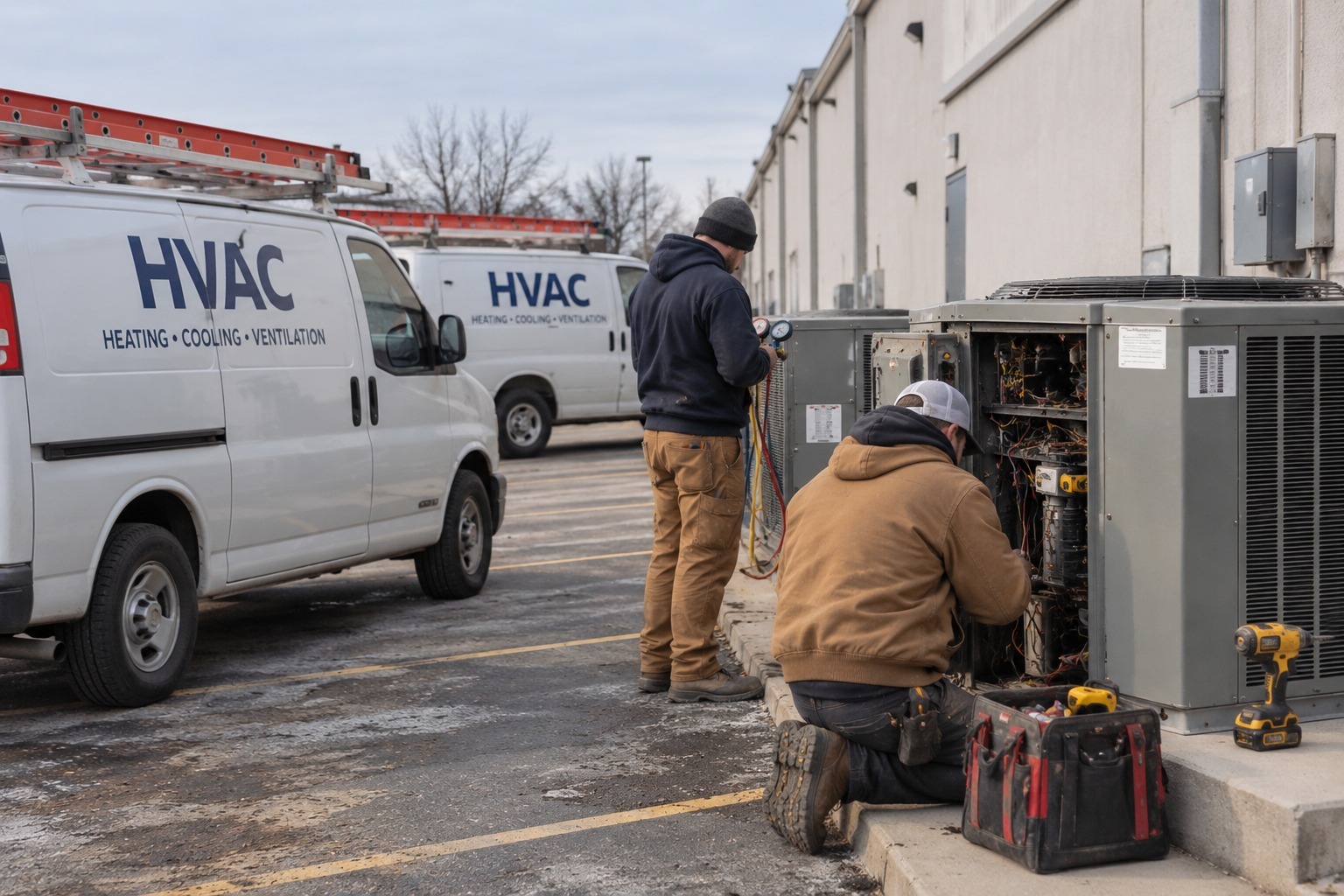
Every job your techs finish leaves a paper trail that someone in the office has to manage: the work order, the photos (if anyone remembered to take them), the customer notes, the follow-up, and the documentation behind the invoice. When crews run back-to-back calls across town, that trail turns into a part-time job nobody officially holds.
Call it the office tax: the hours your team spends reconstructing what happened on jobs instead of running the business. It compounds quietly. One incomplete record is easy to recover from. Forty a week is a structural problem.
The tax shows up in familiar ways:
- Dispatchers texting techs to ask for photos after the truck has left.
- A warranty or callback question that sends someone digging through phones and message threads.
- Invoices held up because nobody can confirm what was installed.
- New office staff learning the business by asking techs to fill in what the records can't.
The root cause is almost always the same. Your techs are good at HVAC and not always consistent at documentation. That gap, not the size of your office team, is what drives the workload.
Fix the field documentation habit first
This is where many HVAC owners get the order wrong. They look for software that will clean up messy records in the office, when the mess starts on the job site. No office tool, however clever, can make up for a missing photo or a note that was never taken.
The HVAC companies that really reduce office work build a consistent habit in the field before they add anything else. Their techs take photos at every job, add a few lines about what they did, and move on. Nothing elaborate, just consistent. Once that habit exists, everything downstream gets easier: invoicing, follow-ups, warranty questions, and training.
The companies still drowning in office work are usually the ones trying to skip ahead. Adding tools on top of inconsistent capture doesn't solve the problem. It spreads it across more systems.
The good news is that the habit is simple to build when the tool does the tedious parts for the tech. A photo that is automatically stamped with location and time, filed under the right job, and synced to the office takes the same effort as a photo in the camera roll, without the cleanup that follows. The Blitzz why Blitzz page explains the thinking behind building tools around that principle.
.jpg?width=1536&height=1024&name=Untitled%20(32).jpg)
What to capture on every HVAC job
A short standard keeps documentation consistent across techs without turning into a burden. Five types of photos cover most service calls and installs.
Arrival condition. Photograph the existing equipment, the surrounding area, and any damage or code concerns before touching anything. This protects you from claims that your tech caused a pre-existing problem.
Equipment details. Capture the model and serial plates on every unit you service or install. Those photos make warranty registration, parts orders, and future service calls far faster, because the details are on file instead of in someone's memory.
The work itself. Take photos of key steps: line sets, electrical connections, drain lines, filters, coils, and anything that will be hidden once the unit is closed up or the panel is back on.
Problems found. If a tech finds a failing component, a refrigerant leak, a dirty coil, or a safety issue, a photo supports the recommendation and the quote. Customers say yes more readily when they can see the problem.
Completed work. Finish with wide and close-up shots of the finished installation or repair, and the area left clean. These photos close the loop for the customer and for the office.
A simple rule makes this stick: one wide shot, one medium shot, and one close-up at each key stage. Techs don't need to think about it, and the office gets a story it can follow without a phone call.
How BlitzzCam cuts the office work
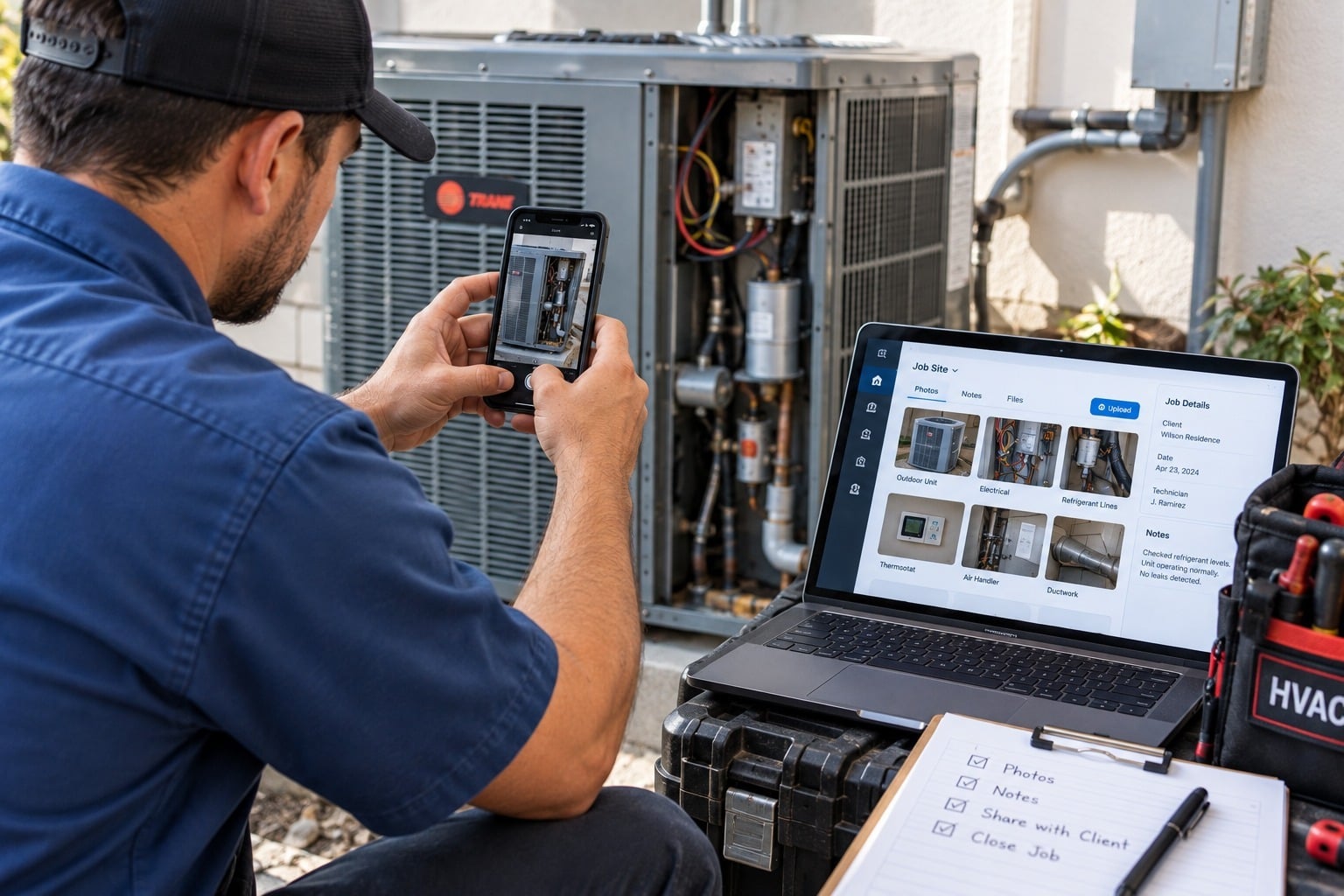
BlitzzCam captures, verifies, organizes, and shares project photos, which removes most of the reconstruction work that fills an HVAC office. Here is where the time comes back.
- No more chasing photos. Techs shoot in the BlitzzCam mobile app on iOS or Android, and captures sync to the office as soon as the phone is back in range. Nobody texts files or asks for them later.
- Verified details without typing. Every photo carries a GPS location and timestamp from the moment it is shot, so the office doesn't have to confirm when and where work happened.
- Automatic filing. Photos land under the right job, with custom tags such as "nameplate," "before," and "after." The office can search by project, tag, and date to find what it needs in seconds.
- Completeness at a glance. Dispatchers and managers can review live photos across active jobs and spot a missing step before the tech leaves the site, rather than after a customer calls.
- Checklists for repeat work. Templates for maintenance visits, installs, and inspections let techs complete structured checklists in the field, with photos and answers attached. Managers can assign follow-up tasks from what they find.
- Reports in seconds. A branded PDF built from a job's photos and checklists supports invoicing, warranty claims, and customer sign-off without anyone retyping information.
- Easy sharing with customers. A permission-based client portal link lets customers see the records you choose to share, with no app to download.
- Unlimited capture. There are no storage caps or per-image fees, so techs can photograph generously without worrying about cost.
- Company-owned storage. The record stays with the business, even if a tech changes jobs or phones.
See the full list on the BlitzzCam features page. For companies that also support customers remotely, the same team's work in field service shows how field and office stay connected.
Why the office gets harder as jobs multiply
When you run a tight crew, the owner or one office person covers the gaps. They know every job, every customer, and every tech's habits, and they fill in whatever is missing from memory.
Once several jobs run across town on the same day, that stops working. No single person carries the whole picture anymore, and the business starts running on knowledge scattered across three different people's heads. A question about last season's install becomes a round of phone calls.
The companies that scale cleanly get documentation working before they need it. Their job records don't depend on any one person's memory, which makes three things far easier to manage:
- Onboarding. New office staff and techs can read the history of a customer's equipment instead of learning it by asking around.
- Warranty and callback disputes. A dated, location-verified record of the original work settles most questions quickly. The Blitzz case studies show how other field teams use documentation this way.
- Multi-crew visibility. Managers see progress across every crew from one place, without a round of calls at the end of the day.
Where to start
If your office spends more than two hours a day reconstructing what happened on jobs, the problem is the documentation habit, not the size of your team. A good place to begin looks like this:
- Pick one crew. Run a two-week trial on a single crew, so you can see the difference without disrupting everyone.
- Create each job as a project before the tech arrives. Photos then file correctly from the first shot.
- Set a short photo standard. Arrival, equipment plates, key work steps, problems found, and completed work.
- Agree on a few tags. Six to ten is plenty, and the office can search them later.
- Measure the office time. Compare how long it takes to answer a customer question or build an invoice backup before and after.
Once techs are capturing consistently, the office stops chasing and starts running the business. For more field documentation ideas, browse the Blitzz blog.
BlitzzCam is currently in early access with a limited first cohort. Early members lock in launch pricing and help shape the roadmap. To see how it works or join the waitlist, visit the BlitzzCam page.

Blitzz Team
The Blitzz Team writes about remote video support, virtual inspections and field service. Our guides come from working with home builders, property managers, warranty teams, contact centers and field service organizations that use Blitzz to see and solve issues without a truck roll.
.jpg)