.png?width=120&height=55&name=Blitzz-Logo-right%20white%20eyes%20-%20not%20transparent%20(3).png)
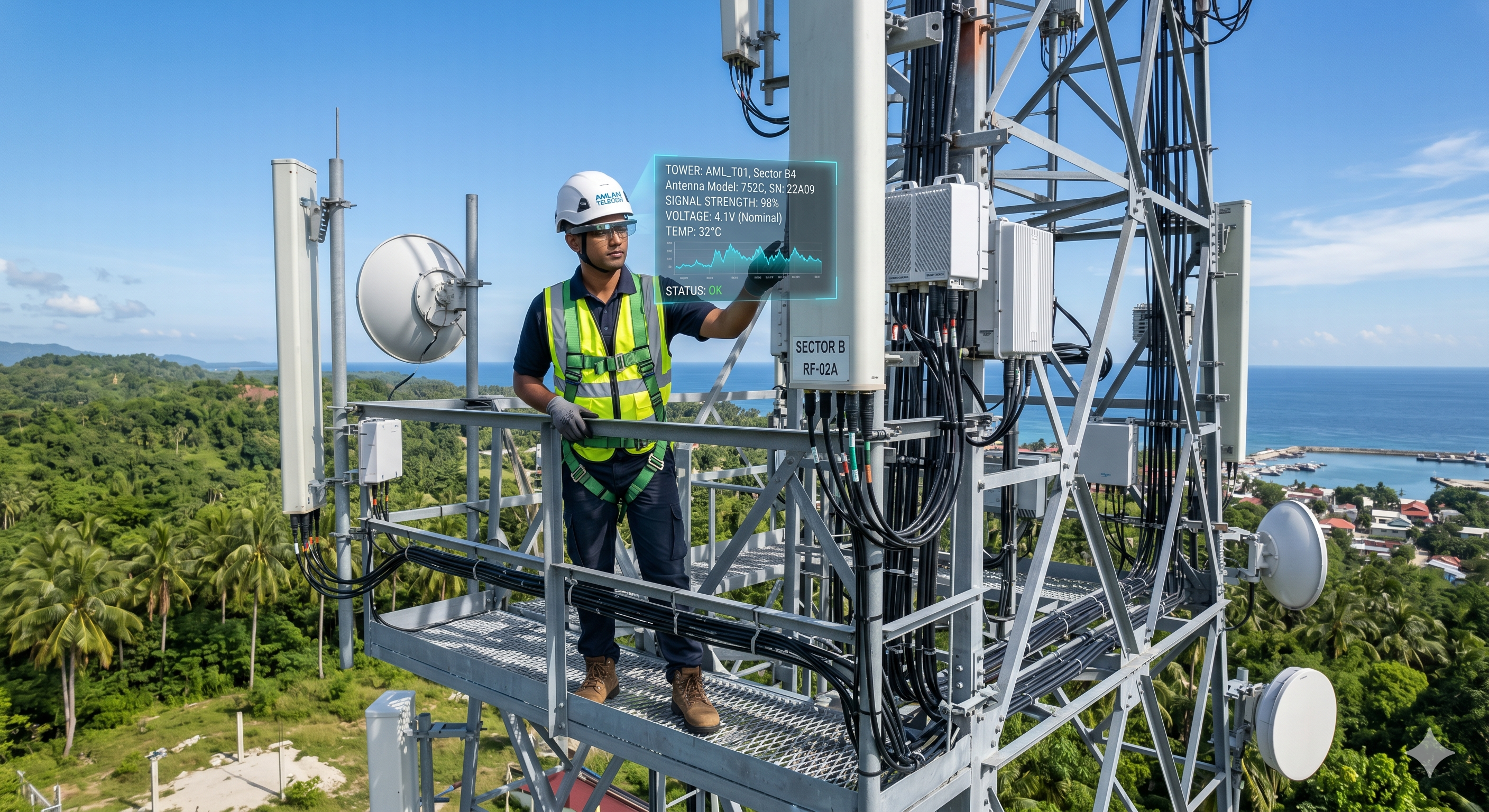
Picture this: a tower technician is 200 feet in the air. Both hands grip the steel lattice. The wind is picking up. Below, the ground crew is radioing up questions. In his ear, a remote RF engineer is trying to guide him through a misaligned antenna configuration he's never encountered before.
He needs to check his notes. He needs to look at the schematic. He needs his phone to show the engineer what he's looking at.
He can't do any of it without letting go.
This is the daily reality for thousands of telecom field technicians. And it's the exact problem hands-free smart glass remote support was built to solve.
For telecom providers managing sprawling networks of towers, substations, ground equipment, and customer premises — the ability to put expert eyes on a problem without putting a second body on-site is no longer a nice-to-have. It's an operational imperative.
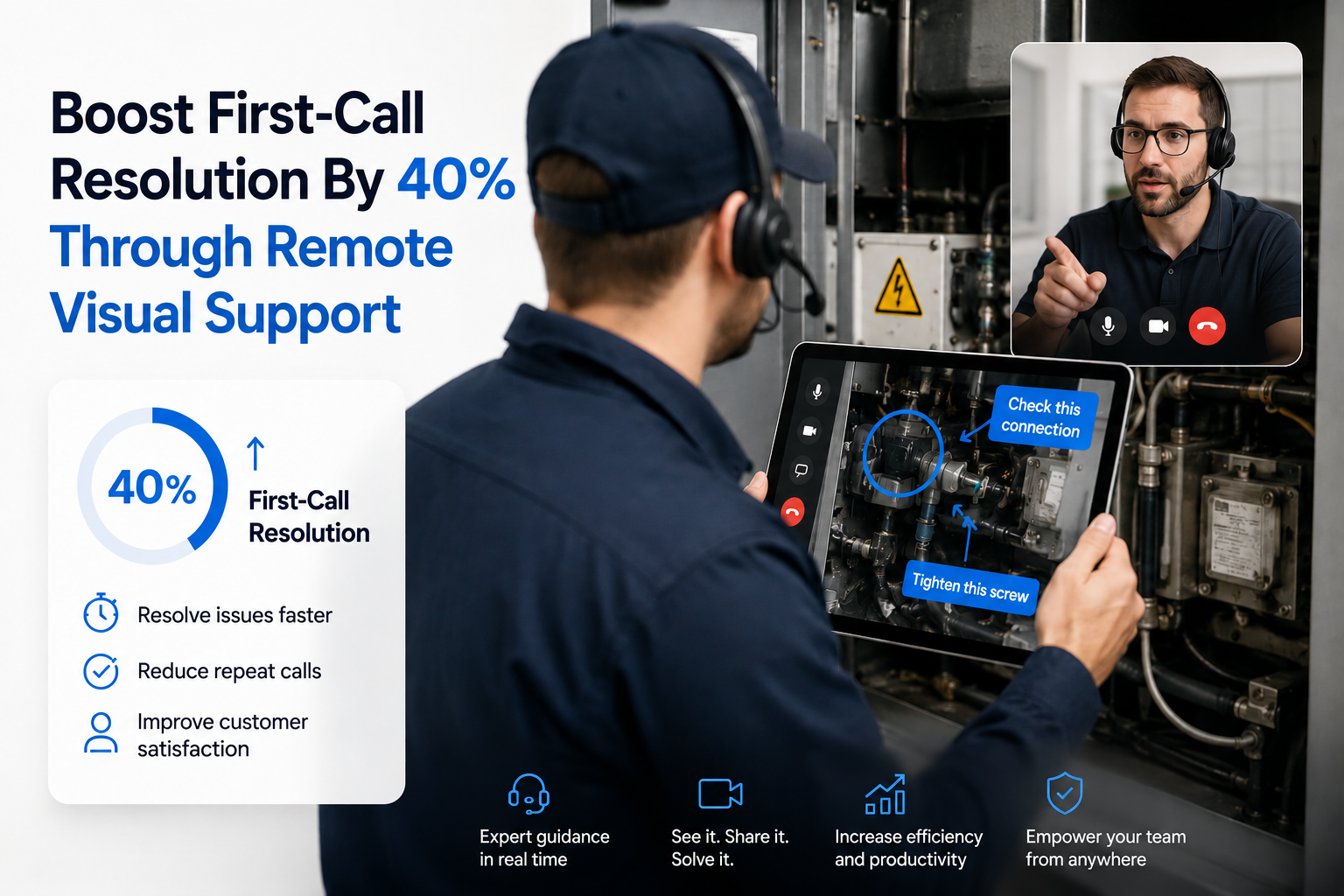
Remote video inspection is the foundation of how Blitzz makes that possible. At its core, Blitzz is a remote video inspection and support platform — enabling experts to see exactly what's in front of a technician, annotate it in real time, document it automatically, and resolve it without traveling to the site. Traditionally, this has meant a technician holding up their smartphone camera. But in telecom, where both hands are often occupied — on a cable, on a component, or gripping steel at 200 feet — the smartphone is the wrong device for the job.
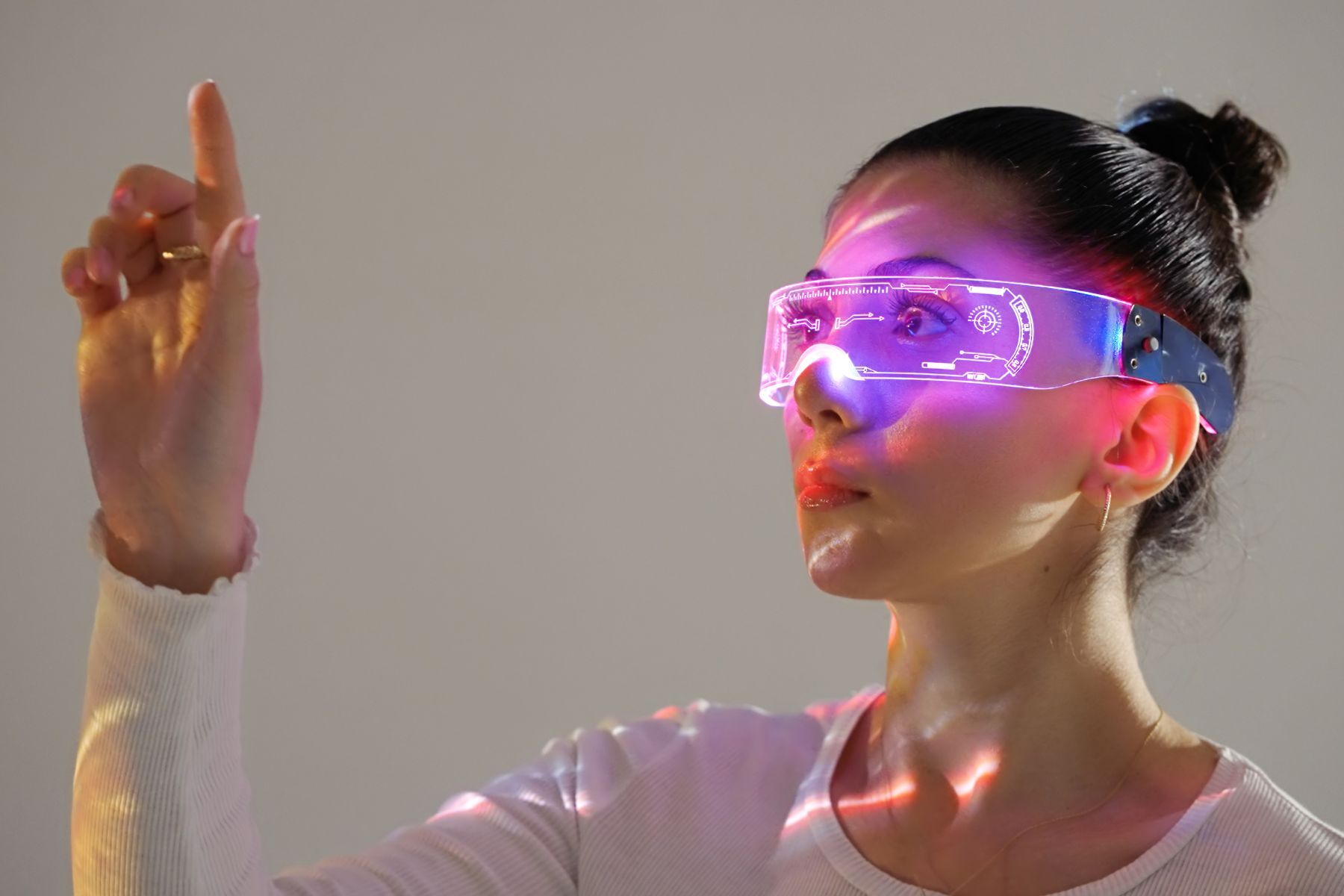
That's where smart glasses come in. Smart glasses are not a replacement for Blitzz's remote video inspection capability. They're the hardware that makes it hands-free — extending the same live video, AR annotation, and auto-documentation workflow to environments where a phone simply can't go.
This guide walks through how to enable that capability: what the technology looks like, where it delivers the most value in telecom specifically, and how to get your team operational without a disruptive rollout.
The Telecom Field Service Problem, Stated Plainly
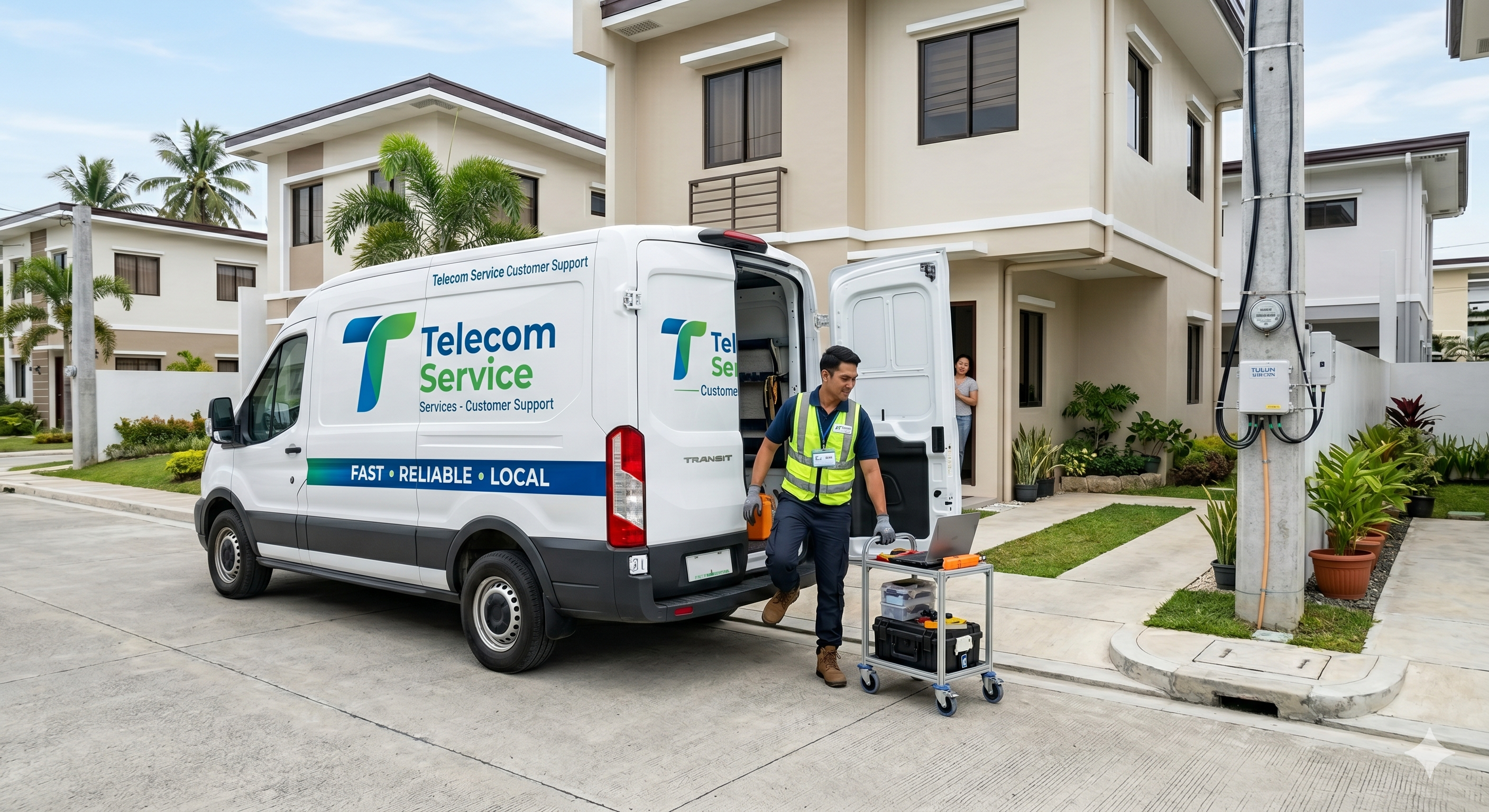
Telecom is a field-intensive industry. Despite the cloud, despite remote monitoring, despite smart network management systems — a huge percentage of network operations still require a human to physically be at a location. Tower climbs. CPE troubleshooting. Cable and fiber inspection. Ground equipment audits. Line-of-sight verification for microwave links. 5G small cell deployment and commissioning.
Each of those jobs comes with the same constraints:
Expert scarcity. The most experienced RF engineers, transmission specialists, and network architects can't be everywhere. Sending a senior expert to every field site is expensive and unsustainable. But when a junior technician hits a problem above their experience level, the current alternatives — phone calls, text descriptions, emailed photos — are shockingly imprecise.
Safety limitations. Tower climbing is one of the most dangerous occupations in the US, with a fatality rate roughly 10 times that of general construction work. Technicians climbing hundreds of feet of steel lattice cannot safely operate a handheld device while working. Any support tool that requires them to hold a phone is a tool they can't use when they most need it.
Truck roll costs. Every dispatch that could have been handled remotely — or prepared for more precisely — is a cost that compounds. Each truck roll runs $100–$200 in labor, fuel, and vehicle costs for a customer premises visit; for tower and infrastructure work, those costs are significantly higher. A major telecom provider using Blitzz reduced truck rolls by 60% — a number that translates directly to millions in annual operational savings at scale.
Documentation gaps. After a complex field operation, capturing what was done, what was found, and what was fixed is critical for maintenance records, compliance, and future reference. Technicians doing this manually — after a physically demanding day in the field — do it inconsistently.
Remote video inspection addresses all four of these problems simultaneously. It puts expert eyes on the problem without requiring the expert to travel. It generates real-time visual data that feeds back to the support center. And it auto-documents the session.
Smart glasses take that capability one step further: they make it hands-free.
Remote Video Inspection Is the Foundation — Smart Glasses Are the Extension
Before getting into the specifics of tower work and telecom environments, it's important to understand the relationship between Blitzz's core capability and smart glasses — because they're not two separate tools. They're one capability delivered through two different hardware interfaces, each suited to a different situation.
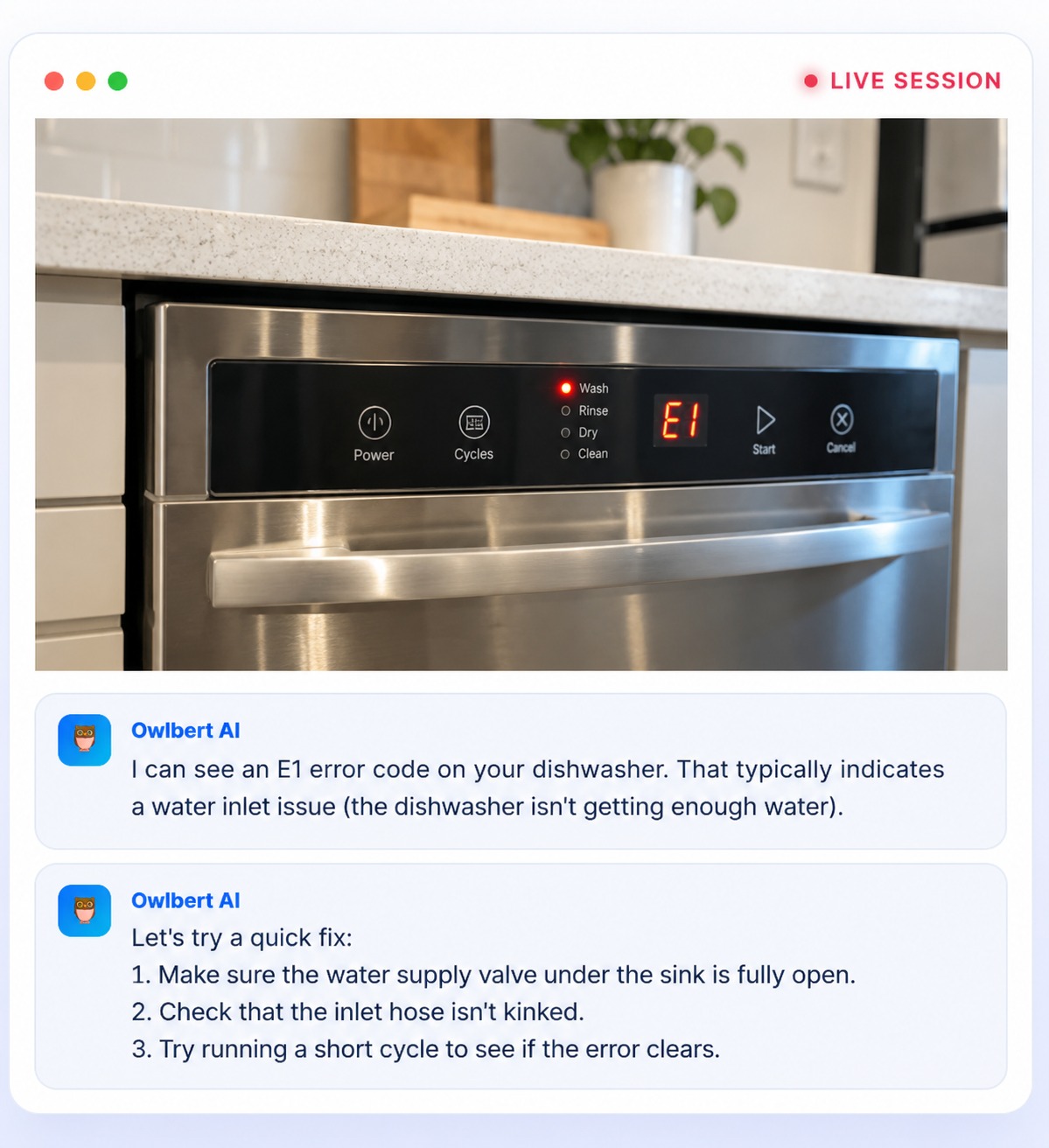
When a phone is the right device: A subscriber calls in about a flashing router light. A contact center agent sends a link via SMS. The customer clicks it, opens a browser, and points their phone camera at the equipment. The agent sees the problem in real time, annotates the screen, and resolves it in minutes — no truck dispatched, no appointment scheduled. This is Blitzz Concierge doing remote video inspection over a smartphone: fast, frictionless, and app-free.
When a phone is not the right device: A tower tech is 200 feet up. A field tech is inside a cabinet with both hands occupied. A splice crew is working on fiber in a cramped enclosure. Holding a smartphone is either impossible, dangerous, or against safety protocol. In these scenarios, the inspection still needs to happen — the expert still needs to see the problem — but the interface has to change. Smart glasses run the same Blitzz remote video inspection session, on the same platform, with the same expert on the other end. The technician just doesn't need their hands to do it.
This is the frame that matters: Blitzz's remote video inspection capability is the constant. The device — smartphone or smart glass — is a variable that adapts to what the field environment demands. Telecom field environments demand hands-free. That's why smart glasses belong in every telecom team's kit.
What Hands-Free Remote Video Inspection Actually Looks Like on a Tower
Let's walk through the scenario concretely, because the value becomes obvious once you see the workflow. This is a standard Blitzz remote video inspection session — the same one a contact center agent might run with a subscriber's smartphone camera — except here, the camera is mounted on a hard hat at the top of a cell tower.
The technician arrives on site. Before ascending, they put on their RealWear HMT-1 or Vuzix M400 smart glasses. Both devices are compatible with Blitzz's remote support platform and support voice-controlled operation — no hands required, ever.
They begin the climb. The HMT-1, clipped to their hard hat, records continuously and stays ready. The display sits just below their natural line of sight — not blocking their vision, not distracting from the physical work.
They reach the issue. An antenna bracket is corroded. A cable connector looks wrong. The configuration doesn't match the documentation. With a voice command — "Navigate to Blitzz" — they initiate a support session. The remote expert at the NOC or engineering center receives an alert and joins in seconds.
The expert sees exactly what the technician sees. Not a description. Not a photo taken from a bad angle. Live, stabilized, high-resolution 1080p video from the head-mounted camera, streaming in real time. The expert can zoom in on specific components, request that the technician tilt their head for a better angle, and assess the actual condition of the equipment.
AR annotations appear in the technician's display. The expert uses Blitzz's annotation tools to draw directly on the live feed — circling the corroded connector, drawing an arrow to the correct port, highlighting the reference measurement the technician needs to match. These overlays appear in the technician's display, right where they're looking, without any hand interaction required.
The session is documented automatically. Photos, video clips, and AI-generated session summaries sync to the ticketing or field service management system before the technician has descended. Salesforce, ServiceNow, or Zendesk are all updated automatically — no manual entry, no risk of omission.
This is not a future vision. This is the workflow telecom technicians across utilities, field service, and network operations are running today.
The Telecom Use Cases Where Smart Glass Remote Support Pays Off Most
Not every telecom operation benefits equally from smart glass integration. Here's where the ROI is sharpest.
1. Tower Inspection and Antenna Work
This is the most compelling use case — and the one that illustrates most clearly why remote video inspection on a smartphone has limits that smart glasses don't.
Remote video inspection of tower infrastructure is already proven: a remote engineer can assess an antenna misalignment, a corroded connector, or a cable routing issue from a live video feed just as effectively as if they were on-site — often better, because they can review captured frames, zoom in on details, and annotate specific components in real time. The limitation has never been the inspection capability. It's been the interface.
A technician 200 feet up cannot hold a phone and work simultaneously. Smart glasses remove that constraint entirely. The inspection still happens — the expert still sees, assesses, and documents the problem — but the technician's hands stay on the work throughout.
Tower climbing is expensive, slow, and dangerous. Each traditional inspection — specialized crews, climbing gear, ground support, often half a day or more per site — can run several thousand dollars. Multiply that across a network of thousands of towers and the math becomes staggering.
With smart glass remote video inspection, a single technician on-site can conduct the work that previously required an expert to be physically present. Inspection findings stream live, get documented automatically, and are assessed by engineers who never leave the office. The HMT-1's IP66 rating, 4-mic noise-canceling performance at up to 95dBA, and compatibility with hard hats and safety glasses make it specifically suited to this environment — rated for operation from -20°C to +50°C and resistant to 2-meter drops.
Blitzz captures the full session, flags key moments, and generates structured documentation that satisfies both internal maintenance records and regulatory compliance requirements.
2. CPE Troubleshooting and Installation Support
For subscriber-facing work, the device calculus shifts. A technician on the ground at a customer location — working on a router, ONT, set-top box, or modem — has their hands free most of the time. Here, Blitzz Concierge running on a smartphone is often the right interface: the customer holds up their phone, the agent sees the problem, and the issue is resolved remotely without a dispatch.
But when the installation is complex — running cable through walls, working inside a utility enclosure, managing multiple simultaneous connections — even the CPE technician benefits from going hands-free. Smart glasses on a premises technician means a contact center expert can join any session and run a full remote video inspection without the tech stopping what they're doing to hold a camera.
SaskTel — Saskatchewan's leading telecom provider with over 1.4 million customer connections — deployed Blitzz Concierge to enable remote video inspection for exactly this scenario. The results in the first year alone were striking: 443 truck rolls eliminated, 96% of customers surveyed said they would use the remote assistance tool again, and average issue resolution time dropped by 48%.
"We are excited to utilize the remote visual support platform from Blitzz to enhance our customer support abilities and improve the overall experience of our customers," said Greg Meister, SaskTel's VP of Operations.
When CPE technicians carry smart glasses in the field, a contact center expert can join any session instantly — without a second truck dispatched, without scheduling an additional visit, and without the customer waiting another day.
3. Ground-Level Infrastructure: Cabinets, Shelters, and Baseband Units
Between the tower climb and the customer premises, there's a significant amount of ground-level telecom infrastructure that requires skilled intervention: equipment cabinets, power systems, battery backup units, fiber splice enclosures, transmission equipment shelters.
These environments are physically accessible but technically complex. A junior technician dispatched to swap a card or troubleshoot a baseband unit may hit a configuration issue that exceeds their certification. With smart glasses, the expert at the NOC can take visual control of the session, annotate the physical equipment in real time, and guide the tech through the procedure step by step — exactly as if they were standing next to them.
One large telecom piloted Blitzz with just 20 field technicians over 30 days and eliminated 120 site visits, saving over $13,000 in a single month. Scaled across a team of hundreds, those numbers compound quickly.
4. 5G Small Cell and DAS Deployment
The rollout of 5G infrastructure requires technical precision at scale. Small cell installations are numerous, often in urban environments with tight access constraints, and require verification of antenna orientation, cable management, power connectivity, and configuration — all of which benefit from a remote expert's eyes during commissioning rather than a follow-up visit when the unit fails to perform.
Blitzz's remote expert-to-field-tech workflow is purpose-built for this scenario. The on-site tech handles the physical installation while a certified RF engineer guides, verifies, and signs off remotely. First-time commissioning success rates improve. Rework visits drop.
5. Pre-Dispatch Site Verification and Inspection Qualification
One of the most underutilized applications of remote video inspection in telecom is the pre-dispatch assessment — and it's one that works just as well on a smartphone as it does on smart glasses.
Before rolling a truck, before dispatching a certified climber to a tower site, a Blitzz remote video inspection session can determine whether the dispatch is even necessary. A ground-level contact — a site guard, a subcontractor, even the customer — can hold up a phone and show a remote expert the equipment in question. The expert assesses the situation, identifies the fault, and dispatches the right technician with the right parts and the right certifications — or resolves it entirely without anyone climbing.
Once the technician is on-site and ascending, the session continues hands-free via smart glasses. The same expert who qualified the inspection remotely can guide the technician through the actual work from the ground — a continuous remote video inspection that starts before the climb and ends after the fix.
A quick visual assessment of the equipment, the reported issue, and the environment can tell the dispatching team exactly what parts to send, what certifications the technician needs, and whether the problem can be resolved remotely. For tower sites especially, where an unnecessary climb costs both money and safety risk, this pre-verification step alone can justify the smart glass investment.
Choosing the Right Hardware for Your Remote Video Inspection Environment
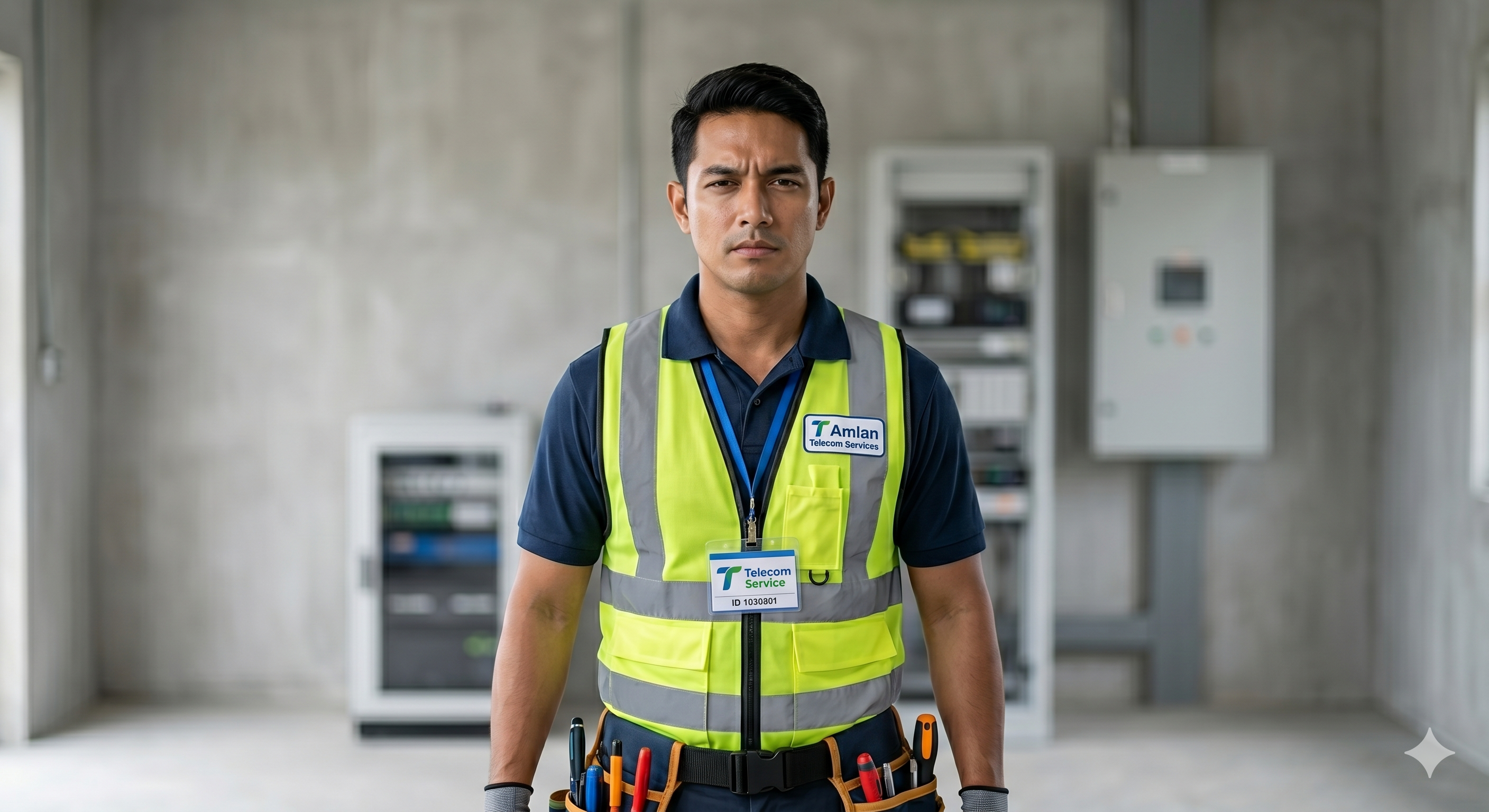
Blitzz's remote video inspection platform runs on multiple device types — smartphones, tablets, and smart glasses including Vuzix, RealWear HMT-1, Epson Moverio, and ODG. The platform is the same regardless of the device. What changes is the hardware interface — and in telecom, that choice matters because different environments demand different levels of hands-free operation.
Here's how to match the device to the job:
| Scenario | Right Device | Why |
|---|---|---|
| Subscriber calls about a router issue | Smartphone (customer's) | Customer holds the camera; agent guides remotely via Blitzz Concierge |
| CPE tech doing a simple install | Smartphone (technician's) | Hands mostly free; easy to hold briefly |
| CPE tech in a complex multi-point install | Smart glasses (Vuzix M400) | Both hands needed; glasses keep video running hands-free |
| Tower tech doing antenna inspection at height | Smart glasses (RealWear HMT-1) | Safety critical; voice-controlled; mounts to hard hat |
| Ground equipment audit in a noisy shelter | Smart glasses (RealWear HMT-1) | Noise-canceling mics; both hands in the cabinet |
| 5G small cell commissioning | Smart glasses (Vuzix M400 or RealWear HMT-1) | Precision work requiring both hands and expert sign-off |
The inspection capability is identical across all of these — same expert view, same AR annotations, same auto-documentation. Only the hardware changes. The RealWear HMT-1 is the right choice. Its sub-line-of-sight display design preserves the technician's natural field of vision — critical when working at height. The noise-canceling microphones handle wind and ambient industrial noise. The device clips directly to standard hard hats without additional accessories. IP66 dust and water protection handles the elements. And 100% voice control means the technician never touches the device — not to answer a call, not to capture a photo, not to share a document.
The HMT-1Z1 variant adds intrinsic safety certification for environments where explosive atmosphere risks exist — relevant for some telecom power room and generator environments.
For CPE technicians and premises work: The Vuzix M400 or M4000 is the stronger fit. Lighter and more ergonomic for all-day indoor wear, with a true see-through AR display that overlays annotations directly on the technician's field of view. The M4000 adds HIPAA-compliant configuration — useful for telecom teams supporting healthcare facility installations.
Both device types integrate with Blitzz identically. Installing Blitzz on the HMT-1 is a straightforward APK deployment via RealWear Foresight. Pairing Vuzix glasses with Blitzz takes minutes via QR code. Both are production-ready on day one.
Integrating Smart Glass Support Into Your Telecom Workflow
The technology is only part of the story. Making smart glass support operational in a telecom environment requires integrating it with the systems your team already lives in.
Connect to Your Field Service Management System
Telecom field operations run on FSM platforms — ServiceNow, Salesforce Field Service, ServiceTitan, or similar. Blitzz integrates natively with ServiceNow and Salesforce, meaning technicians can initiate video sessions directly from their active work orders, and session data — photos, videos, annotations, AI summaries — syncs back to the work order automatically when the session closes.
This means no double-entry, no lost documentation, no post-session admin burden. The technician closes the session and moves to the next job.
Connect to Your Contact Center Platform
For teams where the remote expert sits in a contact center environment, Blitzz's Genesys integration brings smart glass sessions into the Genesys Cloud workflow directly. An inbound request from a field technician can be routed to the right expert via the same omnichannel routing that handles customer calls. Supervisors can join sessions as silent observers for quality assurance or training. Session analytics flow into the same reporting dashboards used for all other contact center interactions.
Automate Post-Session Workflows
Blitzz's Zapier integration allows teams to trigger automated workflows on session close: create follow-up maintenance tickets, notify engineering leads, update asset management records, schedule preventive maintenance visits. All without anyone typing anything.
For compliance-heavy environments — network operators with regulatory documentation requirements — this automation also ensures that every field interaction is captured, timestamped, and stored before anyone drives back to the office.
Real Results From Telecom Teams Using Blitzz
The numbers speak consistently across Blitzz's telecom customer base:
60% reduction in truck rolls. A major telecom provider achieved this after deploying remote visual support — one of the most significant single-metric improvements available to a telecom field organization.
443 truck rolls eliminated in year one. SaskTel eliminated these dispatches within the first year of deploying Blitzz Concierge — with 96% customer satisfaction among those who used the remote assistance tool.
48% reduction in average issue resolution time. The same SaskTel deployment reduced how long it took to close a support interaction — because visual context accelerates diagnosis in a way that voice description never can.
$13,000 saved in 30 days. One telecom provider piloted with 20 field technicians and eliminated 120 site visits in a single month — before committing to a broader rollout.
1,500 agents onboarded in 2 days. A leading North American telecommunications company deployed Blitzz Concierge across their contact center team at scale — demonstrating that the platform is designed for enterprise adoption, not just point deployments.
What to Expect in the First 30 Days
For telecom teams new to smart glass remote support, the first month is where the data gets built and the skeptics get converted.
Week 1: Hardware arrives and Blitzz is installed. Two or three technicians run their first live sessions — typically CPE or ground equipment troubleshooting. IT confirms integration with FSM and CRM systems. Baseline metrics are captured: current truck roll rate, first-time fix rate, average dispatch time.
Week 2: First sessions generate data. Remote experts report that visual context is resolving questions that previously required a return visit or an escalation call. Technicians stop treating the glasses as a novelty and start treating them as a tool. Early truck roll data starts shifting.
Week 3: Management sees enough data to brief leadership. Session recordings from week one and two become the internal evidence that drives faster organizational buy-in. Teams start identifying additional use cases — pre-dispatch assessments, tower climb preparation sessions, commissioning verification.
Week 4: ROI calculation is straightforward. The number of dispatches avoided × the average dispatch cost tells you whether the investment paid for itself in month one. For most telecom teams, it does. The Blitzz 30-Day Challenge is designed to produce exactly this outcome.
The Safety Argument Alone Is Enough
In any other industry, the operational efficiency argument would close the case for remote video inspection and smart glass support. In telecom, there's an additional argument that deserves to be stated plainly: it's safer.
Tower climbing has a fatality rate roughly 10 times higher than general construction. Every unnecessary climb is a safety risk. Remote video inspection — whether via a smartphone from the ground or smart glasses from a controlled vantage point — can qualify or resolve many of those climbs before they happen. Every time a technician can show a remote expert the situation before ascending — narrowing the scope of the work, confirming the diagnosis, preparing the exact steps — the climb is shorter, more precise, and less risky.
And every climb that can be replaced by a remote video inspection — a ground-level technician holding a phone, a drone feed feeding into a Blitzz session, or a smart glass session from someone already on-site — is a climb that doesn't need to happen at all.
For operations managers and safety directors at telecom companies, this isn't a secondary benefit. It's a primary one — and it's one that compounds with every session run.
Getting Started
Deploying hands-free remote video inspection for your telecom field team doesn't require a long implementation project. Blitzz's remote video inspection platform installs on smart glass hardware in hours. Integrations with your existing systems are native. Agents and technicians are operational within days. And the ROI shows up in the first month's data.
The core question isn't about smart glasses specifically — it's about whether your telecom operation has a remote video inspection capability that reaches everywhere your technicians go, including the places where they can't hold a phone. Smart glasses are how you get there. Blitzz is how you run the inspection.
Ready to see Blitzz's remote video inspection platform running hands-free on smart glasses in a telecom environment?
Schedule a demo — we'll walk you through a live session on Vuzix or RealWear showing exactly how the same inspection capability that works on a smartphone becomes fully hands-free on a hard hat. Or start your 30-day free trial and run your first hands-free inspection sessions this week.
Related Reading:
- What Is Remote Video Inspection — and Why Telecom Teams Are Adopting It Fast
- Integrating Smart Glasses Into Your Workflow: Vuzix, RealWear, and HMT-1
- The Future of Field Service: Integrating Smart Glasses with Remote Assistance Platforms
- How Telcos Leverage Remote Video Support to Provide Exceptional Customer Support
- Your 4-Step Roadmap to Transforming Field Work with Industrial Smart Glasses
- How to Add Remote Video Support to Your Workflow Without Disruption
- What Is AI Video Support? (And Why It's Changing Customer Support)