.png?width=120&height=55&name=Blitzz-Logo-right%20white%20eyes%20-%20not%20transparent%20(3).png)

On this page
A tech finishes an install, snaps a couple of photos on his personal phone, and moves on to the next call. Six months later, a homeowner disputes the work, a warranty claim gets challenged, or a supervisor needs to confirm what condition a unit was in before the crew touched it — and the only proof anyone has is buried in a text thread or a phone that left the company along with the tech who owned it.
That's the gap jobsite photo documentation apps and software exist to close. For HVAC businesses specifically, the stakes are a little different than for a general contractor: you're not just proving a wall got painted, you're documenting refrigerant line conditions, model and serial numbers, wiring before it gets covered, and system readings that matter for both the manufacturer's warranty and your own liability. A generic camera roll can't tie any of that to the right job, the right unit, or the right technician.
Below are the top 10 options in 2026 for HVAC-specific jobsite photo documentation apps and software, starting with the one built to make every photo hold up as proof rather than just a record.

1. BlitzzCam: Verified Proof Tied to the Specific Unit and Task
Pricing: Currently in early access — join the waitlist for launch pricing.
Most jobsite photo documentation apps solve the organization problem: getting HVAC photos off scattered phones and into folders by job. BlitzzCam, from Blitzz — a company with over a decade of experience connecting field technicians with remote experts — solves the verification problem instead: making sure a photo of a compressor, a refrigerant gauge, or a completed install can actually function as proof once a dispute, warranty claim, or callback happens.
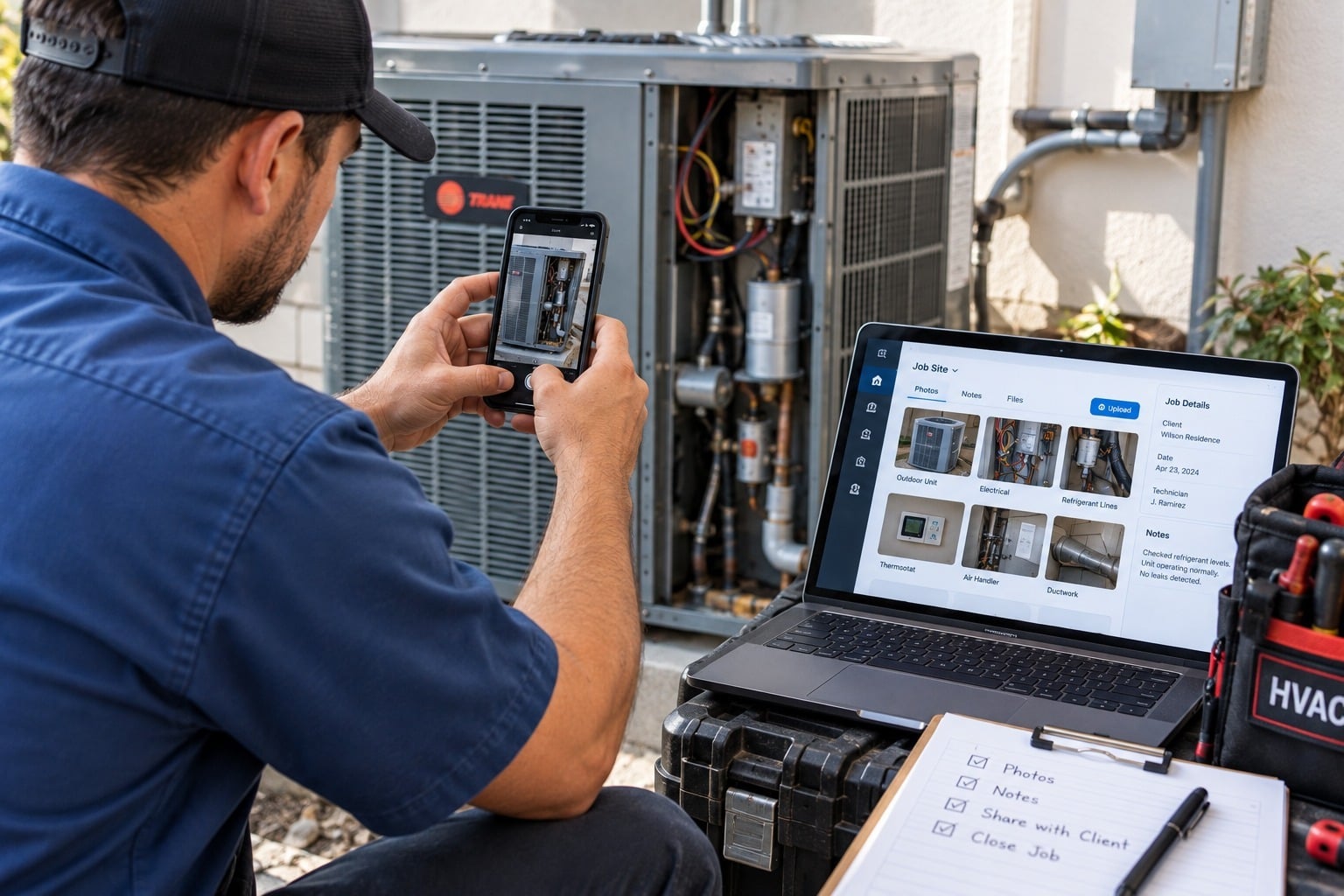
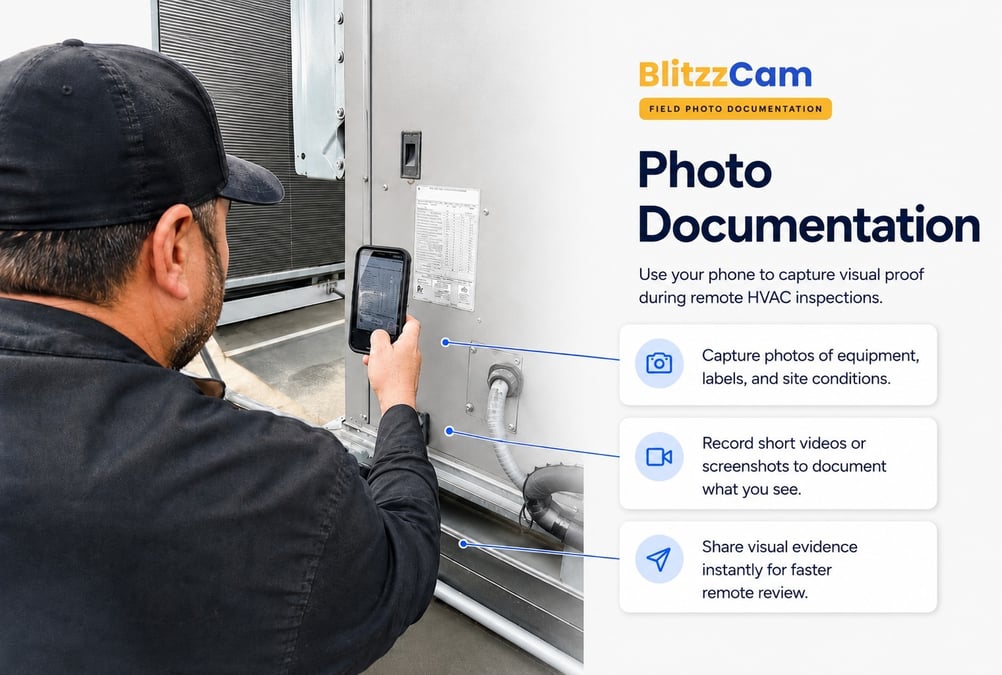
Every photo captured through the BlitzzCam mobile app is automatically stamped with GPS location and a timestamp, then filed under the correct job without a tech having to rename or sort anything manually. There's no separate hardware to buy — a technician opens the app on the phone already in his pocket and documents the unit nameplate, the before condition, the completed work, or the reading on a gauge before he leaves the site. Because the record is company-owned rather than sitting on a personal device, it stays accessible for the life of the equipment, not just for as long as that technician stays on payroll.
Key features:
- Automatic GPS and timestamp verification on every photo
- Company-owned records, independent of any single technician's device
- Built-in checklists and task assignments so techs know exactly what to document at each stop
- Client-facing portal and branded PDF reports for homeowners, property managers, or warranty submissions — no app download required for viewers
Where it wins: unit-level verification that ties a specific photo to a specific job and task, which matters more in HVAC than a wide site photo ever would. There's also no hardware to mount or maintain, and it scales across as many active service calls as your team runs in a day.
Something worth knowing honestly: BlitzzCam is newer than the established players below and currently in early access, so pricing and the full annotation toolset are still rolling out. If a mature, deeply reviewed platform matters more to you right now than verification-first documentation, it's fair to weigh that.
Blitzz itself already has a strong track record in HVAC specifically — APR Supply Co., a fourth-generation HVAC and plumbing distributor, used Blitzz's live video support to cut monthly truck rolls by 10% and save its technical service advisors 6-8 hours a month by resolving contractor issues remotely instead of dispatching a vehicle. Blitzz also has dedicated content on remote visual support for HVAC brands and partners that covers the broader case for visual verification across the install-and-service lifecycle.
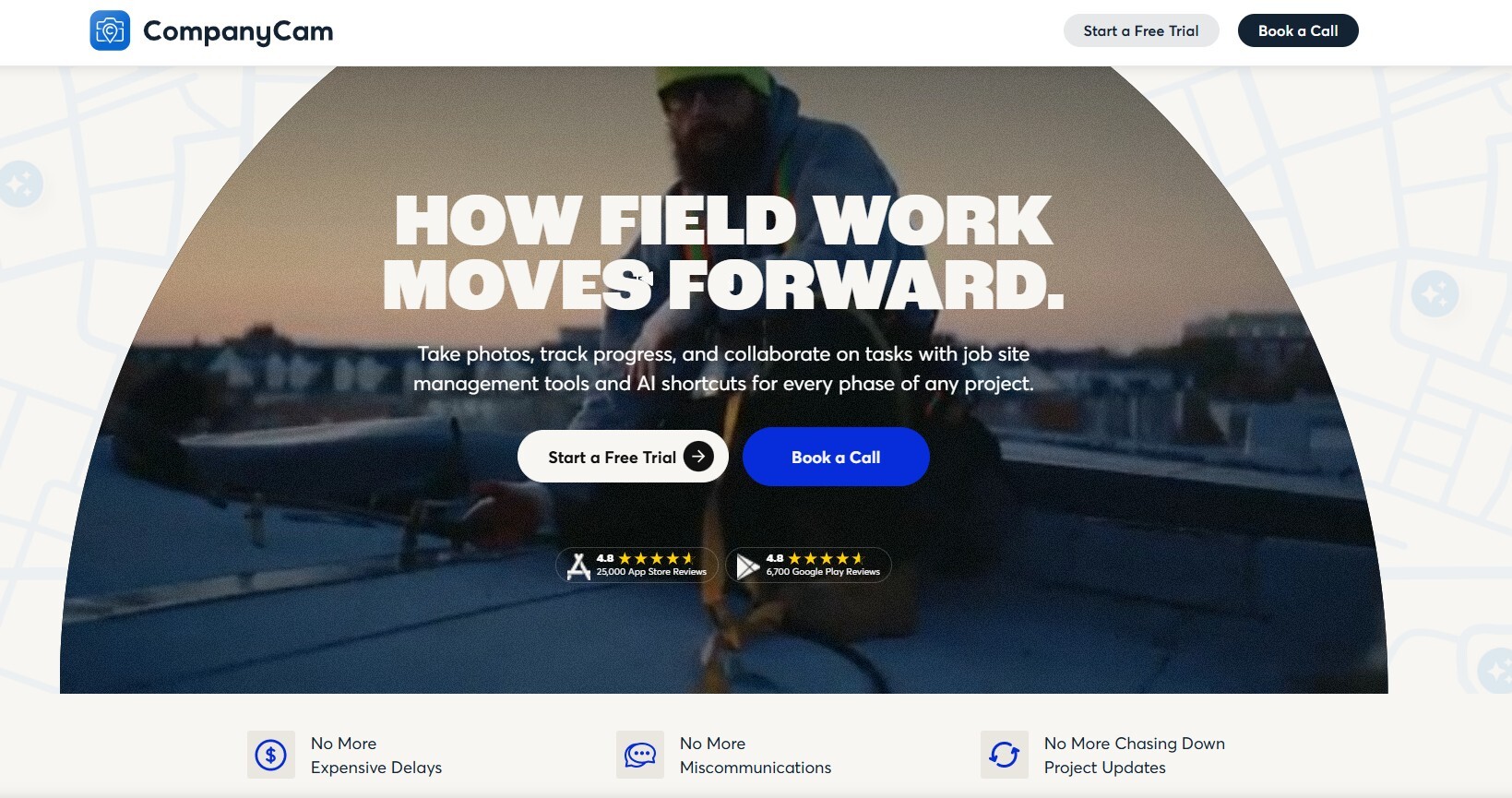
2. CompanyCam: The Established Standard
Pricing: Roughly $27-$67 per user/month on annual billing, 3-user minimum on all plans.
CompanyCam is the name most HVAC contractors already know, and for good reason — it's rated highly across thousands of reviews and built specifically around contractor photo workflows. Photos are GPS- and time-stamped automatically, organized into searchable project galleries, and turned into shareable PDF reports in a couple of taps.
Key features:
- Unlimited photo, video, and document storage on every plan
- Real-time markup, comments, and tagging so office staff and techs can discuss a photo without leaving the app
- Before/after galleries that double as marketing content
- 60+ integrations, including ServiceTitan, Jobber, and Housecall Pro
Where it wins: CompanyCam is not field service management software — it doesn't schedule or invoice — but it's genuinely the deepest, most mature photo documentation layer on the market, and its FSM integrations mean photos taken in the field sync straight back into whatever platform runs your scheduling and dispatch.
Worth knowing: because CompanyCam plugs into your FSM tool rather than replacing it, you're paying for two subscriptions stacked together. For a five-person team already on a platform like Jobber, that combined cost can run north of $300/month.
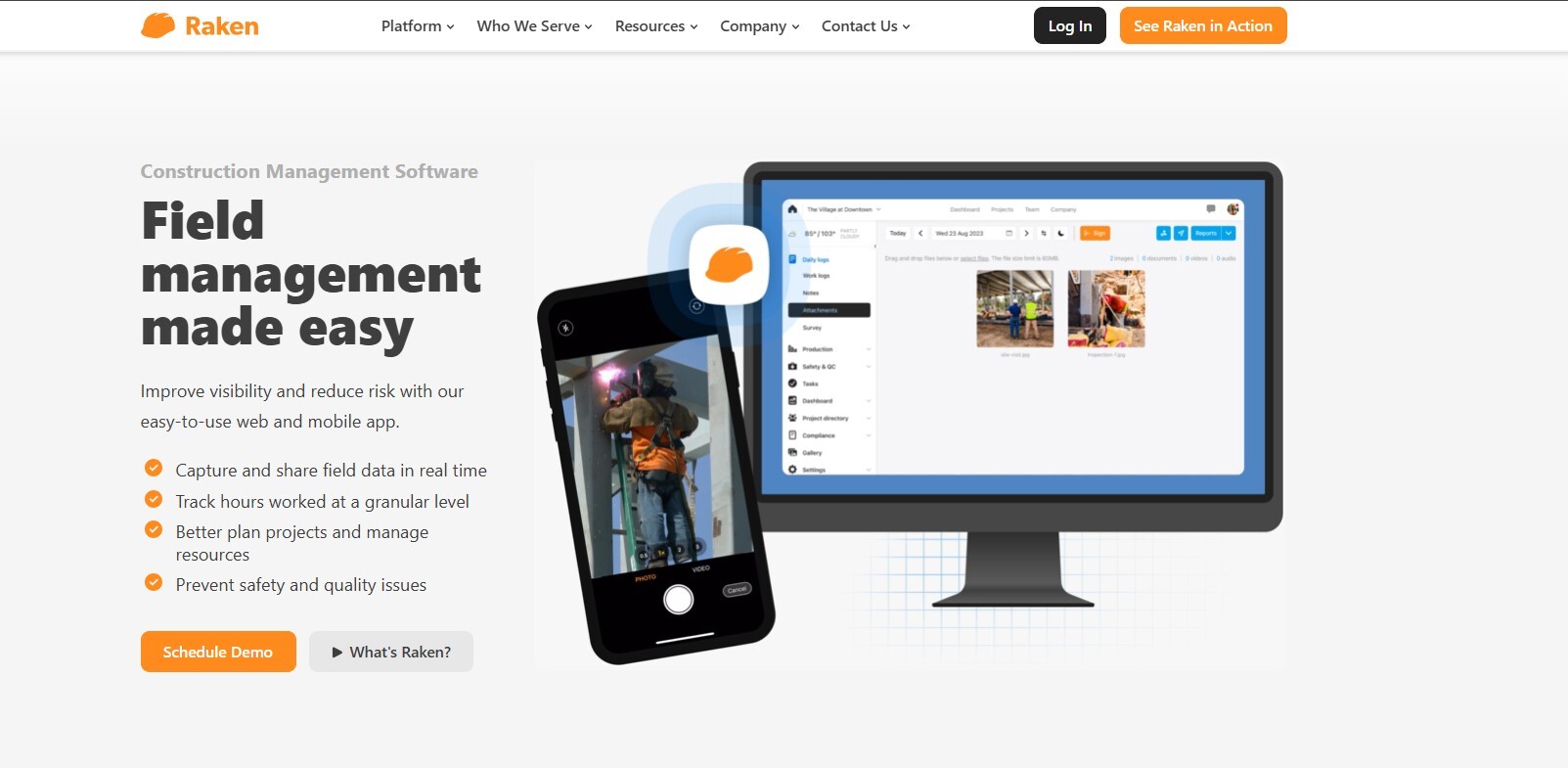
3. Raken: Daily Reporting Built Around Photos
Pricing: Contact for pricing.
Raken ties photo documentation directly into daily field reports, with every image auto-tagged by GPS, time, and date. For HVAC crews running multiple service calls a day, the daily-report format can make it easy to see, at a glance, what got documented and where.
Key features:
- Photos and videos auto-tagged with GPS, time, and date
- Built-in markup for highlighting issues on an image
- Central gallery for searching and bulk-downloading by job or date
- Works offline with automatic sync once connectivity returns
Where it wins: the daily-report format suits HVAC operations that already run structured end-of-day summaries for office staff.
Worth knowing: it's built more around general field reporting than HVAC-specific documentation like refrigerant readings or nameplate capture, and photo uploads can lag on older devices or weak signal.
4. ServiceTitan Photo & Video Attachments
Pricing: Enterprise pricing, quote-based.
If your HVAC business already runs on ServiceTitan for scheduling, dispatch, and invoicing, its built-in photo and video attachment feature lets techs snap and attach images directly to a job record without switching apps.
Key features:
- Photos attach directly to the job and customer record
- No separate login or app for techs already using ServiceTitan for dispatch
- Photos flow into the same customer history as invoices and estimates
Where it wins: zero added friction if ServiceTitan is already your operating system — one app, one login, no extra subscription for basic photo attachment.
Worth knowing: it's a feature of a much larger (and expensive) platform, not a dedicated documentation tool — there's no auto-tagging by task, limited organization beyond the job record, and no client-facing photo reports the way dedicated tools produce.
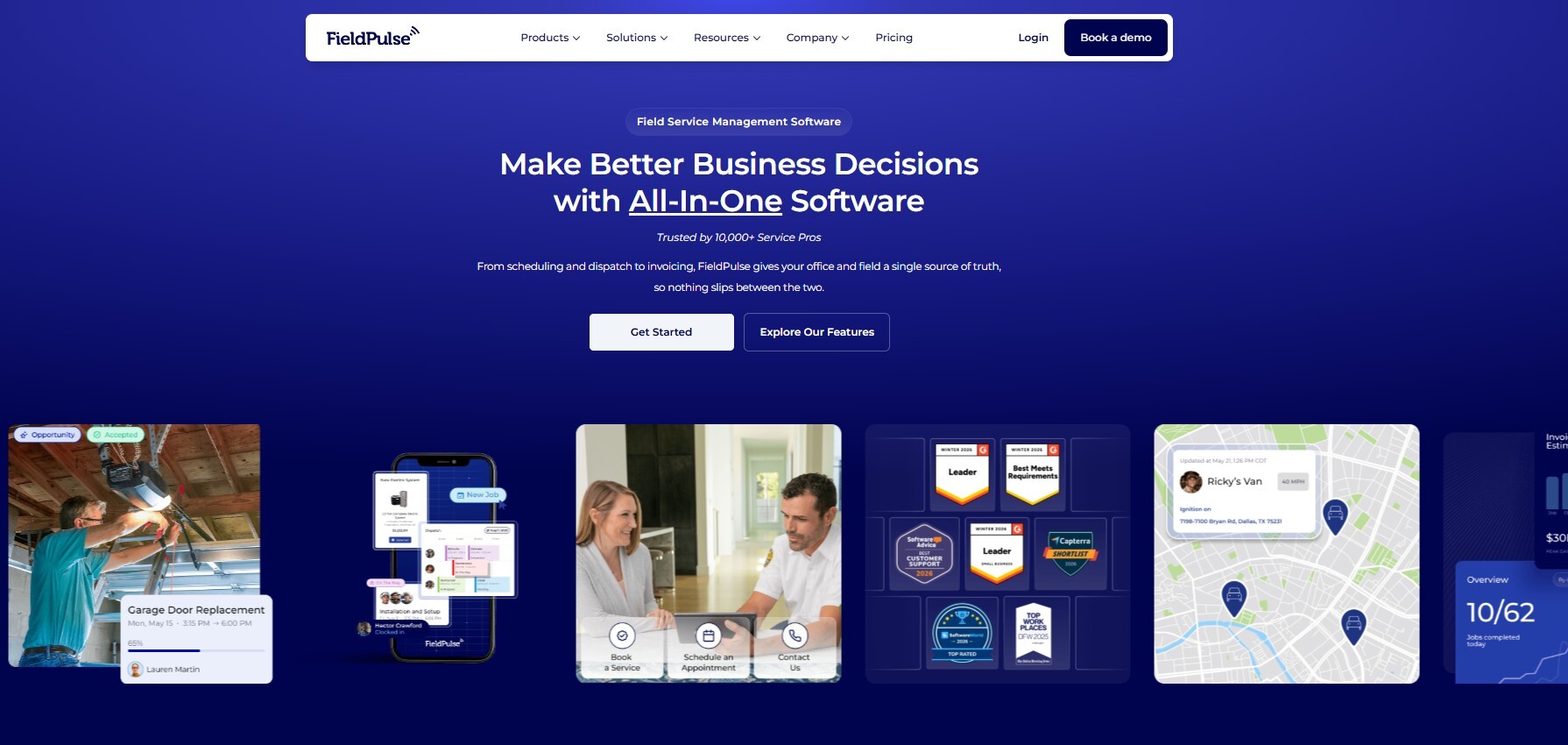
5. FieldPulse
Pricing: Plans generally start in the $60-$100/month range depending on team size.
FieldPulse is built as an all-in-one field service platform for HVAC and other home service trades, combining scheduling, invoicing, and photo capture from technician mobile devices.
Key features:
- Photo capture tied to job records
- Time tracking and technician location alongside documentation
- QuickBooks integration for the office side
Where it wins: smaller HVAC operations that want scheduling, invoicing, and basic photo capture in one lighter-weight platform instead of stacking two subscriptions.
Worth knowing: photo documentation is a supporting feature here, not the core product — you won't get the depth of tagging, markup, or client reporting that a dedicated documentation tool provides.
6. Housecall Pro
Pricing: Tiered plans; entry-level starts around $69/month.
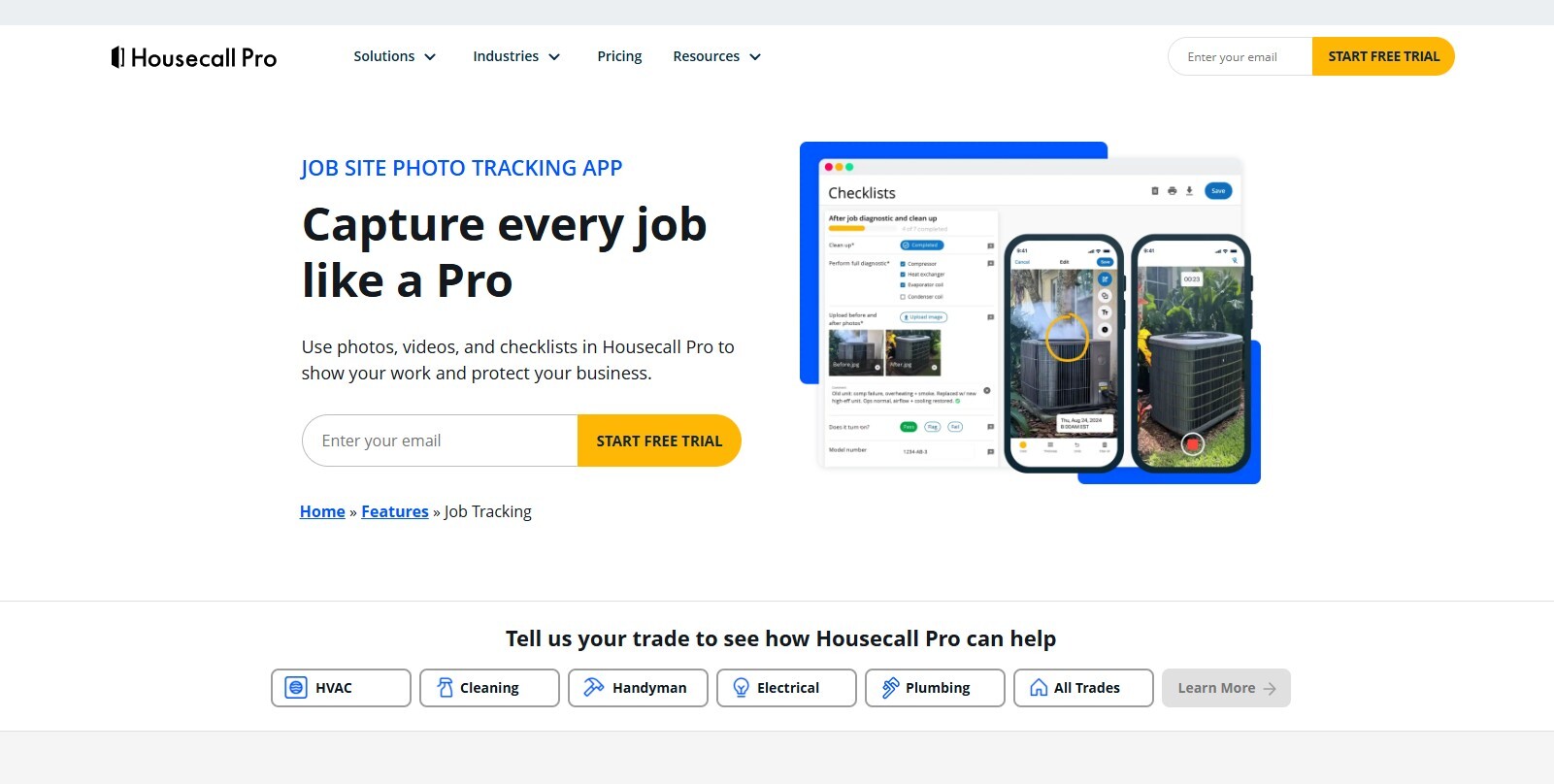
Housecall Pro built out a dedicated jobsite photo feature that goes beyond basic attachments — techs can record short videos, mark up photos with arrows and text, and timestamp images to show exactly when work was completed, all inside the same app used for scheduling and invoicing.
Key features:
- Unlimited cloud photo storage, no clutter on the tech's personal phone
- 60-second video recording with in-app trimming
- Arrow, shape, and text annotations directly on photos
- Fully integrated with Housecall Pro's scheduling and invoicing, no app switching
Where it wins: residential HVAC shops already running Housecall Pro get photo documentation with markup and timestamping without adding a second subscription.
Worth knowing: it's built for smaller, residential-focused operations — larger commercial HVAC shops with equipment-hierarchy or multi-location needs tend to outgrow it.
7. Jobber
Pricing: Roughly $39-$199 per user/month depending on plan; enterprise tiers run higher.
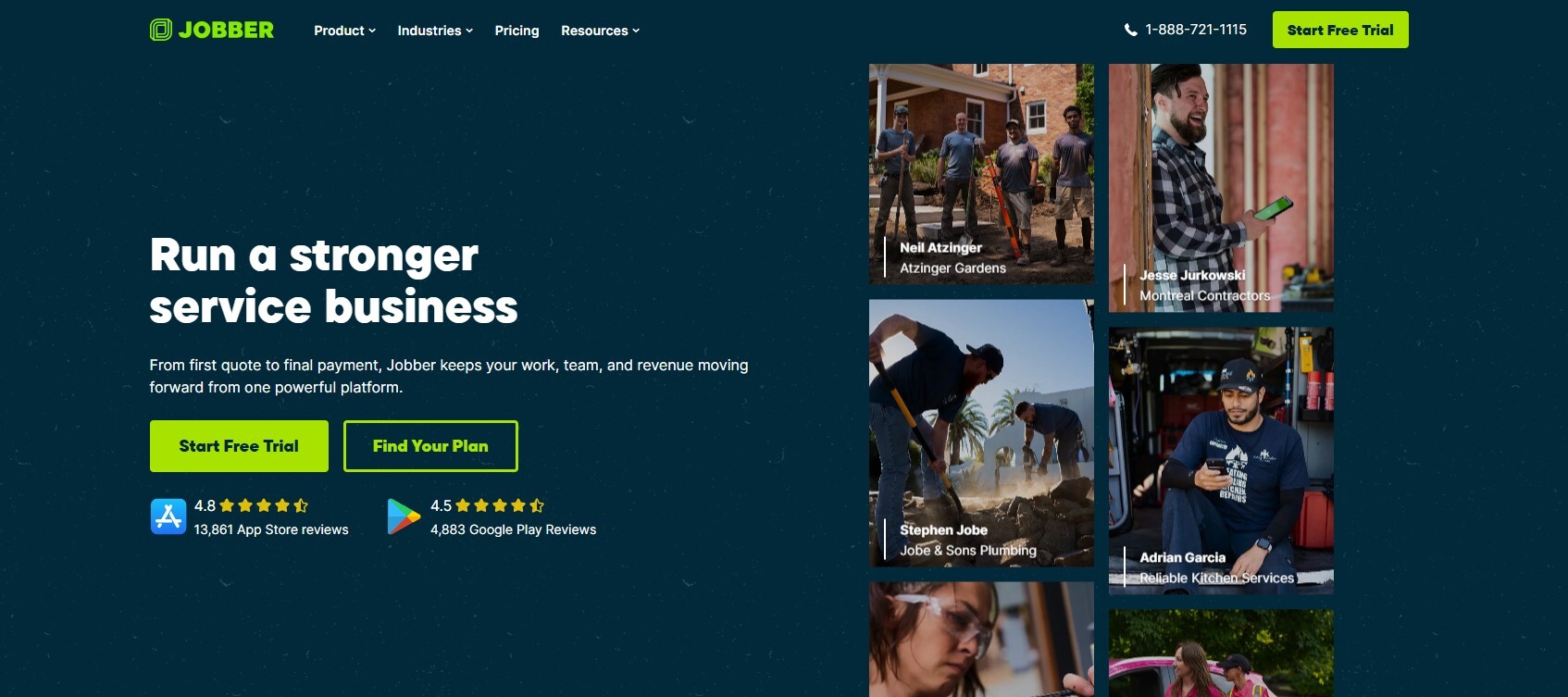
Jobber is one of the most widely used platforms among small HVAC and home service teams, combining scheduling, quoting, invoicing, and photo/note attachment in a single mobile app.
Key features:
- AI-enabled image-to-text extraction for documents and forms
- Client Hub portal where customers can view job details and photos
- Photos and notes attached directly to the job record
- Works across 50+ service trades, not HVAC-specific
Where it wins: solo operators and small HVAC crews get a genuinely easy-to-use, affordable platform that covers the whole job lifecycle, photos included.
Worth knowing: like ServiceTitan and Housecall Pro, photo capture here is a feature of a broader FSM tool, not a dedicated documentation product — there's no task-level GPS/timestamp verification built for dispute protection specifically.
8. FieldEdge
Pricing: Typically starts around $225/month (one office user + one technician), scaling with team size.
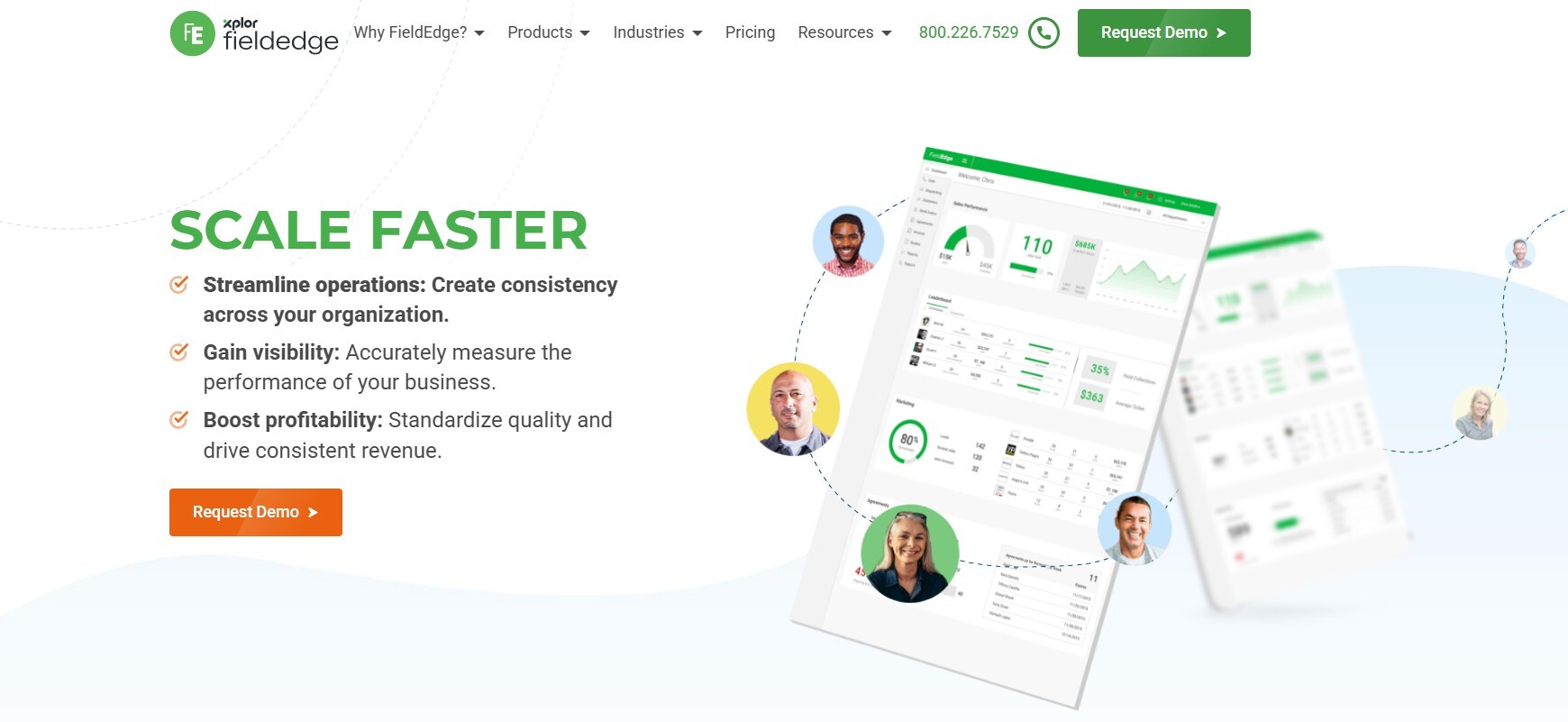
FieldEdge is purpose-built for HVAC, plumbing, and electrical contractors, with a dispatch board, service-history lookup, and mobile app that carries job details and photo capture into the field.
Key features:
- Full service and equipment history tied to each customer record
- Native QuickBooks integration with no double-entry
- Flat-rate pricing tools techs can present on-site
- Mobile app for field photo and note capture
Where it wins: mid-sized HVAC shops (roughly 10-25 trucks) that need stronger reporting and equipment-hierarchy tracking than entry-level tools provide.
Worth knowing: it's priced and built for growing operations, not solo techs — smaller shops may find it more platform than they need for photo documentation alone.
9. BuildOps
Pricing: Custom quotes; commonly $200-$400 per user/month.
BuildOps targets the commercial side of HVAC — contractors running preventive maintenance contracts and larger commercial build jobs alongside service calls.
Key features:
- Project module built for commercial HVAC and mechanical work, not bolted onto a residential platform
- Photo and documentation capture tied to service agreements and projects
- Multi-site, multi-technician dispatch and reporting
Where it wins: commercial HVAC and mechanical contractors mixing service work with larger projects get documentation and dispatch built for that complexity specifically.
Worth knowing: it's genuinely overkill for residential-only shops running mostly demand service calls — the pricing and feature depth assume commercial-scale operations.
10. Service Fusion
Pricing: No per-user fees; plans generally run in the low hundreds per month depending on features.
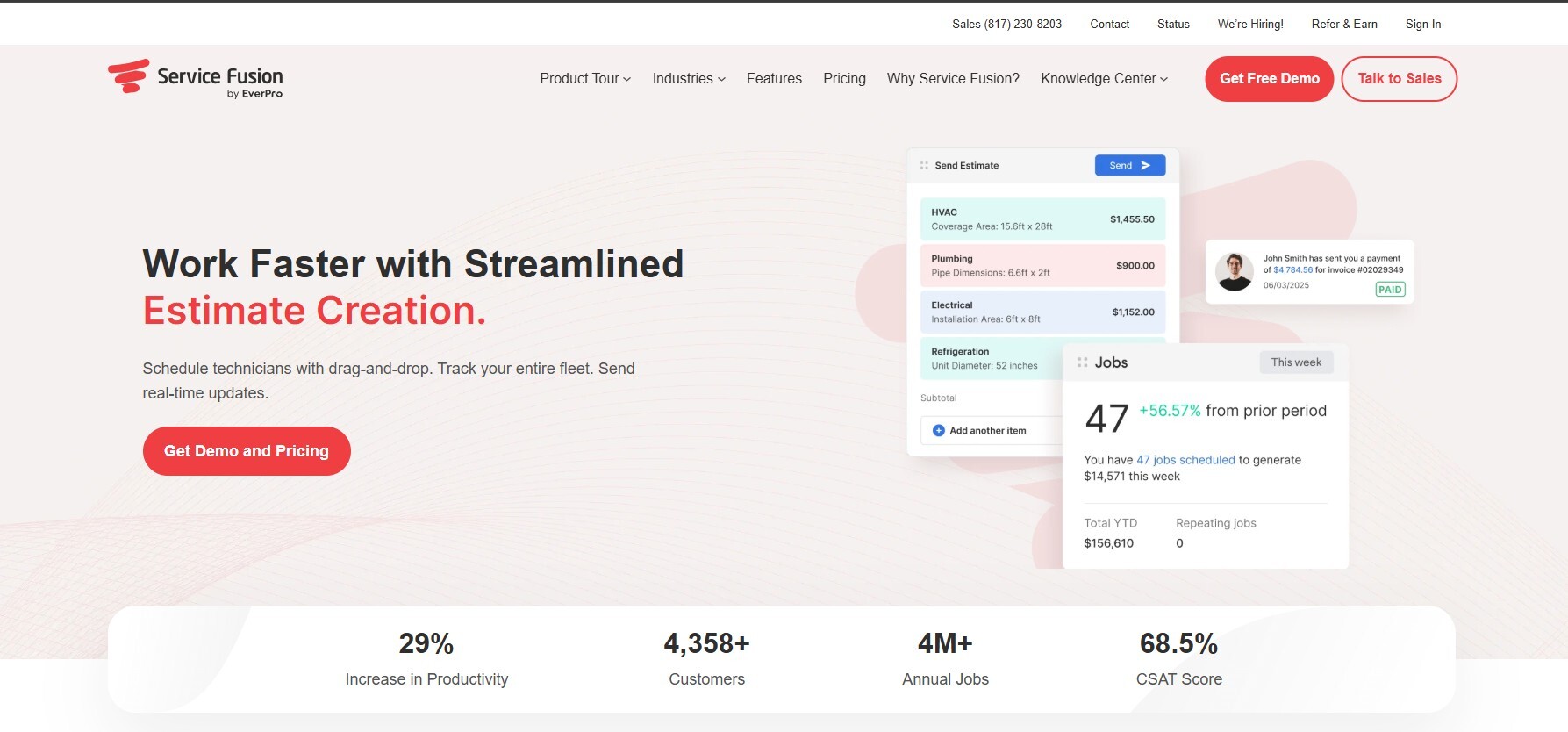
Service Fusion is an affordable, straightforward field service platform covering scheduling, dispatch, invoicing, and basic field documentation for smaller HVAC teams.
Key features:
- No per-user pricing, so costs stay flat as the team grows
- Fleet tracking alongside job and photo records
- QuickBooks integration with bi-directional sync
- Customer web booking portal
Where it wins: HVAC businesses that want an affordable, easy-to-learn platform with essential photo and job documentation, without paying for features they won't use.
Worth knowing: reporting and HVAC-specific depth (like detailed equipment history) are lighter than FieldEdge or BuildOps — it's built for simplicity over advanced functionality.
What Actually Matters When You're Choosing
For HVAC specifically, a few things separate a tool that genuinely protects your business from one that's just a nicer camera roll:
Automatic GPS and timestamp verification. If a homeowner questions whether a repair happened or a warranty claim gets challenged, the metadata on the photo — not the photo alone — is what settles it.
Task-level, not just job-level, organization. A photo of a compressor before service and a photo of the same compressor after should be clearly linked to the specific task, not just dumped into a general job folder alongside a dozen unrelated shots.
Company ownership of the record. Techs turn over. If documentation lives on a personal device or a personal cloud account, you lose it when they do. Records tied to the company, not the individual, protect you regardless of staffing changes.
No hardware, no friction. HVAC techs are already carrying tools, gauges, and a phone. Anything that requires mounting a camera or carrying an extra device won't get used consistently — mobile-first capture on the device already in hand is the only format that survives daily use in the field.
Reports that make sense to a homeowner or a warranty desk. A branded, shareable PDF report closes disputes faster than a link to a folder of unlabeled images ever will.
Review these FAQs
What is jobsite photo documentation software? It's software that automatically captures, GPS-tags, timestamps, and organizes photos taken during a job, so there's a searchable, verifiable record of the work instead of images scattered across personal phones and text threads.
Why does photo documentation matter more for HVAC than other trades? HVAC work often happens behind panels, inside units, or underground with refrigerant lines — conditions and readings that can't be re-verified after the fact. Documentation also supports manufacturer warranty claims, which typically require proof of proper installation and system readings at the time of service.
Do I need dedicated software, or can I just use my phone's camera roll? A camera roll has no structure — no automatic tagging by job, task, or location, and no way to prove a photo wasn't taken somewhere else or on a different date. Dedicated tools solve exactly that gap, which matters most when documentation needs to hold up in a dispute or claim.
What's the best option if I need documentation that holds up in a warranty dispute? BlitzzCam is built specifically for this — every photo carries GPS and timestamp verification tied to the task it documents, and the record belongs to the company rather than a technician's personal device.
How much does jobsite photo documentation software cost for an HVAC business? Dedicated tools generally run $20-$70 per user per month depending on features like unlimited storage, markup tools, and reporting. Full FSM platforms with photo features built in can run from around $40/month for solo techs up to several hundred dollars per user for enterprise platforms. BlitzzCam is currently in early access with launch pricing to be announced.
Can photo documentation software integrate with the field service platform I already use? Most established tools, including CompanyCam, integrate with major HVAC field service platforms like ServiceTitan, Jobber, and Housecall Pro, so photos sync back into the job record automatically rather than living in a separate silo.

Blitzz Team
The Blitzz Team writes about remote video support, virtual inspections and field service. Our guides come from working with home builders, property managers, warranty teams, contact centers and field service organizations that use Blitzz to see and solve issues without a truck roll.