.png?width=120&height=55&name=Blitzz-Logo-right%20white%20eyes%20-%20not%20transparent%20(3).png)
Digital adoption in education is growing rapidly — schools and universities are increasingly using online portals, learning management systems, and digital enrollment tools. However, nearly half of parents and students still find these platforms confusing, struggling to navigate interfaces, complete registrations, or access key resources. These usability challenges can lead to frustration, incomplete forms, missed deadlines, and increased support requests for help desks.
Here's a round-up:
-
A 2020 Pew Research Center survey found that 38 % of U.S. parents with children learning remotely said their child was very or somewhat likely to face digital obstacles such as technology navigation or access issues.
-
Separate studies also show that a significant portion of students report challenges adapting to online learning environments: 13 % of students cited difficulty adapting to online or remote learning as a significant concern.
- A usability survey of prospective university applicants found that over 60 % of students reported enrollment application forms as overly complex, and 55 % had difficulty gathering or submitting necessary documentation through online portals, highlighting widespread frustration with current systems.
- Research indicates that poor enrollment website design and complicated navigation can lead to abandoned applications, as users give up when forms are difficult to use or unclear, underscoring the importance of intuitive online systems and support.

What is Cobrowsing?
Co-browsing, short for collaborative browsing, is a real-time support technology that allows a support agent to view and interact with a user’s web application or portal directly in their browser. Unlike traditional screen sharing, co-browsing is secure and focused only on the application itself, meaning sensitive data outside the platform remains private.
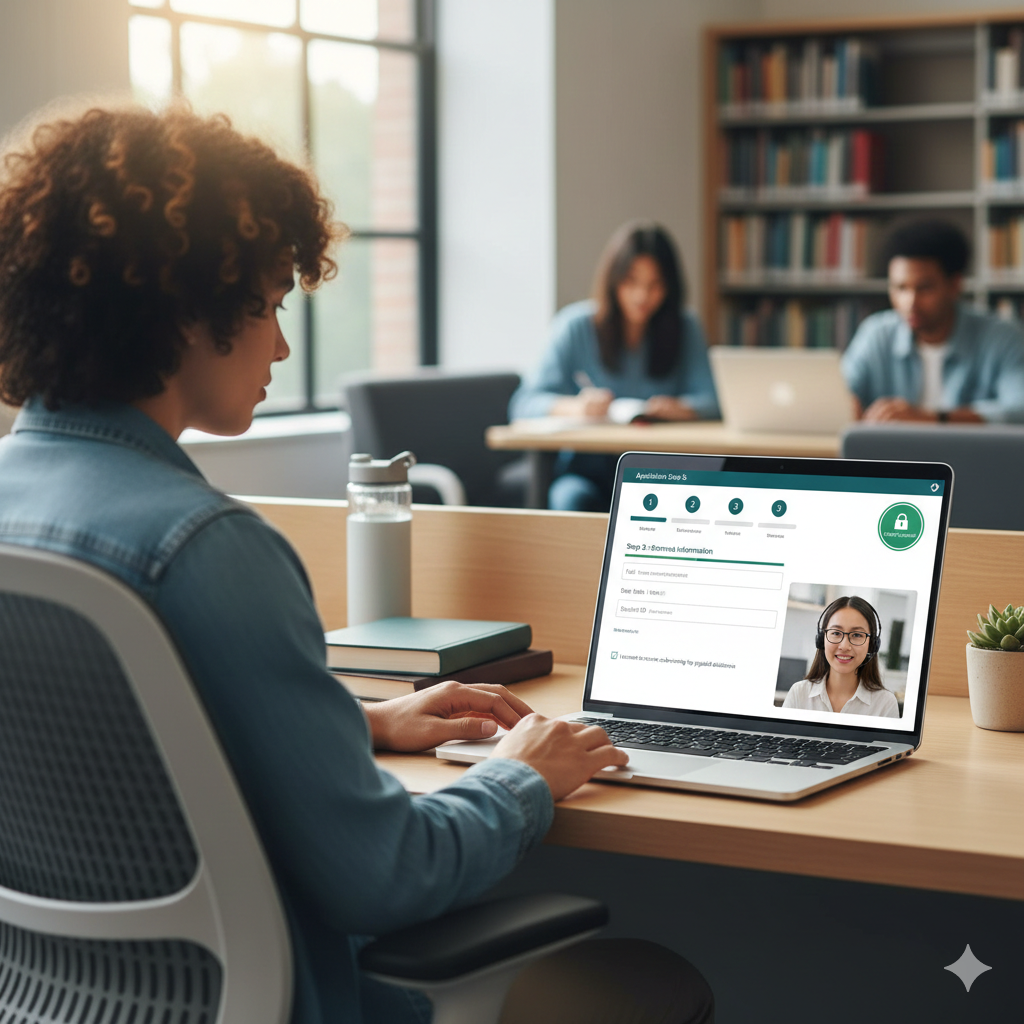
This technology is especially valuable in education and EdTech, where students and parents often encounter challenges navigating online learning portals, enrollment forms, or assignment submissions. With co-browsing, a support agent can guide users step by step, highlight key fields, and resolve issues instantly, all without requiring downloads or complicated installations. The result is faster troubleshooting, smoother onboarding, and a more satisfying user experience — all while maintaining compliance with privacy regulations like FERPA.
Related article: A Comparison of Different Cobrowsing Solutions: What Actually Works Best for Support Teams?
How Can Cobrowsing Software Make Digital Learning Easier?
Co-browsing software makes digital learning easier by removing confusion at the moment it happens. Instead of relying on screenshots or lengthy explanations, support teams can see exactly what students or parents see and guide them in real time.
With Blitzz Co-browse, education providers can assist users directly inside enrollment portals, LMS platforms, and payment systems through a secure, no-download browser experience. This means faster issue resolution, fewer abandoned forms, and a smoother learning journey—while maintaining privacy, compliance, and a human touch in digital education.
Benefits of Cobrowsing Solutions For EdTech
Complete Student Portal Onboarding Faster
Co-browsing allows support teams to guide students and parents through account setup in real time, ensuring profiles, credentials, and required fields are completed correctly—reducing onboarding friction, confusion, and first-day access issues.
Navigate LMS Platforms With Ease
With co-browsing, agents can visually guide users through complex LMS dashboards, helping them locate assignments, calendars, discussion boards, and resources quickly—eliminating frustration and minimizing repeated support requests.
Simplify Online Course Registration & Enrollment
Support teams can assist users step by step during course selection and enrollment, highlighting prerequisites, avoiding errors, and preventing abandoned registrations caused by confusing workflows or unclear system requirements.
Support Grade & Attendance Record Access
Co-browsing enables real-time guidance when students or parents struggle to locate grades or attendance records, ensuring accurate access while maintaining privacy and reducing misunderstandings related to academic performance.
Help Students & Parents Complete Digital Forms
Agents can walk users through enrollment forms, permissions, and consent documents live—clarifying fields, preventing mistakes, and ensuring submissions are completed correctly without delays or incomplete applications.
Assist With Financial Aid & Tuition Payment Setup
Co-browsing helps families navigate tuition portals, payment plans, and financial aid forms confidently, reducing errors, missed deadlines, and payment-related support tickets during high-stress enrollment periods.
Improve Online Learning Platform Experience
By resolving issues visually and instantly, co-browsing reduces friction, builds confidence in digital systems, and creates a smoother, more supportive experience that increases engagement and trust in online learning platforms.
Conclusion
Digital learning isn’t slowing down—and neither are the expectations of students and parents. As education becomes more online, institutions need smarter ways to support users through complex portals and platforms. Co-browsing bridges that gap by turning confusion into clarity in real time.
With Blitzz Co-browse, schools and EdTech providers can deliver faster support, reduce friction, and create a more accessible, confident digital learning experience for everyone involved. Want to see how co-browsing works for you? Explore Blitzz pricing or book a demo to experience it firsthand.