.png?width=120&height=55&name=Blitzz-Logo-right%20white%20eyes%20-%20not%20transparent%20(3).png)

On this page
Field service teams have more photo and video documentation tools to choose from than ever, and the right pick depends heavily on the type of work being done. A residential HVAC company, a general contractor, and an insurance claims team all need photo documentation, but the ideal platform looks different for each. Below is a breakdown of ten leading platforms worth considering in 2026, along with what each one does best.
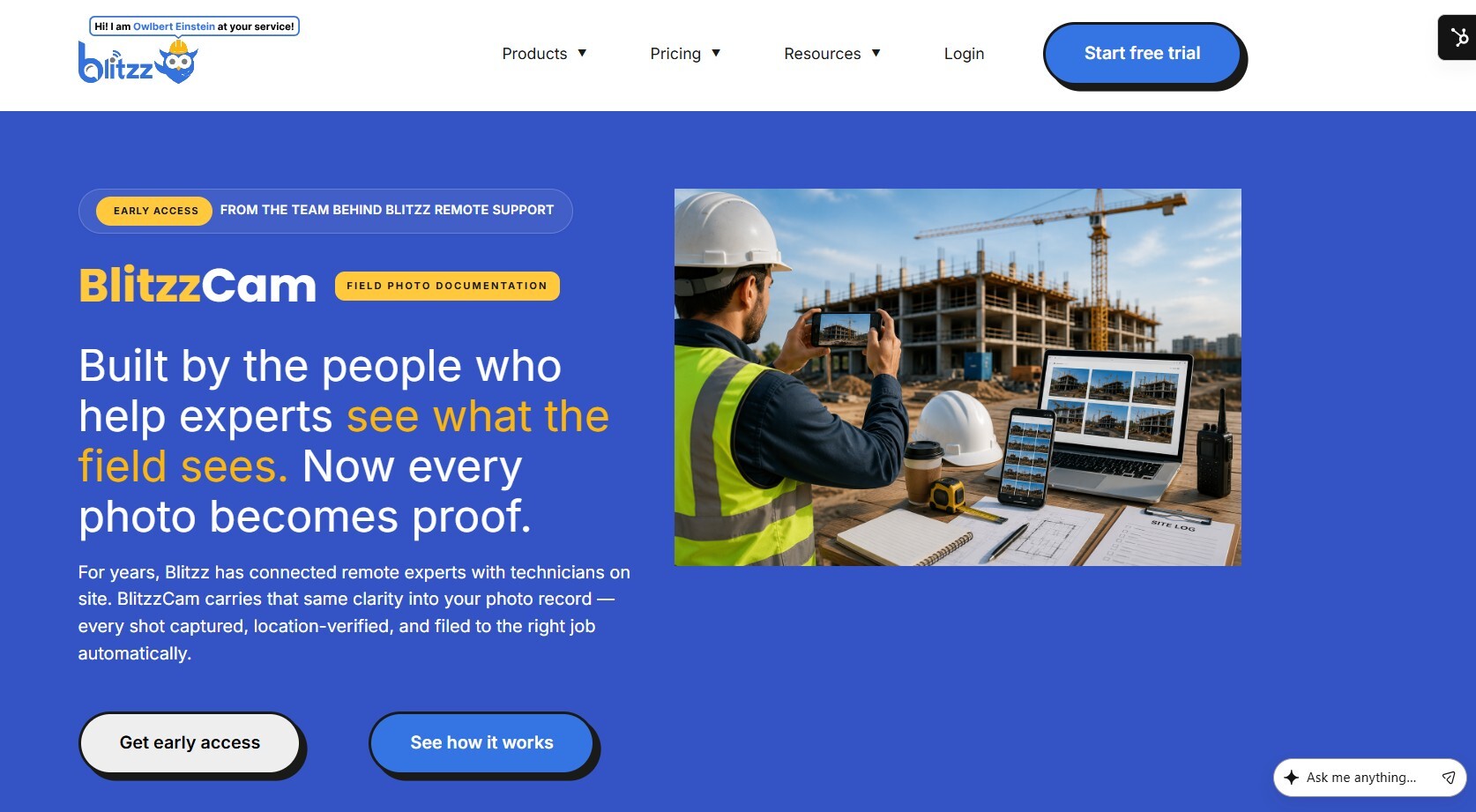
1. Blitzz
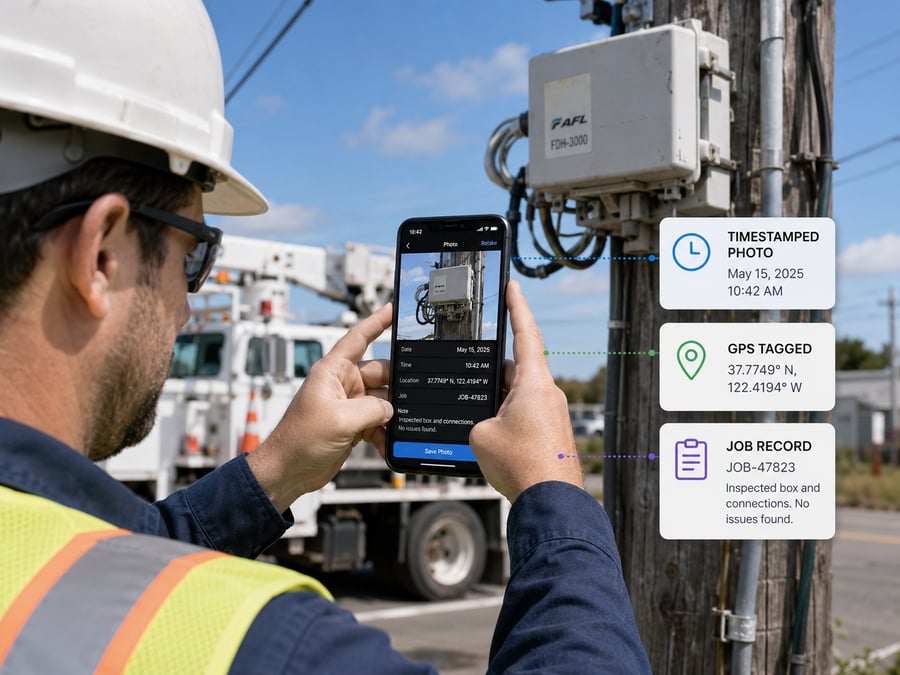
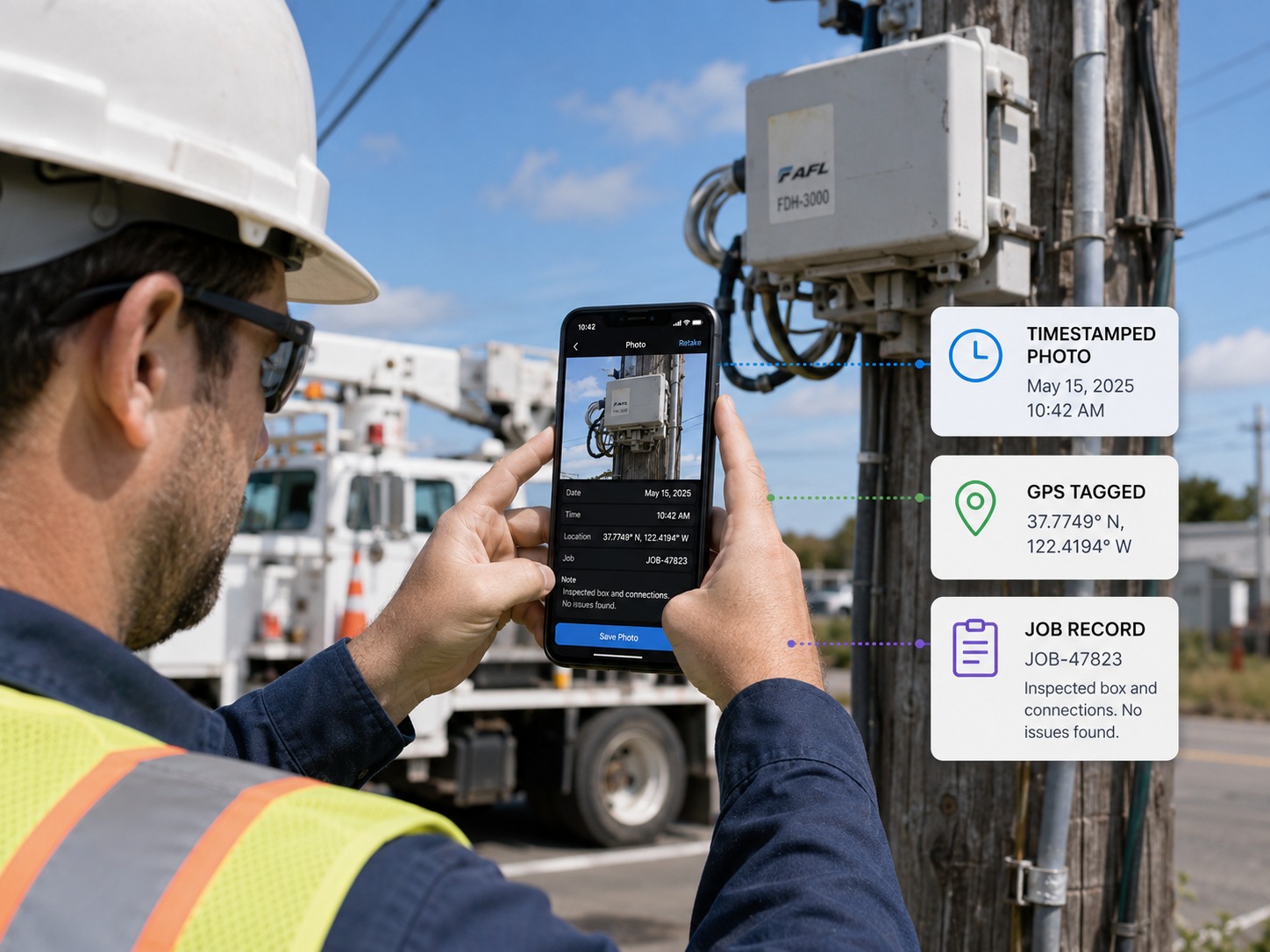
Blitzz stands apart from most tools on this list because it goes beyond static photo capture. Rather than only reviewing photos after a job is done, Blitzz lets a remote expert join a live video session with a field technician, see exactly what the technician sees through their phone camera, and draw annotations directly on the live feed to guide a repair or verify work in real time. Sessions can also capture timestamped photos and generate structured reports automatically.
This makes Blitzz particularly strong for businesses that need more than documentation — they need real-time guidance, remote inspections, or the ability to resolve issues without dispatching a second technician. It's app-free for the person on the other end of the call, works through use cases spanning inspections and customer support, and integrates with CRM and field service management platforms already in use. Companies in HVAC, insurance, automotive, and construction have used it to cut down on truck rolls while still capturing thorough visual evidence of every job.
Best for: teams that want live remote visual support in addition to standard photo documentation, not just after-the-fact photo review.
Pros:
- Live video sessions let a remote expert see and annotate in real time, not just review photos after the fact
- App-free for customers and field contacts — connects instantly through a browser link, no download required
- Reduces truck rolls by resolving issues remotely instead of dispatching a second technician
- Integrates with major CRM and field service platforms like Salesforce, Zendesk, and ServiceNow
- Works across a wide range of industries, from HVAC to insurance to automotive to construction
Cons:
- Live video sessions require a stable internet connection on both ends, which can be a limitation in poor-signal areas
- Best suited to teams that need real-time guidance; may be more capability than a team only needs static photo storage for
- Pricing isn't publicly listed, so businesses need to request a quote to compare costs
- Requires the customer or field contact to have a smartphone with a working camera
- Newer to some traditional trades compared to long-established field service management platforms
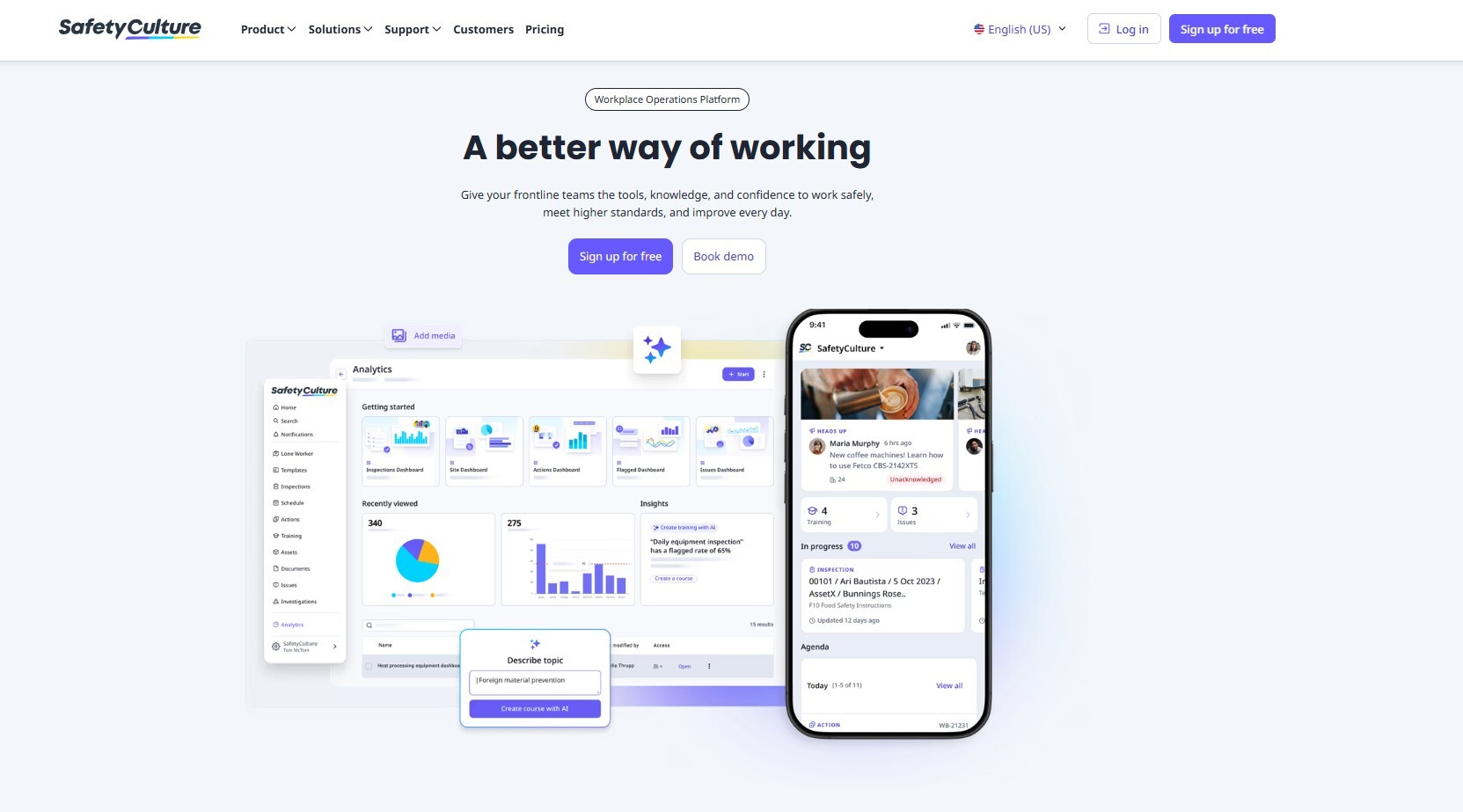
2. SafetyCulture
SafetyCulture began as a digital checklist app and has grown into a broad operations platform covering inspections, audits, and issue tracking. It supports photo capture directly inside customizable checklists, so technicians can attach visual evidence to specific line items rather than a general photo gallery. Its large library of templates makes it a strong fit for safety-focused industries like manufacturing, construction, and facilities management.
Best for: safety and compliance-heavy field teams that need structured, checklist-driven photo documentation.
Pros:
- Large library of over 10,000 customizable templates for inspections and audits
- Photos attach directly to specific checklist items, keeping documentation organized by task
- Strong reputation in safety and compliance-driven industries
- Includes issue tracking and corrective action workflows alongside photo capture
- Mobile-first design built for frontline teams with minimal training needed
Cons:
- Broader operations focus means it can feel like more platform than needed for teams that only want photo reporting
- Reporting customization can feel limited for highly specialized photo needs
- Initial setup requires time to master complex forms and templates
- Less tailored to live remote collaboration compared to video-based tools
- Enterprise pricing can add up for larger teams needing premium features
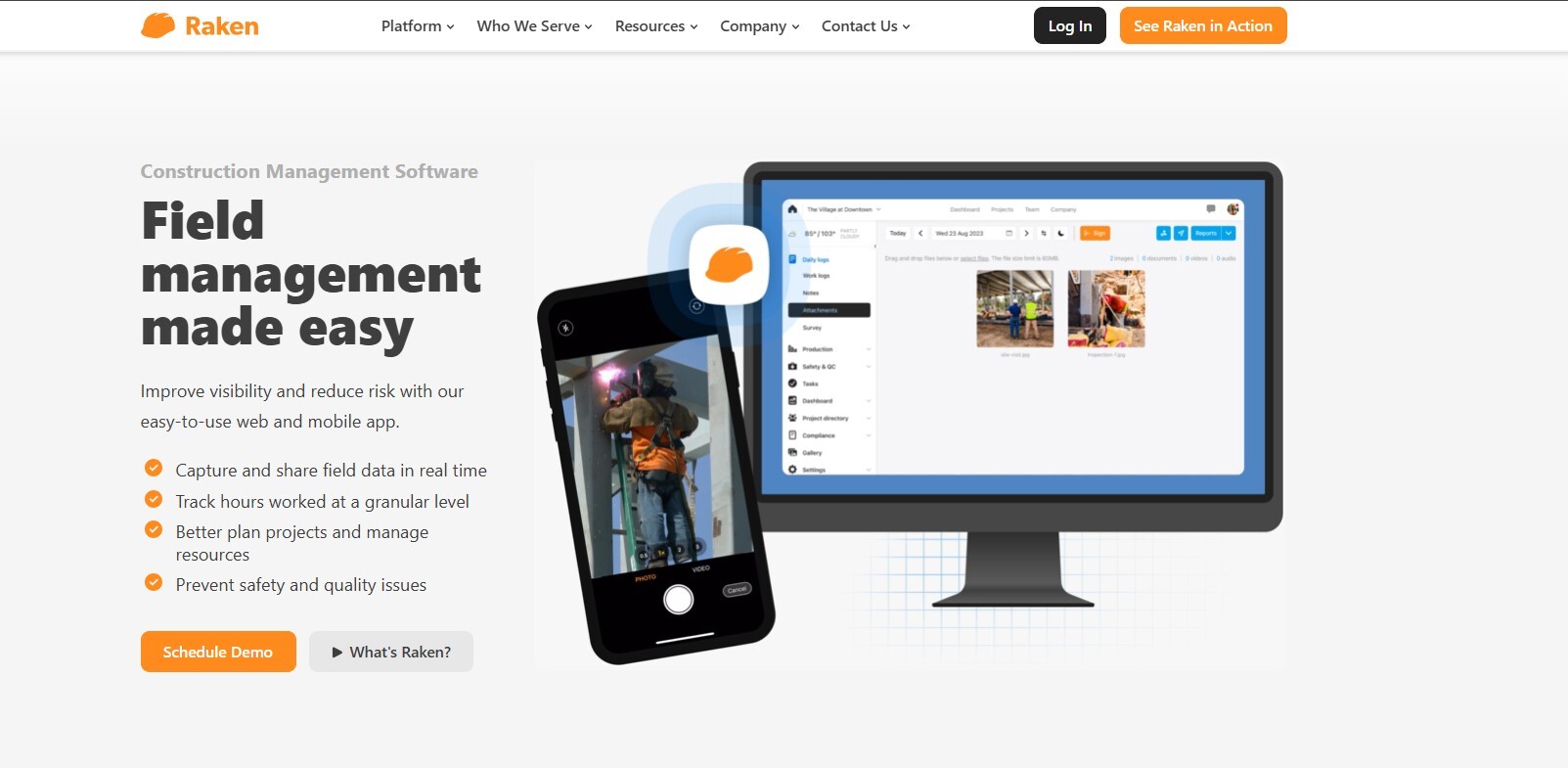
3. Raken
Raken is built specifically for construction daily reporting. Crews can attach unlimited photos and videos to a daily report alongside work logs, time cards, and safety notes, and the platform compiles everything into a branded PDF automatically. Its collaborator reports feature lets subcontractors submit their own daily reports, which then roll up into a master report for the general contractor.
Best for: general contractors and subcontractors who need daily photo-rich jobsite reports tied to time tracking and production data.
Pros:
- Unlimited photo and video uploads attached directly to daily reports
- Collaborator reports let subcontractors submit their own logs, which roll up automatically for the GC
- Automatically compiles data into a branded, professional PDF report
- Strong reputation for helping resolve disputes and litigation with documented evidence
- Purpose-built for construction daily reporting rather than a general-purpose tool
Cons:
- Focused specifically on construction, so it's a less natural fit for other field service industries
- Pricing isn't published publicly and requires a personalized quote
- Primarily a field documentation tool, not a full project management or accounting system
- Some advanced features may require higher-tier plans
- Less suited to teams needing live remote video collaboration alongside photos
4. ServiceTitan
ServiceTitan is a full field service management platform for trades like HVAC, plumbing, and electrical, and photo and video attachments are built into its job and estimate workflows. Technicians can attach before-and-after photos directly to a work order, which then feeds into invoicing, customer communication, and reporting dashboards. It's less of a dedicated photo tool and more of an all-in-one operations platform with photo documentation as one piece of a much larger system.
Best for: residential and commercial trade businesses that want photo documentation built into scheduling, dispatch, and invoicing rather than as a standalone tool.
Pros:
- Photo and video attachments tie directly into work orders, estimates, and invoices
- All-in-one platform covers scheduling, dispatch, CRM, and reporting alongside documentation
- Widely used and trusted across HVAC, plumbing, electrical, and other trades
- Real-time analytics and dashboards give office staff visibility into field activity
- Strong ecosystem of integrations, including QuickBooks and payment processing
Cons:
- Photo documentation is a feature within a much larger platform, not a dedicated focus
- Can be a significant investment, especially for smaller service businesses
- Steeper learning curve given the breadth of features available
- Primarily built for trades like HVAC and plumbing, less flexible for other industries
- No live remote video collaboration built into the core photo documentation workflow
5. GoCanvas
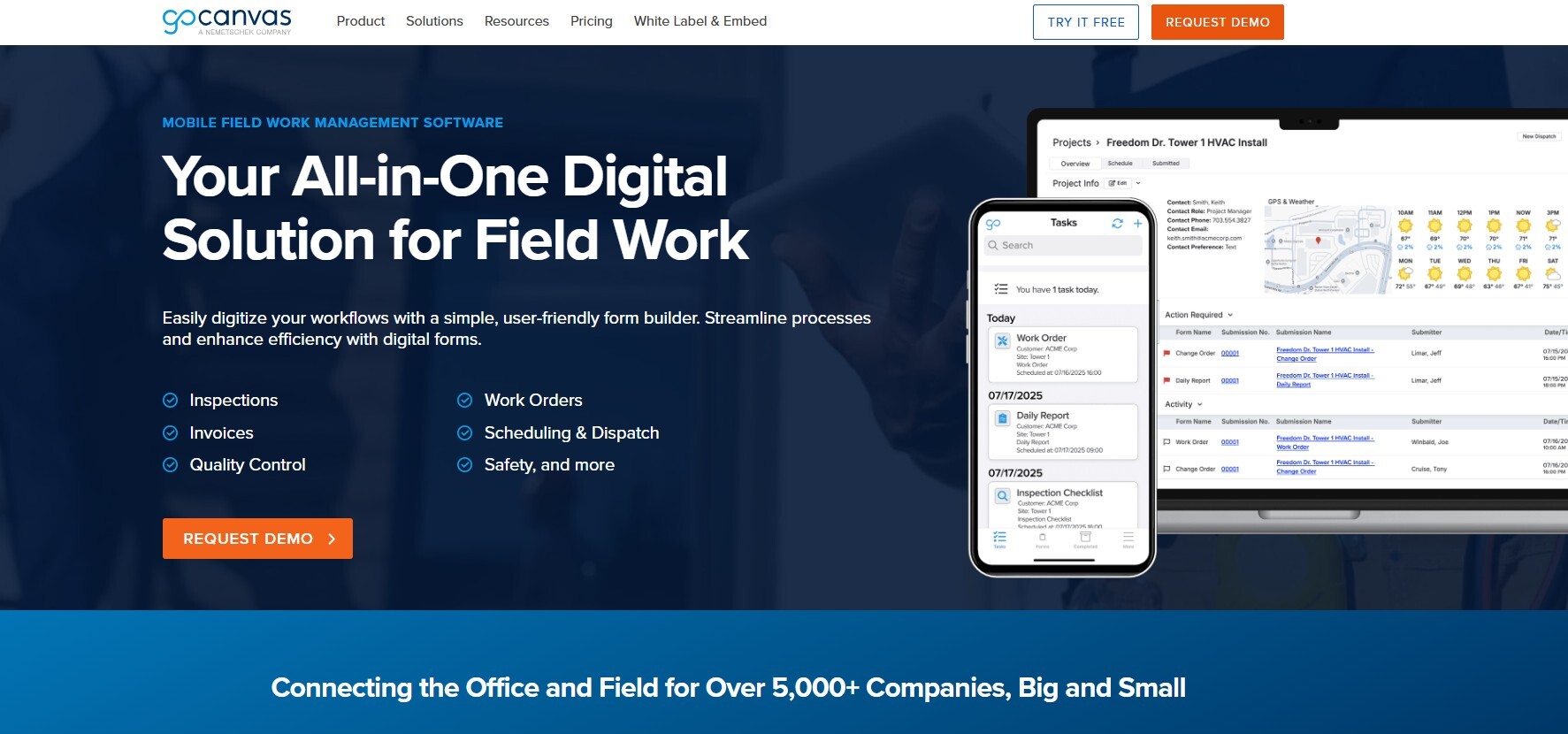
GoCanvas converts paper forms into mobile apps, letting field teams build custom digital forms that include photo capture, signatures, and conditional logic. Reports generate as professional PDFs immediately after submission. Its flexibility makes it popular across a wide range of industries, from inspections to compliance checks to delivery confirmations.
Best for: teams that need highly customized digital forms with photo attachments, built without needing developer resources.
Pros:
- Highly flexible form builder that adapts to nearly any industry or workflow
- Photo capture works alongside signatures, barcode scanning, and GPS stamping
- Generates instant PDF reports upon form submission
- No-code approach makes it accessible for non-technical teams to build and adjust forms
- Wide range of integrations, including Procore for construction workflows
Cons:
- Flexibility can mean more setup time compared to out-of-the-box solutions
- Offline mode relies on cached forms downloaded in advance rather than full offline creation
- Can require ongoing form maintenance as workflows change
- Less specialized than industry-specific tools like Raken or Fulcrum
- No live video or remote visual assistance capability
6. Fulcrum
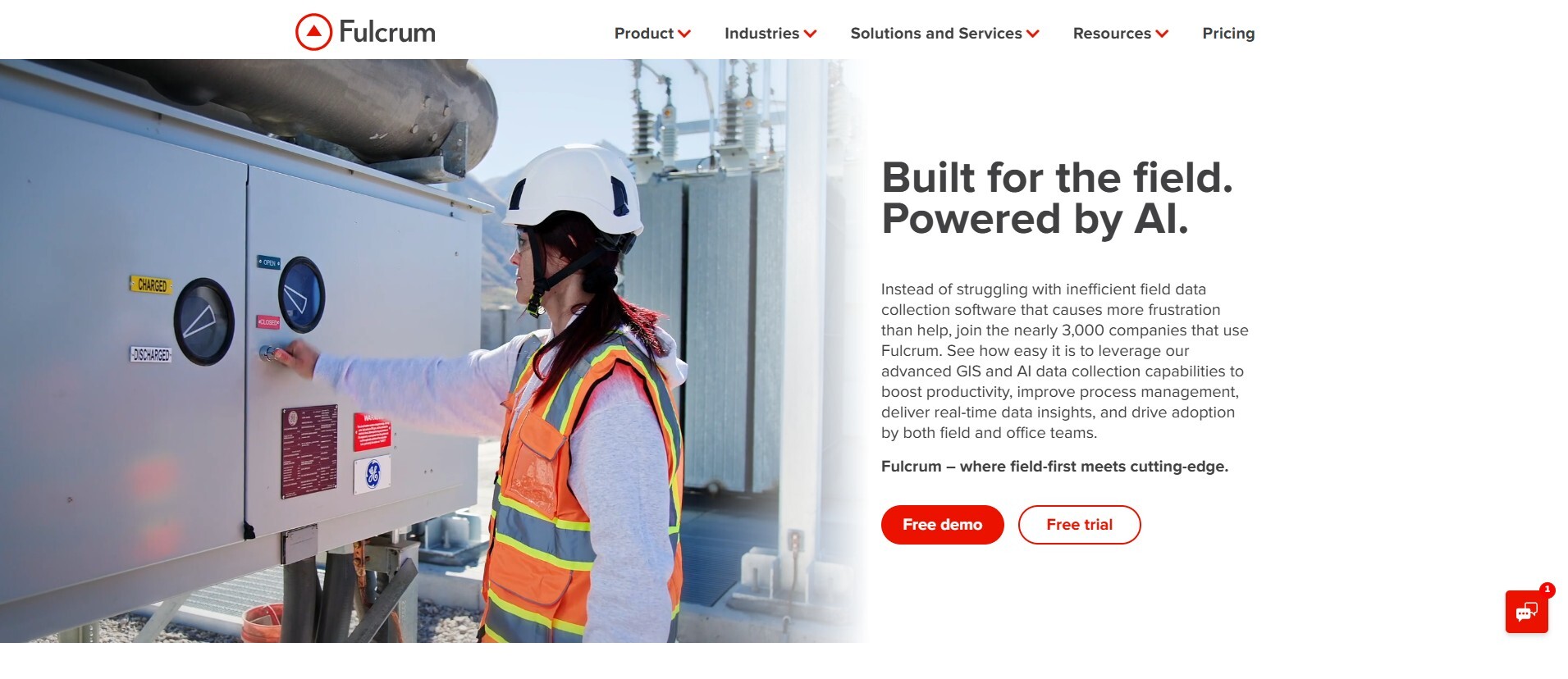
Fulcrum is a mobile GIS data collection app that pairs photo capture with location mapping, making it a strong choice for fieldwork that depends on geospatial accuracy — utility inspections, environmental surveys, and asset audits. Every photo captured through Fulcrum can be geotagged and tied to a specific mapped location, which is valuable for teams tracking assets or conditions across large or remote areas.
Best for: field teams whose photo documentation needs to be tied to precise GPS coordinates or mapped assets.
Pros:
- True offline functionality, allowing new data collection without any connection
- Photos are geotagged and linked directly to mapped locations
- Strong fit for GIS-heavy work like utility, environmental, and asset inspections
- Customizable data collection forms beyond just photos
- Good for teams tracking conditions across large or remote geographic areas
Cons:
- More specialized toward GIS and mapping use cases than general field service reporting
- Learning curve for teams unfamiliar with GIS-style data collection
- Less suited to construction daily reporting or trade service documentation specifically
- No live remote video or annotation-on-live-feed capability
- Report formatting may require more customization compared to purpose-built reporting tools
7. Fieldwire
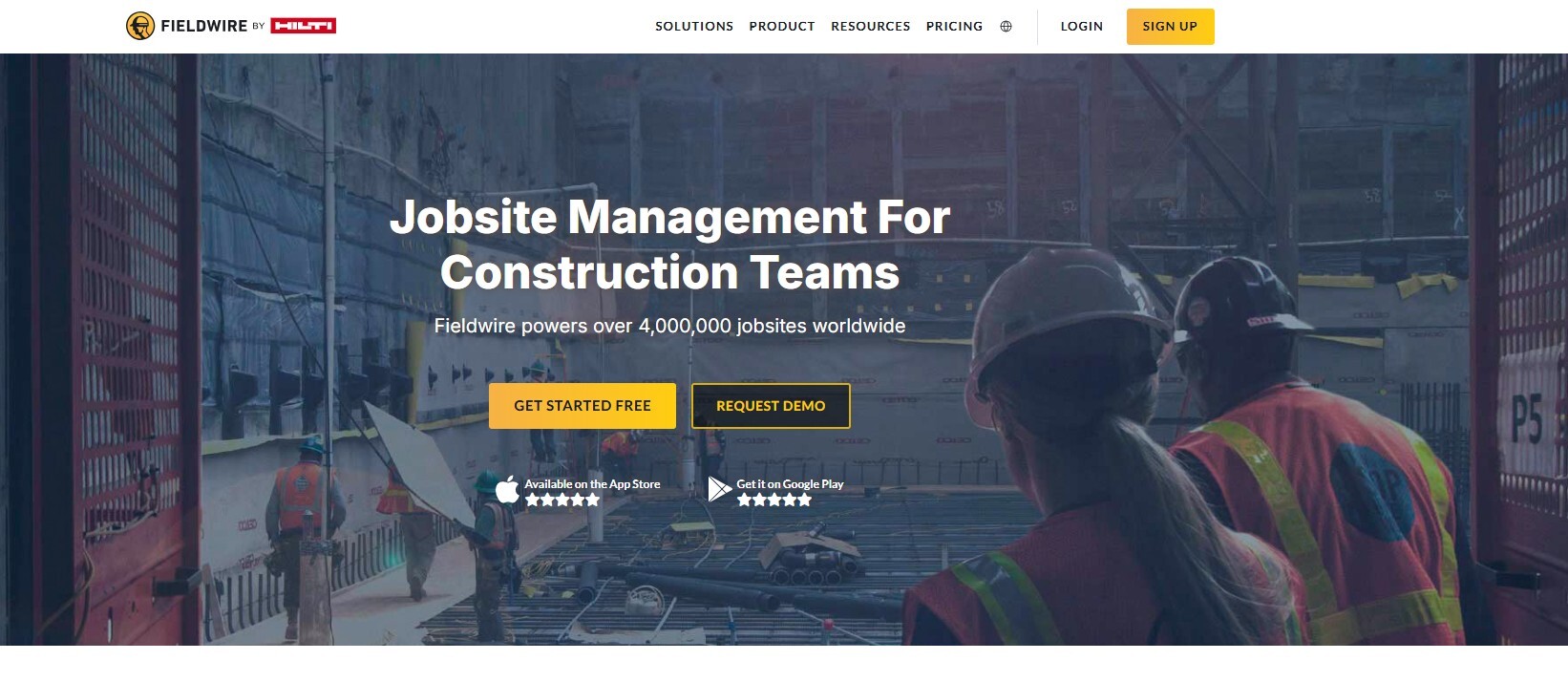
Fieldwire focuses on jobsite coordination for construction teams, with task assignments, plan markup, and photo documentation tied directly to tasks and locations on a drawing. Its Kanban-style task board and mobile-first design make it popular with small-to-midsized contractors who want an easier onboarding experience than larger, more complex platforms.
Best for: construction teams that want photo documentation tied to tasks and plan locations, with fast onboarding for field crews.
Pros:
- Photos can be pinned directly to tasks and specific locations on project drawings
- Kanban-style task board makes progress easy to visualize at a glance
- Known for fast onboarding and high adoption rates among field crews
- Transparent, tiered pricing compared to some enterprise competitors
- Strong mobile-first design built specifically for jobsite use
Cons:
- Lacks the financial and budget-tracking depth of larger platforms like Procore
- Best suited to small-to-midsized contractors rather than large enterprise portfolios
- Some users describe the interface as cluttered once a project scales up
- Focused specifically on construction, less applicable to other field service industries
- No live remote video collaboration built into the platform
8. Procore
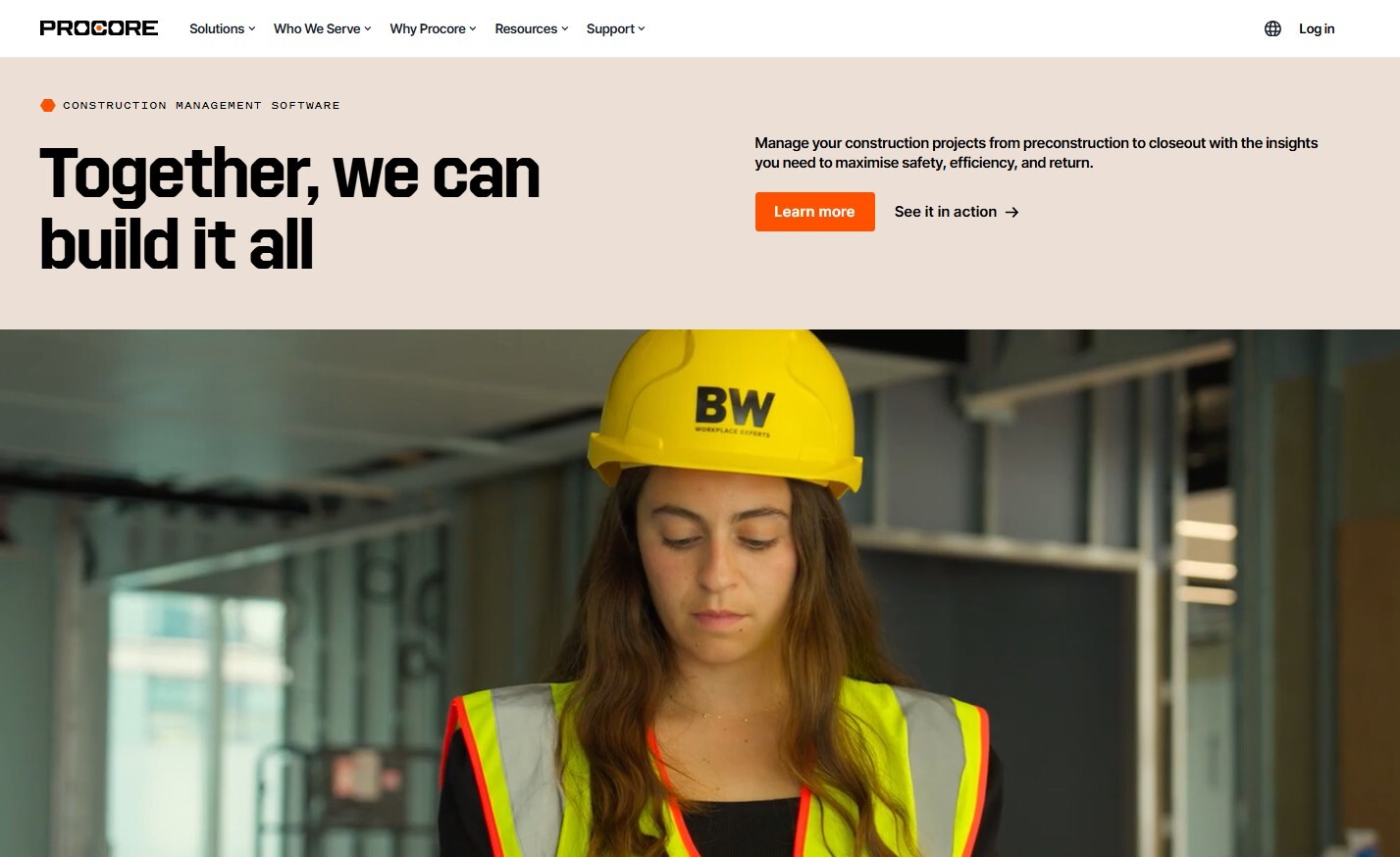
Procore is a comprehensive construction management platform, and photo documentation runs throughout its RFI, punch list, and daily log features. Photos can be organized into albums, tied to specific project locations, and referenced later during disputes or litigation. It's a heavier, enterprise-grade platform compared to some others on this list, which makes it best suited to larger organizations managing complex projects.
Best for: large construction organizations that need photo documentation integrated with full project management, budgets, and RFIs.
Pros:
- Photo documentation is woven throughout RFIs, punch lists, and daily logs
- Comprehensive enterprise-grade toolkit covering financials, scheduling, and design coordination
- Unlimited users and storage on most plans
- Strong reputation for supporting large, complex commercial projects
- Robust integration ecosystem, including partnerships with tools like GoCanvas
Cons:
- Higher cost and steeper learning curve compared to more field-focused tools
- Pricing isn't publicly available and varies by company size and role
- Some users find the interface less modern and slower during peak usage
- Can be more platform than smaller contractors or service businesses need
- No live remote video or real-time annotation capability for field visits
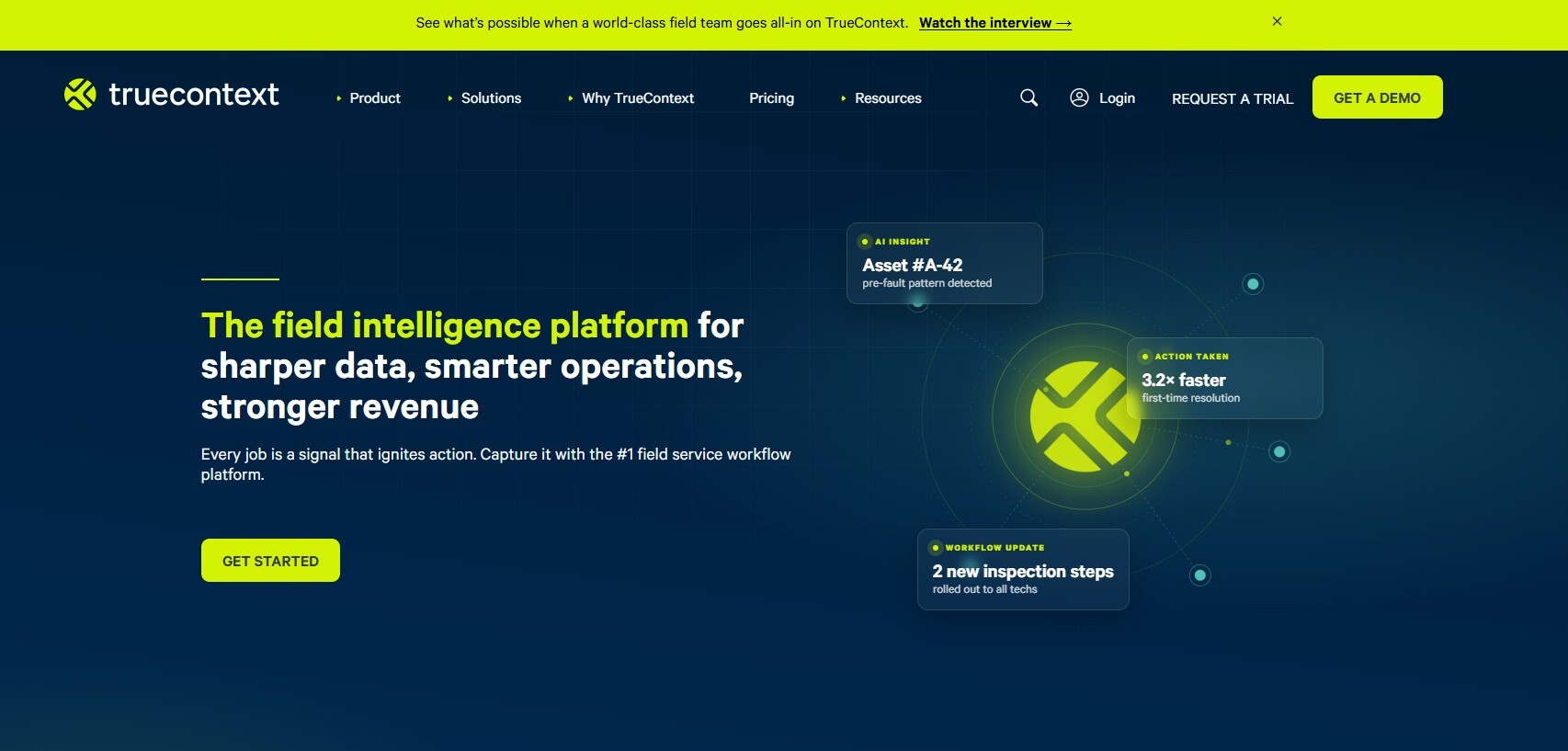
9. ProntoForms a.ka. TrueContext
ProntoForms (now officially renamed TrueContext) is a mobile forms platform built for field reporting and service management, with strong offline functionality and photo, video, and signature capture built into customizable forms. It integrates with CRM and ERP systems like Salesforce and QuickBooks, automating the flow of field data into back-office systems without manual re-entry.
Best for: enterprise field teams that need dynamic, offline-capable forms with photo capture feeding directly into other business systems.
Pros:
- Strong offline mode built for enterprise-scale deployments
- Integrates smoothly with CRM and ERP systems like Salesforce and QuickBooks
- Dynamic form logic adapts based on field input, reducing unnecessary steps
- GPS location capture and barcode scanning supplement photo documentation
- Established platform with a long track record serving field reporting needs
Cons:
- Form builder can have a moderate learning curve for advanced logic
- More geared toward enterprise deployments than small or solo operators
- Recently rebranded to TrueContext, which may cause some confusion during the transition
- Less specialized for any single industry compared to construction- or trade-specific tools
- No live video or real-time remote collaboration features
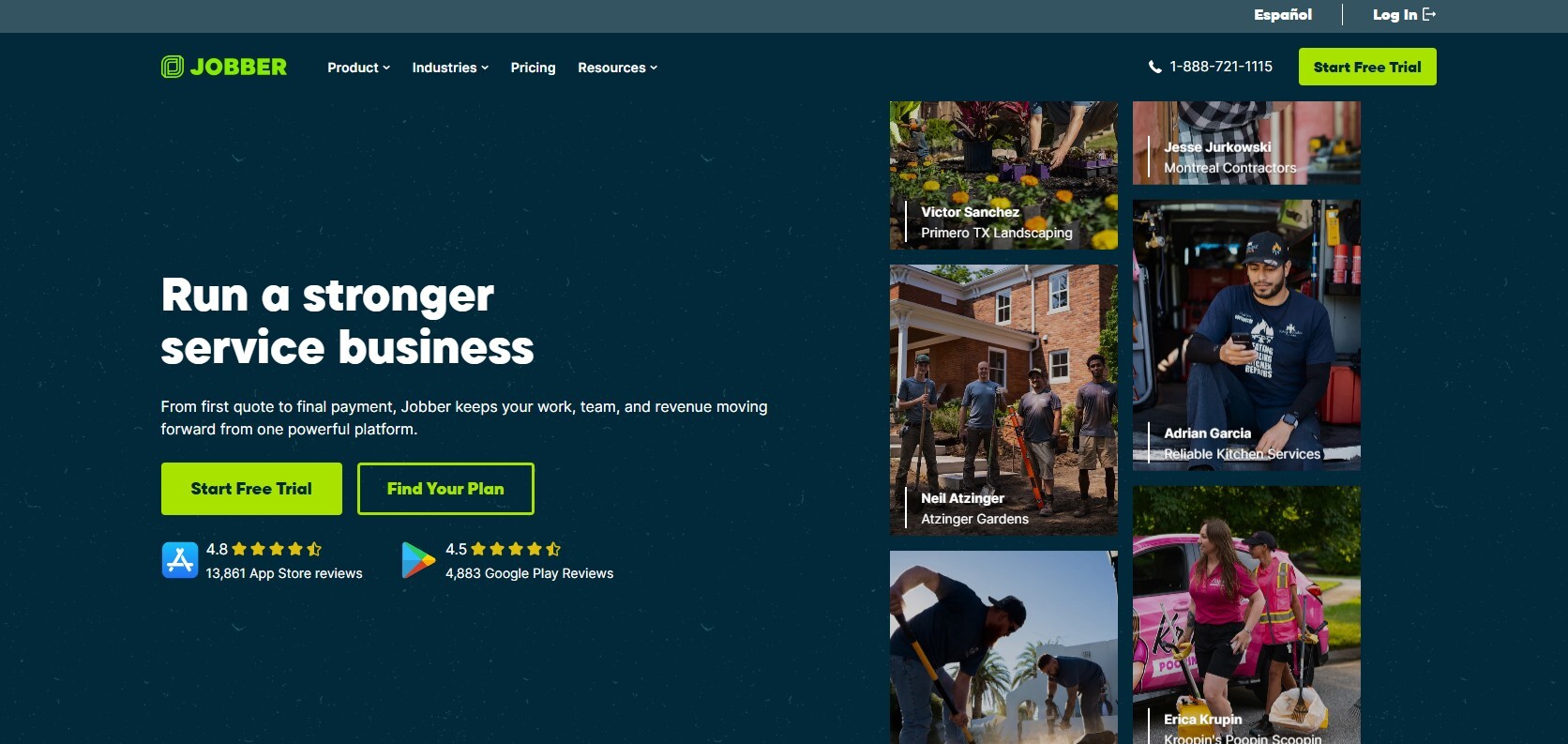
10. Jobber
Jobber is a field service management platform aimed at small-to-mid-sized service businesses like landscaping, HVAC, and cleaning. Technicians can attach photos and videos directly to a job, alongside time tracking, GPS location, and e-signatures, and the platform ties this documentation into invoicing and scheduling for a complete job record from start to finish.
Best for: small service businesses that want simple photo documentation built into an easy-to-use scheduling and invoicing platform.
Pros:
- Simple, easy-to-use interface well suited to small teams
- Photos and videos attach directly to jobs alongside GPS and e-signatures
- Ties documentation into scheduling and invoicing for a complete job record
- Affordable entry-level pricing compared to larger enterprise platforms
- Popular across a wide range of trades, including landscaping, cleaning, and HVAC
Cons:
- Less robust for large, complex projects compared to construction-specific platforms
- Fewer advanced customization options for photo and reporting workflows
- Primarily built for small-to-mid-sized businesses, so it may be outgrown by larger operations
- No live remote video or real-time annotation capability
- Reporting features are simpler compared to dedicated inspection or compliance platforms
How to Choose Between Them
Most of the platforms on this list handle static photo capture and reporting well — the differences come down to industry fit, integrations, and how deeply photo documentation is tied into the rest of a company's workflow. Construction teams tend to gravitate toward Raken, Fieldwire, or Procore depending on project size. Trade businesses running day-to-day service calls often prefer ServiceTitan or Jobber, since photo documentation there is bundled with scheduling and invoicing. Teams doing asset audits or geospatial work lean toward Fulcrum, while highly customized inspection workflows are often better served by GoCanvas or ProntoForms.
Blitzz stands out from the rest of this list for a different reason: it's built around live, real-time visual collaboration rather than only reviewing photos after a job is finished. For businesses evaluating whether they need remote visual assistance in addition to standard photo reporting — to guide a technician through a repair, verify work as it happens, or avoid a second truck roll entirely — it's worth comparing that capability directly against the more traditional, photo-after-the-fact tools on this list.

Blitzz Team
The Blitzz Team writes about remote video support, virtual inspections and field service. Our guides come from working with home builders, property managers, warranty teams, contact centers and field service organizations that use Blitzz to see and solve issues without a truck roll.