On this page
Short answer: Visual remote assistants let a support agent see a customer's problem through the customer's phone camera and guide the fix in real time. That replaces long verbal explanations with on-screen pointers, markup and augmented reality guidance. The result is faster resolution, fewer site visits and fewer returns, with a better experience for the customer.
Key takeaways
- Visual remote assistance (VRA) lets agents show, not just tell, by seeing the issue through the customer's camera.
- It shortens resolution time because agents stop guessing from verbal descriptions.
- Resolving issues remotely reduces truck rolls and avoidable product returns.
- No-download access from a text or email link is what makes customers actually use it.
- It applies across field service, e-commerce, sales and inspections.
What is visual remote assistance?
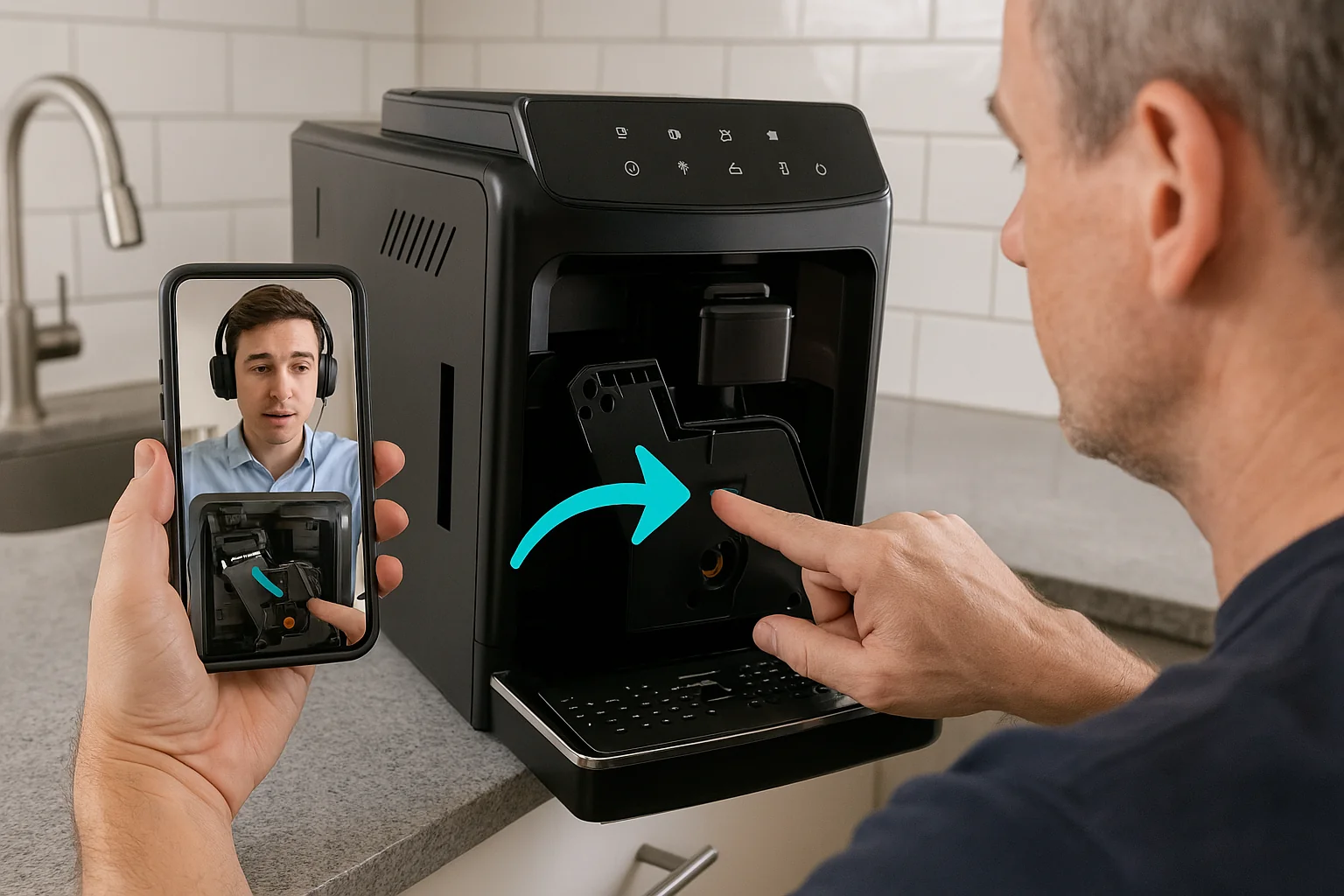
Visual remote assistance is live video support where the agent sees what the customer sees. The customer points a phone camera at the product, device or equipment. The agent guides them with visual tools instead of a long list of verbal instructions.
Phone calls, chat and email all depend on the customer describing the problem correctly. That is hard when the customer does not know the names of parts or what a warning light means. VRA removes that gap.
With Blitzz, customers join from a text or email link in their mobile browser. There is no app to download. Agents can use an on-screen pointer, markup and augmented reality guidance to show exactly where to look and what to do.
How VRA is changing customer support
1. Faster issue resolution
Traditional support often turns into a guessing game. The customer tries to describe what they see and the agent tries to picture it. With live video, the agent looks at the problem directly and skips most of the clarifying questions.
Visual guidance makes instructions precise. An agent can circle the right port or point at the right switch. OCR can read serial numbers and labels so nobody has to read out a long string of characters. For more on this, see proven tactics for first contact resolution.
2. Lower operational costs
Every site visit you avoid is a direct saving. When agents can see and resolve an issue remotely, fewer jobs need a technician on site.
When a visit is needed, the remote session still helps. The agent can confirm the problem and the parts required, so the technician arrives prepared and fixes it on the first visit.
3. Better customer experience
Customers want help that is fast and easy. A link that opens in the browser means no download delays and no setup. Guidance tailored to their exact situation feels personal, not scripted.
That kind of interaction builds trust. Customers who get clear help quickly are more likely to stay with the product and the brand.
4. Higher productivity for support teams
Agents spend less time on back-and-forth when they can confirm an issue visually. That frees them to handle more cases.
Photos and video captured during sessions are saved to the record. Teams can use them for training and quality review. AI call summaries reduce the time agents spend writing notes after each call.
5. Fewer product returns
Many returns come from setup mistakes or misunderstood features, not faulty products. A short visual session can often fix these on the spot.
That avoids the cost of the return and keeps the customer satisfied with what they bought.
Traditional support vs. visual remote assistance
| Factor | Phone, chat or email | Visual remote assistance |
|---|---|---|
| How the agent understands the issue | Customer's verbal or written description | Agent sees it through the customer's camera |
| How guidance is given | Verbal or written steps | Pointer, markup and AR on the live view |
| Reading serial numbers | Customer reads them out | OCR reads labels from the camera view |
| Documentation | Agent notes | Photos and video saved to the record |
| Escalation | Transfer or callback | Bring an expert into the same call |
VRA across industries
Field service
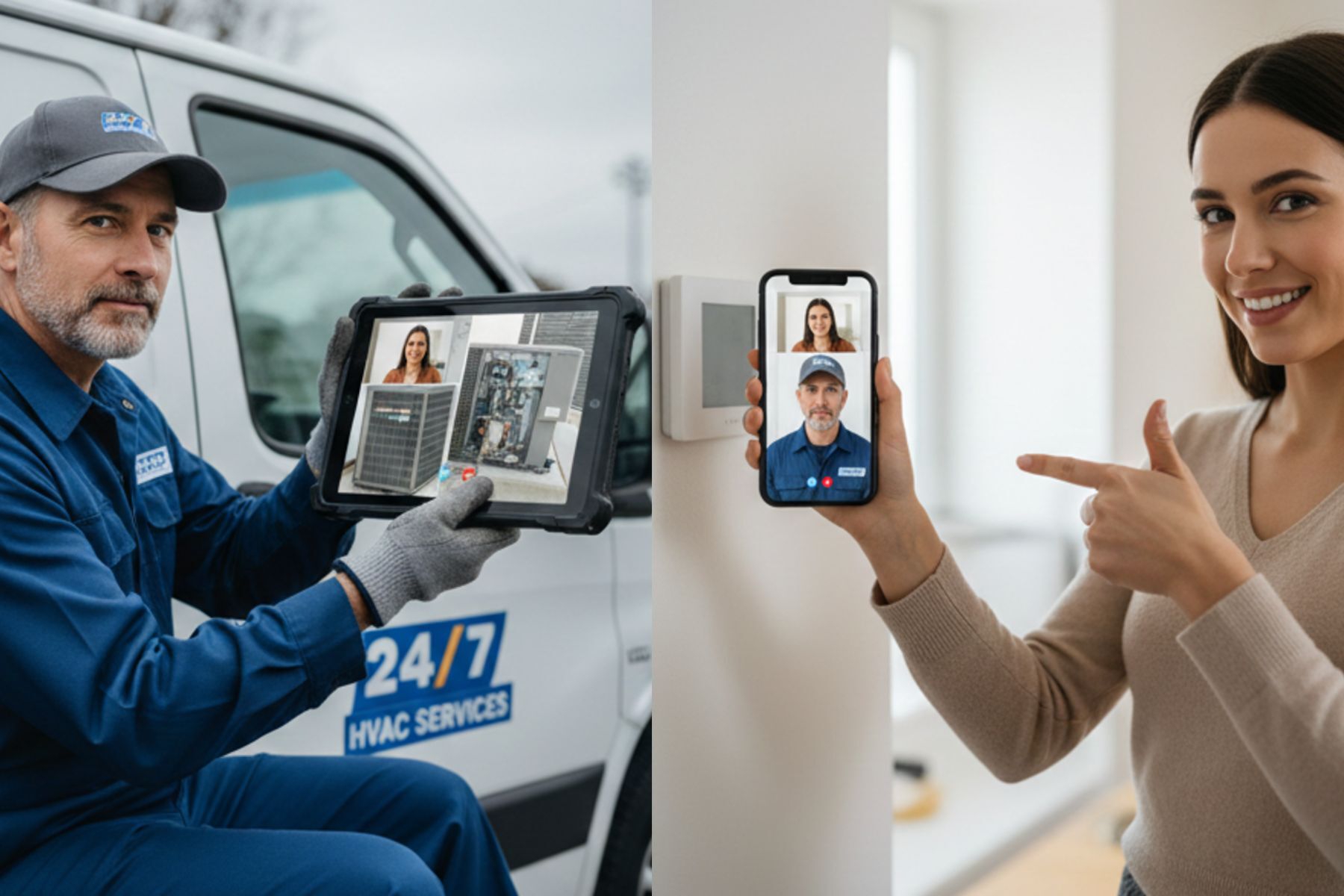
Field service depends on dispatching technicians, scheduling visits and diagnosing on site. With remote visual guidance, an expert can walk a customer or a less experienced technician through a procedure without traveling. Multi-party calls let you bring a specialist into the session when needed. Learn more about reducing truck rolls with remote video support.
E-commerce
Assembly and setup problems are common after a purchase. Instead of digging through a manual, the customer shows the problem on camera and gets step-by-step help. That turns a frustrating moment into a good support experience.
Sales
Sales teams can use live video to see a prospect's site or setup and recommend the right product. Seeing the real environment helps reps give accurate advice and build trust faster.
Inspections
In insurance, construction and manufacturing, inspections are often time sensitive. Blitzz Inspect lets inspectors verify site conditions, check assets and capture evidence through live video. Photos and video are saved with time and location data, which supports accurate records.
Why adopt VRA now
It matches what customers expect
Customers expect fast, clear help in the moment. VRA meets them on the phone they already have, with no download.
It fits into existing workflows
VRA works best when it is part of the systems your team already uses. Blitzz integrates with CRM and contact center platforms such as Salesforce and Genesys, so sessions and captured media stay connected to the right case.
It saves money and builds loyalty
Fewer truck rolls, fewer returns and better first-time fixes all lower cost. Customers who feel well supported stay longer.
Frequently asked questions
What is a visual remote assistant in customer support?
It is a live video tool that lets an agent or expert see the customer's issue through their camera and guide them visually. It sits between phone support and an in-person visit.
Do customers need to download an app?
Not with Blitzz. Customers tap a text or email link and the session opens in their mobile browser.
Which industries benefit most?
Field service, telecommunications, utilities, manufacturing, insurance and consumer products all benefit. Any business that supports physical equipment or products can use it.
How should a business get started?
Start with a pilot on one call type, such as a common troubleshooting issue. Train a small group of agents, measure resolution time and truck rolls avoided, then expand.
Is Blitzz secure and compliant?
Yes. Blitzz sessions are encrypted, with role-based access controls and audit trails. Blitzz complies with HIPAA, GDPR and SOC 2.
Related reading
- Best remote visual assistance software for customer support teams
- Augmented reality remote assistance guide
- Best live video support software with no app
See visual remote assistance in action. Book a demo or start a free trial.