On this page
You're on site trying to prove work got done, but the photo that would settle it is buried in someone's phone, lost in a group chat, or filed under the wrong job. That gap costs real money: unbilled hours, client disputes over completed work, rework from missed updates, and change orders that never make it onto an invoice because nobody documented them when they happened.
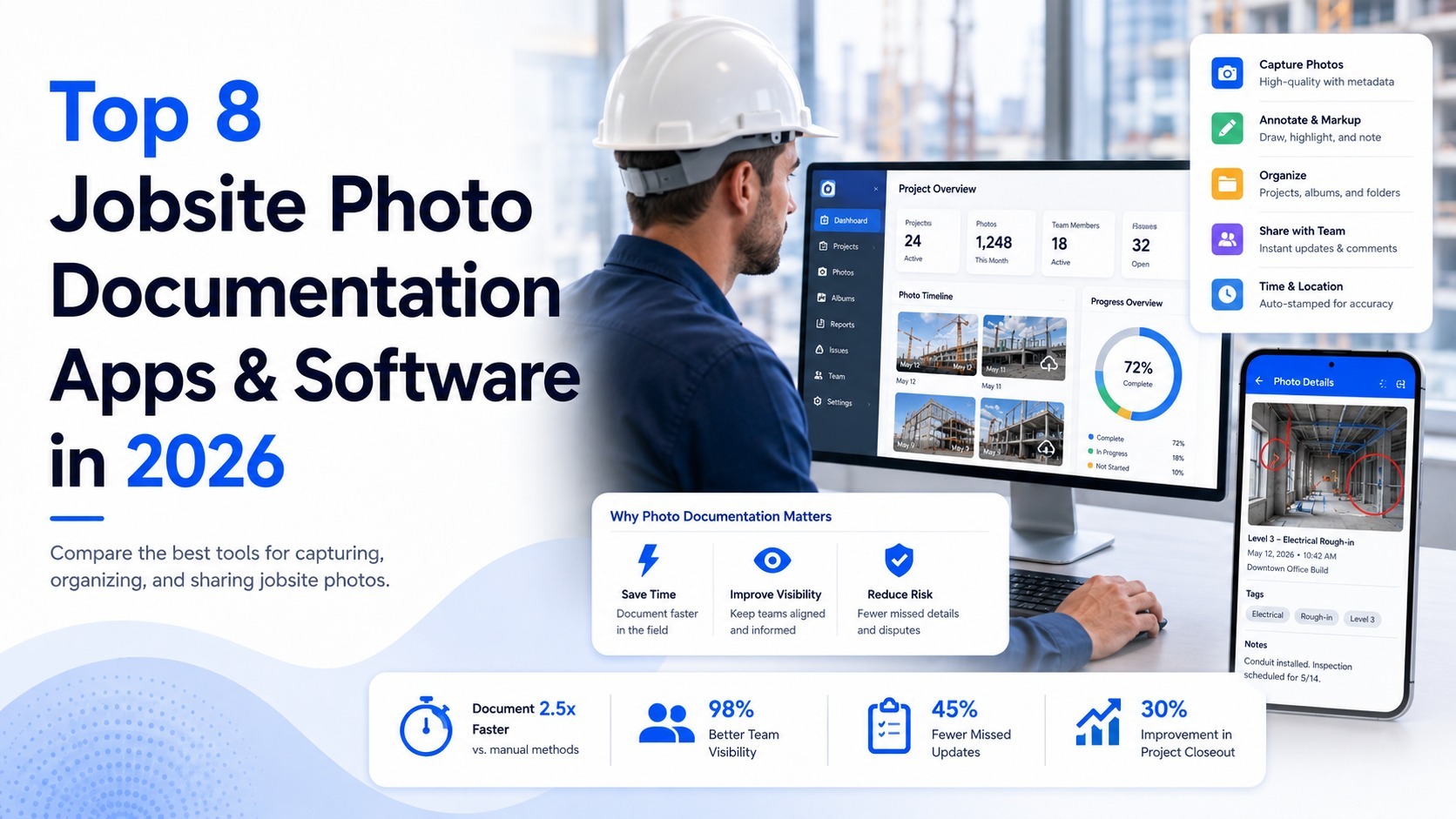
Construction photo documentation software closes that gap. A good construction photo documentation app tags each photo with the time, location, and job it belongs to, so there's a record everyone can trust instead of a phone gallery nobody can search. Here are the top 10 jobsite photo apps and software options in 2026, starting with the one built around making every photo verifiable.
1. BlitzzCam: Verified Proof for Every Job
Pricing: Free 14-day trial. $49.99/month with 3 users included, or $39.99/month billed annually. Additional users from $11.99/month.
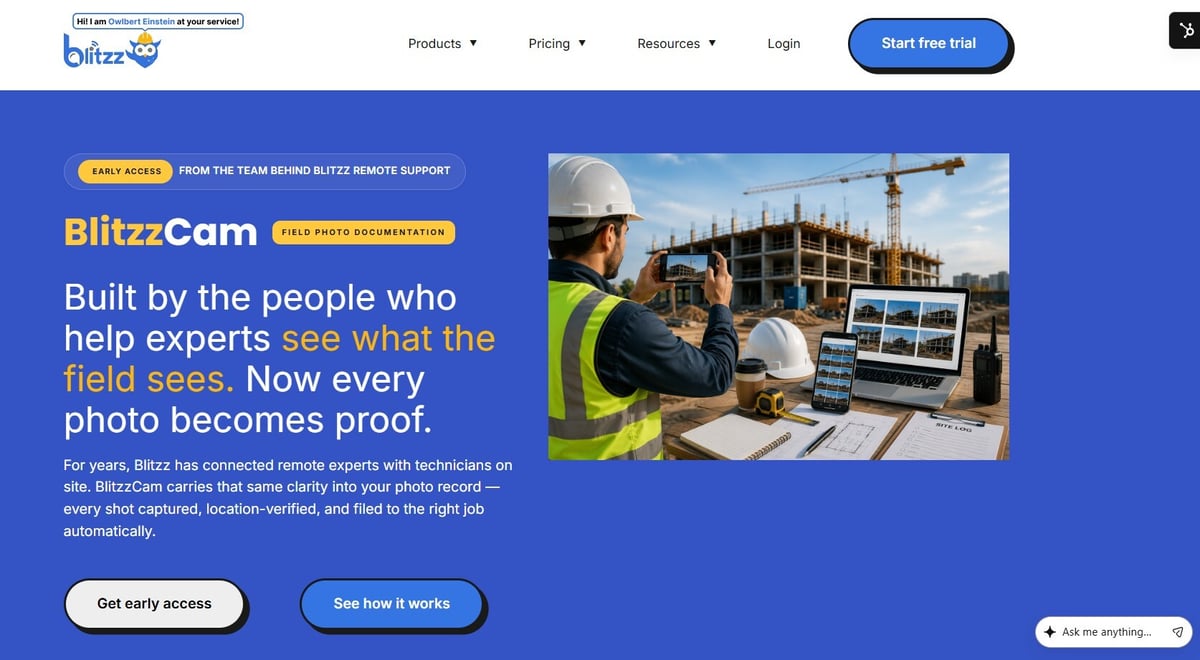
Most jobsite photo documentation apps solve the same problem: getting photos organized instead of scattered across phones and group chats. BlitzzCam, from Blitzz, a company with over a decade of experience in remote field-to-expert video support, also makes sure each photo can function as proof once it's captured.
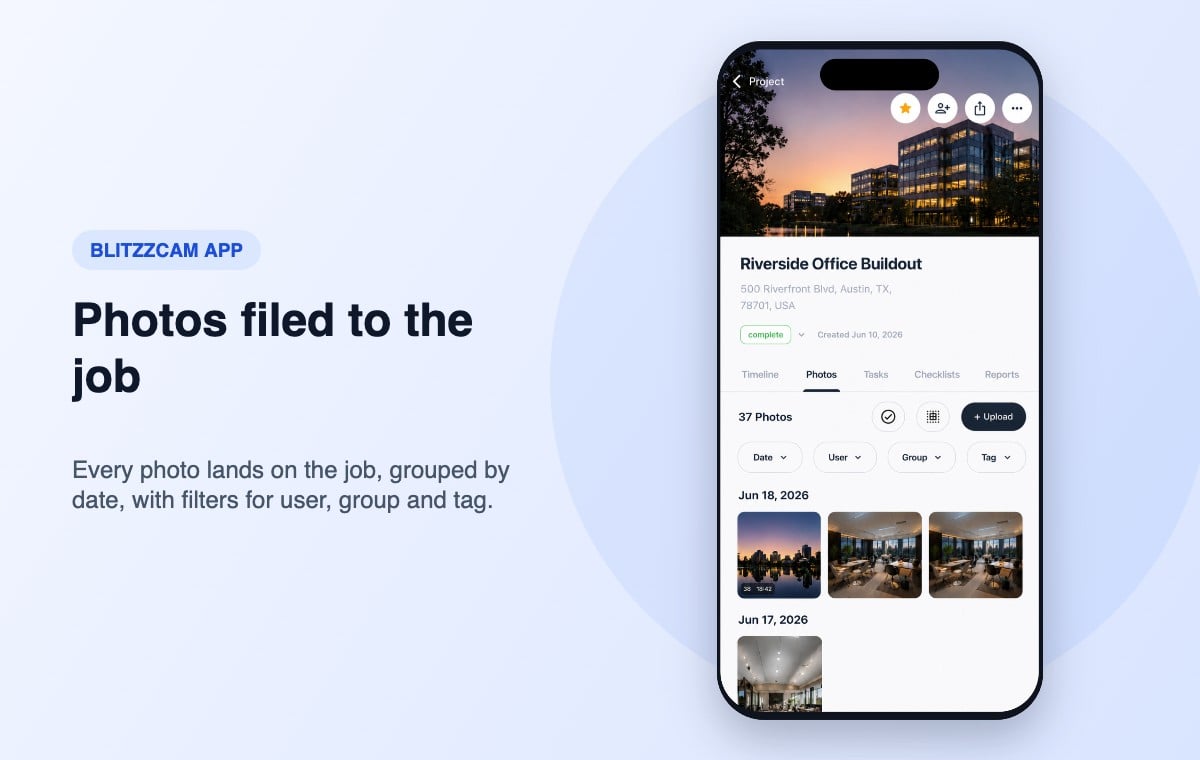
Every photo taken in the BlitzzCam mobile app is automatically stamped with GPS location and a timestamp, then filed under the correct job without manual sorting or renaming. There's no hardware to mount or maintain. A crew member opens the app on the phone they already carry and captures the record on the spot, whether that's a completed inspection, site conditions before work began, or documentation for a change order. Because the record belongs to the company rather than a personal device, it stays available after an employee leaves.
Key features:
- Automatic GPS location and timestamp verification on every photo
- Company-owned records, independent of any single device
- Checklists, photo tags and job labels for field accountability
- AI voice guided walkthroughs, AI photo tagging and search, and auto notes and reports
- Shareable reports with no app download required for viewers
- Integrations with Procore and Jobber
Where it wins: GPS and timestamp verified proof tied to specific jobs, not just a general site gallery. That is what protects your billing and your position in a dispute. It works across a portfolio of active jobs at once.
Worth knowing: BlitzzCam is newer than some of the established players below. If a long track record of public reviews matters most to you, that's a fair thing to weigh.
Blitzz's broader platform already has a construction track record: its remote video inspections for construction let inspectors zoom, annotate, and mark up images in real time while guiding on-site personnel to capture specific angles of structural work or MEP installations, with everything saved and linked to the project file.
2. CompanyCam: The Category Standard
Pricing: Roughly $27-$67 per user/month on annual billing, 3-user minimum on all plans.
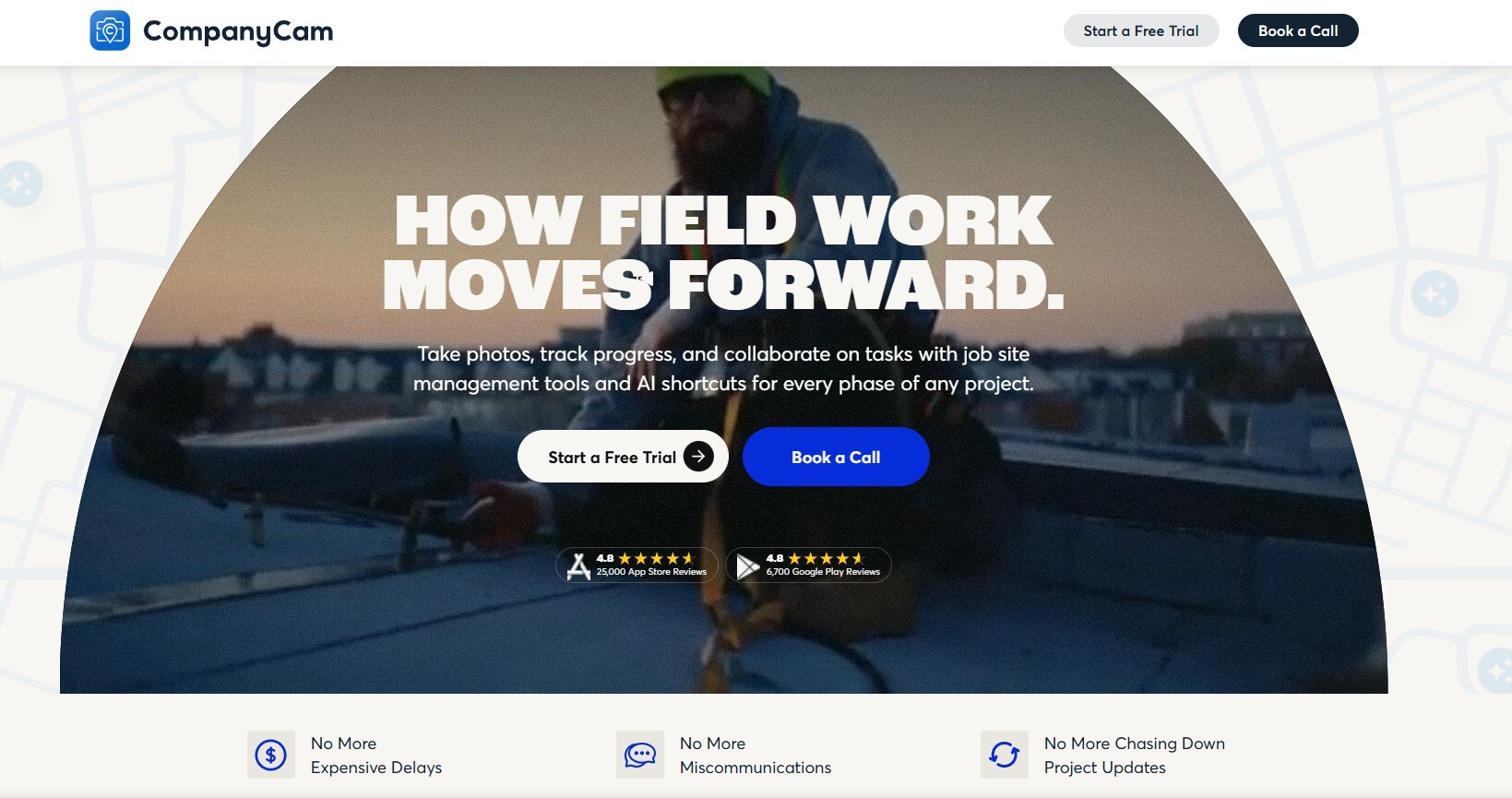
CompanyCam is the name most contractors already know. It's the dedicated photo layer that plugs into whatever project management or FSM software you're already running, with GPS- and time-stamped photos that auto-organize by property and job.
Key features:
- Unlimited photo, video, and document storage on every plan
- Real-time markup and comments so crews and office staff can discuss a photo without switching apps
- Searchable galleries by project, tag, or label
- 60+ integrations, including JobNimbus, AccuLynx, and Jobber
Where it wins: CompanyCam has a deep, mature feature set for annotation and reporting, and crews adopt it because it's fast and simple to use on-site.
Worth knowing: CompanyCam isn't project management software. It doesn't schedule jobs or generate invoices, so you'll run it alongside whatever platform handles those functions. If you're weighing a switch, see our guide to the best CompanyCam alternatives.

3. Buildbite: Documentation Tied to Billable Work
Pricing: Free 14-day trial; paid plans scale with team size.
Buildbite is a mobile-first field management app built around a specific problem: unbilled work you can't prove happened. Every photo, update, and approval gets logged against its task with a timestamp, creating a paper trail that ties documentation directly to billing.
Key features:
- Photos organized by task, date, or location automatically
- Client and subcontractor access without additional licensing costs
- Task-level comments to avoid back-and-forth over email
- Mobile-first design for real-time field updates
Where it wins: when a client questions an invoice line item, you pull up the exact timestamped photos showing the work happened.
Worth knowing: Buildbite is built for small-to-mid contractors and is less suited to general contractors or design firms managing large volumes of drawings and submittals.
4. Raken: Daily Reports Built Around Photos
Pricing: Contact for pricing.
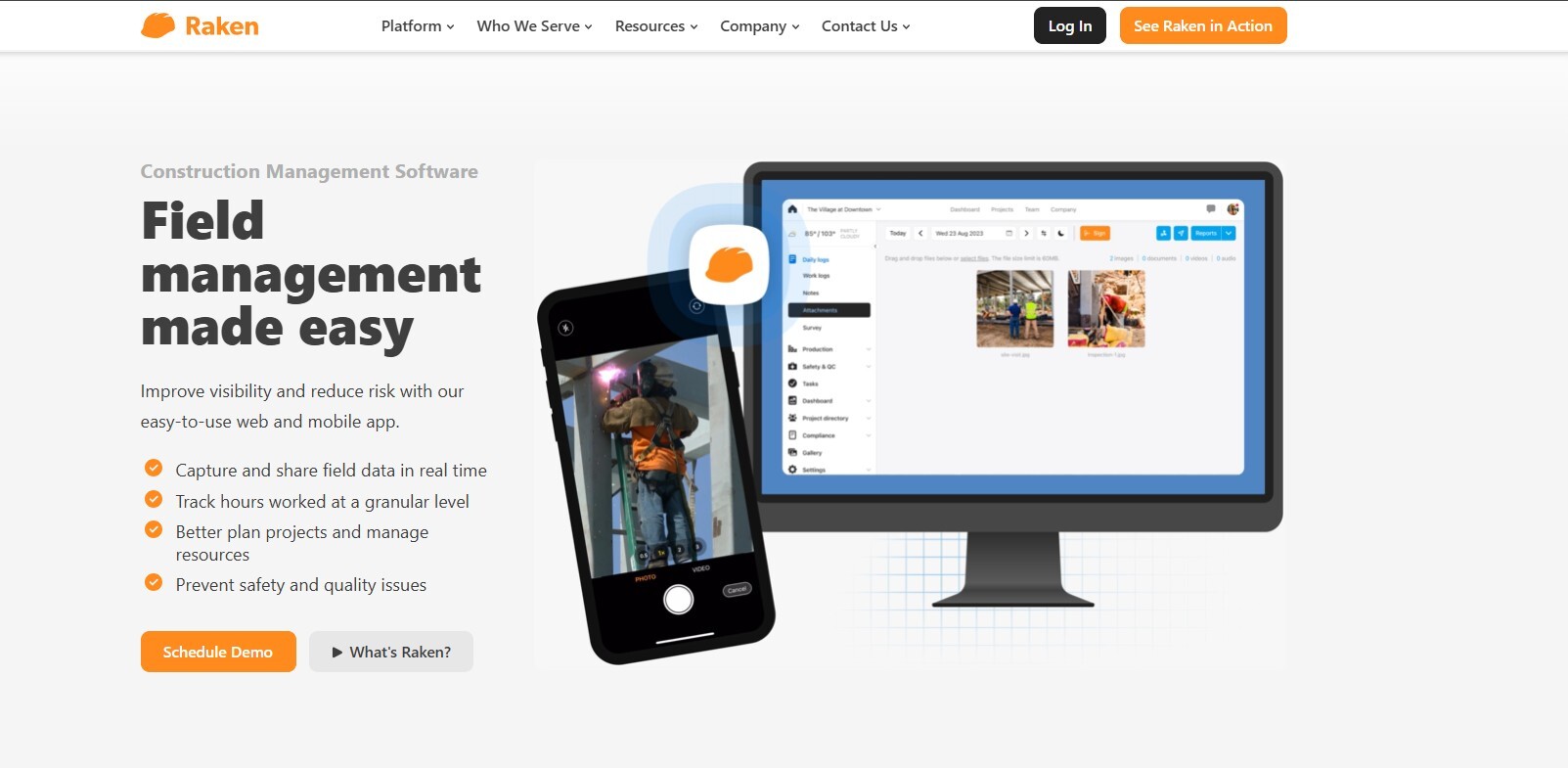
Raken ties photo documentation into daily reports, safety checklists, and jobsite tracking, with every image auto-tagged by GPS, time, and date, plus built-in markup and watermarking.
Key features:
- Photos and videos auto-tagged with GPS, time, and date
- Built-in markup tools for highlighting and annotating images
- Central gallery for searching, sharing, and bulk-downloading by project or date
- Pre-built safety and quality templates for compliance tracking
Where it wins: strong daily reporting that combines photos, notes, weather, and workforce data in one format supervisors can review quickly.
Worth knowing: photo uploads can lag on poor connectivity or older devices, and pricing requires a sales conversation.
5. Fieldwire
Pricing: Free tier for up to 5 users; paid plans from roughly $54/user/month.
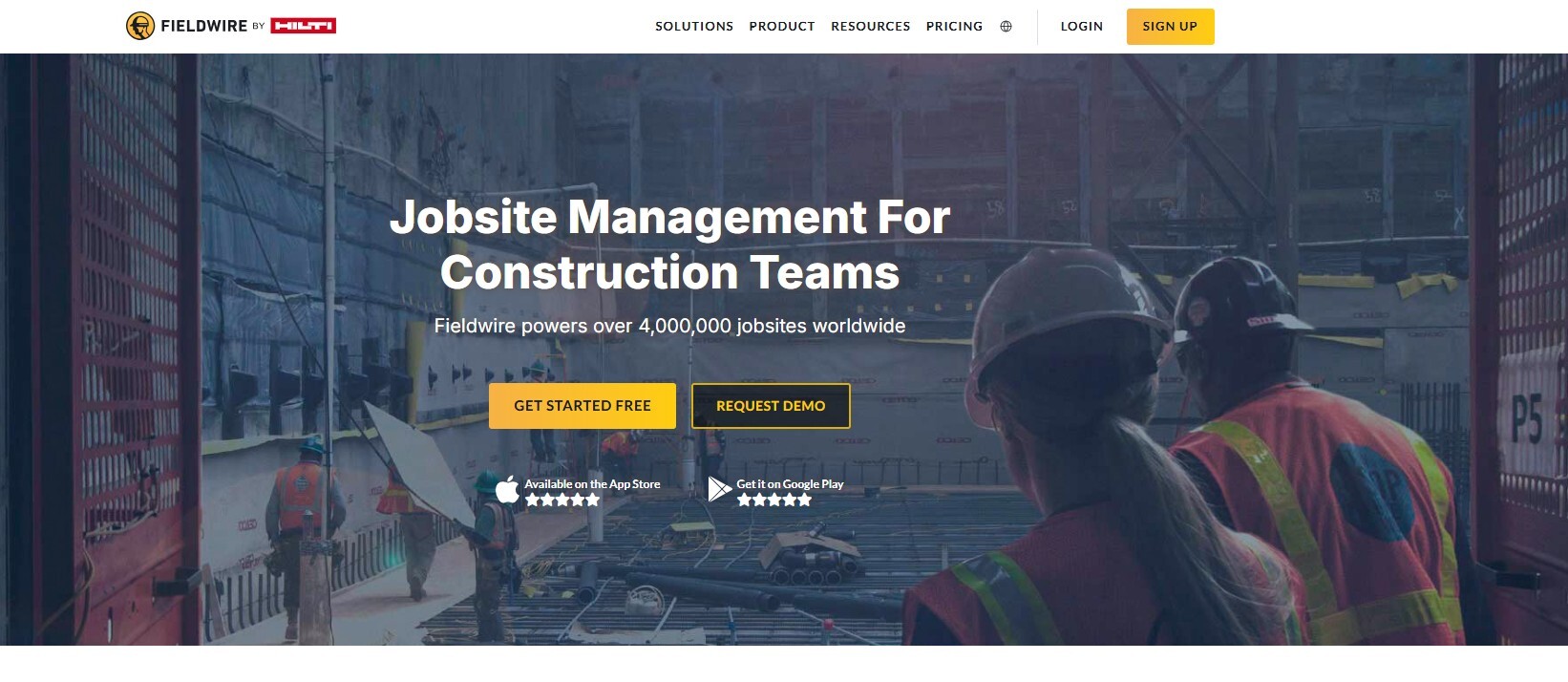
Fieldwire is a mobile-first platform built around plan viewing, markup, and task management, with photo documentation layered onto blueprint and drawing workflows.
Key features:
- Photo capture linked directly to specific locations on a plan
- Plan markup and version control alongside documentation
- Offline access with sync when connectivity returns
Where it wins: superintendents who reference plans all day get photos tied to plan locations rather than a standalone gallery.
Worth knowing: Fieldwire prioritizes plan-based workflows, so contractors whose main need is standalone photo documentation may find lighter tools serve them better.
6. Procore
Pricing: Custom, modular pricing; commercial-scale contractors commonly see $20,000-$100,000+ per year depending on modules.
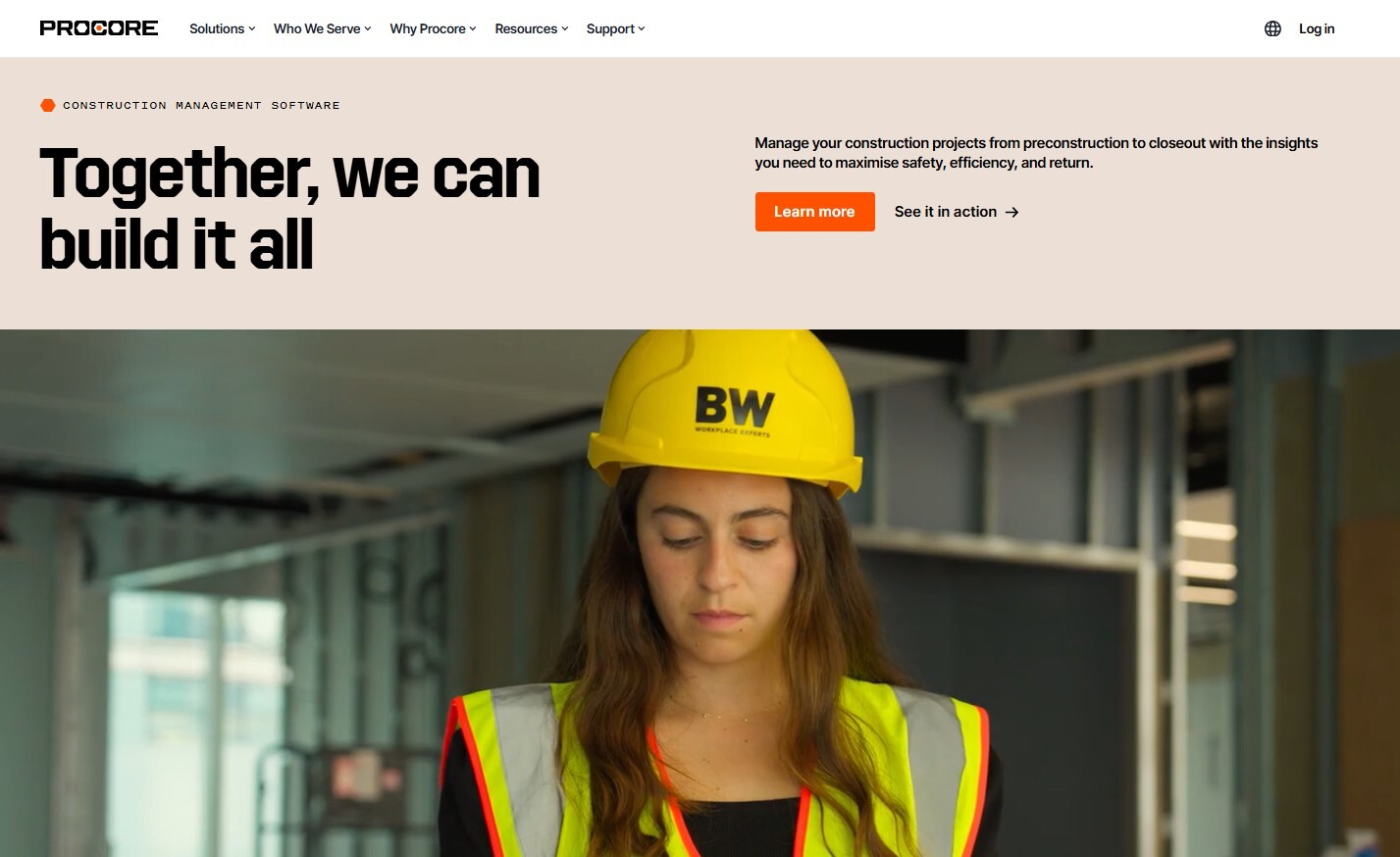
Procore is the enterprise standard for large commercial general contractors, connecting owners, GCs, and specialty contractors on one platform, with photo documentation as one piece of a broader project management suite.
Key features:
- Photos tied directly to RFIs, submittals, and drawing sets
- 400+ integrations across accounting, design, and productivity tools
- Deep document management for drawings, specs, and change orders
- Unlimited users and data on every subscription
Where it wins: large commercial GCs get photo documentation woven into the same system managing drawings, RFIs, and financials.
Worth knowing: Procore is priced for enterprise-scale work. Smaller contractors needing only photo documentation will pay for far more platform than they use. BlitzzCam can sync jobsite photos into Procore if you run both.

7. Buildertrend
Pricing: Roughly $499+/month on the entry Essential plan, scaling with features and team size.
Buildertrend is built for residential home builders and remodelers, with document scanning and photo capture inside a broader platform covering estimating, scheduling, and homeowner communication.
Key features:
- Client portal where homeowners view progress photos and approve selections
- Photo and document capture tied to to-do items and change orders
- Real-time job costing and budget tracking alongside documentation
Where it wins: residential builders managing heavy homeowner communication get photo documentation built into the client-facing experience.
Worth knowing: Buildertrend is priced for full project management, not standalone photo documentation.

8. JobNimbus
Pricing: Tiered plans; contact for current pricing.
JobNimbus combines CRM and project tracking, built originally for roofing contractors and now used more broadly, with photo documentation tied to leads, jobs, and customer records.
Key features:
- Lead tracking and contact management alongside job documentation
- Integrations with QuickBooks, EagleView, and HailTrace
- Automation tools for repetitive tasks
- Job scheduling tied to the same records as photo and document storage
Where it wins: contractors who need sales tracking alongside job documentation get both in one platform.
Worth knowing: JobNimbus's photo capabilities are lighter than a dedicated photo app, so many users pair it with one.

9. Contractor Foreman
Pricing: Starts around $49/month (basic plan); advanced tier with full project management around $166/month.
Contractor Foreman is a budget-friendly, all-in-one platform for small to mid-sized contractors, covering more than 35 modules including daily logs, change orders, and photo documentation.
Key features:
- Client portal for progress photos and change order approval
- GPS-enabled time cards alongside job documentation
- Job costing, estimating, and invoicing bundled in
- Safety management and compliance tracking modules
Where it wins: small and mid-size contractors get an affordable, feature-dense platform without enterprise pricing.
Worth knowing: it's designed mainly for general contractors, so trade contractors with very high job volumes may find it harder to push information to crews quickly.

10. Autodesk Construction Cloud (formerly PlanGrid)
Pricing: Custom quotes based on modules and team size.
Autodesk Construction Cloud is built for large, drawing-and-BIM-heavy commercial construction, with field documentation and photo capture tied to drawing sets and model data.
Key features:
- Photo and field documentation linked to locations on drawings or BIM models
- Version control across drawing revisions
- Deep integration with the broader Autodesk ecosystem
Where it wins: teams working from complex drawing sets and BIM models get documentation tied to the plans.
Worth knowing: contractors whose main need is straightforward jobsite photo capture will find it more complex than necessary.
Pricing as of November 2026. Check each vendor's site for current plans.
Construction Photo Documentation Software vs a Work Photos App
A basic work photos app or camera roll stores pictures. Construction photo documentation software adds the structure that makes those pictures useful: automatic GPS and time stamps, filing by job, tags, checklists, shareable reports, and a record the company owns. If your crew only needs a few snapshots a week, a simple site photo app may be enough. If photos back up invoices, inspections, warranty claims or change orders, you need the software.
Why This Category Exists at All
A 2018 study by PlanGrid and FMI Corporation found that poor communication and bad project data caused a majority of construction rework, costing the U.S. construction industry over $30 billion that year, and that construction professionals spent well over 10 hours per week on non-productive activities tied to missing or disorganized information. When field crews, office staff, subs, and clients aren't looking at the same organized visual record of what was done and when, miscommunication drives rework, and rework drives cost overruns.
Photo documentation attacks that root cause. Construction photo documentation software is purpose-built for capturing and organizing visual jobsite records, team communication, and proof of work. It's different from full construction management platforms like Procore or Buildertrend, which cover scheduling, budgeting, and resource planning and treat photos as one feature among many. Plenty of contractors run both: a dedicated photo layer for field documentation, alongside a management platform for higher-level workflows.
How to Choose a Construction Photo Documentation App
GPS and timestamp verification. This turns a photo into evidence, and it protects you when a client, sub, or inspector disputes what happened and when.
Job-level organization. A photo tied to the specific job, unit, or change order it documents is far more useful and defensible than one dropped into a general folder.
Company ownership of the record. If documentation lives on a personal phone or personal cloud account, you lose access the moment a crew member leaves.
No hardware, mobile-first capture. Crews already carry a phone. Apps that work on the device already in hand get used consistently.
Reports that make sense to a client or an inspector. A shareable PDF report resolves a billing dispute or supports a compliance check far faster than a folder of unlabeled images.
If your photos also support formal inspections, compare these tools with our list of building and construction inspection software and our guide to field inspection software and apps.
FAQ
What is construction photo documentation software?
It's software that automatically captures, GPS-tags, timestamps, and organizes photos taken on a jobsite, creating a searchable, verifiable record tied to the job it documents instead of images scattered across personal phones and group chats.
What is the best construction photo documentation app?
It depends on your team. CompanyCam is the most widely used standalone option. Procore and Buildertrend suit teams that want photos inside a full management platform. If your photos need to hold up as proof in a dispute or claim, BlitzzCam verifies every photo with GPS and a timestamp.
What should a jobsite photo app or site photo app include?
At minimum: automatic GPS and time tags, photos filed by job, markup, and shareable reports. Teams with many crews should also look for company-owned records and job-level organization.
Is there a free work photos app for contractors?
Some tools offer free tiers or trials, but free plans usually limit users, jobs, or storage. For a crew that documents every job, compare the cost of a paid work photos app against the cost of one lost change order or disputed invoice.
How much does jobsite photo documentation software cost?
Most tools charge per user per month, generally from $20 to $200 depending on features like reporting and integrations. Full construction management platforms with photo documentation built in can run into the thousands or tens of thousands per year. BlitzzCam starts at $39.99/month billed annually with 3 users included.
Can I just use regular cloud storage instead of dedicated software?
You can, but it lacks structure. Dedicated tools auto-tag photos by time, location, and job, making them searchable and report-ready in a way a generic folder in Google Drive or Dropbox can't match.
Does photo documentation software replace project management software?
No. Photo documentation tools capture and organize visual evidence; project management platforms like Procore or Buildertrend handle scheduling, budgeting, and broader workflows. Most contractors run both.
Start a free BlitzzCam trial, see how Blitzz remote video inspections for construction speed up progress monitoring, or compare the best CompanyCam alternatives.

Blitzz Team
The Blitzz Team writes about remote video support, virtual inspections and field service. Our guides come from working with home builders, property managers, warranty teams, contact centers and field service organizations that use Blitzz to see and solve issues without a truck roll.