.png?width=120&height=55&name=Blitzz-Logo-right%20white%20eyes%20-%20not%20transparent%20(3).png)

On this page
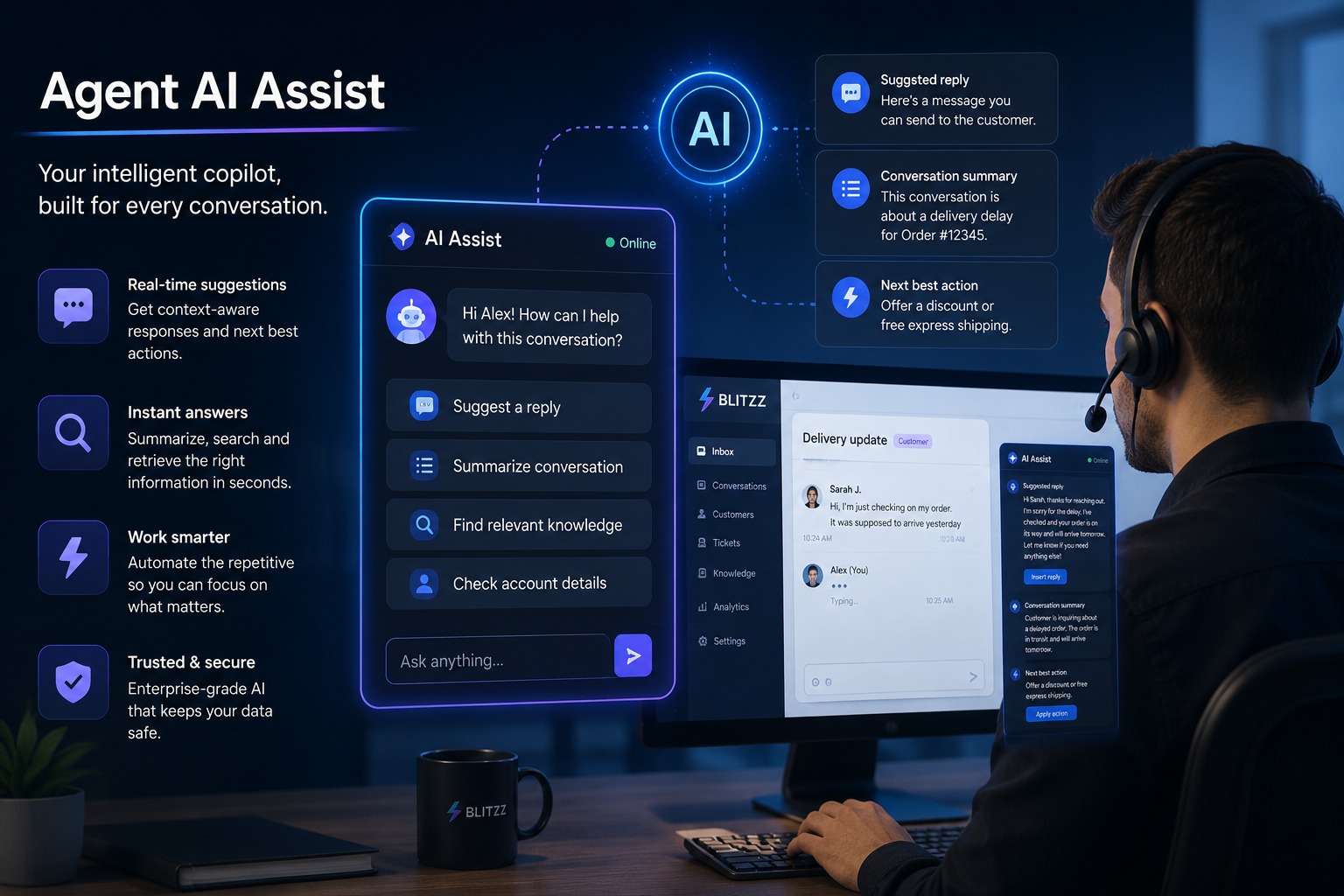
On any given day, a good chunk of the calls that land on our support queue aren't complaints — they're customers standing in front of a half-assembled smart TV mount, a soundbar that won't pair, or a home theater box with more cables than the instructions seem to account for. These aren't defective products. They're setup problems, and setup problems are exactly the kind of thing that used to eat up our average handle time and, more often than we'd like, end in a return that never needed to happen. Since we started using Owlbert AI alongside our live video sessions, that call category has gotten a lot easier to handle well.
The Problem With Talking a Customer Through Assembly
Before we had visual support, walking someone through TV assembly or electronics setup over the phone meant relying entirely on their description of what they were looking at. There's a cable that's kind of blue-green, or the bracket has four holes but I only see three screws — none of that gives an agent enough to work with, and it means a lot of back-and-forth just to understand the problem before we can even start solving it. It's slow for the customer, it's frustrating for the agent, and it's a big part of why consumer electronics generate so much post-purchase call volume in the first place.
Switching to live video support solved the biggest part of that — we can finally see the bracket, the cable, the panel that won't align. But once you're on a video call with a customer holding a phone in one hand and a TV bracket in the other, a new problem shows up: the agent still has to recognize what they're looking at, remember the right sequence for that specific model, and keep track of everything while also managing the conversation.
Where Owlbert AI Actually Changes the Call
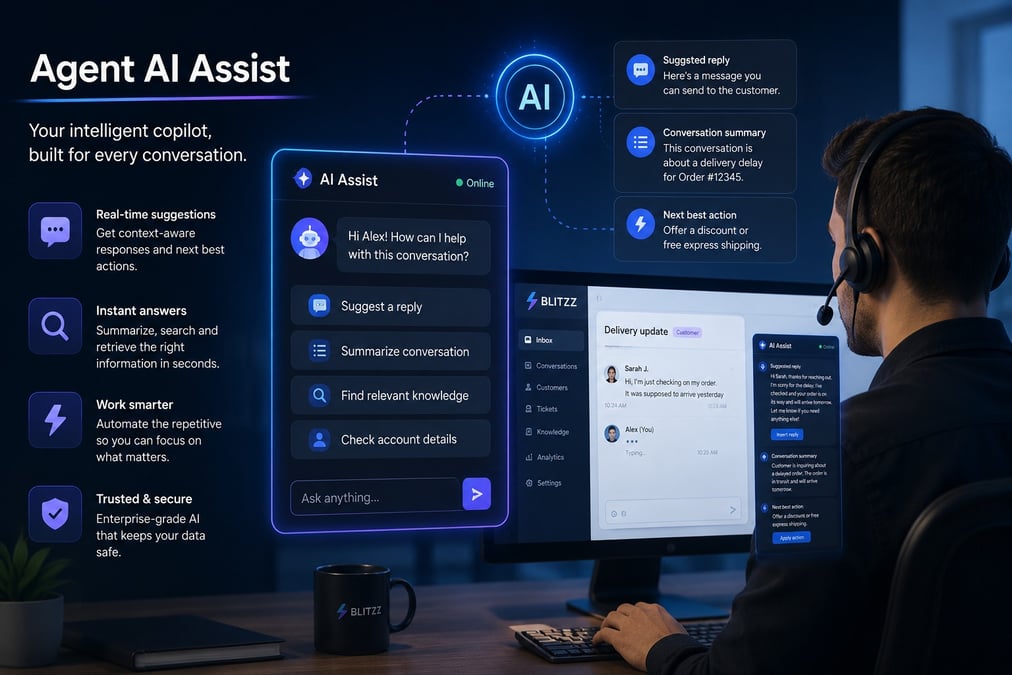
Owlbert AI sits on top of the live video session and does the recognition work our agents used to have to do from memory. When a customer points their camera at the back of a smart TV or a soundbar, Owlbert can identify the model and surface the right setup sequence in real time, instead of the agent having to pull up a manual or guess based on what looks like a HDMI-ARC port versus a standard one. That matters most for newer agents, who haven't handled every product in our catalog yet — Owlbert effectively puts a specialist's knowledge in front of every agent on every call, not just the handful who've been here long enough to have it memorized.
It also picks up on what a customer is struggling with as the session goes, and can surface the next likely step or a relevant troubleshooting note before the agent even has to ask for it. On an assembly call specifically, that's the difference between an agent narrating instructions from a static guide and an agent who can say the bracket isn't seated on the third screw yet, because Owlbert flagged exactly that from the video feed.
What This Looks Like on a Real Assembly Call
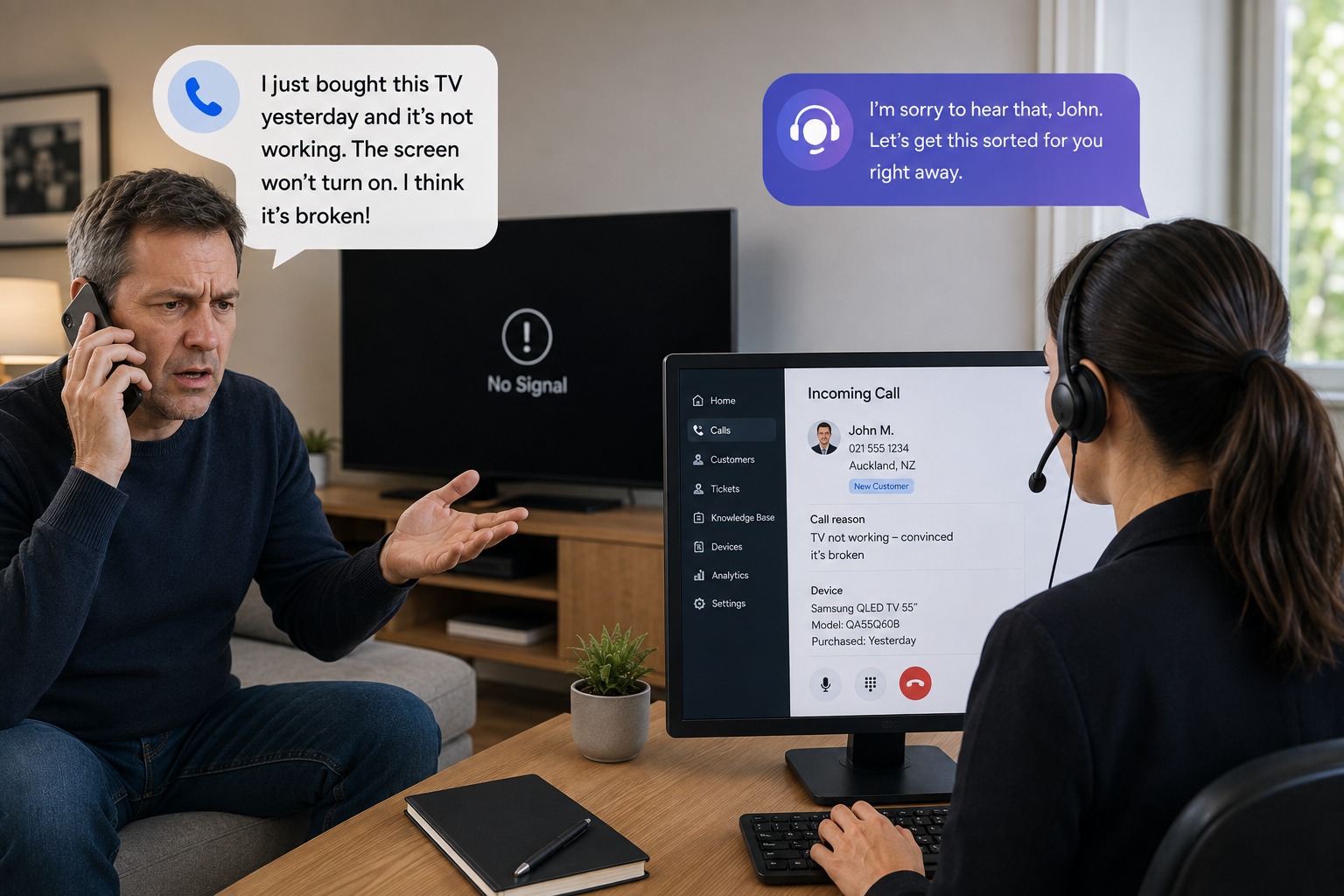
A customer calls in convinced their new TV is broken because it won't connect to Wi-Fi — a scenario we see often enough that it's become a textbook example. On camera, it takes seconds to see the actual issue — a mistyped network password — and guide them through the fix directly, the kind of resolution our team now handles routinely instead of escalating or scheduling a return. Furniture and mounting hardware follow the same pattern: a customer assembling a TV wall mount who believes a bracket is missing is usually just missing the visual context for how the panels or brackets are supposed to align, and a guided video session resolves it in the same call it would have otherwise become a refund.
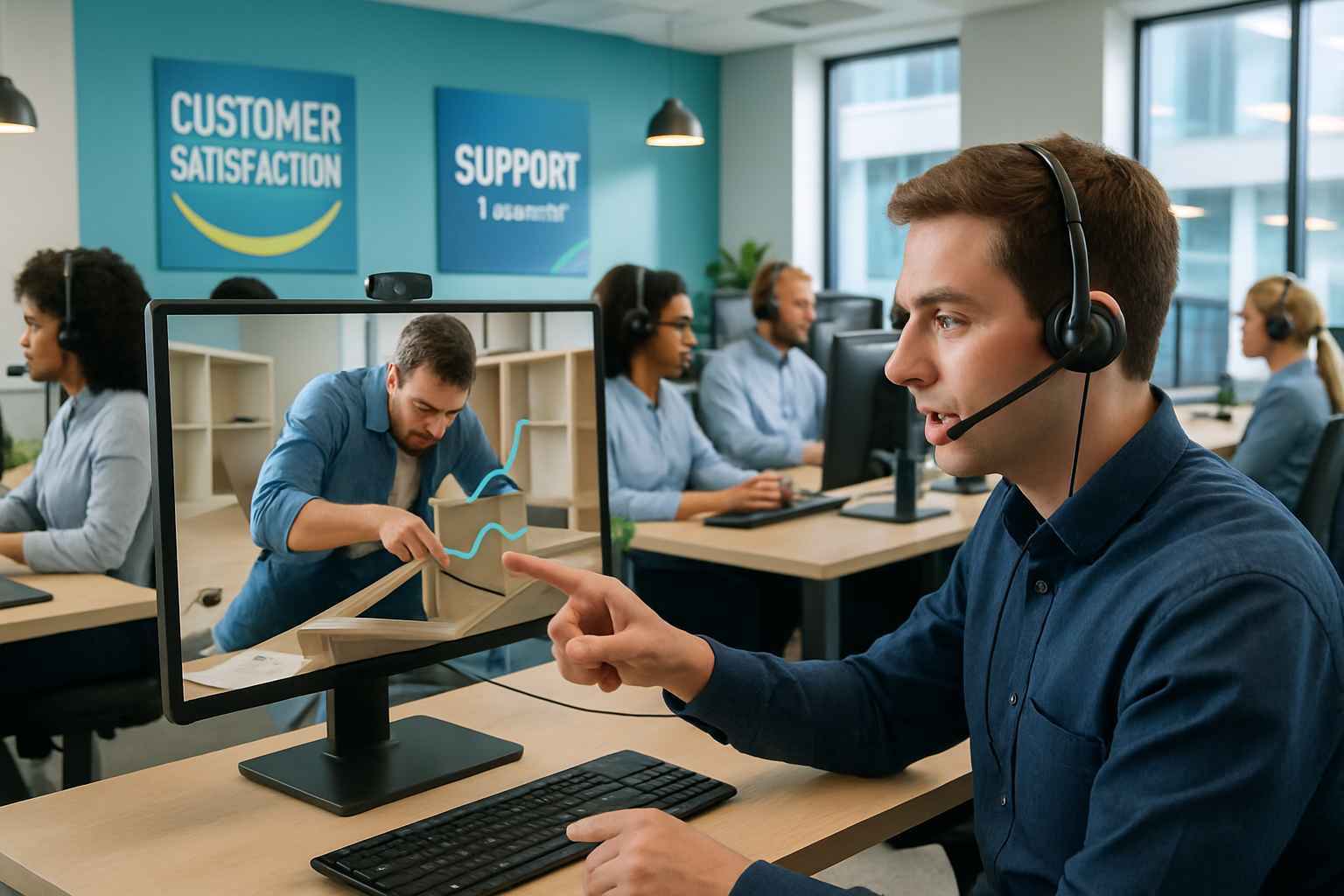
AR annotation adds one more layer on top of that. Instead of telling a customer the screw goes in the hole on the left, an agent can circle it directly on their screen. Combined with cobrowsing for anything that involves a companion app or a network setup screen, it covers both the physical assembly side and the digital setup side of the same product without switching tools mid-call — a comparison worth knowing if you're weighing video, AR, and AI support options for your own team.
Why This Matters for Us Beyond the Individual Call
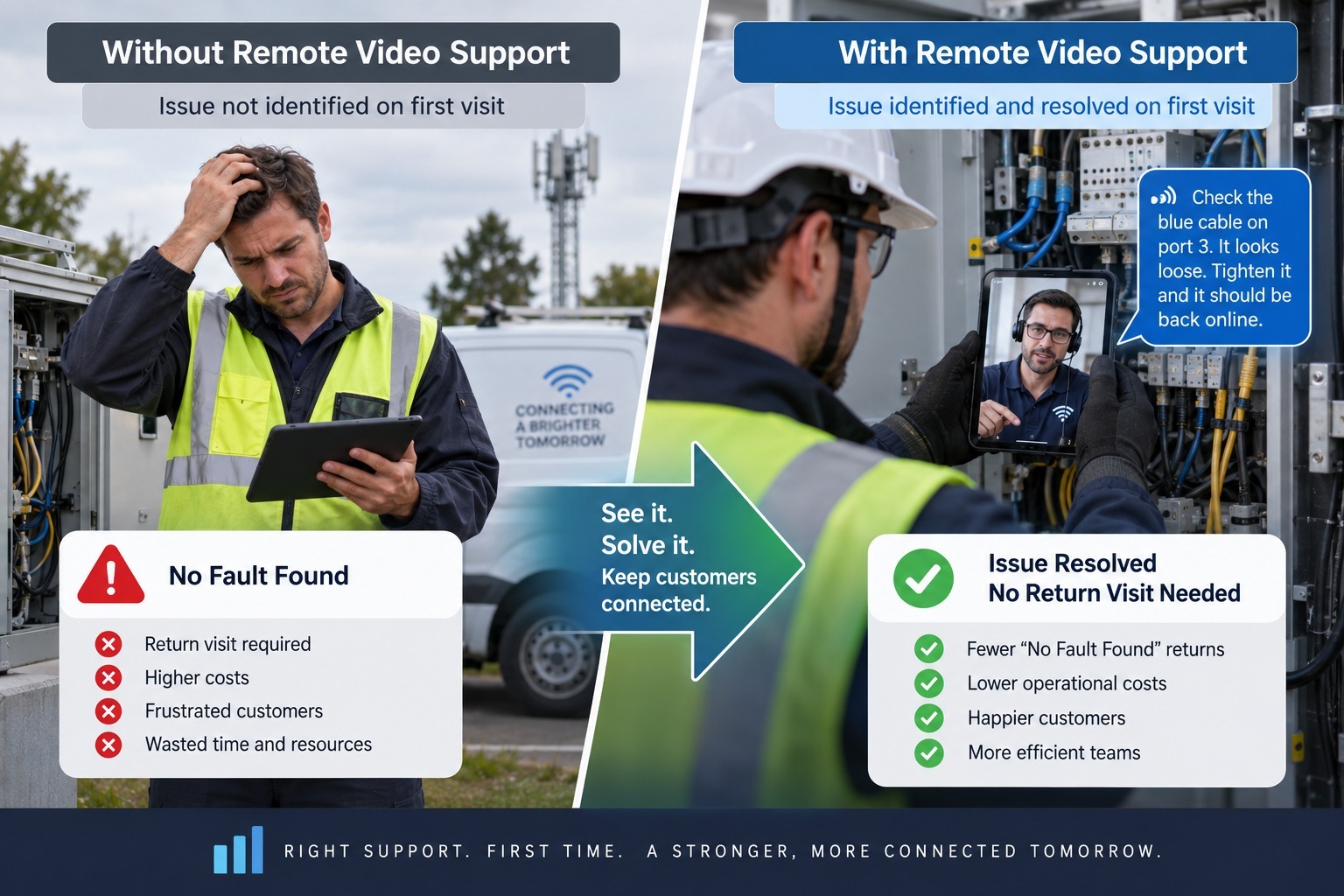
Every assembly or setup issue we resolve on the first call is a return, a truck roll, or a repeat call we don't have to deal with later — and for categories like consumer electronics, that adds up fast given how much of our volume is setup-related rather than product-related in the first place. It's also made a real difference for team morale. Owlbert handling the repetitive parts of a call — recognizing the product, pulling the right steps, summarizing the session afterward — takes a real chunk of the mental load off agents, which matters a lot in a role where burnout from repetitive troubleshooting is a constant risk. Newer agents in particular ramp up faster because they're not expected to have every product memorized before they can handle a call well.
None of this replaces good product design or clear instructions — customers will always assemble things wrong sometimes, and that's fine. What it changes is what happens next: instead of a frustrated customer mailing something back or leaving a bad review, they get an agent who can actually see the problem and an AI layer that makes sure that agent knows exactly what to do about it.
Frequently Asked Questions
1. What is a remote EV inspection?
A remote EV inspection uses live video, guided by a specialist, to assess a vehicle's condition without an in-person visit. The person at the vehicle streams the exterior, battery indicators, charging port, and dashboard readouts while the remote expert directs the walkthrough, documents findings, and flags issues in real time.
2. Can battery health really be checked remotely?
Yes. Most EVs display a battery state-of-health percentage or range estimate on their own dashboard. During a remote session, the person on-site pulls up that reading and shows it on camera or screen-share, giving the inspector a documented, timestamped record without needing physical diagnostic equipment.
3. Is remote inspection safe for high-voltage components?
Remote inspections are visual, not hands-on, so they avoid the safety risk of untrained people touching high-voltage systems. Inspectors look for external signs of damage — exposed cabling, corrosion, or enclosure issues — from a safe distance, and route anything requiring physical intervention to a certified technician.
4. How accurate is AI-assisted diagnosis compared to a specialist on-site?
AI recognition tools identify components and read status indicators directly from the video feed, closing the knowledge gap for less-experienced inspectors. Combined with a live human expert, accuracy approaches that of an on-site specialist, though physical defects requiring touch or measurement still need in-person follow-up.
5. What EV-specific issues get missed by generalist inspectors?
Generalist inspectors often overlook charging port pin damage, thermal management coolant lines, and battery enclosure integrity — none of which existed on combustion vehicles. Remote sessions guided by EV-trained specialists or AI recognition tools build these checkpoints into the walkthrough, catching problems a traditional checklist wouldn't surface.
6. Do insurers accept remote inspections for EV claims?
Many insurers now use remote video inspection for auto claims, including EVs, since it speeds up damage assessment and reduces adjuster travel. Photo and video documentation is timestamped and location-verified, giving claims teams a defensible record. Complex battery damage may still require a specialist follow-up visit.
7. How much time does a remote EV inspection typically take?
A standard remote EV inspection usually takes 10 to 20 minutes, covering exterior condition, charging port, dashboard warnings, and battery health readout. This is significantly faster than scheduling and waiting for an in-person specialist visit, especially in regions where EV-trained inspectors are scarce.

Blitzz Team
The Blitzz Team writes about remote video support, virtual inspections and field service. Our guides come from working with home builders, property managers, warranty teams, contact centers and field service organizations that use Blitzz to see and solve issues without a truck roll.