.png?width=120&height=55&name=Blitzz-Logo-right%20white%20eyes%20-%20not%20transparent%20(3).png)


On this page
Why Augmented Reality Inspection Software Is Changing Quality Control
Augmented reality inspection software overlays digital information — like 3D CAD models, checklists, and alerts — directly onto physical parts and equipment in real time, helping inspectors catch defects faster and with far fewer errors than traditional paper-based or 2D drawing methods.
Traditional quality inspections are slow, inconsistent, and hard to audit. Inspectors cross-reference 2D paper drawings with physical parts — a process that is error-prone and difficult to scale. Even a small mistake in something like non-destructive testing can have serious cost and safety consequences.
That's exactly why companies across manufacturing, telecom, utilities, and field service are moving to AR-based inspection tools. The results speak for themselves: leading solutions cut inspection time by 75% compared to paper-based methods, while reducing the risk of misidentifying a defect by up to 90%.
This guide breaks down how these platforms work, what to look for, and how to choose the right tool for your operation, including remote visual assistance solutions like Blitzz.
What is Augmented Reality Inspection Software and How Does It Work?
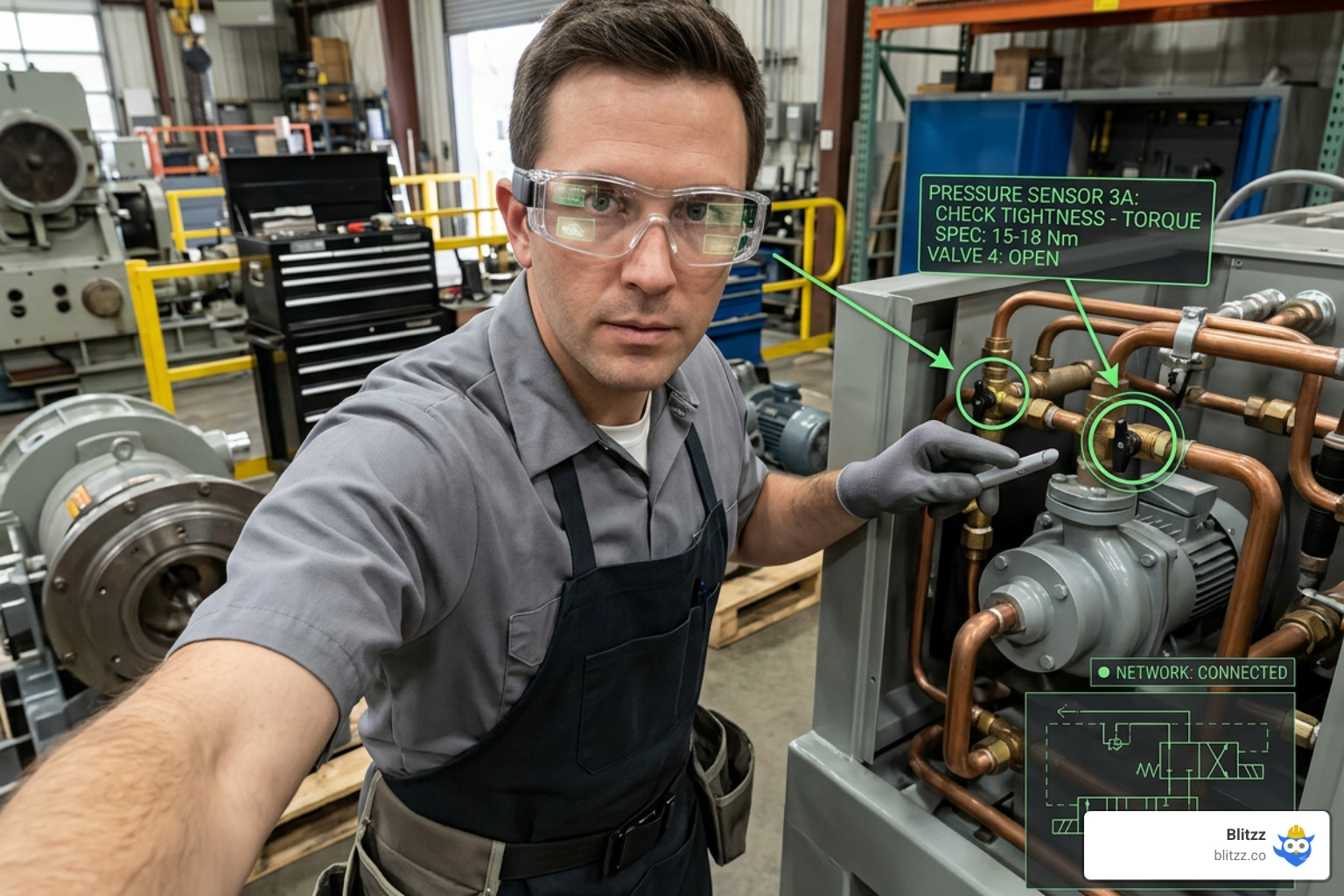
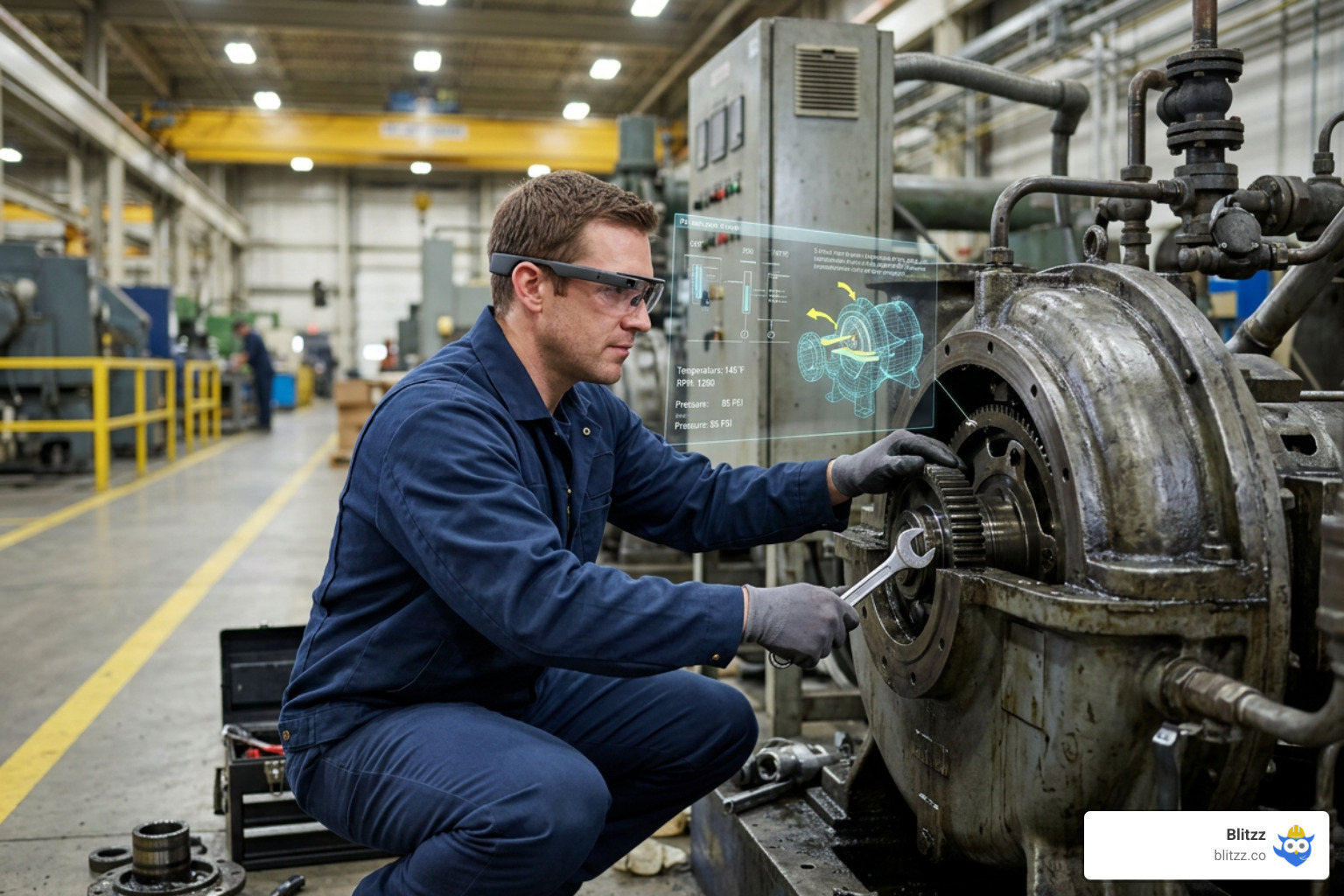
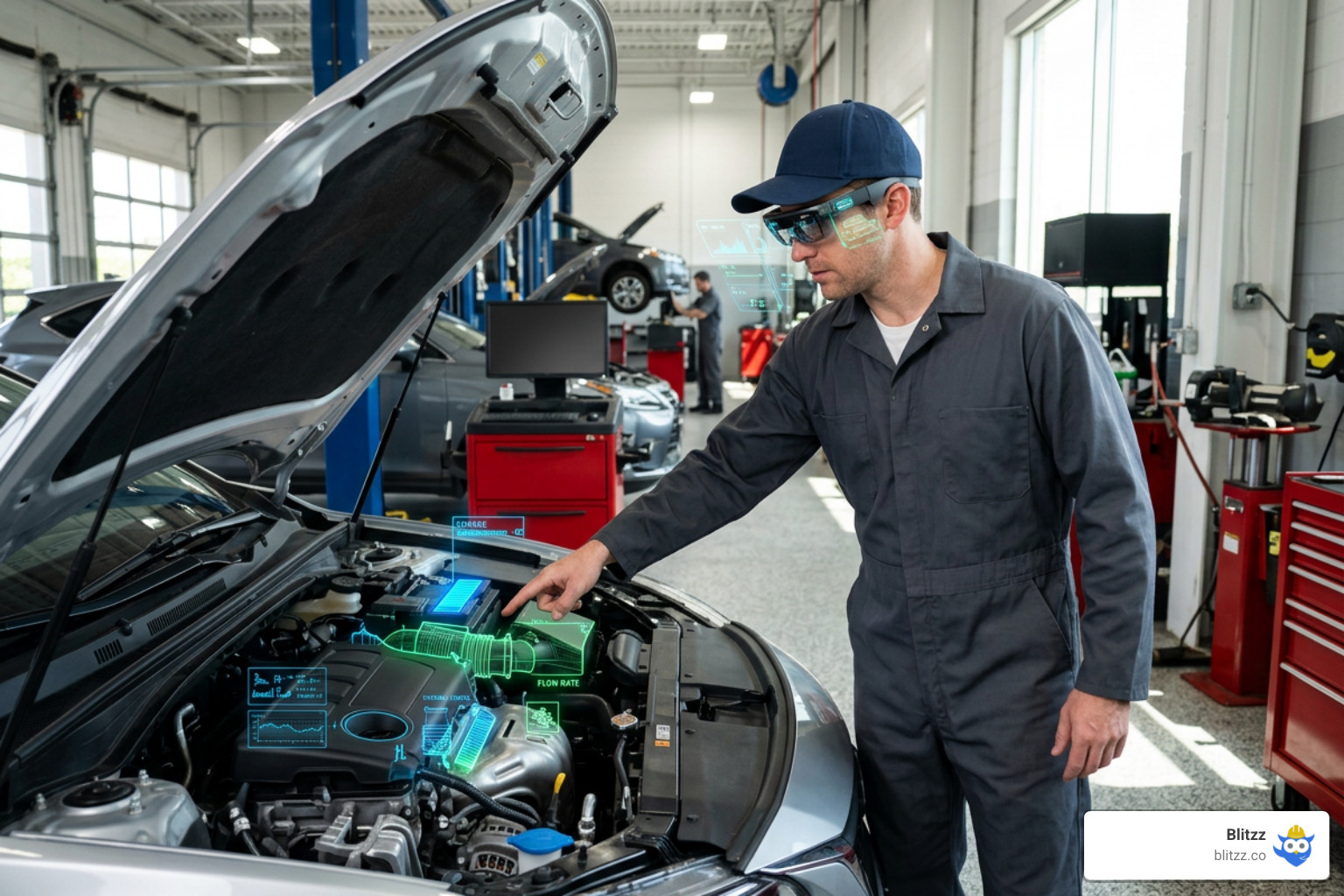
At its core, augmented reality inspection software is a technology that merges the digital and physical worlds to guide, verify, and document quality control processes. Instead of an inspector looking back and forth between a physical component and a computer monitor or a paper manual, the software projects digital data directly onto the object they are looking at.
This is achieved using advanced spatial tracking, computer vision, and digital twins.

When an inspector points a camera-enabled device (like a tablet or smart glasses) at a machine or part, the software recognizes the physical object. It then maps the corresponding digital twin — a precise virtual 3D model of the part — directly over the physical item.
The inspector receives real-time guidance, visual wayfinders, and contextual checklists. If a screw is missing, a cable is unplugged, or a weld is out of place, the software highlights the exact spot in bright red or green, guiding the user through the inspection step-by-step.
How Digital Overlays and CAD Data Align with Physical Parts
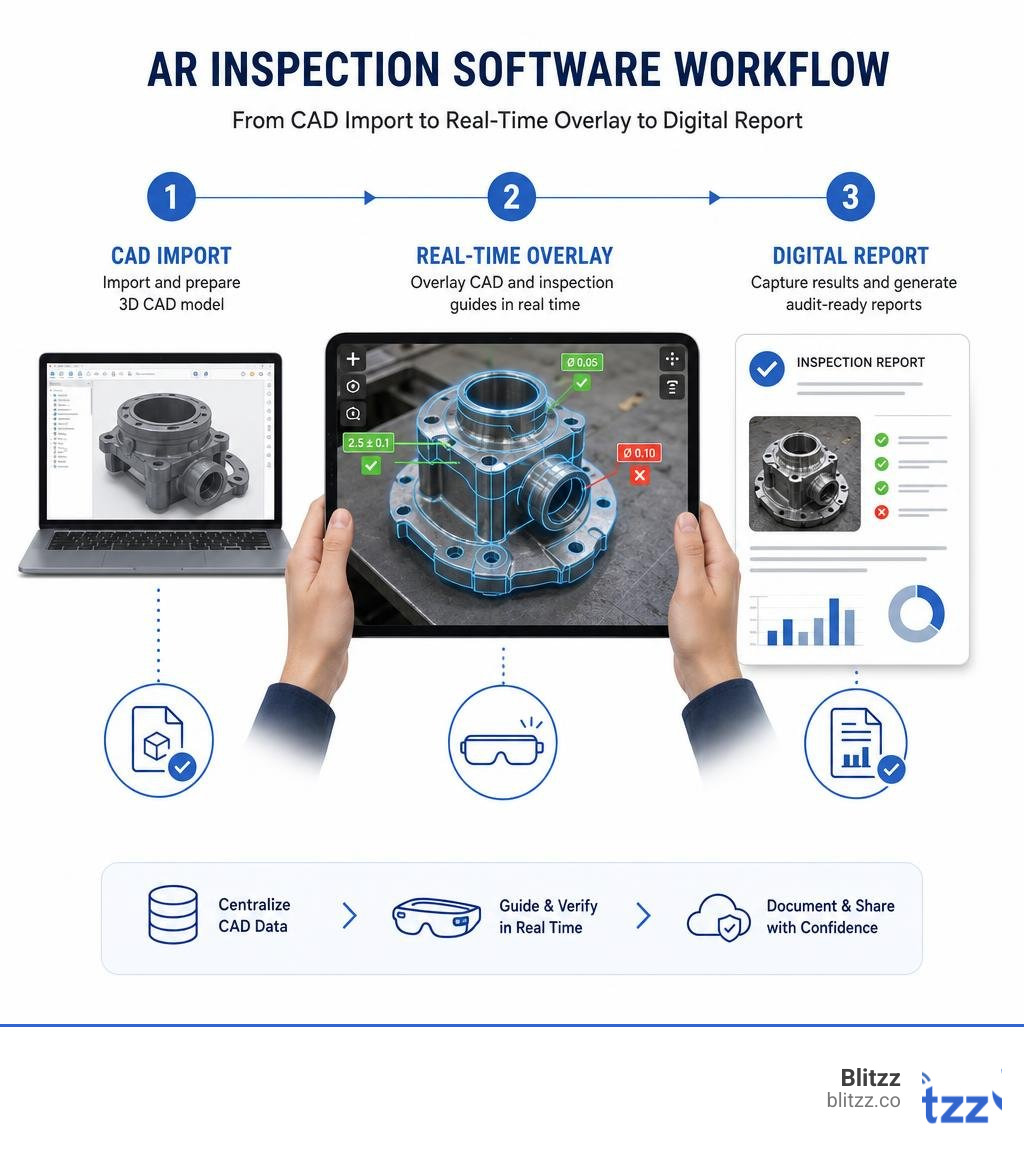
The magic of high-precision AR inspection lies in how it handles 3D CAD data. High-precision CAD-to-physical platforms use specialized desktop software to convert raw CAD models into lightweight tracking geometries.
Once loaded onto a mobile device, the software uses the device's camera and LiDAR sensors to perform automatic object registration. It matches the physical edges and features of the real-world component with the virtual CAD model. This alignment happens with millimeter-level precision.
Rather than just displaying a static 3D model in space, the software locks the digital overlay to the physical part. If the inspector moves around the machine, the overlay remains perfectly anchored, allowing for dynamic, real-time comparisons of the "as-designed" CAD model against the "as-built" physical product. To understand how these spatial technologies are moving beyond gaming and into heavy industry, you can read more about how AR and VR: More Than Just Video Games are transforming modern workflows.
Why Enterprises are Adopting Augmented Reality Inspection Software
The transition from manual paper checklists to digital AR workflows is driven by three major business pressures: the need to reduce human error, the demand for faster production cycles, and the loss of tribal knowledge as experienced workers retire.
Consider these statistics:
- 90% Error Reduction: Leading AR inspection systems reduce the risk of errors in defect location or interpretation by up to 90%.
- 40% to 75% Faster Inspections: AR-guided visual quality inspections are up to 75% faster than traditional 2D drawing methods, preventing costly rework and downtime.
- 80% Faster Content Creation: Modern platforms use AI-powered authoring tools that cut the time required to create step-by-step digital instructions by up to 80%.
By standardizing inspections with interactive guides, companies can transform green technicians into expert inspectors almost overnight. For a deeper dive into how these tools empower frontline workers, check out our article on How Augmented Reality Helps Field Service Workers.
How AR Supports the Three Pillars of Quality Inspection
Quality management in industrial operations is typically divided into three phases: incoming, in-process, and final inspections. Augmented reality inspection software provides unique value at each stage.
Incoming Inspection and Supplier Quality Control
When raw materials or sub-assemblies arrive from third-party suppliers, quality teams must verify that they meet strict dimensional and structural standards before they enter the assembly line.
Using AR tools, an incoming quality inspector can instantly project the design CAD model over the delivered part. This "as-designed vs. as-built" comparison makes deviations, missing holes, or incorrect dimensions visible in seconds. Catching these supplier defects at the loading dock prevents costly assembly line stoppages and reduces the administrative headache of supplier disputes. To see how companies leverage AR to resolve customer and supplier issues quickly, explore Enhancing Customer Service Outcomes with Augmented Reality: Real-World Applications of Blitzz.
In-Process Quality Control on the Assembly Line
During manufacturing, inspections happen at various assembly stages to ensure that internal components, wiring harnesses, and structural welds are executed correctly.
AR software guides operators through complex assembly sequences with dynamic, step-by-step instructions. If a step is completed incorrectly, the system can issue real-time alerts. For example, in robotic manufacturing cells, AR software can project safety zones, Cartesian monitoring spaces, and robot paths directly onto the physical environment. This ensures that both human operators and automated machinery are perfectly synchronized. You can learn more about this in the official documentation for Augmented reality for robots: KUKA.MixedReality | KUKA Germany .
Final Inspection and Non-Destructive Testing
Before a finished product is shipped to a customer, it undergoes a final quality check. In highly regulated industries like aerospace, automotive, and energy, this often involves Non-Destructive Testing (NDT) to identify internal structural cracks or microscopic defects.
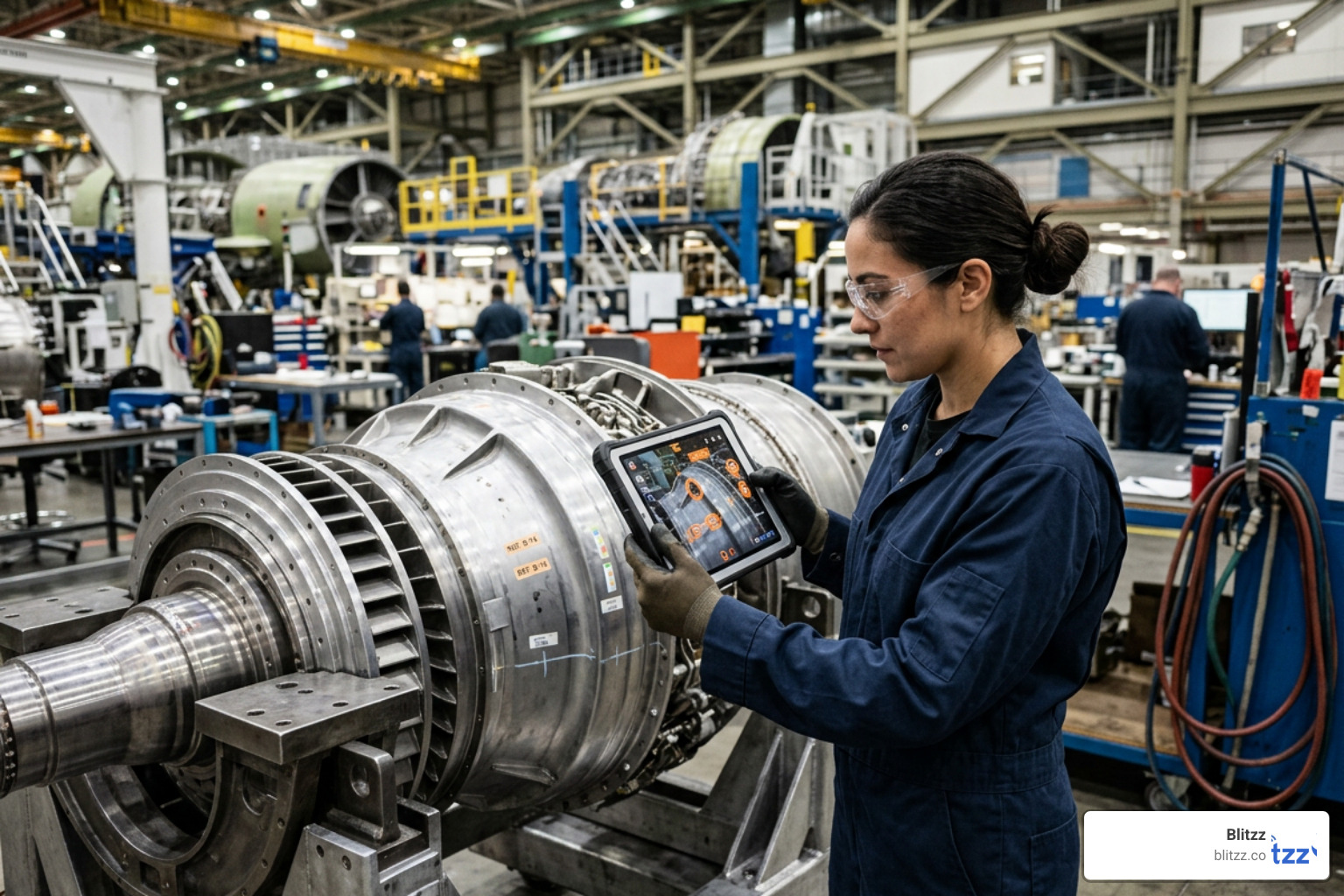
AR platforms assist NDT technicians by mapping defects as precise "pick points" on the physical object's 3D model. If a sensor detects an internal crack, the software highlights the exact location on the physical surface of the part, making it simple for repair teams to find and fix the issue. This unified loop from inspection to defect mapping to repair ensures complete digital traceability.
Evaluating and Choosing AR Inspection Software
When choosing the right augmented reality inspection software for your organization, it is helpful to categorize the available tools into two primary groups: CAD-to-Physical Comparison Platforms and Remote Visual Assistance Tools.
CAD-to-Physical Comparison Platforms
These platforms are designed for heavy manufacturing environments where parts must perfectly match 3D engineering designs.
- How they work: You import high-fidelity CAD models (such as STEP, CATIA, or JT files) into a desktop composer. The software generates a tracking outline that "snaps" onto the physical part when viewed through a mobile device.
- Key benefits: They provide color-mapped visualizations of physical-to-digital deviations, letting you see exactly where a sheet metal part is warped or a weld stud is misplaced. This 3D-to-3D comparison is up to 75% faster than using traditional manual gauges and 2D drawings.
Remote Visual Assistance and Video Inspection Tools
These tools focus on connecting on-site inspectors or field technicians with remote subject matter experts.
- How they work: Instead of requiring heavy CAD preparation, platforms like Blitzz focus on instant, browser-based video connections. A field technician or customer opens a simple link on their smartphone (no app download required), and a remote expert can see exactly what they see.
- Key benefits: The remote expert can draw AR annotations, freeze the screen, share documents, and guide the on-site user through a complex inspection sequence. This approach is incredibly flexible and requires zero upfront CAD modeling or technical training. To understand how browser-based AR video tools compare to dedicated smart glass platforms, read our analysis on Mobile Video Calls vs. AR-Enabled Smart Glasses: Which Delivers Better Field Support?.
Key Features to Look For in Augmented Reality Inspection Software
When comparing different platforms, use this breakdown of key capabilities to guide your decision:
| Feature | CAD-to-Physical Platforms | Remote Visual Assistance (e.g., Blitzz) |
|---|---|---|
| Primary Use Case | Shop-floor dimensional quality control | Field service, remote audits, customer support |
| Setup Time | Requires CAD import and project setup | Instant (seconds to launch a session) |
| Device Requirements | High-end tablets (often iPad Pro with LiDAR) | Device-agnostic (any smartphone, tablet, or PC) |
| Offline Support | Excellent (local storage of 3D models) | Requires active cellular or Wi-Fi connection |
| Reporting & Audits | Automated 3D PDF, Excel, and Word reports | Session recordings, captured photos, CRM sync |
| Integration | PLM and MES systems | CRM, ERP, and FSM platforms |
Regardless of which category you choose, look for platforms that offer robust offline synchronization (for working in remote areas or shielded factory floors), automated digital reporting, and seamless integration with your existing enterprise systems. For more details on choosing the right customer-facing and internal AR tools, see our guide on Augmented Reality CX Tools.
Frequently Asked Questions about AR Quality Inspections
What are the main benefits of AR inspection over traditional methods?
The traditional inspection process relies on paper checklists, manual tools (like calipers), and 2D drawings. This creates several bottlenecks:
- Time-consuming data entry: Technicians must write down findings on paper and manually type them into a database later.
- Lack of traceability: If a defect is found, it is difficult to document exactly where it was and what it looked like.
- High error rates: Comparing a 2D drawing to a complex 3D physical part requires mental translation, leading to frequent mistakes.
AR inspection software replaces this with paperless workflows. It cuts inspection times by up to 75%, automatically captures photo and video evidence of every step, and logs results directly into your databases. This ensures your operations are always audit-ready with complete digital traceability.
Can AR inspection software work offline in remote environments?
Yes, many CAD-based AR platforms are designed to work fully offline. You prepare the inspection project on a desktop computer, sync it to your tablet or smart glasses while connected to Wi-Fi, and perform the inspection on the shop floor or in a remote field location without any internet connection. Once you return to an area with connectivity, the software automatically uploads the completed reports and captured media to your enterprise systems.
What hardware is required to run AR quality inspection tools?
The hardware required depends on the complexity of your inspections:
- Mobile Devices & Tablets: Most modern tablets (such as the iPad Pro with LiDAR) and smartphones are more than powerful enough for mobile AR inspections.
- Smart Glasses & Headsets: For hands-free operations, industrial smart glasses (such as RealWear or Vuzix) allow technicians to view instructions and interact with remote experts while keeping both hands on their tools.
- LiDAR & Depth Sensors: High-precision CAD matching platforms often leverage built-in LiDAR sensors on mobile devices to achieve millimeter-level tracking accuracy.
To explore how smart glasses are transforming industrial field operations, check out The Future of Field Service: Integrating Smart Glasses with Remote Assistance Platforms.
Conclusion
Augmented reality is no longer a futuristic concept—it is a practical, everyday tool that is transforming how modern enterprises manage quality control. Whether you need high-precision CAD overlays to verify complex assemblies on a factory floor or instant visual support to guide field technicians through remote maintenance, there is an AR platform designed for your needs.
At Blitzz, we focus on making remote inspections as simple and accessible as possible. Our browser-based remote visual assistance platform allows your experts to conduct thorough, AR-powered inspections anywhere in the world, instantly—without requiring your field teams or customers to download an app.
By eliminating travel time, improving first-time-fix rates, and capturing detailed visual evidence of every inspection, we help you build a more efficient, accurate, and scalable quality control process.
Ready to see how AR can transform your inspection workflows? Read more about Revolutionizing Field Service with Augmented Reality: A Game-Changing Technology for Improved Efficiency and Customer Satisfaction, or take the next step and Supercharge your inspections with Blitzz today!

Blitzz Team
The Blitzz Team writes about remote video support, virtual inspections and field service. Our guides come from working with home builders, property managers, warranty teams, contact centers and field service organizations that use Blitzz to see and solve issues without a truck roll.