.png?width=120&height=55&name=Blitzz-Logo-right%20white%20eyes%20-%20not%20transparent%20(3).png)

On this page
When Inspectors Can't Be There: The Rise of Remote Visual Inspection in Construction
Construction remote visual inspection is changing how projects get checked, approved, and documented — without requiring someone to physically show up every time.
Here's a quick overview of what it is and how it works:
- What it is: The use of live video, drones, 360° cameras, and AI tools to inspect a construction site or building remotely
- Who uses it: Building inspectors, project managers, engineers, code officials, and field service teams
- What it replaces: Many routine on-site visits that previously required travel, scheduling delays, and manual documentation
- What it doesn't replace: High-risk or structurally complex inspections that still need hands-on assessment
- Key benefit: Faster inspections, lower travel costs, and fewer project delays
Construction delays are expensive. According to industry data, 70% of requests for deadline extensions are tied directly to problems getting access to a job site. That's not a design problem or a labor problem — it's a logistics problem.
Remote visual inspection was already gaining ground before 2020. But the COVID-19 pandemic pushed it from a niche workaround into mainstream practice. When inspectors couldn't travel, teams turned to smartphones, tablets, drones, and video platforms to keep projects moving. Many never looked back.
The results have been hard to ignore. Teams using remote visual tools have reported 50% fewer site visits during construction phases and 10% less rework — simply because issues get caught and communicated faster.
This guide walks you through exactly how construction remote visual inspection works, which tools power it, what the regulations say, and how to run an effective remote inspection from start to finish.
What is Construction Remote Visual Inspection?
At its core, construction remote visual inspection (RVI) is the practice of evaluating building design, code compliance, installation quality, or structural integrity without requiring the inspector to be physically present on-site.
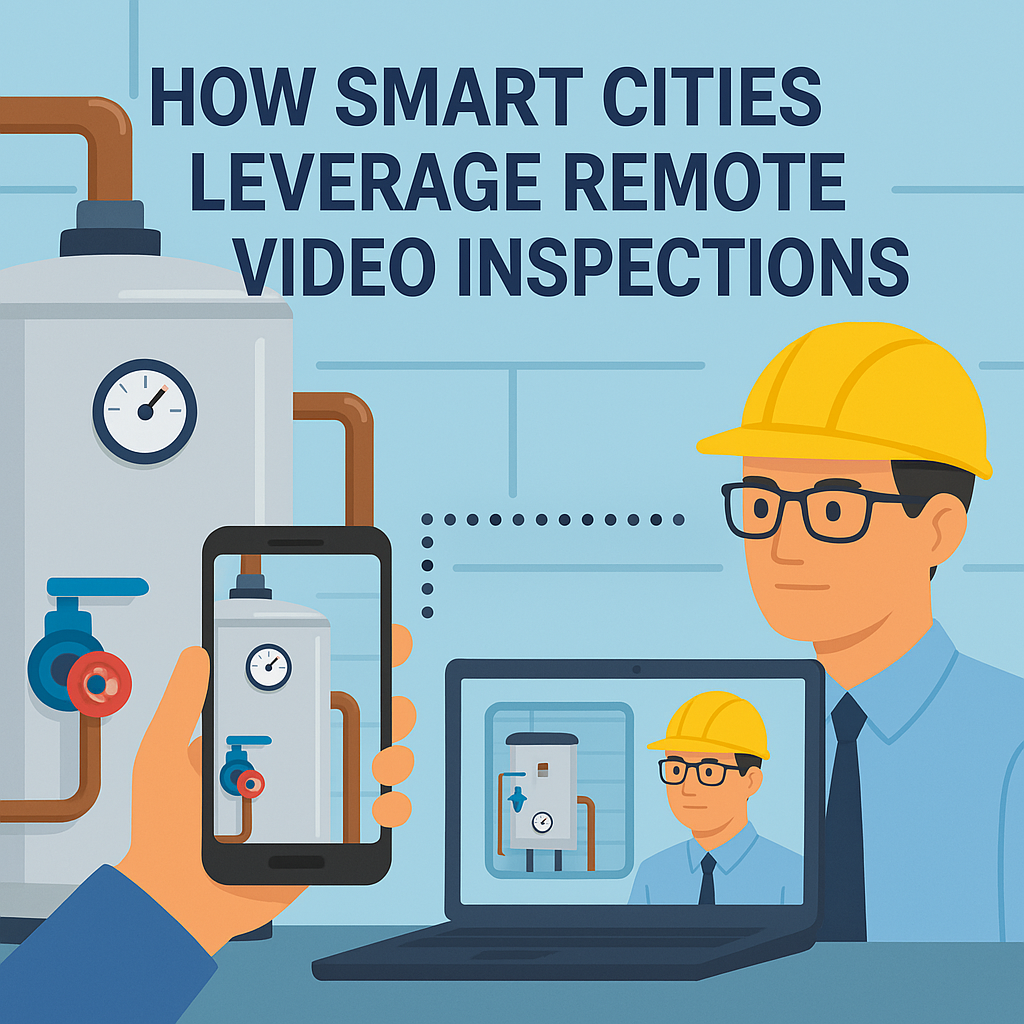
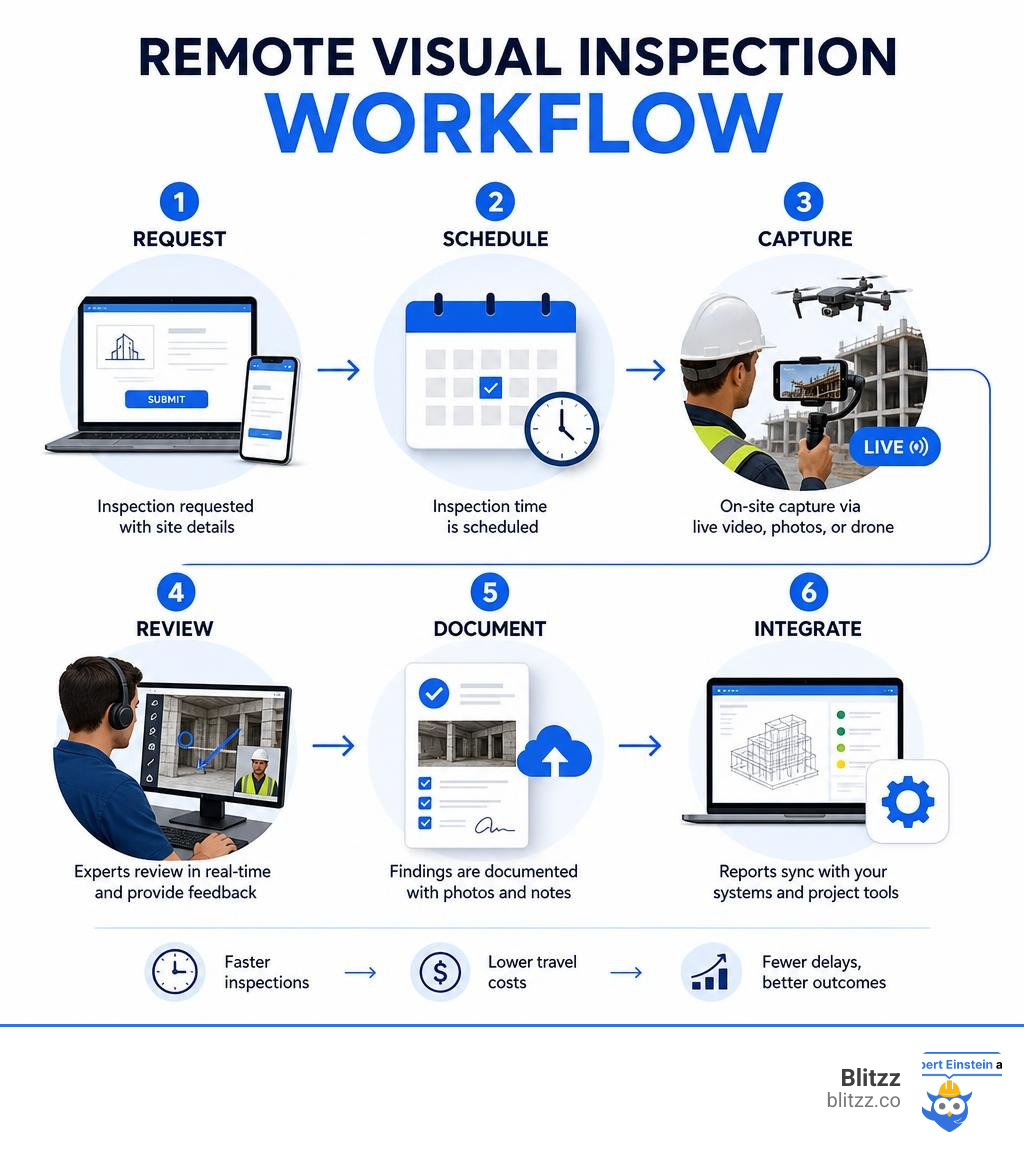
Instead of waiting days for an inspector to drive to a remote jobsite, climb a ladder, and sign off on a routine step, we use digital tools. On-site personnel walk the site with a smartphone, tablet, wearable camera, or drone, while a remote inspector views a high-definition, live-streamed feed. The inspector can direct the on-site camera operator, take high-resolution snapshots, make real-time annotations, and instantly approve or flag issues.
To understand how this shifts day-to-day operations, let's look at how traditional inspections compare to remote visual inspections:
| Feature | Traditional On-Site Inspections | Remote Visual Inspections (RVI) |
|---|---|---|
| Physical Presence | Inspector must travel to the site. | Inspector reviews remotely via live video or captured media. |
| Scheduling | Often requires days or weeks of advance booking. | Can be scheduled quickly, sometimes even same-day. |
| Travel & Costs | High travel expenses, vehicle wear-and-tear, and lost time. | Zero travel required for the inspector; drastic cost savings. |
| Safety Risks | Inspectors exposed to active, hazardous construction zones. | Inspectors remain in a safe office environment. |
| Documentation | Manual notes, physical clipboards, and delayed uploads. | Automated report generation, digital timestamps, and CRM syncing. |
| Collaboration | Limited to whoever is physically standing on the site. | Multiple stakeholders (engineers, owners, specialists) can join live. |
By utilizing Remote Video Inspections for Construction, we bridge the gap between physical assets and remote expertise. It moves the construction industry away from the slow, travel-heavy workflows of the past and toward a highly agile, digital-first model.
The Core Technologies Powering Construction Remote Visual Inspection
RVI is not just a standard video call. Running a successful inspection requires a combination of hardware and software designed to capture, stream, and document reality with absolute precision.
Some of the most common technologies we use include:
- 360° Cameras: These cameras allow on-site workers to capture an entire room in a single walkthrough. Remote teams can later navigate these 360° panoramas, panning up, down, and around to inspect every corner.
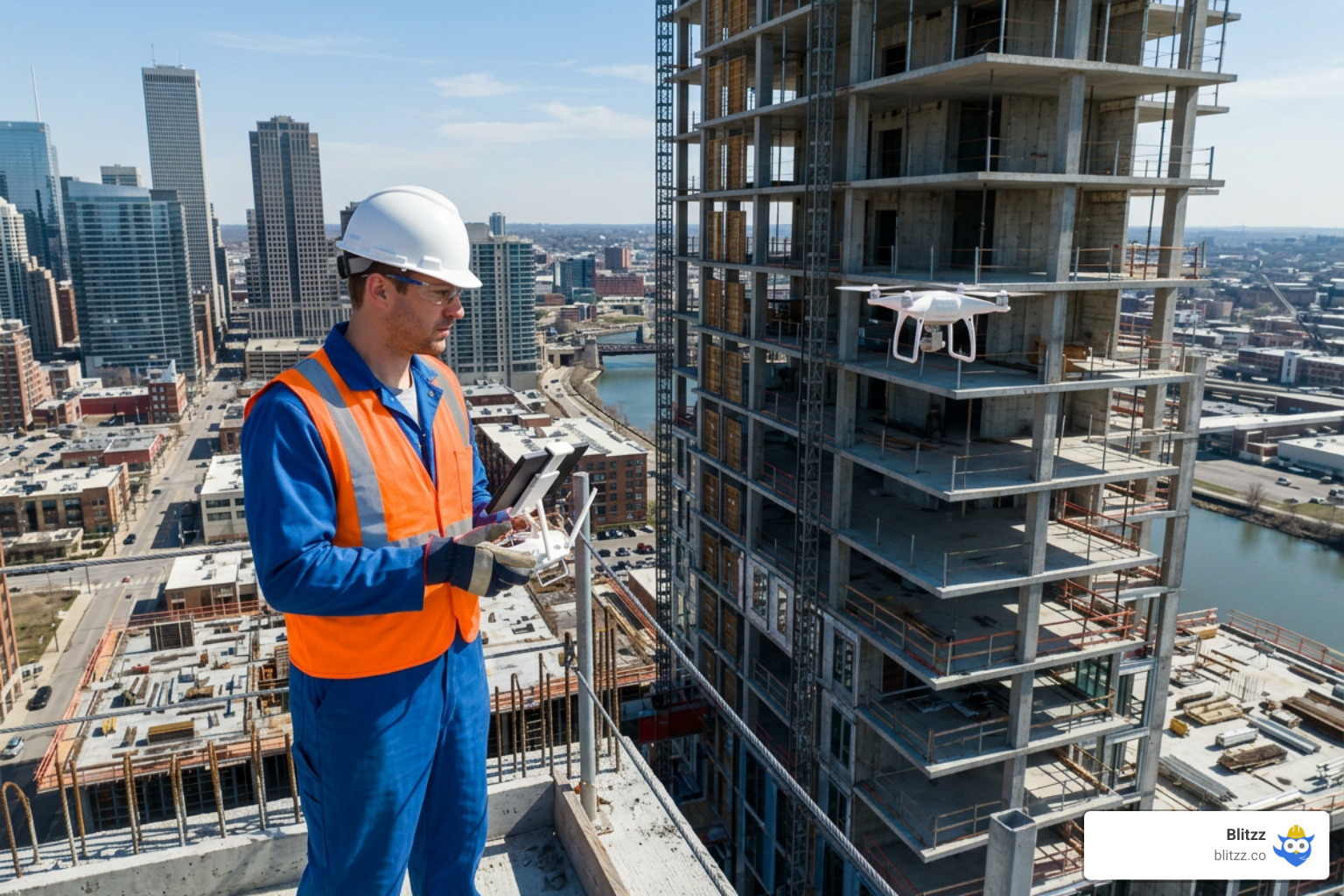
- Drones (UAVs): For high-rise facades, roofs, and large-scale infrastructure like bridges or dams, drones are a game-changer. They capture high-resolution imagery of hard-to-reach areas without requiring scaffolding or putting workers at risk.
- Augmented Reality (AR) Overlays: AR allows us to superimpose digital blueprints, structural drawings, or utility paths directly onto the live video feed of the physical building. By aligning these designs with reality, inspectors can instantly spot if a pipe, duct, or wall is even a few inches out of place.
- LiDAR and 3D Reality Mapping: Light Detection and Ranging (LiDAR) scanners generate highly accurate 3D point clouds of a site. When paired with photogrammetry, these scans create immersive digital twins that can be measured down to the millimeter remotely.
- Live Pointers and Interactive Markup: During a live video stream, inspectors need to point out specific details. Using Virtual Inspection Software with Live Pointers The Complete Guide, remote inspectors can draw, circle, or place arrows on the on-site operator's screen in real time, ensuring absolute clarity.

How Regulatory Bodies and AHJs View Remote Methods
Can you legally use RVI for official building code compliance? The short answer is yes — but it depends on your local jurisdiction.
Authorities Having Jurisdiction (AHJs) and local building code officials have the final say on which inspections qualify for remote methods. Fortunately, regulatory bodies have increasingly embraced RVI to combat the ongoing shortage of code officials and speed up permitting processes.
The International Code Council (ICC), in partnership with the Modular Building Institute, developed the ICC/MBI 1205-2021 Standard to address off-site construction and remote inspection processes. This standard provides a clear regulatory framework for how jurisdictions can safely approve off-site and remote inspections.
Additionally, programs like the Building Energy Codes Program highlight how RVI can be used to verify energy code compliance, such as inspecting insulation, duct sealing, or window installations.
To gain AHJ approval, we must ensure our remote inspections follow strict protocols:
- Strict Location Verification: Proving the inspection is actually happening at the permitted address using live GPS geotagging.
- Clear Documentation: Providing high-resolution, timestamped images of the work before it is covered up (such as rough-in plumbing or electrical behind drywall).
- Qualified Personnel on Site: Ensuring the person holding the camera is capable of following direct instructions from the remote inspector.
The Core Benefits of Remote Inspections in Modern Building Projects
Adopting remote visual inspections isn't just about keeping up with technology; it's about solving the biggest bottlenecks in modern construction.
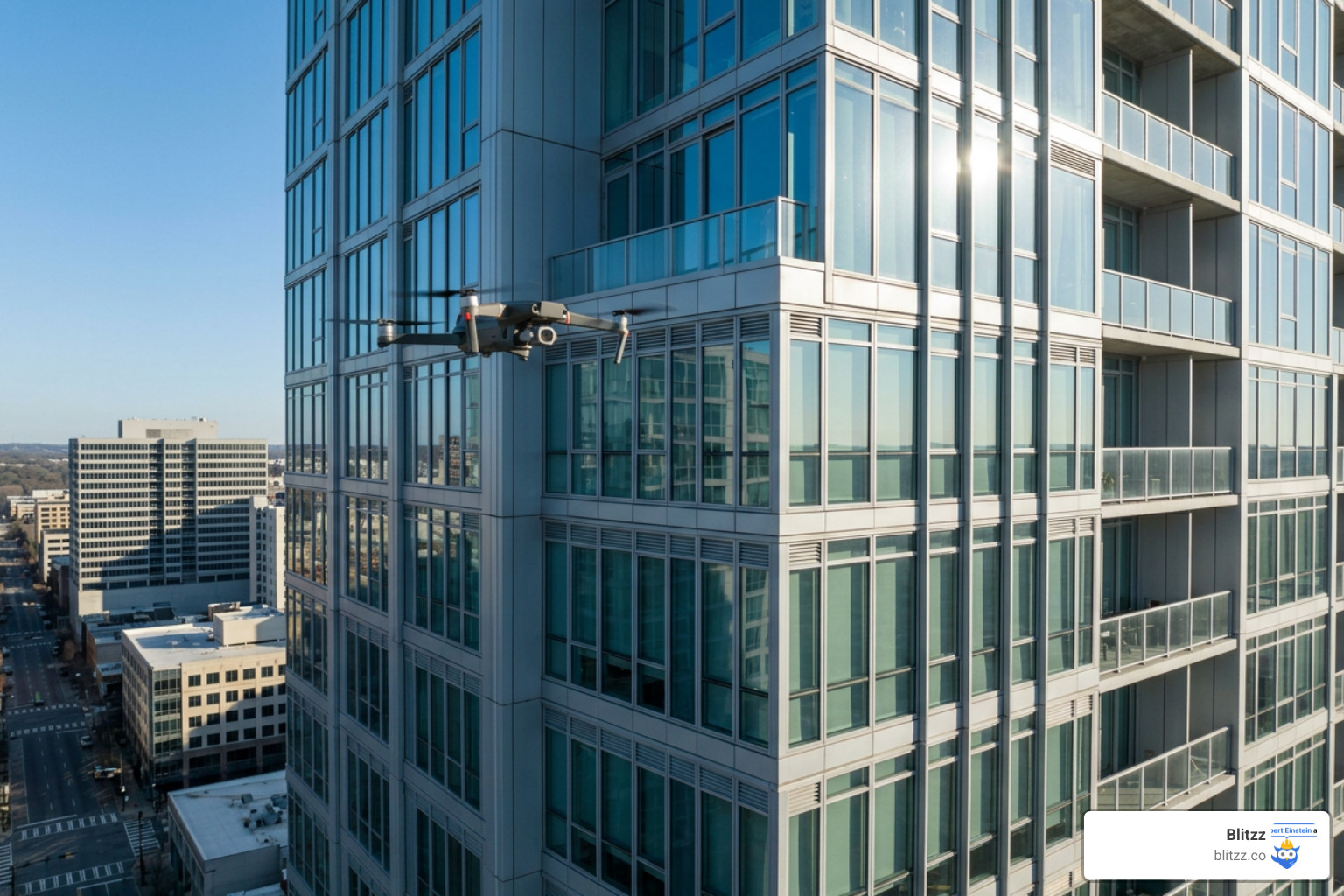
When we look at the Benefits of Remote Video Inspections for the Construction Building Industry, the advantages span across four main pillars: cost, speed, safety, and accuracy.
Slashing Travel Costs and Reducing Truck Rolls
Every time an inspector, engineer, or specialist drives to a job site, it costs money. Between vehicle maintenance, fuel, and hours wasted sitting in traffic, traditional inspections drain project budgets.
In the field service and construction industries, these unnecessary trips are called "truck rolls." When we Reduce Truck Rolls with Remote Support, we instantly free up funds that can be reallocated to actual building materials and labor.
There is also a massive environmental benefit. Transportation is a leading contributor to global emissions — for example, in the UK, transportation was responsible for 34% of greenhouse gases in 2019. By transitioning to remote inspections, we dramatically reduce vehicle miles. In fact, large-scale deployments of remote visual support software have successfully avoided over 2.1 million metric tons of CO2 emissions globally by eliminating unnecessary travel.
Accelerating Project Timelines and Reducing Rework
In construction, time is money. Waiting days for an inspector to sign off on a foundation pour or a framing step can stall an entire crew.
By using Remote Building Inspections How to Save 1 Hour Per Appointment, we can often conduct inspections on the same day the request is made. This keeps the project moving without costly downtime.
Furthermore, RVI helps catch mistakes early. Instead of discovering a plumbing error after the drywall is already up, we can use remote video tools to verify rough-ins in real time. Industry data shows that integrating reality capture and remote visual verification can lead to a 10% reduction in overall rework and up to 20% fewer Requests for Information (RFIs) sent to design teams.
How to Conduct a Remote Inspection: A Step-by-Step Guide
Transitioning to remote inspections requires structure. You can't just hop on a standard FaceTime call and hope for the best — you need a repeatable, auditable process that satisfies both your project managers and local code officials.
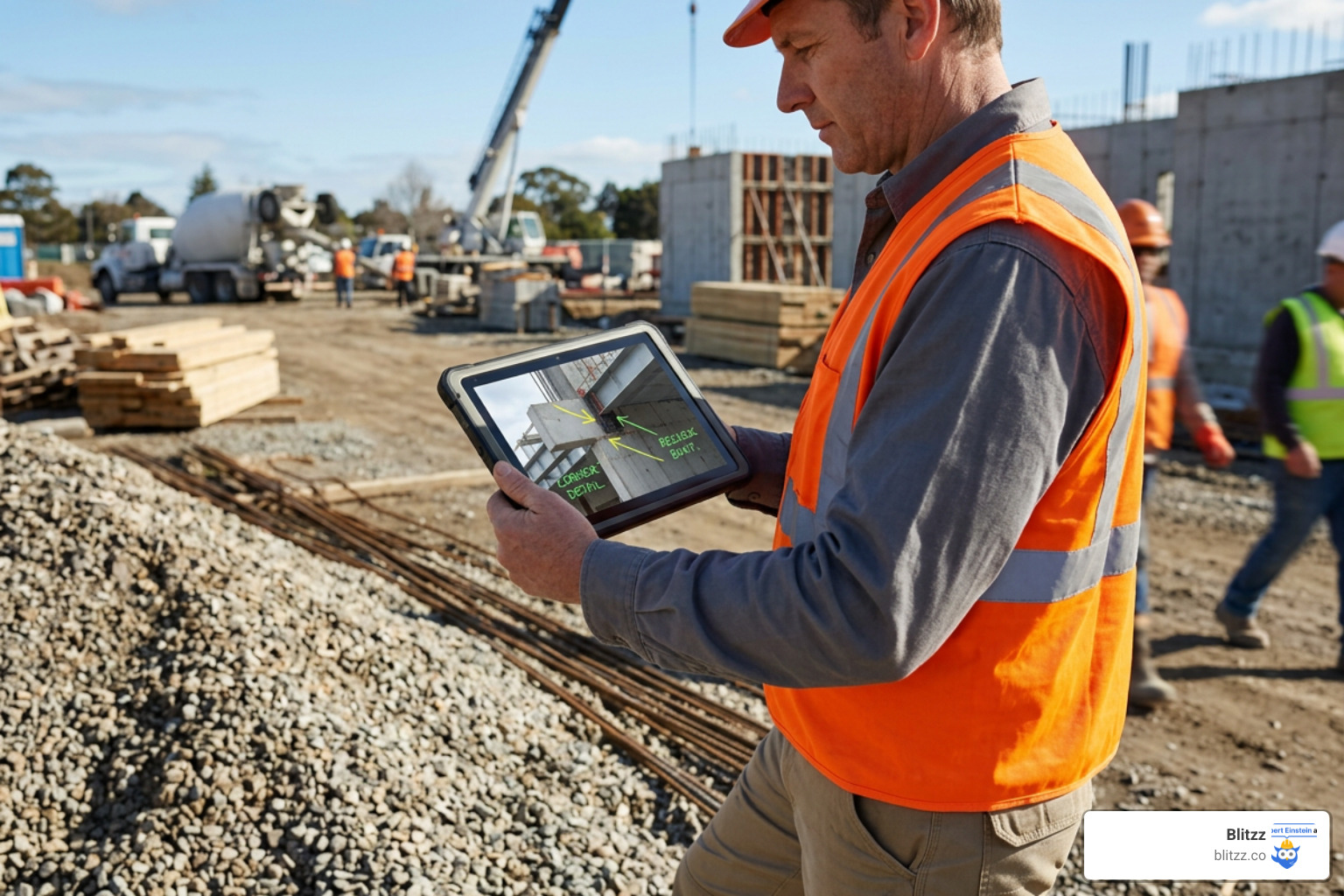
Here is our step-by-step guide to conducting an on-site remote inspection that is fast, accurate, and compliant. For a deeper dive into this process, check out our guide on How to Conduct an On-Site Remote Video Inspection for Commercial and Residential Buildings.
Step 1: Pre-Inspection Preparation and Scheduling
Before starting the video stream, make sure all administrative and technical details are in order:
- Verify Active Permits: Ensure all building permits relevant to the inspection are active and logged.
- Obtain Digital Consent: Secure electronic signatures and consent forms from all participating parties (homeowners, contractors, inspectors) agreeing to use remote video methods.
- Check Device Compatibility: Ensure the on-site operator has a smartphone or tablet with a high-resolution camera, a fully charged battery, and a reliable internet connection (minimum 4G cellular signal or strong Wi-Fi).
- Prepare the Site: Clear any debris, ensure adequate lighting in dark areas (like crawlspaces or attics), and have necessary tools (like tape measures or flashlights) ready.
Step 2: Conducting the Live Inspection and Capturing Data
Once the call begins, the inspector takes control of the virtual session:
- Verify the Location: Use live GPS geotagging and have the camera operator show the street sign, house number, or a permanent landmark to prove they are at the correct jobsite.
- Establish Context First: Have the operator start with an expanded, wide-angle view of the room or structure before zooming in on specific elements. This prevents "tunnel vision" and ensures the inspector has full context.
- Utilize Live AR Tools: Use AR pointers and on-screen drawing tools to guide the operator. For example, you can draw a circle around a specific electrical connection and say, "Show me a close-up of this junction box."
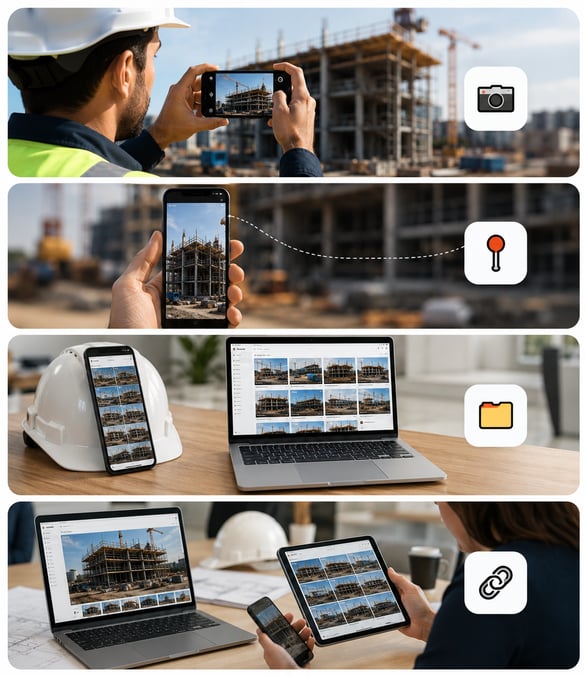
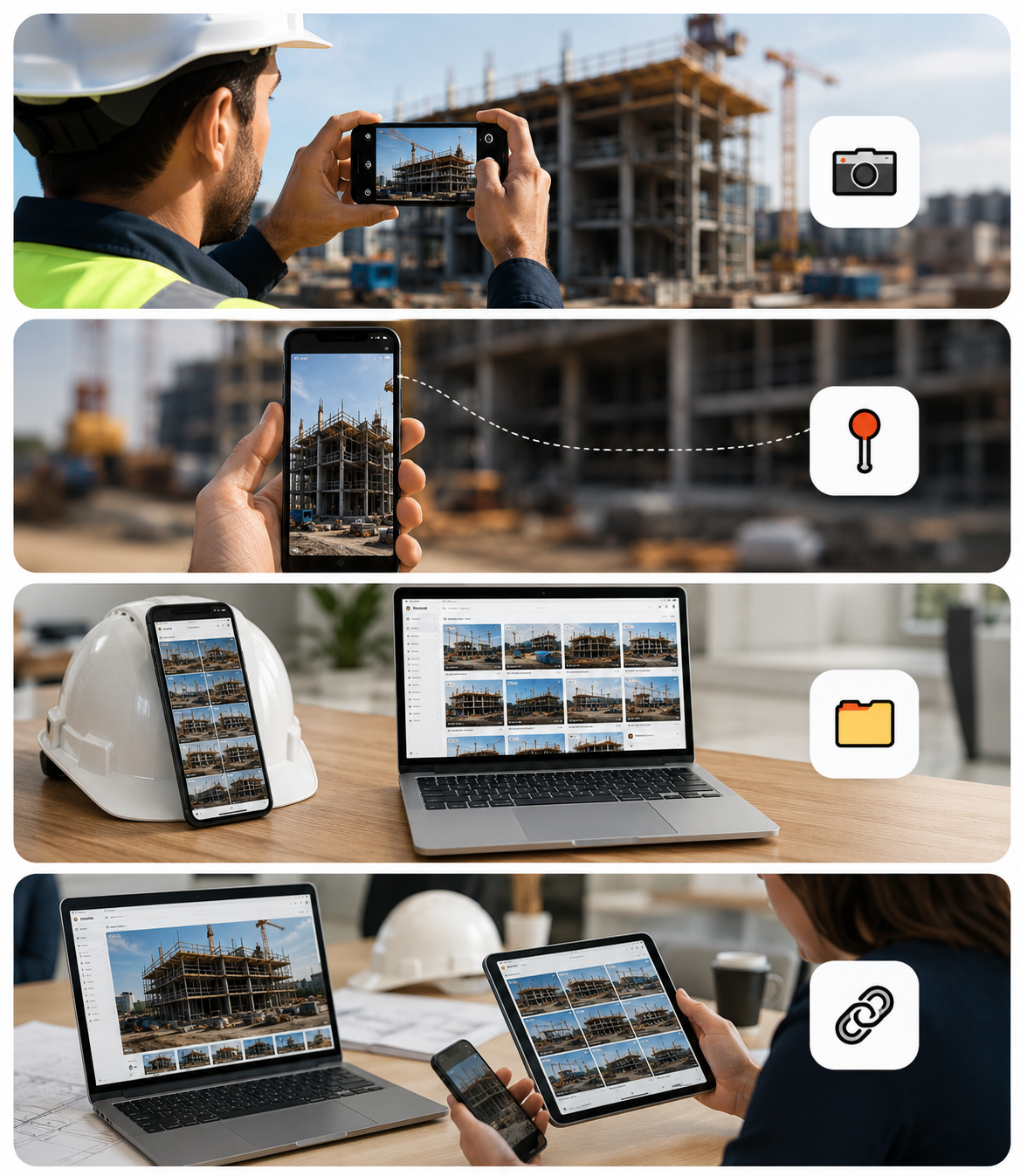
- Capture High-Res Snapshots: Instead of relying on blurry video frames, use the software to snap high-resolution, freeze-frame photos of model numbers, labels, and critical joints.
- Handle Poor Connectivity: If the signal drops in a basement or remote area, switch to asynchronous mode. The operator can take offline photos and videos that automatically upload with GPS and timestamps once they reconnect.
For more tips on managing live field sessions, refer to our Remote Video Inspection for Commercial and Residential Buildings A Modern Field Service Guide.
Step 3: Post-Inspection Documentation and Integration
An inspection is only as good as its record. Once the session ends, the software should automatically compile the data:
- Generate Automated Reports: The platform should compile all captured photos, annotations, chat logs, and GPS data into a clean, PDF report.
- Sync with Existing Systems: Integrate these reports directly with your CRM, project management tools, or BIM (Building Information Modeling) software. This keeps your digital twin updated and ensures all stakeholders have access to the latest as-built data.
- Store Secure Media: Keep a secure, timestamped recording of the inspection for compliance, future maintenance audits, or insurance claims.
To find the best tools to manage this visual data, explore our list of the Top 10 Jobsite Photo Documentation Apps Software for Construction in 2026.
Overcoming the Limitations and Challenges of RVI
While construction remote visual inspection offers incredible benefits, it is not a magic wand. Like any technology, it comes with real-world limitations that teams must actively manage.
Understanding the difference between live interactive feeds and static photo uploads is crucial here. To learn why live, guided sessions are superior to unguided photo submissions, read our comparison on Remote Video Inspections Over Virtual Inspections.
Managing Low-Bandwidth Environments with Asynchronous Tools
Construction sites are notorious for poor connectivity. Whether you are deep in a concrete basement, inside a steel-framed warehouse, or working on a remote highway project, cellular signals will drop.
To prevent this from stalling your inspections, we utilize asynchronous (async) media sharing and dynamic video adjustments. Modern RVI platforms can automatically lower video resolution to maintain a live call in low-bandwidth areas, prioritizing clear audio and high-resolution still-photo capture. If connectivity drops completely, on-site workers can capture offline photos and videos that are securely queued and uploaded with verified metadata the moment a signal is restored.
Best Practices for Quality Control and Fraud Prevention
How do we know the contractor didn't just take a photo of a perfectly installed pipe at a different jobsite and upload it as their own? Fraud is a real concern for insurance adjusters and code officials alike.
To maintain absolute quality control and security, we follow these best practices:
- Geotagging and GPS Verification: Every photo and video captured during an RVI session must be embedded with tamper-proof GPS coordinates and exact timestamps.
- Live Video Walkthroughs: Require a continuous, uninterrupted live video pan from a known landmark (like the front of the building or a street sign) directly to the area being inspected.
- Standardized Digital Checklists: Use standardized, step-by-step digital checklists that require specific metadata, ensuring that no inspection points are skipped.
- Secure Cloud Storage: Ensure all media is streamed directly to a secure, SOC 2-compliant cloud platform rather than stored on the camera operator's personal camera roll, preventing any unauthorized editing.
By implementing these guardrails, we can confidently Change the Way You Inspect Construction Sites Faster, Smarter, and Safer.
Future Trends Shaping Construction Remote Visual Inspection
As we look ahead, the capabilities of remote inspections will only expand. Several key trends are currently shaping the future of RVI:
- AI-Powered Defect Detection: Artificial intelligence algorithms are beginning to analyze live video feeds in real time, automatically flagging structural cracks, rust, incorrect spacing, or safety hazards (like workers missing hard hats).
- 5G Connectivity: The rollout of ultra-fast 5G networks allows for seamless, 4K video streaming and real-time rendering of complex 3D BIM models directly on-site.
- Smart Wearables and AR Glasses: Hands-free AR glasses allow on-site technicians to walk a site and perform repairs or inspections while displaying their exact point of view to a remote expert, leaving their hands free to work.
Frequently Asked Questions about Remote Construction Inspections
What types of construction inspections are best suited for remote visual methods?
RVI is ideal for routine, highly localized, or sequential inspections where travel time outweighs the complexity of the check. Excellent candidates include:
- Residential Specialty Trades: HVAC changeouts, minor plumbing repairs, water heater installations, and electrical panel upgrades.
- Pre-Drywall Checks: Verifying insulation, rough-in plumbing, and electrical wiring before they are covered by drywall.
- Rooftop and Exterior Work: Re-roofing progress, solar panel installations, and exterior siding checks.
- Environmental and Safety Monitoring: Routine site safety walks and erosion control checks.
Can remote visual inspections completely replace on-site inspections?
No. RVI is designed to complement, not entirely replace, physical inspections. High-risk, structurally complex, or highly subjective assessments — such as complex foundation pours, major structural framing, or detailed soils testing — still require an expert's physical presence. A hybrid approach, where routine checks are handled remotely and critical milestones are checked in person, yields the best results.
How do inspectors verify the exact location of a remote inspection?
Inspectors verify locations using a combination of live GPS geotagging, which embeds tamper-proof coordinate metadata directly into the video stream and captured photos, and visual verification. The inspector will typically instruct the camera operator to step outside and show the street address, neighboring buildings, or permanent site landmarks on camera before proceeding.
Conclusion
The construction industry is undergoing a massive digital transformation, and remote visual inspections are leading the charge. By replacing unnecessary travel with real-time, high-definition video collaboration, we can keep projects on schedule, slash operational costs, reduce carbon footprints, and keep our teams safe.
At Blitzz, we provide the enterprise-grade remote visual assistance and video inspection software that makes this possible. Our platform requires no app downloads for your customers or on-site teams — they simply click a text link to launch a secure, browser-based video session. With interactive AR annotations, live pointers, automated document generation, and seamless CRM integrations, we help you get "boots off the ground" without losing an ounce of oversight.
Ready to see how remote visual support can rebuild your construction workflows? Explore our Remote Visual Assistance Guide and schedule a demo with us today.

Blitzz Team
The Blitzz Team writes about remote video support, virtual inspections and field service. Our guides come from working with home builders, property managers, warranty teams, contact centers and field service organizations that use Blitzz to see and solve issues without a truck roll.