.png?width=120&height=55&name=Blitzz-Logo-right%20white%20eyes%20-%20not%20transparent%20(3).png)

On this page
Why Construction Remote Visual Tools Are Changing How Projects Get Built
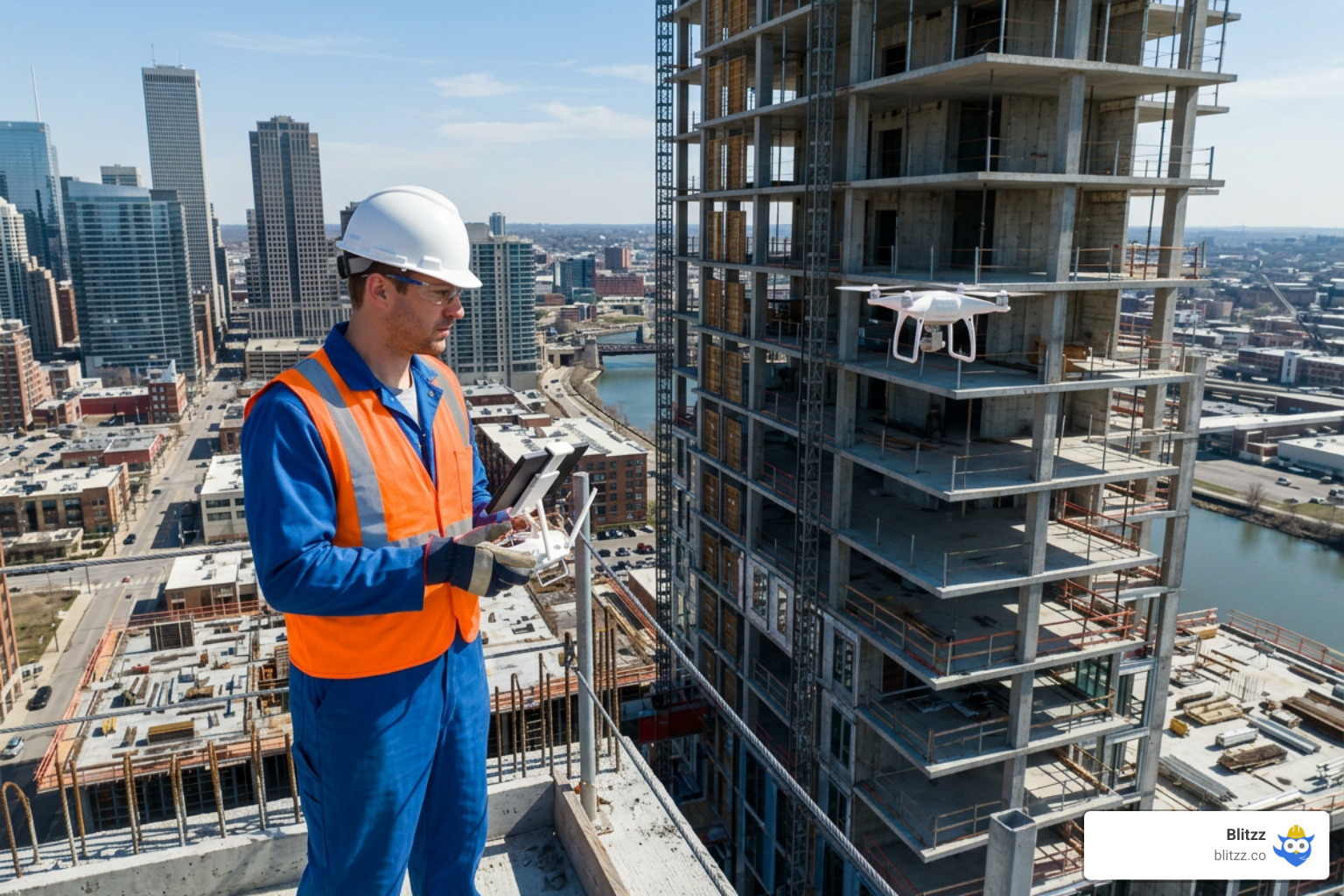
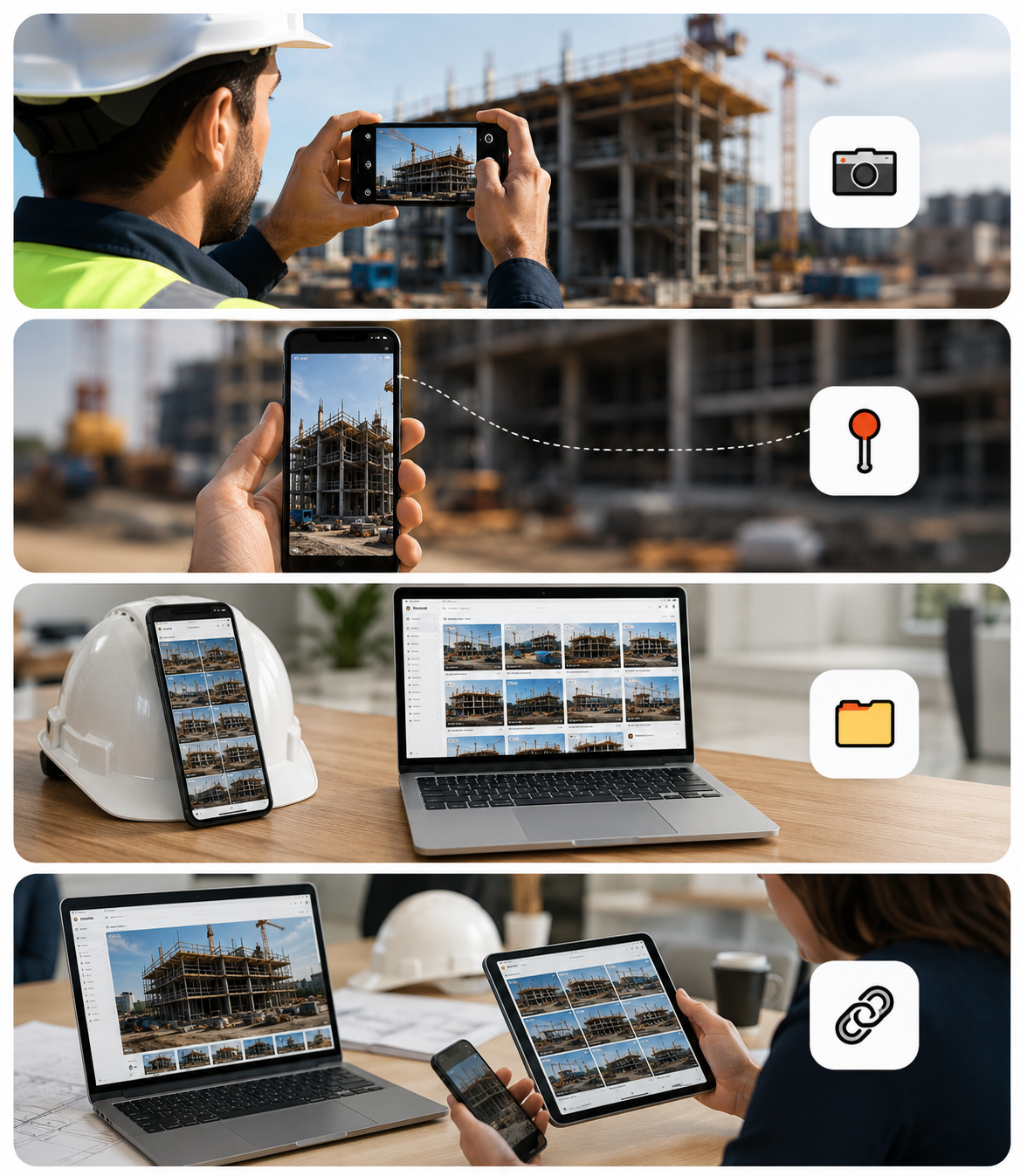
Construction remote visual tools are software and hardware solutions that let project managers, inspectors, and engineers see, document, and collaborate on jobsite conditions without being physically present.
Here are the main types and what they do:
| Tool Type | What It Does | Best For |
|---|---|---|
| Live video assistance | Real-time guided walkthroughs with AR annotations | Troubleshooting, inspections, RFI resolution |
| 360° reality capture | Automated site mapping to floor plans and BIM | Progress tracking, QA/QC, dispute documentation |
| Time-lapse cameras | Continuous high-resolution site recording | Milestone verification, stakeholder updates |
| AI deviation detection | Compares design models against actual site scans | Catching rework before it happens |
| AR BIM overlay | Overlays 3D design models onto the physical site | On-site coordination, clash detection |
Not long ago, the only way to know what was actually happening on a jobsite was to show up in person. Project managers walked miles of scaffolding and rebar just to verify progress. Consultants flew between sites. OAC meetings required everyone in the same room.
That model is expensive. It's slow. And on large or multi-site projects, it simply doesn't scale.
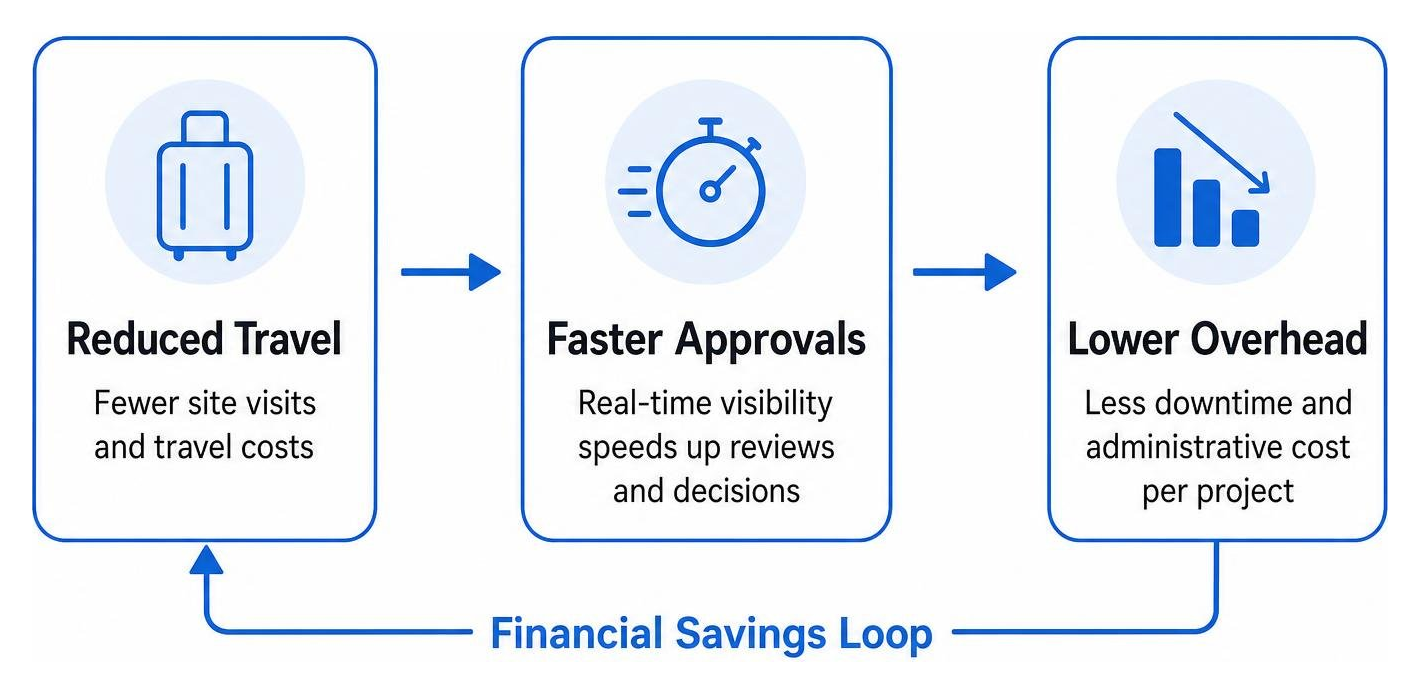
The numbers back this up. Companies using remote visual platforms have reported reductions in travel costs of 50% or more, with one general contractor saving $58,000 in travel costs on a single project through remote inspections alone. Others have cut field verification time by 40% and accelerated site documentation by 95%.
The construction industry is also under pressure from labor shortages, tighter schedules, and clients who expect real-time data — not weekly PDF reports. Remote visual tools are the response to all three.
This guide breaks down the best tools available in 2026, how they work, and how to choose the right one for your team.
Basic construction remote visual tools terms:
How Construction Remote Visual Tools Reduce Site Travel and Costs
Every time a project manager, specialized engineer, or inspector has to drive or fly to a jobsite, the project's bottom line takes a hit. It is not just the cost of fuel or plane tickets; it is the hours of highly skilled labor lost to transit. In 2026, relying on physical visits for every routine check is like sending a courier on horseback to deliver an email.
By implementing construction remote visual tools, we can significantly cut down on physical travel. When off-site experts can see exactly what is happening in real time or walk through an accurate virtual replica of the site, they can resolve issues from their desks. This transition directly addresses the benefits of remote video inspections for the construction building industry, transforming how teams allocate their most valuable resources.
Furthermore, scheduling delays are often caused by waiting for an inspector or consultant to arrive on-site. If a structural engineer is booked for the next three days, work on that section halts. Remote visual solutions reduce scheduling delays by up to 20% by allowing for immediate, on-demand visual verification. Documentation that used to take days of manual photography and filing can now be completed up to 95% faster, freeing up field crews to focus on actual building.
The Financial Impact of Virtual Site Inspections
The financial savings of moving to virtual site inspections are immediate and measurable. For example, in the field service sector, structured visual support programs have been shown to reduce on-site visits by up to 50%. On average, avoiding a single technician or inspector dispatch saves approximately €90 (about $100 USD) in direct travel and administrative overhead.
For larger commercial projects, these savings scale rapidly. Owner-Architect-Contractor (OAC) meetings, which traditionally require expensive travel and hours of coordination, can see a 30% reduction in time spent when teams use a shared visual source of truth. Instead of debating progress based on conflicting verbal reports, stakeholders can review a construction remote visual inspection record together. This eliminates the "he-said, she-said" dynamic, accelerates decision-making, and keeps projects moving forward without costly field verification delays.
Streamlining Workflows with Asynchronous and Live Construction Remote Visual Tools
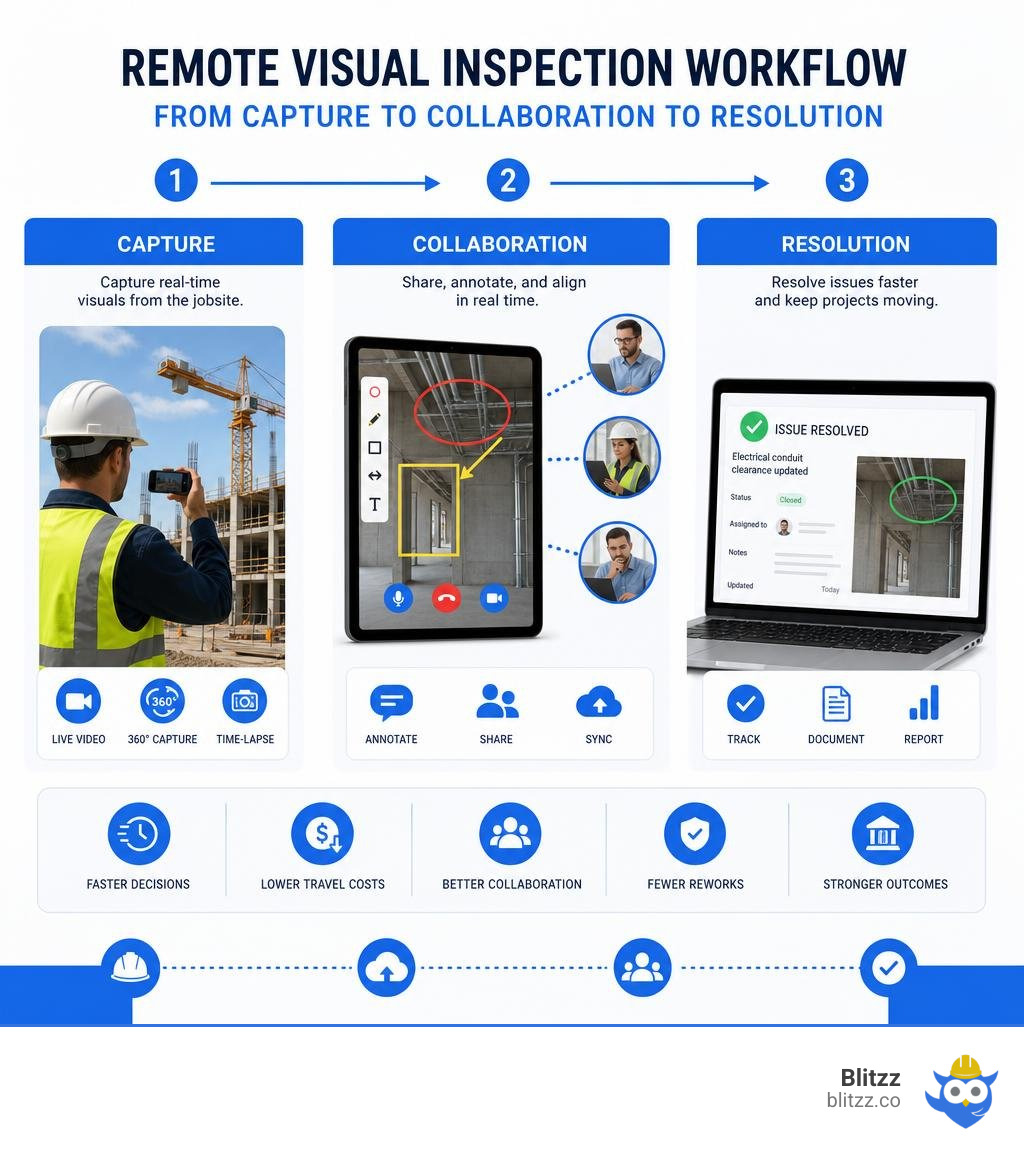
To get the most out of remote site management, we must understand the difference between asynchronous tools (like time-lapse and 360° photo walks) and live collaboration tools (like interactive video calls). Both play critical roles in modern workflows.
Asynchronous tools allow field teams to capture the site once and let off-site stakeholders review it at their convenience. For example, using automated reality capture software, a field worker can complete a quick walk-through, and the platform automatically maps those images to the project's floor plans.
If an issue arises that requires immediate, interactive troubleshooting, live remote video inspections for construction are the answer. Instead of waiting for an email response to an RFI (Request for Information), a field worker can initiate a live, browser-based video call. An off-site engineer can look at the physical installation, draw digital annotations directly on the screen, and verify the fix on the spot. This is how we change the way you inspect construction sites faster smarter and safer, bridging the gap between field execution and office-based expertise.
Key Categories of Remote Site Monitoring Technology
As we look at the landscape of construction remote visual tools in 2026, the technology generally falls into distinct categories. Choosing the right mix depends on your project's scale, budget, and specific operational bottlenecks.

Mobile Photo Documentation and Offline Capture
While continuous 3D scans and live video streams are incredibly valuable, simple photo documentation remains the backbone of daily jobsite reporting. However, traditional photo management — where photos sit in a worker's personal camera roll or are dumped into unstructured cloud folders — is a recipe for chaos.
Modern mobile-first tools solve this by associating high-resolution site images directly with specific coordinates and dates on a digital blueprint. A major challenge on active jobsites, particularly in deep basements, tunnels, or remote infrastructure projects, is the complete lack of cellular connectivity. This is where robust offline capabilities become essential.
By following the top 10 best practices for offline construction photo documentation, field teams can continue capturing high-quality images and structured notes offline. The software stores this data locally on the device and automatically synchronizes it with the cloud once a stable connection is re-established. This ensures that no critical visual record is lost due to spotty signal.
Live Video Assistance and AR Annotations
When a problem requires real-time collaboration, static photos are often insufficient. If a subcontractor encounters a complex structural obstacle or an unexpected clash with MEP (Mechanical, Electrical, and Plumbing) systems, they need interactive guidance.
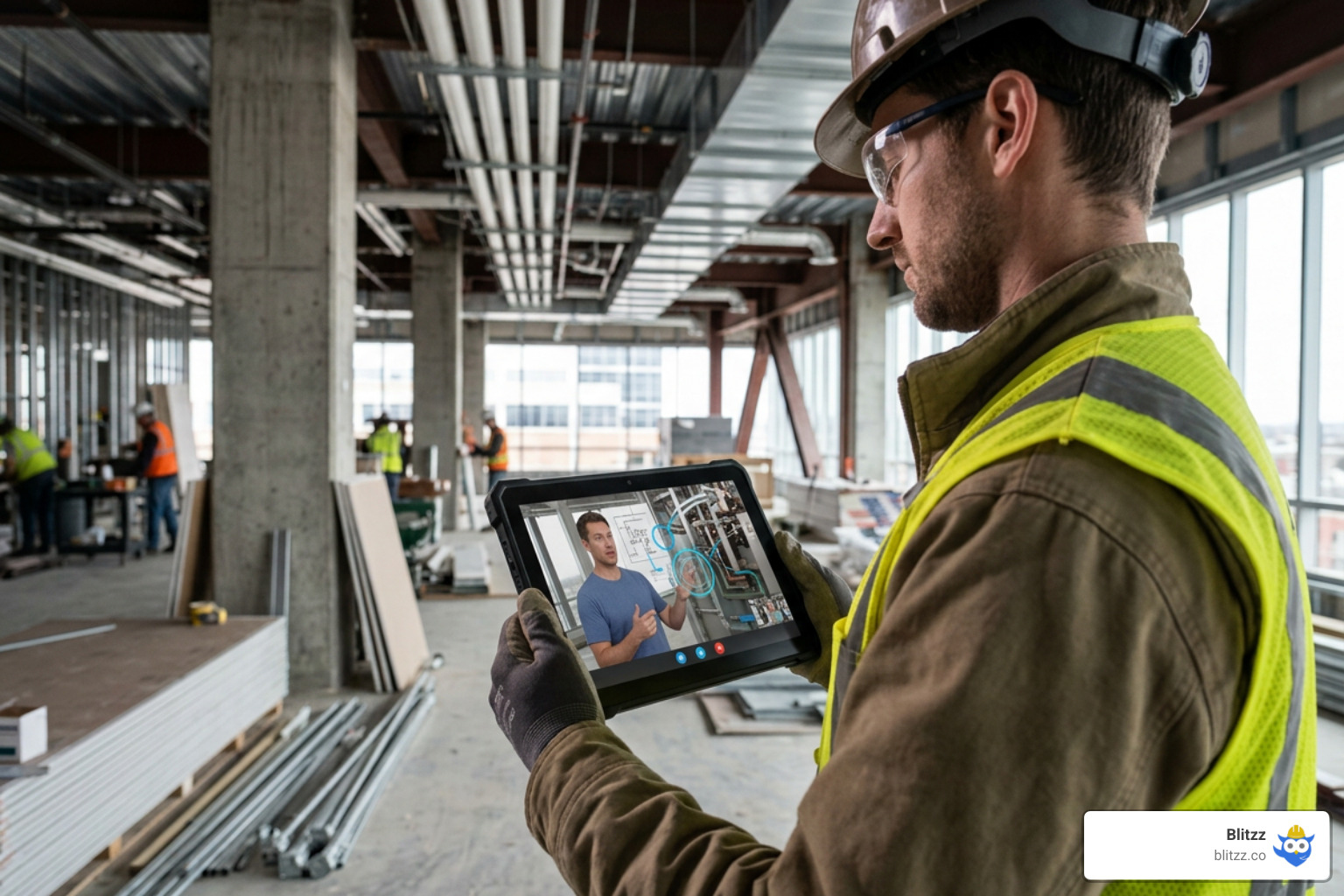
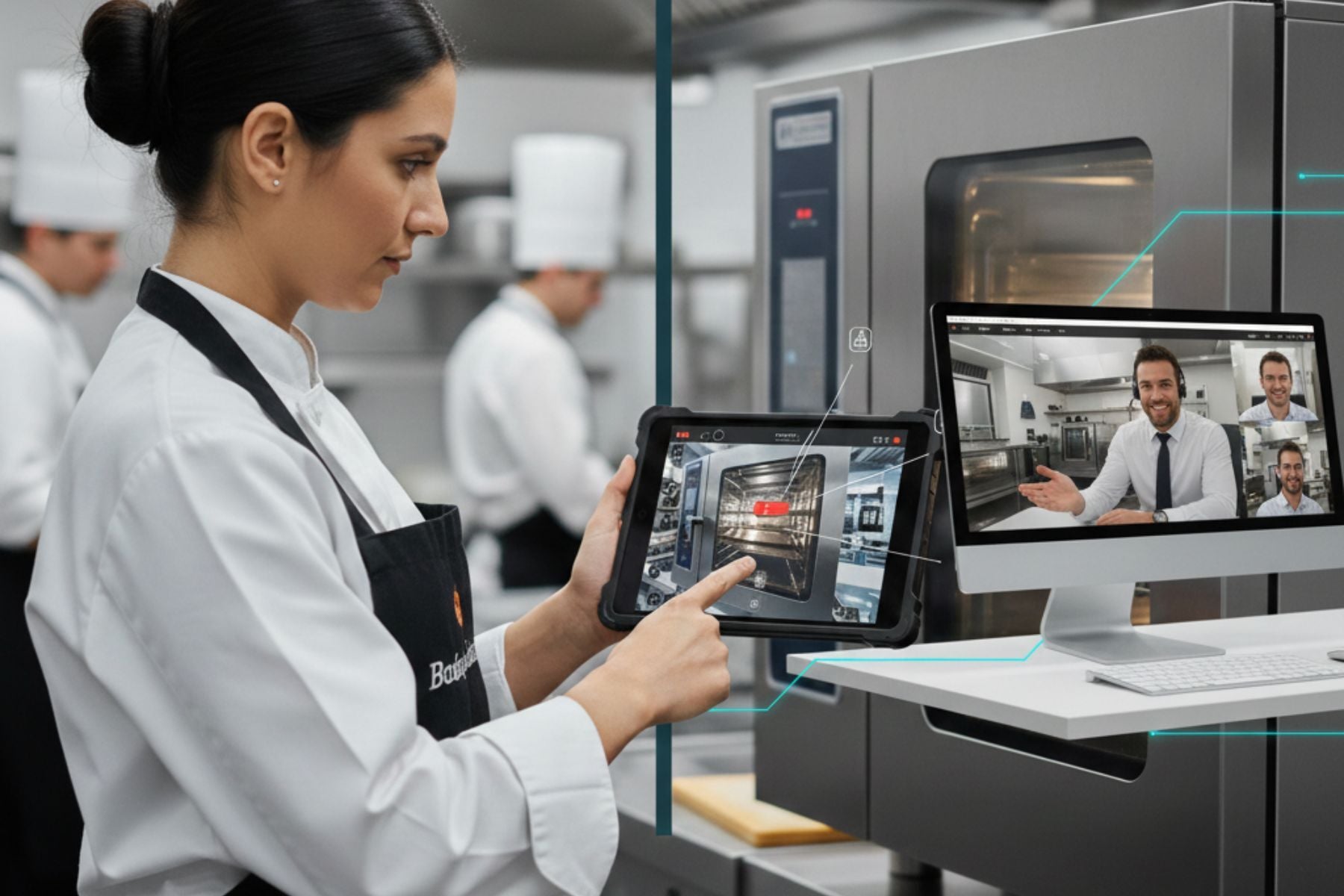
Live remote visual assistance platforms allow field workers to connect instantly with off-site experts. Instead of forcing external partners or clients to download heavy, proprietary applications, the best modern systems run entirely within a mobile web browser. The expert sends a secure SMS link, the field worker clicks it, and their camera stream is instantly shared.
During these live sessions, the off-site expert can:
- Place AR Pointers: Drop virtual arrows that lock onto physical objects in the video stream, even if the camera moves.
- Pause and Zoom: Freeze the live stream to take high-resolution snapshots and zoom in on specific serial numbers or structural details.
- Draw Screen Markups: Sketch directly over the video to show an installer exactly where to make a cut or adjust a fitting.
This real-time interaction eliminates miscommunication and allows for immediate, documented resolution of field issues.
Advanced Features: AI, Integrations, and Security
As remote visual technology matures, the value is shifting from simple image capture to automated, intelligent analysis. The goal is to turn raw visual data into actionable project insights while keeping that data secure.
AI-Powered Visual Analysis and Remote Diagnostics
Manually reviewing thousands of jobsite photos to find mistakes is an administrative nightmare. This is where computer vision and artificial intelligence come in.
Modern platforms use AI to automatically analyze site captures and compare them against design models. For instance, using advanced AI-powered deviation detection, teams can upload an IFC design model and a point cloud site scan. The AI automatically compares the two and generates a color-coded deviation heatmap, flagging misaligned structural elements or misplaced pipes before they are covered by concrete or drywall.
Additionally, a modern construction remote diagnostics platform can leverage Optical Character Recognition (OCR) to automatically read and log labels on electrical panels or mechanical equipment, reducing manual data entry and ensuring that the as-built documentation is perfectly accurate.
Enterprise Integrations and High-Standard Security
A remote visual tool that operates in a silo is of limited use. To truly streamline workflows, these tools must integrate seamlessly with the project management and CRM systems your team already uses, such as Procore, Autodesk Construction Cloud (ACC), or Revizto.
When a field note or a live video snapshot is captured, it should automatically sync to the corresponding RFI, punch list item, or work order in your central system. This bidirectional data flow ensures that everyone - from the field crew to the accounting department - is working from a single source of truth.
Because construction visual data often contains sensitive intellectual property, proprietary designs, and public infrastructure details, enterprise-grade security is non-negotiable. Leading platforms ensure data protection through:
- SOC 2 Type II Compliance: Verifying strict operational security and data privacy controls, aligned with established assurance frameworks such as the AICPA SOC suite of services.
- End-to-End Encryption: Protecting visual data both in transit and at rest.
- Immutable Timestamps: Using secure logging, and in some public infrastructure cases, blockchain-verified timestamps, to create audit-ready records that can defend against future legal claims or billing disputes.
Selecting the Right Remote Visual Solutions for Your Team
With so many options on the market in 2026, choosing the right tool can feel overwhelming. The key is to evaluate your team's specific workflows, typical jobsite environments, and existing software stack.
To help you navigate the landscape, it is helpful to review curated lists like the top 10 jobsite photo documentation apps software for construction in 2026 to see how different mobile solutions compare in terms of ease of use and field adoption.
Evaluating Construction Remote Visual Tools: Live Video vs. Static Photo Documentation
When deciding between live video collaboration and static photo/reality capture systems, it is rarely an "either/or" decision. Instead, successful contractors use a combination of both, depending on the phase of the project and the nature of the task.
Here is a quick comparison to help you align these tools with your specific needs:
| Feature / Capability | Live Video Assistance (e.g., Blitzz) | Static Photo & Reality Capture (e.g., 360° Reality Capture Tools) |
|---|---|---|
| Primary Use Case | Real-time troubleshooting, construction defect video inspection, and immediate RFI resolution. | Asynchronous progress tracking, historical timeline archiving, and BIM comparison. |
| Interaction Style | Synchronous (interactive, real-time conversation between field and office). | Asynchronous (capture now, review and analyze later). |
| Hardware Required | Standard smartphone or tablet (no specialized hardware needed). | 360° cameras, helmet mounts, or specialized laser scanners. |
| AR Capabilities | Real-time AR annotations, pointers, and live screen drawing. | 1:1 scale AR design overlays on physical spaces. |
| Offline Support | Requires active cellular/Wi-Fi connection for live streaming. | Excellent offline capture; syncs once a connection is found. |
| Setup Time | Instant (under 60 seconds via a text link, no app download). | Requires camera setup, walking paths, and processing time. |
By utilizing a comprehensive remote video inspection for commercial and residential buildings a modern field service guide, we can establish structured workflows that dictate exactly when to leverage live video and when to rely on passive 360° photo walks.
For example, during daily progress tracking, a subcontractor might use a mobile reality capture app to quickly record a walk-through of their work area. But if that same subcontractor encounters an unexpected plumbing clash behind a wall, they should immediately launch a live video call to get an instant, annotated decision from the engineering team.
Furthermore, on highly complex projects, teams can use advanced digital twin systems to combine 3D reality mapping with 4D scheduling, allowing stakeholders to "rewind" the construction timeline and see exactly what was installed behind sealed walls before the drywall went up.
Frequently Asked Questions about Remote Construction Tools
How do remote visual tools reduce travel costs on construction sites?
Remote visual tools allow off-site stakeholders, such as specialized engineers, architects, and owners, to inspect site conditions virtually. By using high-resolution 360° walkthroughs, live video calls, and time-lapse feeds, these experts can verify milestones, resolve RFIs, and conduct OAC meetings from their offices. This reduces the need for physical travel, saving on fuel, flights, lodging, and lost labor hours.
Can remote visual tools integrate with existing project management systems?
Yes. Professional remote visual platforms offer robust API integrations with leading construction management software like Procore, Autodesk Construction Cloud, and various CRM platforms. This allows field notes, live video snapshots, and deviation reports to sync automatically with your existing RFIs, punch lists, and work orders.
What is the difference between live video support and static photo documentation?
Live video support is a synchronous, real-time collaboration tool where an on-site worker streams live footage to an off-site expert who can guide them using interactive AR annotations and screen markups. Static photo documentation is asynchronous; field workers capture images or 360° walks of the site, which are then uploaded to a platform for stakeholders to review, analyze, and archive later.
Conclusion
The construction industry is moving away from manual, paper-based workflows and "gut-feeling" decision-making. In 2026, successful project delivery requires speed, accuracy, and seamless collaboration between the field and the office.
By implementing the right mix of construction remote visual tools, we can eliminate unnecessary site travel, resolve field issues in minutes instead of days, and build a complete, indisputable visual record of our projects.
At Blitzz, we specialize in providing enterprise-grade remote visual assistance and video inspection software designed to keep your projects on track. Our platform delivers instant, browser-based video support with interactive AR annotations, screen sharing, and deep CRM integrations — allowing your team to troubleshoot, inspect, and approve work without ever leaving the office.
Ready to see how we can transform your construction workflows? Learn more about remote visual assistance and how video, AR, and AI are redefining field operations today.

Blitzz Team
The Blitzz Team writes about remote video support, virtual inspections and field service. Our guides come from working with home builders, property managers, warranty teams, contact centers and field service organizations that use Blitzz to see and solve issues without a truck roll.