.png?width=120&height=55&name=Blitzz-Logo-right%20white%20eyes%20-%20not%20transparent%20(3).png)

On this page
When Sending a Truck Costs More Than the Problem Is Worth
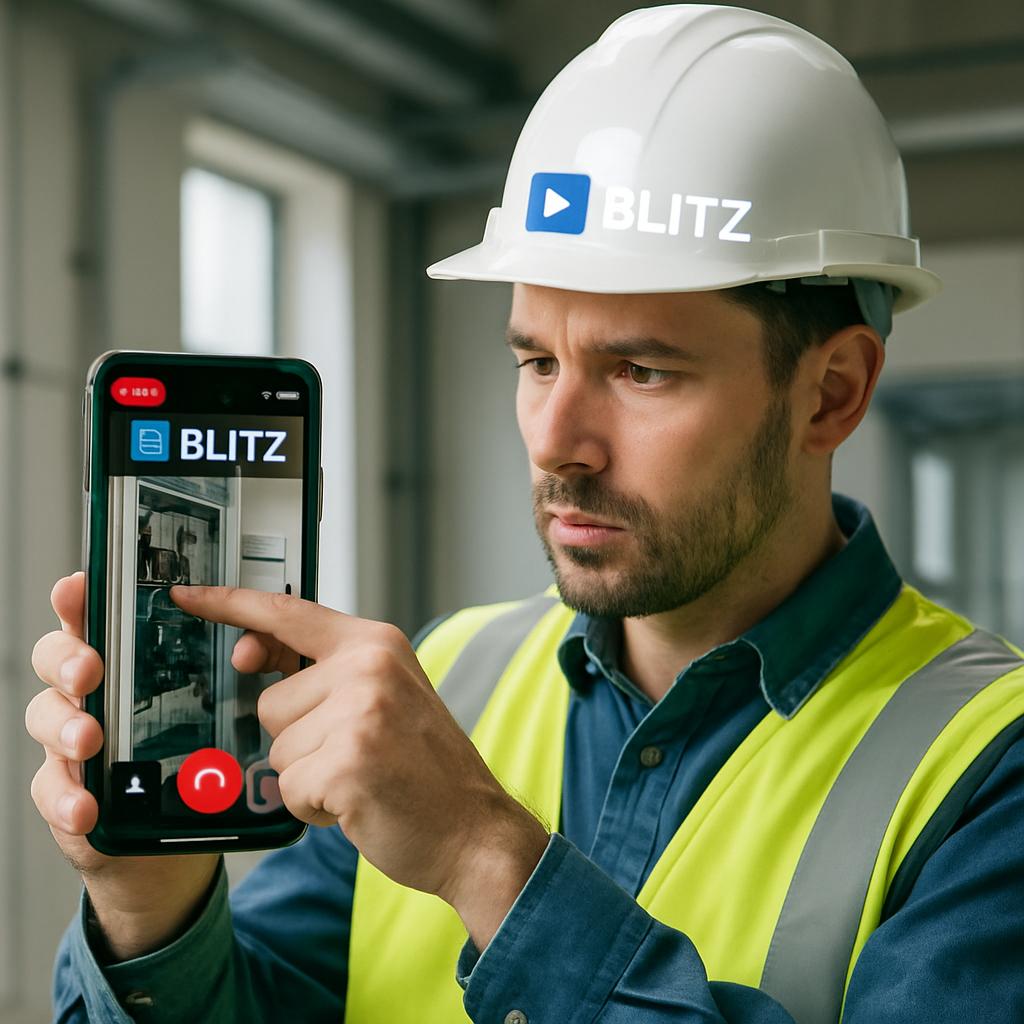
Remote visual assistance is technology that lets a support agent or field expert see exactly what a customer or on-site technician sees — through their smartphone camera — and guide them to a fix in real time using live video, AR annotations, and visual tools, without anyone traveling to the site.
Here's a quick breakdown of what it is and how the best platforms compare:
| Feature | What to look for |
|---|---|
| Access method | Browser-based (no app download) vs. app-required |
| Core tools | Live video, AR annotations, freeze frame, screenshots |
| Device support | Smartphones, tablets, smart glasses |
| Integration | CRM, FSM, ERP systems |
| Security | End-to-end encryption, GDPR/SOC-2 compliance |
| Best for | Field service, telecom, utilities, insurance, manufacturing |
If you manage field service operations, you already know the math: every unnecessary truck roll costs time, money, and customer goodwill. And the problem compounds fast. Slow issue resolution, low first-contact fix rates, and rising travel costs are grinding down margins across telecom, utilities, and industrial service teams.
The good news? A growing category of remote visual assistance platforms is changing the equation entirely.
One example that illustrates the scale of impact: ADT avoided 1 million truck rolls within the first year of deploying a visual remote assistant program. That's not a rounding error — that's a fundamental shift in how support gets delivered.
This guide cuts through the noise and compares the leading remote visual assistance solutions so you can find the right fit for your team.
Remote visual assistance terms at a glance:
- augmented reality remote assistance
- construction remote visual inspection
- insurance remote visual platform
Understanding Remote Visual Assistance and How It Works
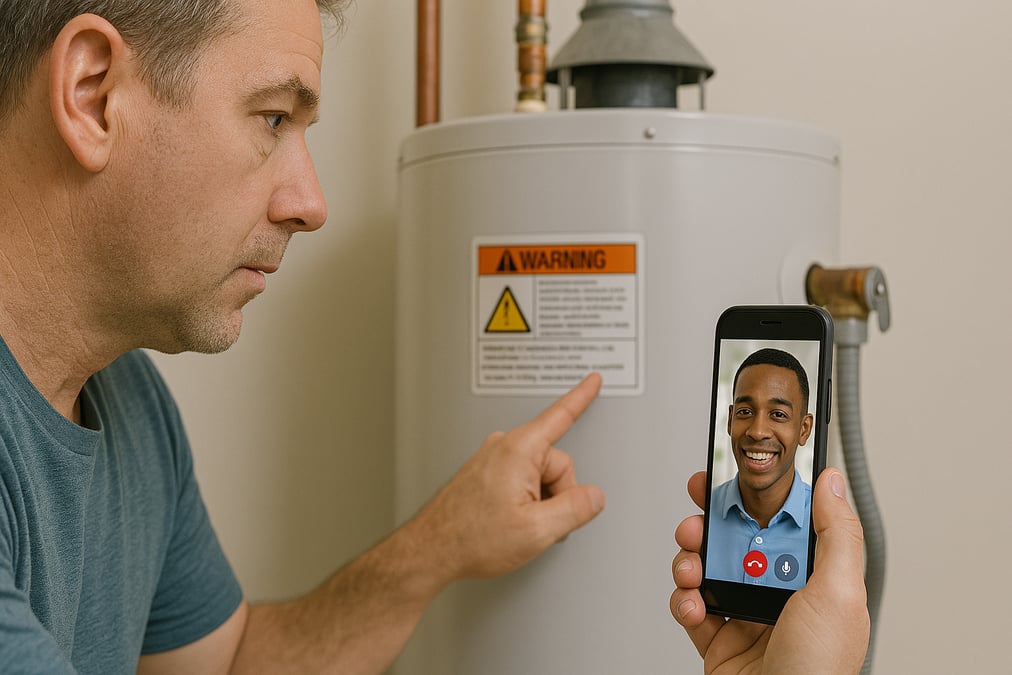
At its core, What is Remote Visual Assistance is an innovative concept in customer and field support that harnesses the power of real-time visual interactions to facilitate issue resolution. Instead of trying to diagnose a complex mechanical or technical issue based on a customer’s vague verbal description—"the blue wire is next to the thingy that looks like a box"—an expert can instantly see the physical asset.
The technology works by bridging the gap between a remote expert sitting at a desk and a customer or field technician standing in front of a physical problem.

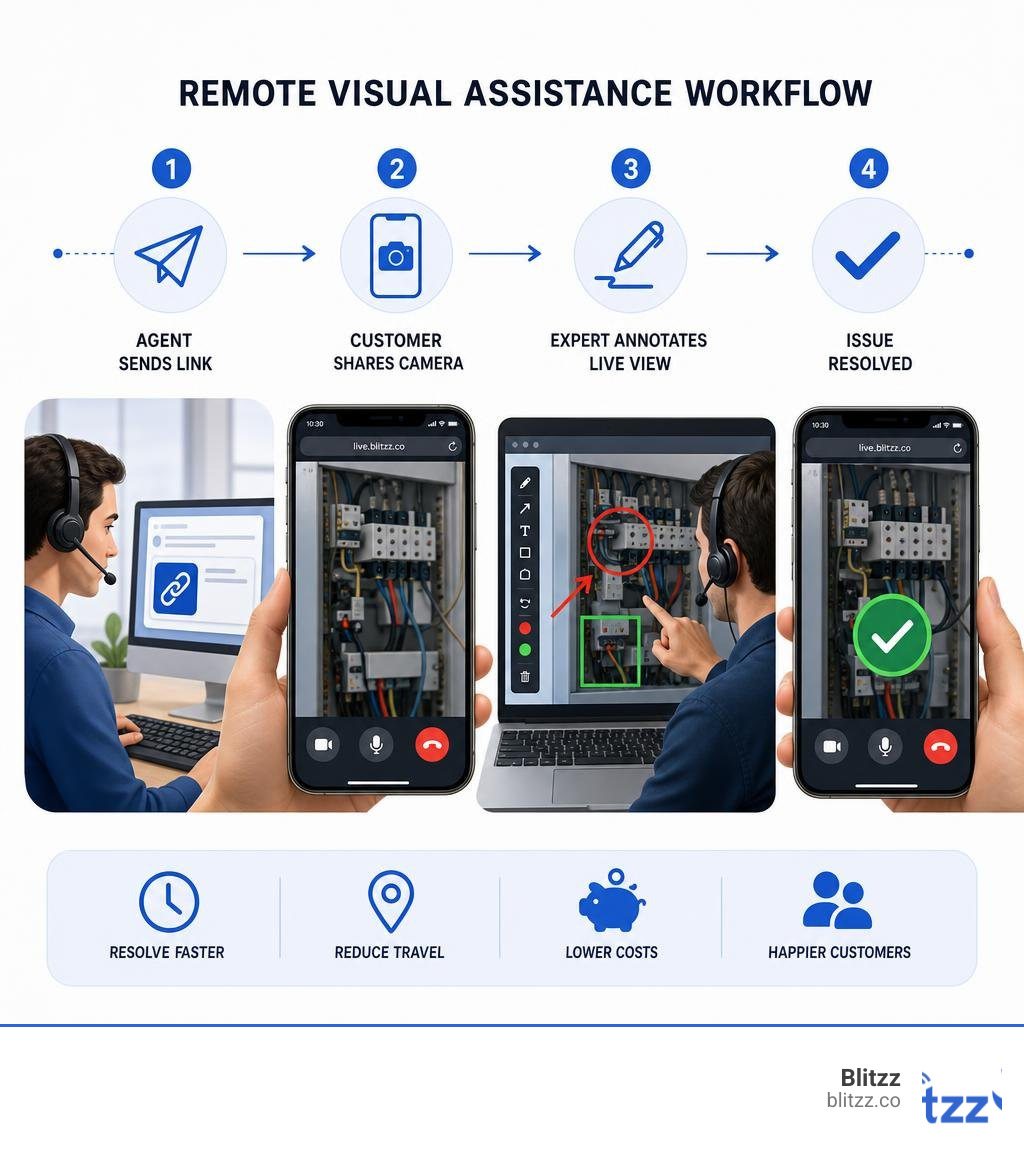
The process is remarkably straightforward:
- Initiation: The remote expert sends a secure session link via SMS or email to the user's mobile device.
- Connection: The user taps the link, which launches a secure, live video session in their mobile browser.
- Collaboration: The user points their device's rear-facing camera at the equipment. The expert views the high-definition stream on their console, using specialized tools to guide the user.
- Resolution: Using spatial cues, the expert guides the user step-by-step to resolve the problem. The session can be automatically documented and logged for compliance and training.
This interaction is made possible by the W3C WebRTC Standards, which allow real-time voice, video, and data sharing directly within mobile browsers without requiring third-party plugins. By utilizing the back camera of a mobile device as the primary input, the expert gains a clear, unobstructed view of the physical environment, transforming a standard support call into an interactive, collaborative workspace.
Key Features of Modern Remote Visual Assistance Platforms
An enterprise-grade Remote Visual Support Software platform is far more than a basic video calling tool. It is equipped with specialized features designed to observe, document, and solve complex problems. When evaluating solutions, look for these core capabilities:
- Live AR Annotations: Remote experts can draw directly on the live video stream. These annotations (arrows, circles, text, or numbered steps) are not static drawings on a screen; they are spatially pinned to the physical object. If the user moves their camera, the digital ink remains locked to the physical component, ensuring clear spatial guidance.
- Freeze Frame & High-Resolution Snapshot: In fast-moving environments or areas with fluctuating network quality, an expert can freeze the live stream. This allows them to capture a high-resolution image, perform a detailed analysis, draw precise annotations, and send the marked-up image back to the user's screen.
- Optical Character Recognition (OCR) & Scanning: Built-in computer vision tools allow technicians to scan barcodes, serial numbers, and QR codes instantly. The system automatically reads the text and cross-references it with existing database records to retrieve manuals, warranty details, or parts lists.
- Multi-Participant Sessions: Complex issues often require more than one set of eyes. Modern platforms allow the primary technician to add secondary experts, third-party vendors, or supervisors into the active call without ending the session.
- Session Recording and Evidence Capture: Every session can be recorded, with photos and video files automatically geotagged and timestamped. This data is saved directly inside the customer CRM or Field Service Management (FSM) case file as proof of work, which is invaluable for quality assurance, training, and compliance audits.
How Remote Visual Assistance Reduces Operational Costs
The financial impact of transitioning from traditional on-site support to a remote-first strategy is immediate and measurable. When comparing Remote Visual Assistance vs Site Visits, the cost savings are driven by several key factors.
First, there is the dramatic reduction in "truck rolls"—the physical dispatch of a technician and vehicle to a customer site. Service teams utilizing remote visual tools consistently achieve up to a 73% reduction in truck rolls. When you calculate the average cost of a truck roll (including fuel, vehicle wear, technician labor, and travel time), avoiding even a fraction of these dispatches saves hundreds of thousands of dollars annually.
Second, the speed of resolution is drastically improved. The average resolution time for issues handled via remote visual assistance is just 4 minutes. This represents a 95% faster issue resolution compared to waiting for a specialist to travel to a site.
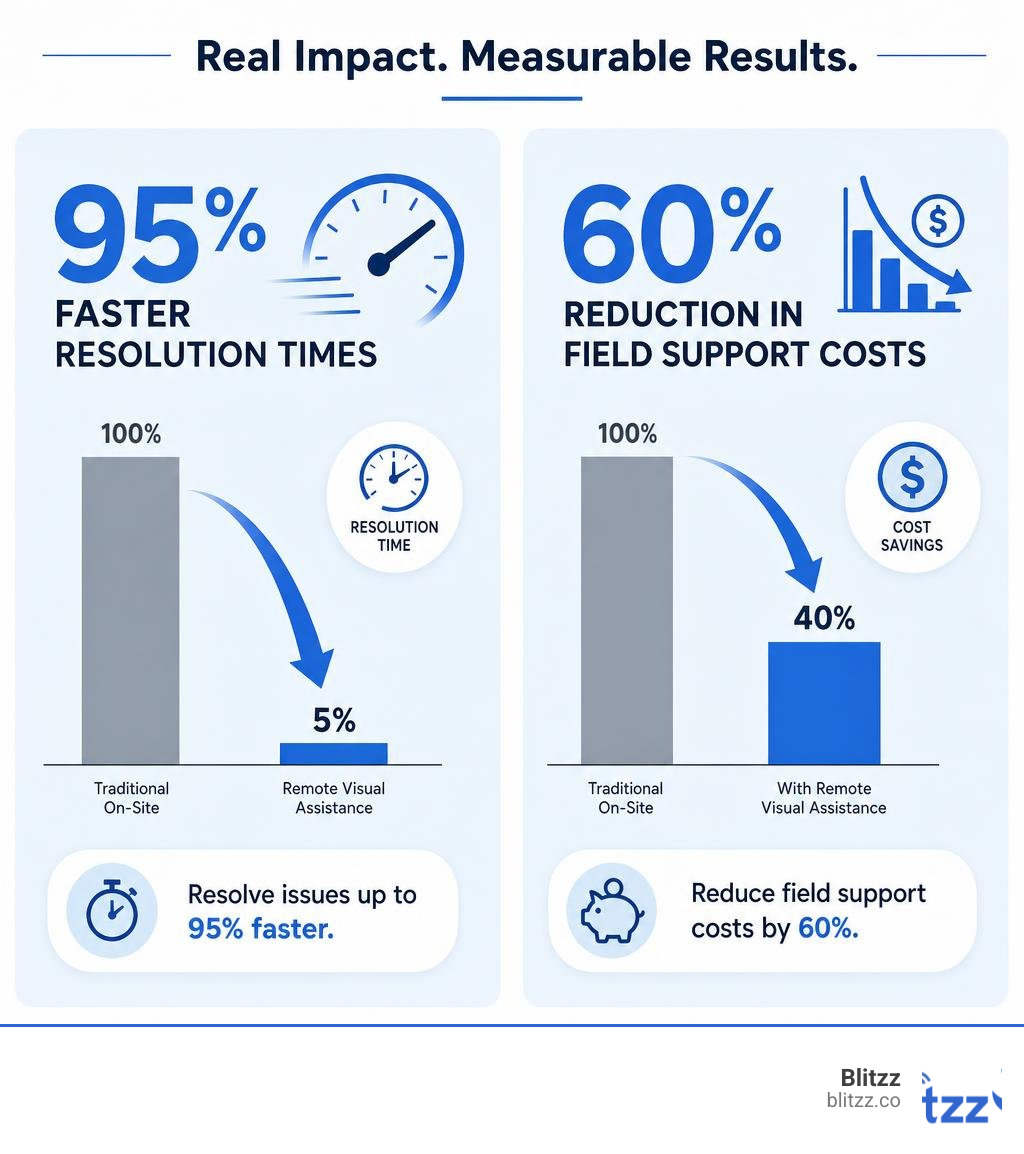
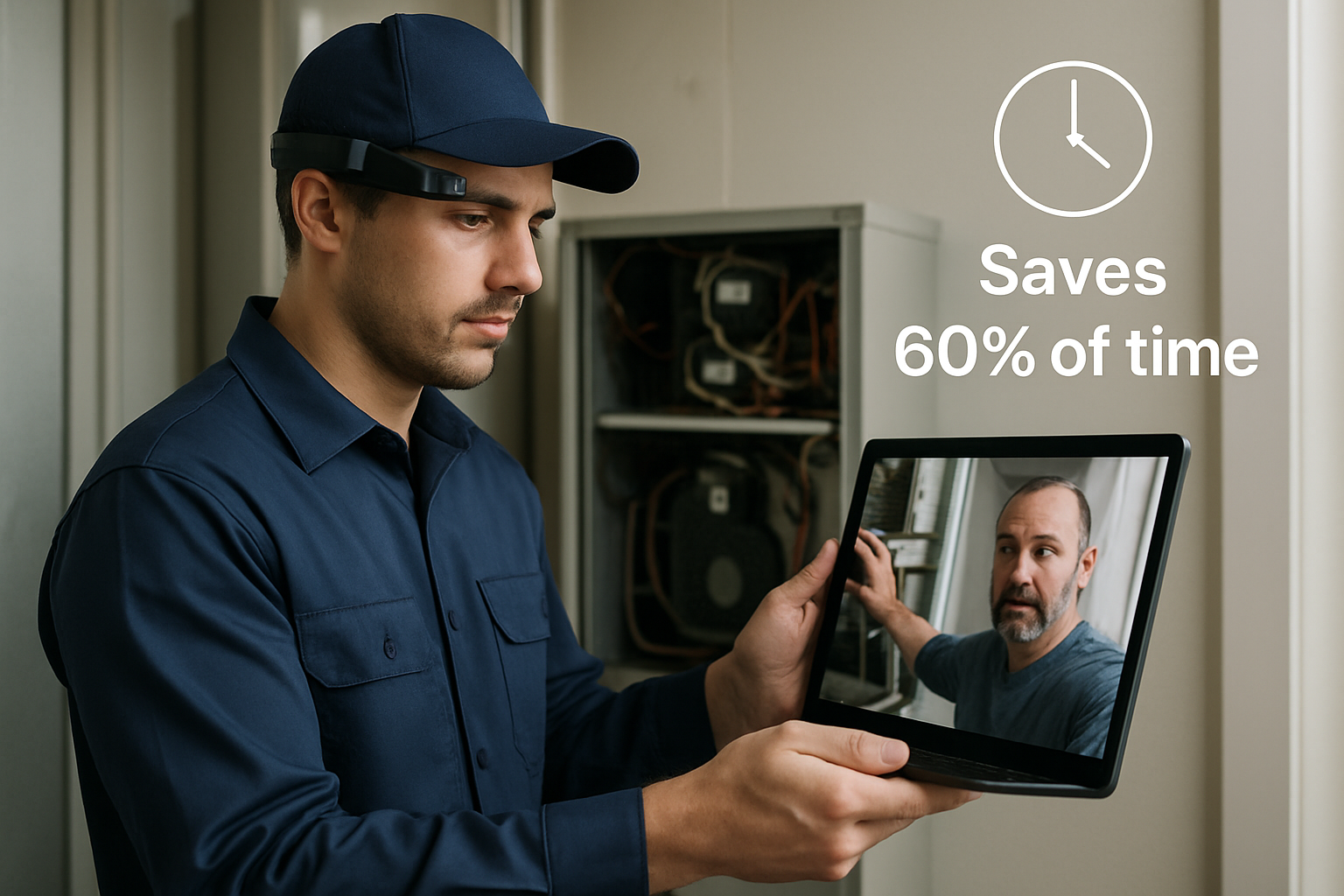
Furthermore, by utilizing a visual remote assistant, organizations can expect up to a 60% reduction in field support costs overall. When a physical visit is absolutely necessary, the remote session serves as a pre-visit diagnostic tool. The technician arrives on-site already knowing the exact issue, carrying the precise replacement parts, and armed with the right tools, which significantly improves first-time fix rates.
These operational efficiencies directly translate to customer satisfaction, with service teams reporting an outstanding 98% customer satisfaction (CSAT) rate after implementing these Benefits of Remote Visual Support.
Comparing Platform Types: App-Based vs. Browser-Based Solutions
When choosing among Remote Visual Support Solutions, one of the most critical decisions is the deployment architecture: do you require users to download a dedicated mobile application, or do you leverage a browser-based, zero-download solution?
| Criteria | Browser-Based (WebRTC) | App-Based (Dedicated App) |
|---|---|---|
| Customer Friction | Extremely low (one-click access) | High (requires App Store/Google Play download) |
| Onboarding Speed | Instant (seconds) | Slow (minutes spent downloading and logging in) |
| User Adoption | Extremely high (near 100%) | Low (customers often resist installing new apps) |
| Device Compatibility | Works on any modern mobile browser | Restricted to supported OS versions and devices |
| Feature Richness | High (AR, OCR, freeze frame, chat) | Extremely High (can leverage deep native OS integrations) |
| Low-Bandwidth Performance | Excellent (highly optimized adaptive streaming) | Excellent (native compression protocols) |
Mobile WebRTC vs. Dedicated Mobile Applications
For customer-facing support scenarios, browser-based WebRTC solutions are the clear winner. Forcing a customer to download an app in the middle of a stressful technical issue—such as a broken internet router or a leaking appliance—creates massive friction. Customers may not remember their App Store passwords, may have limited storage space on their phones, or may simply feel uncomfortable downloading software from a company they only interact with occasionally. This friction often results in customers refusing to use the visual support option altogether, driving down adoption rates.
A browser-based approach completely eliminates this barrier. The agent sends an SMS link, the customer taps it, grants camera permission in their default browser (such as Safari or Chrome), and the session begins instantly. This frictionless onboarding is why browser-based visual support consistently achieves the highest adoption rates and the fastest time-to-resolution.
Hands-Free Smart Glasses vs. Handheld Devices
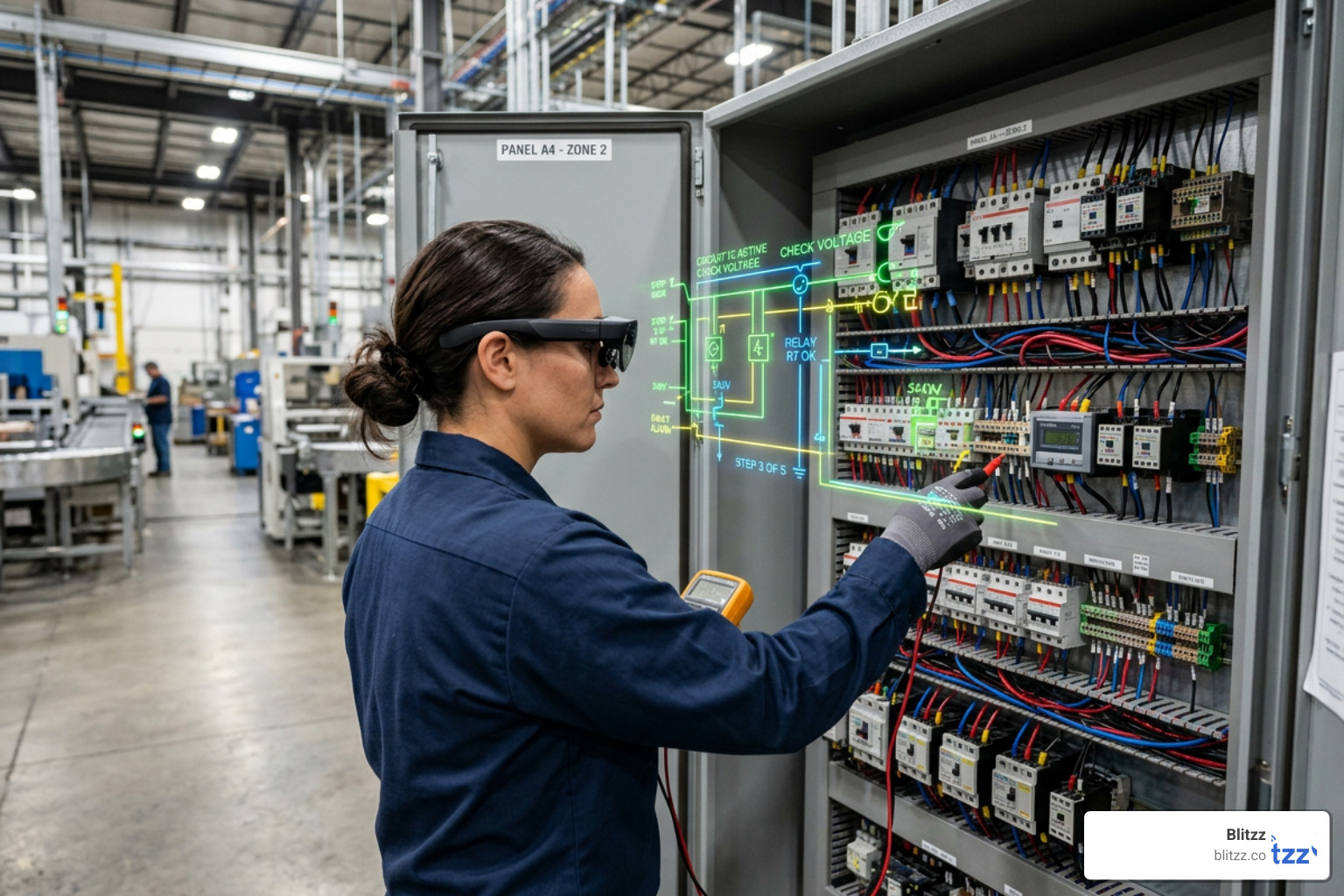
While smartphones and tablets are ideal for customer-facing support and light field service, certain industrial environments demand a hands-free approach. This is where AR smart glasses and head-up display (HUD) systems—such as those manufactured by RealWear or Vuzix—come into play.
In heavy manufacturing, utilities, construction, and hazardous ATEX-classified zones, technicians often need both hands free to climb ladders, handle high-voltage wiring, or operate heavy machinery.
According to IEEE Research on Augmented Reality, hands-free AR guidance significantly reduces cognitive load and error rates in complex assembly and maintenance tasks. By running Remote Visual Support for Field Service software directly on smart glasses, field technicians can receive real-time, voice-controlled, annotated guidance from a remote expert while keeping their eyes and hands focused entirely on the physical asset.
Industry Applications: Who Benefits Most?
Every industry that manages physical assets, complex equipment, or distributed customer bases can benefit from remote visual assistance. By moving from a "guess-and-check" model to a "see-and-solve" model, companies across multiple sectors are transforming their service delivery.
Let's look at how specific industries leverage this technology to boost operational efficiency and customer satisfaction.
Telecom and Utilities Support
In the telecom and internet service provider space, home installations and hardware troubleshooting are major operational bottlenecks. When a customer calls reporting that their Wi-Fi is down, a customer support agent typically spends 20 minutes blindly walking them through rebooting the router.
By deploying Remote Visual Assistance for Telecom, the agent can instantly see the physical router. They can verify that the fiber cable is plugged into the correct WAN port, check the status lights, and use AR annotations to show the customer exactly which button to press. This visual clarity reduces average handle times in contact centers, prevents unnecessary dispatches for simple plug-and-play issues, and ensures that when a technician is sent, they arrive with the exact replacement hardware required.
Insurance Claims and Automotive Inspections
The claims process has traditionally been one of the slowest and most expensive aspects of the insurance industry. Adjusters must travel to inspect damaged vehicles, homes, or commercial properties, leading to long processing times and high administrative costs.
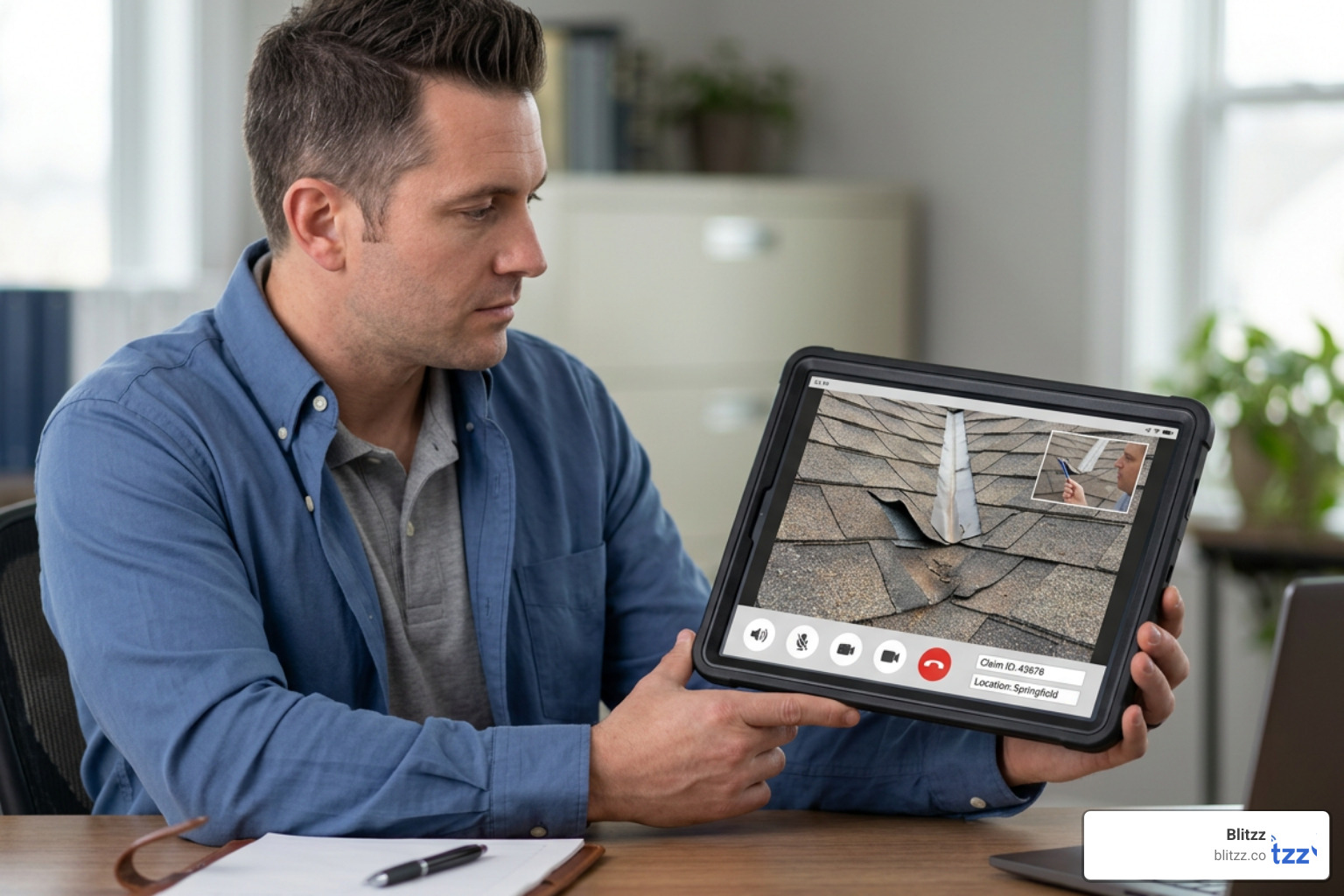
With Remote Visual Assistance for Insurance, claims teams can perform instant, virtual First Notice of Loss (FNOL) inspections. Policyholders use their smartphone cameras to show the adjuster the damage in real time. The adjuster can take high-resolution, geotagged, and timestamped photos directly through the stream, creating an audit-ready, fraud-resistant record of the claim.
Similarly, Remote Visual Assistance for Automotive allows dealerships and fleet managers to conduct remote vehicle diagnostics. A master mechanic at a central headquarters can guide a junior technician at a remote dealership through a complex engine or battery diagnostic procedure, reducing vehicle downtime and keeping repair operations moving smoothly.
Frequently Asked Questions about Remote Support
Implementing a new technology platform always brings questions from both operations managers and end-users. Here are the answers to the most common questions about remote visual support.
Does the customer need to download an app to use visual support?
No, the best enterprise platforms do not require any app downloads or registrations for the end-user. The session runs entirely within the mobile browser via WebRTC. The customer simply taps a secure link sent via SMS or email, grants camera access, and joins the session instantly. This works across all modern iOS and Android devices, as well as major mobile browsers like Safari, Chrome, Edge, and Firefox.
How secure are remote visual sessions?
Enterprise-grade remote visual assistance platforms prioritize data privacy and security. Look for platforms that offer:
- End-to-End Encryption: All video and audio streams should be encrypted in transit using secure WebRTC protocols (DTLS/SRTP) and at rest.
- Regulatory Compliance: The platform must comply with major data protection standards, including GDPR, HIPAA, and CCPA.
- Security Certifications: Choose a provider that is SOC-2 Type II certified and adheres to ISO 27001 information security management standards.
- Role-Based Access Control: Admins should have full control over who can initiate sessions, view recordings, or access customer data, backed by comprehensive audit logging.
Can remote visual tools work on low-bandwidth connections?
Yes. Leading platforms use intelligent, adaptive streaming technology that automatically adjusts video resolution and frame rates based on fluctuating network conditions. If a field technician is working in a remote area, a basement, or a facility with weak 3G or satellite coverage, the platform will prioritize clear audio and allow the technician to freeze the stream to capture and share a high-resolution still image, ensuring the session can continue without interruption.
Conclusion
The shift from traditional, guessing-based phone support to real-time, visual problem-solving is no longer a futuristic concept—it is an operational necessity in 2026. By choosing the right remote visual assistance platform, your business can eliminate unnecessary truck rolls, slash resolution times, and deliver the seamless, instant support your customers expect.
At Blitzz, we specialize in providing enterprise-grade, browser-based remote visual assistance and video inspection software. Our platform is built to deliver high-definition video, precise AR annotations, and seamless CRM integrations with zero customer friction. Whether you are in telecom, insurance, utilities, or field services, we help you stop guessing and start seeing.
Are you ready to transform your service operations? Request a Demo today and see how Blitzz can help your team resolve issues faster than ever before.

Blitzz Team
The Blitzz Team writes about remote video support, virtual inspections and field service. Our guides come from working with home builders, property managers, warranty teams, contact centers and field service organizations that use Blitzz to see and solve issues without a truck roll.