.png?width=120&height=55&name=Blitzz-Logo-right%20white%20eyes%20-%20not%20transparent%20(3).png)

On this page
Why Remote Warranty Verification Is Replacing the Traditional Inspection
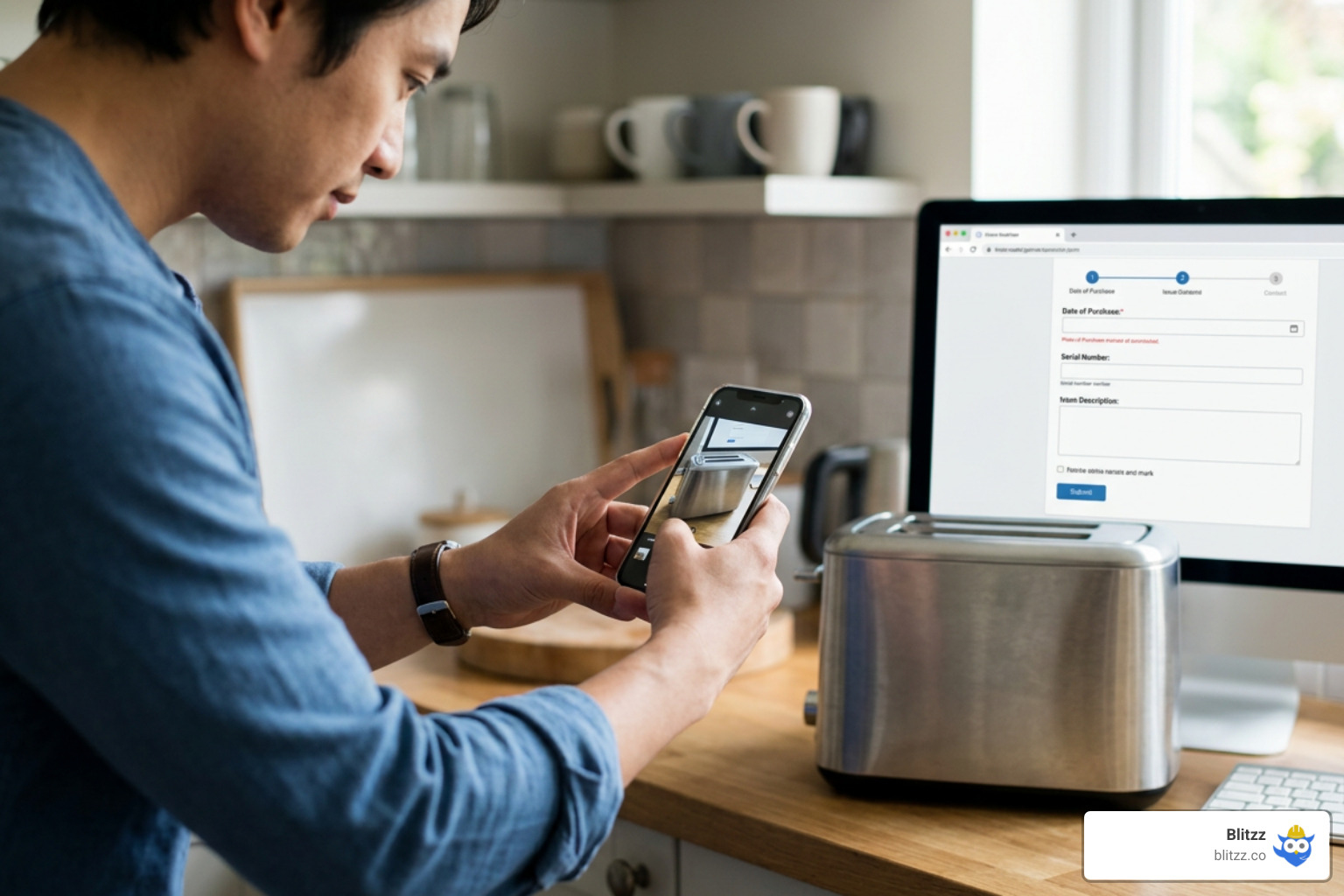
Remote warranty verification is the process of confirming a product's warranty coverage and validating a claim using digital tools — without anyone needing to show up in person.
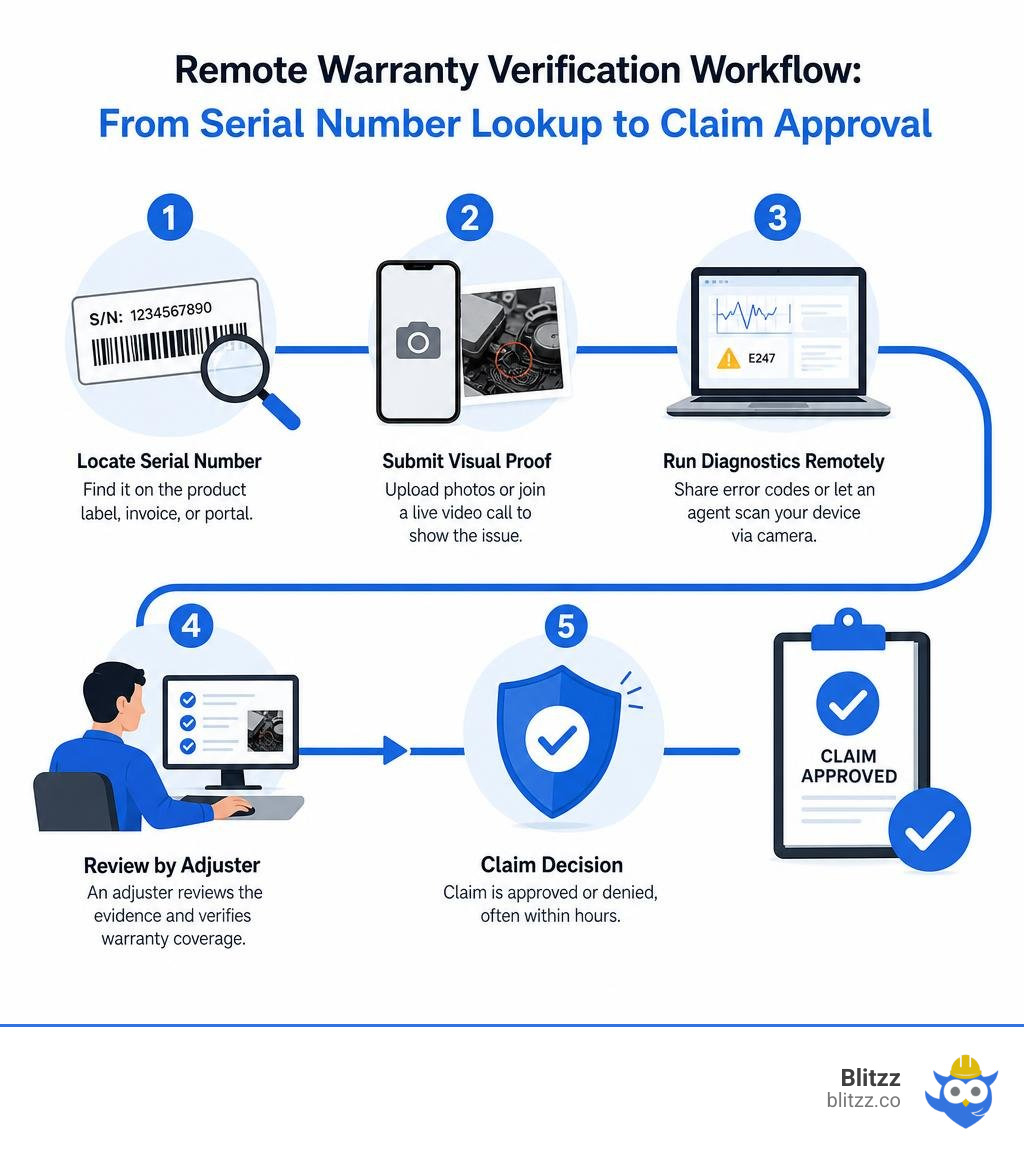
Here's how it typically works, fast:
- Locate your serial number — find it on the product label, invoice, or manufacturer portal
- Submit visual proof — upload photos or join a live video call to show the issue
- Run diagnostics remotely — share error codes or let an agent scan your device via camera
- Get a decision — an adjuster reviews the evidence and approves or denies the claim, often within hours
Traditional physical inspections take 2–3 days on average and cost $125 or more per visit. Remote inspections cut that down to roughly 3 hours at a fraction of the price.
For field service managers dealing with high truck-roll costs and slow resolution times, that difference is significant. Sending a technician before verifying a claim is one of the biggest sources of wasted spend in service operations. Many warranty requests turn out to be simple user errors — issues that a quick video call or photo upload could have resolved without anyone leaving the office.
The shift toward remote verification isn't just about speed. It's about building a smarter, more defensible process — one that creates a clear audit trail, reduces fraud, and keeps dealers and customers from waiting days for answers they could get in minutes.
Remote warranty verification terms made easy:
What is Remote Warranty Verification and How Does It Work?
At its core, remote warranty verification replaces the clipboard-carrying field inspector with digital eyes. Instead of waiting days for an adjuster to drive out to a dealership, job site, or residential home, manufacturers and service providers use cloud-connected tools to inspect the physical state of a product.
This process relies on three critical pillars: verifiable visual evidence, serial number validation, and digital proof of purchase. By combining these three elements, companies can instantly determine if a product is still under coverage and whether the reported issue is a genuine manufacturing defect or simply normal wear and tear.
To understand why this shift is happening so rapidly, let's look at how the traditional model stacks up against the modern, remote-first approach:
| Feature | Traditional In-Person Inspection | Remote Warranty Verification |
|---|---|---|
| Average Turnaround Time | 2 to 3 business days (or longer over weekends) | Under 3 hours |
| Direct Cost Per Claim | $125+ (for inspector fees, travel, and mileage) | 3 to 4 times lower cost (approx. 78% cheaper) |
| Hidden Costs | Rental car fees, administrative chasing, open claim storage | Minimal administrative overhead |
| Customer Experience | High friction; requires scheduling a physical visit | High satisfaction; completed in a single digital session |
| Dealer/Shop Impact | Strained relationships; tied-up service bays | Faster cash flow; rapid bay turnover |
| Audit Trail Quality | Static paper reports with manual data entry | Tamper-proof digital media with GPS and timestamps |
By transitioning to this digital-first method, manufacturers can easily weed out ineligible claims before they accumulate massive administrative costs. For a deeper dive into how this visual transformation works in practice, check out our guide on Verifying Warranty Claims Remotely with Remote Video Inspections.
The Core Technologies Powering Remote Warranty Verification
To make remote verification as reliable as an in-person visit, companies rely on an integrated stack of modern technologies:
- Live App-Free Video Support: Customers or dealers simply click a secure link sent via SMS or email. They don't have to download a clunky app; their smartphone browser turns into a live-streaming diagnostic camera.
- Computer Vision and OCR: Optical Character Recognition (OCR) instantly scans and extracts serial numbers, barcodes, and model numbers from product labels, eliminating manual typing errors.
- AI-Driven Image Validation: AI algorithms analyze live images to verify that the equipment matches the registered serial number and to detect any signs of physical tampering.
- Built-In Device Diagnostics: For smart consumer electronics and HVAC systems, web portals can trigger remote diagnostic tests (such as software-based liquid damage tests or error-code retrievals) directly over the internet.
- Integrated Warranty Tracking Systems: The entire visual session, including high-resolution photos and notes, is pushed directly into the company’s customer relationship management (CRM) platform or enterprise resource planning (ERP) system for seamless record-keeping.
How Product Registration Enables Remote Warranty Verification
An elegant remote verification workflow starts long before a claim is ever filed. It begins at the moment of product registration.
When a customer or installing contractor registers a product immediately after purchase, they establish a digital baseline for that unit's lifecycle. However, registration requirements can vary significantly based on the product type and even local regulations:
- Registration Windows: Many manufacturers of heavy equipment, HVAC systems, and commercial machinery require products to be registered within a strict timeframe (typically 60 to 90 days from the installation date) to unlock extended or enhanced warranties.
- Enhanced vs. Standard Warranties: For example, registering an HVAC unit within 90 days might secure a 10-year enhanced parts warranty. If the owner misses this window, the coverage automatically defaults to a standard 5-year warranty, and the start date may revert to the factory shipment date rather than the installation date.
- Regional Exemptions: It is worth noting that some jurisdictions, such as California in the United States and Quebec in Canada, have consumer protection laws that prohibit manufacturers from conditioning warranty coverage on registration. In these areas, registration-based limitations are waived, and the full warranty applies regardless of whether the customer registered the product.
- Subsequent Homeowners: Standard warranties often transfer to new owners, but the coverage period is frequently reduced (e.g., from 10 years down to 5 years) for subsequent purchasers. Digital registration portals allow manufacturers to track these ownership transfers seamlessly.

Step-by-Step: The Quickest Ways to Verify a Warranty Online
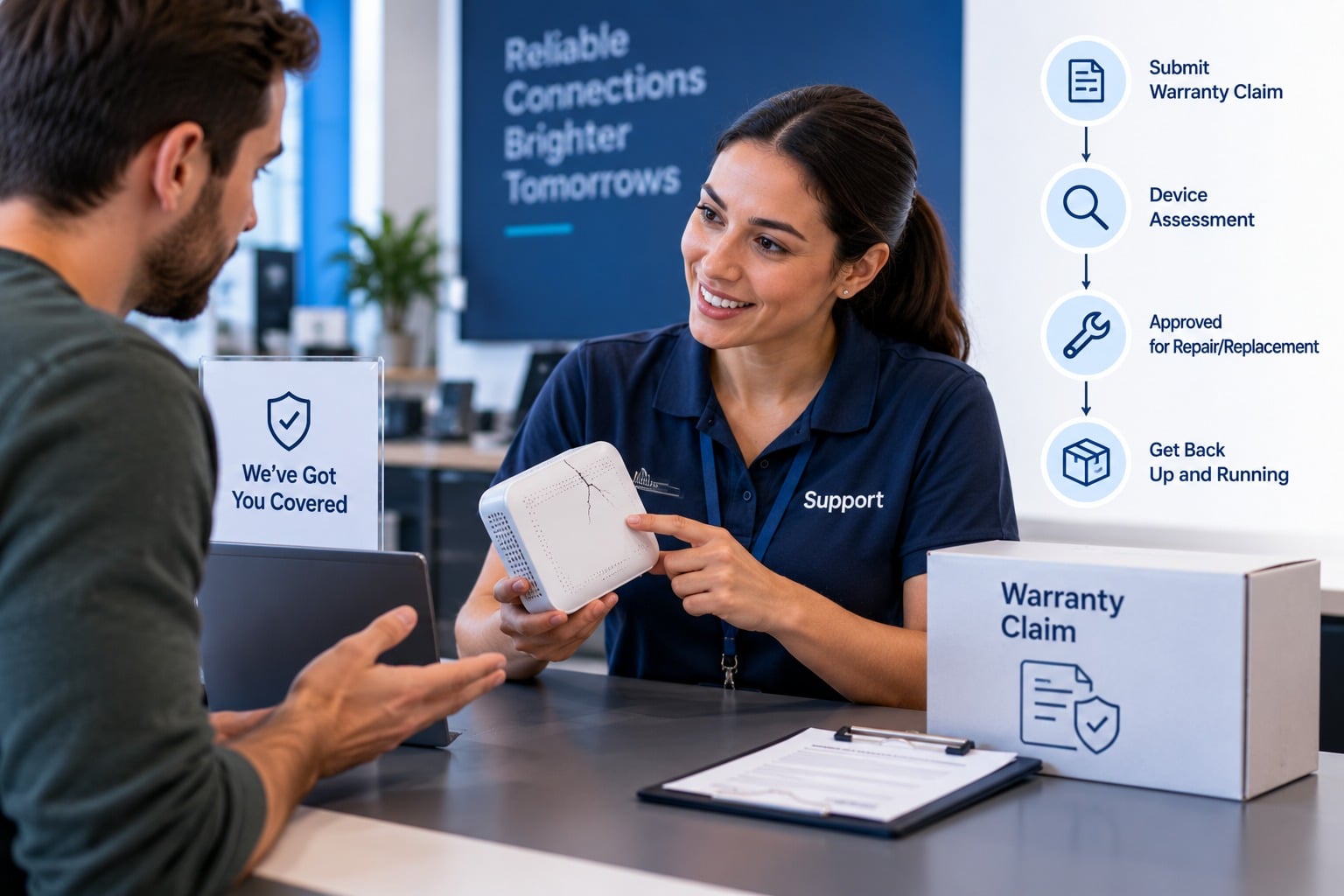
If you are looking to get a warranty claim approved in minutes rather than days, the secret lies in preparation. By following a structured, visual-first workflow, you can bypass the traditional customer service phone queues and get immediate pre-approval.
To help make this transition seamless, we have designed tools that eliminate the friction of manual documentation. You can read more about how we streamline this in our article on how to Simplify Warranty Claims with Blitzz.
Let's walk through the three simple steps to complete a remote verification online.
Step 1: Locate and Scan Your Product Serial Number
Every valid warranty claim starts with positive identification. Before you submit any details, you must locate the product label containing the model and serial numbers.
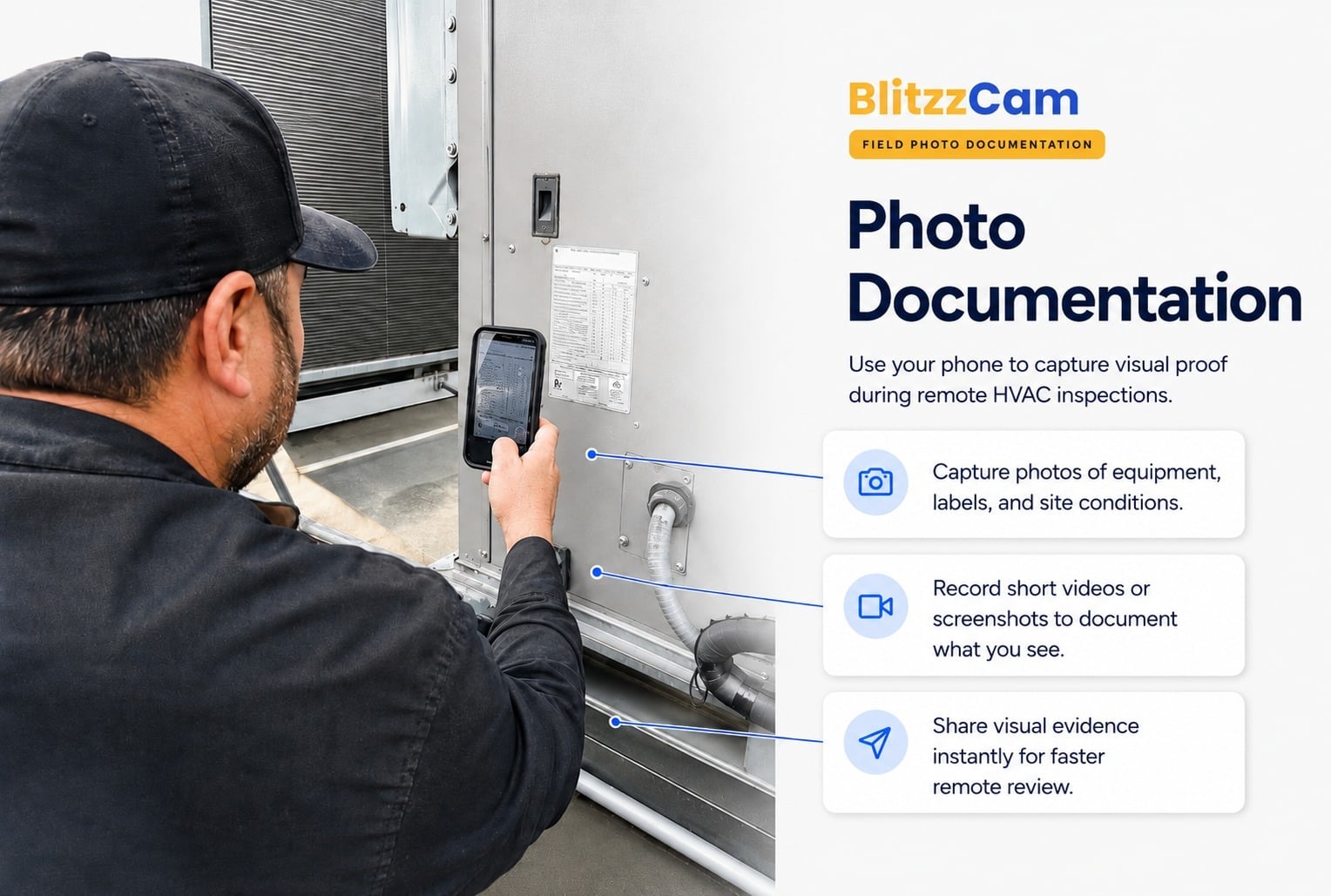
- Where to Look: On appliances, check the inner door frame or the back panel. On HVAC equipment, look for the metal rating plate on the side of the outdoor condenser or indoor air handler. On consumer electronics, the serial number is typically printed on a small barcode sticker on the bottom or back of the device.
- Automated Scanning: Instead of squinting at tiny text and risking a typo that could delay your claim, modern self-service portals allow you to hold your phone's camera up to the barcode or QR code. The system automatically reads the data, validates the serial number against the manufacturer's database, and pulls up your exact warranty coverage terms in real time.
Step 2: Submit Visual Proof and Diagnostic Data
Once the product is identified, you need to prove that the issue is covered under the warranty terms. This is where high-quality visual evidence comes into play.
- Capture Live Media: Use the guided prompts on the manufacturer's verification portal to take clear photos or short videos of the malfunction. For example, if you are submitting a claim for a commercial ice machine's evaporator plate, you will need to take clear pictures of the front and back of the plate without any water running over it.
- Run Built-In Tests: If you are verifying a smartphone or smart appliance, the support portal may prompt you to run an automated software check. These tools can remotely test for internal issues like liquid damage or system board failures, sending the diagnostic log directly to the claims adjuster.
- Show Error Codes: If your equipment displays an error code on an LED screen, make sure to capture a high-resolution photo of the active code. This acts as indisputable proof of the system's state at the time of the claim.
Step 3: Connect with a Remote Specialist for Live Triage
For complex issues that static photos cannot fully explain, the quickest path to approval is a brief live video call with a remote support specialist.
- No App Required: The specialist sends a text link that opens directly in your phone's default web browser.
- Interactive Guidance: During the call, the agent can use AR (Augmented Reality) annotations to draw directly on your screen. They might draw an arrow pointing to a specific valve, wire, or pipe, guiding you to show them the exact component they need to inspect.
- Real-Time Adjudication: Because the specialist can see the live operation of the machine, they can verify the fault immediately. They don't have to guess based on a vague description; they can watch the failure happen in real time and authorize the replacement parts on the spot.
This live visual triage drastically reduces back-and-forth communication. For more on how live video is transforming this process, explore our article on how Live Video Calls Are Changing Warranty Claims Triage.
The Business Benefits: Cost Savings, Speed, and Fraud Prevention
For manufacturers, distributors, and service organizations, adopting remote warranty verification is one of the most effective ways to protect profit margins. Annually, companies lose between 2% and 7% of their product revenue to warranty claims. Manual processing, slow turnaround times, and unverified repairs eat directly into profitability.
By moving to a remote-first verification model, businesses unlock massive operational efficiencies:
- 50% Reduction in Claims Costs: Eliminating unnecessary physical inspections and streamlining administrative workflows slashes overall claim processing expenses in half.
- 75% Less Processing Overhead: Automated validation rules and digital queues allow adjusters to process claims up to 75% faster, reducing administrative strain.
- 3-Hour Typical Turnaround: Instead of waiting 2 to 3 days for a physical inspector's report, adjusters can review digital evidence and make an accurate decision in an average of 3 hours.
- 80% Average Completion Rate: Remote inspection links have an incredibly high completion rate because they are easy for repair shops and customers to use.
To handle this rapid influx of digital claims, many organizations employ dedicated experts. If you are interested in how these teams are structured, you can read about the day-to-day responsibilities of a Warranty Pre-Authorization Specialist.
Mitigating Fraud with Secure Visual Audits
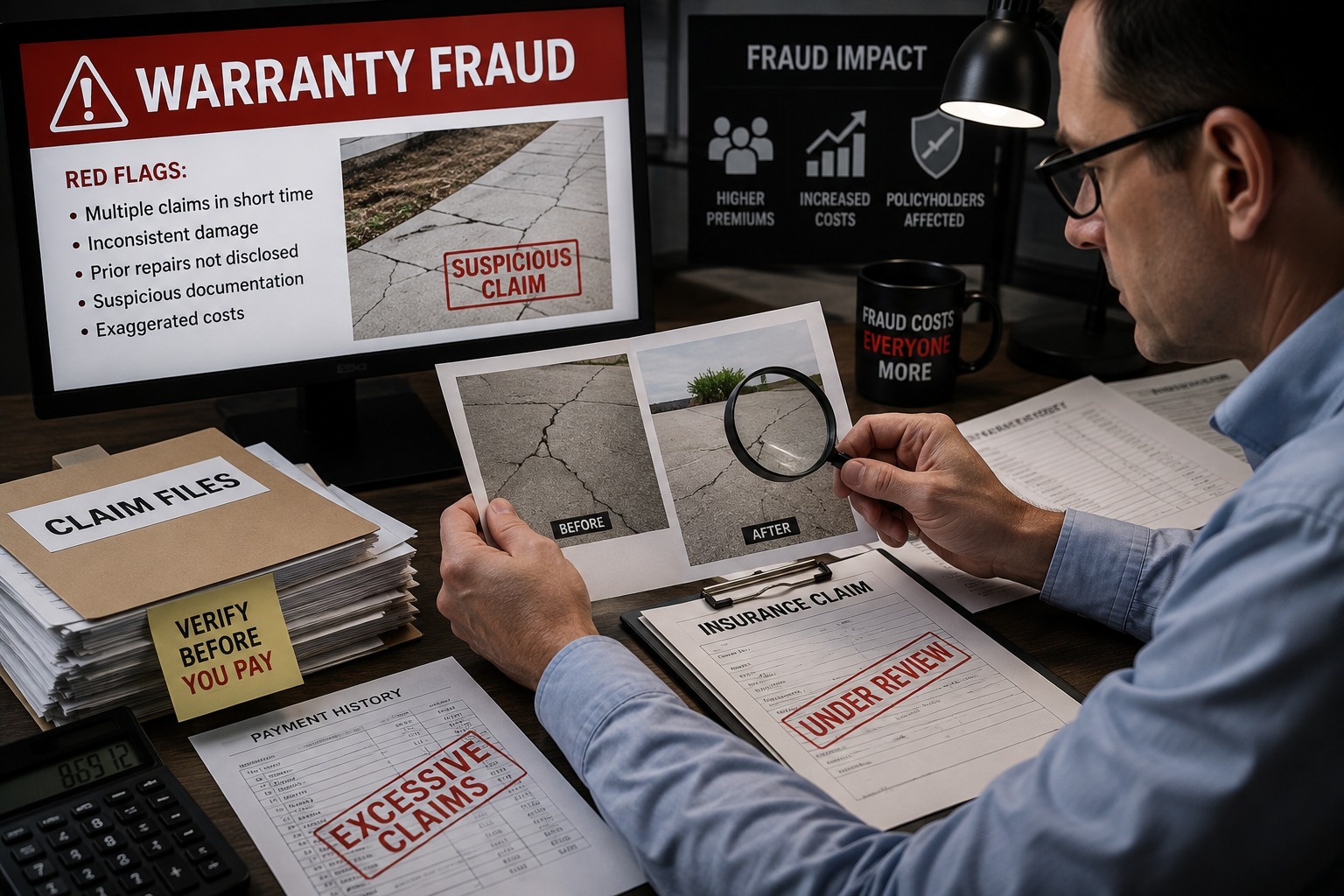
A challenge in warranty management is preventing fraudulent or inflated claims. Without visual verification, it is remarkably easy for bad actors to submit pre-existing damage, claim the same repair multiple times, or use stock photos downloaded from the internet.
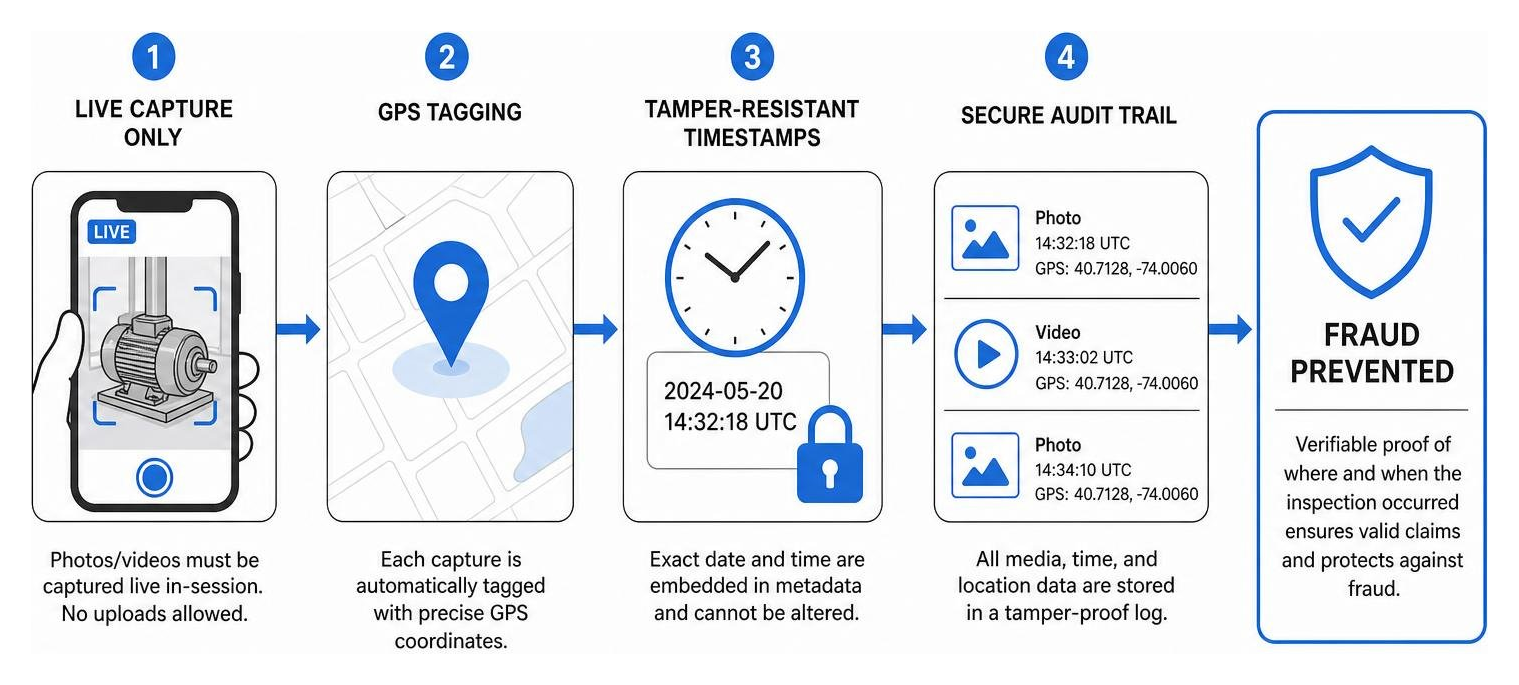
Modern remote inspection platforms solve this by building a highly secure, tamper-proof audit trail:
- Live-Camera-Only Restrictions: The verification software can prevent users from uploading photos from their phone's gallery. Users must take the photo live through the secure browser session, ensuring the image represents the actual equipment in its current state.
- GPS Coordinate Tracking: Every photo and video captured during a session is automatically tagged with precise GPS coordinates. This allows adjusters to verify that the inspection is actually taking place at the authorized repair shop or customer address.
- Tamper-Resistant Timestamps: Metadata containing the exact date and time is embedded directly into the media files, preventing anyone from reusing old images to file new claims.
Improving Dealer Relationships and Cash Flow
When a dealer or independent repair shop performs a warranty repair, they must carry the cost of parts and labor until the manufacturer reimburses them. If the manufacturer's verification process is slow and paper-heavy, it can take weeks for the dealer to get paid, severely hurting their cash flow.
Furthermore, a lack of insight into the repair process often leads to over-repairs, incorrect diagnoses, and costly chargebacks that strain the relationship between the manufacturer and the dealer.
Remote verification completely changes this dynamic:
- Faster Reimbursements: By utilizing remote visual assistance, dealers can get immediate pre-approval for repairs. Once the work is completed, they can upload a quick post-repair photo to secure instant payment authorization.
- 3x Faster Supplier Recovery: When a component fails, the manufacturer often reclaims the cost from the original parts supplier. By having clear, timestamped visual proof of the defect, manufacturers can file and settle supplier recovery claims three times faster.
- Pre-Audit Evaluations: Standardizing the documentation process protects dealers from unexpected penalties. They can easily verify that they have met all OEM policy requirements before submitting the claim, ensuring a 99% first-submission approval rate.
For businesses looking to outsource the complexity of these operations, adopting a modern Warranty-as-a-service model can provide expert-led administration that drives compliance and keeps dealer networks running smoothly.
Overcoming Challenges in Remote Warranty Inspections
While the benefits of remote verification are clear, transitioning away from traditional workflows can present a few operational hurdles. Knowing how to navigate these challenges is key to a successful implementation.
- Connectivity Issues in the Field: Technicians and customers occasionally find themselves in remote areas, metal-shielded mechanical rooms, or deep basements with poor cellular reception. To combat this, remote verification platforms must feature adaptive bandwidth technology that maintains a clear connection even in low-signal environments, or allow for offline media capture with secure local encryption.
- User Adoption and Tech Hesitancy: Not every customer or local dealer is a digital native. If a remote verification tool requires a complex setup or an app download, adoption rates will plummet. The solution is simplicity: using browser-based, app-free links that work instantly on any modern smartphone.
- Complex or Borderline Repairs: Some high-value repairs involve complex internal mechanical failures that static photos cannot fully capture. In these scenarios, combining live video diagnostics with clear guidelines on labor allowances ensures technicians are fairly compensated for the extra time spent documenting the issue.
To learn more about how to balance thorough documentation with fair technician compensation, read our article on Remote Video Assistance and Warranty Labor Allowances.
Ensuring Compliance with OEM Policies
To maintain warranty validity and protect against costly disputes, all remote inspections must strictly align with original equipment manufacturer (OEM) guidelines.
This requires an Adaptive, remote-first warranty management workflow that can easily update to reflect changing manufacturer bulletins, parts lists, and labor rate guidelines. By integrating your visual verification tools with specialized Warranty Management Software for OEMs, you can automate compliance checks.
The system can automatically verify that the correct technician certifications are on file, the required diagnostic steps were completed, and the exact parts numbers were documented before any claim is sent to the manufacturer for final reimbursement.
Frequently Asked Questions about Online Warranty Verification
How do I check my product's warranty status online?
To check your warranty status, navigate to the manufacturer’s official support portal and locate their "Warranty Lookup" tool. You will need to enter your product's unique serial number, which can be found on the physical rating label or your original purchase invoice.
If the online lookup tool does not return results, or if the displayed expiration date is incorrect, you can typically upload a digital copy of your purchase receipt or installation invoice to update the manufacturer’s records and validate your active coverage.
Does a remote parts warranty cover labor costs?
Generally, a standard manufacturer's parts warranty only covers the cost of the replacement component itself; it does not cover the installing dealer's labor charges, service call fees, or shipping costs.
However, if you purchased an extended service contract or if the manufacturer offers an enhanced warranty tier (often unlocked through rapid post-purchase registration), labor allowances may be included. Always review the "Limitations of Warranty" section on your physical warranty certificate to confirm what is covered.
What happens if I missed the product registration window?
If you miss the manufacturer’s registration deadline (typically 60 to 90 days from the installation date), your equipment will usually default to a standard warranty period, which is often significantly shorter than the enhanced tier (e.g., 5 years of coverage instead of 10).
Additionally, without a registered installation date, the warranty start date will automatically revert to the factory shipment date. This can cut several months off your active coverage window depending on how long the equipment sat in a distributor's warehouse before being installed.
Conclusion
The days of waiting around for physical warranty inspections are officially over. By embracing remote warranty verification, manufacturers, dealers, and customers can resolve claims in hours rather than days, saving millions of dollars in unnecessary truck rolls and administrative overhead.
At Blitzz, we build the enterprise remote visual assistance and video inspection software that makes this transition effortless. Our app-free, browser-based video support allows your customer service agents and claims adjusters to instantly see what the customer sees, utilize interactive AR annotations to guide inspections, and automatically document every session within your existing CRM or warranty management systems.
Ready to see how remote visual assistance can transform your warranty operations? Explore Blitzz Remote Support Solutions today and take the first step toward faster approvals and lower claim costs.

Blitzz Team
The Blitzz Team writes about remote video support, virtual inspections and field service. Our guides come from working with home builders, property managers, warranty teams, contact centers and field service organizations that use Blitzz to see and solve issues without a truck roll.