

.png?width=120&height=55&name=Blitzz-Logo-right%20white%20eyes%20-%20not%20transparent%20(3).png)

On this page
Blitzz is one of the few video support tools that integrates with both Salesforce Service Cloud and Genesys Cloud CX. On Salesforce, the main options are Blitzz, Salesforce's own Visual Remote Assistant, SightCall, TechSee and Streem. On Genesys, the main options are Blitzz, Glance, Pexip, Auvious and VideoEngager. The best fit depends on what syncs back to the case or interaction, whether customers need an app, and how licensing works.
This guide lists the integrations, explains what to check, and shows how the Blitzz connectors work.
Why integrate video support with your CRM or contact center?
Agents should not juggle two screens. When video launches from the case or interaction, the agent starts a session in one click and the evidence lands where the team already works.
- One-click launch from the case, work order or active call.
- Automatic records. Recordings, photos and notes attach to the case or interaction.
- Better reporting. Video sessions show up next to handle time, resolution and CSAT.
- Less admin. AI summaries fill in the wrap-up instead of the agent typing it.
Video support tools for Salesforce Service Cloud
| Tool | Where it launches | Customer side | Published pricing |
|---|---|---|---|
| Blitzz | Cases, Contacts, Accounts, Work Orders, custom objects. Classic and Lightning. | Browser link by SMS, email or WhatsApp | From $35 per user per month on AppExchange, 14 day trial |
| Salesforce Visual Remote Assistant | Native to Service Cloud and Field Service | Link by SMS or email, no app | $50 per user per month, needs Enterprise or Unlimited edition |
| SightCall Visual Support | Service Cloud, Field Service, Health Cloud | Browser on phone, tablet or computer | From $3,000 per company per month |
| TechSee Sophie for Salesforce | Extension to Salesforce Visual Remote Assistant | Varies | From $10,000 per year |
| Streem (StreemCore) | Salesforce AppExchange app | Safari or Chrome, no app | Quote based |
Video support tools for Genesys Cloud CX
| Tool | Launch | Customer side | What else it adds |
|---|---|---|---|
| Blitzz | One click from any active voice or chat interaction | Browser link by SMS, email, WhatsApp or session code | Recordings, images, annotations, location data and AI call summaries sync back |
| Glance | One click from Genesys Cloud CX | No download, install or login | Co-browse and screen share |
| Pexip Video Connect | Inside the Genesys agent client | One click from the browser | Recording and transcription |
| Auvious | Genesys Cloud widget | Browser, no download | Co-browse with AR pointer, live subtitles |
| VideoEngager | Genesys AppFoundry listing | Check with vendor | Check with vendor |
Based on Salesforce AppExchange, Salesforce and vendor pages as of October 2026. Confirm with each vendor.
What should I check before choosing an integration?
- Write back depth. Does it save recordings, photos and summaries to the record, or only a link?
- Field mapping. Can admins choose which objects and fields receive session data?
- Licensing. Does it need extra platform licenses on top of the video tool?
- Customer join flow. Test the link on real iPhone and Android devices.
- Multi-platform needs. If you run Salesforce for cases and Genesys for routing, pick a tool that works with both.
How the Blitzz integrations work
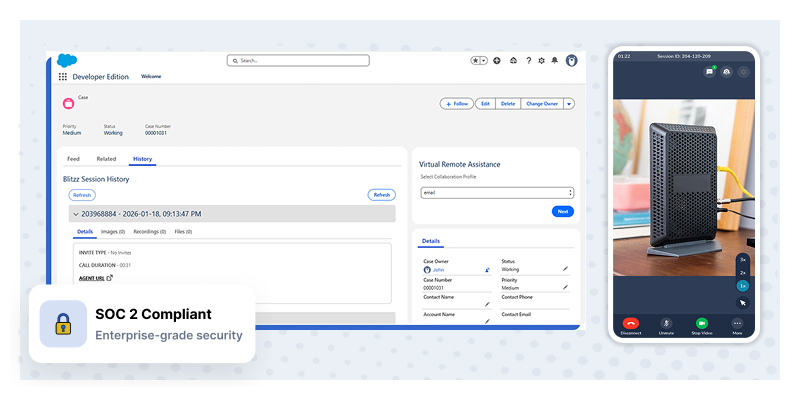
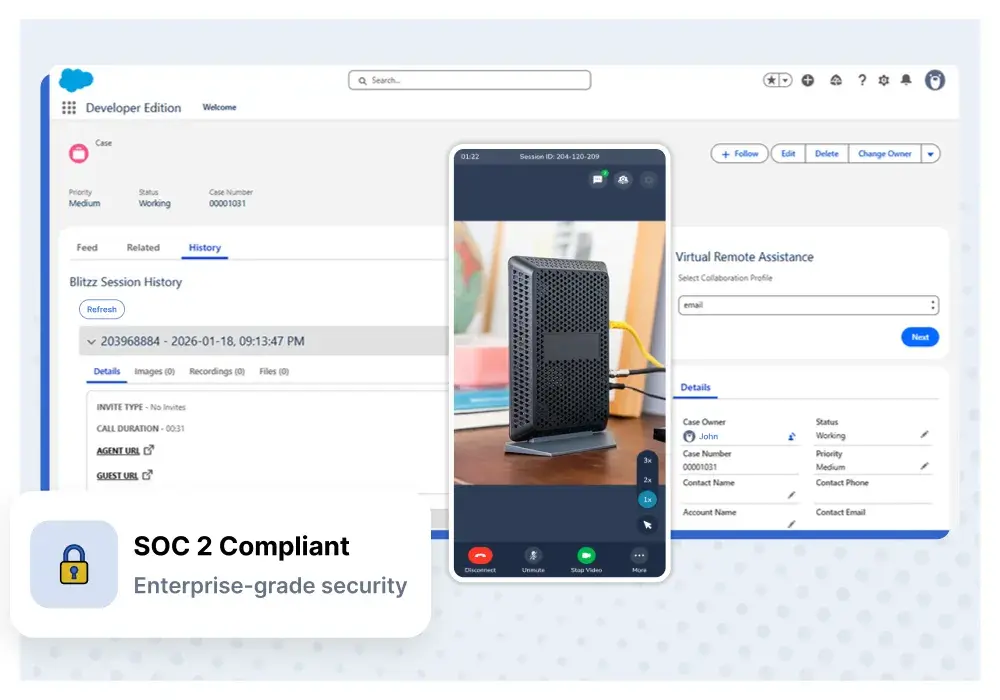
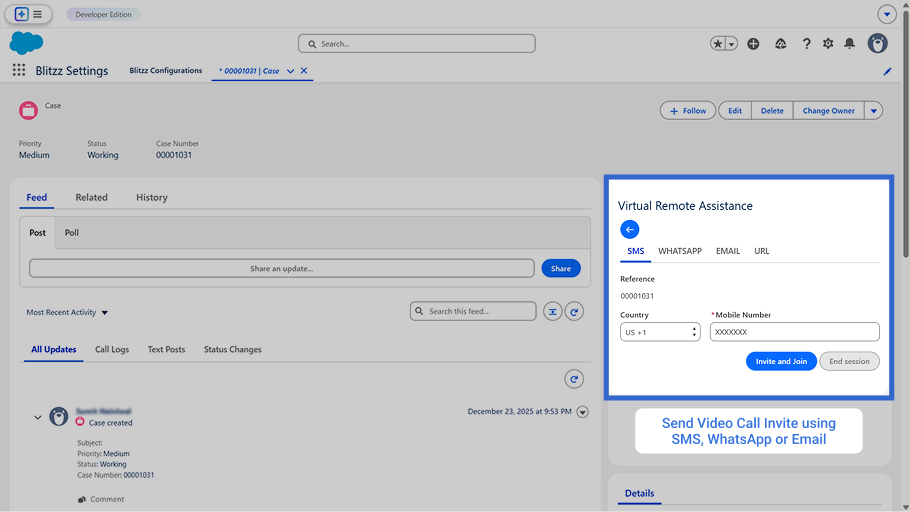
In Salesforce, agents start a session from a case record. The customer gets a link and joins in the browser. Session details, recordings, images, annotations, location data and AI call summaries sync to the case. Install from AppExchange, add your Blitzz API key, map fields and add the widget to page layouts.
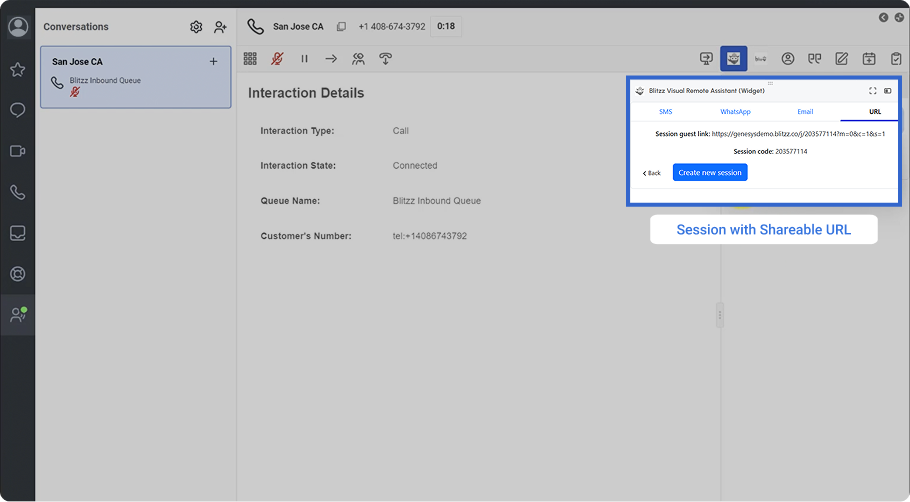
In Genesys Cloud CX, agents start video from any active interaction. The same data syncs back to Genesys, and admins choose which fields sync for reporting.
Blitzz also connects to Zendesk, ServiceNow, Dynamics 365, NICE CXone and HubSpot. See all integrations.
Related reading: What is AI agent assist?
Frequently asked questions
Does Salesforce have built-in video support?
Yes. Salesforce sells Visual Remote Assistant for $50 per user per month, and it requires Enterprise or Unlimited edition. Third-party apps like Blitzz add AI summaries, co-browse and multi-platform support.
Is Blitzz on Genesys AppFoundry?
Yes. Blitzz installs from Genesys AppFoundry and adds a video widget to the Genesys agent desktop.
What data syncs back to Salesforce or Genesys?
With Blitzz, session metadata, recordings, captured images, annotations, location data and AI call summaries can sync back. Admins choose the fields.
Do customers need an app?
No. With Blitzz, customers join from a link in their phone or desktop browser.
Can one tool work with Salesforce and Genesys at the same time?
Yes. Blitzz supports both, so teams that route in Genesys and manage cases in Salesforce can use one video tool.
Connect video to your stack
Try Blitzz free from Salesforce AppExchange or book a demo for Genesys.

Blitzz Team
The Blitzz Team writes about remote video support, virtual inspections and field service. Our guides come from working with home builders, property managers, warranty teams, contact centers and field service organizations that use Blitzz to see and solve issues without a truck roll.