.png?width=120&height=55&name=Blitzz-Logo-right%20white%20eyes%20-%20not%20transparent%20(3).png)

On this page
TeamViewer built its reputation on something genuinely impressive: make remote access simple enough that anyone can use it. For years, that was enough to make it the default choice for IT teams, MSPs, and field service organizations worldwide.
But something shifted. The pricing has climbed steadily — and not gradually. TeamViewer's commercial licenses have increased repeatedly over the years, making it one of the most expensive solutions in the market. Beyond the base subscription, additional fees for endpoint monitoring, patch management, and integrations quickly drive the total cost even higher. One Reddit user described their renewal quote for TeamViewer Tensor as "just insulting," calling it "3x more expensive than the competition."
The frustration goes beyond cost. Many users report frustration with session timeouts, pop-ups, and forced upgrades. TeamViewer has also experienced notable security breaches, raising concerns about unauthorized access. And for organizations in field service, insurance, or manufacturing — industries that need more than screen sharing — TeamViewer's desktop-centric architecture simply wasn't designed for the work they do.
The good news: 2026's alternatives are better than ever. Whether you need budget-friendly remote desktop access, enterprise IT management, or a live visual inspection platform built for the field, there's a purpose-fit tool for you. This guide covers 10 of the best, ranked by use case so you can cut straight to the right choice.
How We Evaluated These TeamViewer Alternatives
Before the rankings, a quick note on methodology. Each tool was evaluated on:
- Core functionality — what it actually does well (not just what the marketing says)
- Pricing transparency — whether costs are clear, predictable, and fair at scale
- Ease of deployment — how quickly teams can get up and running
- Security and compliance — encryption standards, certifications, and audit trails
- Integrations — how well it fits into existing workflows
- Best-fit use case — who it's actually built for
The 10 Best TeamViewer Alternatives in 2026
1. Blitzz — Best for Remote Visual Support, Field Service & Inspections
Best for: Field service teams, insurance claims, manufacturing QA, customer support
Starting price: $420/year (5 licenses) | 30-day free trial
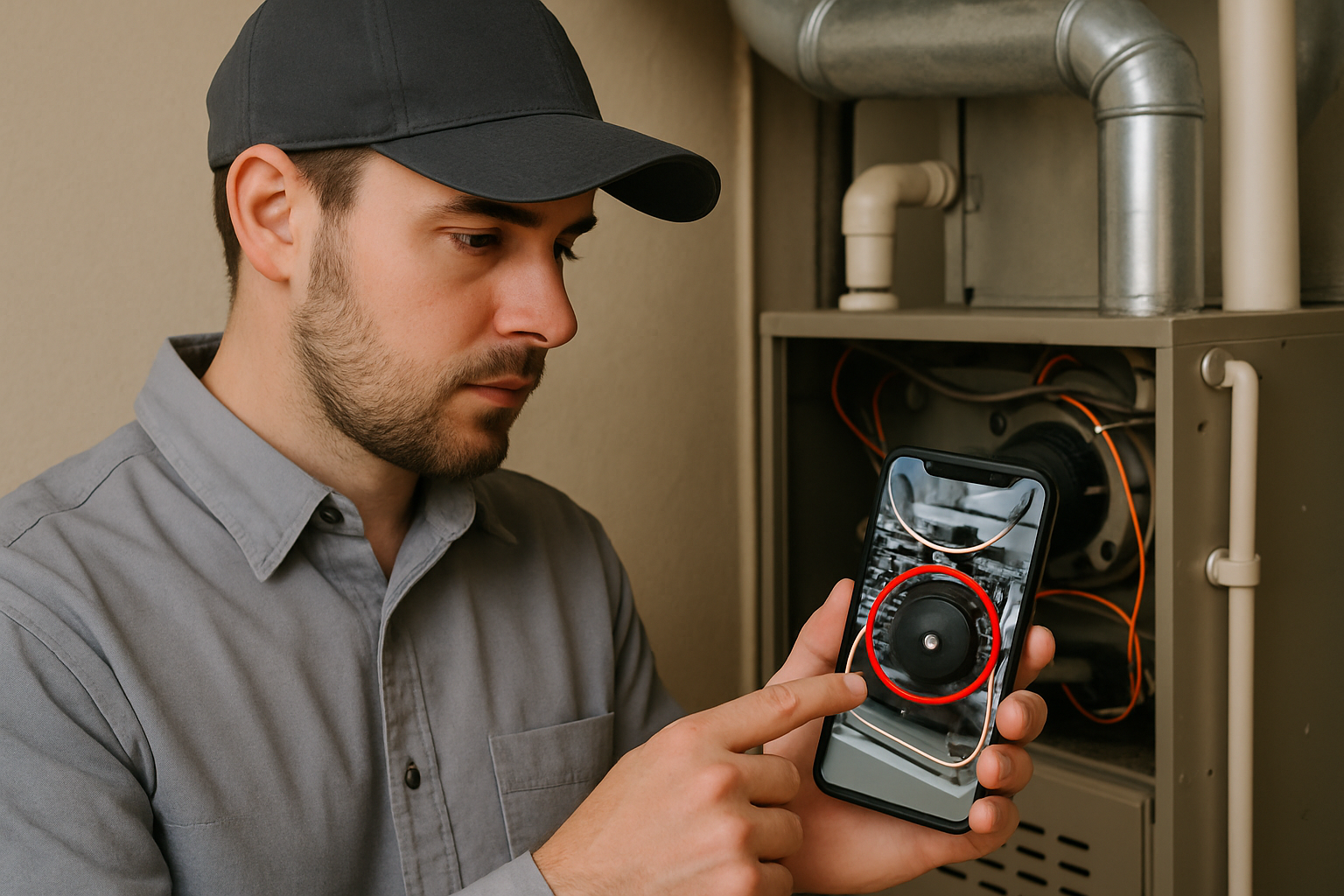
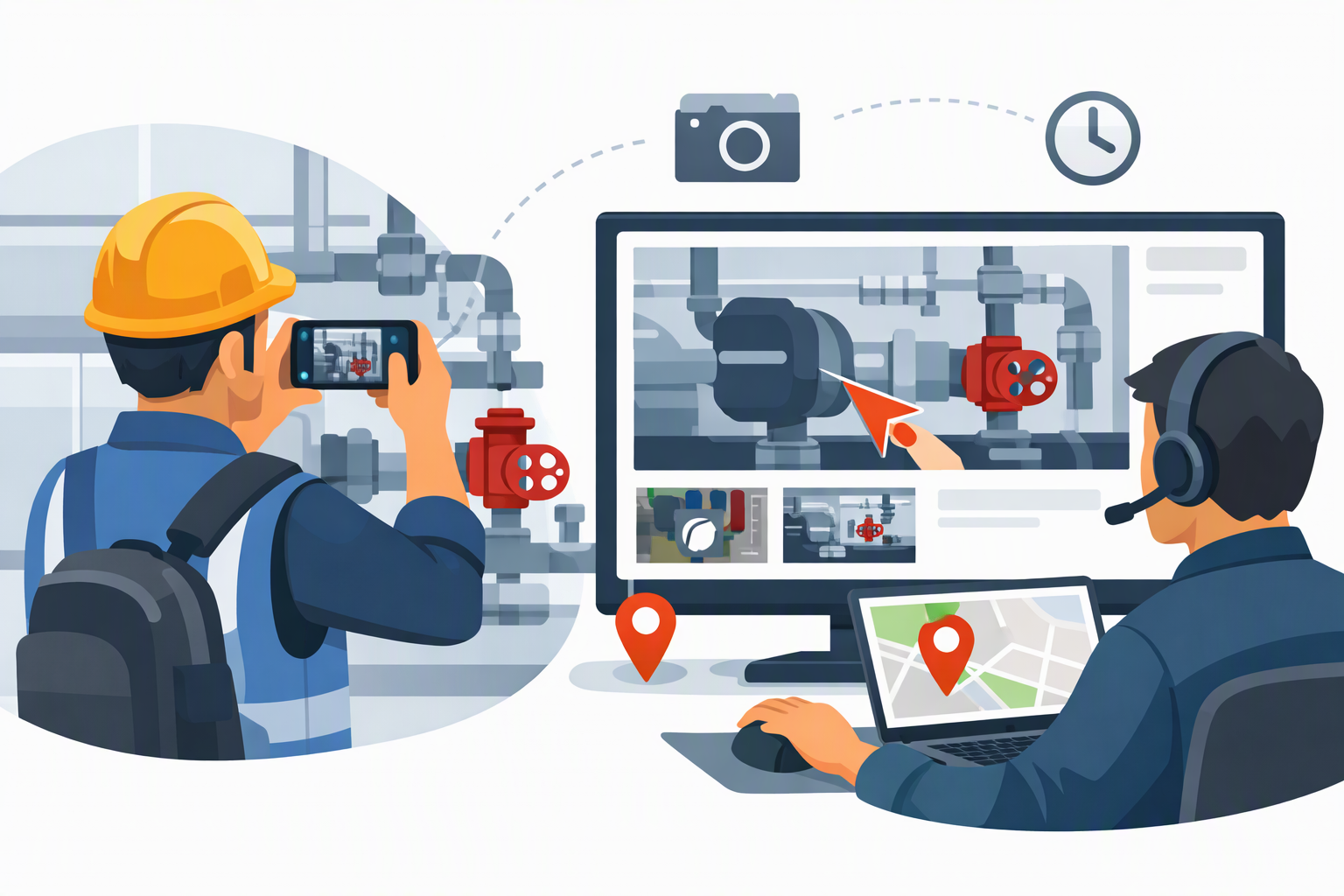
If your work involves looking at physical things — equipment, damaged property, a product malfunction, a construction site — Blitzz does something no other tool on this list can match. It delivers live HD video with augmented reality annotation, remote camera controls, and a complete inspection-grade documentation trail, all without requiring the field contact to download a single app.
That last point matters more than it sounds. TeamViewer requires installation on both ends. Blitzz's field contacts join via a simple browser link on their phone — no account, no download, no IT involvement. You send a link. They tap it. You're live in seconds.
What makes Blitzz different from every other tool here:
The category Blitzz competes in isn't remote desktop — it's remote visual assistance. Where TeamViewer lets you control a computer screen, Blitzz lets you see and interact with the physical world. An insurance adjuster can assess fire damage from their desk. A manufacturing QA lead can guide an assembly line worker through a quality check in real time. A telecom company can diagnose a field installation without rolling a truck.
Key capabilities include live HD video streaming with remote zoom and flashlight control, AR annotation tools (arrows, text, drawing) on the live camera feed, timestamped photo capture and session recording for audit-ready documentation, live text/OCR extraction to capture serial numbers and VINs without manual entry, and native integrations with Salesforce, ServiceNow, and Zendesk. Blitzz is also HIPAA-compliant, SOC-2 certified, and end-to-end encrypted.
Real-world results: A tank inspection business reduced travel costs by 75% after deploying Blitzz. A major Canadian telecom improved first-call resolution by 40% and reduced truck rolls by 30%. A global construction company saved hundreds of hours per year by moving QA inspections to a remote model.
Pricing:
- Blitzz Inspect: from $450/year
- Blitzz Concierge (customer support): from $420/year (min. 5 licenses)
- 30-day risk-free trial, no credit card required
The bottom line: If you're in IT support for pure screen-based troubleshooting, Blitzz may not be the first tool you reach for. But if your team works with physical environments, field operations, or customer-facing visual support, Blitzz is the most capable purpose-built platform in this space — and nothing on this list comes close.
Start your free Blitzz trial at blitzz.co →
2. AnyDesk — Best Budget Alternative for Speed and Simplicity
Best for: Small teams and individuals needing fast, lightweight remote desktop access
Starting price: ~$14.90/month (Solo plan)
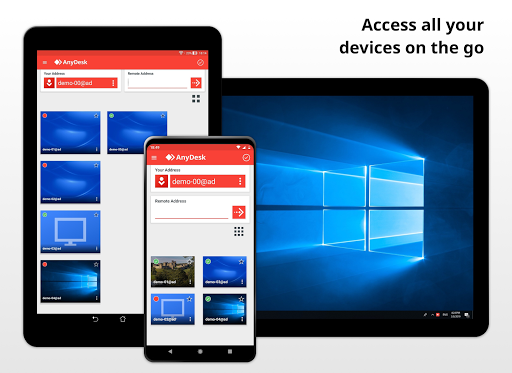
AnyDesk has become the go-to recommendation for anyone who wants TeamViewer's core functionality without the price tag. Its proprietary DeskRT codec delivers genuinely low-latency connections even on limited bandwidth, and the client weighs under 4MB — making it one of the fastest tools to deploy in a pinch.
AnyDesk's main claim to fame is its speed, powered by its proprietary DeskRT codec that ensures low latency even on low-bandwidth connections. The client is incredibly lightweight, making it easy and fast to get a session started.
Where it falls short: enterprise management features are limited at lower tiers, and mobile device support costs extra — the same trap TeamViewer users are trying to escape. For individual users and small teams doing straightforward remote desktop work, though, it's hard to beat at this price point.
Pricing: Solo from ~$14.90/month | Free for personal use
3. Splashtop — Best Value for IT Teams and MSPs
Best for: IT departments and MSPs needing enterprise features at SMB prices
Starting price: $5/month per user (Remote Access Solo)
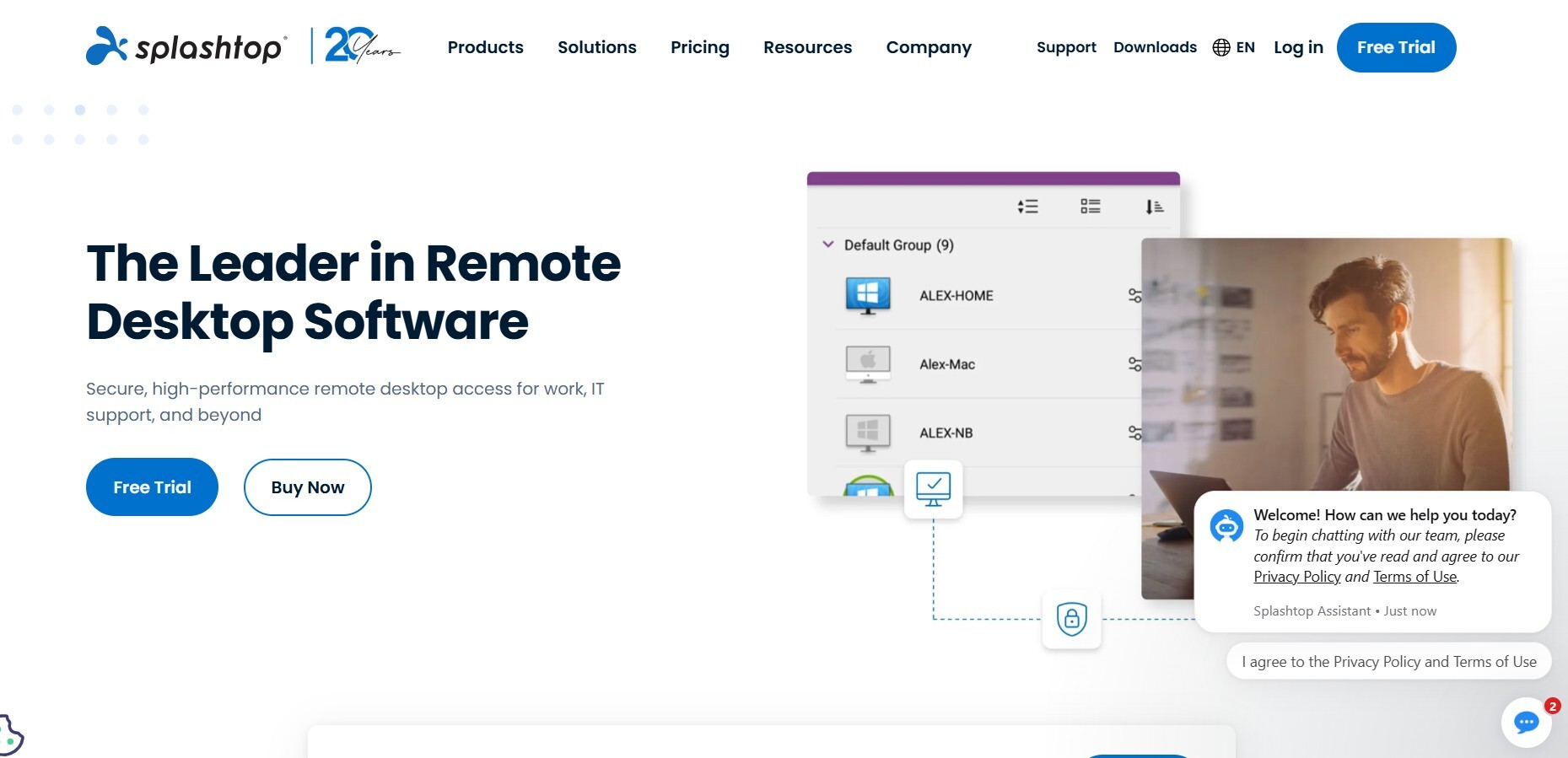
Splashtop is widely recognized as a high-performance, cost-effective alternative to TeamViewer. It's known for its fast and smooth remote sessions, even when streaming video or graphics-intensive applications. More importantly for budget-conscious teams, Splashtop can save you 50% or more compared to TeamViewer without sacrificing the core features that IT teams rely on — including file transfer, remote print, multi-monitor support, and session recording.
Splashtop has a plan for almost every scenario: personal remote access, business support, unattended access, and full MSP management. Pricing is published and predictable, which is itself a meaningful differentiator in a market full of "contact sales for enterprise pricing" opacity.
Where it's weaker: It doesn't have the deep IT management capabilities of a full RMM platform, and its augmented reality or visual support features are nonexistent — so field service teams will need to look elsewhere.
Pricing: From $5/user/month for individuals; MSP plans available
4. Microsoft Remote Desktop / QuickAssist — Best Free Option for Windows Environments
Best for: Windows-centric organizations needing no-cost internal remote access
Price: Free (built into Windows)
If your environment is entirely Windows and your use case is internal IT support, Microsoft's built-in tools are genuinely hard to argue against on price. Remote Desktop Protocol (RDP) gives you full remote control of Windows machines, and QuickAssist provides a simple support session tool that requires no installation or configuration beyond what's already on the device.
The limitations of Microsoft Remote Desktop are real, though: no cross-platform support worthy of the name, no external access without VPN configuration, no audit trails, and zero support for anything field-facing. For helping friends and family for free, Microsoft QuickAssist is a strong choice — but for professional IT support across a mixed device environment, it runs out of runway quickly.
Pricing: Free for Windows users
5. Zoho Assist — Best for Zoho Ecosystem Users
Best for: Teams already using Zoho CRM, Zoho Desk, or other Zoho products
Starting price: Free (basic) | Paid plans from ~$10/month
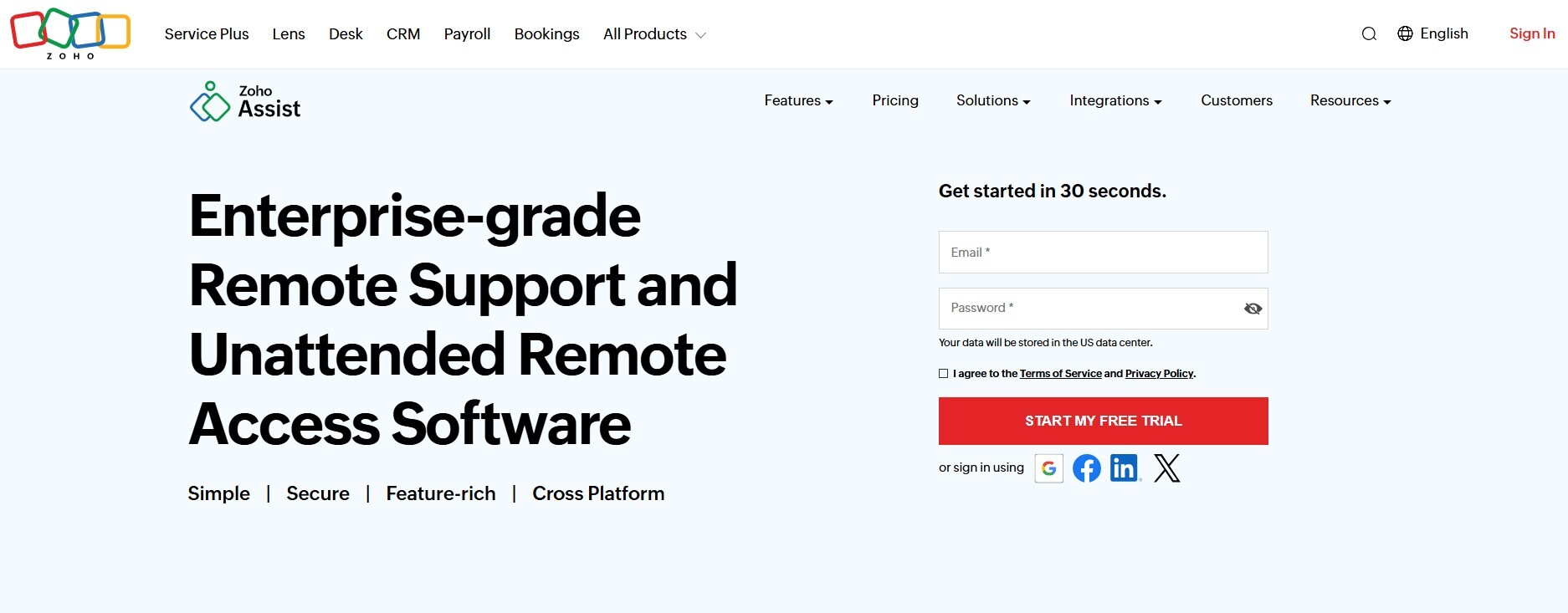
Zoho Assist offers remote support, unattended access, file transfer, and cross-platform compatibility across Windows, macOS, Linux, iOS, and Android. For teams already embedded in the Zoho ecosystem, the native integration with Zoho Desk and Zoho CRM makes it a practical, cost-effective choice that avoids the overhead of managing a separate remote support tool.
It's a competent all-rounder but doesn't especially excel at anything — connection quality, UI, and enterprise management features are all solid without being best-in-class. If you're not already a Zoho shop, the integration value proposition largely disappears.
Pricing: Free tier available | Professional plans from ~$10/technician/month
6. ConnectWise ScreenConnect — Best for Security-Focused IT Support
Best for: IT providers and MSPs where security and compliance are the top priorities
Starting price: ~$39/month (one technician)
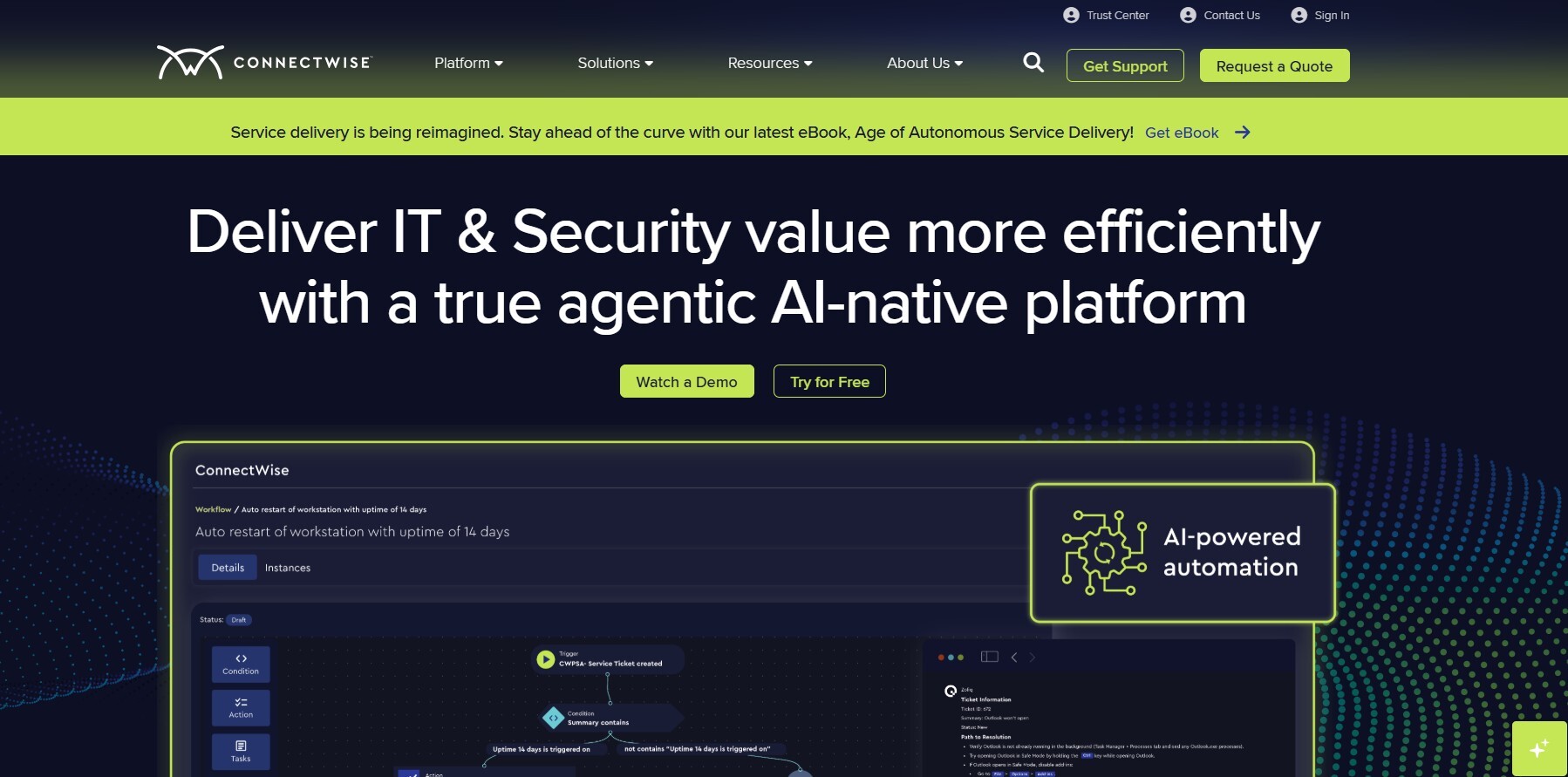
ConnectWise ScreenConnect (formerly Control) takes a security-first approach that sets it apart from general-purpose remote desktop tools. Role-based access control, 256-bit AES encryption, detailed session logs, and full audit trail support make it the choice for organizations supporting regulated industries or clients with strict security requirements.
Its role system, permission management, and 256-bit AES encryption make it one of the most secure options on the market. It also allows controlling multiple sessions at once, something that AnyDesk does not have.
The trade-off is cost and complexity. It's priced meaningfully higher than AnyDesk or Splashtop at equivalent functionality, and the interface has a steeper learning curve. For MSPs managing enterprise clients who ask hard questions about data handling and access control, that's often the right trade-off to make.
Pricing: From ~$39/month for one technician
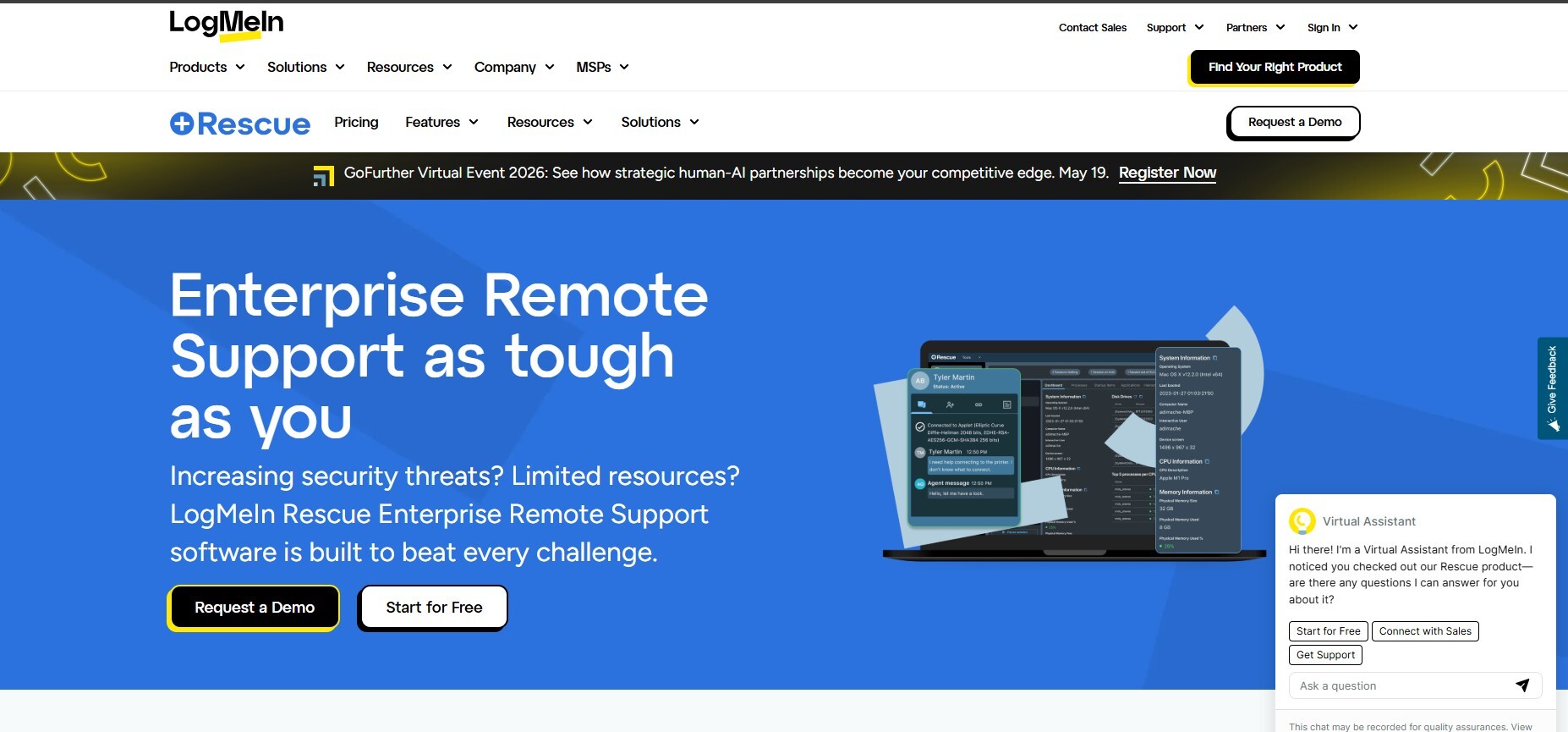
7. LogMeIn Rescue — Best for Enterprise Help Desk and Customer-Facing Support
Best for: Large IT help desks and enterprise customer support teams
Starting price: ~$108/month per technician
LogMeIn Rescue is purpose-built for high-volume, enterprise-scale customer support operations. It offers advanced technician tools including multi-session handling, in-session diagnostics, scripting, unattended access, and mobile device support — all from a polished, professional interface.
For enterprise-grade remote support and help desks, LogMeIn Rescue is a strong choice, particularly for organizations that need a formal support structure with tiered technician roles, custom branding, and SLA-grade reliability. The price reflects the enterprise positioning — it's not for small teams — but for large IT organizations, the feature depth justifies the investment.
Pricing: ~$108/month per technician (annual billing)
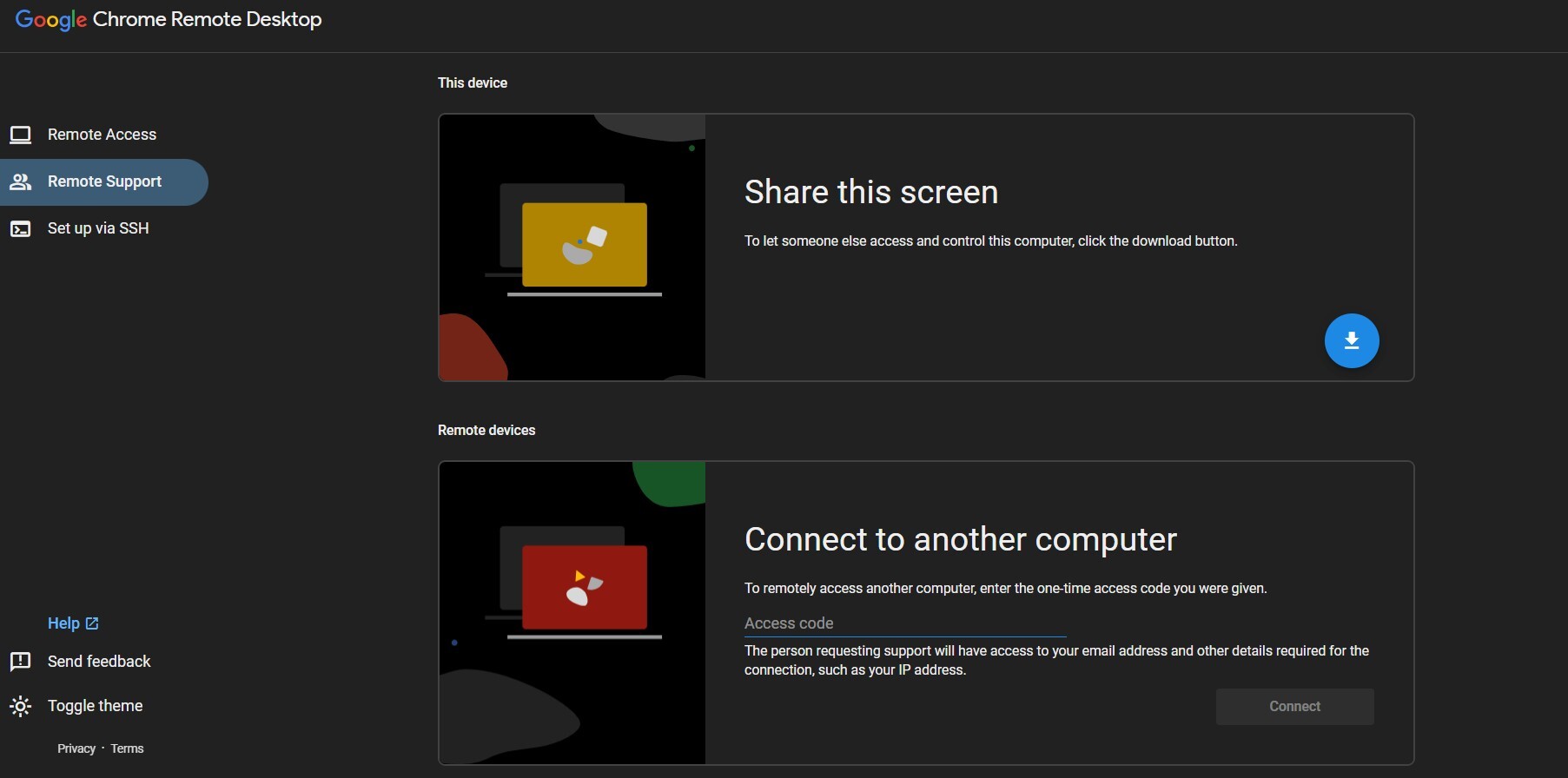
8. Chrome Remote Desktop — Best Zero-Cost Option for Occasional Use
Best for: Personal use and non-commercial occasional remote access
Price: Free
Google's browser-based remote access tool remains the easiest way to set up remote access with absolutely no cost. Chrome Remote Desktop uses a proprietary protocol to connect computers over the web. It's entirely browser-based, and guests don't need to install anything, so long as their browser supports WebRTC.
The ceiling is low, however. There's no enterprise management, no audit logs, no session recording, no multi-session support, and no path to scaling it for business use. Think of it as the right tool for remoting into your home computer or helping a family member troubleshoot — not as a professional IT support platform.
Pricing: Free
9. RustDesk — Best Open-Source Self-Hosted Alternative
Best for: Technical teams who need full data sovereignty and self-hosted control
Price: Free (self-hosted) | Cloud plans available
RustDesk has grown into the most credible open-source TeamViewer alternative available today. It offers end-to-end encryption, a clean cross-platform client, and the option to self-host your entire relay infrastructure — giving security-conscious organizations complete control over where their remote session data lives.
The catch: setting up the self-hosted server can be complicated, support is limited, and the licensing process can be confusing and unexpectedly expensive compared to TeamViewer. This is a tool for technically capable teams who know what they want and are willing to do the setup work. For everyone else, the friction outweighs the flexibility.
Pricing: Free for self-hosted; cloud relay fees apply at scale
10. GoTo Resolve — Best All-in-One IT Management + Remote Access
Best for: IT departments wanting remote access, ticketing, and endpoint management in one platform
Starting price: Quote-based
GoTo Resolve is an all-in-one IT management and support solution that combines remote access and support with help desk ticketing and remote monitoring and management capabilities. For IT teams frustrated with stitching together multiple tools — a remote access platform here, a ticketing system there, patch management somewhere else — GoTo Resolve makes a compelling case for consolidation.
The pricing requires a quote, which introduces opacity, and the platform is still maturing compared to more established RMM players. But for mid-market IT departments looking to simplify their toolstack without sacrificing capability, it's worth a close look.
Pricing: Quote-based; free trial available
Head-to-Head Comparison: TeamViewer vs. the Best Alternatives
| Tool | Best For | App-Free Access | AR/Visual Support | Starts At | Free Trial |
|---|---|---|---|---|---|
| Blitzz | Field service & visual inspection | Yes | Full AR suite | $420/year | 30 days |
| TeamViewer | General remote desktop | No | No | $298.80/year | 14 days |
| AnyDesk | Budget remote desktop | No | No | ~$14.90/month | Yes |
| Splashtop | IT teams, MSPs | No | No | $5/user/month | Yes |
| Microsoft RDP | Windows-only internal | No | No | Free | N/A |
| Zoho Assist | Zoho ecosystem | No | No | Free/~$10/month | Yes |
| ConnectWise | Security-first ITNo | No | ~$39/month | Yes | |
| LogMeIn Rescue | Enterprise help desk | No | No | ~$108/month | Yes |
| Chrome Remote Desktop | Personal/occasional | Browser-based | No | Free | N/A |
| RustDesk | Self-hosted/open-source | No | No | Free | N/A |
| GoTo Resolve | All-in-one IT management | No | No | Quote | Yes |
How to Choose the Right TeamViewer Alternative for Your Team
The most common mistake in this decision is optimizing purely on price. The cheapest tool that doesn't do what you need costs more in the long run — in workarounds, lost productivity, and the eventual cost of switching again. Here's a better framework:
Start with use case, not features. The right question isn't "which tool has the most features?" — it's "what does my team actually do when they support someone remotely?" Screen-based IT troubleshooting is a very different job from visual inspection of physical equipment, which is different again from helping a customer walk through a product issue in their home. The tools that excel at these jobs are not the same.
Scrutinize the total cost of ownership. TeamViewer's infamous pricing surprises come from add-ons — mobile support costs extra, advanced security costs extra, integrations cost extra. Before committing to any alternative, build a realistic picture of what the fully-loaded cost looks like at your expected team size and usage level. Splashtop and Blitzz both publish transparent, predictable pricing. Others don't.
Test field-contact experience, not just technician experience. Most reviews focus on the technician's interface. The field contact — the person on the other end who needs to connect quickly, possibly in a noisy warehouse or beside a broken-down vehicle — is just as important. Tools that require app downloads introduce friction that kills completion rates. Browser-based access (Blitzz, Chrome Remote Desktop) eliminates that friction entirely.
Factor in your compliance environment. If you're in healthcare, insurance, or financial services, your remote support platform is part of your compliance infrastructure. Make sure whatever you choose has the certifications (HIPAA, SOC-2), audit trail capabilities, and data residency options your auditors will ask about.
Match integration depth to your workflow. A tool that sits outside your existing ticketing or CRM system creates manual data entry overhead that compounds over thousands of sessions. Prioritize tools with native integrations into the platforms your team already lives in.
The Case for Going Beyond Remote Desktop Entirely
Here's a perspective most "TeamViewer alternatives" articles skip entirely: for a meaningful segment of the market, the question isn't "which remote desktop tool should we use instead?" — it's "do we actually need remote desktop at all?"
Traditional remote desktop tools are built for one specific job: taking control of another computer's screen. That's genuinely useful for IT support of office workers and managed devices. But consider how many support and inspection scenarios involve physical environments, not computer screens:
- A field technician troubleshooting equipment at a customer site
- An insurance adjuster evaluating storm damage to a property
- A QA engineer reviewing assembly quality at a manufacturing facility
- A customer trying to describe a product malfunction they can see but can't articulate in text
None of these people have a "computer screen" problem. They have a visual communication problem — and remote desktop software doesn't solve it.
This is the gap Blitzz was built to fill. Instead of controlling a screen, Blitzz makes the physical environment the workspace — turning a field worker's smartphone camera into a live, annotatable, documentable inspection tool that an expert thousands of miles away can guide in real time.
For the organizations that recognize this distinction, the ROI math is dramatically different from anything you'd calculate by switching from TeamViewer to AnyDesk. You're not saving 20% on a software license — you're potentially eliminating 75% of your field travel costs.
Frequently Asked Questions About TeamViewer Alternatives
Why are people switching away from TeamViewer in 2026?
The most common reasons are cost, licensing rigidity, and capability gaps. TeamViewer's pricing model can be confusing — you pay for licensed users, then separately for concurrent connections, then again for features like mobile device support. For organizations that have grown beyond basic remote desktop access, there are now better-fit tools that cost less and do more for their specific use case.
What is the best free TeamViewer alternative?
For personal or occasional non-commercial use, Chrome Remote Desktop is the most frictionless free option. For open-source teams who need more control, RustDesk's self-hosted option is free. Neither is appropriate for professional IT support or customer-facing use at scale.
What is the best TeamViewer alternative for small businesses?
AnyDesk and Splashtop are the most popular choices for small businesses prioritizing cost and simplicity. Both offer predictable per-user pricing with substantially more transparency than TeamViewer's add-on-heavy model. For small businesses in field service, insurance, or manufacturing, Blitzz addresses needs that neither AnyDesk nor Splashtop can touch.
Does Blitzz replace TeamViewer for IT help desk use?
Blitzz is purpose-built for remote visual assistance and field support — camera-based, AR-annotated, inspection-grade. It's not a screen control tool and doesn't position itself as a direct TeamViewer replacement for traditional IT desktop support. Where Blitzz outperforms TeamViewer is in any scenario that involves seeing and guiding work in the physical world.
What TeamViewer alternative works without the customer installing anything?
Blitzz and Chrome Remote Desktop both offer app-free access for the field contact. Blitzz's browser-based join experience is specifically designed for enterprise deployment — the field contact receives a link via SMS, email, or WhatsApp and joins in one tap on any smartphone. No account creation, no download, no friction.
Is there a TeamViewer alternative with augmented reality?
Yes — Blitzz. AR annotation on live video (drawing, arrows, text labels), a remote pointer, and live measurement tools are core to the Blitzz platform. None of the traditional remote desktop alternatives (AnyDesk, Splashtop, ConnectWise) offer field-facing AR capabilities.
How does TeamViewer's pricing compare to alternatives in 2026?
TeamViewer's annual TCO for the Business tier for multiple users costs $600+ annually, with enterprise plans requiring direct negotiation and carrying the risk of hidden costs. By comparison, Splashtop's MSP plans start significantly lower, AnyDesk's Solo plan starts around $14.90/month, and Blitzz Inspect starts at $450/year with a 30-day free trial.
What should I look for when evaluating any TeamViewer alternative?
Focus on use-case fit first, then total cost of ownership, then integration depth, then security certifications. Don't evaluate based on feature lists alone — many tools check similar boxes on paper while delivering very different experiences in the specific workflows your team runs.
The Bottom Line
TeamViewer earned its reputation, and for the right use case it remains a capable tool. But "the right use case" has narrowed as the alternatives have matured and the pricing has climbed. In 2026, there's no reason to overpay for capability you don't need — or to settle for desktop-only tools when your work happens in the physical world.
For traditional IT remote desktop support: Splashtop offers the best value; ConnectWise ScreenConnect if security is paramount; LogMeIn Rescue for enterprise help desks at scale.
For field service, visual inspection, and physical-world support: Blitzz — built specifically for this, with nothing else on this list coming close.
Ready to see what remote visual support looks like when it's built for your actual work?
Start a free 30-day trial at blitzz.co — no app download required for your field contacts.
Related reading:

Blitzz Team
The Blitzz Team writes about remote video support, virtual inspections and field service. Our guides come from working with home builders, property managers, warranty teams, contact centers and field service organizations that use Blitzz to see and solve issues without a truck roll.