

.png?width=120&height=55&name=Blitzz-Logo-right%20white%20eyes%20-%20not%20transparent%20(3).png)

On this page
Field technicians often run into equipment they cannot name, let alone fix. The part may be unlabeled, unfamiliar, or hidden in a crowded cabinet. When that happens, they need quick help from someone who can see the same thing and guide the next step.
Field technicians getting remote expert help on equipment they cannot identify use a browser-based live video link, send images and serial numbers, and let Owlbert AI recognize equipment in the feed. The expert sees what the technician sees, adds markup or a live pointer, and helps identify the asset before the wrong repair starts.
- Use live video in the browser, with no app download.
- Send the link by SMS, email, or WhatsApp.
- Mark up the image, zoom in, and capture timestamped photos.
- Use Owlbert AI to help identify equipment in live video.
- Keep a clear record with photos, OCR, date, time, and GPS where needed.
Why do field technicians need remote expert help for unknown equipment?
Because guessing is expensive. A technician in the field may know the system type, but not the exact part in front of them. Remote expert help keeps the work moving when the local tech needs a second set of eyes.
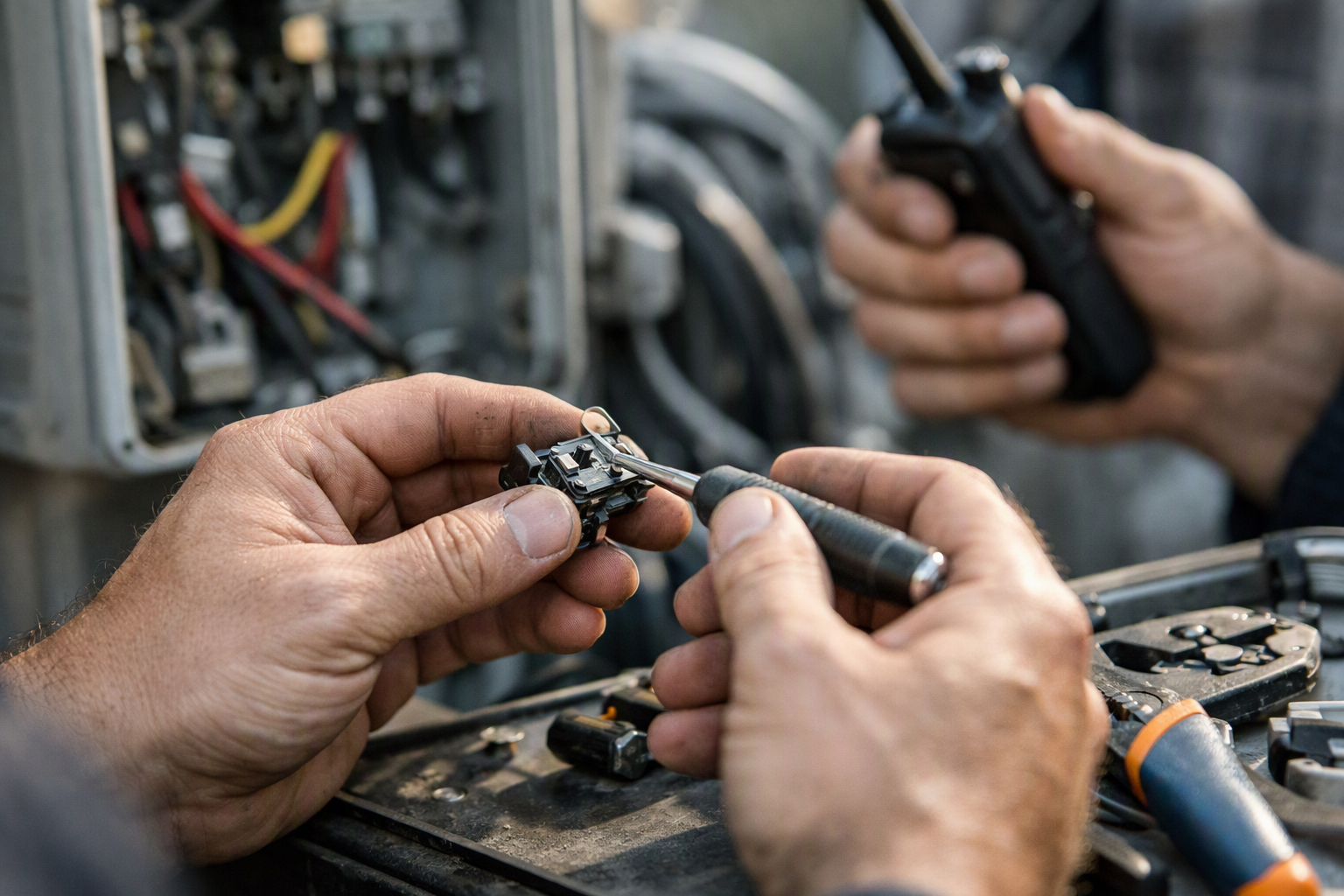
This is common in service work, inspections, and plant visits. A technician can describe the issue, but a remote expert can see labels, connectors, wear points, and placement in context. That makes it easier to identify the equipment and decide what to do next.
There is also a need to keep image quality consistent. A clearer visual feed can make identification easier in practice. For background, see NIST research on how visual clarity affects identification.
How does Owlbert AI help identify equipment in live video?
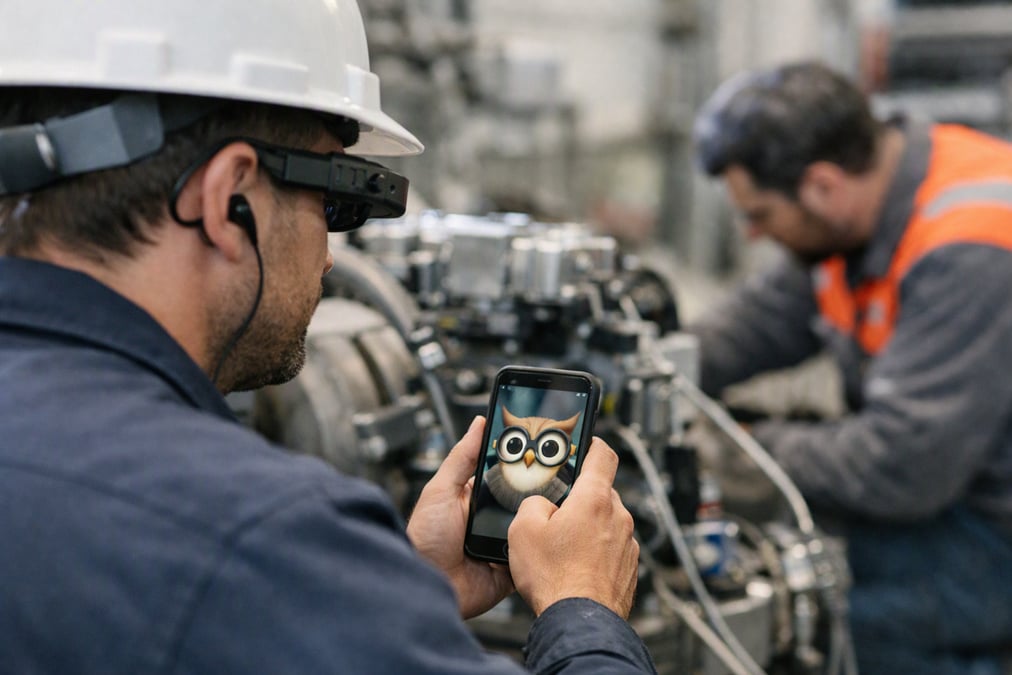
Owlbert AI helps recognize equipment in live video so the technician and the remote expert are not starting from zero. It gives the team a faster way to narrow down what they are looking at before they inspect details by hand.
The technician opens a live video session from a link. The remote expert watches the same feed, and Owlbert AI helps identify the equipment in view. That shared context is useful when a unit looks similar to several models or when a serial label is hard to read.
What happens first on the job?
The agent sends a link by SMS, email, or WhatsApp. The technician opens it in the browser, so there is no app to download. Once live video starts, the expert can guide the technician with a pointer, markup, zoom, and timestamped photos.
What if the serial number is the only clue?
Use OCR for serial numbers. OCR means optical character recognition, which reads text from an image. That helps the expert confirm the asset, match the part, or document the equipment before the work continues.
If you want a broader view of how this kind of guided support works in the field, read Get Your Eyes on the Problem with AI & AR Remote Customer Support and How Smart Glass Can Help Technicians In Field Service.
What is the step-by-step workflow for remote expert help?
The workflow is simple. The technician shares what they can see, the expert identifies the problem or asset, and the team decides the next action. The point is to reduce back-and-forth and avoid sending the wrong parts or instructions.
- The technician opens a live video link in the browser.
- The expert joins from the support desk or back office.
- Owlbert AI helps identify the equipment in the live feed.
- The expert uses live pointer, markup, and zoom to inspect details.
- The team captures timestamped photos and notes what they found.
- If needed, OCR reads serial numbers for confirmation.
This works well in contact centers, field service, and inspection teams that need quick visual confirmation. It is also a good fit for teams already using remote video inspections with live video or live remote assistance for field service.
How is this different from a phone call or text thread?
A phone call gives you words. A text thread gives you photos. Live video gives both people the same view at the same time, which makes identification faster and less guessy.
| Method | What the expert sees | Best for |
|---|---|---|
| Phone call | Only what the technician describes | Simple questions and status updates |
| Text thread | Stored photos, sent back and forth | Sharing still images and notes |
| Live browser video | The same equipment view in real time | Identifying unknown equipment and guiding a repair |
With Blitzz Concierge, the support agent or remote expert can guide the technician in real time. If the problem is visual, that shared view matters. It cuts down on confusion and helps the team focus on the right equipment before anyone starts disassembly.
What should field teams capture during an unknown equipment check?
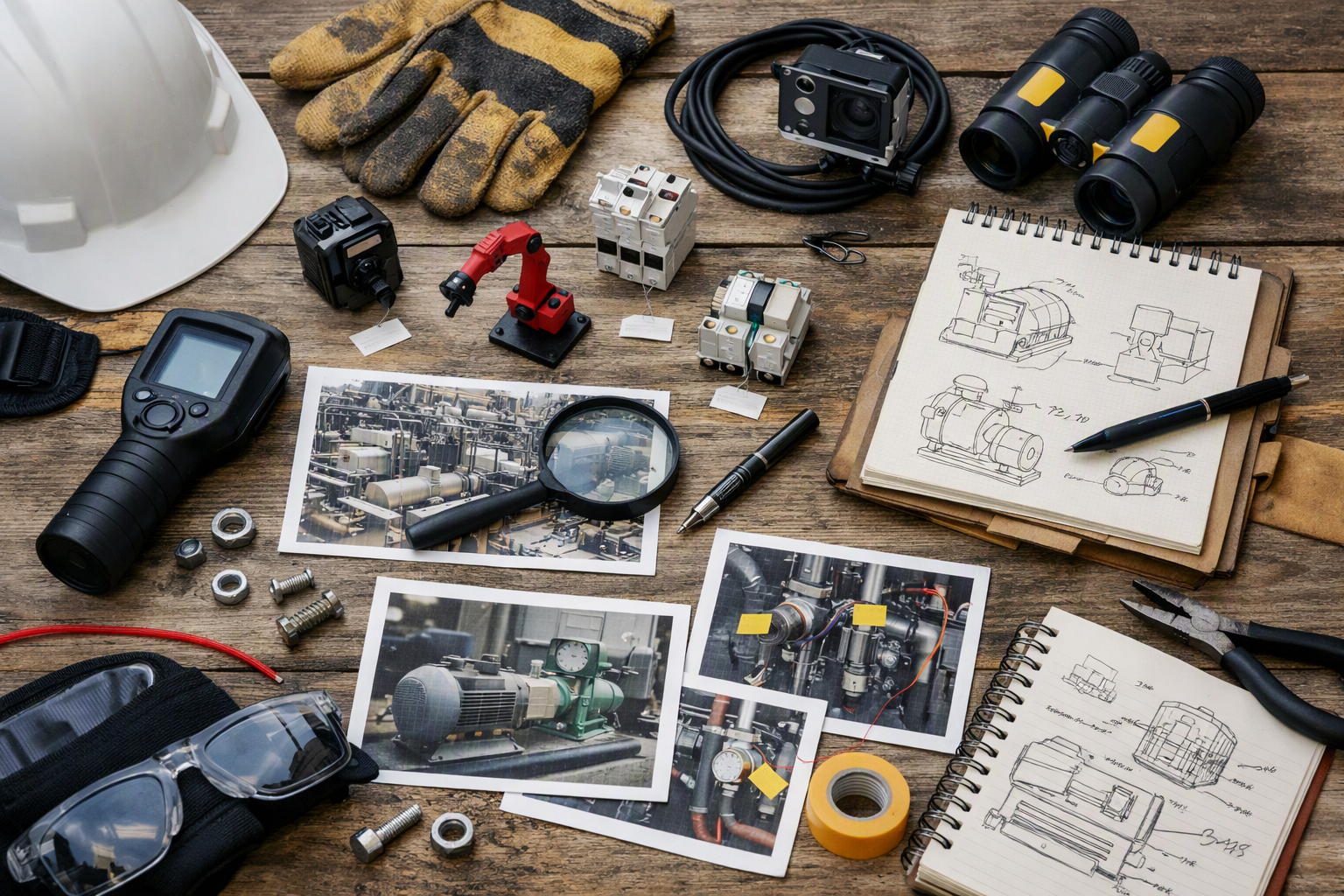
Field teams should capture what helps confirm identity and condition. That usually means clear live video, close-up photos, serial numbers, and notes about where the equipment sits in the system.
Blitzz Inspect adds date, time, and GPS on each photo, plus offline mode and reports. That makes it useful when the job is more than a quick look. If the task turns into a formal inspection, the record is already there.
For teams that handle visual inspections often, remote video inspections using live video call is a useful next read. It shows how a visual workflow can support documentation as well as live help.
What should be on the checklist?
Use this short checklist when the equipment is unfamiliar:
- Get a clear live view of the full unit first.
- Move closer for labels, ports, and connectors.
- Use OCR on serial numbers when possible.
- Capture timestamped photos of key details.
- Record what the expert identified and why.
Which Blitzz products fit this use case?
Concierge fits live support for contact centers and field service. Inspect fits remote video inspections with photo records, offline mode, and reports. Owlbert AI helps recognize equipment in live video, which is the core need in this use case.
Co-Browse and ScreenShare are useful when the support task shifts from the physical asset to the device or system screen. BlitzzCam is in early access for teams that want to evaluate new ways to capture the scene. If your team also uses CRM or support tools, Blitzz integrates with Salesforce, Genesys Cloud CX, Zendesk, ServiceNow, Microsoft Dynamics 365, NICE CXone, and HubSpot.
Not sure where to start? A good first step is to map the common moments when technicians say, “I don’t know what this is.” Those are the moments where remote visual support pays off.
How do you roll this out without slowing technicians down?
Start with the jobs that already depend on quick identification. Train agents and experts on the link flow, the live pointer, the markup tools, and how to ask for the right close-up. Keep the process short so technicians stay focused on the asset, not the software.
a rollout that keeps the steps simple That is enough to get value without adding friction in the field.
If you are planning the broader program, How to Roll Out a Remote Field Service Business in Just a Few Days is a helpful companion piece. It covers the kind of setup work that makes remote help practical.
Field technicians do not need a long process when they hit an unfamiliar asset. They need fast visual support, a clear answer, and a record of what was found. If that is the problem you are trying to solve, see Blitzz in action.
Frequently Asked Questions
How does Owlbert AI help field technicians identify unknown equipment?
Owlbert AI helps field technicians identify unknown equipment by recognizing equipment in live video. The technician shares a browser-based video link, the remote expert sees the same view, and Owlbert AI helps narrow down what is in front of them before the team checks labels or serial numbers.
Do technicians need to install an app to get remote expert help?
No. Technicians do not need to install an app to get remote expert help with Blitzz. The support agent sends a link by SMS, email, or WhatsApp, and live video opens in the browser. That keeps the handoff simple when the technician is already on site.
What can the remote expert do during the live session?
The remote expert can see what the technician sees and guide the job in real time. They can use a live pointer, on-screen markup, zoom, and timestamped photos to help identify the equipment, confirm details, and document what was found.
Can Blitzz help with serial number checks and inspection records?
Yes. Blitzz includes OCR for serial numbers and timestamped photos. For inspections, Blitzz Inspect also adds date, time, and GPS on each photo, plus offline mode and reports, which helps teams keep a clear record of what they saw in the field.
Which Blitzz product should I use for this use case?
Use Blitzz Concierge for live support, especially in field service and contact center workflows. Use Owlbert AI when the main problem is recognizing unknown equipment in live video. If you need inspection records, Blitzz Inspect is the better fit.

Blitzz Team
The Blitzz Team writes about remote video support, virtual inspections and field service. Our guides come from working with home builders, property managers, warranty teams, contact centers and field service organizations that use Blitzz to see and solve issues without a truck roll.