.png?width=120&height=55&name=Blitzz-Logo-right%20white%20eyes%20-%20not%20transparent%20(3).png)


On this page

Choosing a co-browsing platform is harder than it should be. Every vendor claims to offer "real-time visual support," but the actual differences — how sessions launch, whether mobile apps are covered, how sensitive data gets masked, and who the platform is really built for — can mean the difference between a tool your team adopts happily and one that sits half-used after a rushed rollout.
This guide compares seven of the leading co-browsing platforms on the market in 2026, covering what each one does best, where it falls short, and which type of team it's actually built for. Whether you're a SaaS company trying to cut onboarding friction, a bank navigating strict compliance requirements, or a retailer trying to stop cart abandonment, one of these seven is likely the right fit.
Quick Comparison Table
| Platform | Best For | Standout Strength |
|---|---|---|
| Blitzz Cobrowse | Overall support & multi-channel visual assistance | No-download browser sessions plus screen share and live video in one platform |
| Surfly | Fast, no-code rollout | Works on nearly any website with minimal setup |
| Cobrowse.io | Mobile app support | Native cobrowsing inside iOS and Android apps, not just browsers |
| Fullview | SaaS product support | Built specifically to guide users through complex software UIs |
| Glance | Large-scale enterprise support | Highly scalable guided browsing for high call volumes |
| Glia | Banking & financial services | Compliance-first design for regulated industries |
| Unblu | Wealth management & private banking | Secure, high-touch advisor-client interactions |
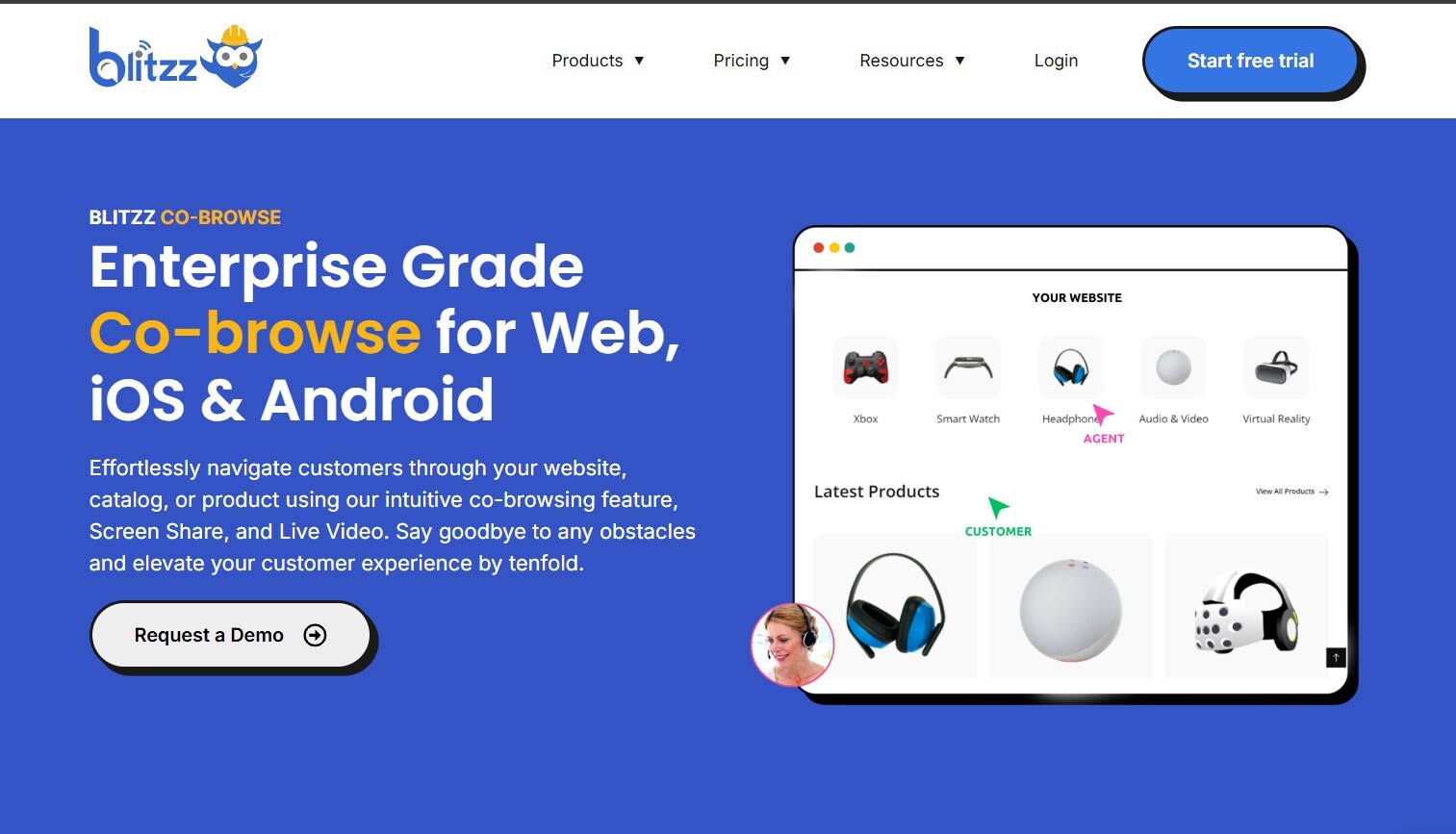
Blitzz Cobrowse: Best Overall for Multi-Channel Visual Support
Blitzz Cobrowse stands out from most platforms on this list because it isn't a single-purpose tool. It combines co-browsing with screen sharing and live video under one platform, which means support teams aren't stuck choosing between a narrow browser-session tool and a broader screen-viewing tool depending on the situation. A session starts directly from a browser link with no download required, and agents can guide customers through forms, highlight specific fields, and annotate the screen in real time.
This flexibility is especially useful for teams supporting more than one type of customer interaction. A bank using Blitzz for banking and fintech document verification can rely on the same underlying platform that an e-commerce team uses to reduce cart abandonment, without needing separate vendor contracts or separate agent training for each use case. The breakdown in beyond screen sharing: how co-browsing delivers 10x better customer experiences covers how this kind of guided, real-time browsing consistently outperforms older screen-sharing approaches across support scenarios.
Strengths: No-download sessions, combined co-browse/screen-share/video platform, strong data masking for sensitive fields, deep CRM and contact center integrations. Considerations: Teams that only need the most basic browser co-browsing may find the full platform more capability than they initially need — though most teams grow into the additional channels quickly. Best for: Support teams that want one platform covering co-browsing, screen sharing, and live video, rather than stitching together multiple point solutions.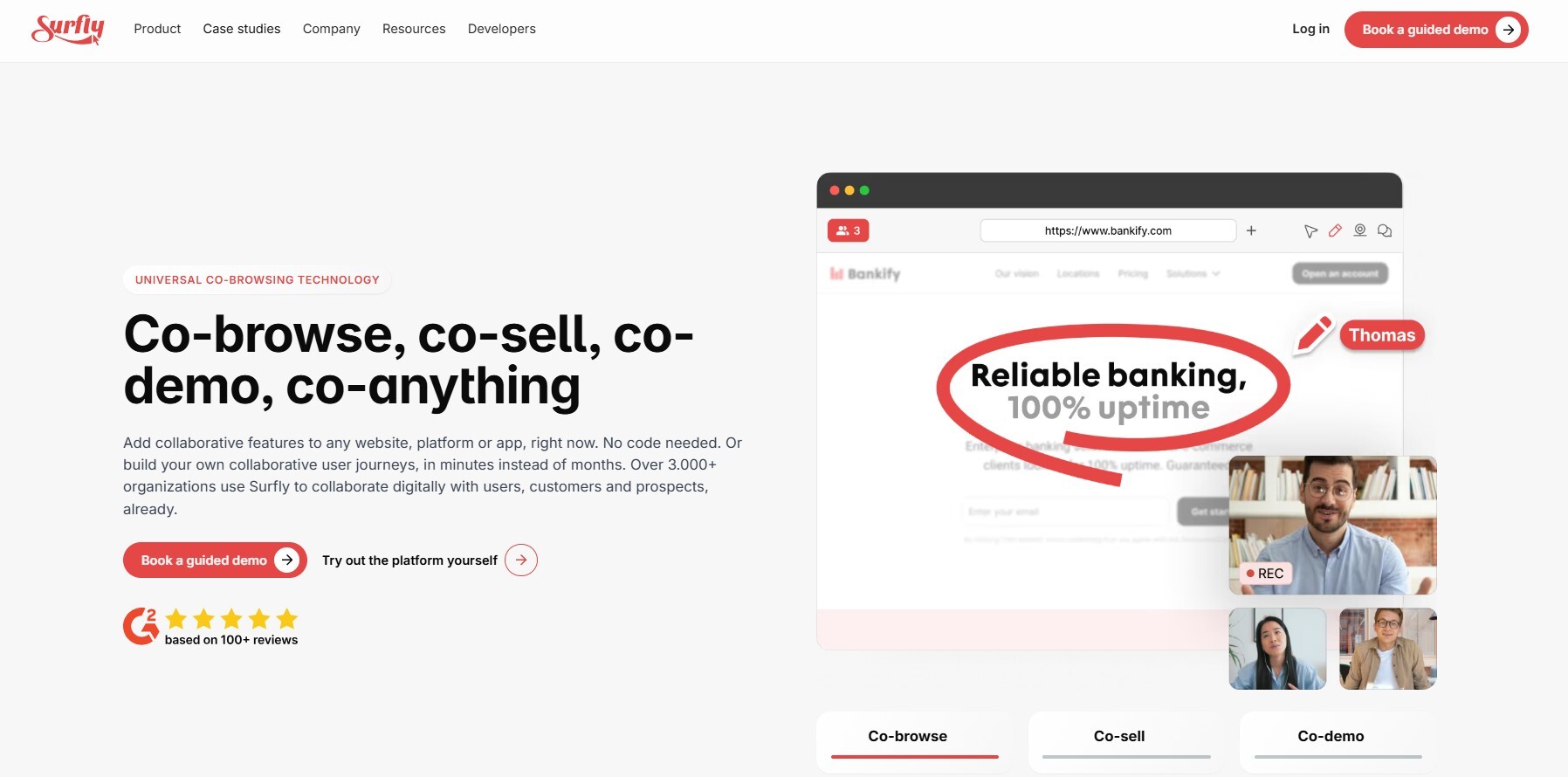
Surfly: Best for Fast, No-Code Rollout
Surfly has built its reputation on being one of the easiest co-browsing tools to deploy. It's designed to work across most websites with minimal technical integration, which makes it a popular pick for teams that want to add guided browsing quickly without a lengthy development cycle. Sessions can typically be added to an existing site without a major overhaul of the underlying codebase.
That ease of deployment does come with tradeoffs. Teams looking for deep customization, granular compliance controls, or native mobile app support often find themselves needing add-ons or workarounds that a more purpose-built platform would include natively.
Strengths: Minimal setup time, broad website compatibility, low technical barrier to entry. Considerations: Advanced customization and enterprise-grade compliance features may require additional configuration or higher-tier plans. Best for: Smaller teams or companies that want guided browsing live within days rather than weeks.
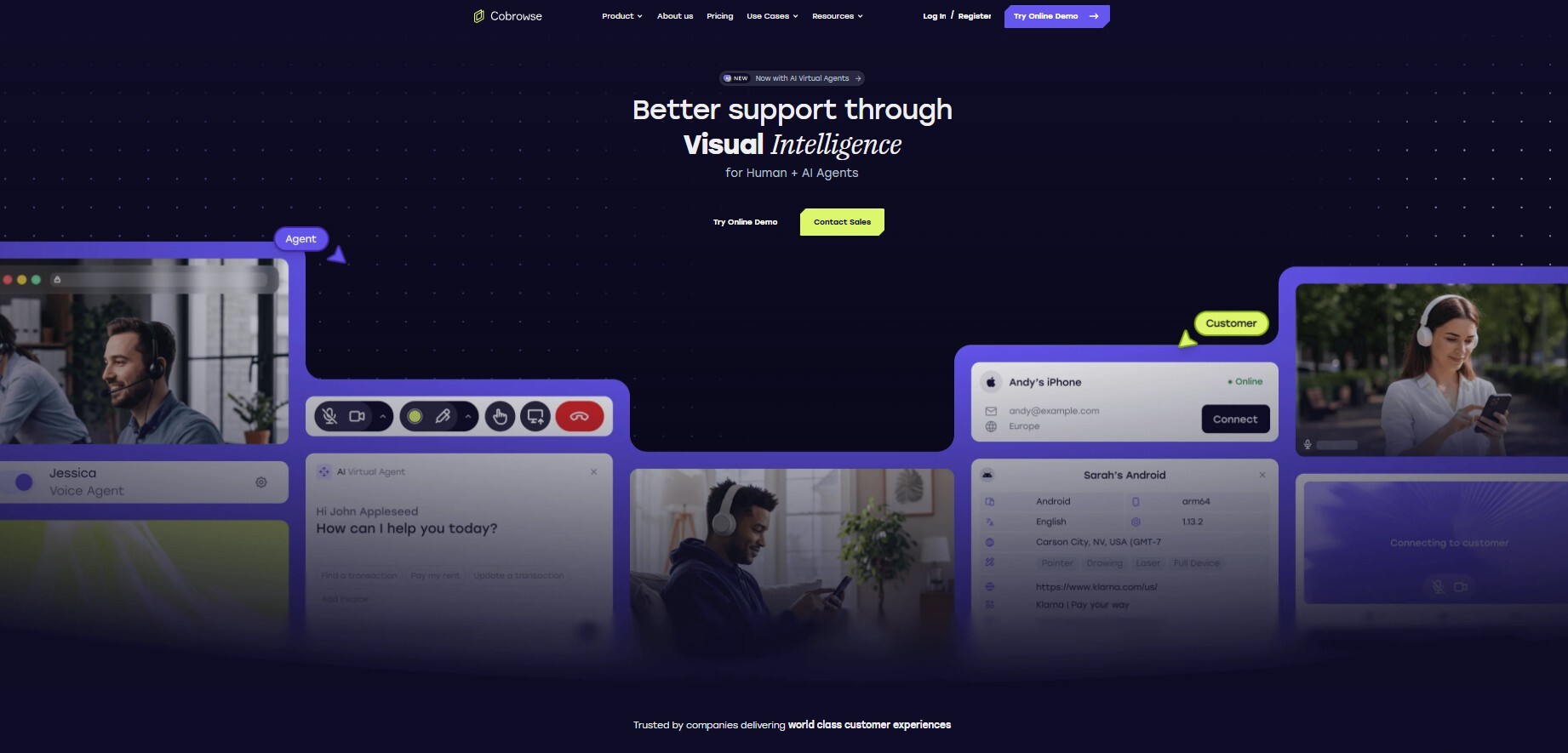
Cobrowse.io: Best for Enterprise Mobile App Support
Most co-browsing platforms were built with web browsers in mind first and mobile apps second, if at all. Cobrowse.io takes the opposite approach, treating native mobile app support as a first-class feature rather than an afterthought. For companies whose customers primarily interact through an iOS or Android app rather than a website, this distinction matters enormously — a support agent can guide a user through an in-app process the same way they would a webpage.
This makes Cobrowse.io a strong fit for fintech apps, delivery platforms, and any consumer-facing business where the mobile app is the primary product surface rather than a companion to a website.
Strengths: True native mobile app cobrowsing, strong data protection controls, enterprise-grade security posture. Considerations: Implementation typically requires development resources to integrate the SDK properly into existing apps. Best for: Companies whose customer base interacts primarily through a mobile app rather than a browser.
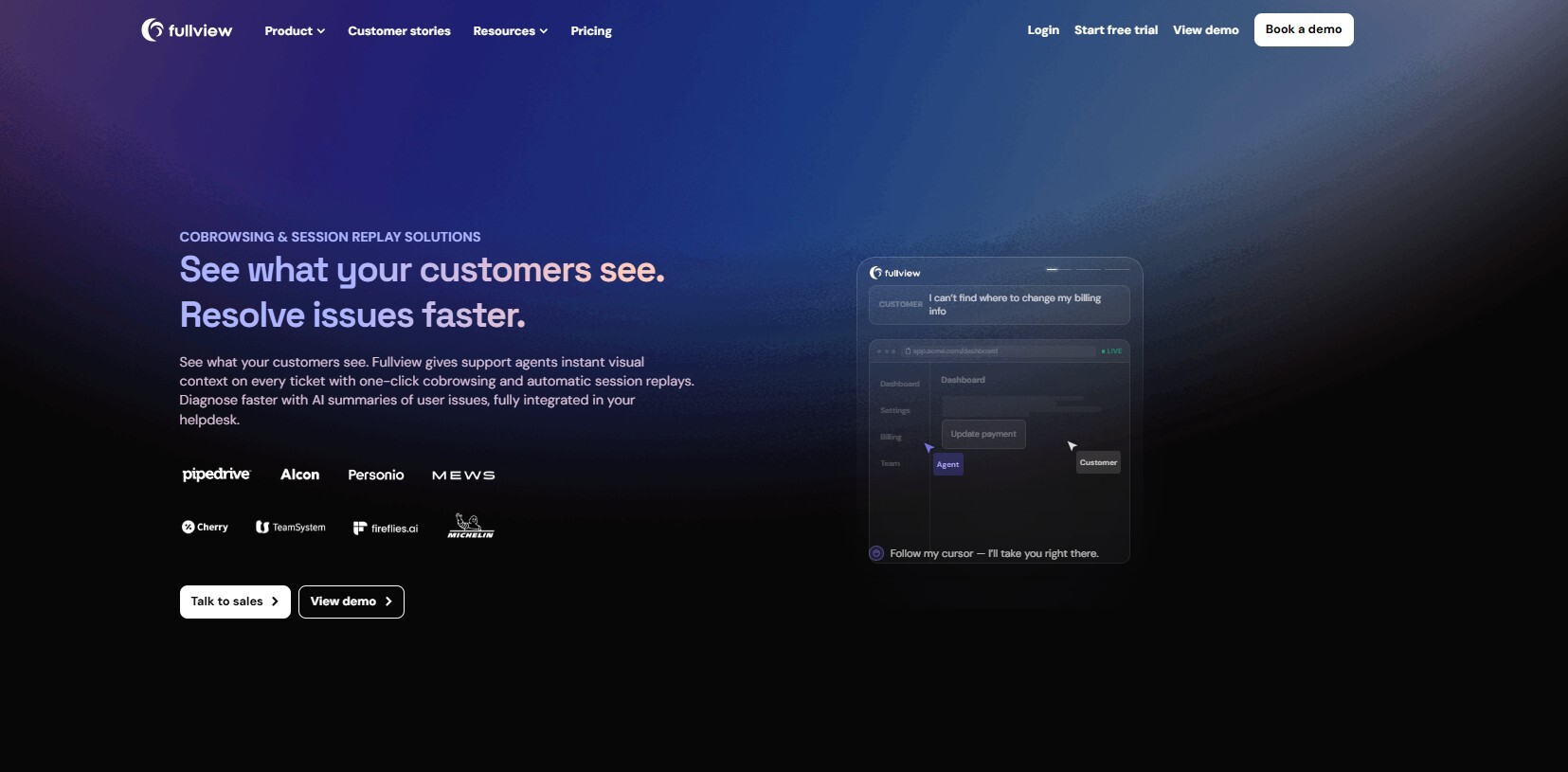
Fullview: Best for SaaS Product Support
Fullview was purpose-built for software companies that need to help users navigate complex product interfaces rather than simple web forms. Instead of a generic "see the customer's screen" tool, Fullview is designed around the specific patterns of SaaS support: helping a new user find a setting, walking someone through a multi-step configuration, or diagnosing why a feature isn't behaving as expected.
Because it's tailored so specifically to SaaS workflows, Fullview tends to feel like a more natural fit for product and customer success teams than for industries like banking or retail, where the use cases are less about "showing someone how software works" and more about document verification or transaction guidance.
Strengths: Purpose-built for SaaS onboarding and troubleshooting, tight integration with product support workflows. Considerations: Less suited to non-software use cases like retail checkout guidance or financial document verification. Best for: SaaS companies focused on improving onboarding completion rates and reducing support tickets tied to product confusion.
Glance: Best for Large-Scale Enterprise Support
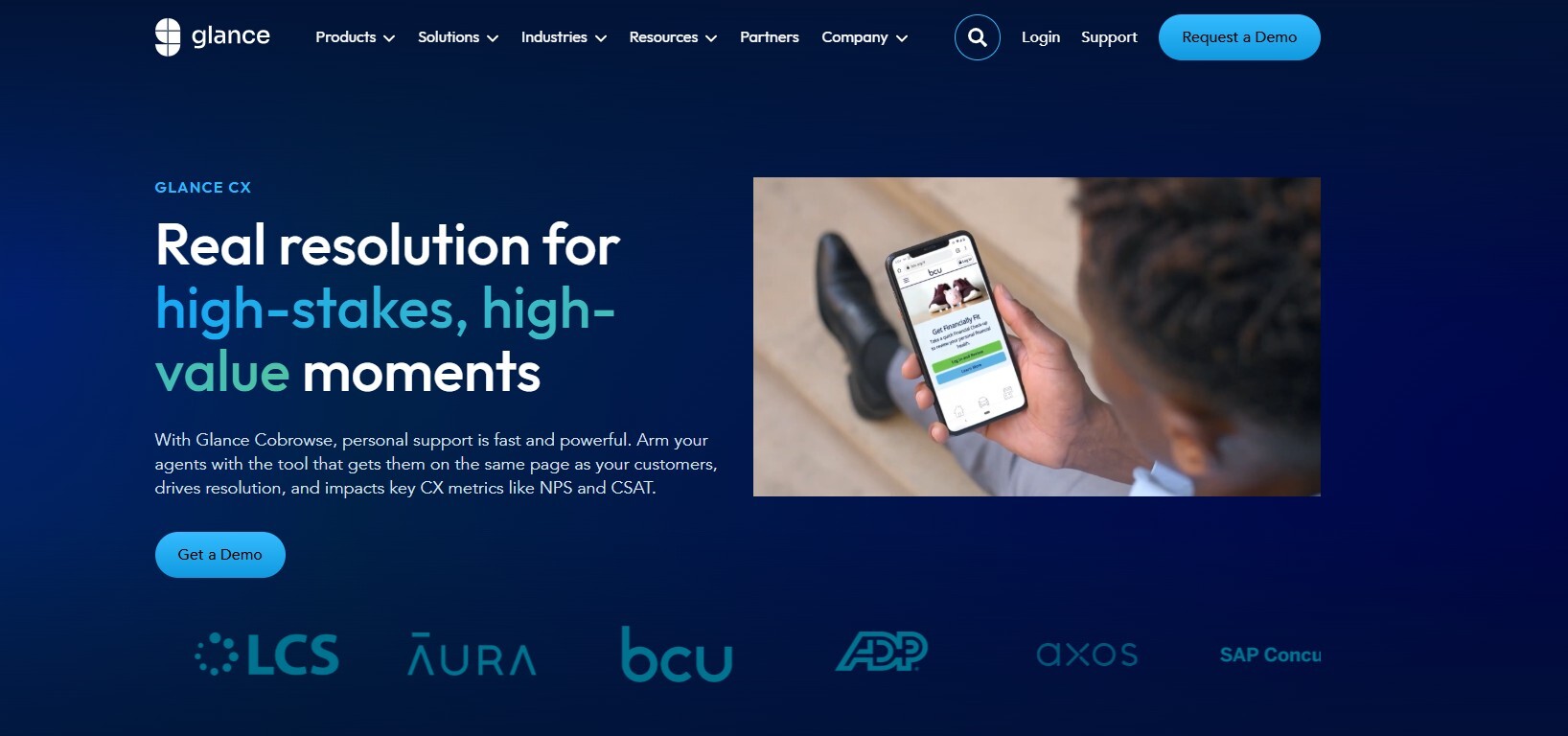
Glance is built around scale. Large organizations handling high call volumes across multiple support channels tend to gravitate toward Glance because of its ability to manage guided browsing sessions across large, distributed support teams without a drop in performance or reliability. It also places a strong emphasis on compliance and security, which matters for enterprises operating in regulated or high-liability industries.
The tradeoff with a platform this scale-oriented is complexity. Smaller teams often find the implementation and configuration process more involved than they actually need, and enterprise pricing tends to reflect the platform's positioning toward large organizations rather than small support teams.
Strengths: Proven at enterprise scale, strong security posture, robust session management for high call volumes. Considerations: Implementation and pricing are geared toward large organizations rather than small or mid-sized teams. Best for: Enterprises with high support volumes that need a guided browsing platform proven to hold up at scale.
Glia: Best for Banking & Financial Services
Glia was built with regulated industries in mind from the start, which shows in how the platform handles compliance, data protection, and session auditing. Banks and financial institutions use Glia to guide customers through account applications, loan forms, and other sensitive processes while meeting the strict regulatory requirements that come with handling financial data.
Beyond co-browsing itself, Glia also functions as a broader digital engagement suite, combining chat, voice, and video channels into a single platform — which can be an advantage for banks looking to consolidate multiple support channels, but adds complexity for teams that only need a focused co-browsing tool.
Strengths: Compliance-first architecture, strong fit for regulated industries, multi-channel engagement beyond just co-browsing. Considerations: The broader digital engagement suite may be more platform than a team needs if co-browsing is the only requirement. Best for: Banks, credit unions, and financial services companies that need compliance-grade session handling built in from day one.

Unblu: Best for Wealth Management & Private Banking
Unblu occupies a narrower niche than most platforms on this list, focusing specifically on wealth management, private banking, and other high-touch financial advisory relationships. The platform is designed around secure, encrypted advisor-client interactions rather than high-volume, transactional support — which fits the nature of wealth management, where a single client relationship might involve fewer but far more sensitive sessions than a typical retail bank interaction.
This specialization is a strength for the specific institutions it targets, but it also means Unblu isn't the right fit for companies outside financial services, or even for retail banking teams handling higher call volumes with less need for the deep compliance tooling built around private banking relationships specifically.
Strengths: Purpose-built for high-security, high-touch financial advisory relationships, strong encryption and compliance controls. Considerations: Narrow focus makes it a poor fit outside wealth management and private banking contexts. Best for: Private banks and wealth management firms handling sensitive, relationship-driven client interactions.
How to Choose the Right Platform for Your Team
With seven strong options to choose from, the right pick usually comes down to three questions. First, what does your customer base actually use — a website, a mobile app, or both? Cobrowse.io's mobile-first approach is a poor fit for a team whose customers only ever interact through a browser, just as a browser-only tool would frustrate a mobile-app-heavy business.
Second, how regulated is your industry? Banking, insurance, and wealth management teams have compliance requirements that general-purpose platforms like Surfly or Fullview weren't necessarily built around from day one. The comparison in collaborative browsing vs. remote desktop is a useful starting point for understanding exactly what data exposure risks matter most before committing to any platform, regulated industry or not.
Third, do you need co-browsing alone, or will your team eventually want screen sharing and video support under the same roof? Teams that expect to expand beyond simple browser-guided sessions often find it easier to start with a platform like Blitzz that already covers ScreenShare and live video, rather than adding a second vendor later once the limits of a co-browsing-only tool become clear. The broader case for this kind of consolidated approach is covered in one workflow, endless possibilities: cobrowse solutions that connect your tools.
Where Co-Browsing Delivers the Most Value
Regardless of which platform a team picks, co-browsing tends to deliver the clearest return in a few recurring scenarios. E-commerce companies use it to walk hesitant shoppers through checkout, directly reducing the cart abandonment that costs online retailers real revenue every month. SaaS companies use it during onboarding to turn first-time users into long-term advocates rather than losing them to confusion in the first week. And highly regulated industries use it to speed up form completion and document verification without sacrificing the audit trail compliance teams require.
This value also compounds over time. A team that adopts co-browsing to solve one specific pain point — say, reducing post-launch firefighting after a new product release — often finds it useful across a much wider set of support scenarios once agents get comfortable using it as a default tool rather than a last resort.
What About Pricing?
Pricing across these seven platforms varies more by deployment model than by feature count. Platforms like Surfly and Median-style budget tools tend to price around session volume or seat count, making them relatively predictable for smaller teams. Enterprise-oriented platforms like Glance, Glia, and Unblu typically move to custom or quote-based pricing once a team crosses a certain support volume or requires compliance add-ons, which makes direct comparison harder without a sales conversation.
Blitzz takes a tiered approach across its product line, with published pricing available for Blitzz Cobrowse directly rather than requiring a sales call just to see a starting number. This transparency matters for teams doing early-stage vendor comparisons, since it's much easier to rule a platform in or out of a shortlist when pricing is visible upfront rather than gated behind a demo request.
It's also worth checking whether a quoted price includes the full feature set your team actually needs, or whether features like mobile SDK support, advanced data masking, or compliance logging sit behind a higher tier. A platform that looks inexpensive at first glance can end up costing more once the features a regulated team actually requires get added on top of a base plan.
Frequently Asked Questions
Is co-browsing the same as screen sharing? No. Screen sharing typically shows a viewer everything on a screen, including unrelated tabs or windows, while co-browsing is scoped to a specific webpage or app session, which is a meaningful difference for privacy and compliance in regulated industries.
Do customers need to install anything to start a co-browsing session? Most modern platforms, including Blitzz Cobrowse, Surfly, and Cardina-style tools, run entirely in the browser with no download required. Mobile-app-focused platforms like Cobrowse.io typically require an SDK to be built into the app itself, which is a one-time development task rather than something the end customer installs.
Which platforms are best suited for regulated industries like banking? Glia and Unblu were both built with financial services compliance requirements as a core design consideration. Blitzz also supports regulated use cases through data masking and audit-ready session logging, while general-purpose tools like Surfly and Fullview may require additional configuration to meet the same bar.
Can a co-browsing platform also handle screen sharing and video calls? Some can. Blitzz is the clearest example on this list of a platform built to handle co-browsing, screen sharing, and live video under a single account, which avoids the need to manage multiple vendor relationships as support needs expand.
How long does implementation typically take? No-code platforms like Surfly can often go live within days. Mobile-first platforms like Cobrowse.io typically require development time to integrate an SDK. Enterprise platforms like Glance and Glia usually involve a longer onboarding process tied to their broader compliance and integration requirements.
The Bottom Line
There's no single "best" co-browsing platform — only the best platform for a specific team's mix of customer channels, compliance requirements, and support volume. Surfly and Cardina-style tools win on speed of rollout. Cobrowse.io wins for mobile-first businesses. Fullview wins for SaaS product support. Glance and Glia win for enterprises and regulated industries respectively, and Unblu wins for the narrow but high-stakes world of private banking.
Blitzz Cobrowse is worth strong consideration for teams that don't want to pick a single-purpose tool and outgrow it within a year — since it pairs co-browsing with screen sharing and live video from the start, giving support teams room to expand their visual support strategy without switching platforms. For a broader look at how these seven compare against a wider field of options, the full 12 best cobrowse software roundup is a useful next stop before making a final decision, and the complete guide to co-browsing covers the fundamentals in more depth for teams still deciding whether co-browsing is the right investment at all.

Blitzz Team
The Blitzz Team writes about remote video support, virtual inspections and field service. Our guides come from working with home builders, property managers, warranty teams, contact centers and field service organizations that use Blitzz to see and solve issues without a truck roll.