.png?width=120&height=55&name=Blitzz-Logo-right%20white%20eyes%20-%20not%20transparent%20(3).png)

On this page
The Rise of Remote Expert Video Consultation: What It Is and Why It Matters
A remote expert video consultation connects a specialist — whether a doctor, field engineer, or technical advisor — with a customer or patient in real time, over a secure video link, from anywhere in the world.
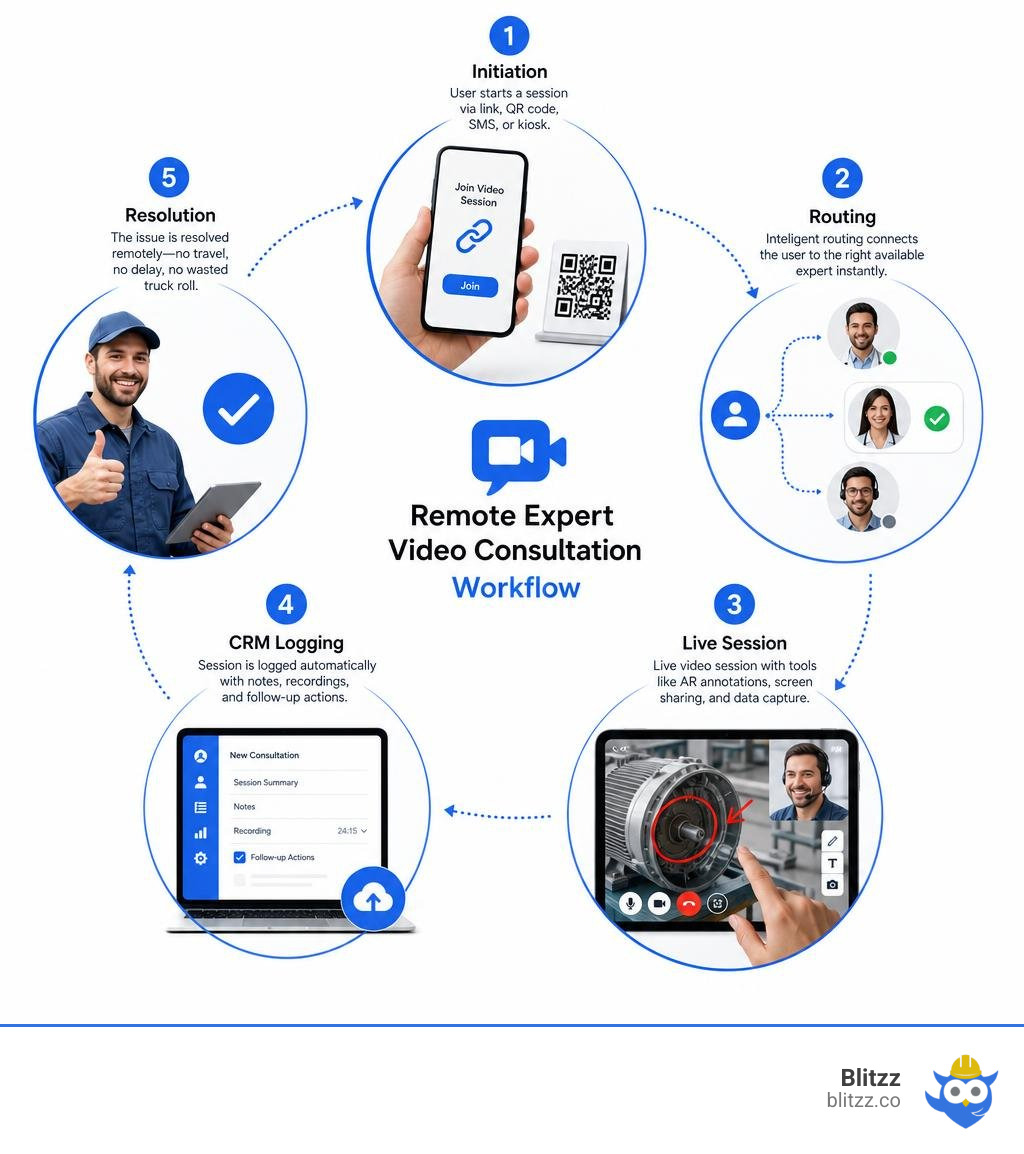
If you're looking for a quick answer, here's how it works:
- A user initiates contact via an SMS link, QR code, browser-based link, or physical kiosk — no app download needed.
- Intelligent routing connects them to the right available expert instantly.
- The expert joins a live video session with tools like AR annotations, screen sharing, and real-time data capture.
- The session is logged automatically into existing CRM or clinical systems, with notes, recordings, and follow-up actions.
- The issue is resolved remotely — no travel, no delay, no wasted truck roll.
For field service managers, this means fewer dispatches, faster resolutions, and lower costs. For healthcare providers, it means fewer missed appointments and better patient outcomes.
The numbers back this up. Remote video follow-ups after surgery have been rated equivalent in efficiency to in-person visits, while cutting patient-borne costs significantly. In field service, organizations using remote visual support have reported a 50% reduction in truck rolls and up to a 69% decrease in average resolution time.
Yet despite the clear upside, many organizations still struggle to implement this well. The technology has moved fast. The workflows, integrations, and staff training often haven't kept pace.
This guide walks you through everything you need to know — from choosing the right platform to integrating it with your existing systems and scaling it across your team.
Terms related to remote expert video consultation:
- AR remote collaboration tools
- Visual Remote Assistance for Zendesk
- construction defect video inspection
What is a Remote Expert Video Consultation?
At first glance, a remote expert video consultation might look like a standard video call. But if you have ever tried to guide an elderly patient through a complex medical device setup—or a field technician through a maze of industrial wiring—using only a basic consumer video app, you know the limitations of traditional tools.
Traditional telemedicine and basic video conferencing platforms are largely passive, voice-and-video-only experiences. They rely on the participant's ability to verbally describe what they see or understand where to point their camera. In contrast, a true remote expert solution is an interactive, collaborative environment built specifically for remote troubleshooting, clinical evaluation, and real-time guidance.
Unlike consumer video apps that require downloads, accounts, and tedious logins, modern remote expert platforms rely on browser-based access powered by open standards like WebRTC. This means a patient or technician can launch a high-definition, secure video stream with a single tap on an SMS link or by scanning a QR code.
Furthermore, these systems bridge the digital and physical worlds. Rather than just talking, the remote expert can interact directly with the user’s environment. By leveraging augmented reality (AR) annotations, screen sharing, and optical character recognition (OCR), the expert can draw on the user’s screen, point to physical objects in real-time, and extract physical data (like serial numbers or medical device readings) directly through the video feed. To understand how these advanced visual tools differ from basic video calls, explore our comprehensive Visual Remote Assistance Guide 2026.
To see how this works in the consumer space, platforms like Doctoralia - Online Consultation Service, Chat and Video Consultation have popularized zero-download video visits for general medical issues, proving that removing friction is key to user adoption.
Key Benefits of Remote Expert Consultations across Industries
Whether deployed in a bustling hospital system, an insurance claims department, or a global field service operation, the benefits of implementing a remote expert video consultation system are immediate and measurable.
1. Drastically Reduced "Did Not Attend" (DNA) Rates
In healthcare, missed appointments delay patient care and cost providers billions annually. When a clinic introduces a frictionless remote option, attendance skyrockets. For instance, in a clinical pilot tracking 480 remote consultations in a diabetes service, the "did not attend" (DNA) rate was just 13% for patients who chose the remote service, compared to a staggering 28% for those who did not.
2. Tangible Clinical and Operational Outcomes
Remote consultations do not just save time; they improve health. In that same diabetes service, the average glycated hemoglobin (HbA1c) level for patients using remote consulting improved from 70 mmol/L to 65 mmol/L. Similarly, a study on post-surgical follow-ups for total joint arthroplasty revealed that patients who utilized remote video follow-ups experienced fewer unscheduled in-clinic visits and reported significantly higher postoperative satisfaction.
3. Fewer Truck Rolls and Faster Resolutions for Field Service
For industries like telecom, manufacturing, and utilities, sending a specialist to a physical site is incredibly expensive. By putting "expert eyes" on-site virtually, organizations can resolve issues without rolling a truck. We have seen field service operations achieve a 50% reduction in truck rolls, a 58% reduction in on-site repair times, and an average resolution time decrease of 69%. To learn more about how virtual assessments compare to physical dispatches, check out our analysis of Remote Visual Assistance vs. Site Visits.
4. Positive ESG and Sustainability Impact
Every avoided truck roll and canceled patient drive translates directly into lower carbon emissions. Organizations can now track and quantify these avoided site visits, converting them into auditable CO2 reduction metrics that support corporate Environmental, Social, and Governance (ESG) targets.
Technical Infrastructure and Security Requirements
Deploying an enterprise-grade remote expert video consultation service requires balancing high performance with strict data security. Unlike consumer video calls, enterprise platforms must protect sensitive data, comply with global regulations, and perform reliably even in low-bandwidth environments.
Security and Compliance: HIPAA, GDPR, and Beyond
Any remote expert platform handling private user data must implement enterprise-grade security. In healthcare, compliance with the Health Insurance Portability and Accountability Act (HIPAA) is mandatory. In Europe and beyond, the General Data Protection Regulation (GDPR) governs how personal data is handled.
- End-to-End Encryption: All video, audio, and data streams must be encrypted in transit and at rest using secure protocols (such as AES-256).
- Consent Workflows: Before a video session begins, the platform should present automated consent prompts to ensure compliance with privacy laws.
- Audit Trails: The system must log every interaction, including who joined the call, when, and what data was captured, creating an unalterable audit trail.
Network Performance and Optimization
To deliver clear video in real-world conditions, the platform must optimize bandwidth usage. This involves:
- Quality of Service (QoS) Policies: Prioritizing video and audio packets across enterprise wide-area networks (WAN) or MPLS networks.
- Firewall Traversal: Utilizing secure DMZ proxies and session border controllers to allow external mobile or web calls to securely traverse the enterprise firewall.
- Adaptive Bitrate Streaming: Automatically adjusting video resolution (down to 1080p high-definition or lower) based on the user's real-time cellular or Wi-Fi signal strength.
Legacy Hardware vs. Modern Cloud SaaS
Historically, deploying a remote expert solution meant installing complex, on-premise hardware (such as legacy Cisco-based Telepresence systems). Today, lightweight cloud Software-as-a-Service (SaaS) platforms offer a more agile, cost-effective alternative.
| Feature | Legacy On-Premise Systems | Modern Cloud SaaS Solutions (e.g., Blitzz) |
|---|---|---|
| Deployment Time | Months (requires hardware installation) | Instant (browser-based, API-driven) |
| User Friction | High (requires specific software or plugins) | Zero (app-less, WebRTC-based) |
| Infrastructure Cost | High capital expenditure (servers, dedicated endpoints) | Low operating expenditure (subscription-based) |
| Integrations | Complex, proprietary APIs | Open standards, native CRM/EHR integrations |
| Device Compatibility | Restricted to brand-specific hardware | Device-agnostic (smartphones, tablets, smart glasses) |
How to Deploy a Remote Expert Video Consultation Service
To successfully transition your organization to a virtual-first support model, you need a structured deployment plan. Simply buying software isn't enough; you must design a seamless flow for both your experts and your end-users.
For a deeper dive into the software capabilities required for this transition, read our guide to Remote Visual Support Solutions.

Step 1: Setting Up Your Remote Expert Video Consultation Platform
The primary barrier to virtual consultation adoption is technical friction. If a patient or customer has to download an app, remember a password, or configure complex settings, they will often give up.
To prevent this, ensure your platform supports zero-download WebRTC technology. This allows users to join a secure video session instantly through their existing mobile browser.
Provide multiple low-friction entry points tailored to your audience:
- SMS and Email Links: A customer support agent or clinic receptionist can trigger an automated text or email containing a secure, time-bound link. The user simply taps the link to launch the video call.
- QR Codes: For physical environments, users can scan a QR code on a piece of equipment, a clinic door, or a product package to instantly connect with a remote expert.
- Interactive Kiosks: In physical retail branches or community health clinics, a walk-in kiosk can automatically launch a video session and intelligently route the user to an available remote specialist. This bridges the digital divide for less tech-savvy users who feel uncomfortable using their own devices.
Step 2: Integrating with Existing Workflows and CRM Systems
A remote expert video consultation should not exist as an isolated silo. To maximize efficiency, the video platform must integrate directly with your existing Electronic Health Records (EHR) or Customer Relationship Management (CRM) systems.
When a session ends, the platform should automatically push key data back to the primary system. This includes automated text transcriptions, captured images, and links to secure video recordings. This prevents your clinical or technical teams from losing visibility of the customer journey and eliminates manual data entry.
Furthermore, integrating these tools allows you to support modern service models like Patient-Initiated Follow-Up (PIFU) or on-demand field dispatch, where users can request virtual consultations only when they actually need them.

Step 3: Optimizing the Remote Expert Video Consultation Experience
Once the video connection is established, the remote expert needs tools to guide the user effectively.
- AR Annotations: Experts can draw, circle, or place arrows directly onto the live video feed. These annotations "stick" to the physical objects in the real world, even if the user moves their camera.
- Screen Sharing: Experts can share their own desktop or application window to show the user a diagram, instructional video, or medical chart.
- Optical Character Recognition (OCR): Instead of asking a user to read a long, complicated serial number or barcode, the expert can use OCR to scan and capture the text directly through the video stream, instantly logging it into the work order.
- Virtual Waiting Rooms: To manage high volumes of incoming calls, implement virtual waiting rooms. This keeps users engaged with informational content or queue-time updates while preparing the expert to join the session.
Real-World Applications: Healthcare, Field Service, and Beyond
To understand the versatility of a remote expert video consultation system, let us explore how different industries use this technology to solve real-world challenges.
Healthcare and Clinical Scenarios
- Chronic Disease Management: Managing conditions like COPD or diabetes requires regular check-ins. In a study on COPD training, patients who received remote follow-up sessions for pursed-lips breathing training managed their breathlessness far better than those who received only basic in-person training.
- Post-Surgical Follow-Up: Following surgeries like a prostatectomy or joint replacement, patients can conduct their follow-up visits from home. In a randomized trial comparing remote video visits to standard post-operative care, video visits were assessed as equivalent in clinical safety and efficiency while saving the patient travel time and expense.
- Specialized Second Opinions: Highly specialized fields, such as neurosurgery, often require out-of-state consultations. For example, obtaining a remote second opinion from a specialist at a major institution like UCLA Health Neurosurgery often involves a flat fee (e.g., $1,000) and structured record-sharing, allowing patients to get expert advice without traveling.
- Mental Health Support: Virtual behavioral therapy has proven highly effective. In a study on social anxiety disorder, participants who received 12 weekly sessions of therapy via video showed significant improvements in anxiety, depression, and overall quality of life.
- Linguistic and Cultural Accessibility: For global diaspora communities, finding a doctor who speaks their native language is a challenge. Platforms like Unarv Telemedicine | Kerala Doctors Online — Consult in Malayalam 24/7 allow Keralites worldwide to consult with certified specialists in Malayalam, overcoming both linguistic barriers and local cultural stigmas.
Field Service and Industrial Troubleshooting
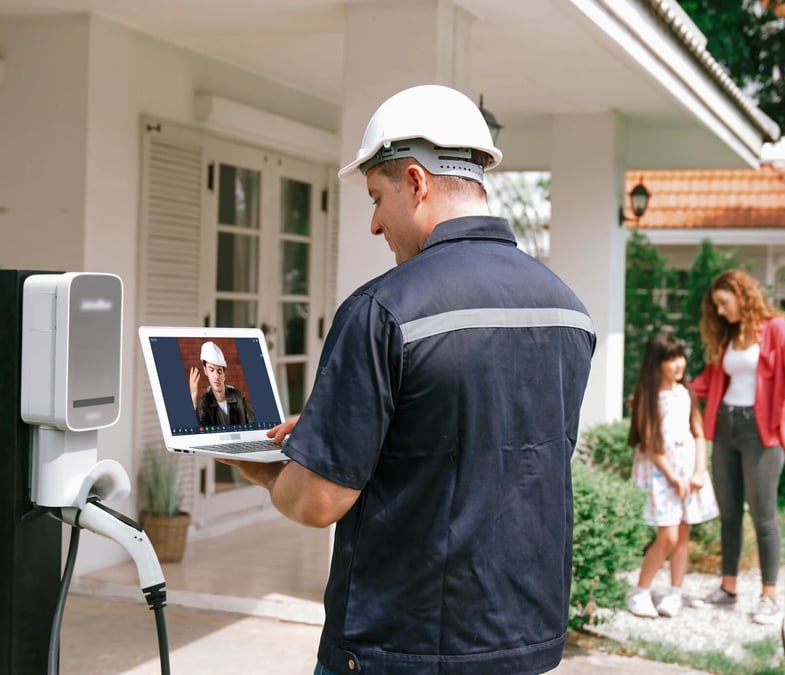
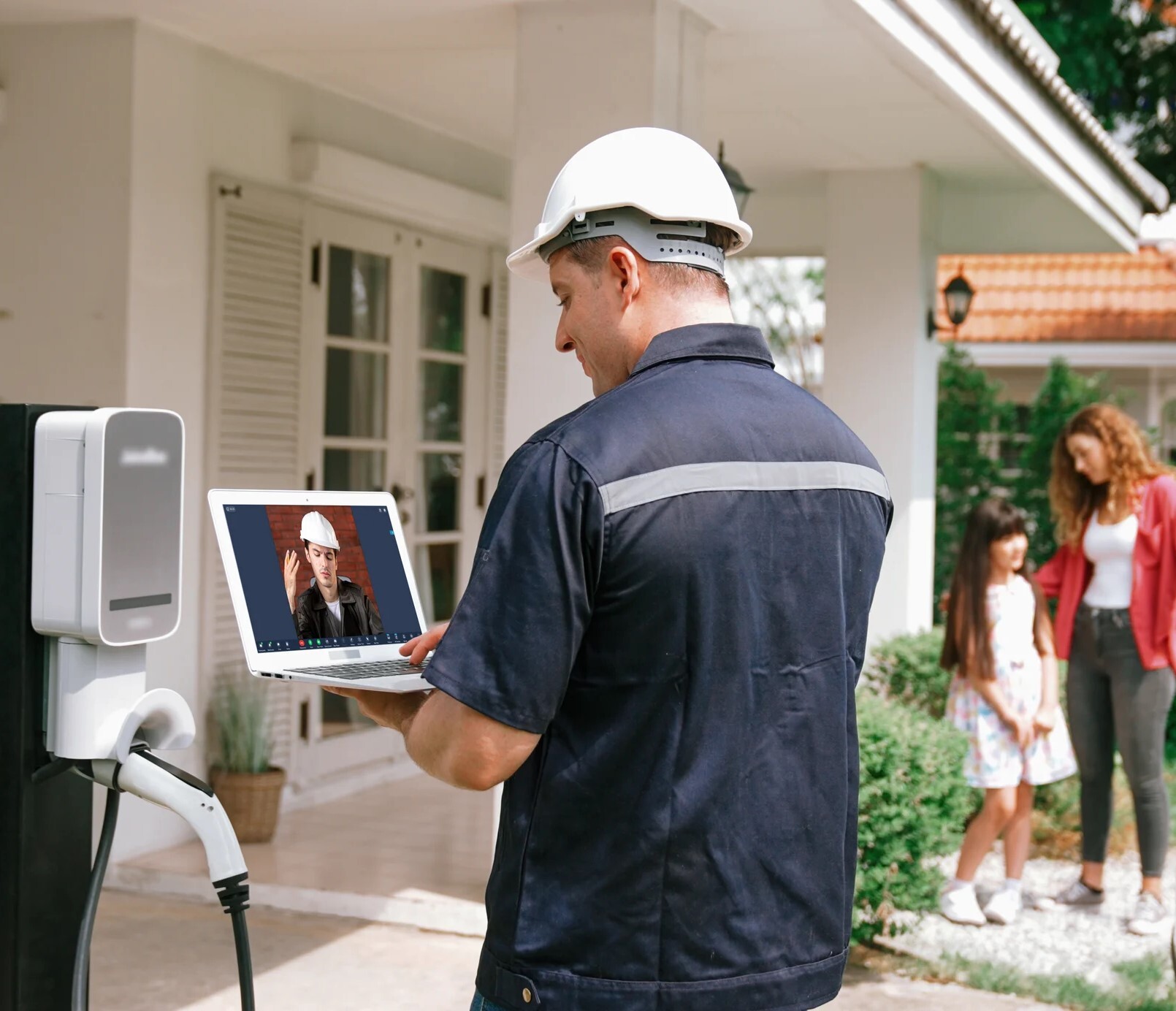
- HVAC and Smart Home Support: HVAC technicians often face complex wiring or diagnostic errors on-site. By connecting with a senior back-office expert via video, they can troubleshoot systems faster, reducing diagnostic time and improving first-time fix rates. To see how this transforms operations, read about Remote Visual Support for HVAC Contractors: Fewer Truck Rolls, Happier Customers.
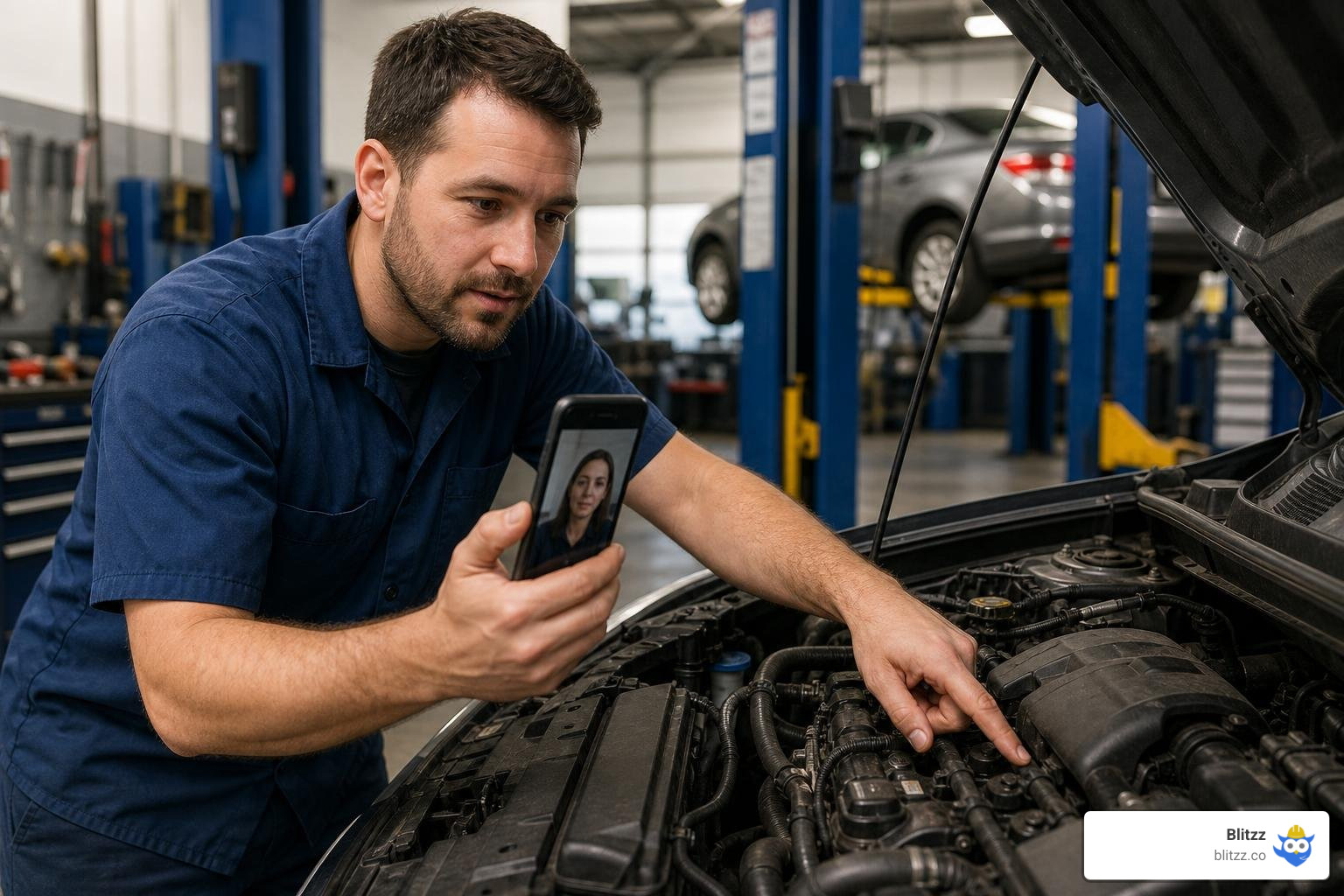
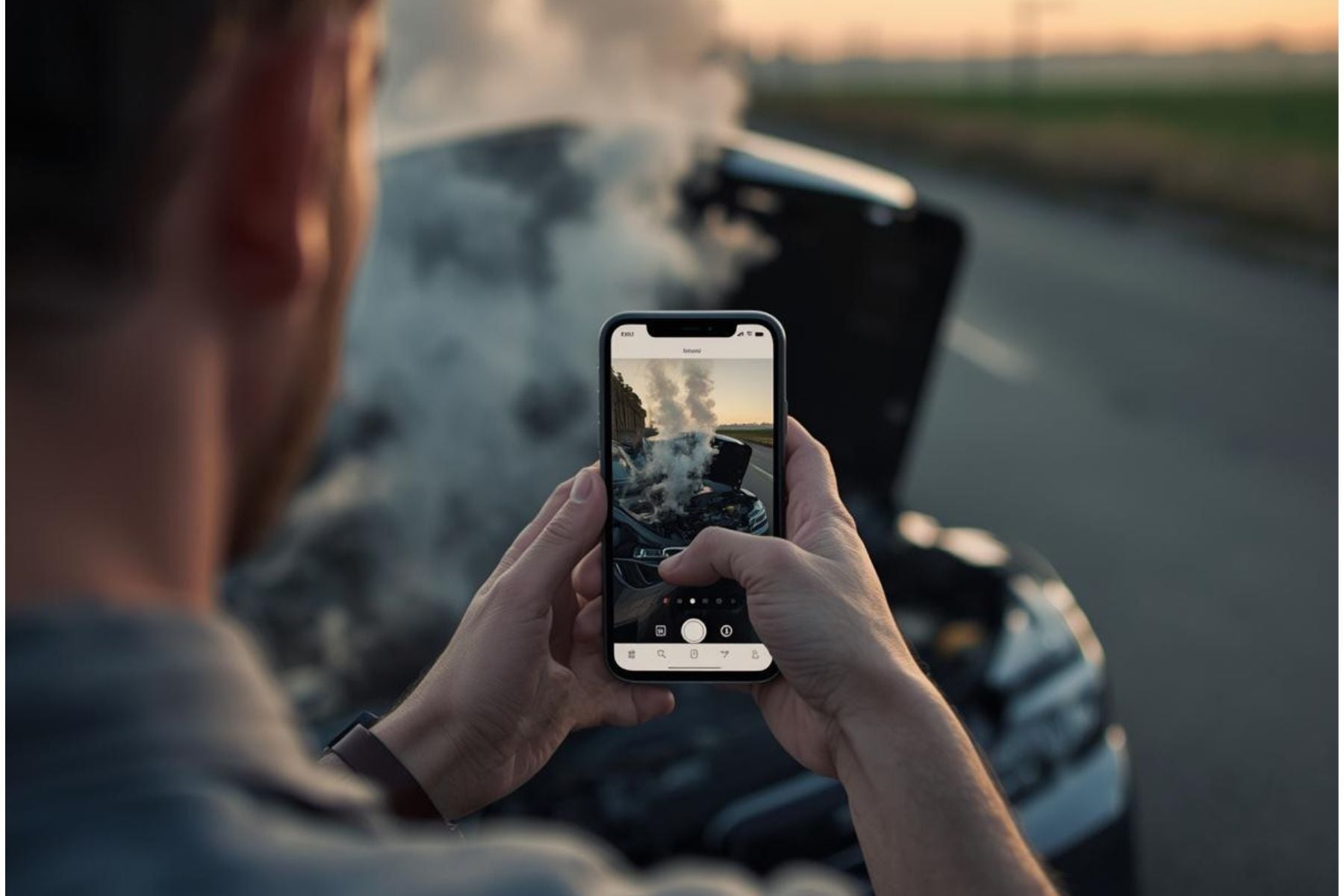
- Automotive Repairs: When a local mechanic encounters a rare mechanical fault, they can connect directly with an automotive manufacturer's expert engineer. Using AR annotations and mobile screen sharing, the expert can guide the repair step-by-step. Discover how this accelerates repairs in our guide on Remote Visual Assistance for Automotive: Reducing Truck Rolls and Accelerating Repairs.
Frequently Asked Questions about Remote Expert Consultations
What is the difference between traditional telemedicine and a remote expert video consultation?
Traditional telemedicine is typically a simple voice-and-video call used for basic consultations. A remote expert video consultation, however, is a highly collaborative session. It includes interactive tools like AR annotations, screen sharing, real-time document uploading, and optical character recognition (OCR) to help the expert actively guide the user through physical tasks or clinical evaluations.
How do remote expert solutions ensure HIPAA and data privacy compliance?
Enterprise-grade remote expert solutions protect data by using end-to-end encryption (such as AES-256) for all video, audio, and text streams. They also feature automated consent workflows, strict access controls, secure cloud storage, and unalterable audit trails to comply with regulations like HIPAA and GDPR.
Can non-technical users easily access these video consultation platforms?
Yes. Modern platforms use app-less, browser-based WebRTC technology. Users do not need to download an app or create an account. They simply tap a link sent via SMS or email, or scan a QR code, to instantly launch the video session. For those without a smartphone, physical walk-in kiosks in local centers can automatically start and route the video call. To see an example of a simple consumer-facing workflow, you can read about How to Consult a Doctor on mWell or explore general consumer options like Doctor Consultation.
Conclusion
The way we deliver expert knowledge is changing. Whether you are managing a clinical team, a customer contact center, or a fleet of field service technicians, relying on travel and physical presence is no longer the most efficient path.
By deploying a secure, integrated remote expert video consultation service, you can put your best experts anywhere in the world instantly. You will reduce missed appointments, eliminate unnecessary travel, lower operational costs, and deliver a vastly superior experience to your patients and customers.
At Blitzz, we build enterprise remote visual assistance software designed to make these interactions effortless. With our instant, browser-based video support, interactive AR annotations, and seamless CRM integrations, we help you see the problem and solve it remotely. Ready to revolutionize the way you deliver care and support? Explore Blitzz Features today.

Blitzz Team
The Blitzz Team writes about remote video support, virtual inspections and field service. Our guides come from working with home builders, property managers, warranty teams, contact centers and field service organizations that use Blitzz to see and solve issues without a truck roll.