

.png?width=120&height=55&name=Blitzz-Logo-right%20white%20eyes%20-%20not%20transparent%20(3).png)

On this page
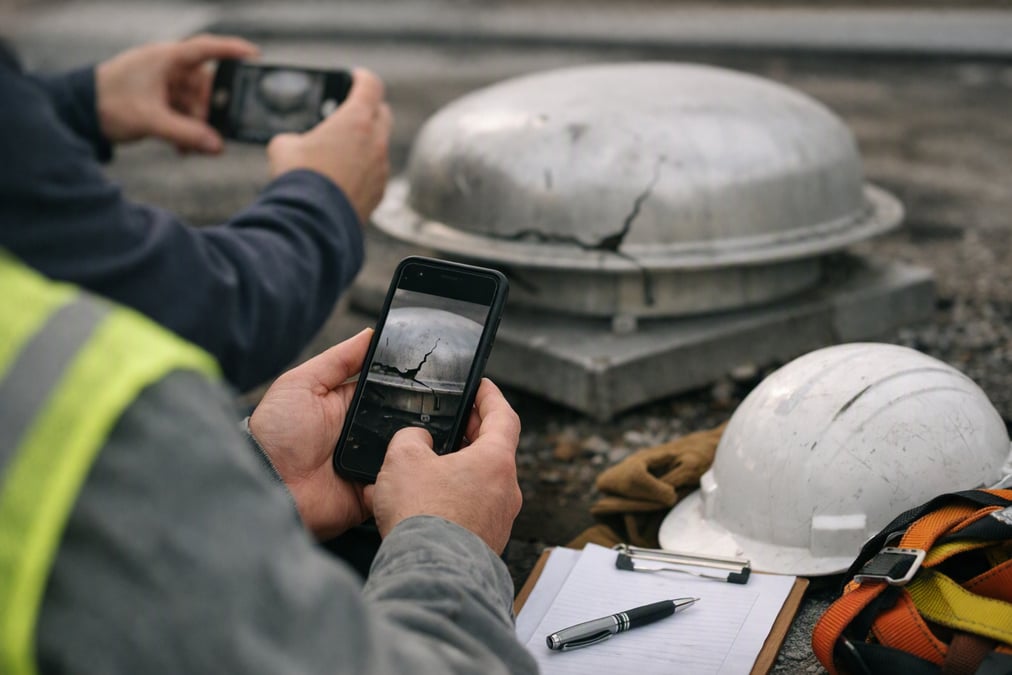
Remote inspection services help teams check equipment, property, claims, or job-site work without waiting for an in-person visit. They reduce back-and-forth and make it easier to document what happened while the details are still fresh.
Remote inspection services use live video, photos, notes, and location data to review a site through a smartphone browser. A customer opens one link with no app download, and an inspector or agent can guide the call, capture evidence, and save findings back to the connected system. That keeps the process moving and gives teams a clear record for follow-up.
- Live video can replace a first trip to the site.
- Photos, notes, and reports stay tied to the case.
- No app download lowers friction for the customer.
- Offline mode helps when connectivity is limited.
- AI can help spot equipment and keep the checklist on track.
What are remote inspection services?
Remote inspection services are a way to assess a site, asset, or issue through live video and captured images instead of sending someone out first. The inspection can start from the record, ticket, or call already in progress, which keeps the work inside the team’s existing process.
In practice, an agent or inspector sends a link by SMS, email, or WhatsApp. The customer opens it in a phone browser, and the session starts right away. That simple flow matters because it reduces delays and gets the right eyes on the issue sooner.
How the workflow usually starts
The inspector asks for the view needed, then guides the person on site to point the camera at the right item. Live pointer and markup tools help direct attention to the exact part of the asset or property that needs review. If serial numbers or labels matter, OCR can capture them from the video feed.
For teams comparing process options, the easiest way to provide remote video inspection is often the one that fits the work already happening in the ticketing or CRM system. That means less switching between tools and fewer steps for the person on site.
Why do teams use remote inspection services?
Teams use remote inspection services because they help resolve questions faster and with less travel. They also create a record that can be reviewed later, which is important for claims, permitting, maintenance, and public inspection work.
When the inspection starts from a live case, the person doing the work can keep moving instead of waiting for a separate appointment. As a result, supervisors get clearer documentation, and customers or field crews spend less time repeating the same steps.
Common use cases
- Claims reviews that need clear evidence from a site.
- Field service checks that need a quick look before dispatch.
- Public inspection work that requires date, time, and location records.
- Permitting and compliance checks that depend on documented findings.
For a broader look at the business impact, 5 key benefits of remote video inspections explains where teams often save time and where the process works best.
How do remote inspection services work?
Remote inspection services work in a few simple steps. The team sends a link, the customer opens it in a browser, the inspection begins, and the inspector captures what matters. The result is a clear chain of video, images, and notes tied back to the case.
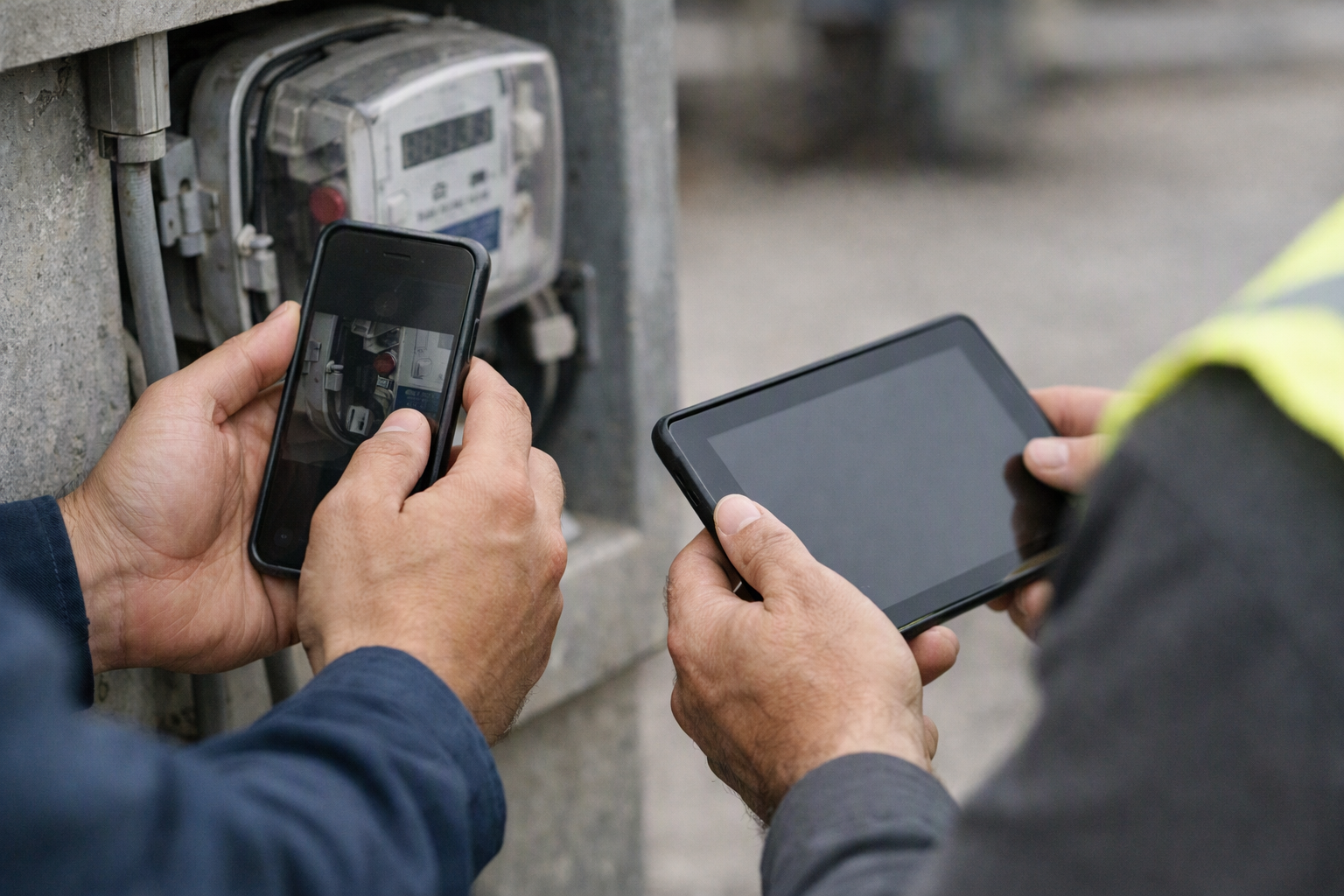
- The agent or inspector starts the session from the existing record.
- The customer opens the link in a smartphone browser.
- Live video begins, and the inspector guides the view.
- Photos, notes, and any readings are captured during the call.
- Findings sync back to the connected platform automatically.
What happens when connectivity is weak?
Not every site has steady signal. In those cases, offline mode can help capture images and data first, then upload them when the connection returns. That matters for job sites, basements, rural locations, and crowded buildings where service drops happen.
For teams that need a deeper process view, this guide to remote video inspection for commercial and residential buildings shows how a structured call can keep the inspection on track from start to finish.
What makes remote inspection services useful for evidence and reporting?
Remote inspection services are useful because they collect evidence while the issue is being reviewed. That can include timestamped photos, GPS-tagged images, readings, notes, and AI summaries that sync back to the connected platform automatically.
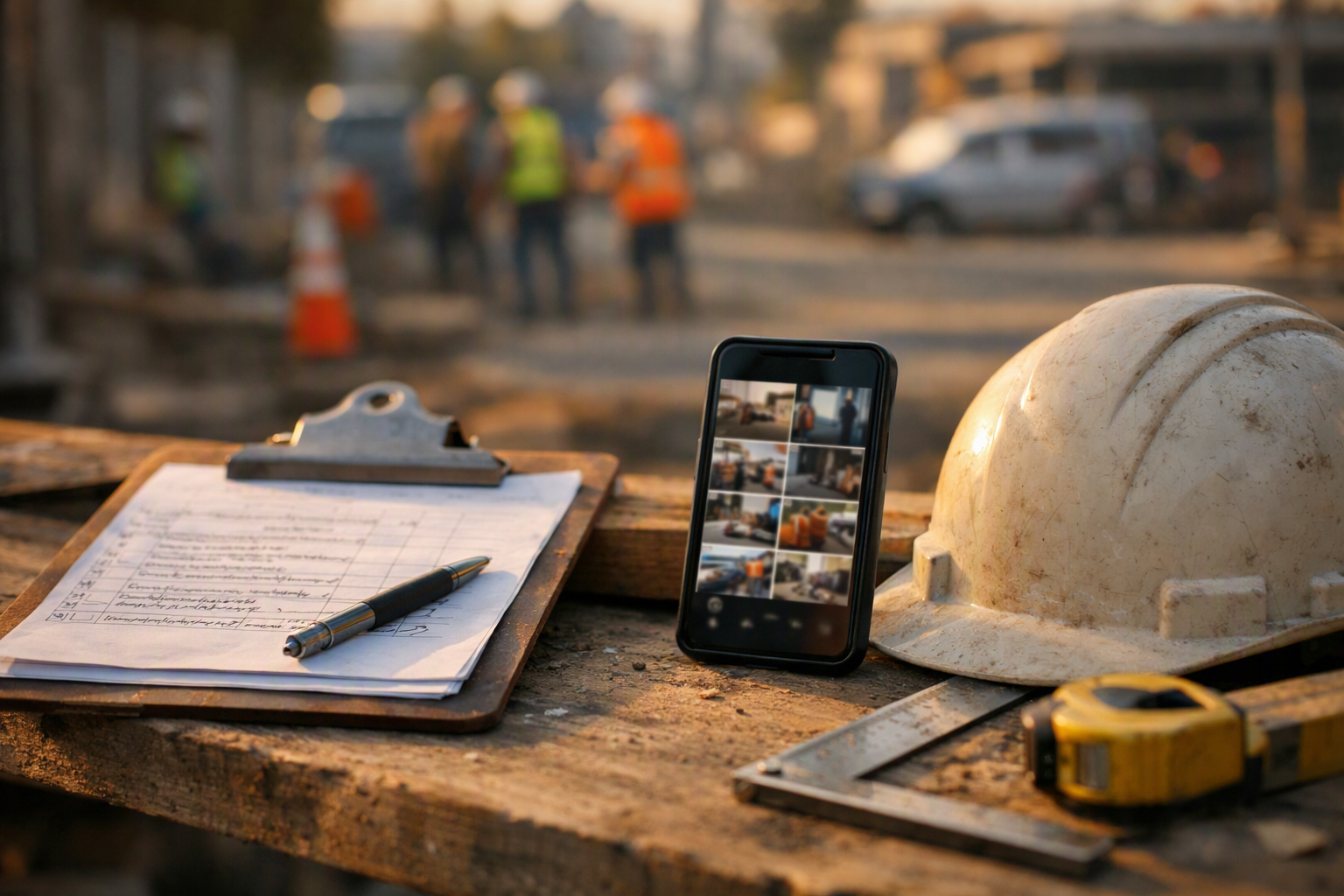
For inspectors, that means less manual writing after the call. For managers, it means the report is easier to trace and revisit later. For public teams, it creates a more consistent record of what was seen and when it was seen.
| Inspection method | What gets captured | Best fit |
|---|---|---|
| Live remote inspection | Video, live guidance, photos, notes | Fast triage and first review |
| Remote inspection with offline mode | Images and data saved for later upload | Low-connectivity sites |
| Job-site reporting | Timestamped, GPS-tagged photos and reports | Field work and permit records |
When a team needs side-by-side thinking on feature sets, this overview of remote inspection tools is a useful reference for what to look for in live video, reporting, and case handling.
How does AI help with remote inspection services?
AI helps remote inspection services by spotting equipment, identifying issues, and keeping the checklist moving during the call. In Blitzz, Owlbert AI runs in the background of every session and can surface answers from the user’s own knowledge base, manuals, and past tickets.
That can save time when the inspector is not sure what is on screen or needs help confirming the next step. It also helps keep the inspection focused on the right questions instead of drifting into guesswork.
Where AI fits in the workflow
- It can identify equipment in live video.
- It can spot the issue during the call.
- It can suggest next steps from stored knowledge.
- It can keep checklist items on track during inspections.
For contact center and field teams that want live guidance built into the session, Blitzz offers remote visual assistance software designed for browser-based inspections and support.
What should buyers compare before choosing remote inspection services?
Buyers should compare how the session starts, what data gets captured, and how the findings flow back into existing systems. The best fit is usually the one that reduces steps for the customer and keeps the inspector in the record they already use.
A simple checklist helps. Start with browser access, then look at live guidance tools, evidence capture, offline support, and automatic sync to the connected platform. If the work involves web or app walkthroughs as well as inspections, co-browsing and screen sharing may also matter.
Comparison points to review
- Can the session start from the ticket or CRM record?
- Does the customer need an app download?
- Can the team capture photos, notes, and location data?
- Is offline capture available when signal is weak?
- Do findings sync back automatically?
Teams evaluating live support for claims, billing, onboarding, or service work may also want to compare remote video inspections using live video call because the call setup and guidance flow can change how quickly the work gets done.
How do remote inspection services fit into existing systems?
Remote inspection services fit best when they stay inside the tools people already use. Blitzz sessions can start from Salesforce Service Cloud, Sales Cloud, or Field Service, and other integrations support ticket-based workflows as well.
That matters because inspectors do not need to rebuild the job in another place. They can work from the record, capture what they need, and let the notes, recordings, images, and AI summaries sync back automatically.
Why this matters for operations
When the inspection record stays connected, handoffs are easier. Supervisors can review the findings, agents can close the loop faster, and field teams do not need to retype the same details into another system.
For leaders who want a deeper checklist before buying, 9 critical components of the top remote inspection tools is a practical place to start.
Conclusion
Remote inspection services help teams see the issue sooner, document it better, and keep work moving without adding app downloads or extra steps. They are a practical fit for contact centers, field service, insurers, and public inspection teams that need a clear record and a faster path to next action.
If a team wants browser-based inspections that fit into the systems already in use, Blitzz is worth a closer look.
Frequently Asked Questions
What are remote inspection services?
Remote inspection services are a way to review a site, asset, or issue through live video and captured images instead of sending someone out first. The customer opens one browser link on a smartphone, and the inspector guides the session, captures evidence, and saves the findings back to the case.
Do remote inspection services require an app download?
No, remote inspection services can run in a smartphone browser with no app download. That lowers friction for the person on site and makes it easier to start the inspection quickly from SMS, email, or WhatsApp.
Can remote inspection services work with weak connectivity?
Yes, remote inspection services can support offline mode with async upload when connectivity is limited. Images and data are captured first, then upload automatically when the connection returns, which helps at job sites and other low-signal locations.
What kind of records can remote inspection services create?
Remote inspection services can create live video, timestamped photos, notes, readings, reports, and AI summaries. Some workflows also add GPS-tagged photos and automatic sync back to the connected platform, which helps keep the case record complete.
How do teams start a remote inspection session?
Teams can start a remote inspection session from the record, ticket, or call they are already working in. The inspector sends a link, the customer opens it in a browser, and the live review begins without extra setup.

Blitzz Team
The Blitzz Team writes about remote video support, virtual inspections and field service. Our guides come from working with home builders, property managers, warranty teams, contact centers and field service organizations that use Blitzz to see and solve issues without a truck roll.