.png?width=120&height=55&name=Blitzz-Logo-right%20white%20eyes%20-%20not%20transparent%20(3).png)

On this page
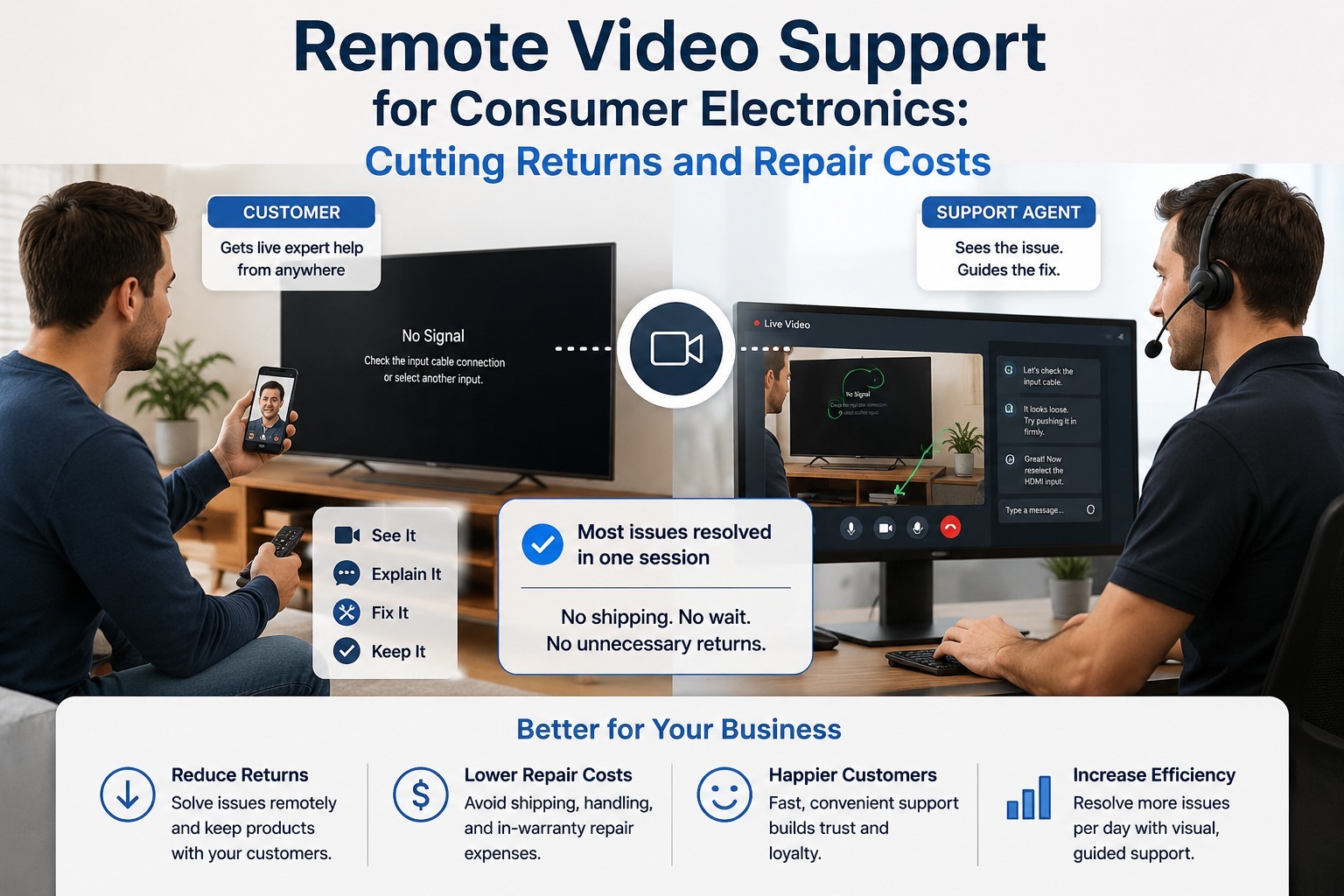
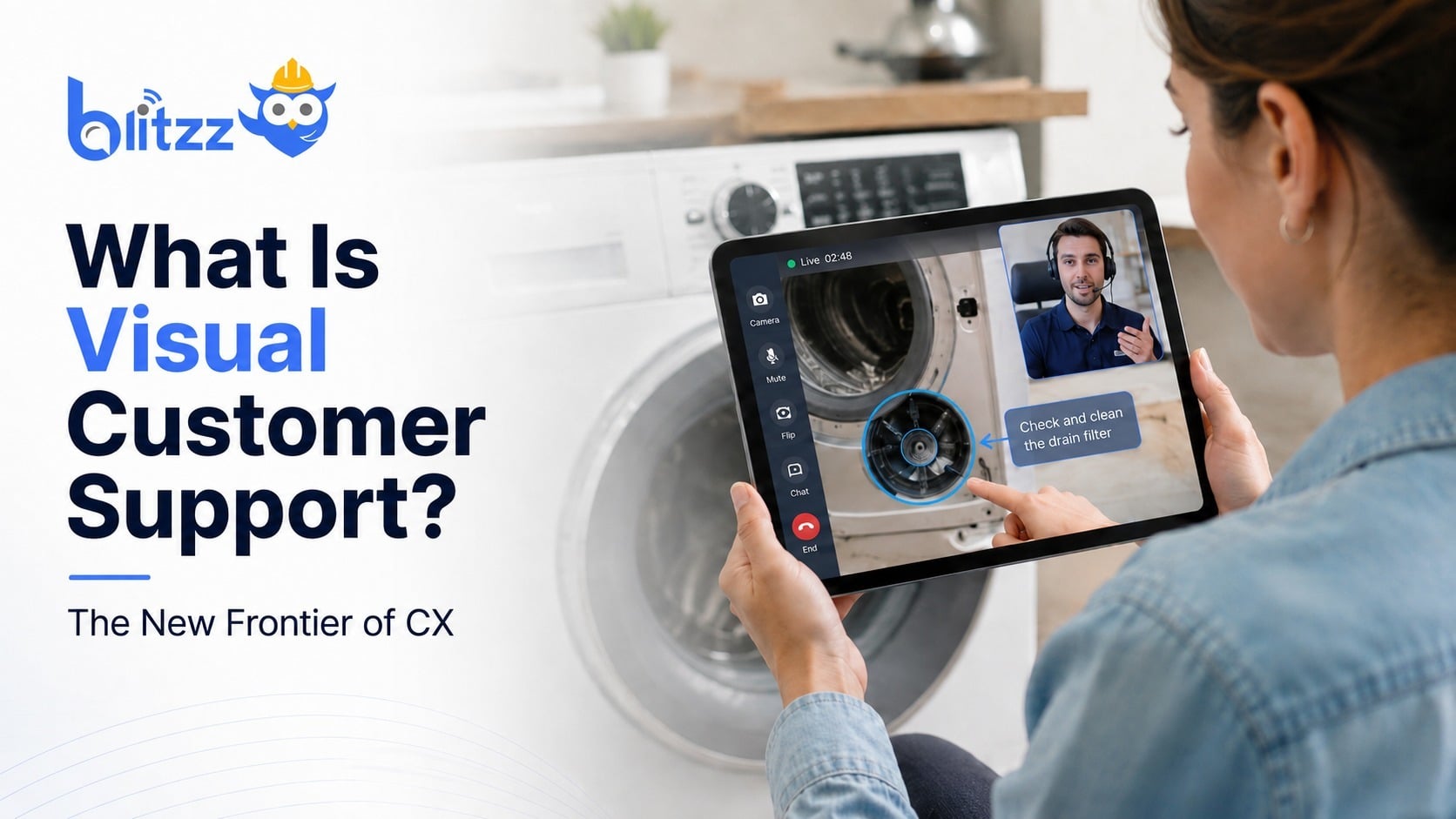
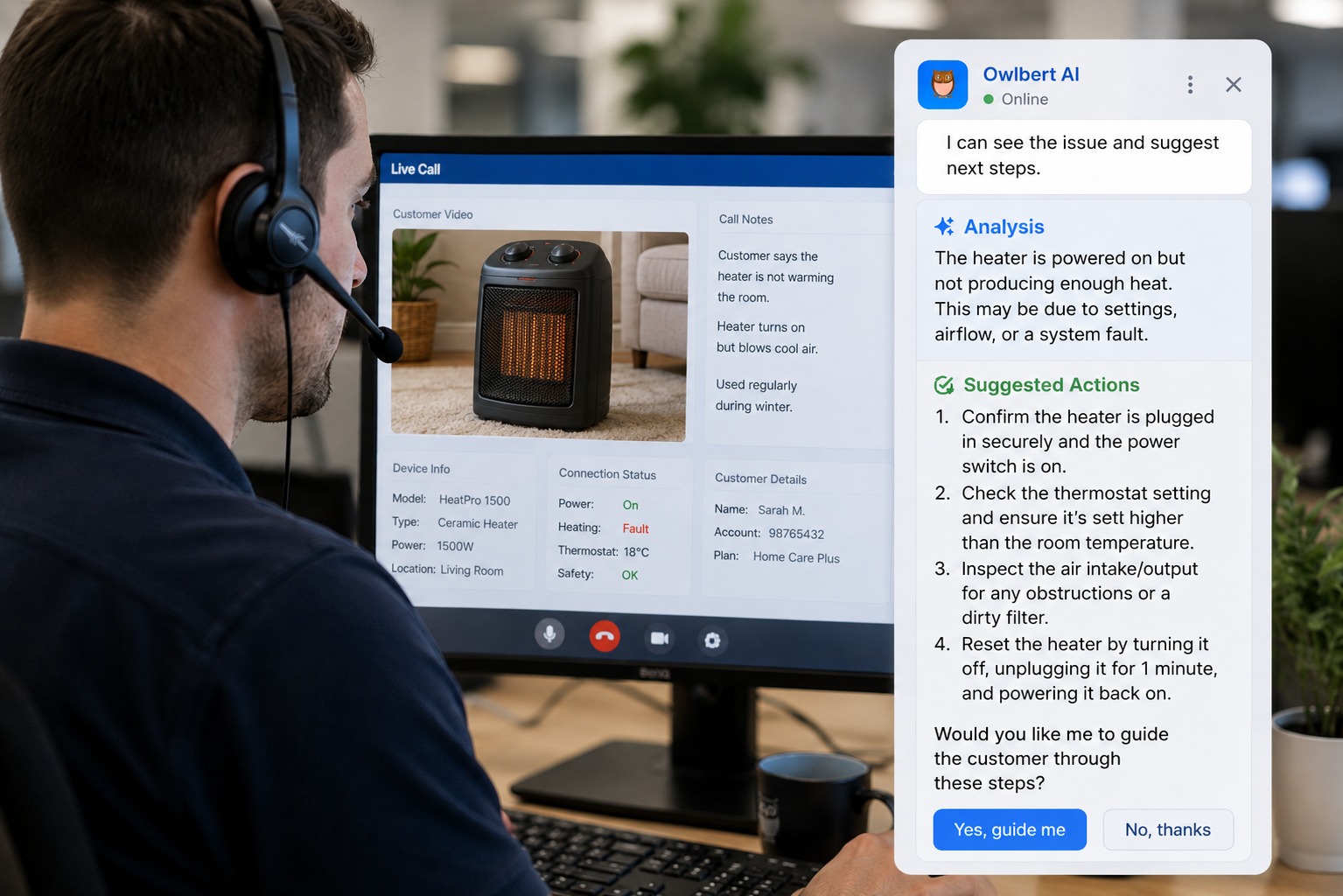
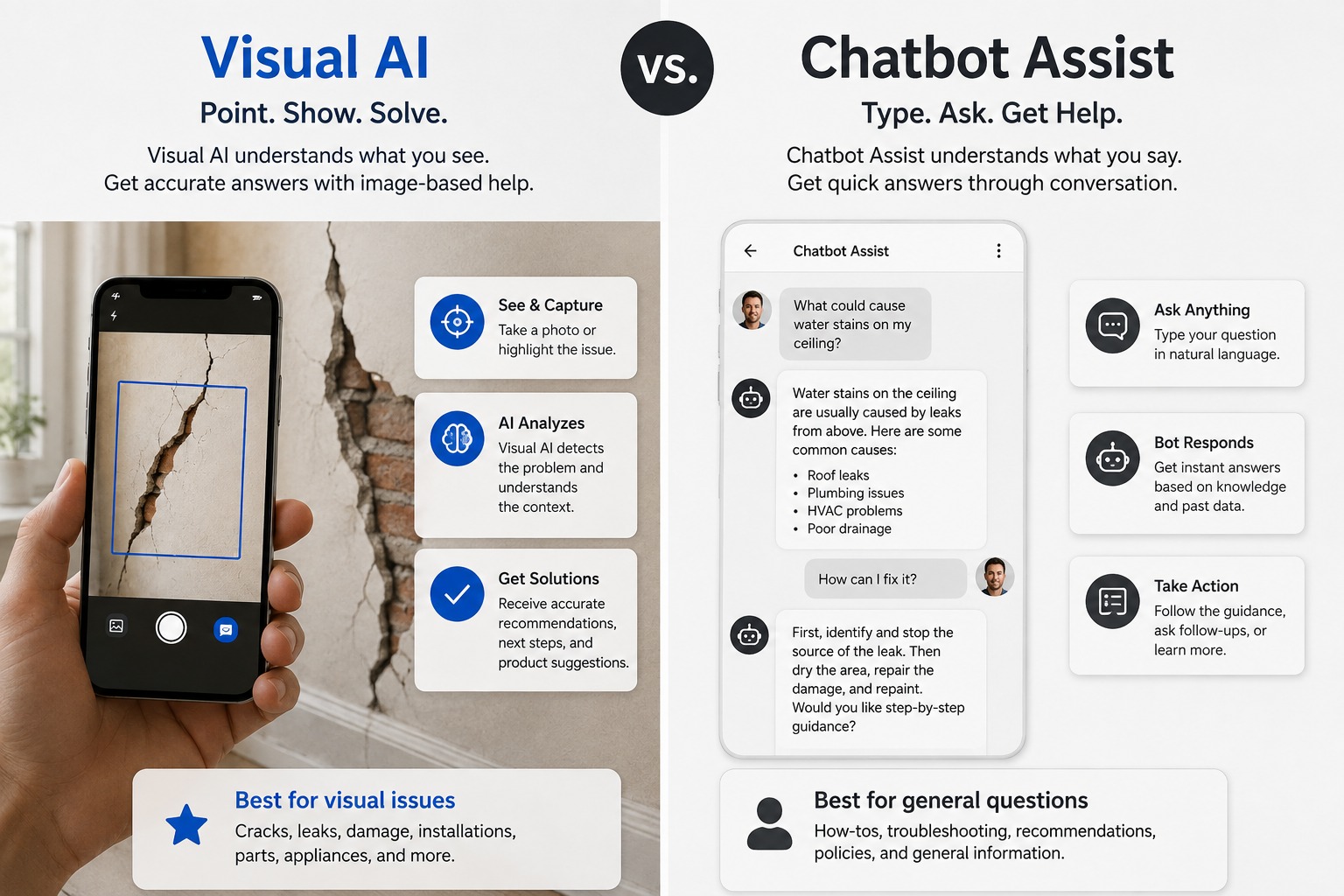
The core difference between Owlbert AI and a generic chatbot assist tool is what each one can actually perceive: a chatbot works entirely from text, while Owlbert AI works from live video, meaning it can see the actual equipment, symptom, or damage a customer is dealing with rather than relying on the customer to describe it accurately in words. That single difference — visual context versus text-only context — changes what kind of problems each tool is genuinely good at solving.
This guide breaks down what generic chatbot assist tools do well, where they run into limits, and why visual context specifically matters for the kinds of problems support and field service teams deal with every day.
What Generic Chatbot Assist Actually Does
Chatbot assist tools, in most support contexts, are built to interpret text-based input — a customer's typed description of their problem, or an agent's typed notes — and match it against a knowledge base or set of predefined responses. Common capabilities include:
Intent recognition. Identifying what a customer is asking about based on the words they use, even if phrased differently from how a knowledge base article is worded.
Suggested responses. Offering an agent a pre-written or AI-generated reply based on the customer's message.
Simple deflection. Handling straightforward, repetitive questions — password resets, order status, basic FAQs — without needing a human agent involved at all, which is exactly the kind of volume contact centers lean on chatbots for.
Text-based troubleshooting flows. Walking a customer through a decision tree of questions ("Is the light on? Is it red or green?") to narrow down a likely issue.
These tools are genuinely useful for a large share of support volume, particularly for issues that are simple, well-defined, and don't depend on physically observing something. The limitation shows up specifically when a problem requires seeing something to understand it correctly.
Where Text-Only Assist Runs Into Trouble
The core weakness of a chatbot, no matter how sophisticated its language understanding is, comes down to a simple fact: it only knows what the customer tells it. And customers are often not equipped to describe technical problems accurately.
Consider a few common scenarios: a customer says a light on their router is "kind of orange," when it's actually solid amber, which corresponds to a specific and different failure state than a blinking amber light. A customer describes a crack in a wall as "small" when an inspector would classify it as a significant structural concern. A customer reads a model number wrong because it's printed in small text on a worn label. In each case, the chatbot's entire diagnostic process is only as good as the customer's ability to translate what they're looking at into accurate words — and that translation step is where a lot of miscommunication and wasted time creeps in.
This isn't a flaw in the chatbot's language processing. It's a structural limitation: text-only tools have no way to independently verify or correct what the customer describes, because they have no access to the actual physical reality of the situation.
What Visual Context Adds
Owlbert AI operates on a fundamentally different kind of input: the live video feed itself. Rather than depending on a customer's translation of what they see into words, it observes the same frame the agent is looking at directly. This changes the diagnostic process in several concrete ways:
It removes the translation step entirely. Instead of a customer describing a light as "kind of orange," the AI reads the actual color and pattern directly from the video feed.
It can read text and numbers automatically. Serial numbers, model numbers, and error codes can be extracted directly from the frame using optical character recognition, rather than requiring a customer to read them aloud — often incorrectly, especially for long alphanumeric strings.
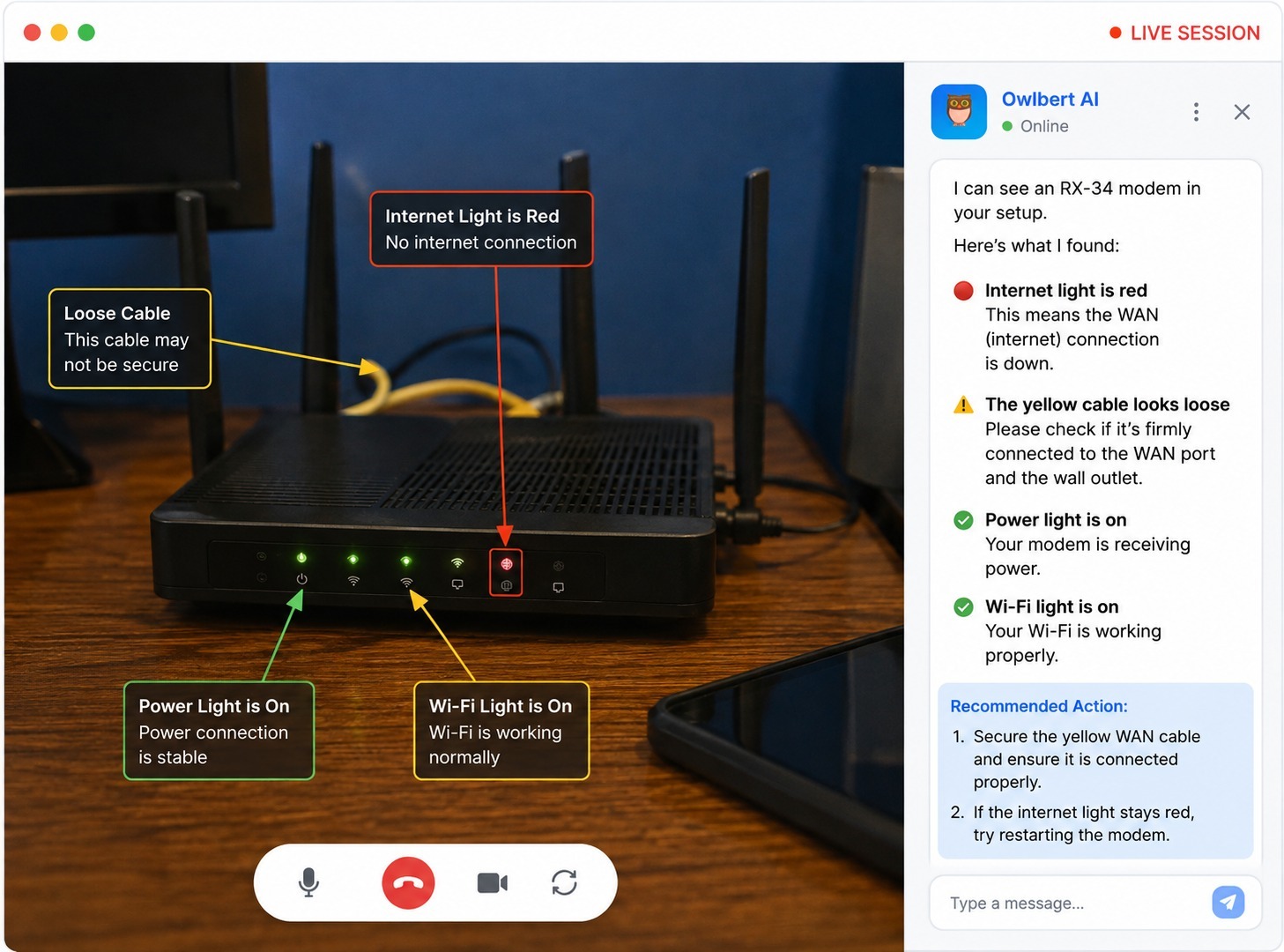
It catches details customers wouldn't think to mention. A visual AI system might notice a loose cable or a secondary indicator light that the customer didn't think was relevant, simply because it's actively scanning the entire frame rather than relying on the customer's judgment about what matters.
It handles ambiguity better. Where a text description is inherently subjective ("kind of orange," "a small crack"), a visual system can reason about what it's seeing and categorize it against known reference patterns more consistently.
A Side-by-Side Comparison
| Generic Chatbot Assist | Owlbert AI (Visual AI) | |
|---|---|---|
| Input type | Text typed by the customer or agent | Live video feed |
| Depends on customer's description accuracy | Yes, entirely | No — reads the scene directly |
| Can read serial numbers or error codes | Only if typed correctly by the customer | Yes, directly from video |
| Handles ambiguous visual symptoms | Poorly — relies on subjective description | Well — assesses the actual visual evidence |
| Best suited for | Simple, well-defined, non-visual issues | Equipment, damage, or symptom diagnosis |
| Requires customer to be technically literate | Often, to describe the issue accurately | No — the AI does the interpreting |
Why This Distinction Matters More in Some Industries Than Others
Visual context isn't equally important for every kind of support interaction. It matters most where accurate physical observation is central to solving the problem:
Field service and equipment troubleshooting. Diagnosing a malfunctioning device almost always benefits from seeing it directly rather than relying on a customer's description of lights, sounds, or physical condition.
Insurance and property inspections. Assessing damage — a crack, water intrusion, structural wear — is inherently a visual task. A text description of damage severity is subjective in a way that a photograph or video frame is not.
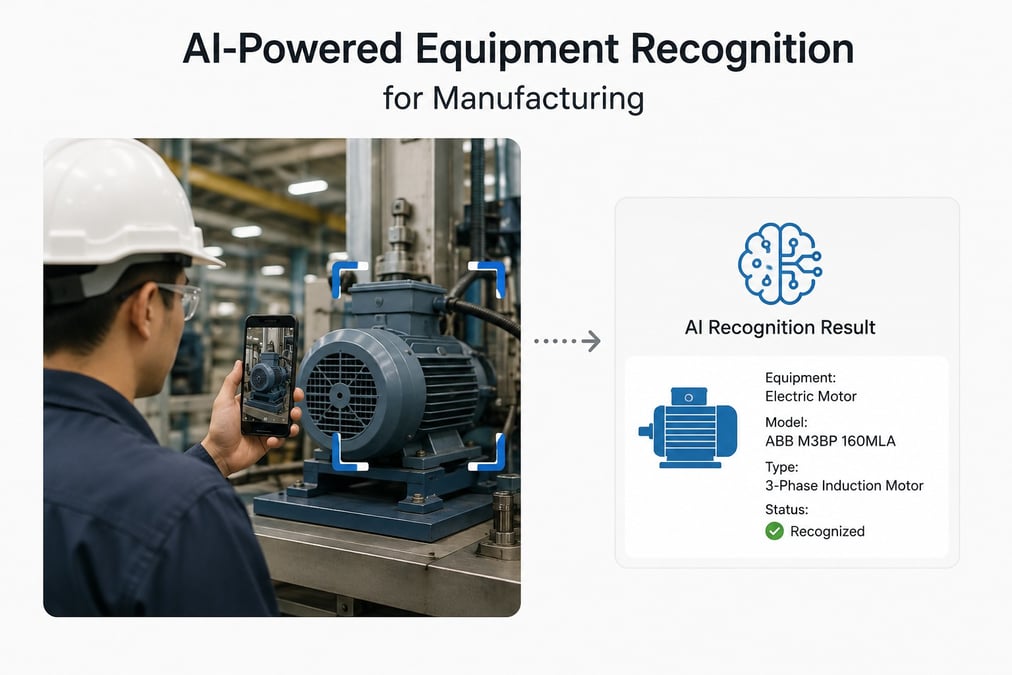
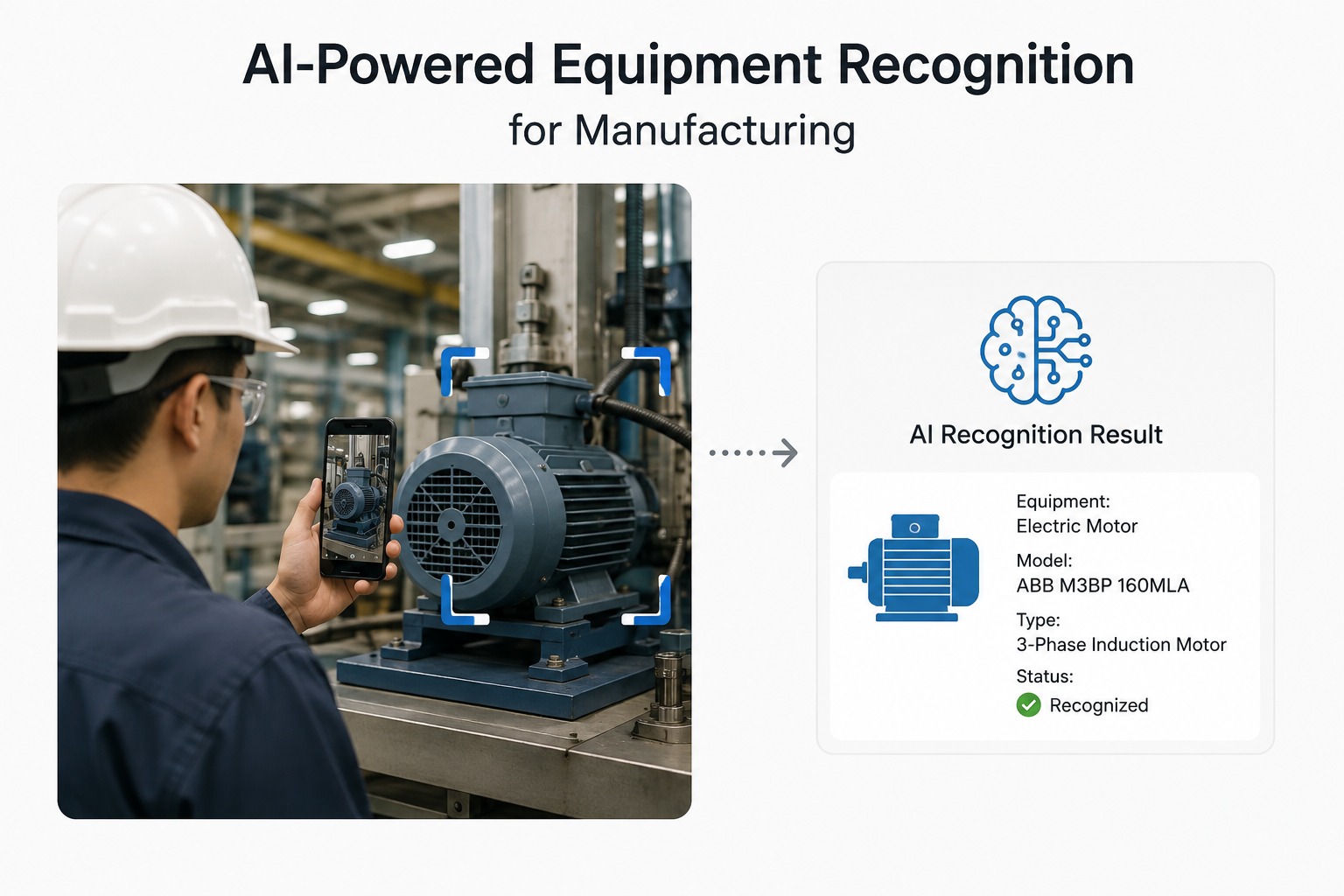
Manufacturing and heavy equipment. With a wide range of specialized components, accurately identifying which specific part or model is involved is difficult through text description alone, especially for a customer or field worker unfamiliar with the equipment's exact terminology.
Automotive support. Dashboard warning lights, visible damage, or specific part identification all benefit from direct visual confirmation rather than a customer's best guess at what a symbol or color means.
By contrast, purely text-based issues — account questions, billing disputes, order status — don't benefit meaningfully from visual context, since there's nothing physical to observe in the first place. This is why a chatbot remains a perfectly good tool for that category of support, even as visual AI becomes more relevant elsewhere.
The Two Aren't Necessarily Competitors
It's worth noting that many support operations use both, applied to the right kind of problem. A chatbot can handle simple, high-volume, text-based questions efficiently and cheaply, freeing up human agents and visual AI tools for the more complex, physically-grounded issues where seeing the problem actually changes the outcome. Treating this as an either/or decision misses the point: the two solve different categories of problem, and a mature support operation often benefits from routing issues to whichever tool is actually suited to them.
What to Watch For When Comparing the Two
If you're evaluating tools in this space, a few questions help clarify which category a given product actually falls into, regardless of how it's marketed:
Does it require the customer to describe what they're seeing, or can it observe it directly? This is the single clearest indicator of whether a tool is working from text or from visual input.
Can it read printed text and numbers from a photo or video frame? This is a good practical test of genuine visual capability versus a chatbot with an image upload feature bolted on.
Does it work in real time during a live interaction, or only on static images submitted separately? Some tools can process an uploaded photo but don't operate on a continuous live video feed, which limits their usefulness during an ongoing conversation.
A Real-World Comparison
Consider the same customer issue handled first by a chatbot, then by an agent using Owlbert AI.
Chatbot handling: A customer types that their internet is down and there's "a light on the router that looks weird." The chatbot asks a series of clarifying questions: what color is the light, is it solid or blinking, which position is it in. The customer, unsure and squinting at a small device across the room, guesses at each answer. Based on those guesses, the chatbot offers a generic troubleshooting flow that may or may not match the actual issue, since it's built entirely on the customer's uncertain interpretation of what they're seeing — a common contributor to low first-call resolution rates.
Owlbert AI handling: The same customer instead starts a video call and points their camera at the router. The AI immediately identifies the exact model and reads the status light directly — a solid red indicator, not an ambiguous "weird" one — and matches that specific combination to a known failure pattern from the company's own documentation. The agent gets an accurate diagnosis in seconds, without needing to interpret an uncertain customer description at all, often avoiding an unnecessary truck roll in the process.
The difference isn't that one tool is smarter than the other in a general sense — it's that one of them had access to the actual physical reality of the situation, and one didn't.
Common Questions About Visual AI vs. Chatbot Assist
Can a chatbot ever incorporate images? Some chatbot tools do support image uploads and can analyze a static photo a customer sends. This is a meaningful step beyond pure text, but it's still different from continuously analyzing a live video feed throughout an ongoing conversation.
Is visual AI more expensive than a chatbot? Generally, yes. Visual AI systems typically require more sophisticated infrastructure and training on a company's specific equipment and documentation, whereas chatbots can often be deployed with less specialized setup — though the metrics teams track after adoption often show the investment paying for itself.
Does visual AI replace the need for a chatbot? Not necessarily. Many support operations use a chatbot for simple, high-volume text-based questions and reserve visual AI for issues that specifically benefit from physical observation, using each tool where it's strongest.
Why do customers struggle to describe technical issues accurately? Most customers aren't technically trained and don't have the vocabulary or reference points to describe a specific failure state precisely — something as simple as distinguishing a solid light from a slowly blinking one can be surprisingly difficult to convey in words alone.
Does visual context help with issues that aren't physical, like billing questions? No — visual context specifically helps with problems that have a physical, observable component. For purely account-based or informational questions, a text-based chatbot is often the more appropriate and efficient tool. Getting customers into a session in the first place also matters here — the no-app-download, browser-based connection is part of why visual AI adoption rates tend to be high once a team offers it.
The Bottom Line
The difference between Owlbert AI and a generic chatbot assist tool ultimately comes down to what each one is capable of perceiving. A chatbot is limited to whatever a customer manages to type, and its accuracy is capped by how well that customer can translate what they're looking at into words. Visual AI removes that translation step entirely, observing the actual equipment, symptom, or damage directly. For any support or field service issue where seeing the problem is central to solving it, that difference in perception — not just processing power or language sophistication — is what determines whether the tool can actually help.

Blitzz Team
The Blitzz Team writes about remote video support, virtual inspections and field service. Our guides come from working with home builders, property managers, warranty teams, contact centers and field service organizations that use Blitzz to see and solve issues without a truck roll.