.png?width=120&height=55&name=Blitzz-Logo-right%20white%20eyes%20-%20not%20transparent%20(3).png)

On this page
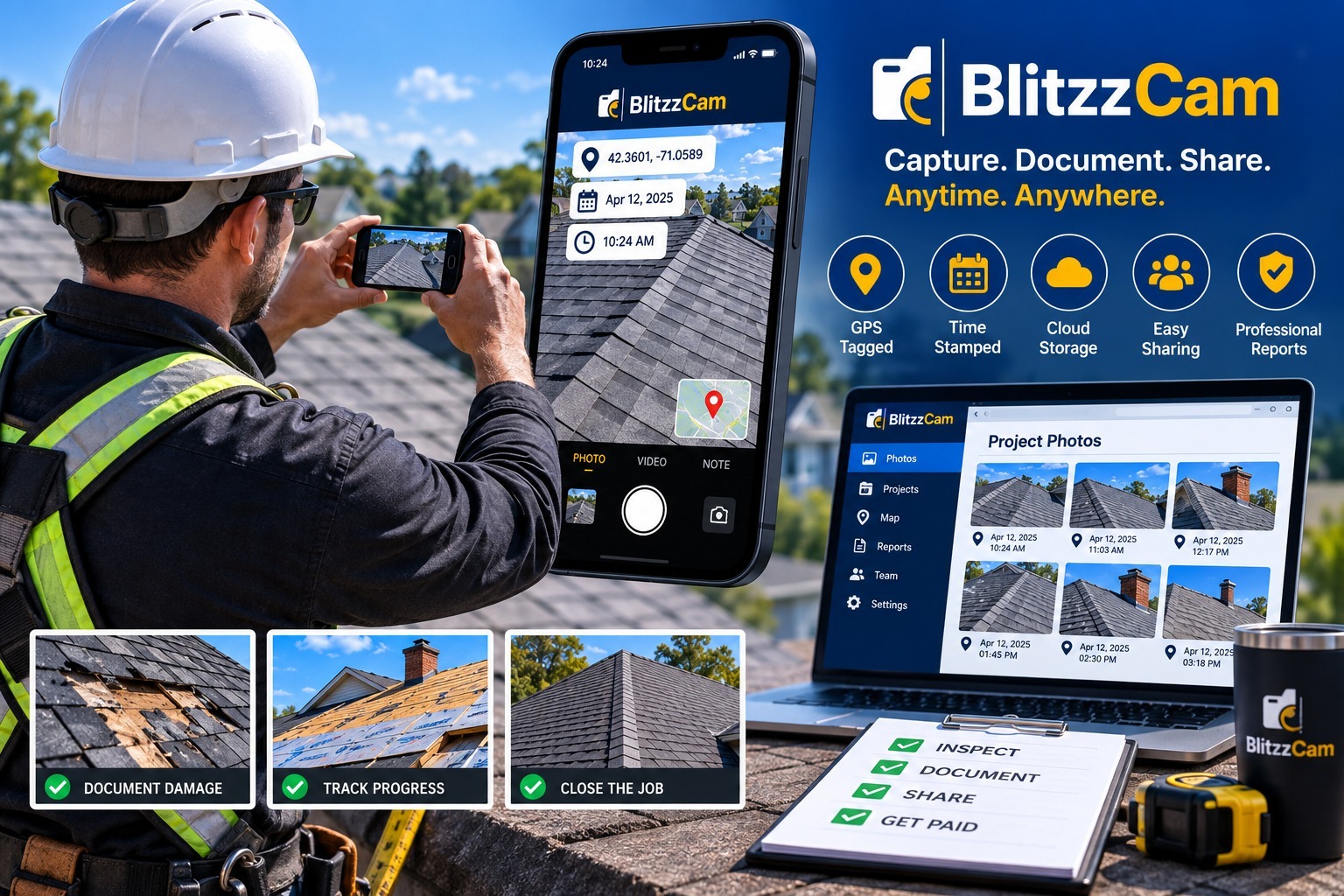
A roofing crew can do flawless work and still lose a dispute, a warranty claim, or an insurance payout simply because nobody can prove what the roof looked like before the work started. Roofing is one of the highest-liability trades in the field service world — steep, out-of-sight-out-of-mind work, high material costs, weather-related damage claims, and customers who often can't personally verify the work themselves. That combination makes photo documentation less of a nice-to-have and more of a core operating requirement.
The good news is that the days of relying on a foreman's personal camera roll are over. A new generation of field photo documentation apps for roofers has turned what used to be an afterthought into a structured, searchable, and legally defensible record of every job. This guide walks through why photo documentation matters so much specifically for roofing, what to actually look for in an app, and how to think about choosing the right one for your crews.
Why Roofing Needs Better Photo Documentation Than Most Trades
Every trade benefits from photo documentation, but roofing has a few characteristics that make it especially high-stakes.
The work is largely invisible once it's done. A homeowner can look at a repainted wall or a newly installed faucet and judge the quality themselves. Almost nobody climbs onto their own roof to inspect flashing details, underlayment, or ventilation work. That means the customer's entire understanding of what they paid for often comes down to photos the crew took — or didn't take.
Insurance claims run through roofing constantly. Storm damage, hail, wind, and age-related failure are among the most common triggers for property insurance claims, and roofing contractors sit at the center of that process. Adjusters, carriers, and homeowners all need documentation that supports insurance claims — without it, claims get delayed, underpaid, or denied outright.
Pre-existing damage disputes are constant. "That damage was already there" is one of the most common disputes in the trade, and it's exactly the kind of argument that photo documentation resolves instantly when it's done right. A contractor who documents liability disputes before starting work protects themselves from being blamed for pre-existing conditions — cracked gutters, damaged siding, existing leaks — that had nothing to do with the current job.
Warranty callbacks depend on a clear record. When a customer calls back six months later reporting a leak, the first question is always: was this installed correctly, and has anything changed since? Without dated, organized photos from the original job, that conversation is guesswork.
Punch lists and final walkthroughs need proof of completion. Multi-item punch list closeout is where roofing projects often stall — a client wants to see that every flagged item was actually addressed before releasing final payment, and a scattered set of unorganized phone photos rarely settles that question quickly.
What to Look for in a Roofing Photo Documentation App
Not all photo apps are built the same way, and for roofing specifically, a few features matter far more than others.
1. Automatic GPS and Timestamp Capture
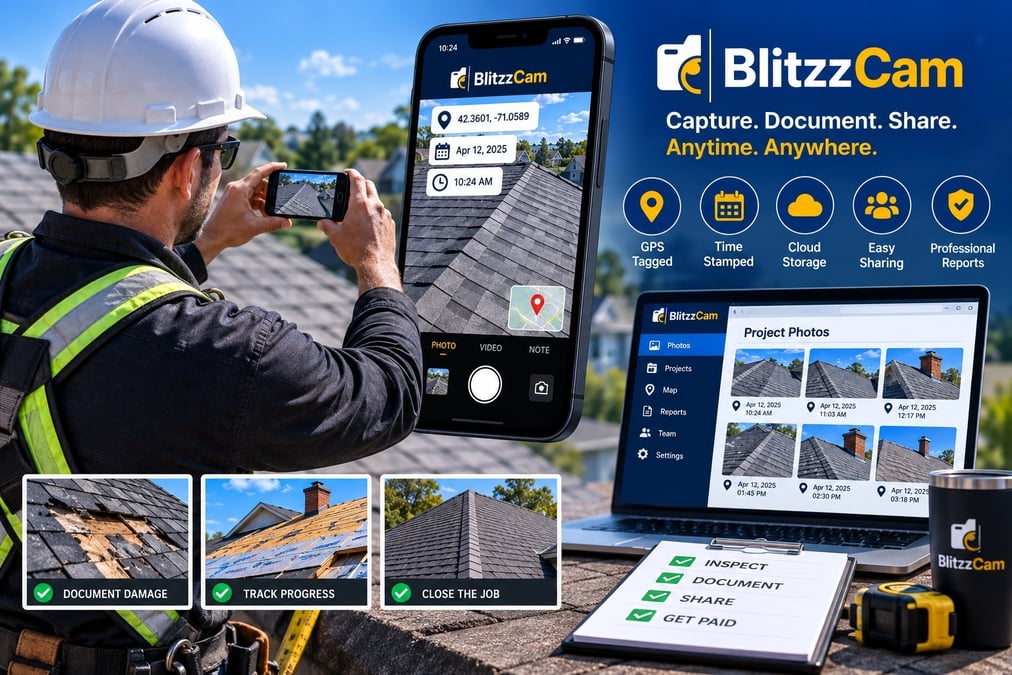
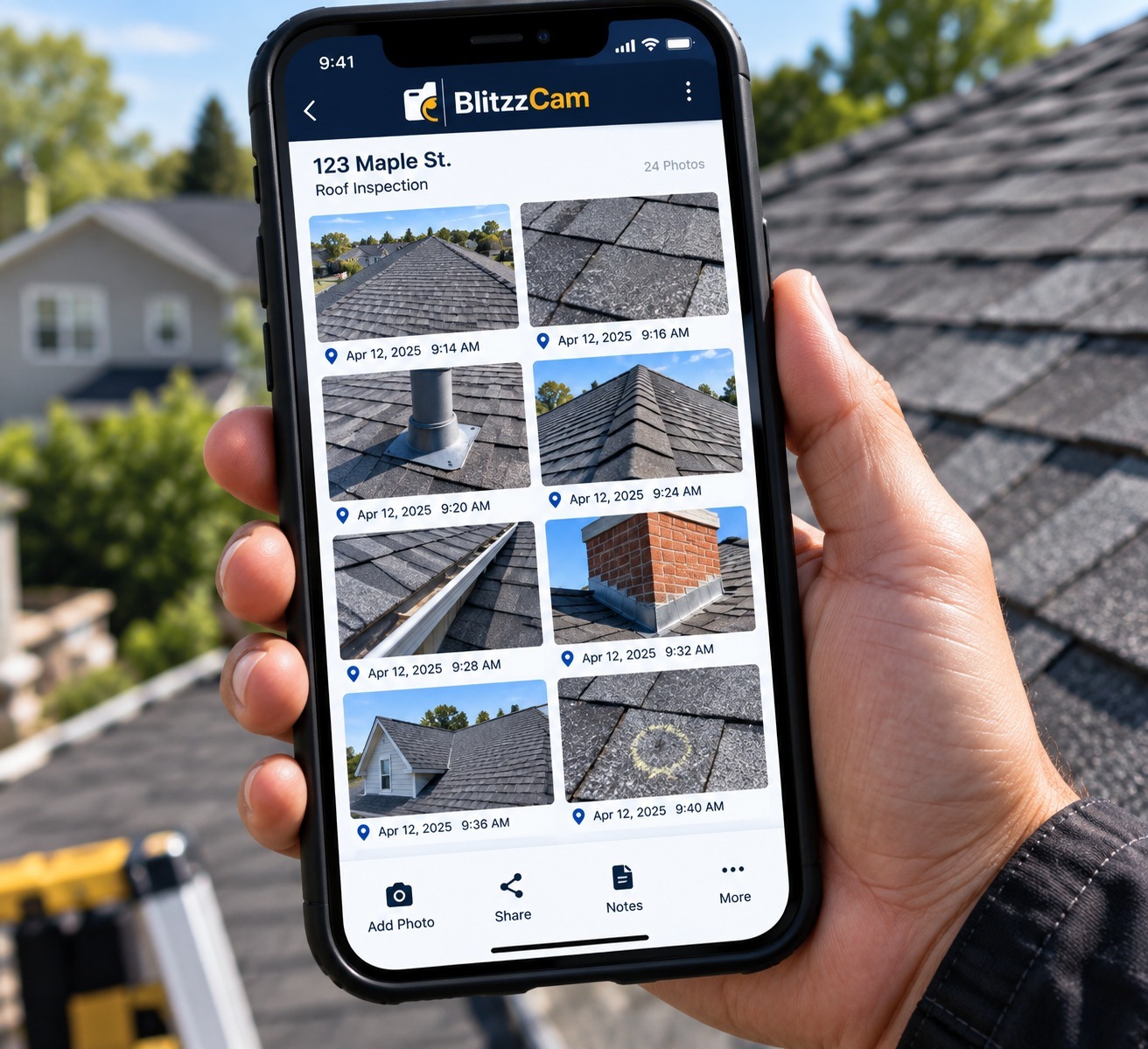
The single most important feature for any roofing documentation tool is GPS-tagged, time-stamped image capture that happens automatically at the moment a photo is taken — not entered manually afterward. Manual data entry is exactly where documentation habits break down: a crew member forgets to log the address, mistypes the date, or simply doesn't bother because it's an extra step at the end of a long day on a hot roof. When metadata is captured automatically and attached permanently to the photo file, that whole failure point disappears.
2. Automatic Organization by Job and Property
A roofing company running multiple crews across multiple active jobs generates a large volume of photos every single day. An app that dumps everything into one undifferentiated camera roll creates more work than it saves — someone still has to manually sort photos by job before they're usable. Look for a tool that automatically files every photo under the correct project the moment it's captured, so a project manager reviewing a specific address doesn't have to dig through unrelated jobs to find it.
3. No Extra Hardware, No Steep Learning Curve
Roofing crews are not going to carry a separate device or spend twenty minutes learning a new tool between jobs. The best documentation apps work from the phone crew members already carry, with an interface simple enough that a new hire can use it correctly on day one without formal training.
4. Reporting and Checklist Features
Beyond raw photo capture, the strongest tools let a foreman build a structured checklist for what needs to be photographed on every job — tear-off, decking condition, underlayment, flashing details, ventilation, and the finished product — and generate a clean, shareable report at the end. This turns documentation from "whatever the crew remembered to photograph" into a consistent standard applied to every job.
5. Fast Sharing With Customers, Adjusters, and Insurers
A photo sitting on a technician's phone protects nobody. The value only materializes when it can be quickly shared with a homeowner, uploaded to a claims file, or attached to an estimate. Look for tools that make sharing instant rather than a manual export-and-email process.
6. Reducing Unnecessary Return Trips
A well-built photo and video documentation habit doesn't just protect against disputes — it also cuts down on truck rolls that shouldn't be necessary in the first place. When a customer calls with a question about a completed job, having a full, dated photo record on hand often answers the question immediately, without needing to send someone back out to look. Tools built around reducing unnecessary return trips pay for themselves quickly once a company understands what a truck roll actually costs once fuel, labor, and lost capacity are all factored in.
The Categories of Tools Roofing Companies Actually Use
Roofing companies typically land on one of a few different approaches to photo documentation, and it's worth understanding the differences before picking one.
General jobsite photo apps. These are dedicated photo-and-documentation tools built for the broader construction and field service world, with roofing as one of several trades they support. They're strong on organization, GPS tagging, and reporting, but tend to be photo-only — no live guidance during capture, and no way for someone off-site to direct exactly what gets photographed in real time.
Roofing-specific CRM and estimating platforms with built-in photo modules. Many roofing companies already run a CRM or estimating platform for sales and production management, and some of these include a basic photo capture feature bundled in. This can be convenient for keeping everything in one system, but the photo tools themselves are often a secondary feature rather than the platform's core strength.
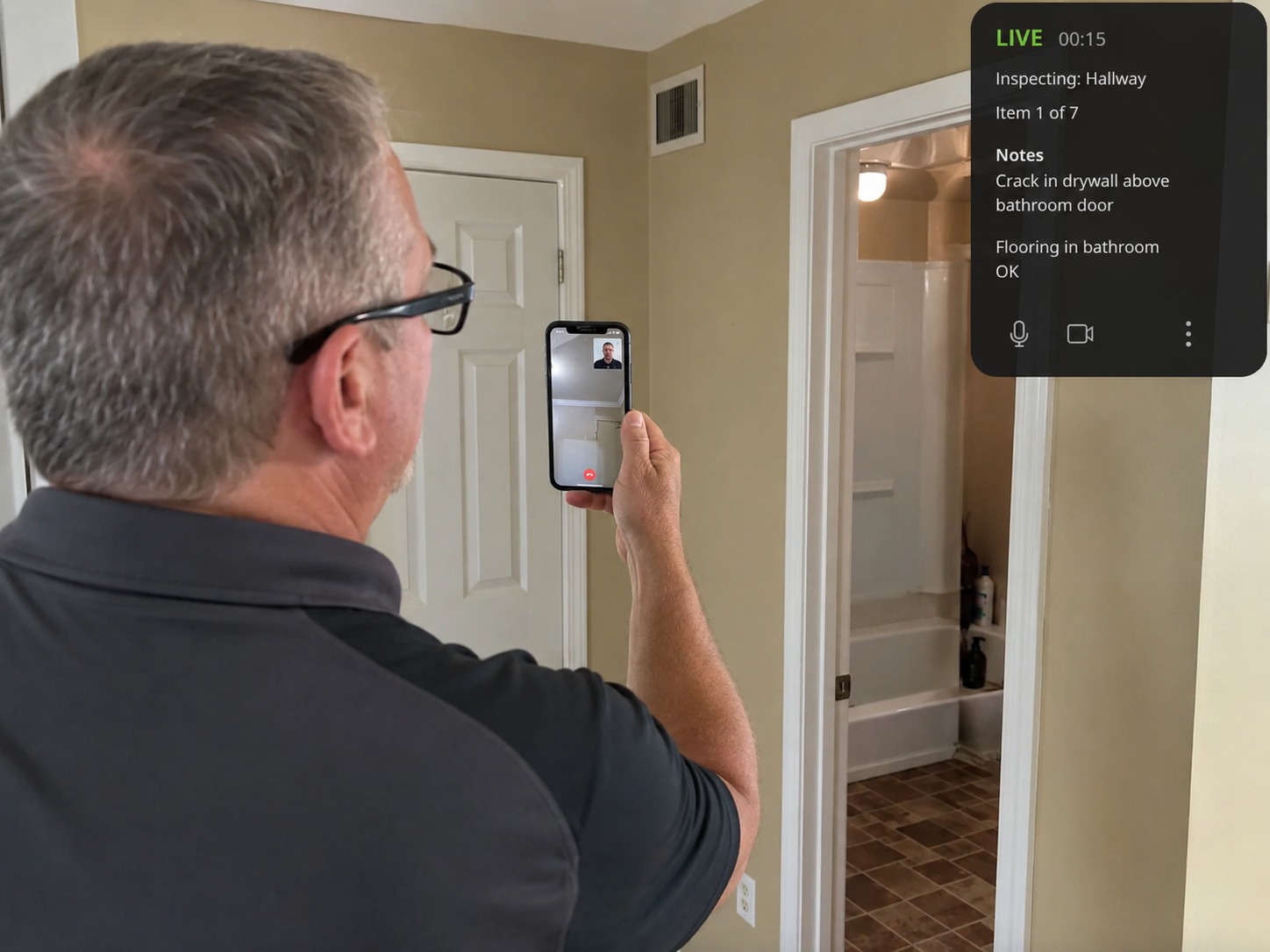
Remote visual assistance and live video platforms. A newer category goes beyond simple photo capture by adding a live, guided component — someone off-site (an estimator, a production manager, or even an adjuster) can join a live video session with the person on the roof or ladder, direct exactly what gets captured, and pull GPS-tagged, time-stamped stills directly from the live feed. This category overlaps with tools originally built for field service operations in HVAC, plumbing, and electrical work, and roofing companies are increasingly adopting the same approach — worth comparing against how HVAC and other trades use the same category of tool, since the underlying documentation problem is nearly identical across trades.
Each category has a legitimate use case. A small crew mainly concerned with clean before-and-after marketing photos may be perfectly served by a simple jobsite photo app. A larger operation juggling insurance claims, multiple subcontractor crews, and frequent liability disputes will get more value from a platform that combines documentation with live, guided video capture and real-time verification.
A Practical Decision Framework
Rather than chasing the single "best" app on the market, it's more useful for a roofing company to ask a few direct questions:
How many active jobs and crews are we running at once? A one-truck operation has very different documentation needs than a company running fifteen crews across three counties. More scale means automatic organization and reporting matter more, since manual sorting stops being feasible past a certain point.
How much of our revenue touches insurance claims? If insurance work is a significant share of the business, the metadata and reporting quality of the documentation tool should be treated as seriously as any other compliance requirement — this is exactly the kind of workflow covered in guides to 15 best remote insurance inspection software platforms, many of which overlap with roofing-specific claims documentation needs.
How often do damage and liability disputes come up? If pre-existing condition disputes, subcontractor blame-shifting, or customer disagreements about scope are a recurring headache, prioritize tools with automatic, tamper-resistant metadata over ones that rely on manual logging.
Do we need live guidance, or just capture? If crews are experienced and know exactly what to photograph, a straightforward capture-and-organize tool may be enough. If a company wants a production manager or estimator to be able to see the roof live and direct exactly what gets documented — especially useful for remote estimates, or for guiding a newer crew member through the correct shots — a live video and AI-assisted documentation platform adds real value beyond simple photo storage.
How does it fit into our existing systems? A tool that requires a separate manual export step to get photos into the CRM, claims system, or customer file adds friction that erodes adoption over time. Direct integration matters more than most companies initially weigh it.
Building the Habit Across Every Crew
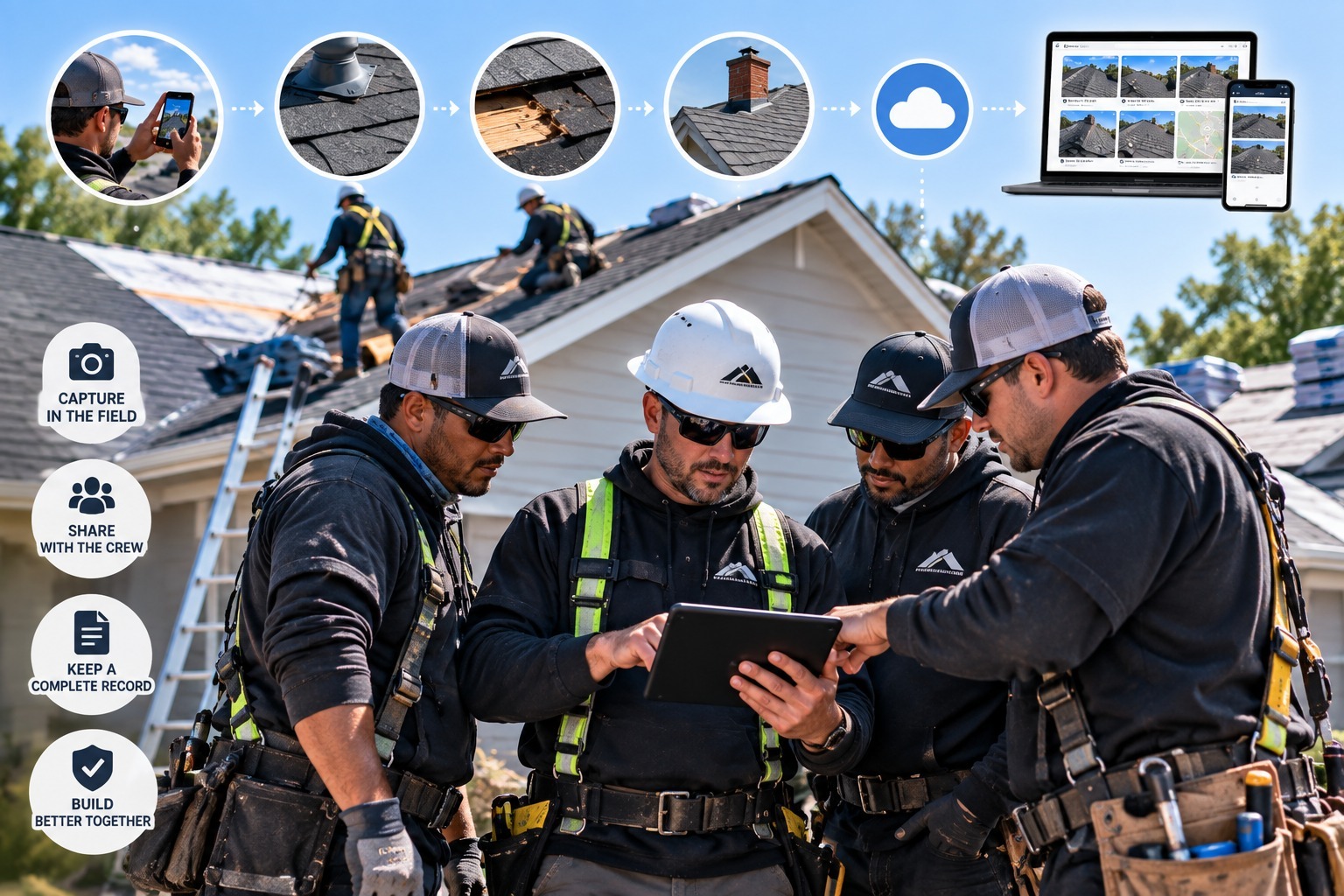
The best app in the world doesn't help if only half the crews actually use it consistently. The roofing companies that get the most protection out of photo documentation treat it as a non-negotiable step built into every job, not an optional extra reserved for complicated projects. That typically means:
- A standard checklist of required shots for every job type (tear-off, repair, full replacement, inspection)
- A clear rule that photos are captured before any tarping or cleanup begins, not after
- A simple, fast tool that doesn't add meaningful time to a crew's day
- A habit of documenting pre-existing conditions on every job, not just the ones that look complicated
- Manager spot-checks to confirm documentation standards are actually being followed
Once that habit is in place, most of the disputes, denied claims, and warranty arguments that plague roofing companies without a documentation standard simply stop coming up, because the evidence settles the question before it becomes an argument.
How BlitzzCam Helps
BlitzzCam, part of the Blitzz remote visual assistance platform, is built specifically to solve this documentation problem for roofing and other field trades. Every photo captured through BlitzzCam is automatically stamped with GPS location and a timestamp the instant it's taken, then filed under the correct project without any manual sorting or renaming — a crew member simply opens the app on the phone they already carry and captures the record on the spot, whether that's pre-existing roof conditions before tear-off, mid-job progress, or a completed punch list item.
Because BlitzzCam also supports live, guided video sessions, a production manager or estimator can join a call with someone on the roof in real time, direct exactly which angles and details need to be captured, and pull high-resolution, verified stills straight from the feed — useful for remote estimates, quality checks on newer crews, or walking an adjuster through storm damage without anyone needing to physically climb up first. Every session's photos, notes, and summaries sync automatically into the systems roofing companies already use, so the documentation is ready the moment it's needed — whether that's an insurance claim, a warranty callback, or a customer walking through the final report.
See how BlitzzCam works for roofing and other field service teams: blitzz.co/blitzzcam.
Related reading:
- How BlitzzCam Protects Contractors From Damage Disputes
- Blitzz vs. Vuspex: Virtual Inspection Software Compared
- Blitzz Customer Stories
The Bottom Line
For roofing companies, photo documentation isn't a marketing nice-to-have — it's the difference between a claim that pays out and one that gets denied, a dispute that resolves in five minutes and one that drags on for months, and a warranty callback that's handled with confidence versus one handled with guesswork. The right app doesn't just store photos; it captures verified, organized, shareable proof automatically, so the crew's only job is doing the work — the documentation takes care of itself. Whether that means a straightforward jobsite photo tool or a full live video and AI-assisted platform depends on the size and risk profile of the business, but the underlying principle is the same: if a roof looked a certain way before the crew arrived, or the work was done a certain way when they left, there should be a timestamped, geotagged photo that proves it — every time, on every job.

Blitzz Team
The Blitzz Team writes about remote video support, virtual inspections and field service. Our guides come from working with home builders, property managers, warranty teams, contact centers and field service organizations that use Blitzz to see and solve issues without a truck roll.