.png?width=120&height=55&name=Blitzz-Logo-right%20white%20eyes%20-%20not%20transparent%20(3).png)

On this page
Every IT help desk runs into the same wall eventually: an agent is trying to fix a problem they cannot see. A user says an error popped up, or a setting is missing, or the VPN client just won't connect, and the agent has to reconstruct the entire screen from a verbal description before troubleshooting can even begin. Traditional remote desktop tools solved part of this by giving IT full control over a device, but that approach is heavy-handed for the majority of tickets, which don't need an agent to take over a machine — they need an agent to simply see what the user sees. Remote service desk platforms built around live screen sharing, cobrowsing, and visual guidance are closing that gap, and for help desks specifically, the shift is changing how quickly tickets get resolved and how often they need to be escalated at all.
The Visibility Gap That Slows Down Every Ticket
Most help desk friction isn't technical difficulty — it's translation difficulty. A user describes an error message inaccurately, misnames a menu, or doesn't know which of three similar-looking icons they actually clicked. None of this is the user's fault; it's simply what happens when troubleshooting relies entirely on a verbal description of a visual problem. Blitzz ScreenShare removes that translation layer directly: the agent sees the user's actual screen, live, in the browser, the moment a secure link is opened — no download, no plugin, and nothing to install on either side.
This distinction matters because it's easy to conflate screen sharing with remote desktop control, and the two solve different problems. A comparison of different cobrowsing solutions lays out why screenshots and long verbal explanations fail where a live shared view succeeds, and collaborative browsing versus remote desktop breaks down exactly which category of tool fits which kind of ticket — a distinction most help desks never formally think through before buying a platform.
Screen Sharing vs. Remote Desktop Control: Choosing the Right Tool for the Ticket
Legacy remote IT support has historically meant full remote control — an agent takes over the mouse and keyboard and drives the fix themselves. That's the right tool for unattended maintenance, patch deployment, or a user who genuinely cannot perform the fix on their own. But it's overkill, and often a security concern, for the much larger category of tickets where the user is capable of clicking the right thing — they just need to be shown where. Blitzz vs. LogMeIn frames this exact trade-off: LogMeIn (now under the GoTo brand) has been a staple of full remote-control IT support since 2003, while a visual-first platform is purpose-built for showing rather than driving.
For a lot of help desks, the honest answer is that both categories of tool have a place. The 5 best remote IT support tools and the broader 10 best remote visual support software round-up both make a version of the same point: screen sharing and cobrowsing solve the need-to-see-it problem fast and with minimal friction for the user, while remote desktop control remains necessary for the smaller set of tickets that require an agent to physically operate the machine.
Live Annotation: Replacing "Click the Icon in the Top-Left" With a Circle on the Screen
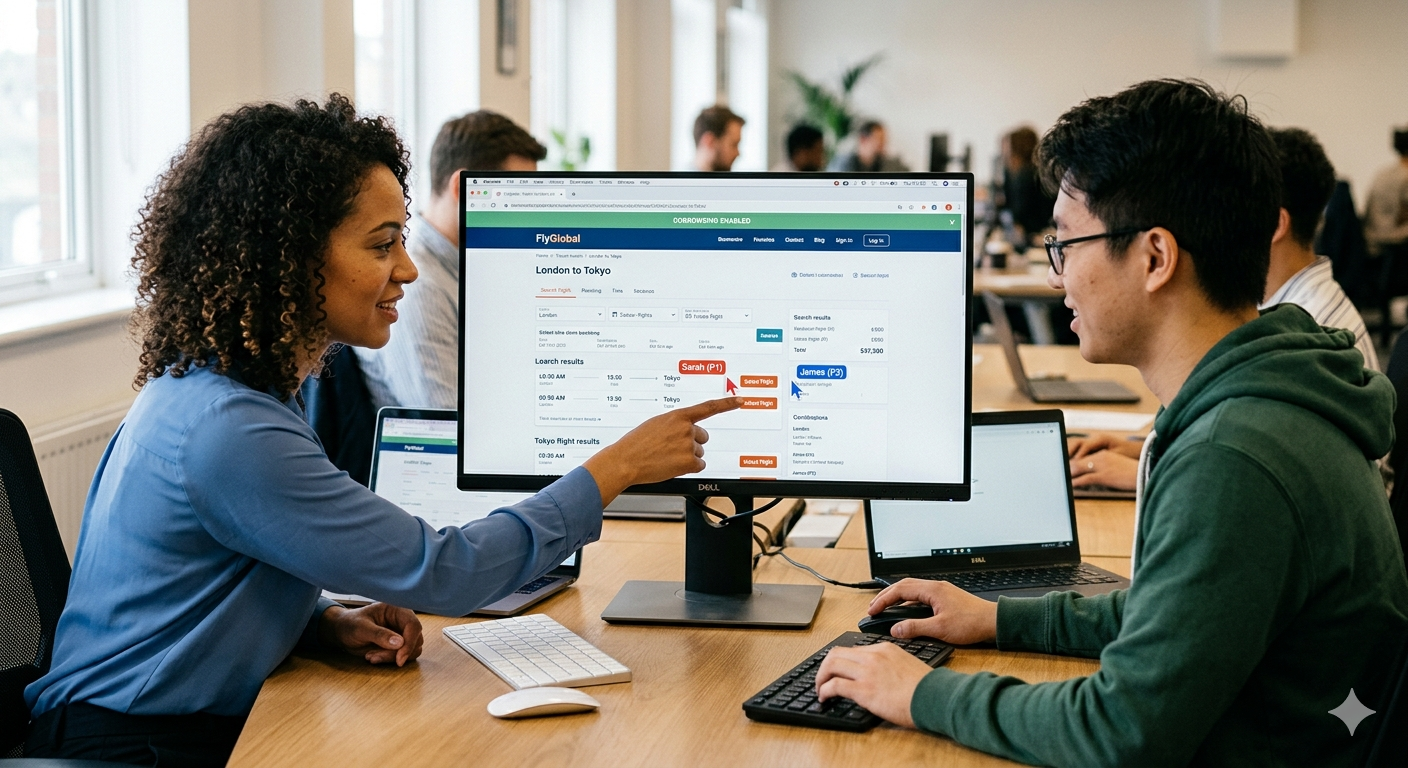
A huge share of help desk time is spent giving directions rather than fixing anything — no, the other settings menu, or scroll down, past the security tab. Live annotation removes this entirely. Once an agent is viewing a shared screen, they can draw, highlight, or point directly on it, so a setting, button, or field is identified instantly rather than described — the same AR-based guidance that's replacing frustrating phone trees across customer service more broadly. Beyond screen sharing: how cobrowsing delivers better experiences covers why this annotation layer is the actual differentiator over basic screen mirroring — the ability to click, highlight, and mark up the shared interface in real time is what turns a passive view into active guidance.
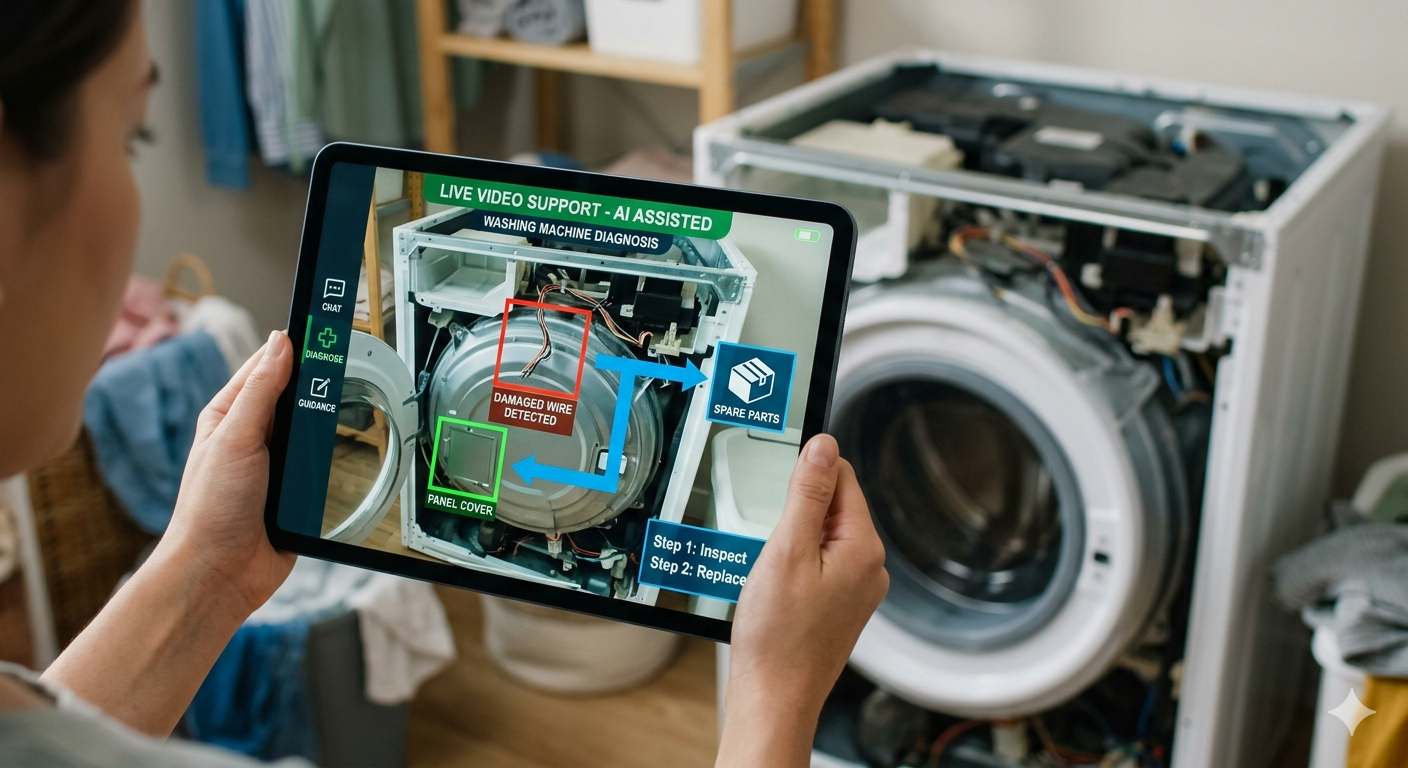
This is where Blitzz Co-Browse and Blitzz Concierge complement each other on a help desk floor. Cobrowse is built for exactly this kind of software-side guidance — walking a user through an app, a settings panel, or a web-based tool. Concierge extends the same annotation capability to camera-based sessions, which matters when the problem is physical rather than on-screen: a docking station that isn't seated properly, a cable in the wrong port, a peripheral that isn't lighting up the way it should.
Where AI Fits Into the Help Desk Workflow
Seeing the screen is half the battle. Recognizing what's actually wrong on it, fast, is the other half — and that's traditionally depended on how experienced the individual agent happens to be. Owlbert AI closes that gap by surfacing likely causes and relevant next steps directly from the session, so a newer agent gets close to the same diagnostic speed as a veteran technician who has seen a given error a hundred times before.
The AI layer also removes a chunk of the administrative burden that quietly drains help desk capacity. Owlbert AI, Blitzz's AI assistant layer generates session summaries automatically, meaning agents aren't spending the minutes after every call writing up what happened — a small thing per ticket that adds up to real capacity across a high-volume desk. Combined with automating remote video support through Zapier, resolved sessions can automatically trigger a satisfaction survey, and unresolved or high-priority sessions can automatically escalate to a senior agent without anyone needing to manually flag it.
Security and Compliance: What IT Teams Actually Need to Check
Internal IT support carries a different risk profile than customer-facing support — the systems being screen-shared can include credentials, financial data, HR records, or infrastructure configuration that shouldn't be visible to an agent by default. A remote service desk platform needs to be built around consent-based, time-limited sessions rather than persistent access, with sensitive fields masked automatically rather than left to agent discretion. This isn't a minor checkbox: it is the difference between a tool that satisfies a security review and one that gets blocked by IT governance before it ever reaches the floor. The full breakdown of what's included is worth checking directly on the features page before assuming any given capability is or isn't covered. Any evaluation should confirm end-to-end encryption, SSO/SAML support for enterprise identity management, and clear session logging for audit purposes before a rollout goes past a pilot.
Fitting Into the Tools Your Help Desk Already Uses
A remote service desk platform that requires agents to leave their existing ticketing system is a platform that gets used inconsistently. Zendesk video support is a good example of how this should work: agents launch video, cobrowse, or screen-share sessions directly from a ticket, and recordings, images, and session notes sync back automatically — no separate system for agents to check or maintain. The Blitzz-Zendesk integration for cobrowsing walks through the setup end to end, from connecting the helpdesk account to configuring when agents can initiate a session.
The same pattern holds across the other platforms a help desk is likely already running. Genesys-based contact centers can launch sessions directly from Genesys Cloud without disrupting an existing omnichannel framework, and top Genesys support teams adopting remote visual support specifically calls out IT service desks that want to see a user's screen or equipment as one of the clearest-fit use cases for this kind of tool. For teams running Salesforce or ServiceNow, the same logic applies — sessions launch from inside the platform agents already work in, and outcome data flows back into the same record instead of living in a disconnected tool. How to add remote video support to your workflow without disruption is a useful reference for exactly this integration question, regardless of which ITSM or CRM a given help desk is standardized on.
The Metrics That Actually Move for Help Desks
The case for visual support on a help desk isn't theoretical — it shows up directly in first-contact resolution and escalation rates, the two metrics most help desk leaders are already measured on. Mastering first contact resolution documents visual remote assistance resolving up to 80% of visual-dependent issues on the first contact, and frames the underlying mechanic clearly: one specialist can now assist multiple frontline agents remotely, jumping in only when visual context is genuinely needed, instead of every complex case requiring a full escalation and hand-off.
Reducing escalations matters for cost as much as for customer experience. Every ticket that gets bounced to tier two, or that turns into a scheduled on-site visit for something that could have been resolved visually, adds real cost that compounds across thousands of monthly tickets. The real cost of a truck roll quantifies this for field-adjacent IT work — a single unnecessary dispatch is expensive once travel time, technician wages, and scheduling overhead are all added up, and that math scales the same way whether the dispatch is a home internet technician or an on-site IT visit for something that a five-minute screen-share session could have resolved instead.
What a Rollout Actually Looks Like
Help desks that get the most value out of a remote service desk platform tend to start with a defined pilot rather than a full rollout — a single team, a specific ticket category, or a known high-volume issue type. Why Blitzz outlines the underlying model that makes this kind of pilot low-risk: an agent sends a link, the user taps it, and the session begins immediately with nothing to install and no account required on the user's side, which means a pilot can start without any IT provisioning work on the end-user side at all.
Once a pilot proves out, the harder part is usually less about the technology and more about workflow discipline — defining which ticket types default to a visual session, training agents on annotation features they haven't used before, and setting clear KPIs (average handle time, first-call resolution, escalation rate) from day one so the impact is measurable rather than anecdotal. What is AI video support, and why is it changing customer support is a useful framing for this rollout conversation: the technology is additive to an existing support stack, not a replacement for it, and the fastest path to value is picking the ticket categories where visibility is the actual bottleneck and starting there.
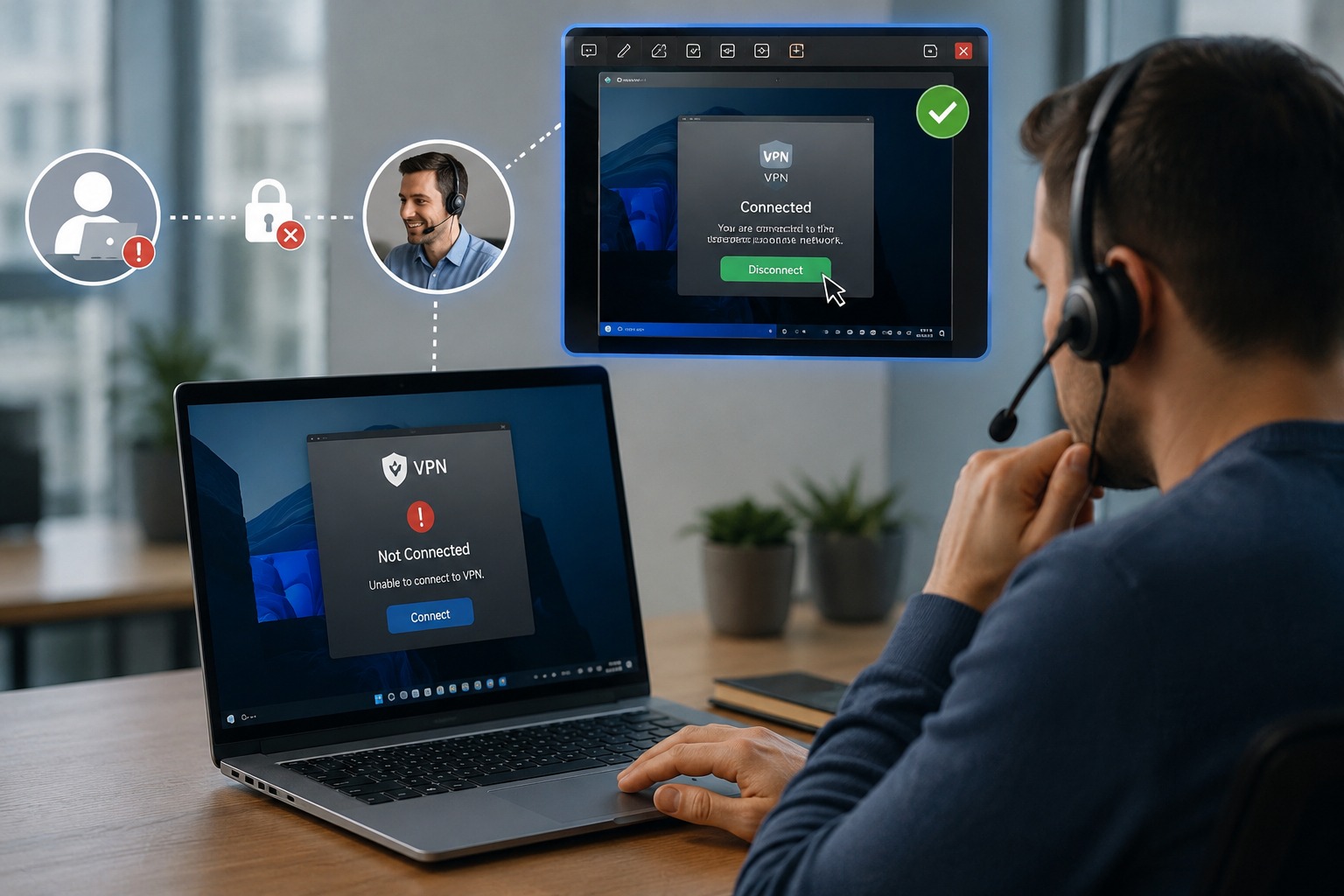
A Practical Example: The First-Call VPN Fix
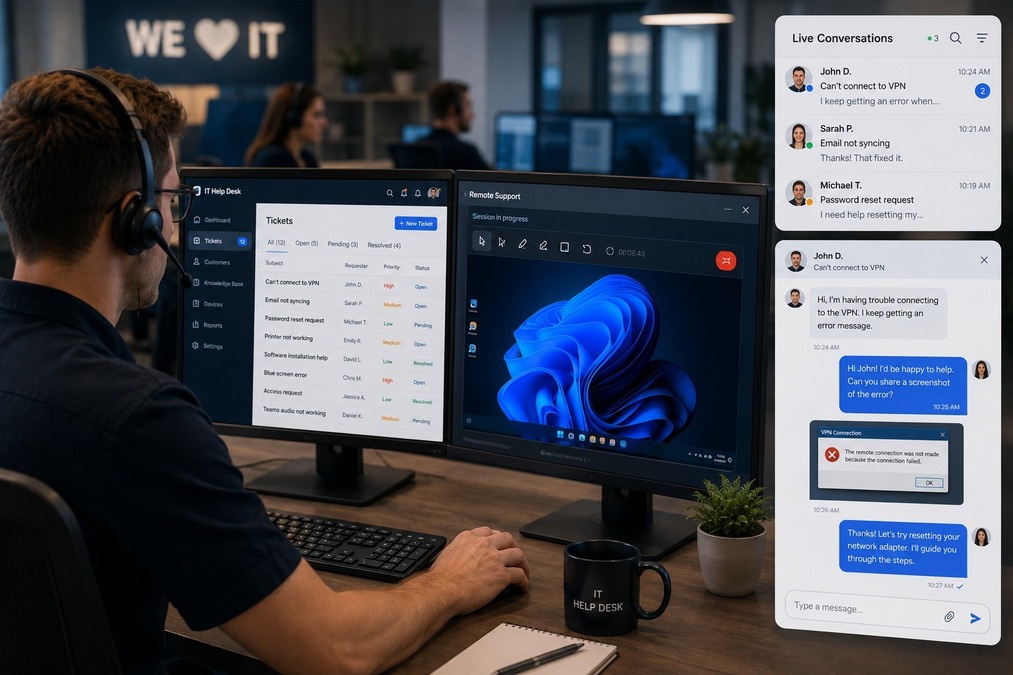
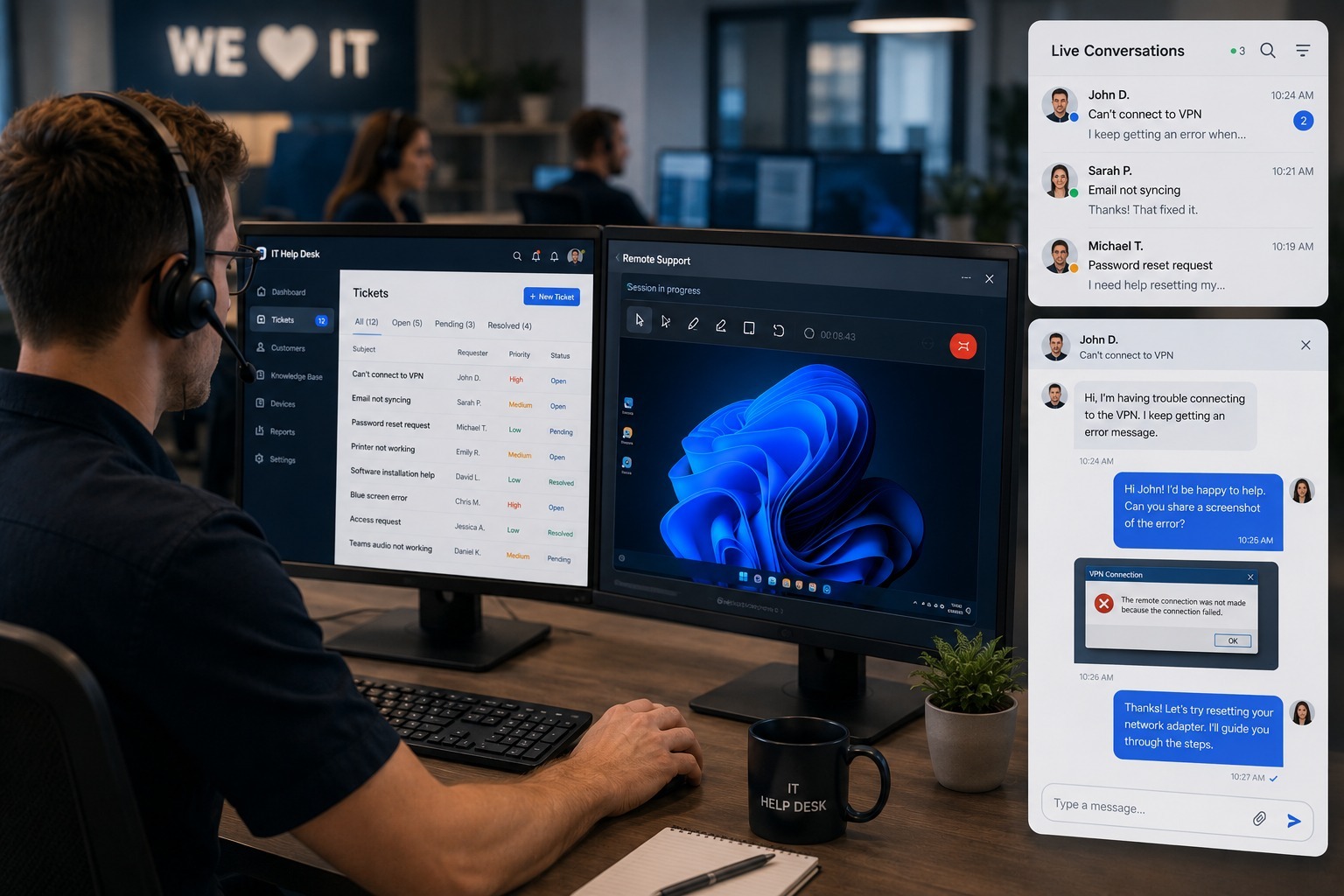
It's worth walking through what this looks like on an actual ticket, because the abstract case understates how much time it saves. A user calls in unable to connect to the corporate VPN. In the old workflow, the agent asks a series of questions — what error message, what does the client show, have you tried restarting — each one adding a minute or two while the user tries to accurately relay what's on their screen. With a screen-share session launched directly from the ticket, the agent sees the VPN client immediately: wrong server profile selected, an expired certificate warning, or a proxy setting that's been overridden by a recent policy push. The fix takes seconds once the actual cause is visible, and the session note, recording, and resolution sync back to the ticket automatically — no separate write-up needed after the call ends.
Multiply that one interaction across every ticket category where the underlying problem is something an agent could fix instantly if only they could see it — printer configuration, software installation errors, multi-monitor display issues, application permission prompts — and the aggregate time savings across a help desk floor become substantial without requiring a single additional agent to be hired.
The Bottom Line
IT help desks have spent decades trying to solve visual problems through a channel that cannot show anything — a phone call, a chat window, a screenshot pasted into a ticket. Remote service desk platforms built around live screen sharing, cobrowsing, and AI-assisted diagnosis finally close that gap directly, and the results show up exactly where help desk leaders already measure success: faster resolutions, fewer escalations, and agents who spend less time guessing and more time fixing. For any IT team still routing visual problems through a voice-only channel, the tool to close that gap is very likely already compatible with the ticketing system they're running today.

Blitzz Team
The Blitzz Team writes about remote video support, virtual inspections and field service. Our guides come from working with home builders, property managers, warranty teams, contact centers and field service organizations that use Blitzz to see and solve issues without a truck roll.