.png?width=120&height=55&name=Blitzz-Logo-right%20white%20eyes%20-%20not%20transparent%20(3).png)

On this page
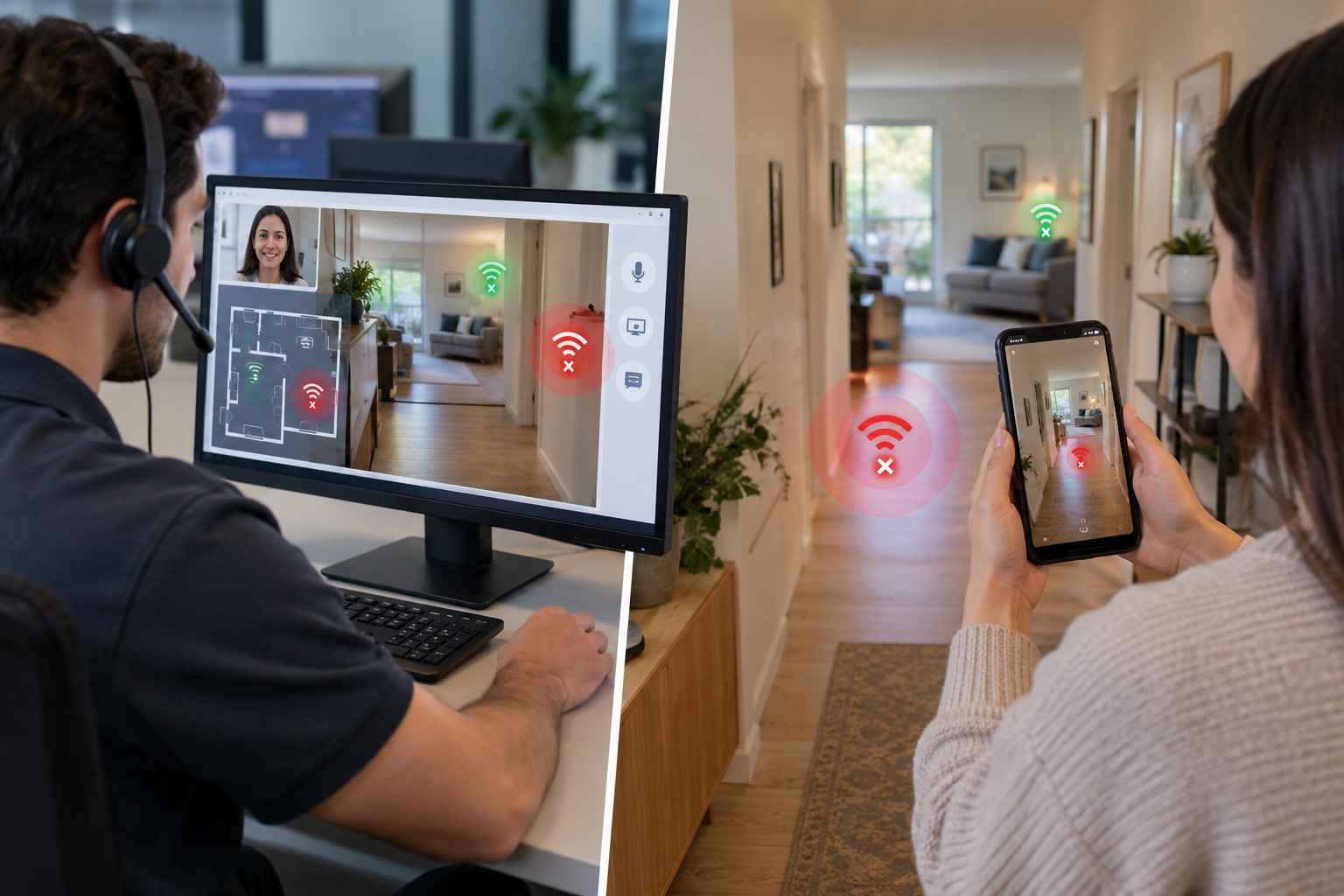
Few support calls are as frustrating for everyone involved as a Wi-Fi dead zone complaint. The customer knows their connection drops in the back bedroom or the basement office. The support agent, working from a script and a signal-strength graph they can't fully trust, has almost nothing to go on beyond asking the customer to restart the router and hope for the best. When that doesn't work, the default next step is a technician dispatch — even though the actual fix is often something as simple as moving the router six feet, removing a metal cabinet from the signal path, or adjusting channel settings for a nearby interference source.
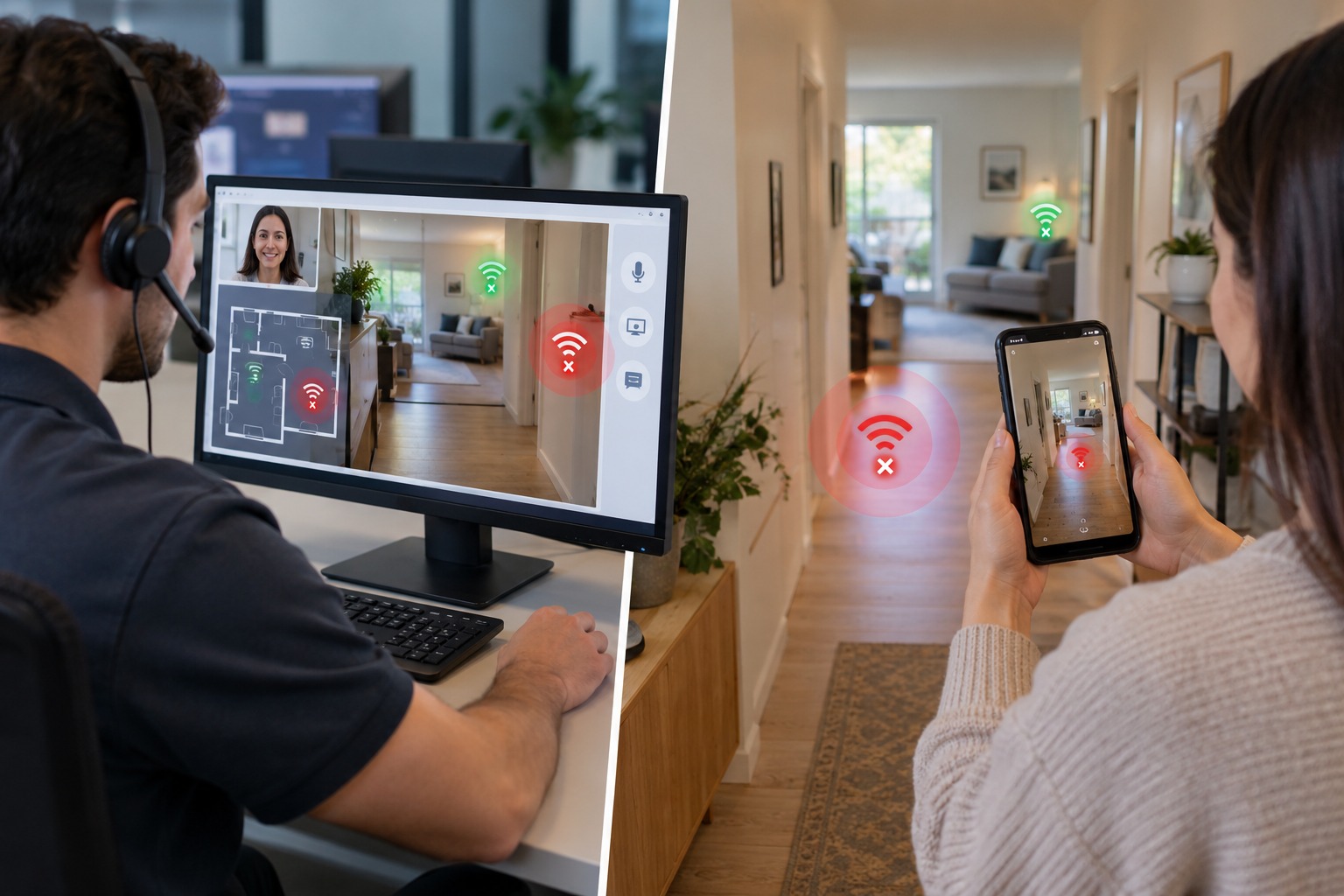
Remote visual assistance closes that gap by letting an agent actually see the home environment the customer is describing. Instead of guessing at layout and obstructions from a verbal description, the agent walks through the space alongside the customer on a live video call, identifies the physical cause of the dead zone, and often resolves it before ever needing to schedule a technician visit.
This is one of the clearest illustrations of what AI video support is and why it's changing customer support: a problem that's nearly impossible to solve by description alone becomes straightforward the moment both sides can see the same thing, in real time, as detailed in this complete guide to remote visual support.
Why Wi-Fi Coverage Problems Resist Phone Troubleshooting
Wi-Fi performance depends heavily on physical factors a customer usually can't describe accurately over the phone: wall materials, router placement relative to furniture and appliances, interference from neighboring networks, and even something as mundane as a router tucked inside a cabinet or behind a TV. None of that comes through in a phone call. An agent can ask "where is your router?" and get an answer like "in the living room," which tells them almost nothing useful about signal obstruction.
This is precisely the gap visual context fills that voice-only support structurally cannot. It's also why 73% of customers say they prefer video support over voice-only calls — for exactly this kind of physical, environmental troubleshooting, seeing the problem is the fastest path to solving it.
What a Remote Dead-Zone Diagnosis Actually Looks Like
Using a platform like Blitzz Concierge, a support session for a Wi-Fi complaint typically follows a simple pattern:
- The agent sends a link via SMS; the customer taps it and opens a live video session directly from their phone browser, no app download needed.
- The agent asks the customer to walk to the router first, confirming placement, obstructions, and whether it's inside a cabinet or behind other electronics.
- The agent then asks the customer to walk to the dead zone itself — the back bedroom, the basement, the garage — so they can see the actual distance and any walls or floors between the router and that space.
- Based on what they see, the agent recommends a specific fix: relocating the router, adding a mesh extender at a specific point, or changing the Wi-Fi channel to avoid interference from a neighboring network visible on a nearby device's Wi-Fi list.
This kind of walk-and-show diagnosis is a natural extension of how telecom support teams already use AI to diagnose router issues remotely — reading equipment, cabling, and now the physical environment itself, all without a truck roll.
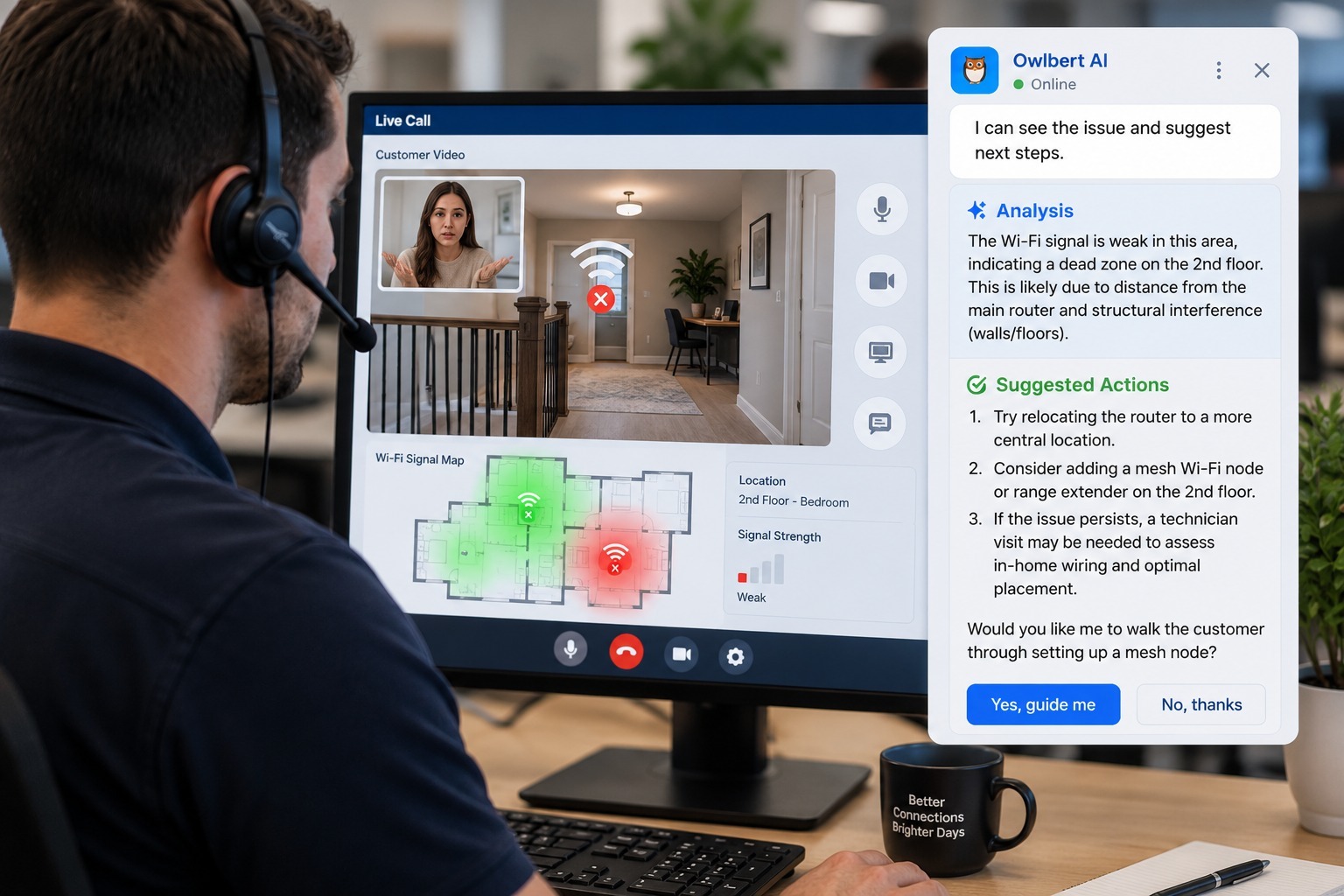
AI-Assisted Environmental Diagnosis
Visual AI adds a layer of consistency to this process that's hard to achieve with human judgment alone. Owlbert AI can recognize the router model on screen, pull up its known coverage specifications, and flag obvious obstructions or placement issues automatically during the call — helping even a newer agent make a placement recommendation with the same confidence as someone who's handled hundreds of these calls before. This mirrors how AI-powered equipment recognition helps other support teams identify hardware instantly instead of relying on the agent's memory of every model on the network.
It's a specific application of AI Agent Assist, which is increasingly built to watch a live video feed and surface the likely fix in real time — in this case, translating "what does the room around the router look like" into a concrete placement recommendation instead of a generic troubleshooting script.
Pointing, Not Describing: The Case for AR Annotation
Even with video, some instructions are still easier to show than to say. If an agent wants a customer to move a router to a specific spot, or wants to indicate exactly which wall is likely blocking the signal, AR annotation lets them draw directly on the customer's screen — circling the recommended new location or pointing at the interference source — instead of relying on verbal directions that are easy to misinterpret. AR-enabled video calls consistently shorten this kind of spatial troubleshooting because the guidance is visual and immediate rather than described secondhand.
Cutting Unnecessary Truck Rolls
Wi-Fi coverage complaints are one of the most common reasons ISPs dispatch a technician, and a large share of those visits end with the technician doing exactly what a remote agent could have talked the customer through: relocating equipment, adding an extender, or adjusting a setting. The real cost of a truck roll makes this especially costly at scale, since coverage complaints are recurring by nature — a household that has one dead zone often has intermittent related complaints for months if the root cause is never actually addressed.
This lines up with the broader shift already underway at ISPs replacing phone-only support with visual assistance, and with the wider industry effort around reducing truck rolls at scale through better first-contact diagnosis rather than more dispatch capacity.
When a Technician Visit Is Still the Right Call
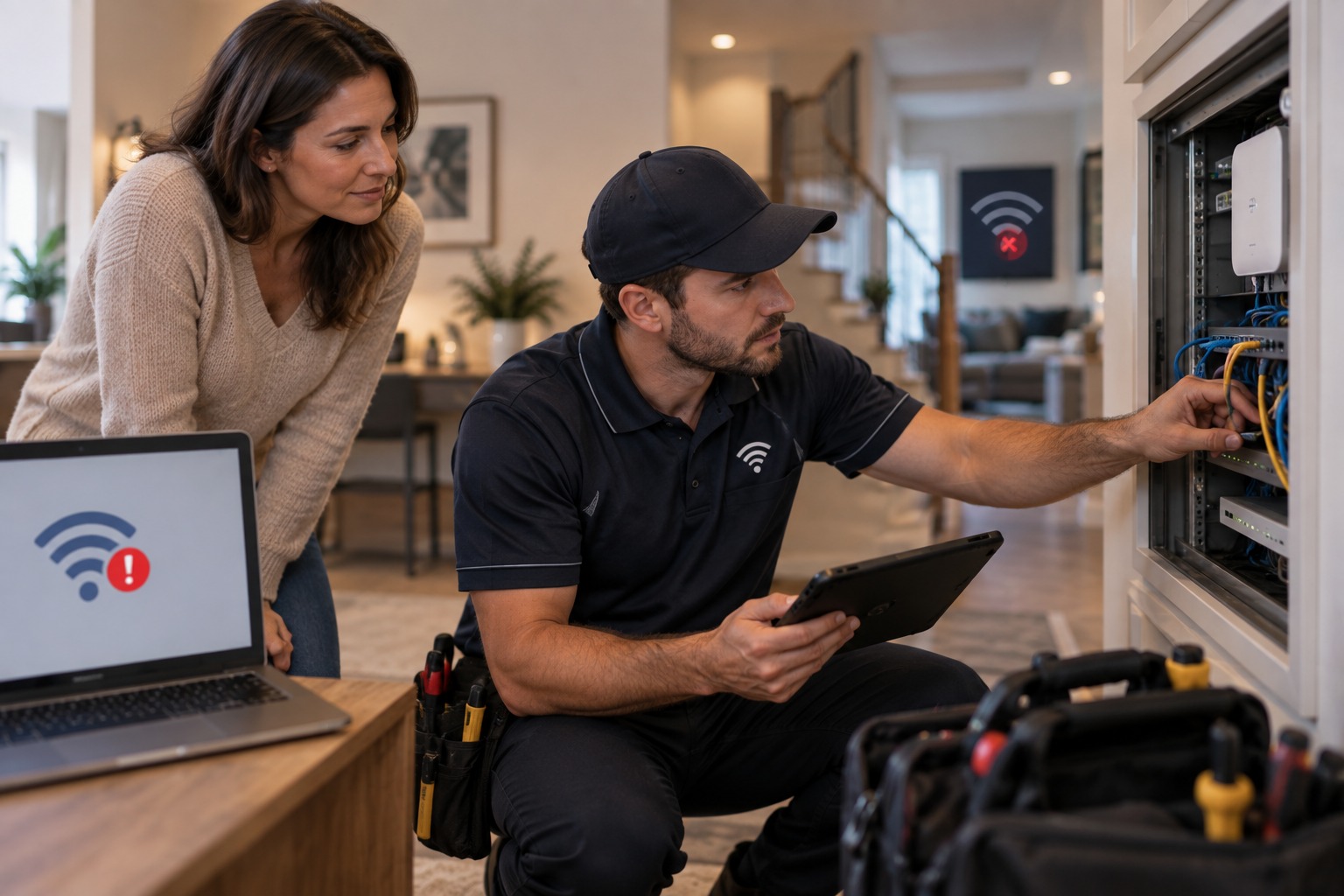
Remote visual assistance isn't meant to eliminate technician visits entirely — some coverage problems genuinely require new hardware, in-wall wiring changes, or a mesh system installation that's easier to do in person. The value of the remote diagnosis step is in triage: confirming what's actually needed before dispatch, so the technician who does get sent arrives with the right equipment and a clear understanding of the fix, instead of showing up to re-diagnose a problem from scratch. This is the same logic behind how contact support teams use remote video support generally — video isn't a replacement for every field visit, it's a filter that makes sure only the visits that need to happen actually happen.
Reducing Misdiagnosis in Coverage Complaints
Coverage problems are particularly prone to misdiagnosis because symptoms overlap: a dead zone can look identical to an ISP-side outage, a firmware bug, or a genuinely failed router, even though the underlying cause and fix are completely different. Why misdiagnosis happens on video calls is a useful frame here — even with video, an agent working from memory and under time pressure can jump to the wrong conclusion. Pairing the video call with a structured, AI-assisted checklist keeps that from happening as often, and keeps the diagnosis consistent from one agent to the next.
The Effect on First-Call Resolution
Coverage complaints resolved remotely — without a technician visit and without a callback — are a direct contributor to improving first-call resolution. Because dead-zone issues tend to be recurring and easy to misattribute, they're also disproportionately responsible for repeat contacts when the first call doesn't actually fix anything. Closing that loop on the first visual session, rather than the fourth phone call, is where boosting first-call resolution by meaningful margins tends to come from in practice.
Fast, On-Demand Diagnosis Beats Scheduled Visits
Part of what makes this work so well is speed: a customer with a dead-zone complaint can skip the waiting room entirely with an instant video consultation instead of waiting days for a scheduled technician slot. Seeing exactly how visual AI works during a live video support call helps set expectations for agents adopting this workflow for the first time, and it also reduces the day-to-day grind that contributes to customer support burnout, since agents spend less time repeating the same unproductive troubleshooting script. As with any new workflow, it's worth tracking outcomes against the metrics that actually matter in AI customer support rather than dispatch volume alone.
Building This Into Your Support Workflow
Rolling this out doesn't require an app your customers need to install ahead of time, which is a common blocker for adoption. Blitzz Concierge works from a browser-based link the customer taps on their existing phone, and it's built to plug into your existing ticketing and CRM setup through available integrations rather than requiring a separate standalone system agents have to learn on top of everything else.
A practical rollout usually starts narrow: flag Wi-Fi coverage complaints specifically as a video-eligible ticket type, train a subset of agents on the walk-and-show diagnostic pattern, and measure the change in technician dispatch rate for that ticket category over a few weeks before expanding further. Because coverage complaints are high-volume and highly visual by nature, they tend to be one of the fastest categories to show a measurable reduction in unnecessary truck rolls once remote visual assistance is in place.
Handling Multi-Story Homes and Larger Properties
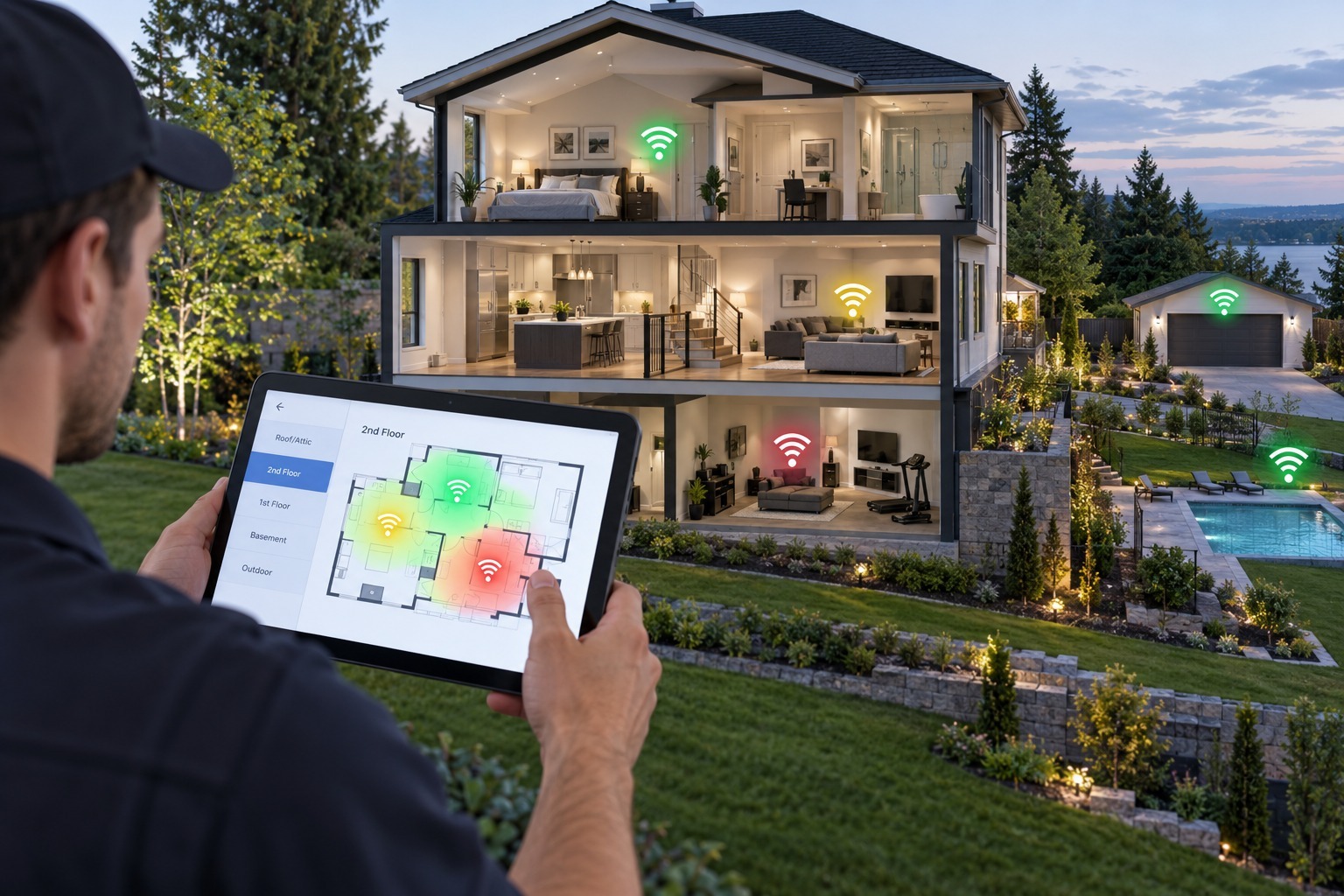
Dead zones are rarely uniform, and larger or multi-story homes complicate the diagnosis further — a single router placement decision that fixes one room's coverage can easily create a new gap somewhere else. A remote walk-through session works well here precisely because the agent can ask the customer to move through the entire home, floor by floor, rather than relying on a single static description of "it's bad upstairs." This full-property view lets an agent recommend a mesh topology — how many nodes, and roughly where — with far more confidence than a generic "add an extender" suggestion based on square footage alone. For larger properties, it's also worth setting expectations that the video session may take a bit longer than a typical support call, since a proper walk-through of every affected room takes time the agent should budget for rather than rush through.
Documenting the Diagnosis for Future Reference
A byproduct of running these sessions on video is that the diagnosis becomes reviewable later, which matters more than it might initially seem. If a customer calls back months later with a related complaint, an agent can pull up the earlier session notes — or a saved clip, if the platform supports it — and see exactly what was recommended and why, instead of starting the diagnostic process completely from scratch. This is particularly useful for repeat offenders: households with older construction, unusual wall materials, or persistent interference sources that keep causing issues even after an initial fix. Building a simple tagging system for session outcomes — router relocation, extender added, channel changed, hardware replaced — also gives operations teams a clearer picture of which root causes are most common across the subscriber base, which can inform decisions about what equipment to bundle with new installs in the first place.
The Bigger Picture
Dead zones are a small, specific problem, but they're representative of a much larger pattern in telecom support: a huge share of "needs a technician" tickets are actually "needs someone who can see the problem" tickets. Every category of complaint that gets resolved this way — modem issues, router misconfigurations, physical obstructions — chips away at the assumption that video is a novelty add-on rather than the default way telecom support should work going forward.

Blitzz Team
The Blitzz Team writes about remote video support, virtual inspections and field service. Our guides come from working with home builders, property managers, warranty teams, contact centers and field service organizations that use Blitzz to see and solve issues without a truck roll.